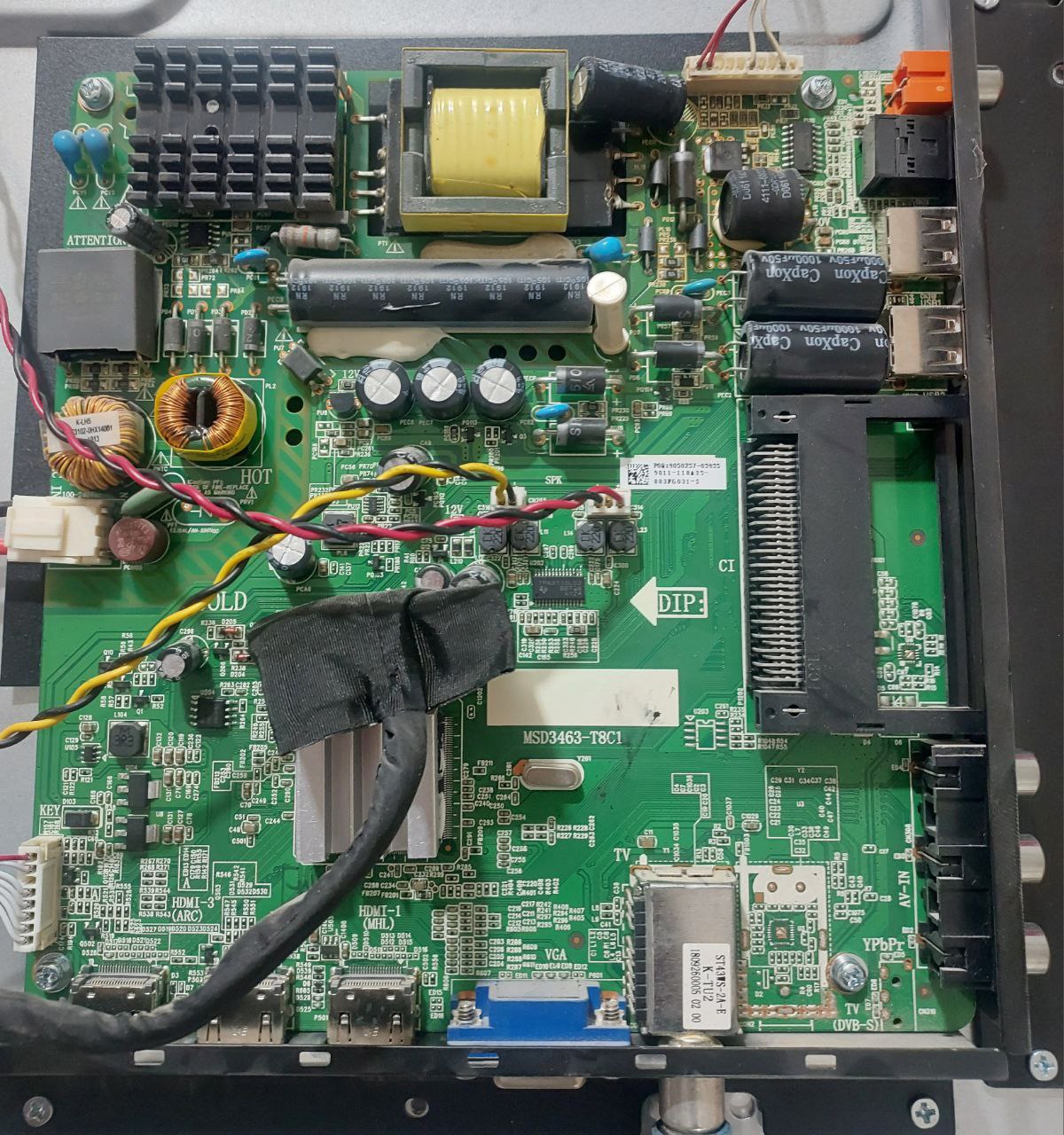
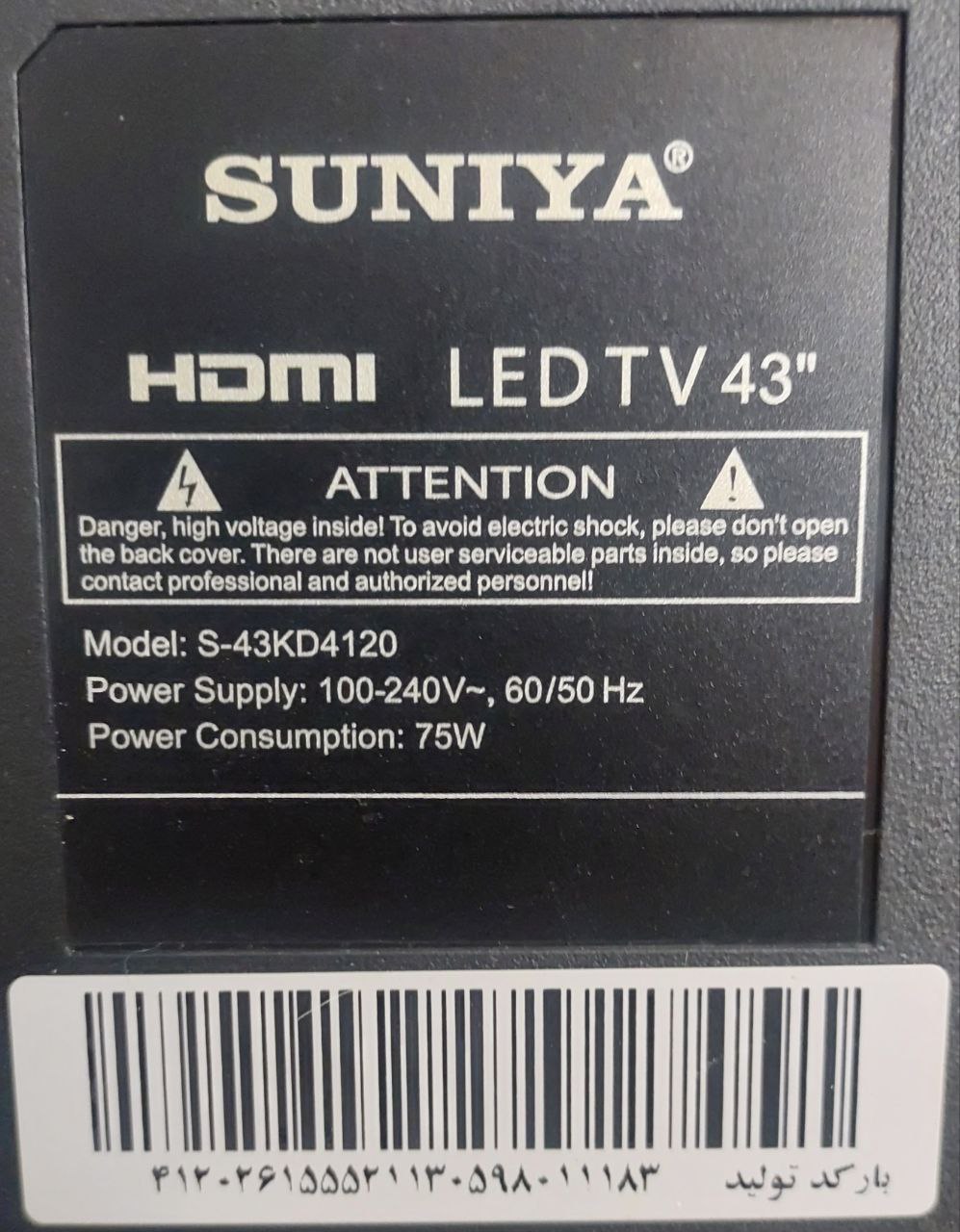
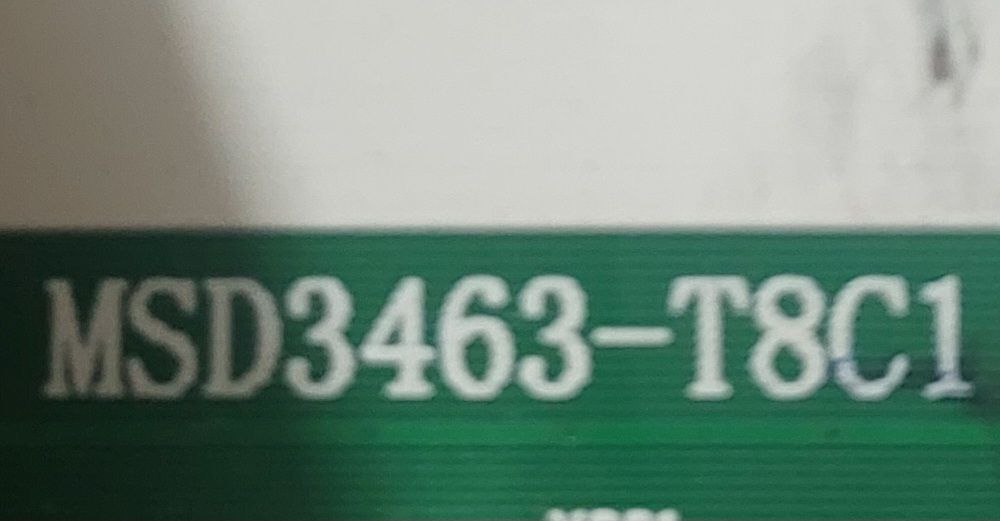
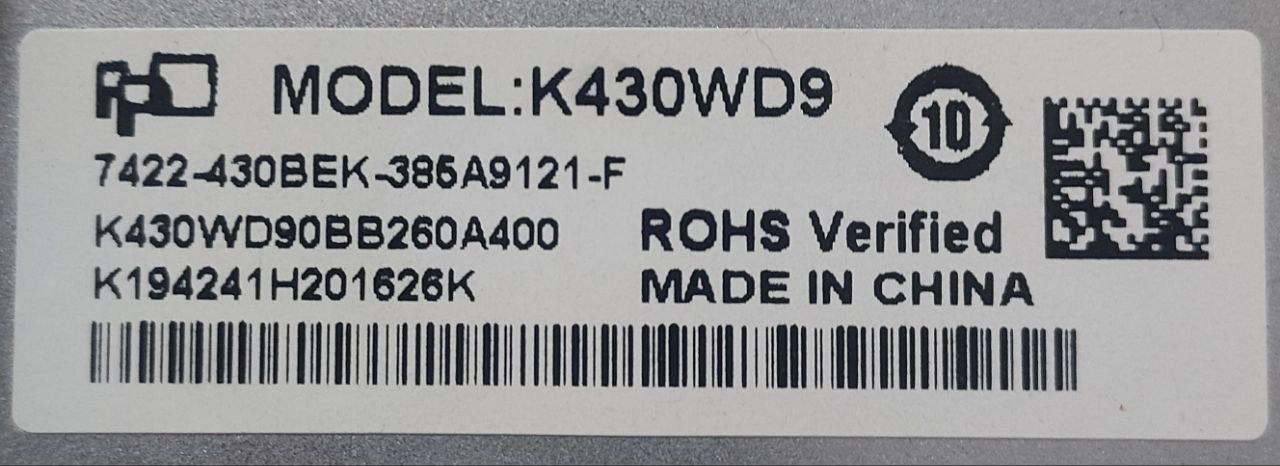
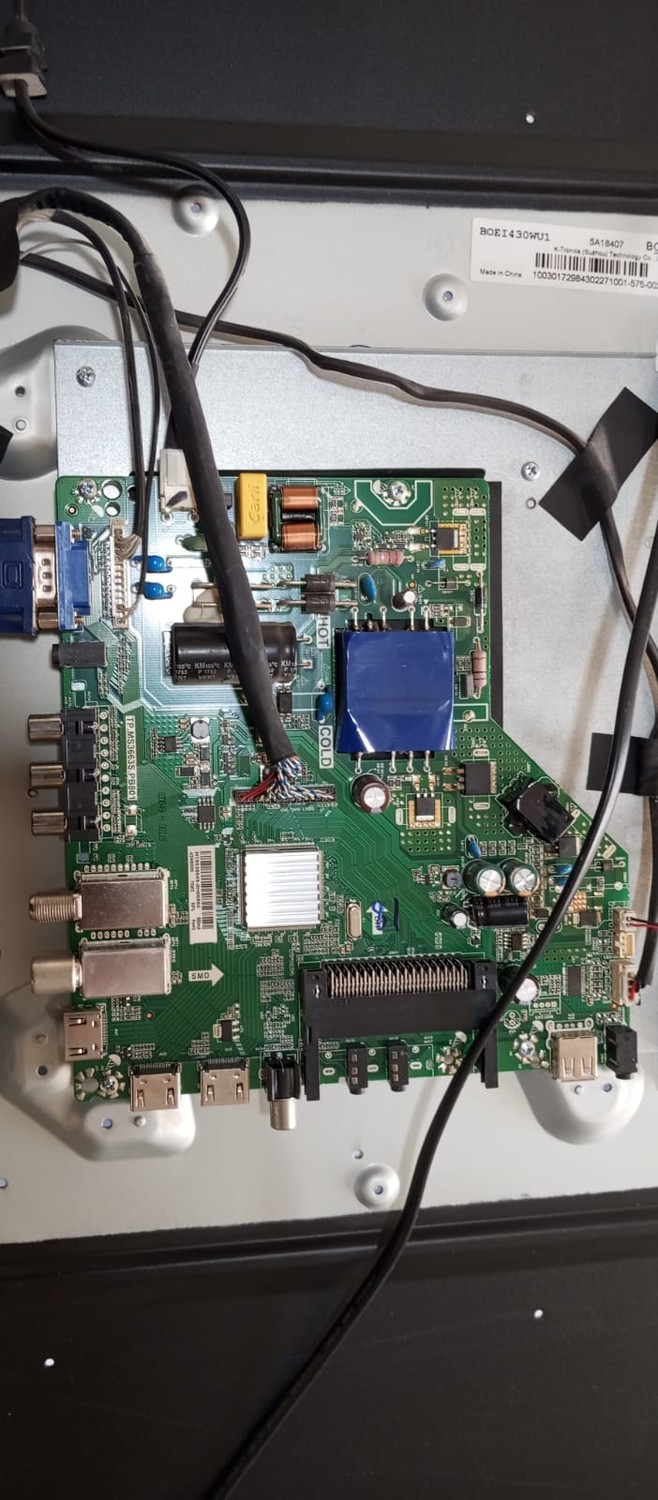
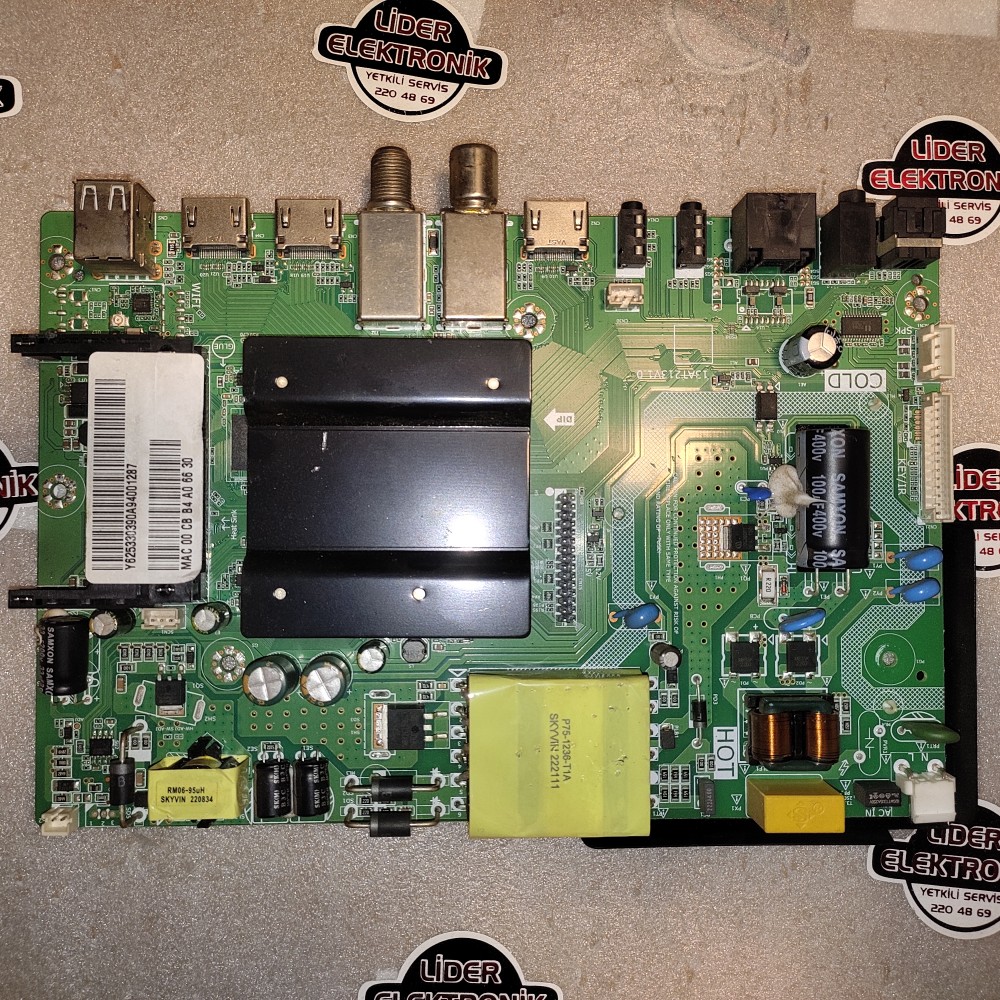
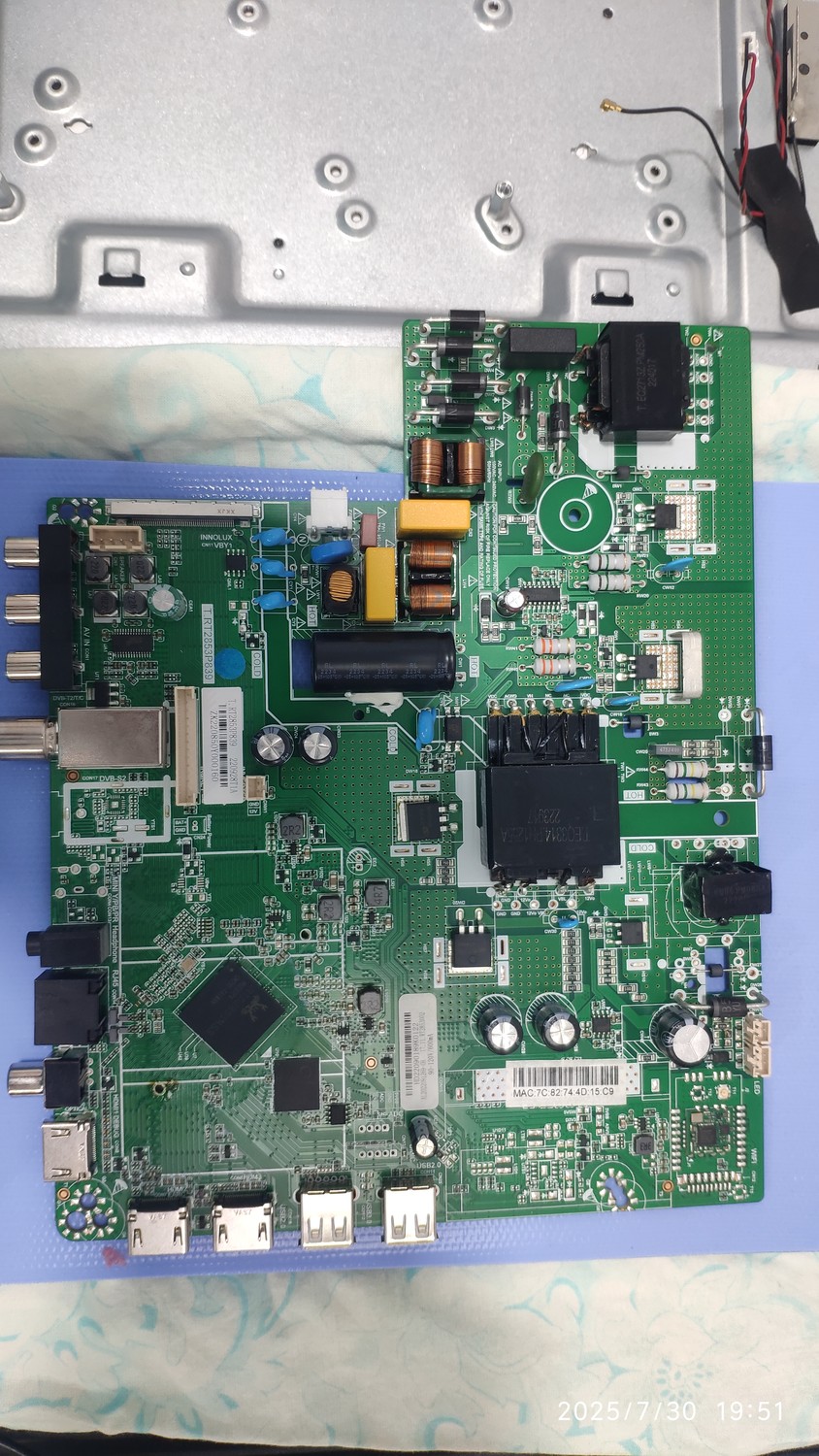
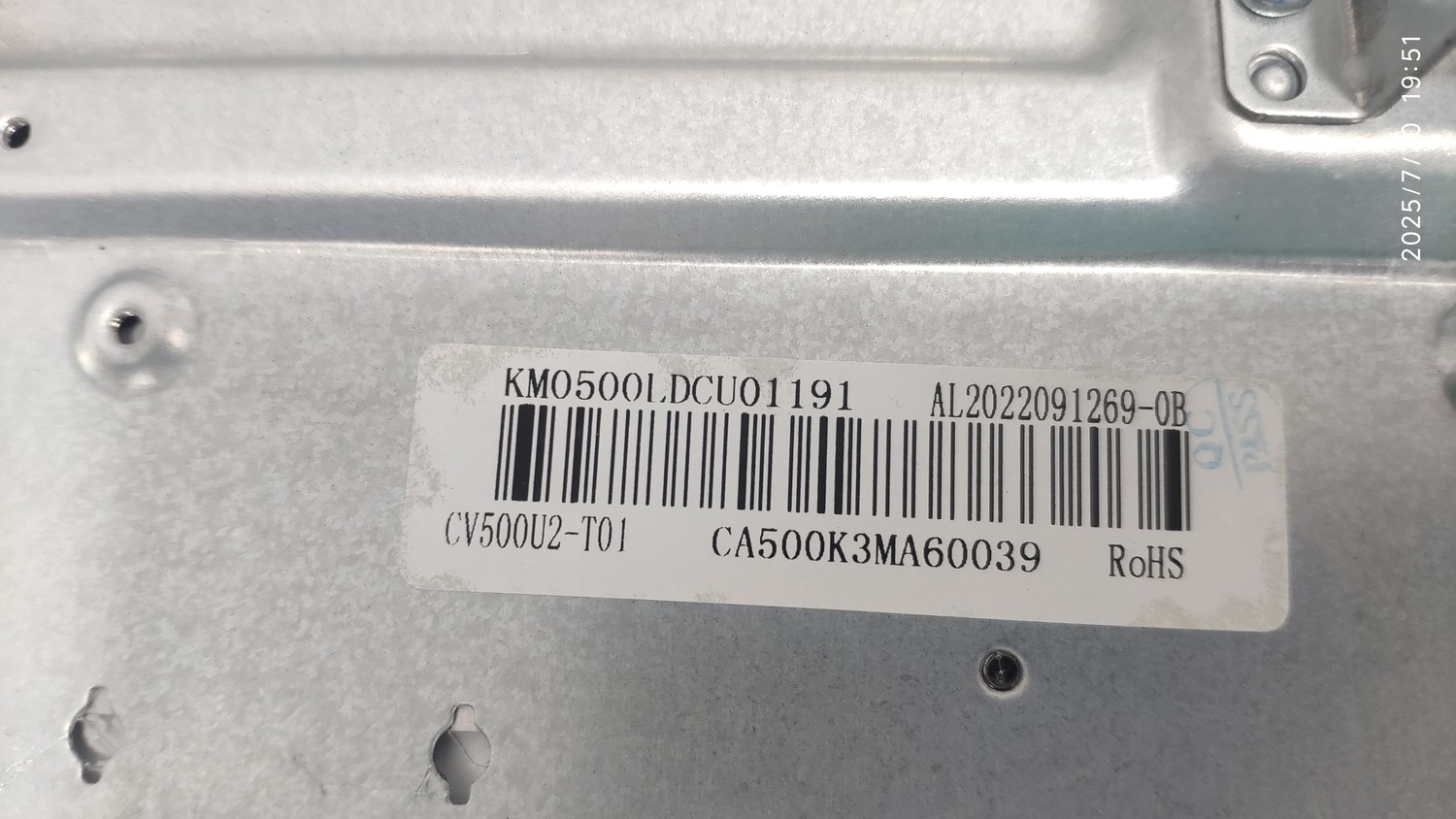
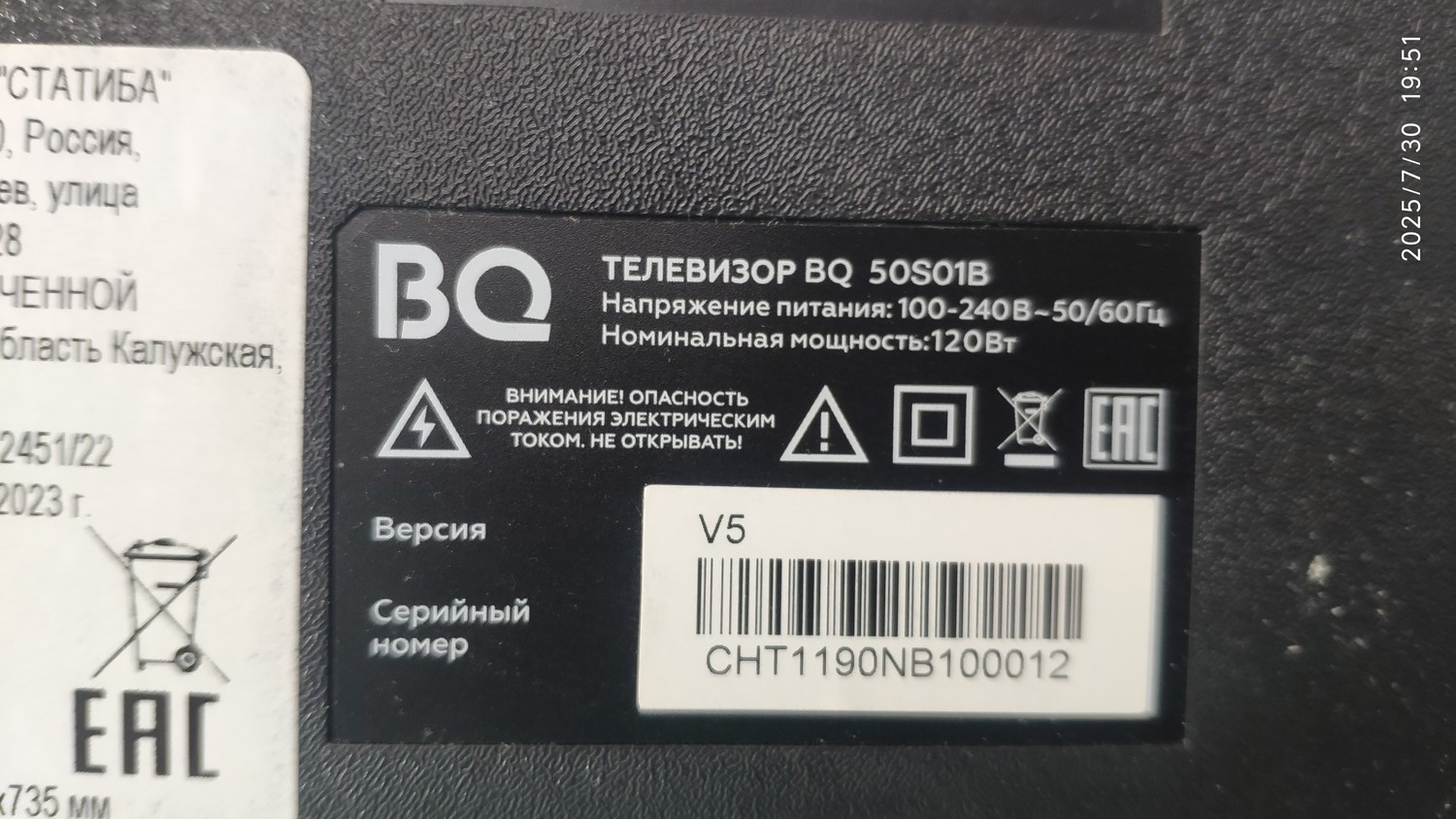
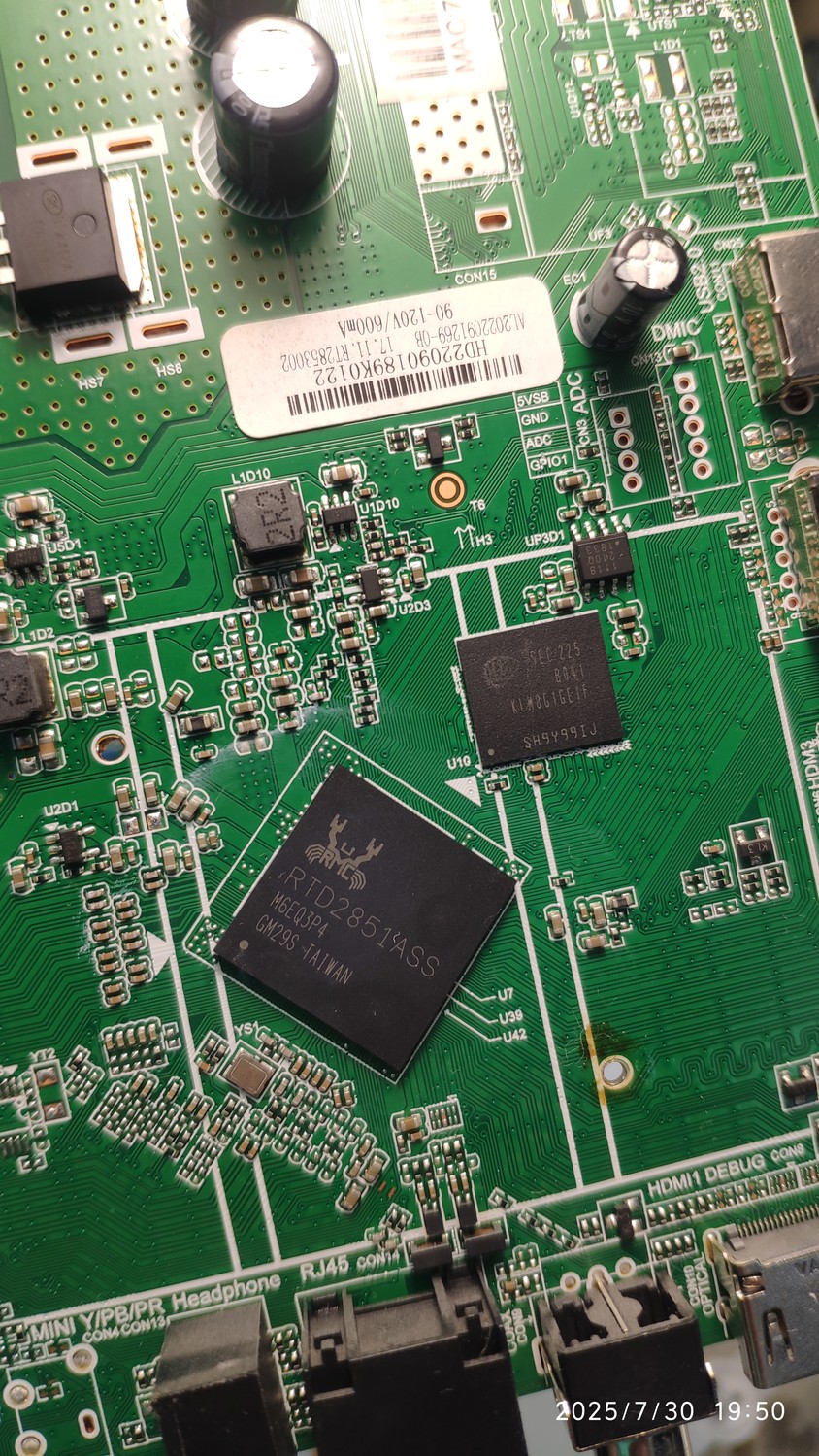
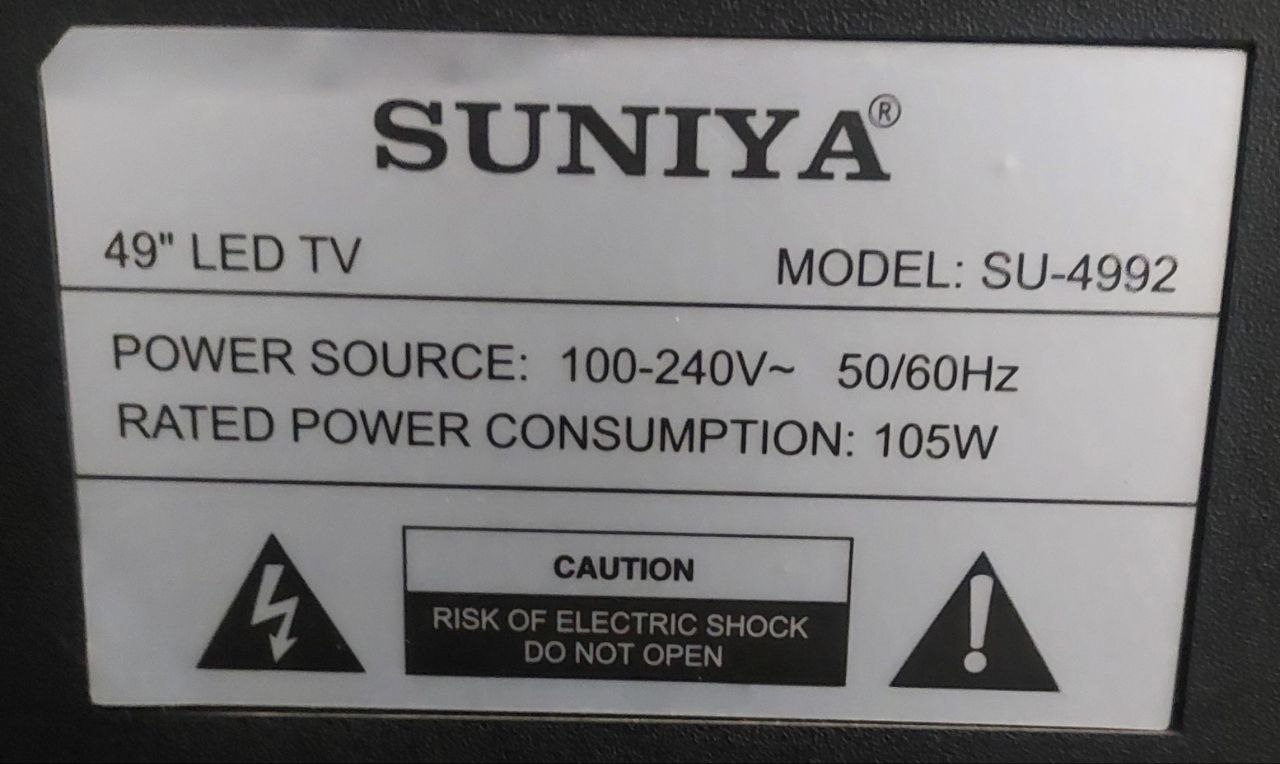
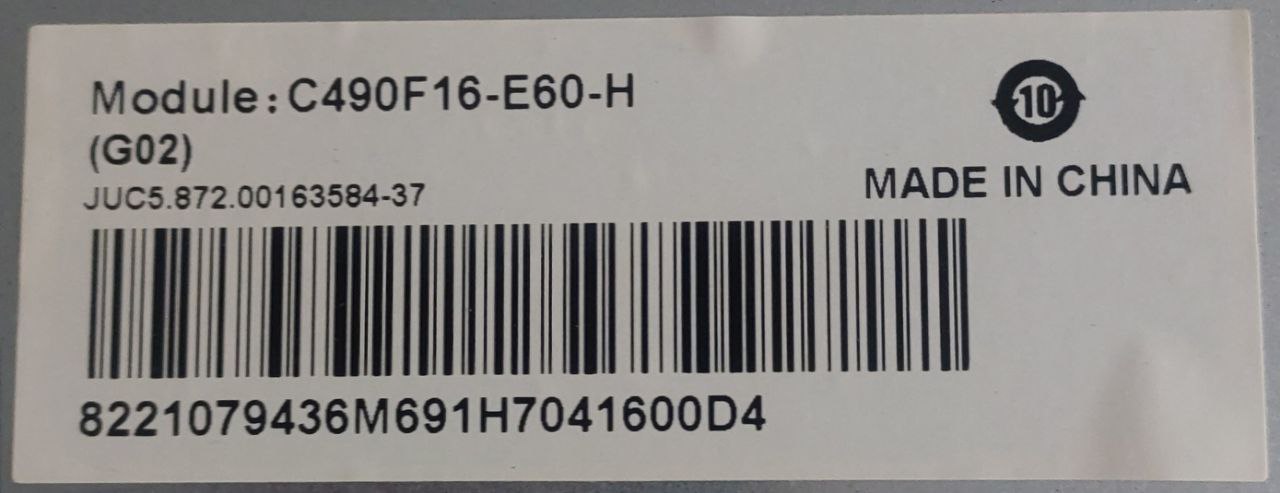
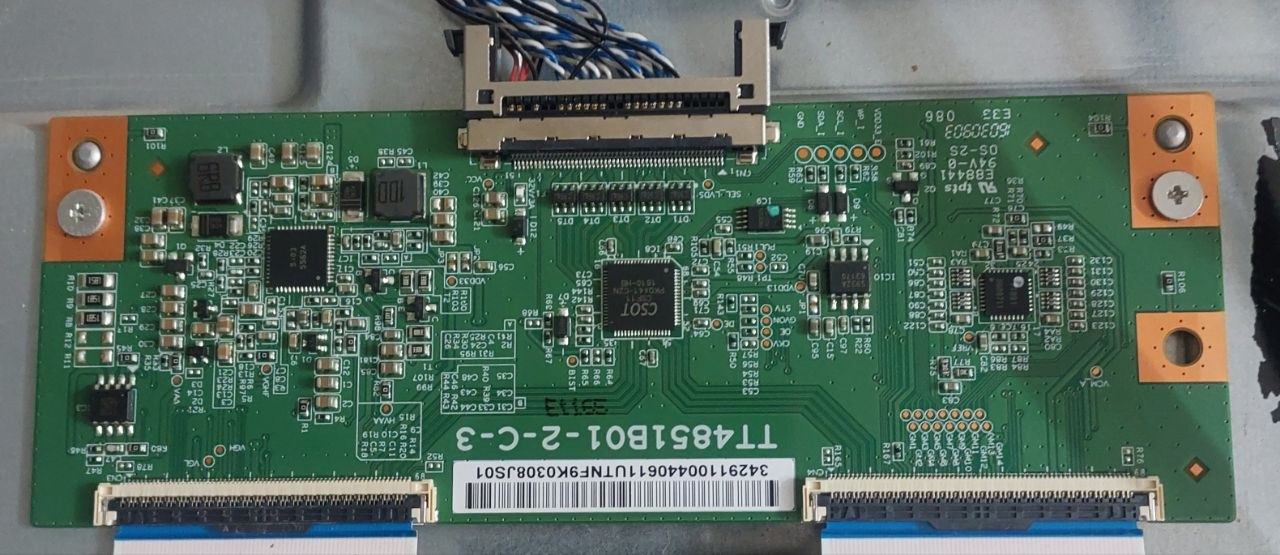
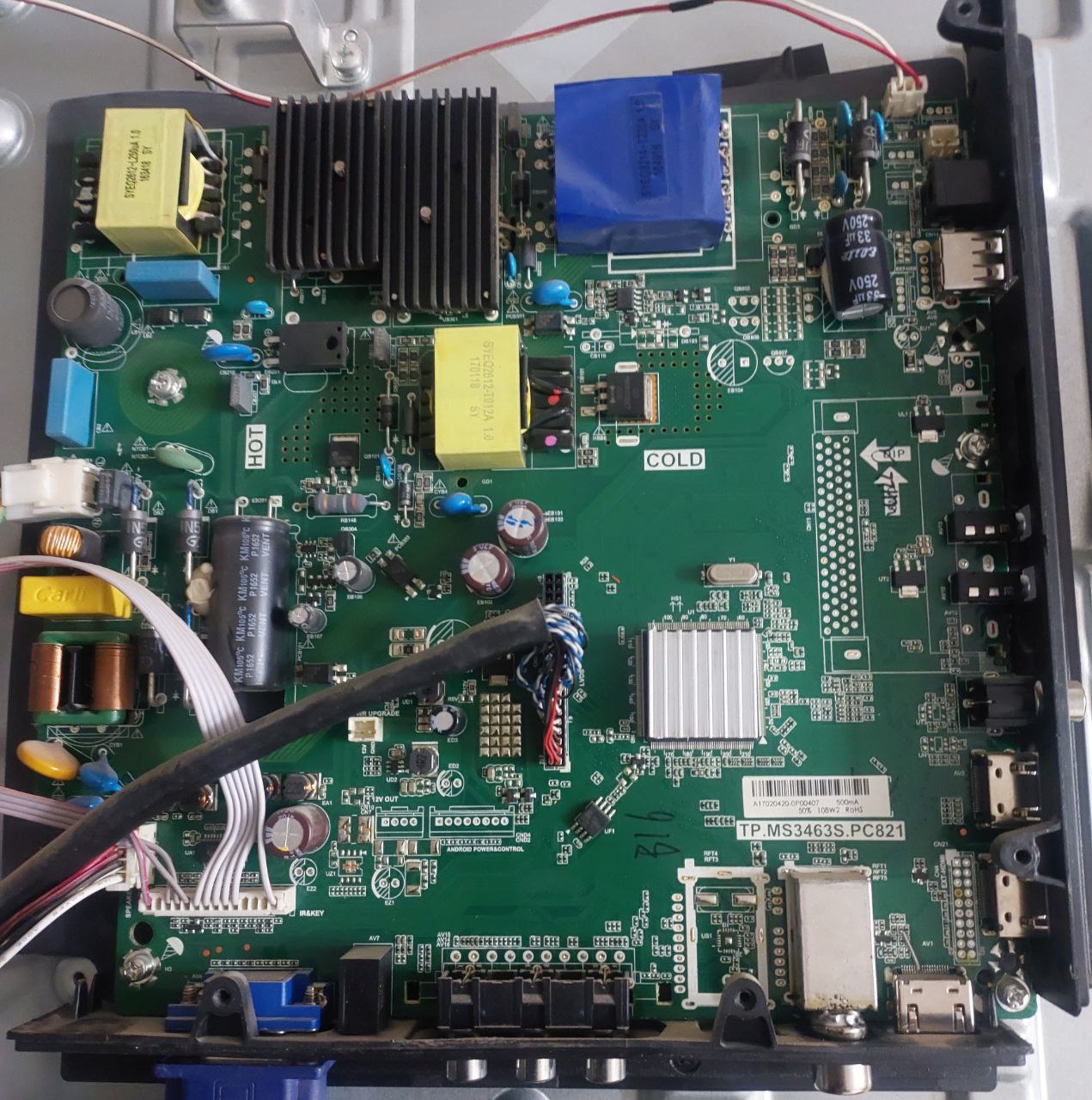
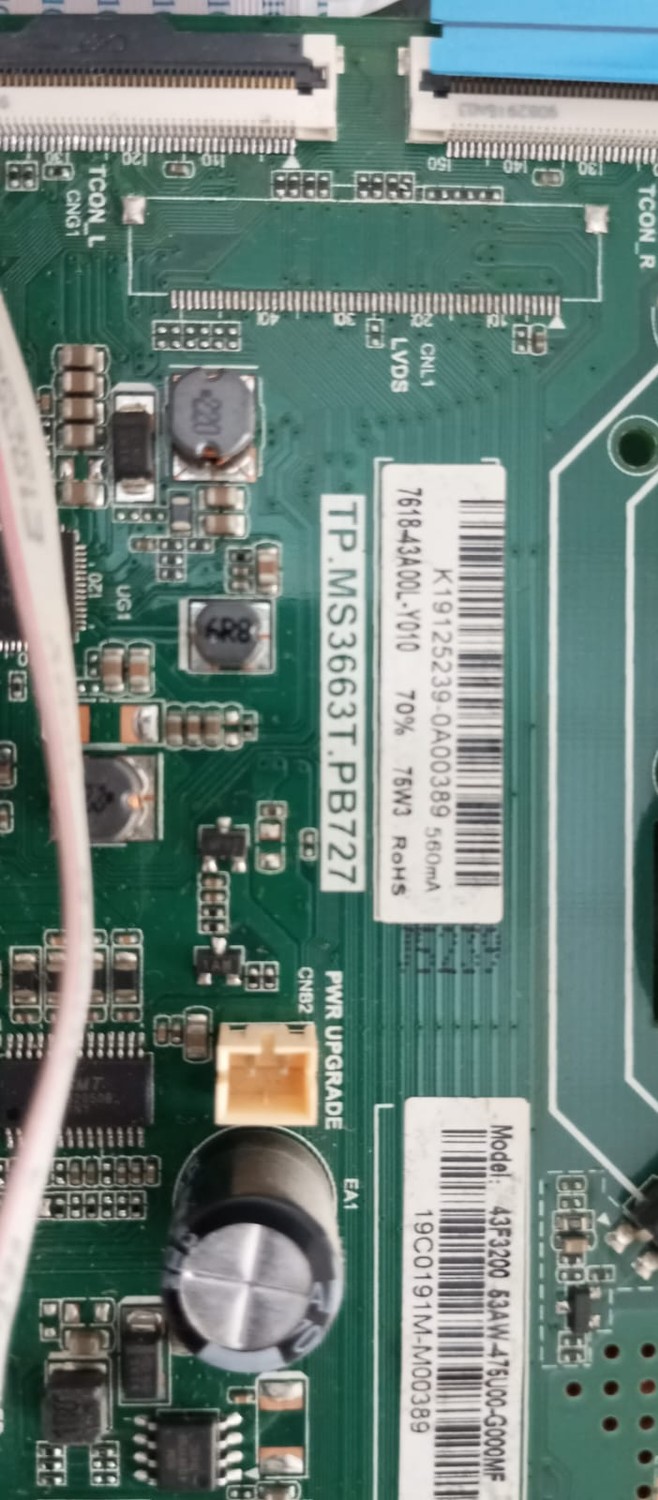
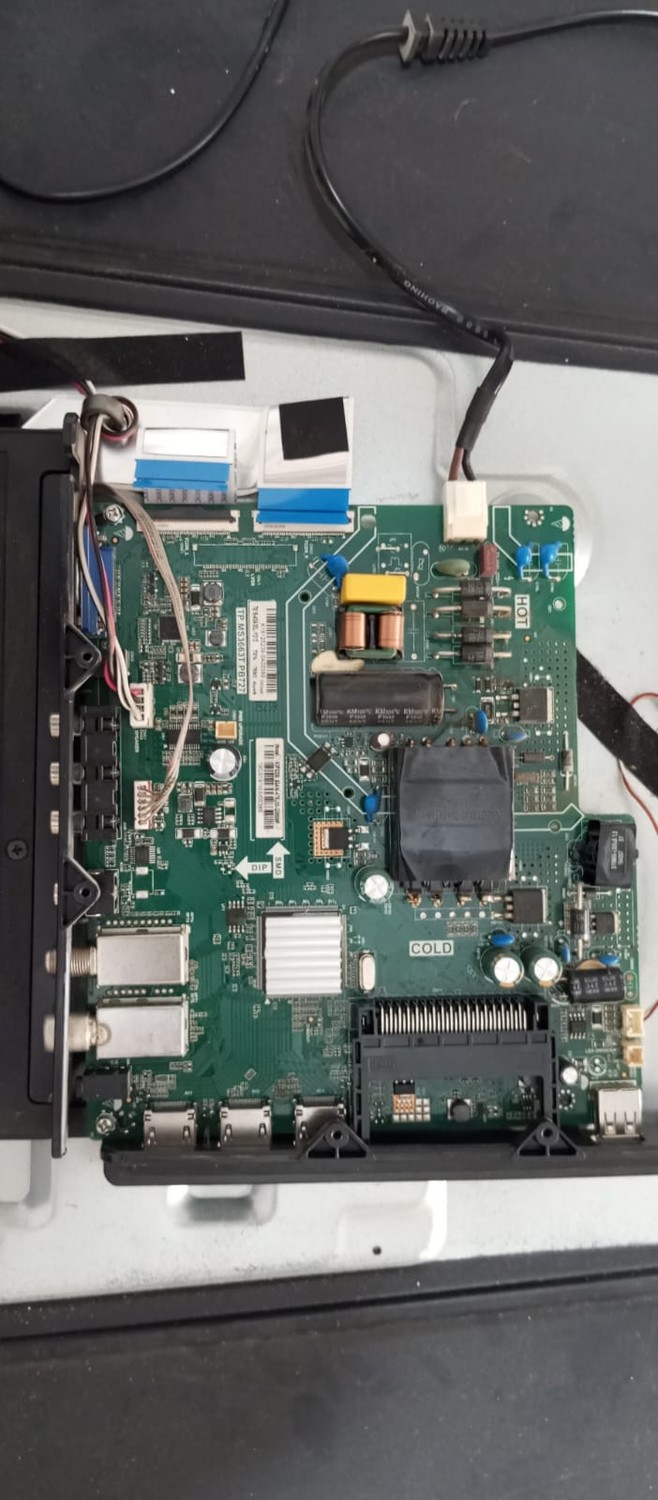
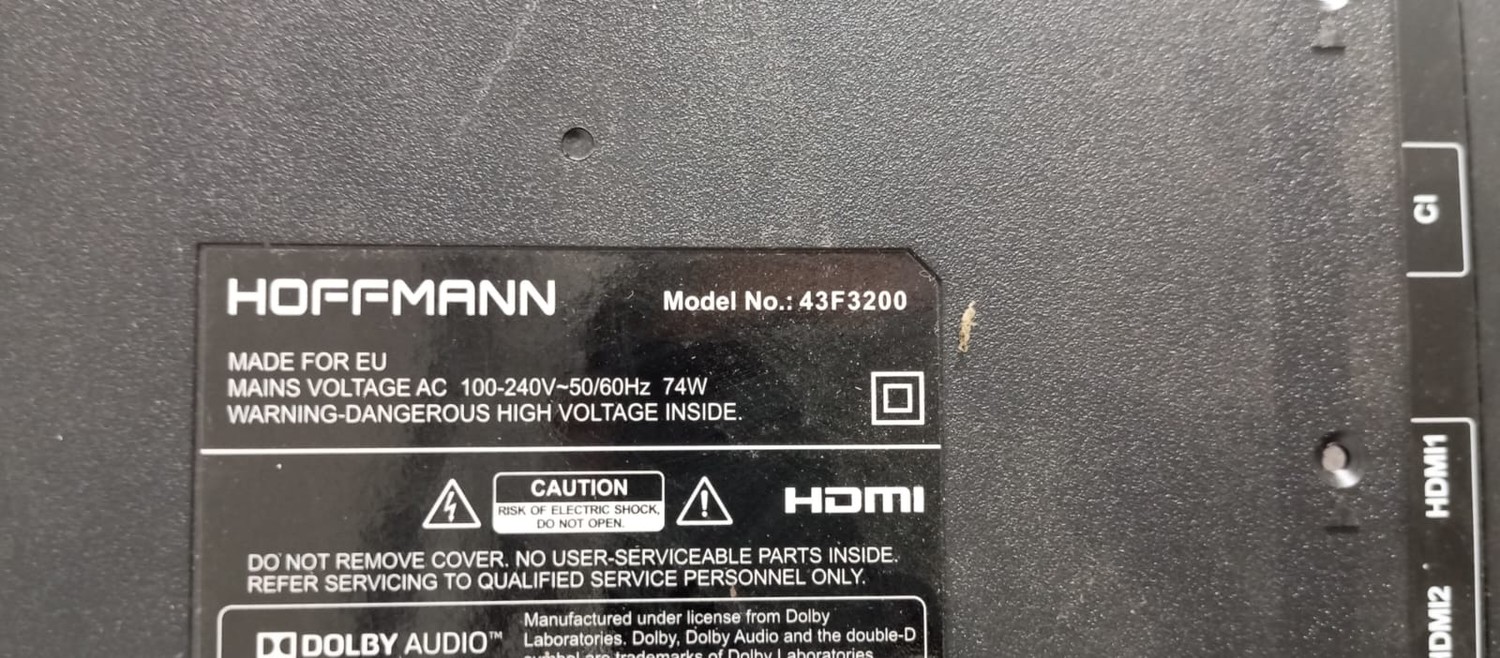
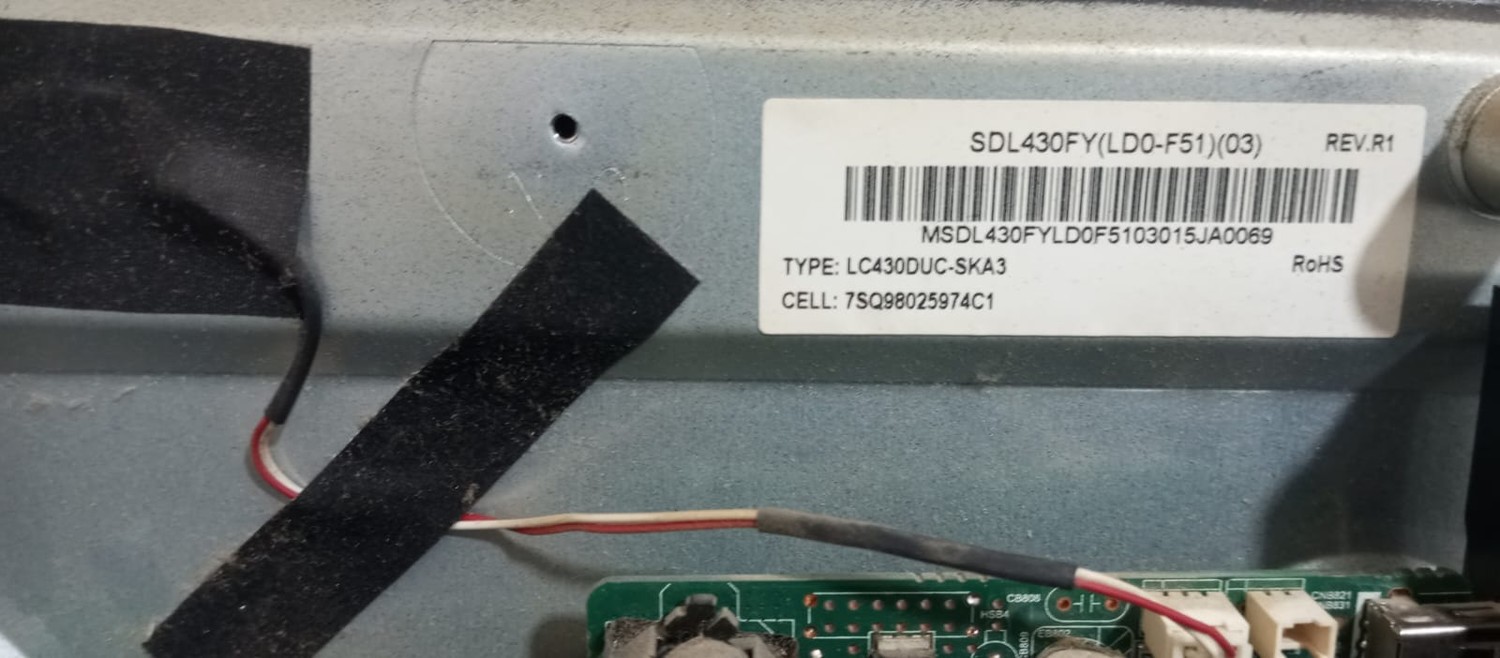
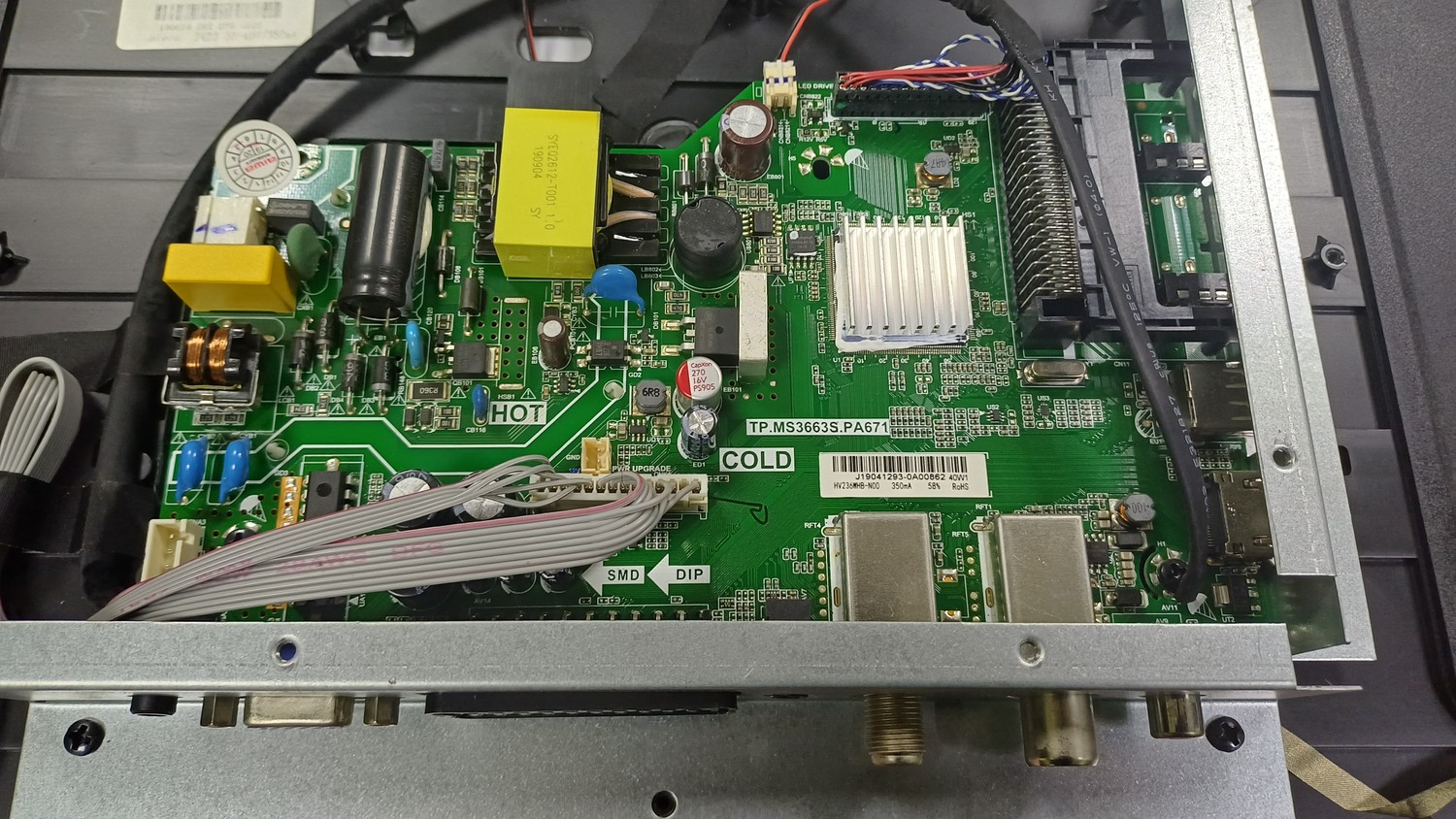
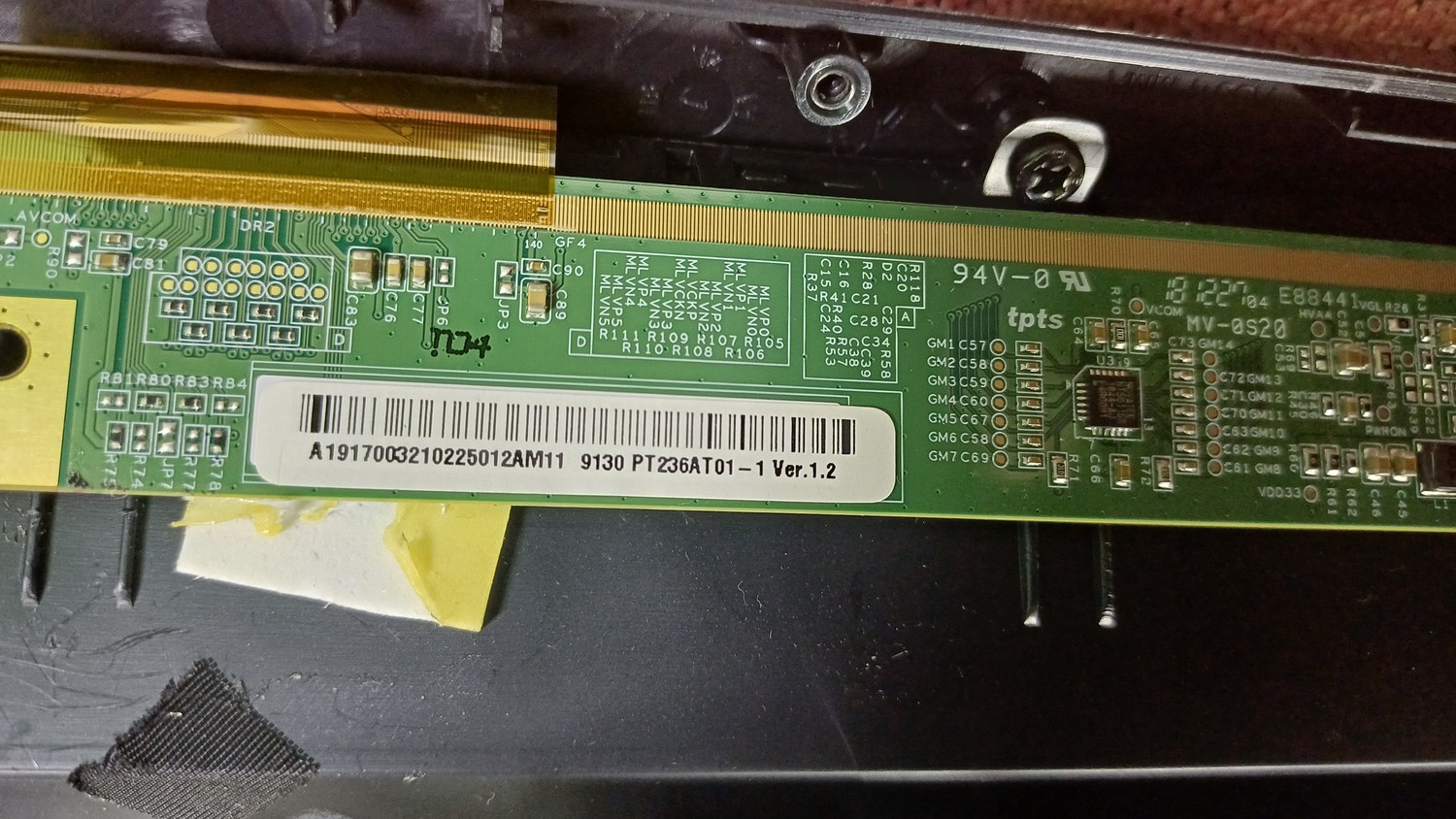
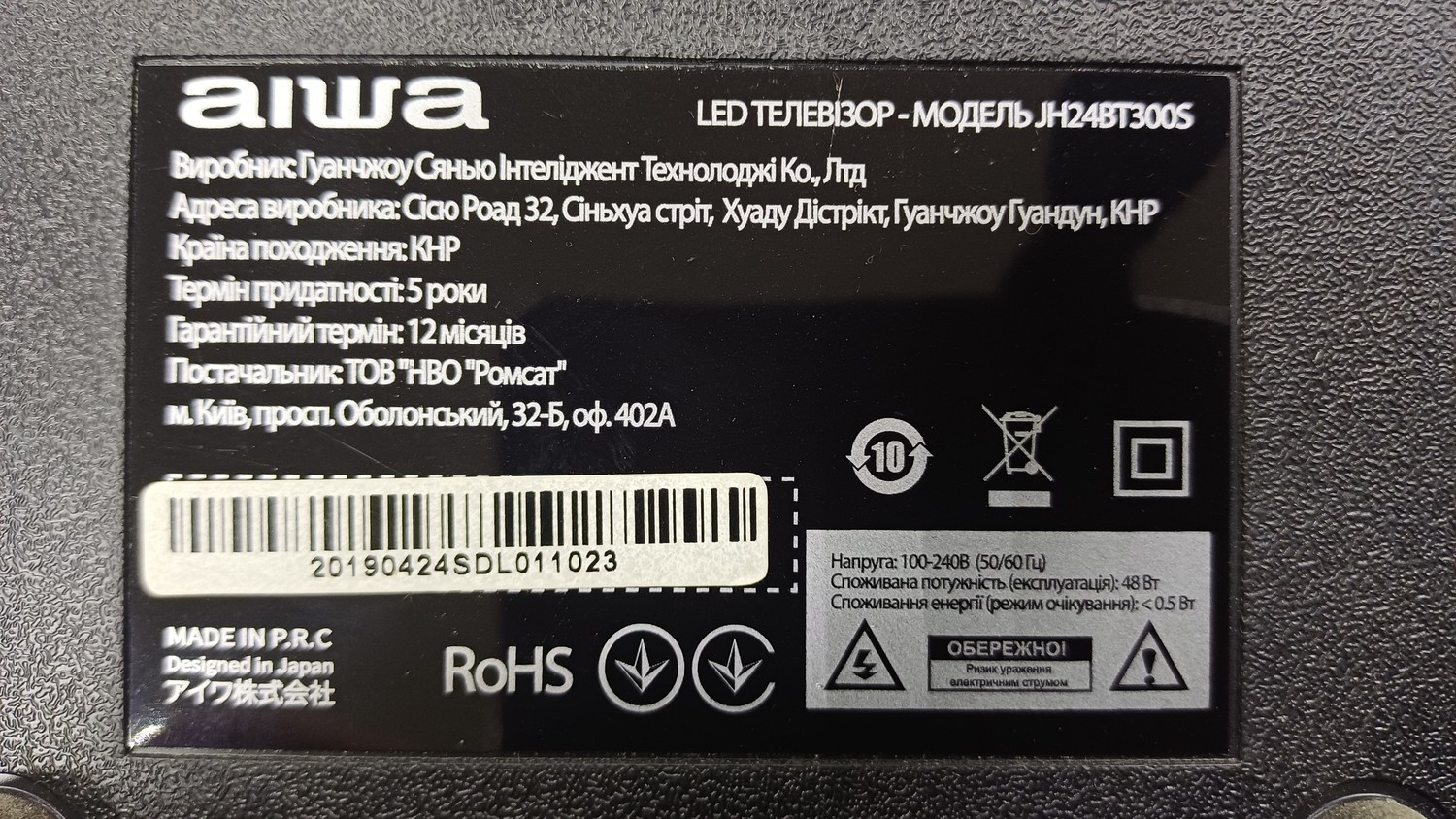
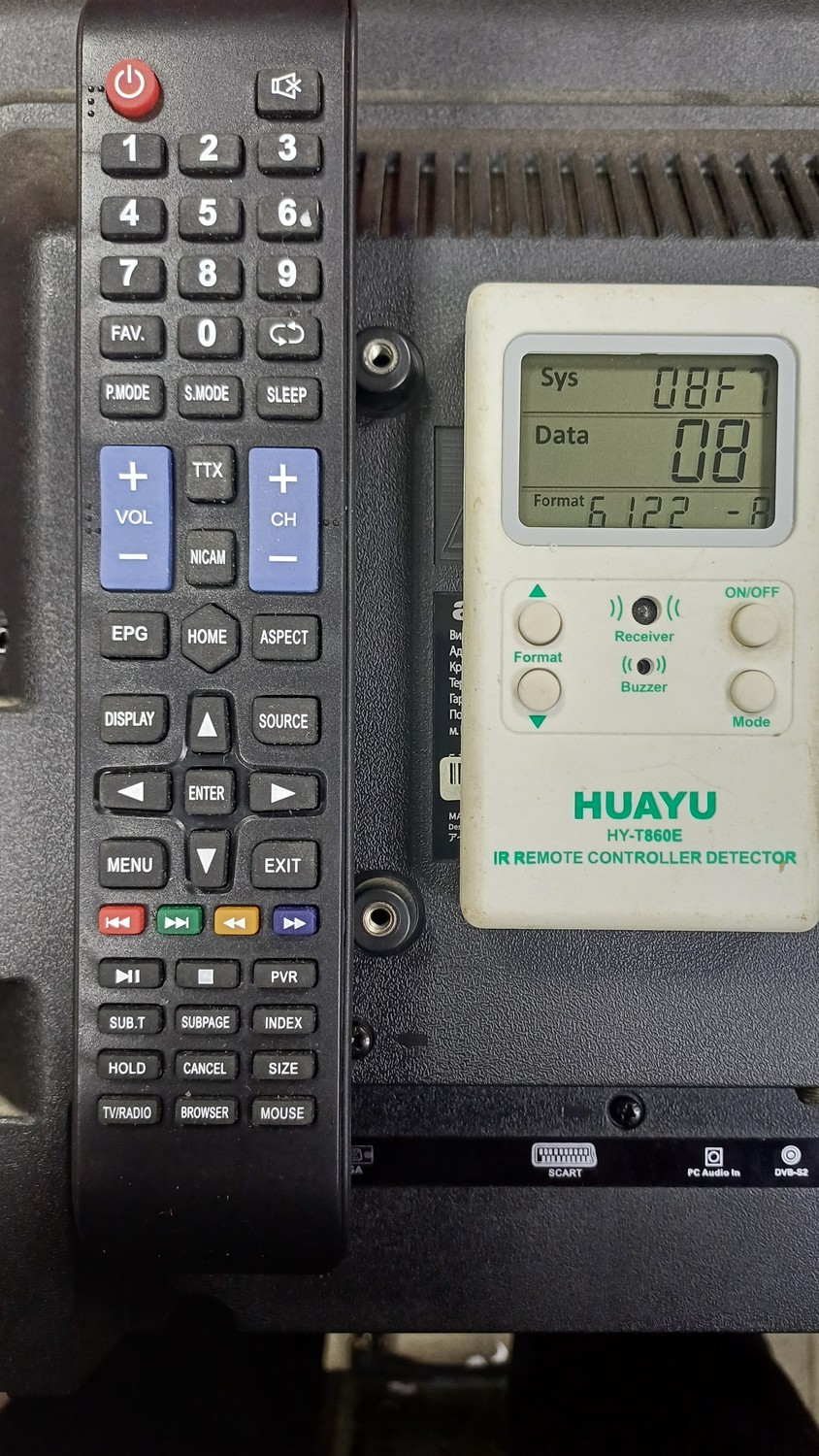
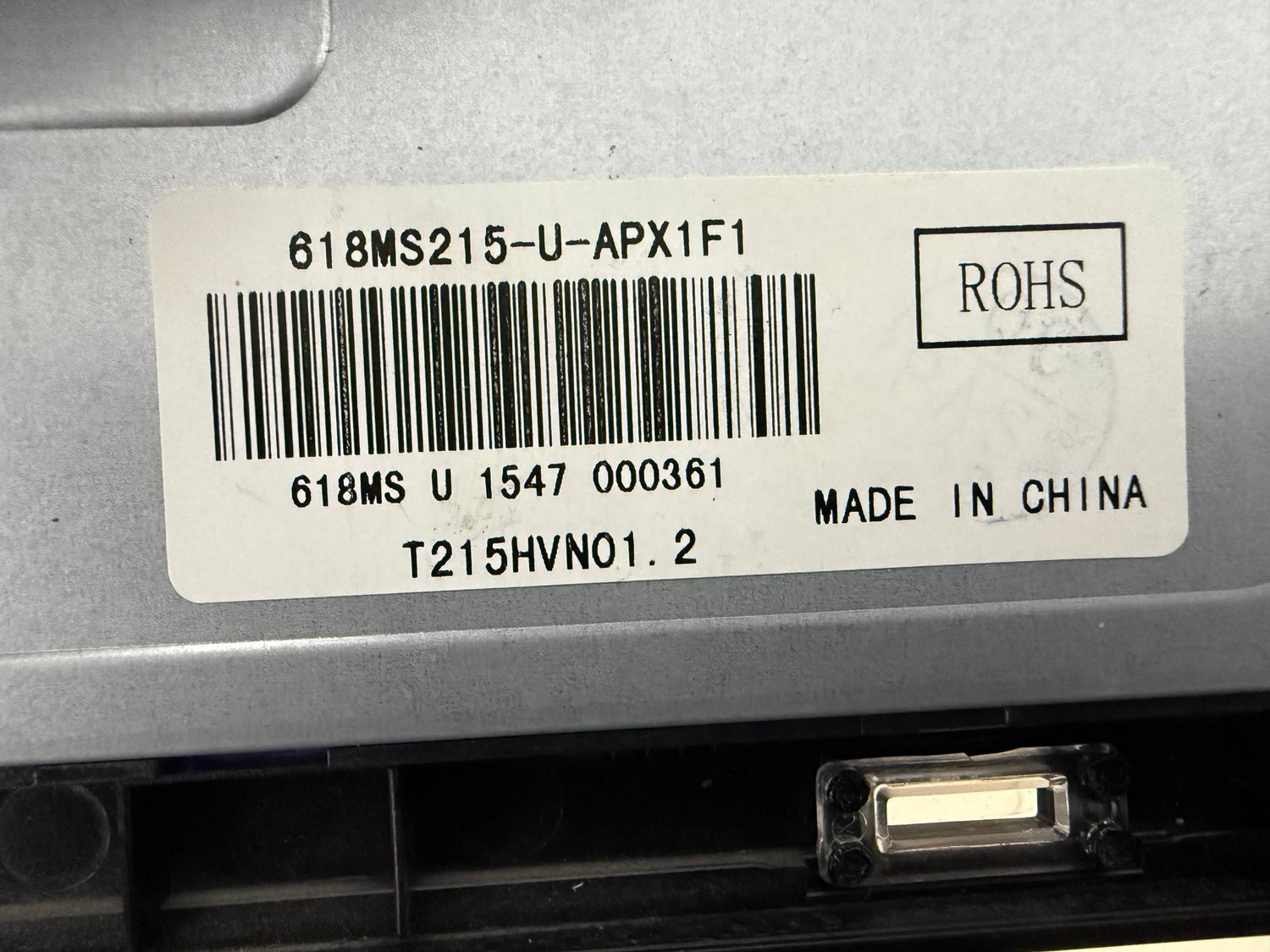
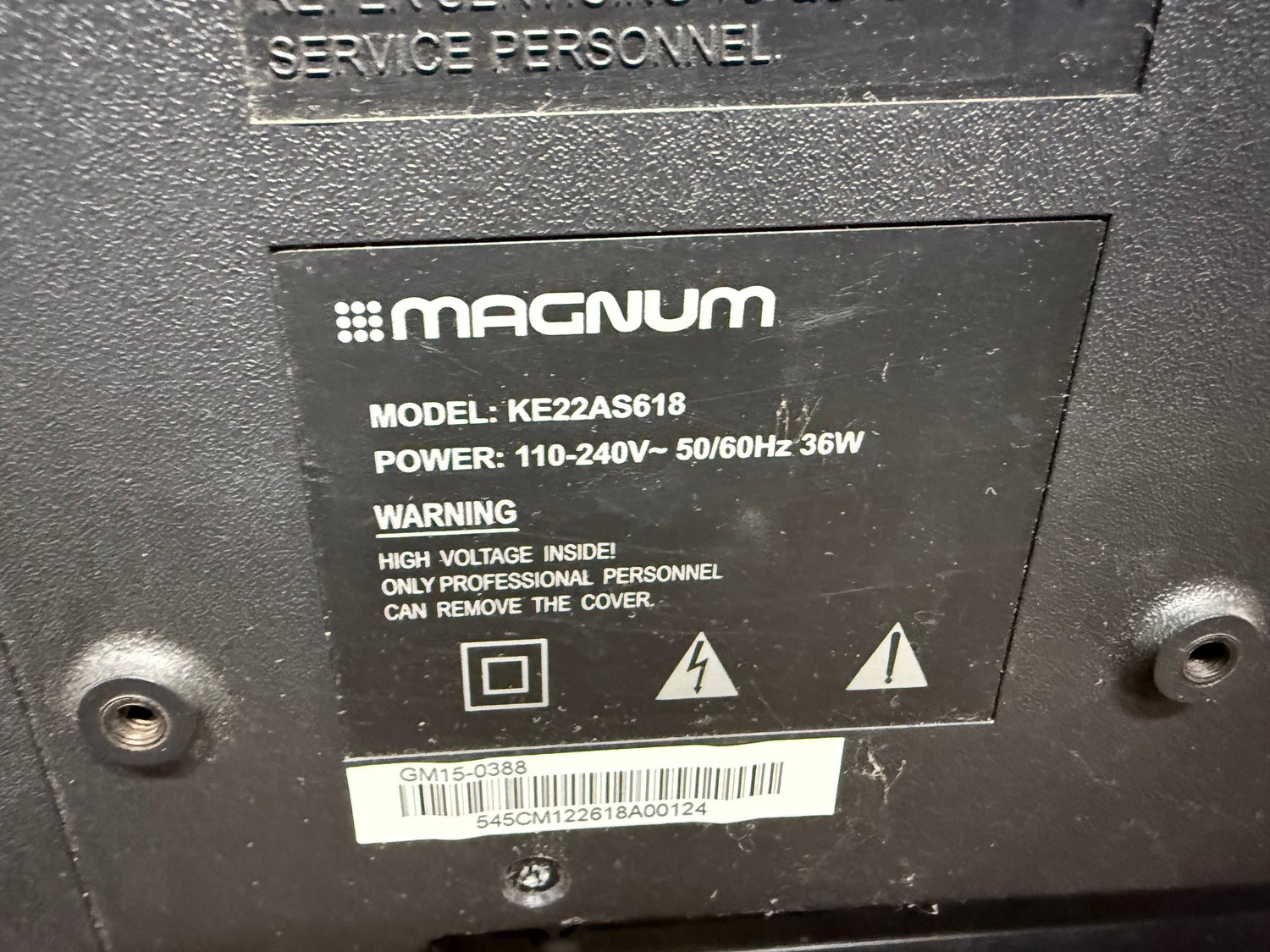
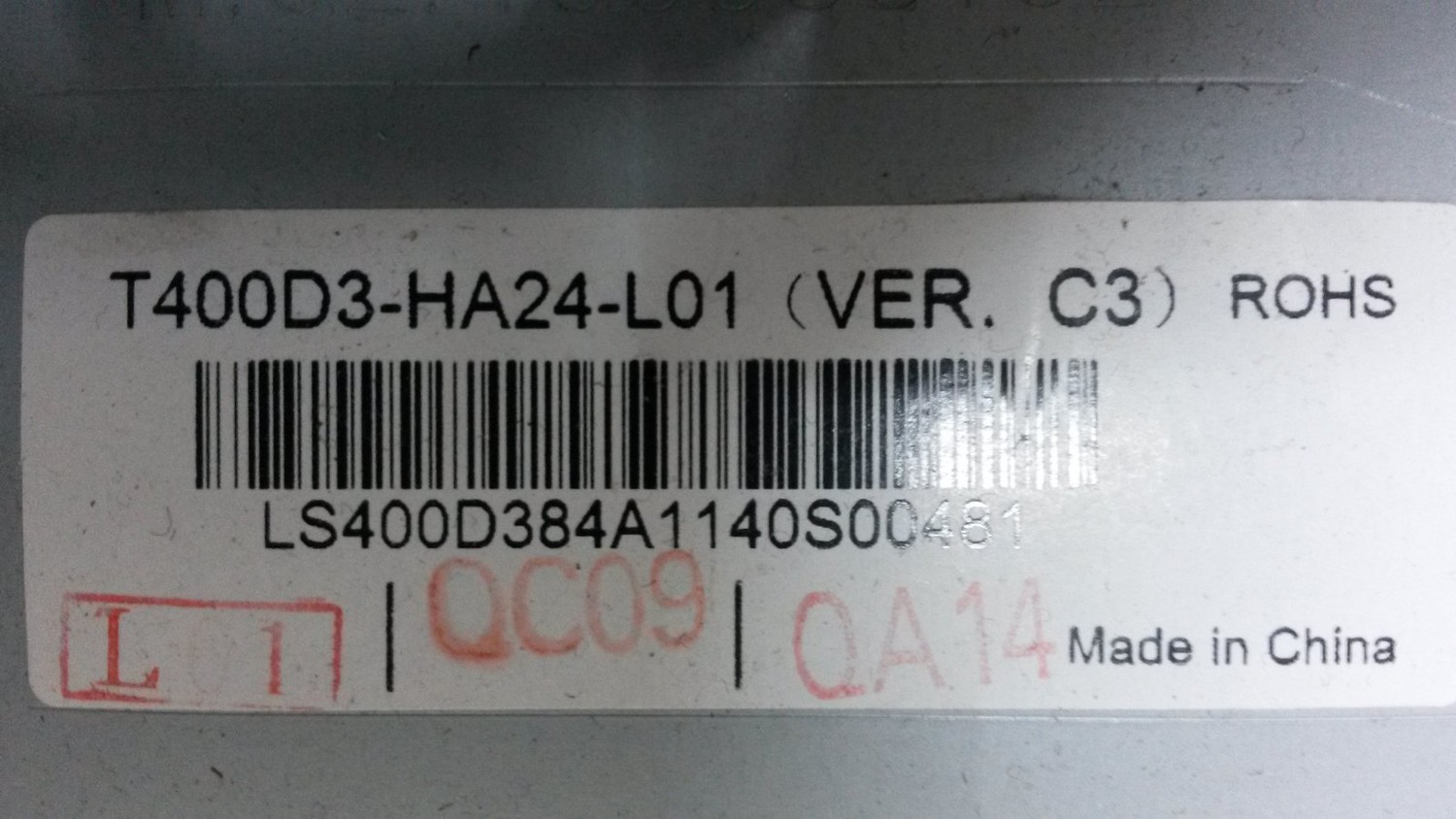
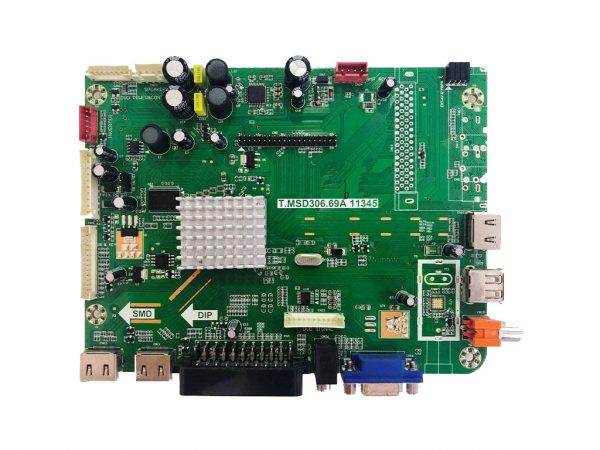
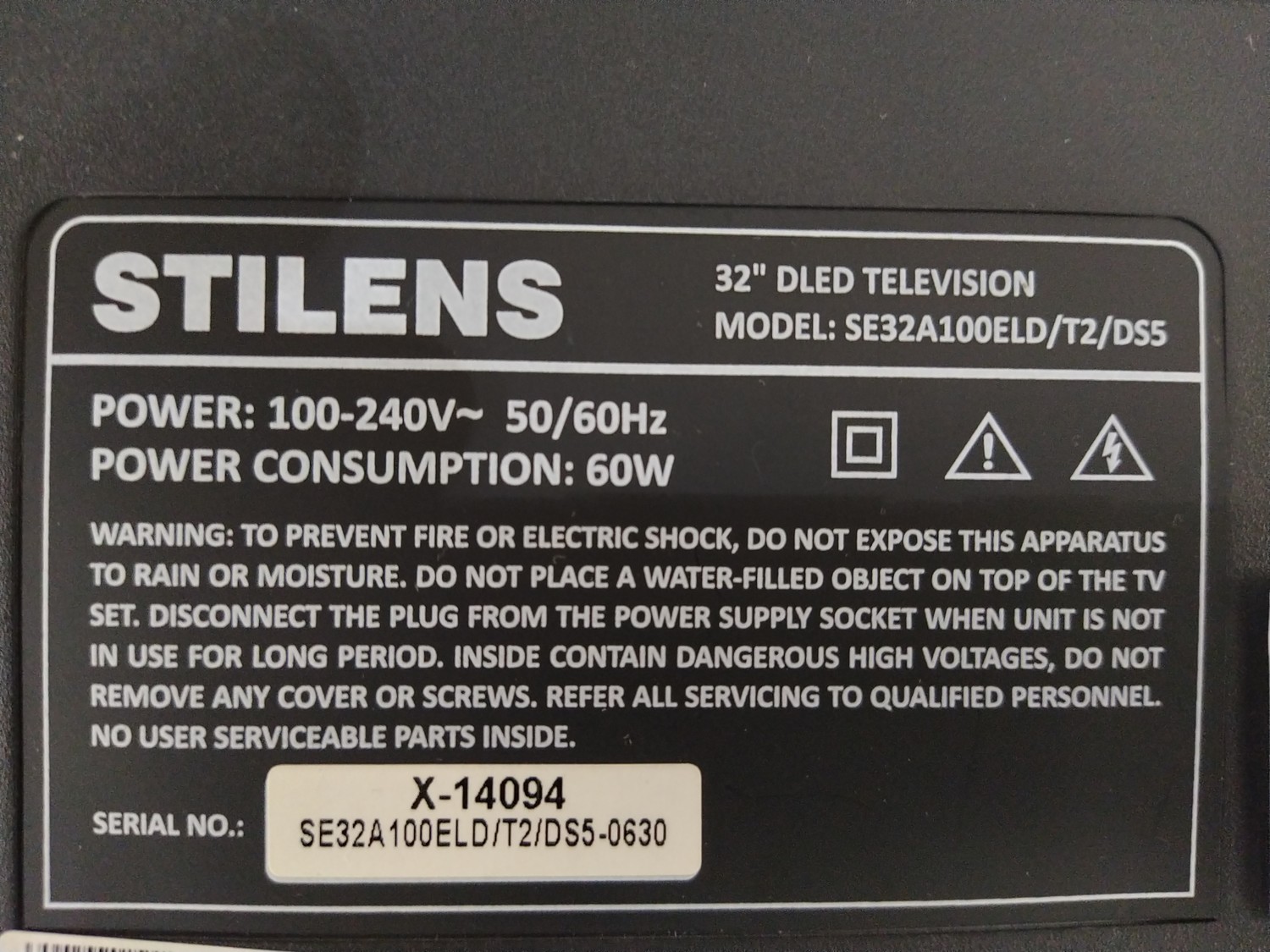
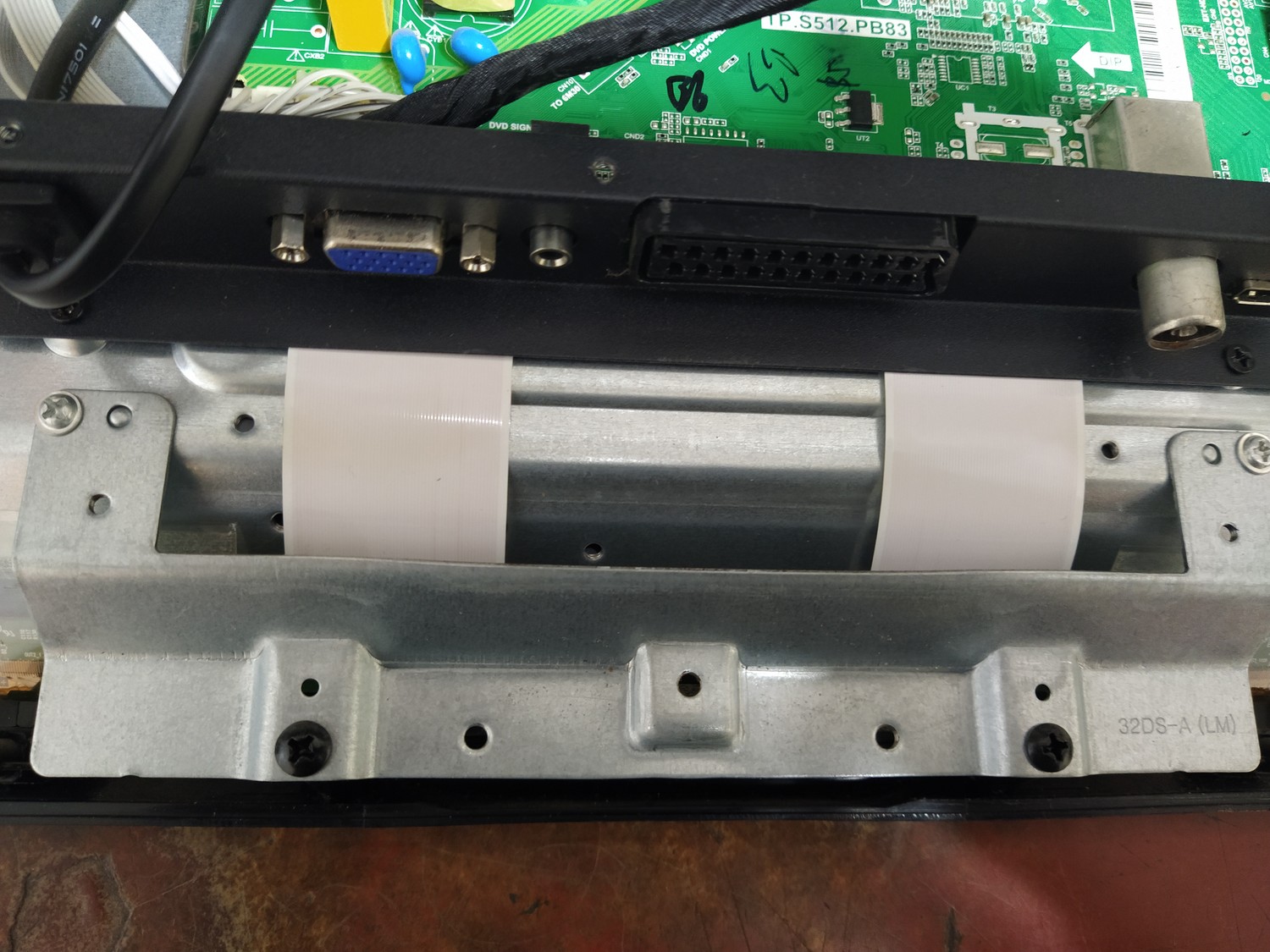
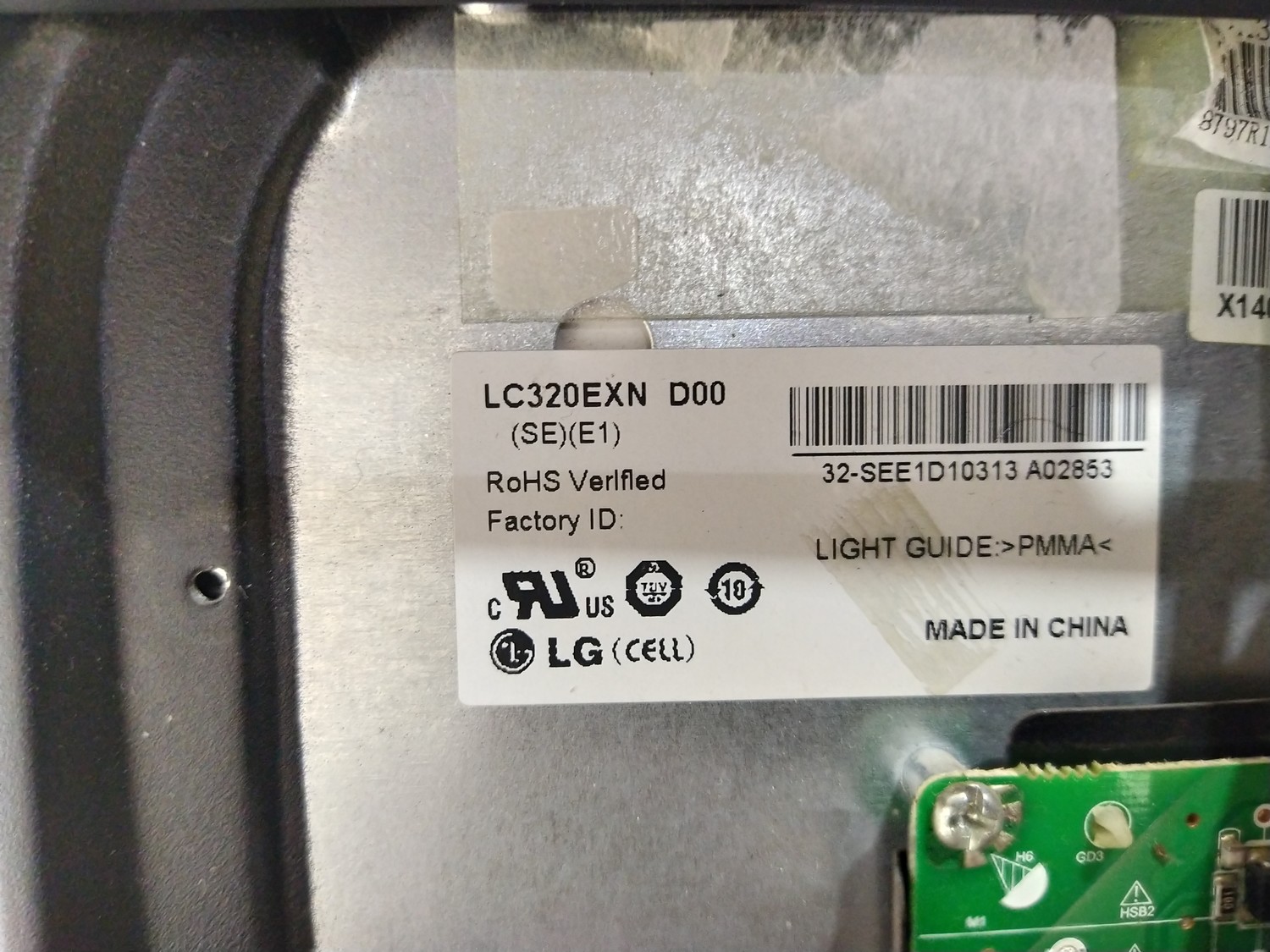
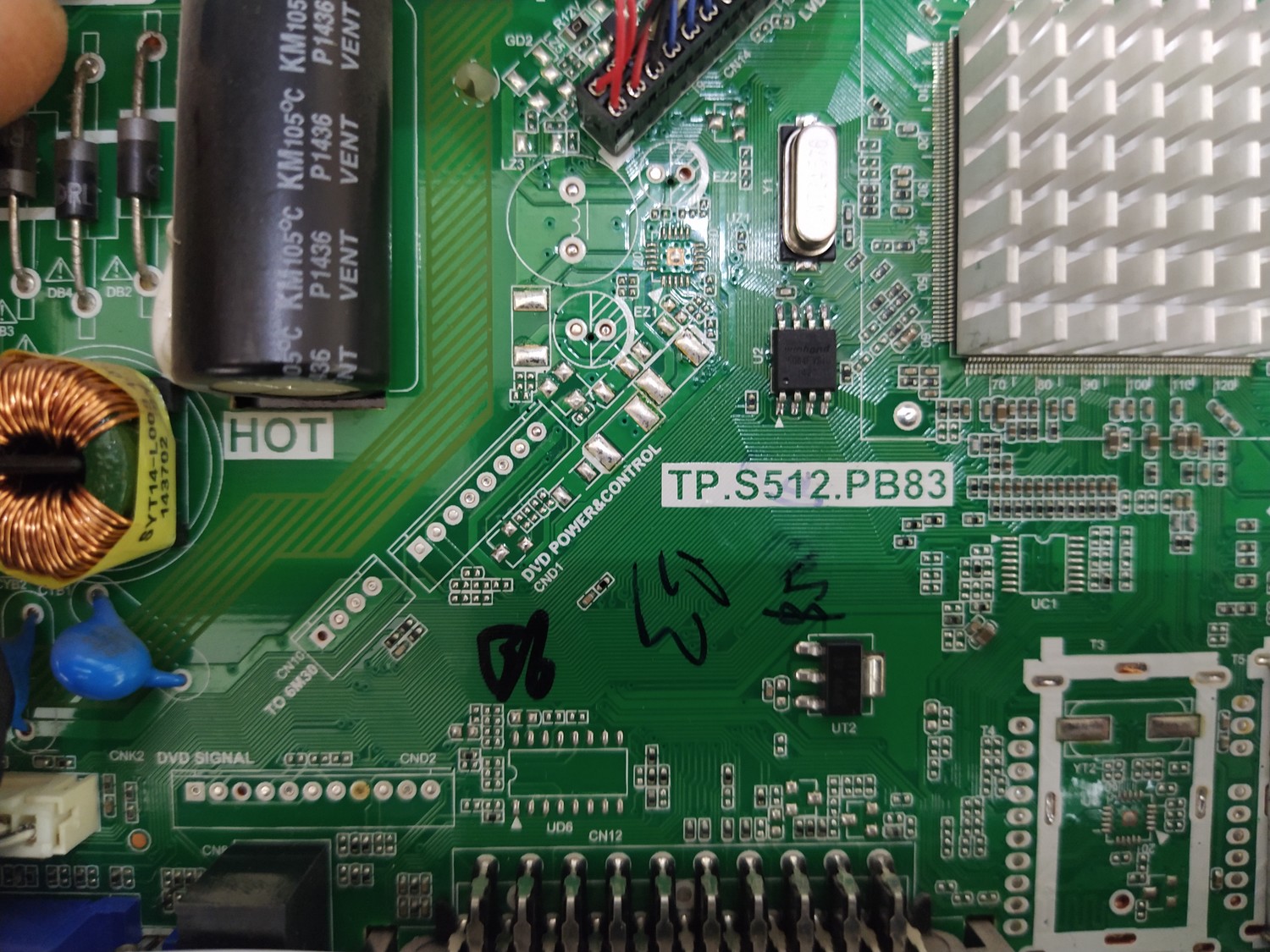
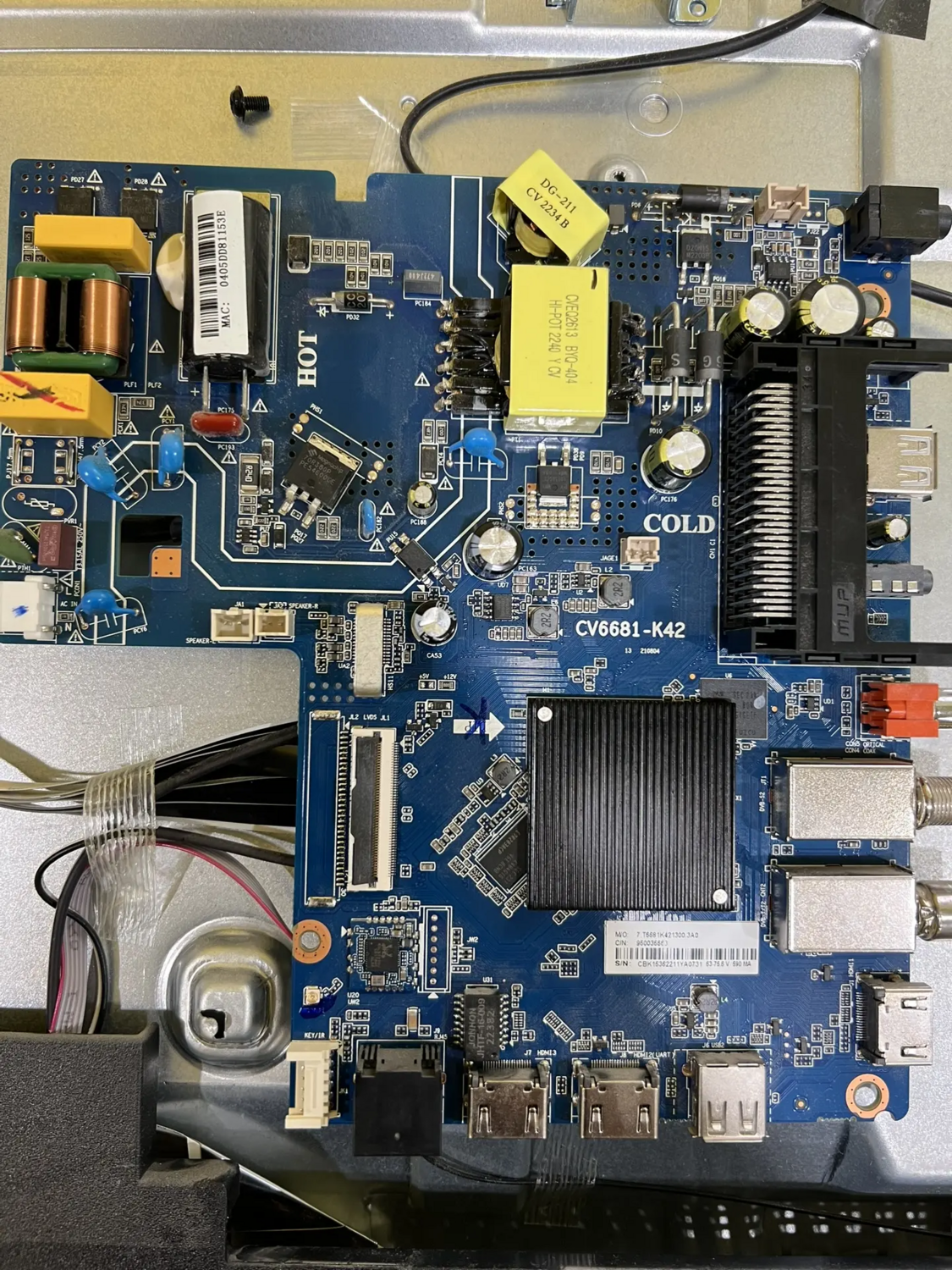
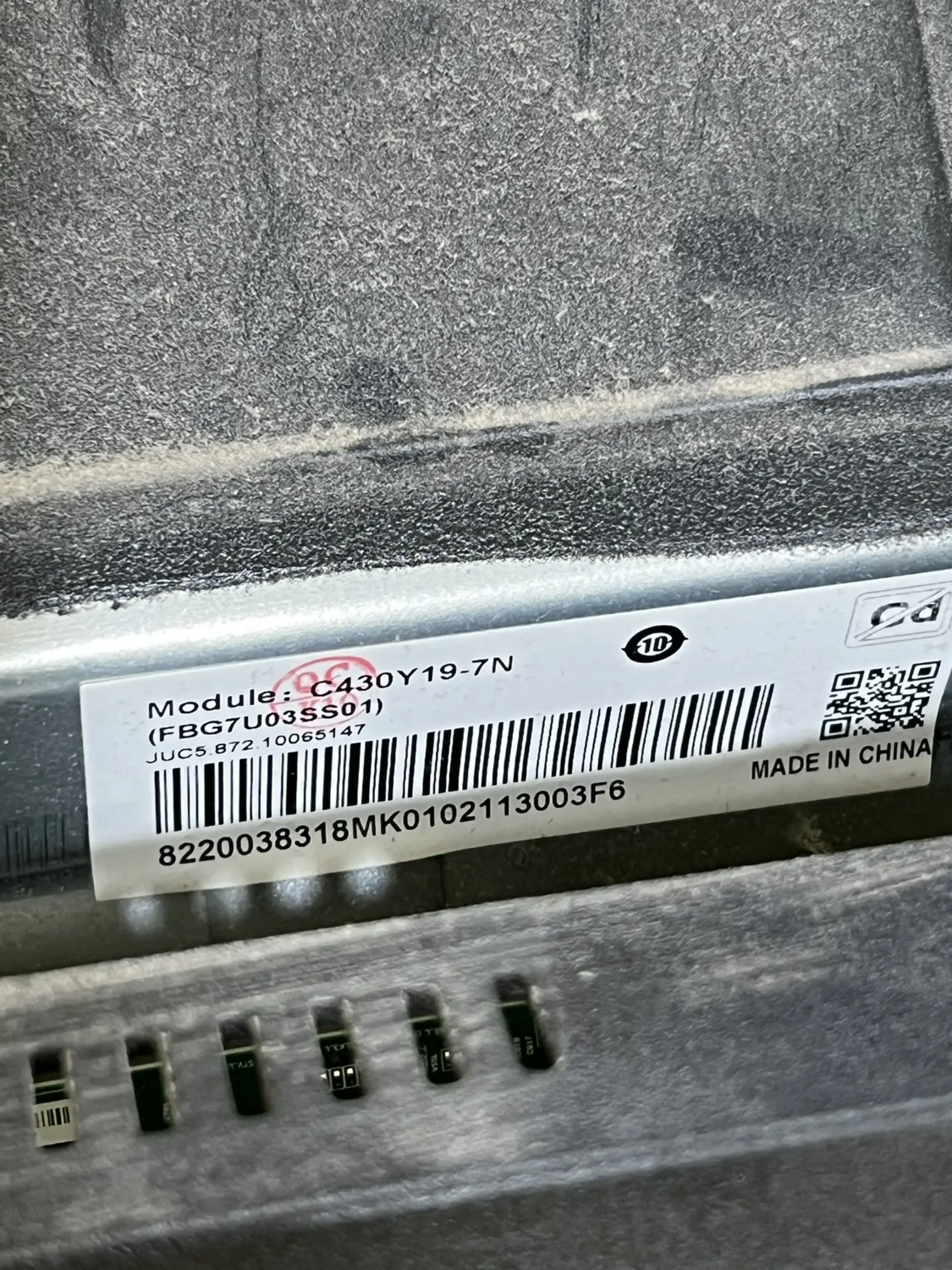
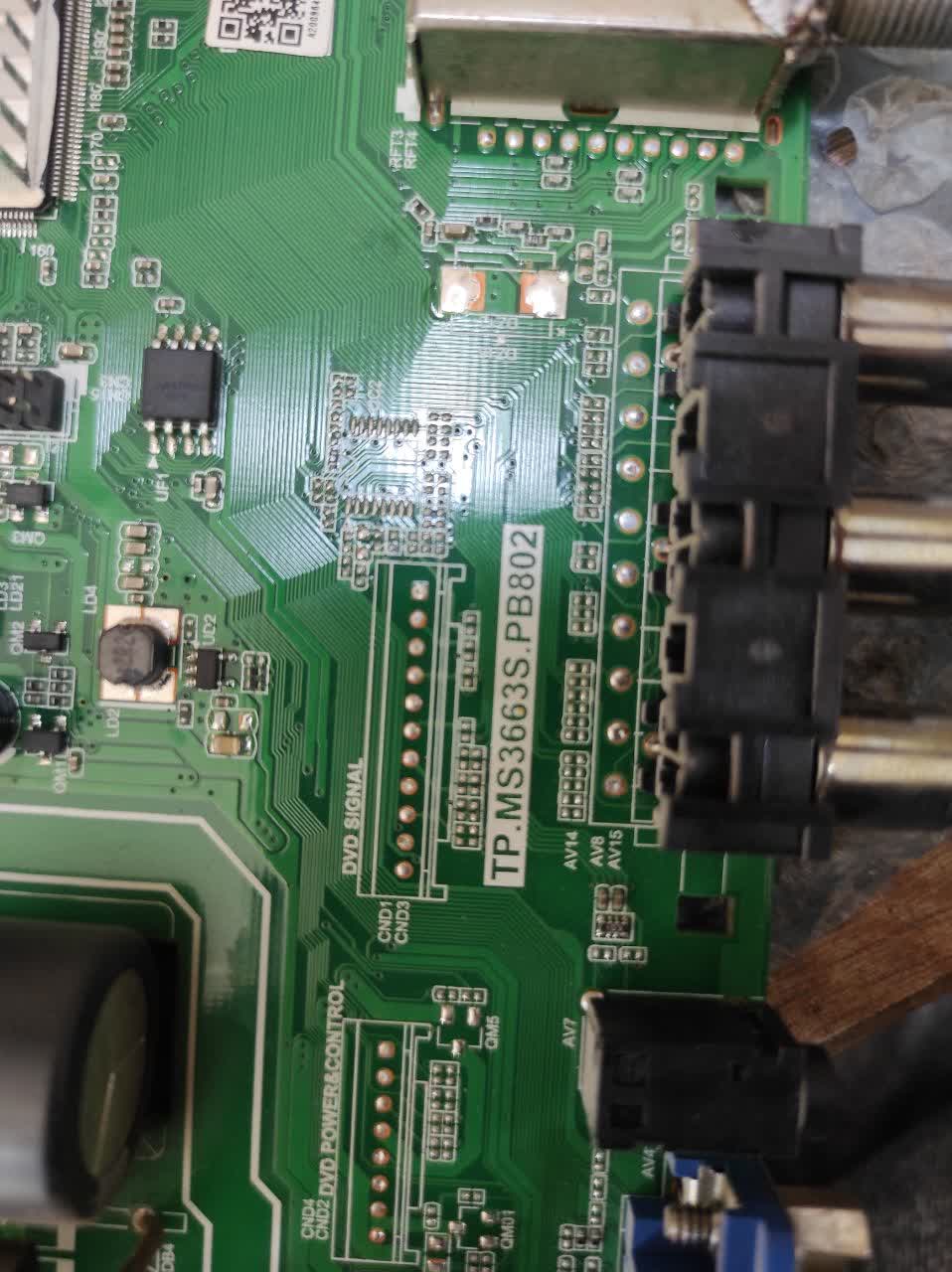
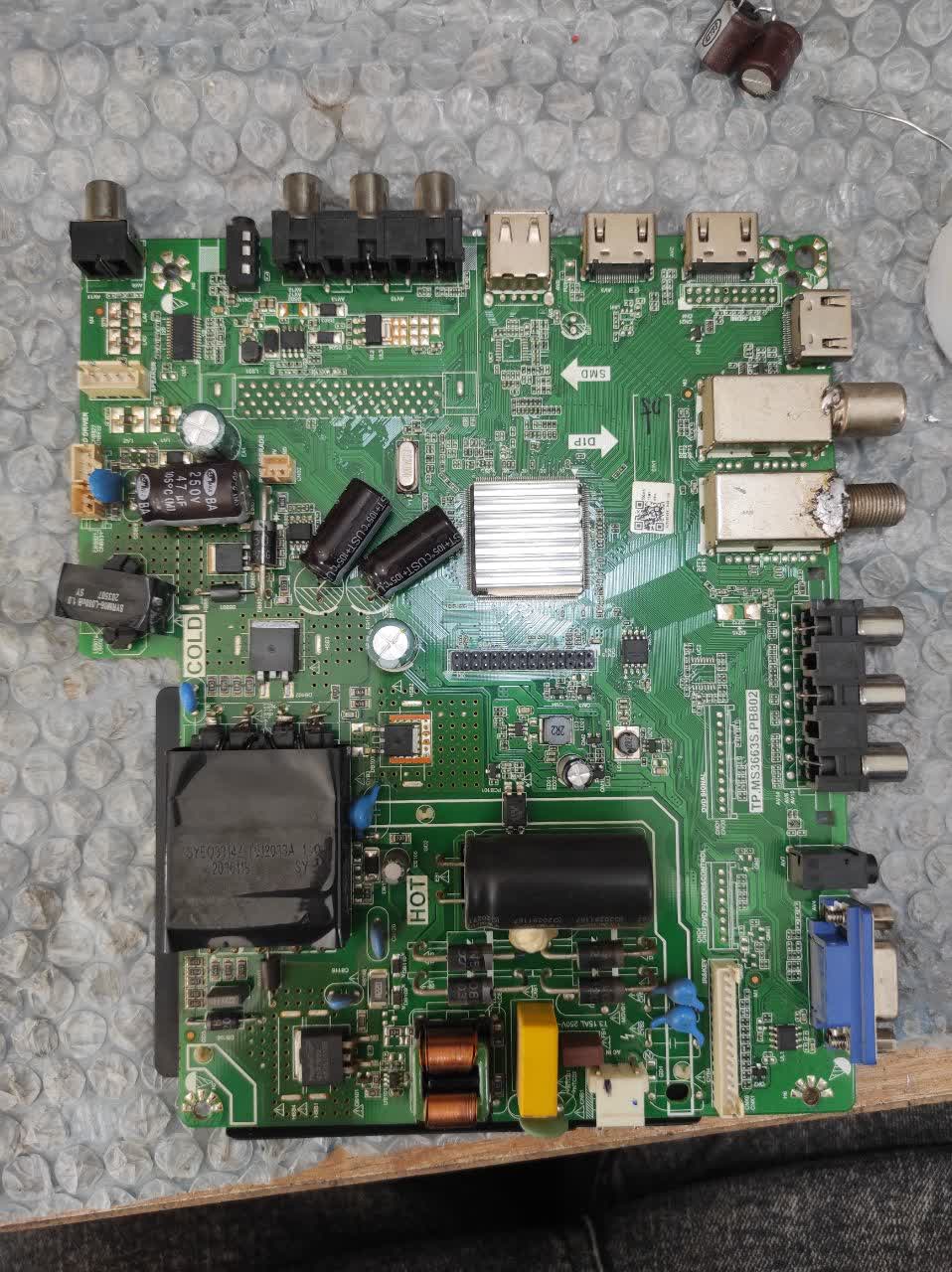
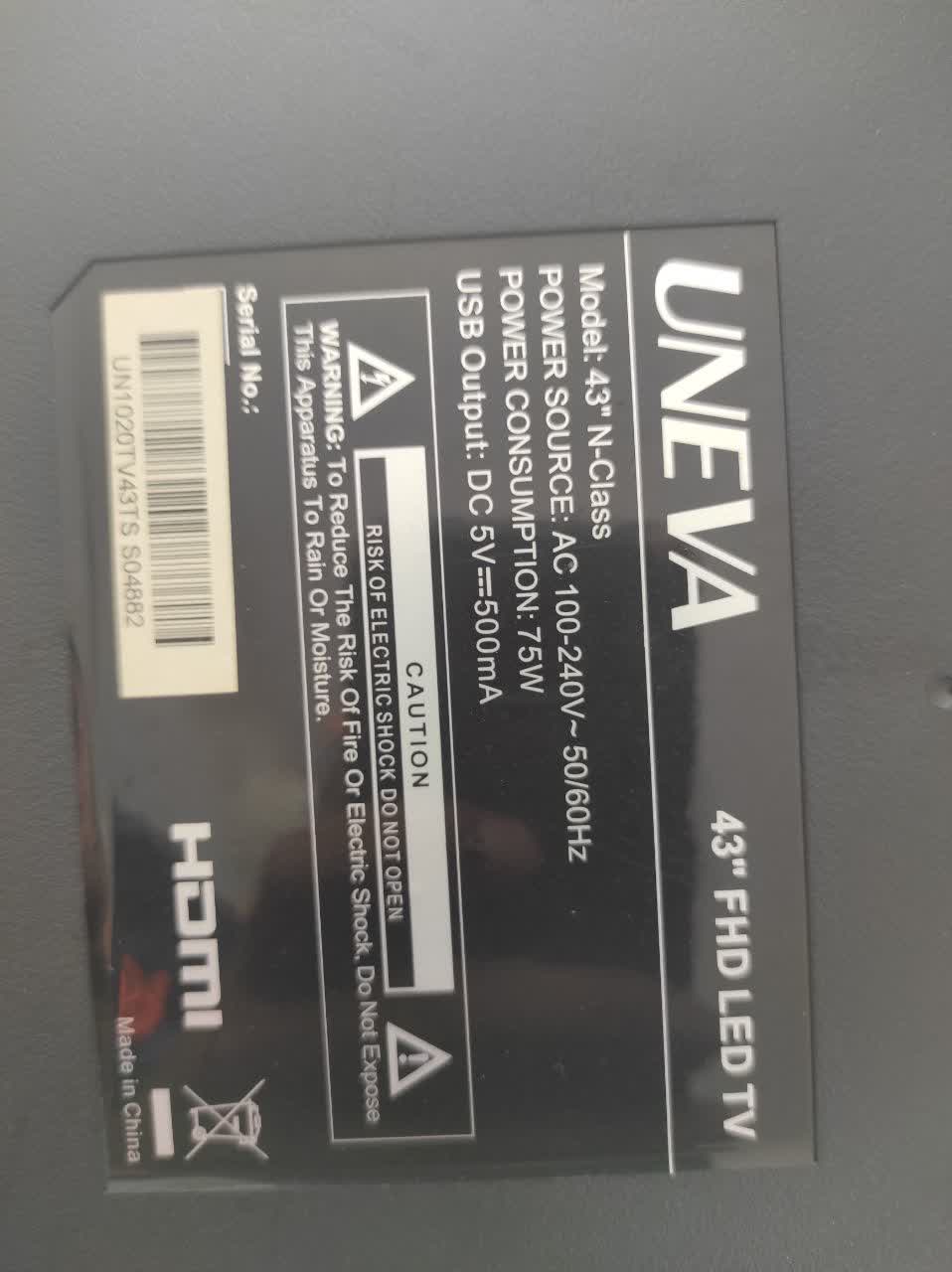
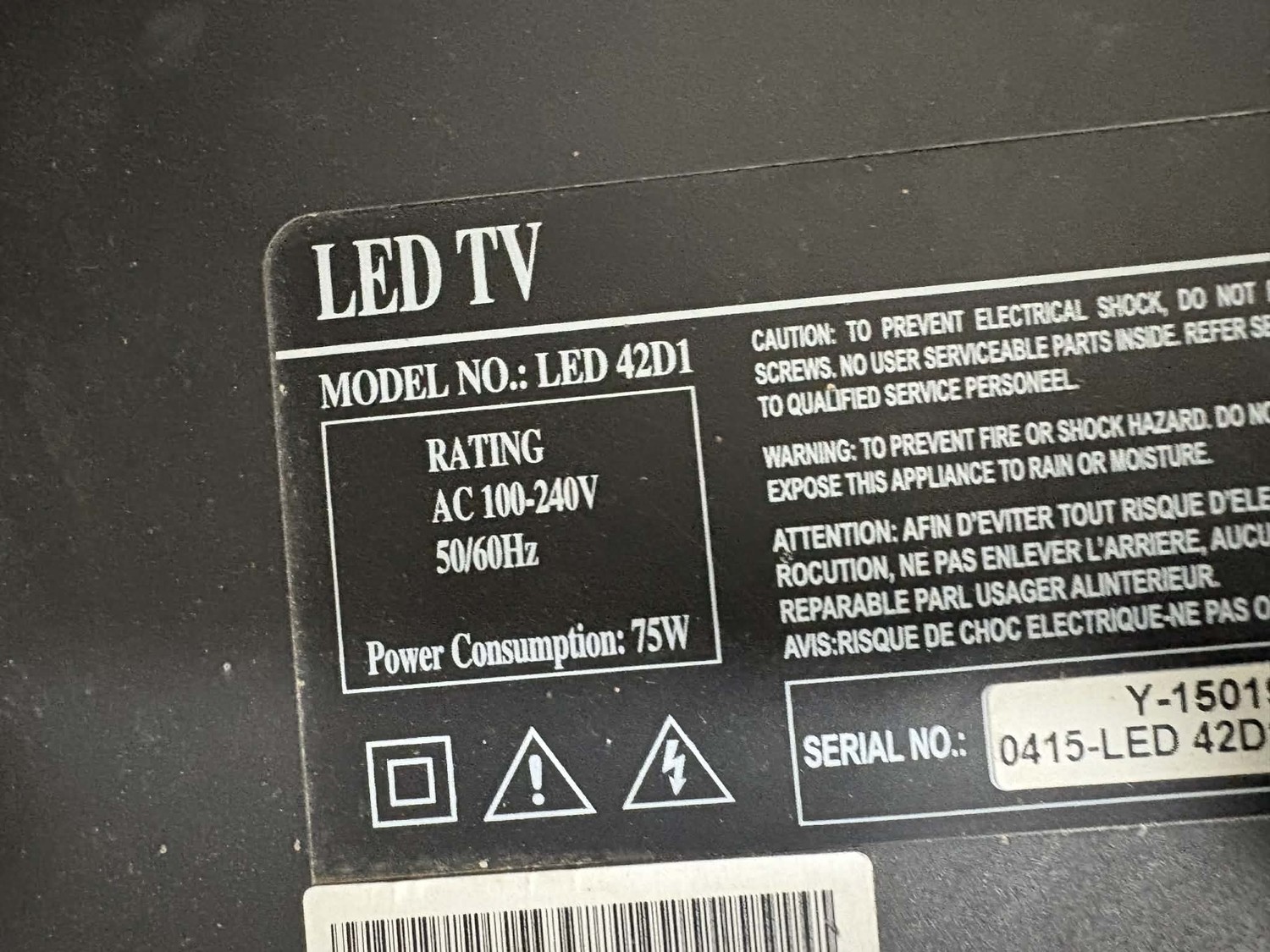
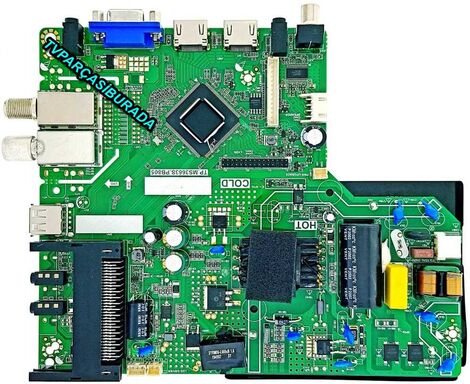
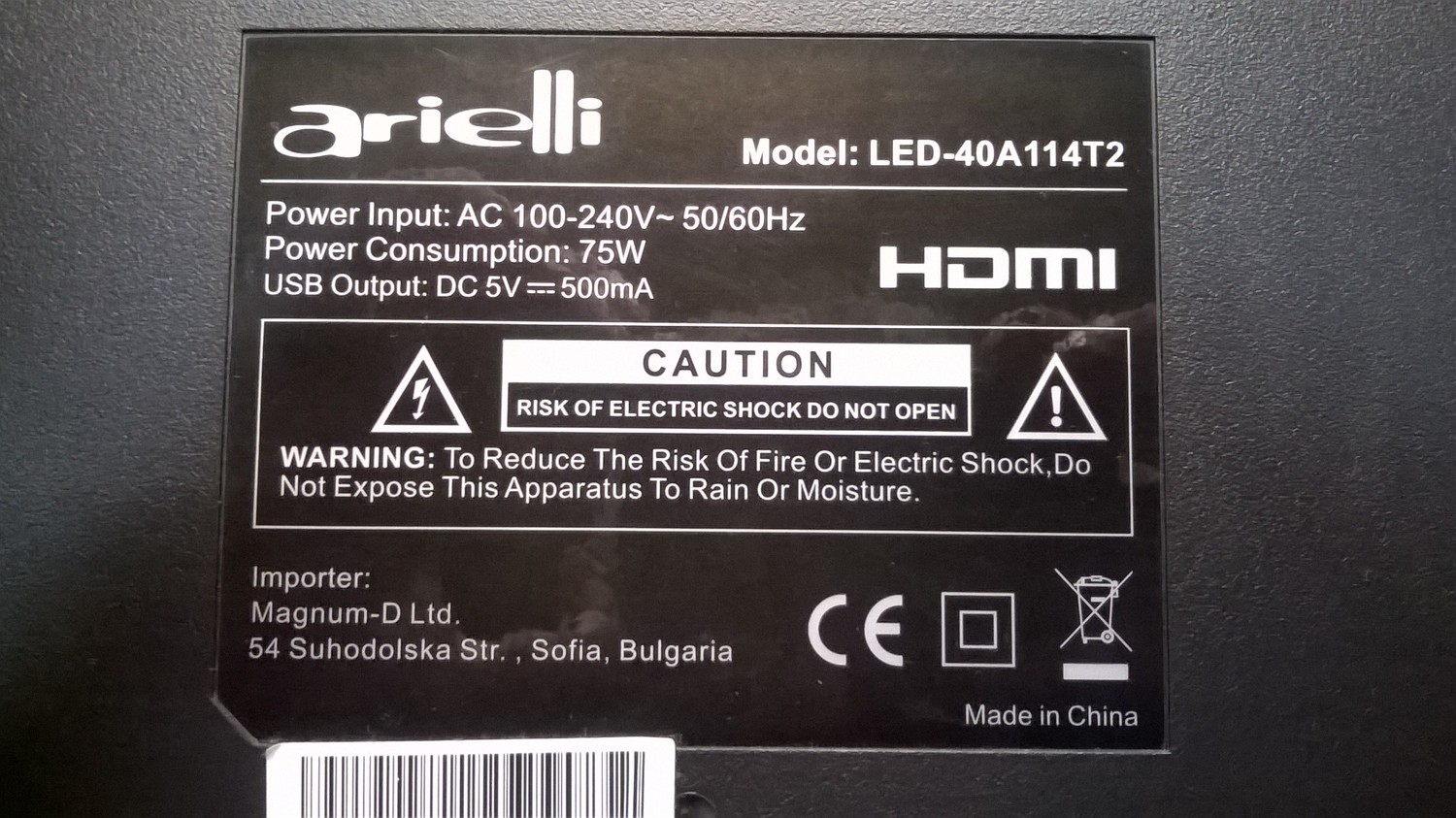
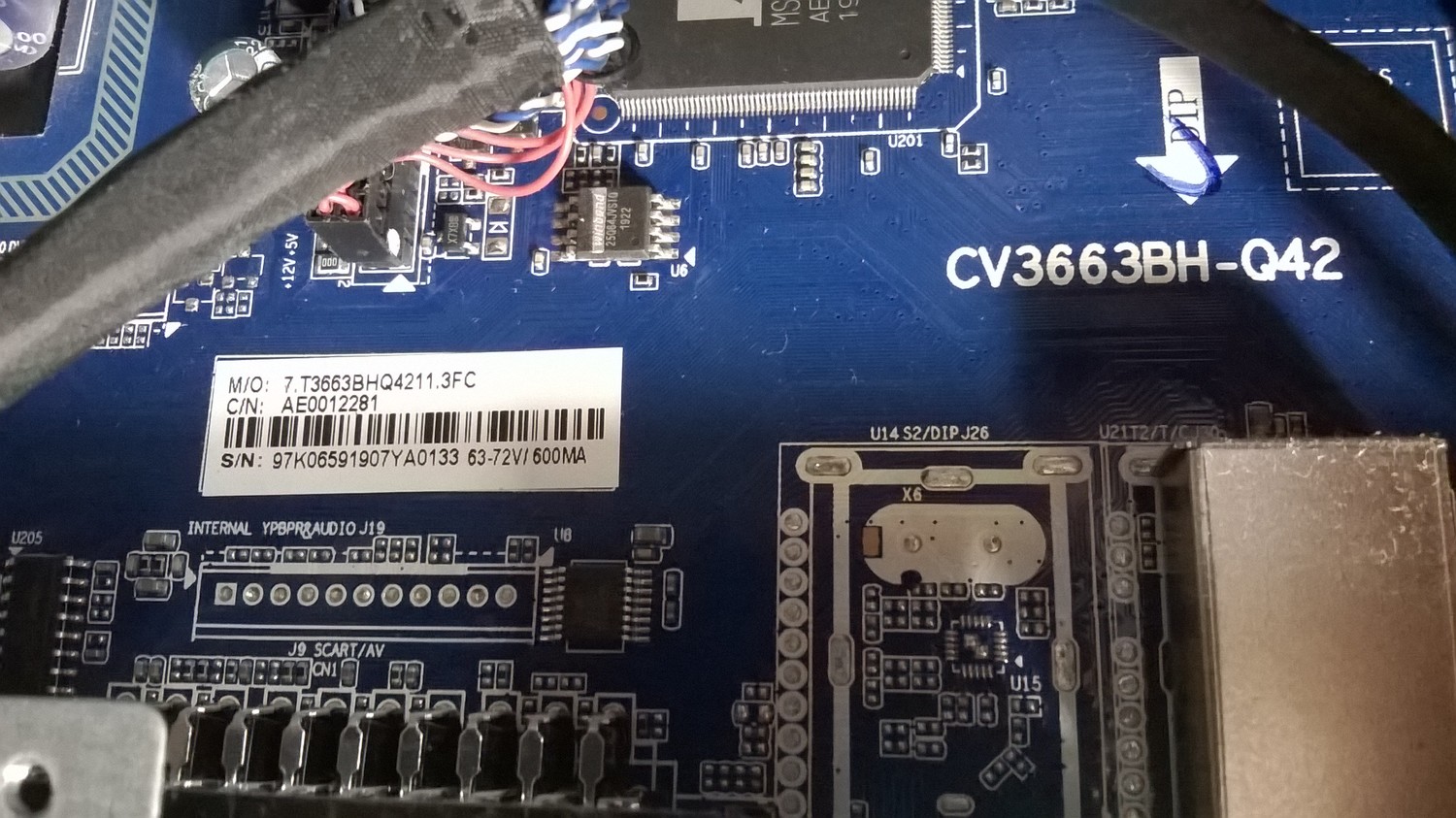
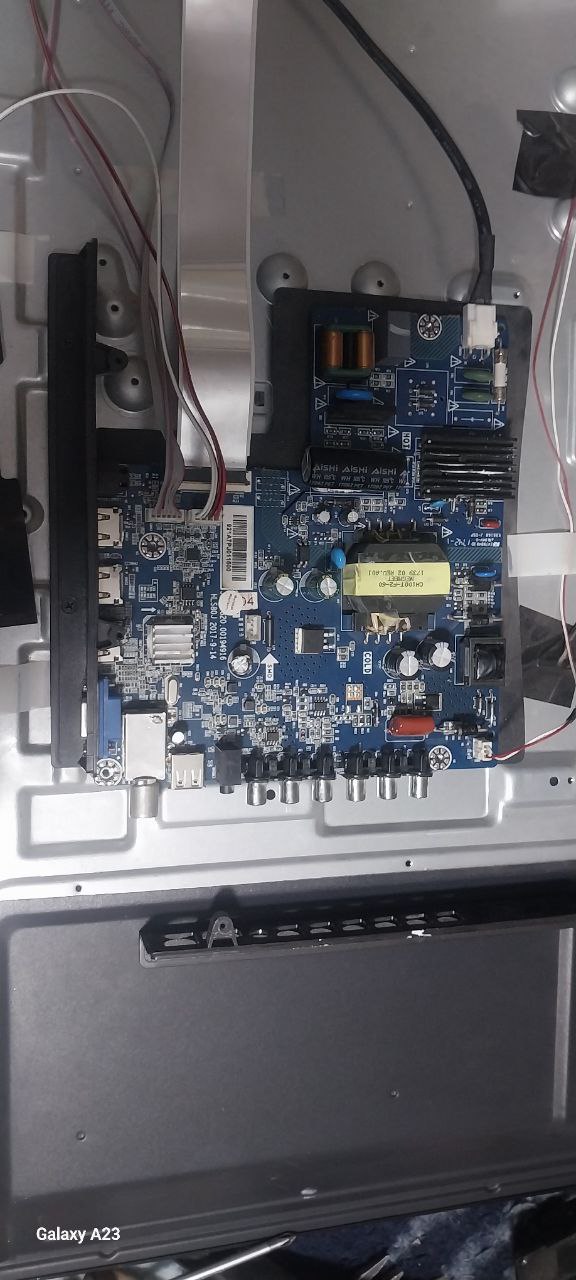
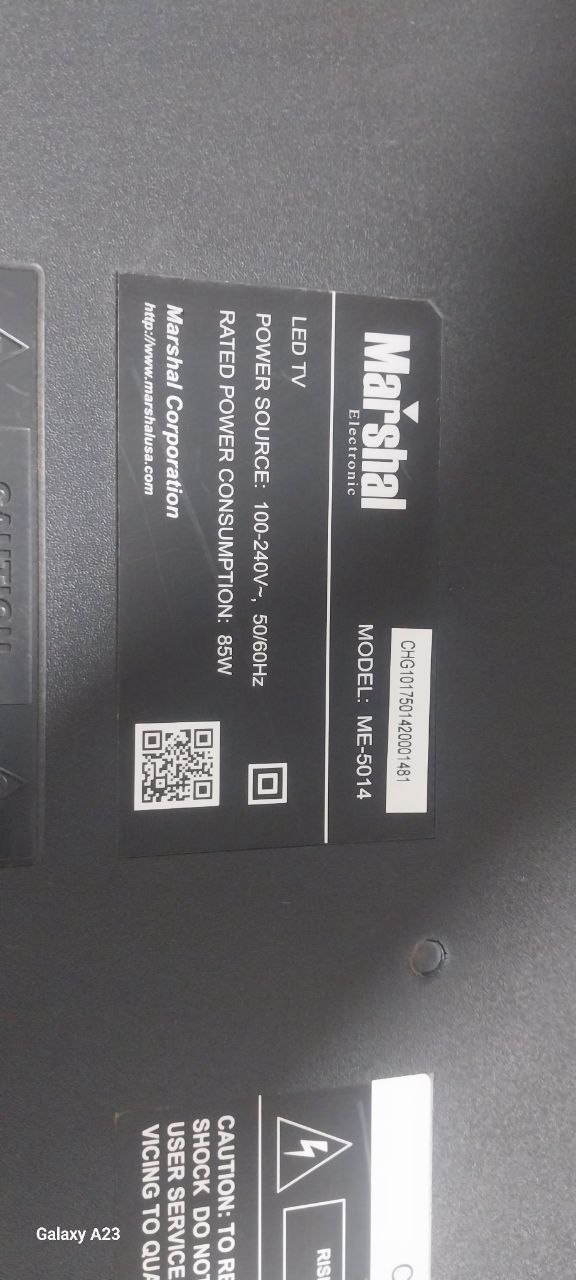
китайские модели с 921D платой которые при зеленом экране только берут прошивку: при другом цвете просто переподключите в розетку - не подключите usb плата сдохнет
Сервисное меню+ сброс
Другие+
Out factory reset +
Появится зеленый экран
Затем подключите usb
Ток подключаете , запись сам идет,
это к телевизорам которые каналы не сохранаютя при каждом включении
-Unzip it and copy it the (usb_auto_update_mb62.txt)(mboot.bin)(mb62_en.bin), to a USB PEN (FAT32) -Power off by removing the power cable or adapter from the TV -Plug in the USB with the loader Software into the TV. -On the remote control press and hold the OK button. -Now Plug in the power cable. TV and wait until the light is showing power and blinks faster. -If it is blinking faster that means that it is installing the software from the USB you inserted. -Now you have to wait until the TV turns on the display, do not unplug your TV until this software has been installed completely.

 Файлы
Файлы Прошивки
 Продажа
 Литература
 Статьи