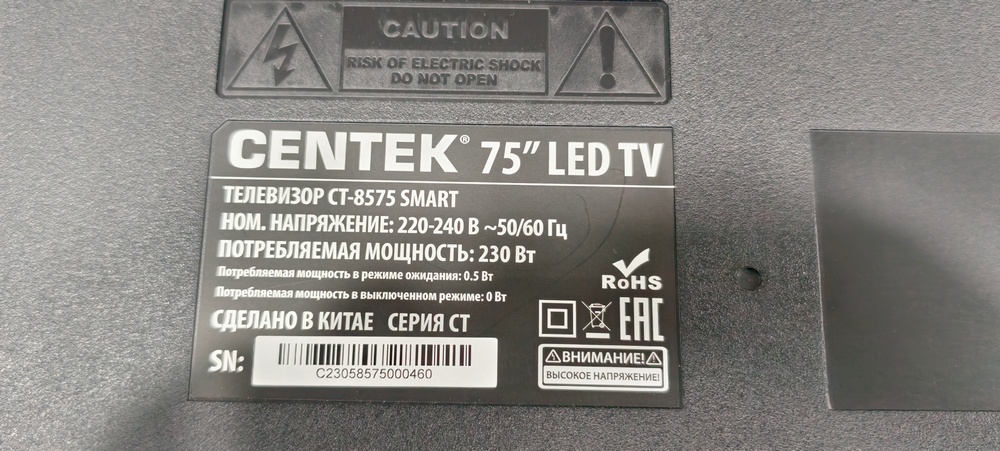
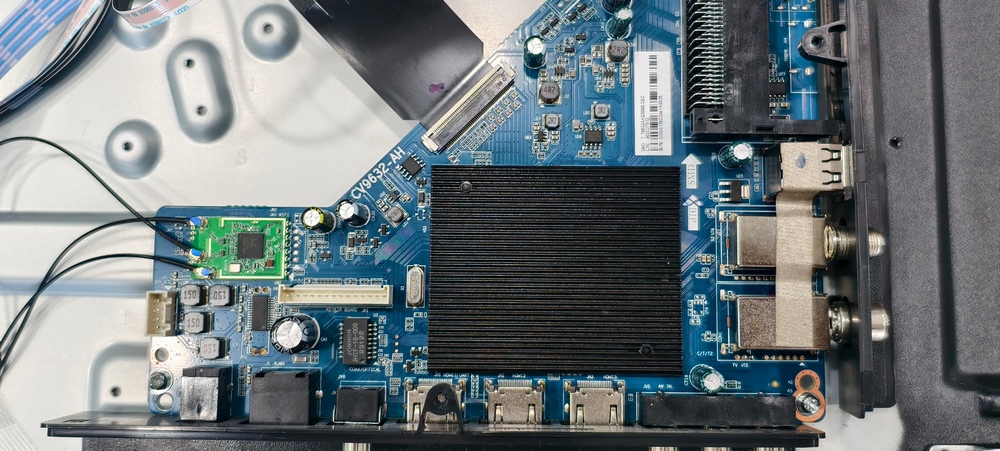
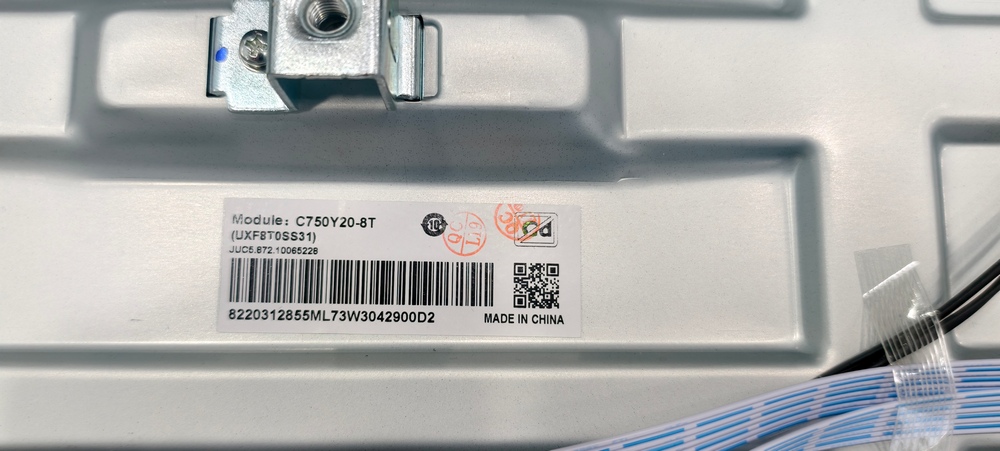
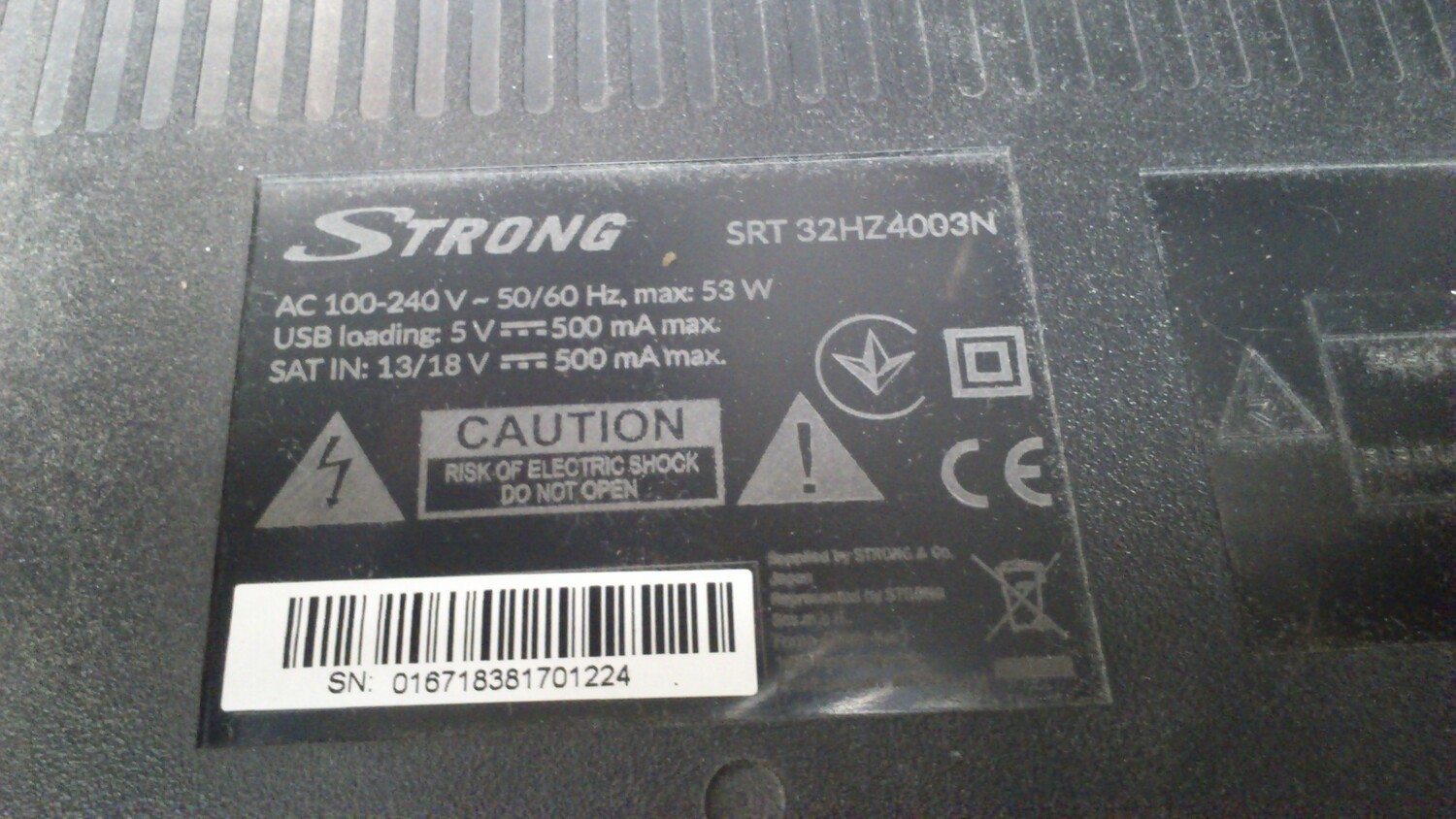
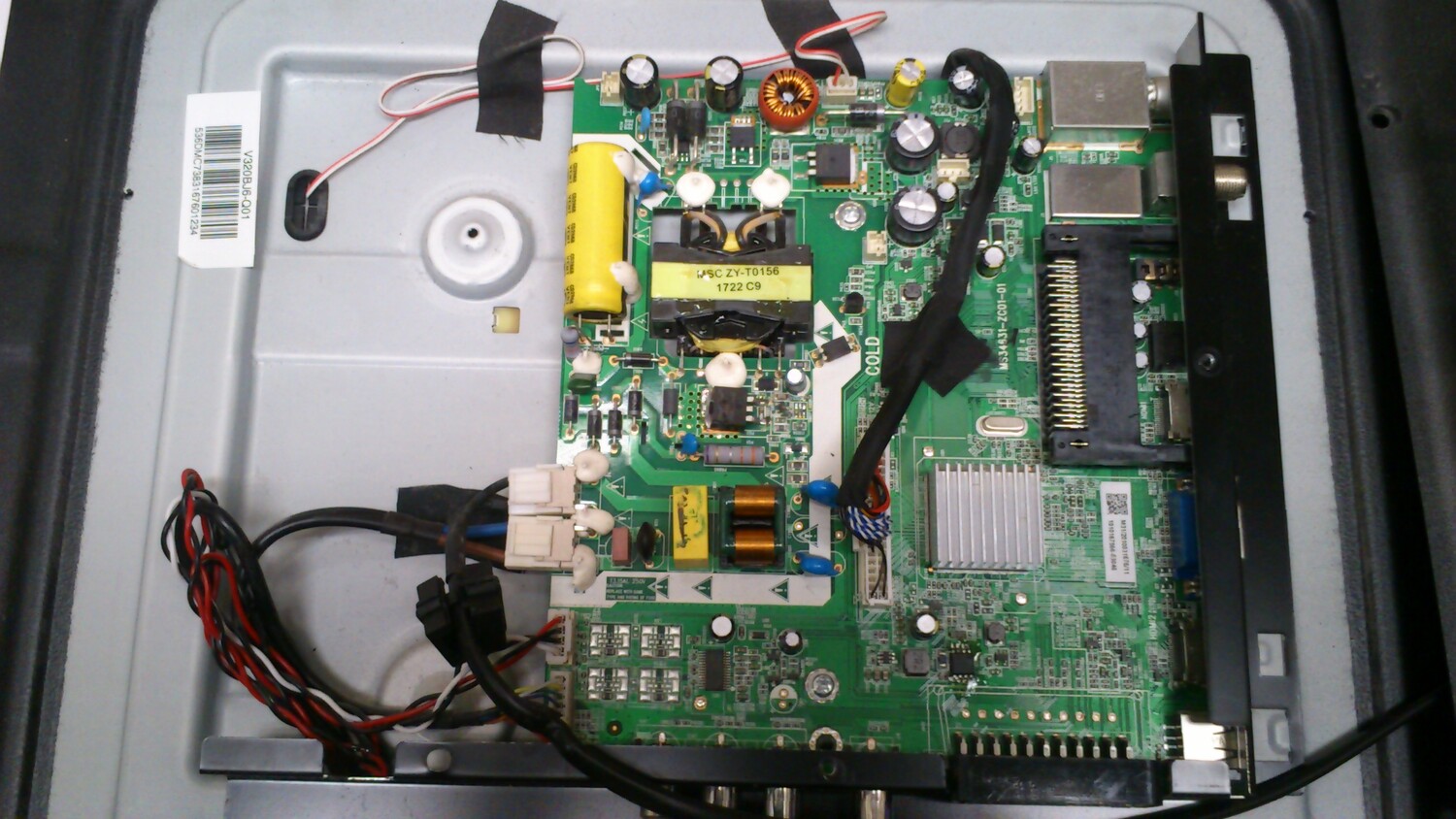
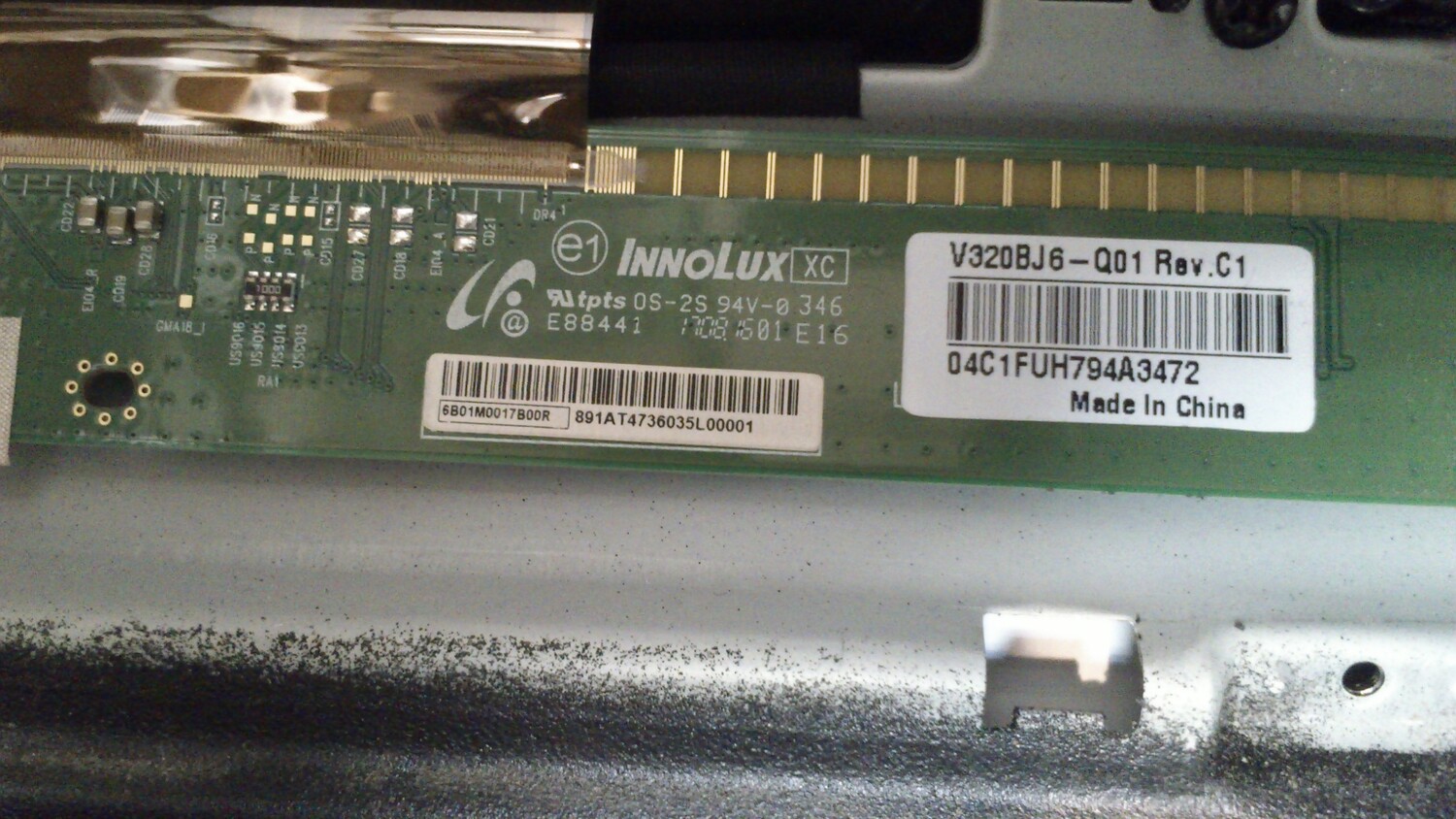
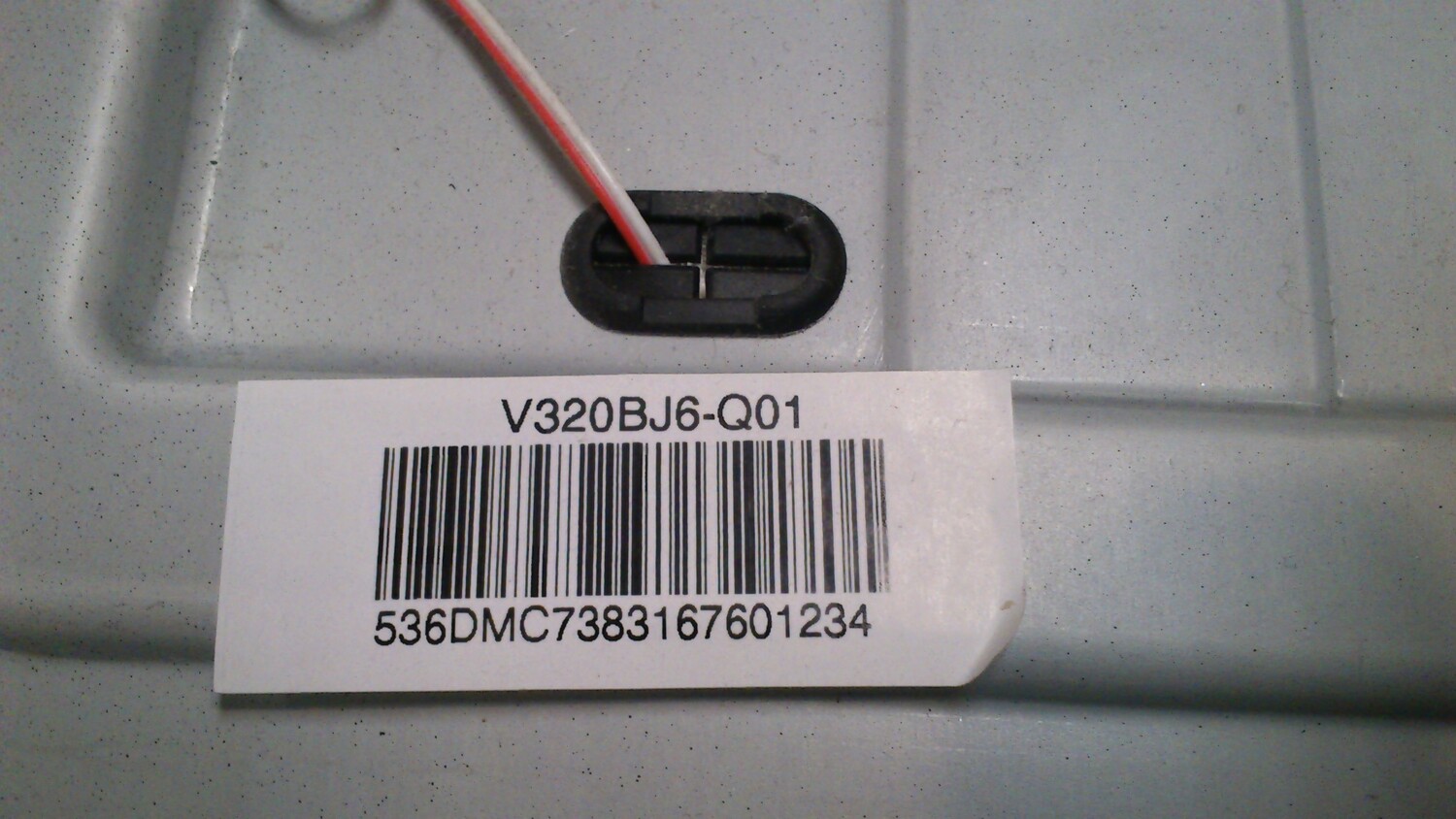
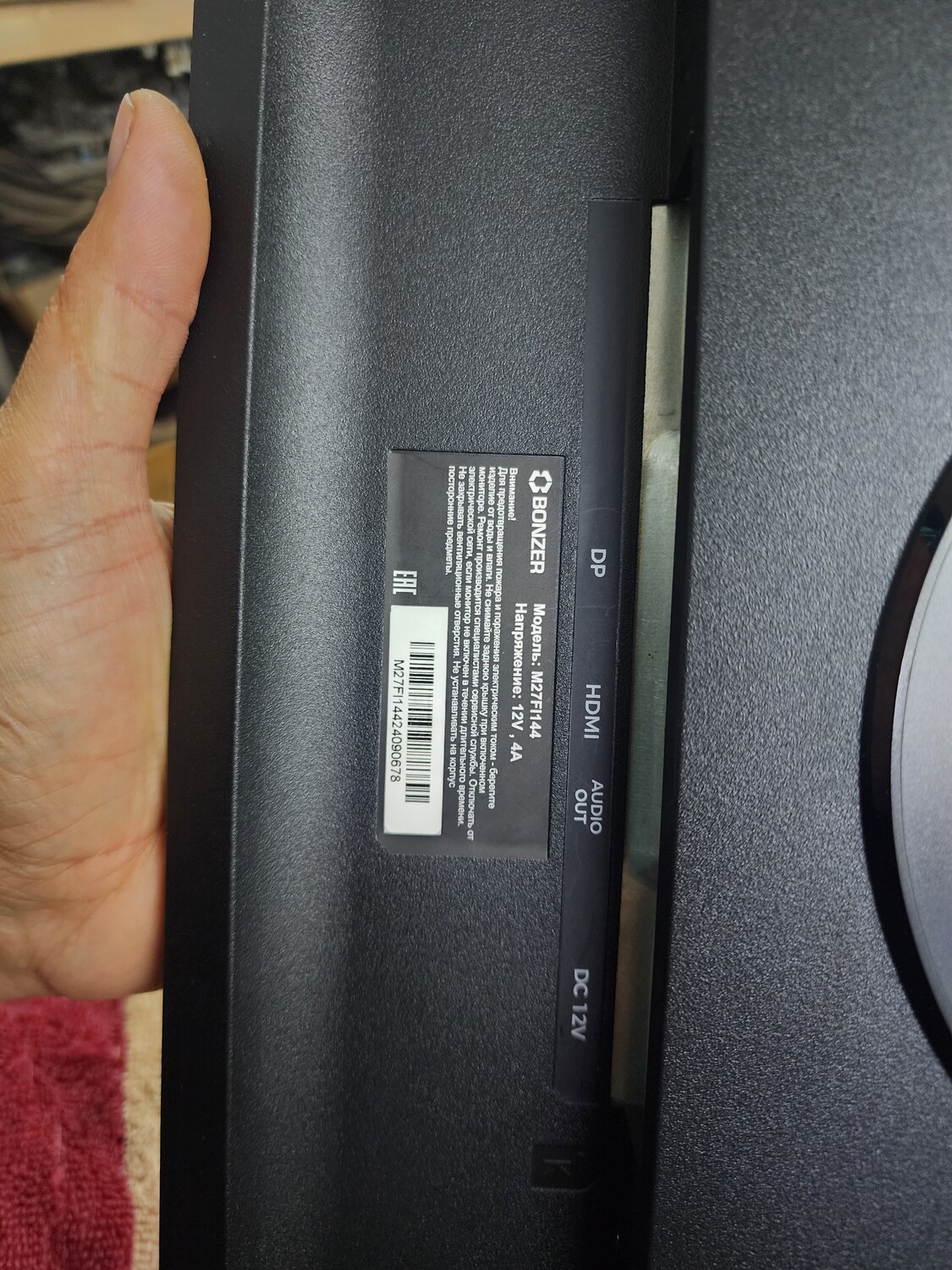
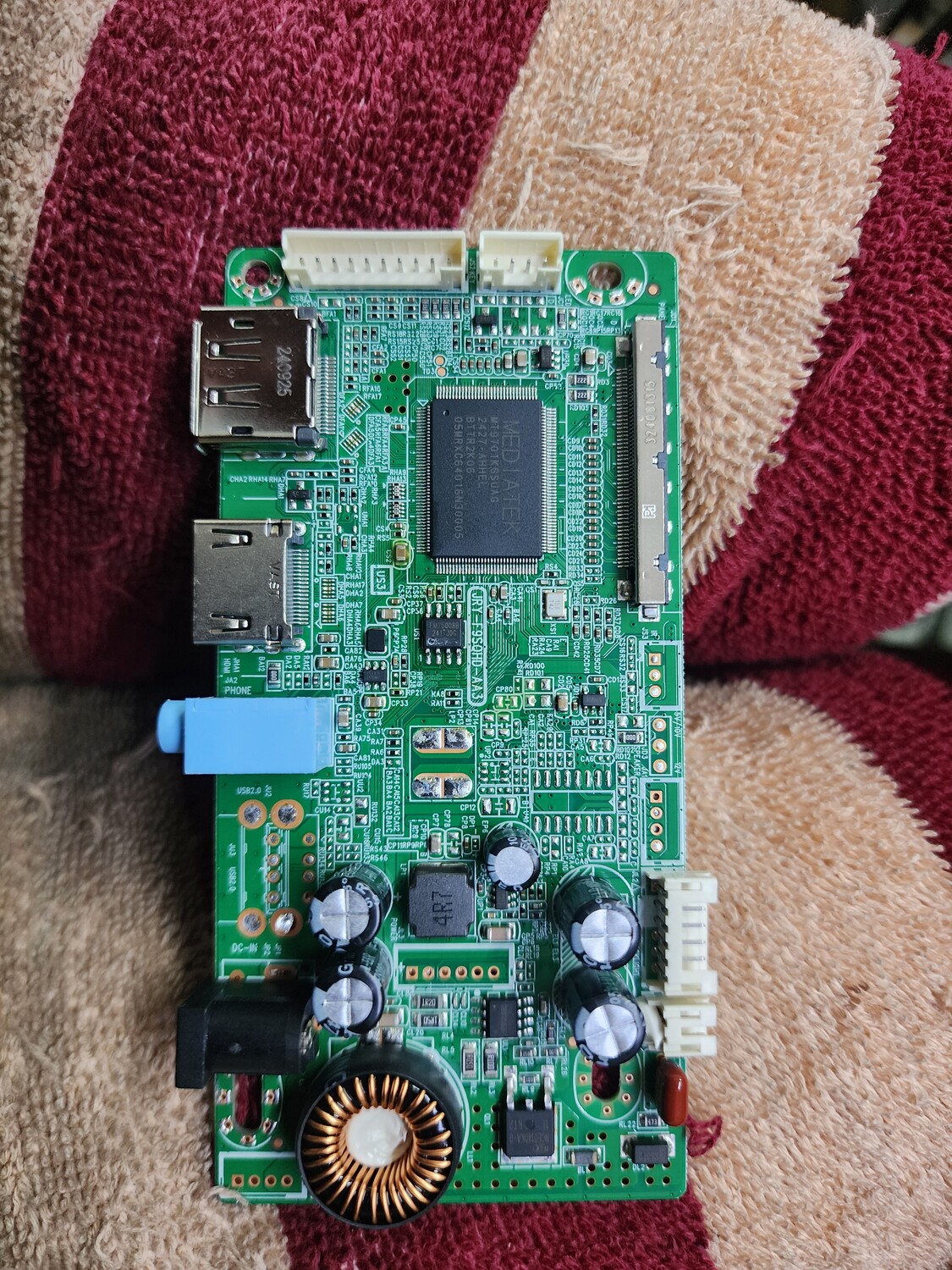
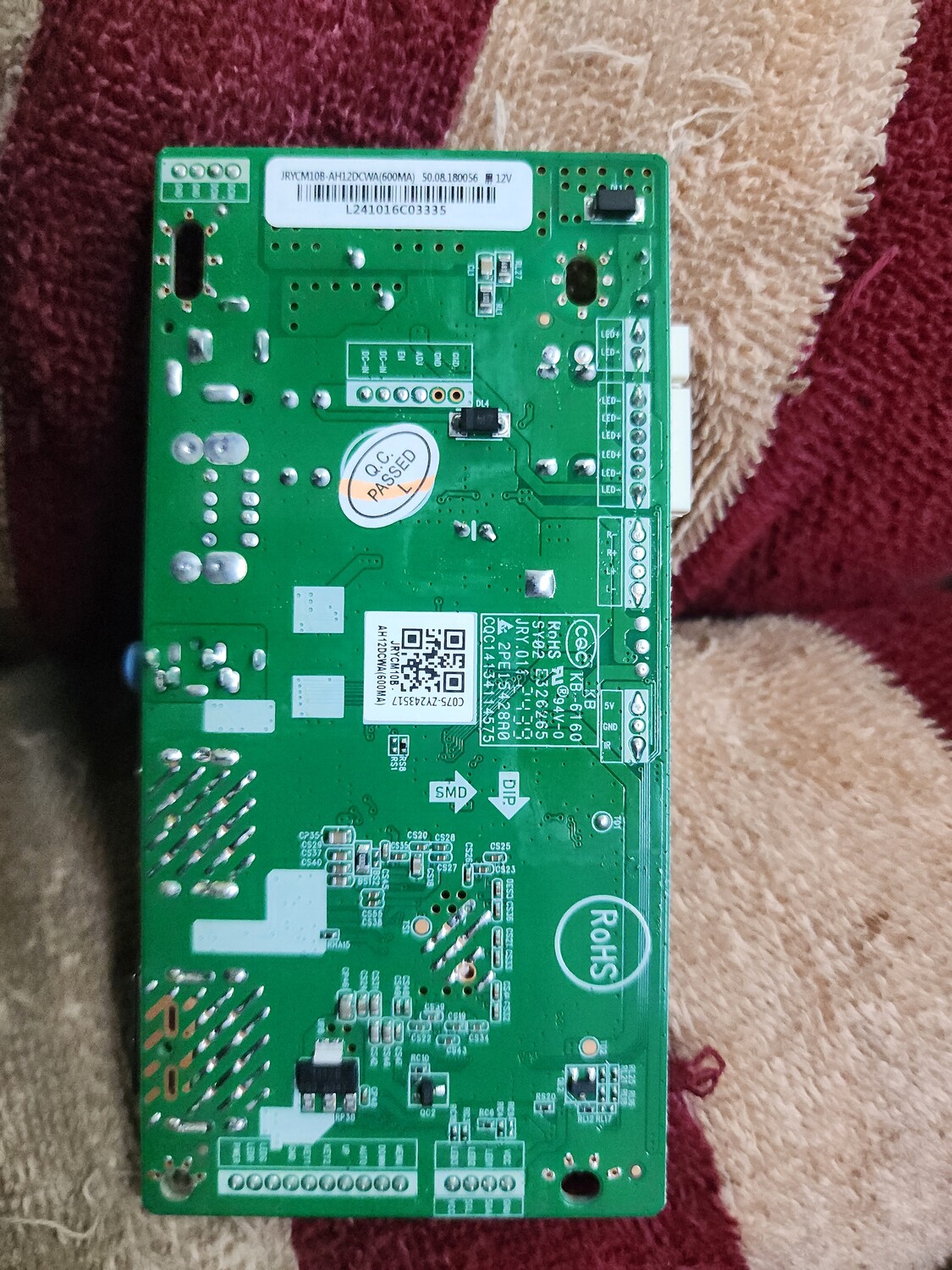
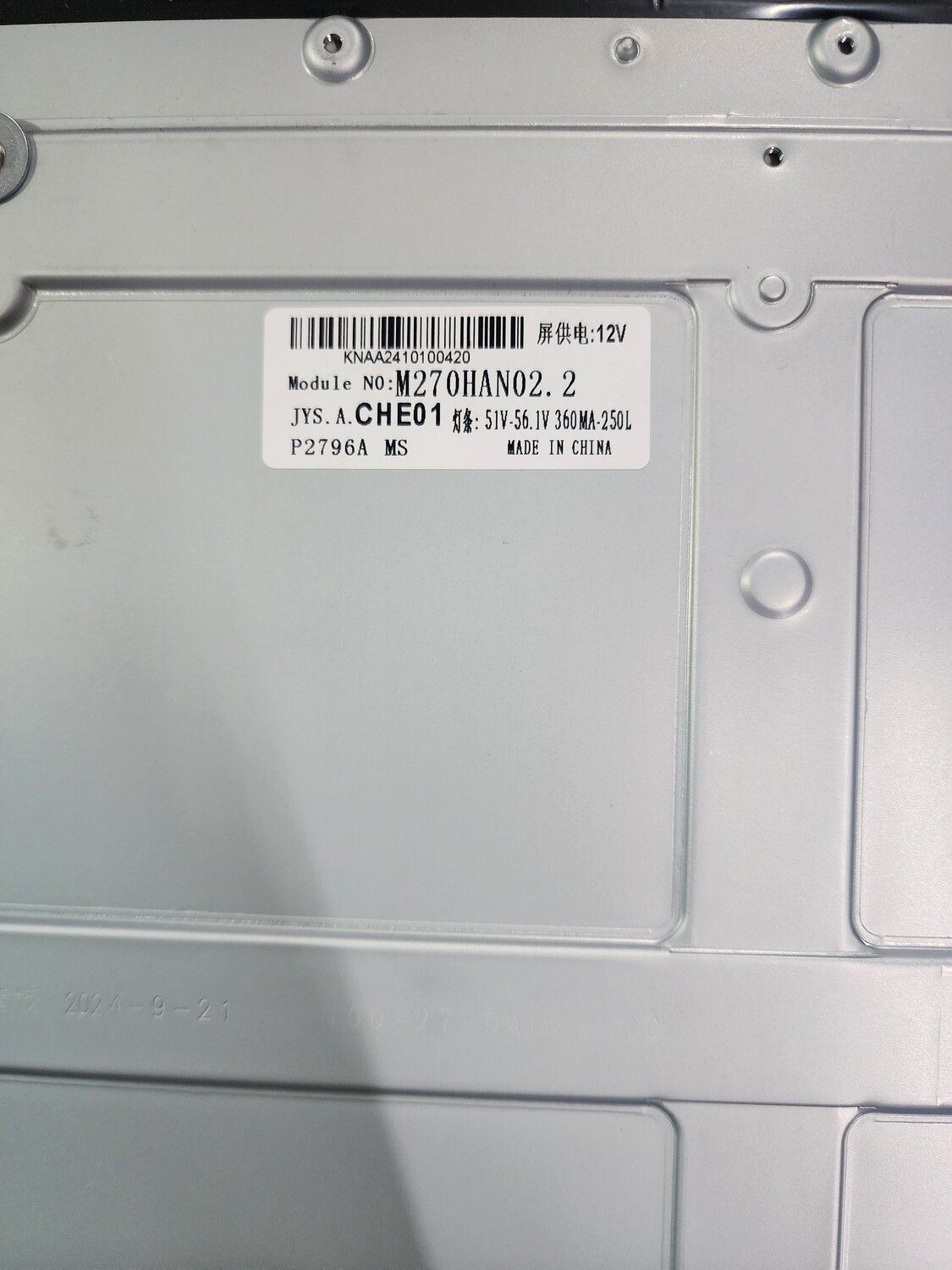
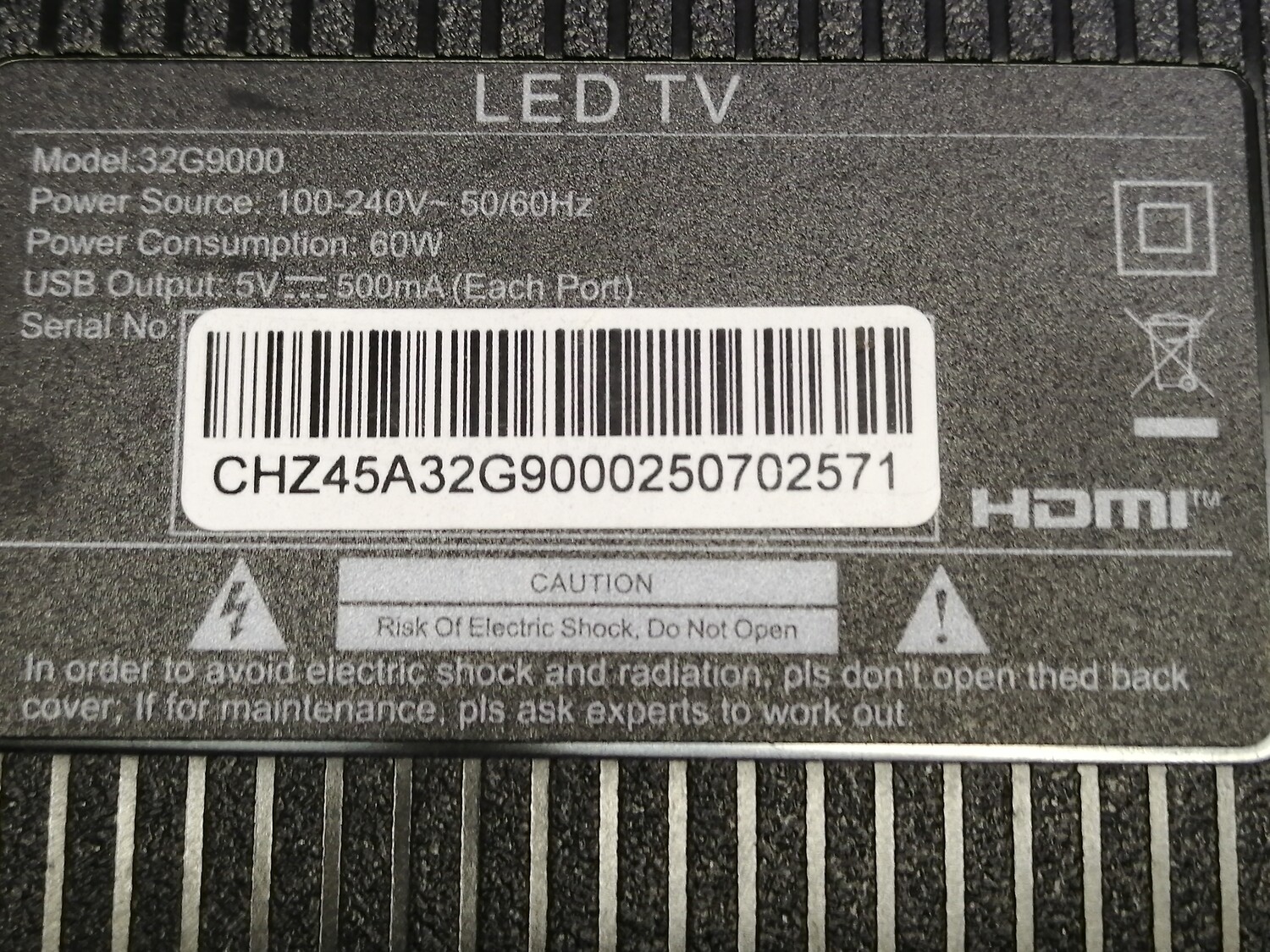
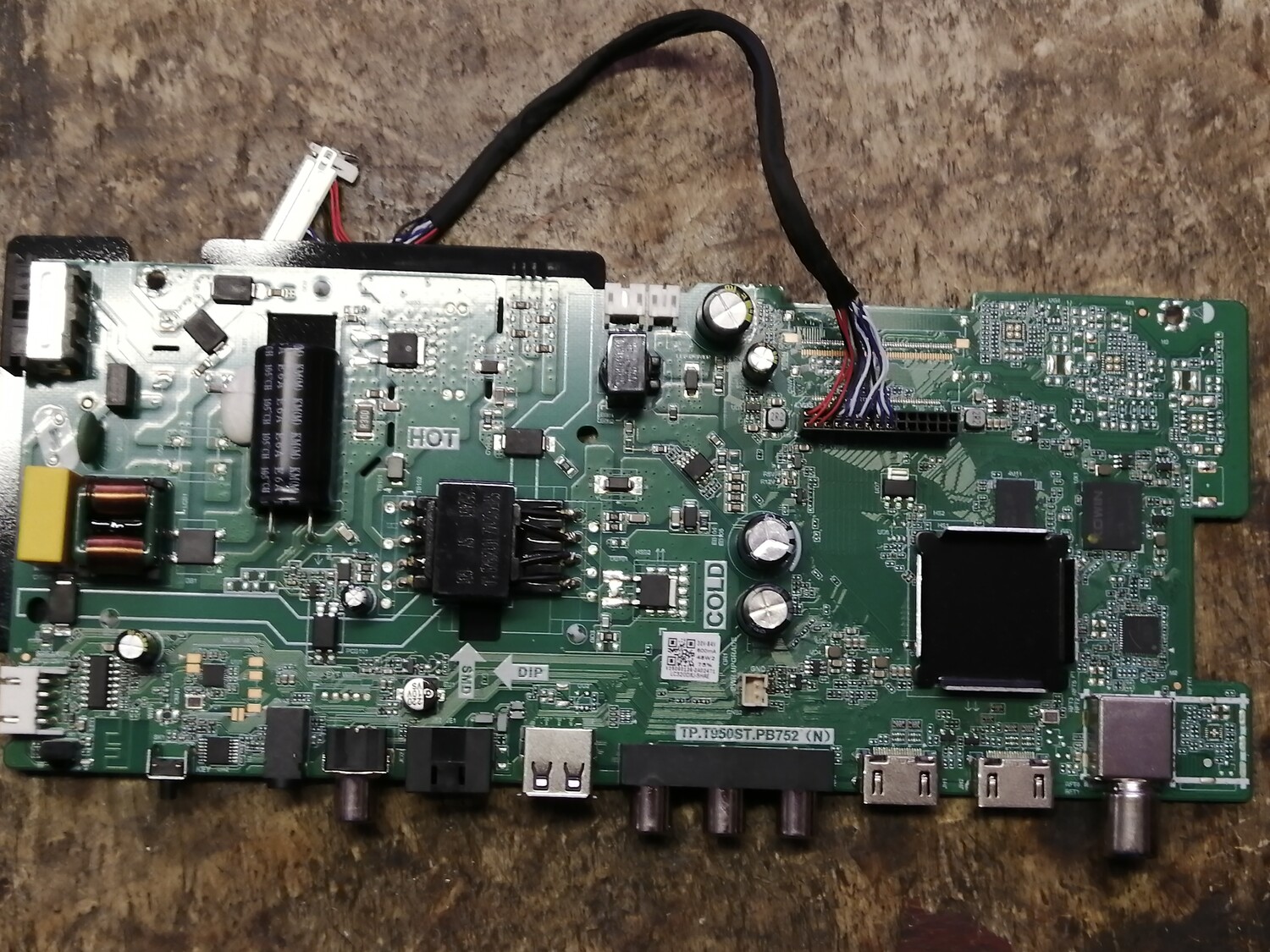
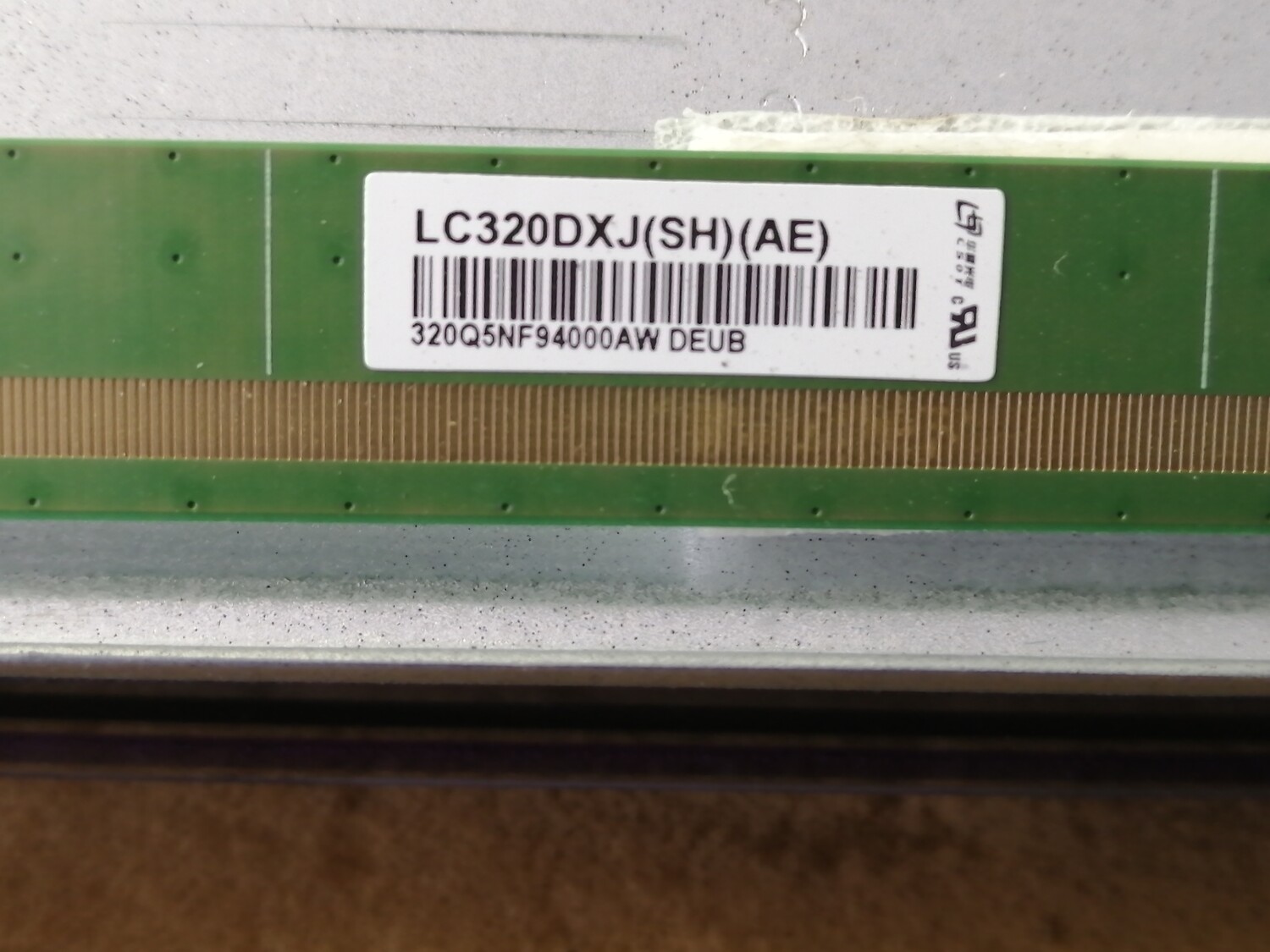
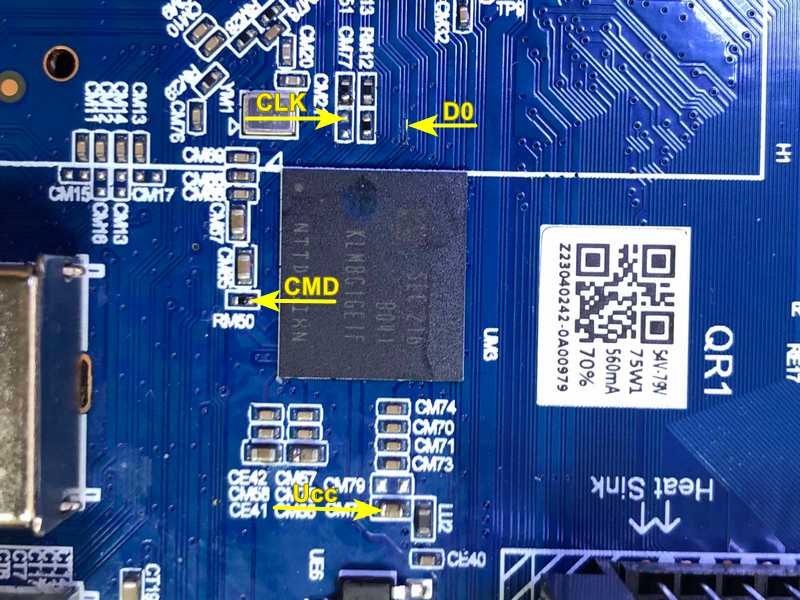
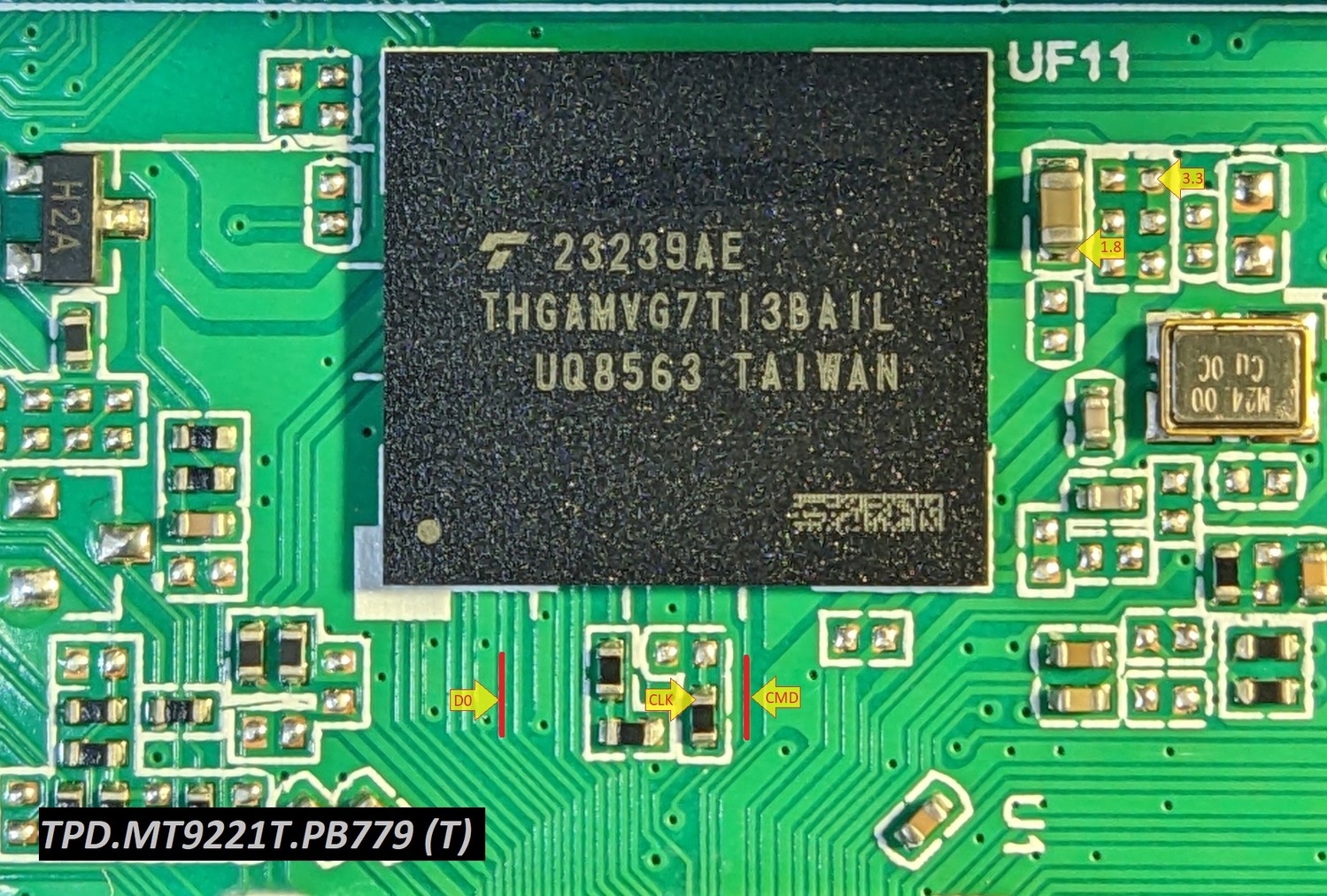
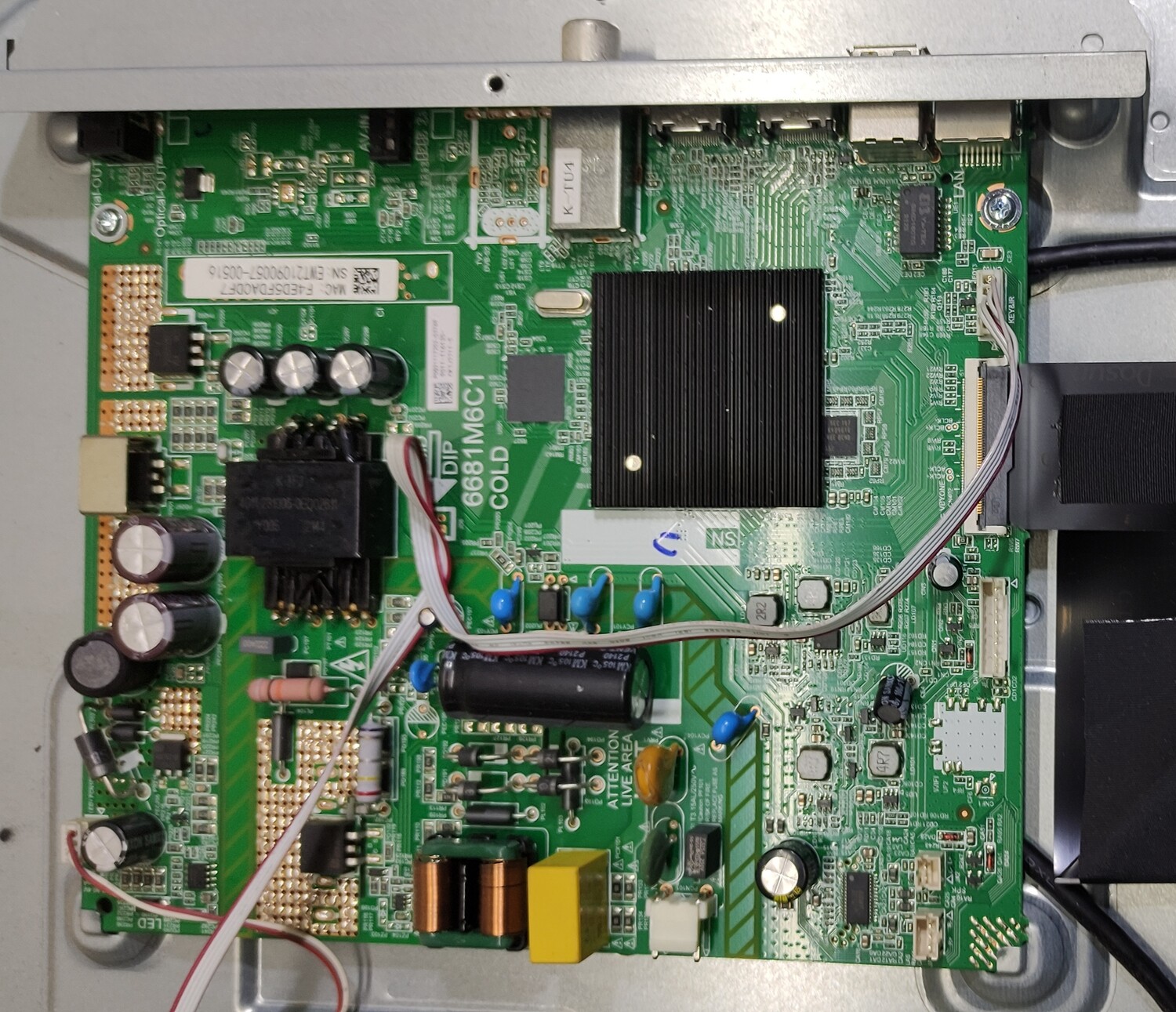
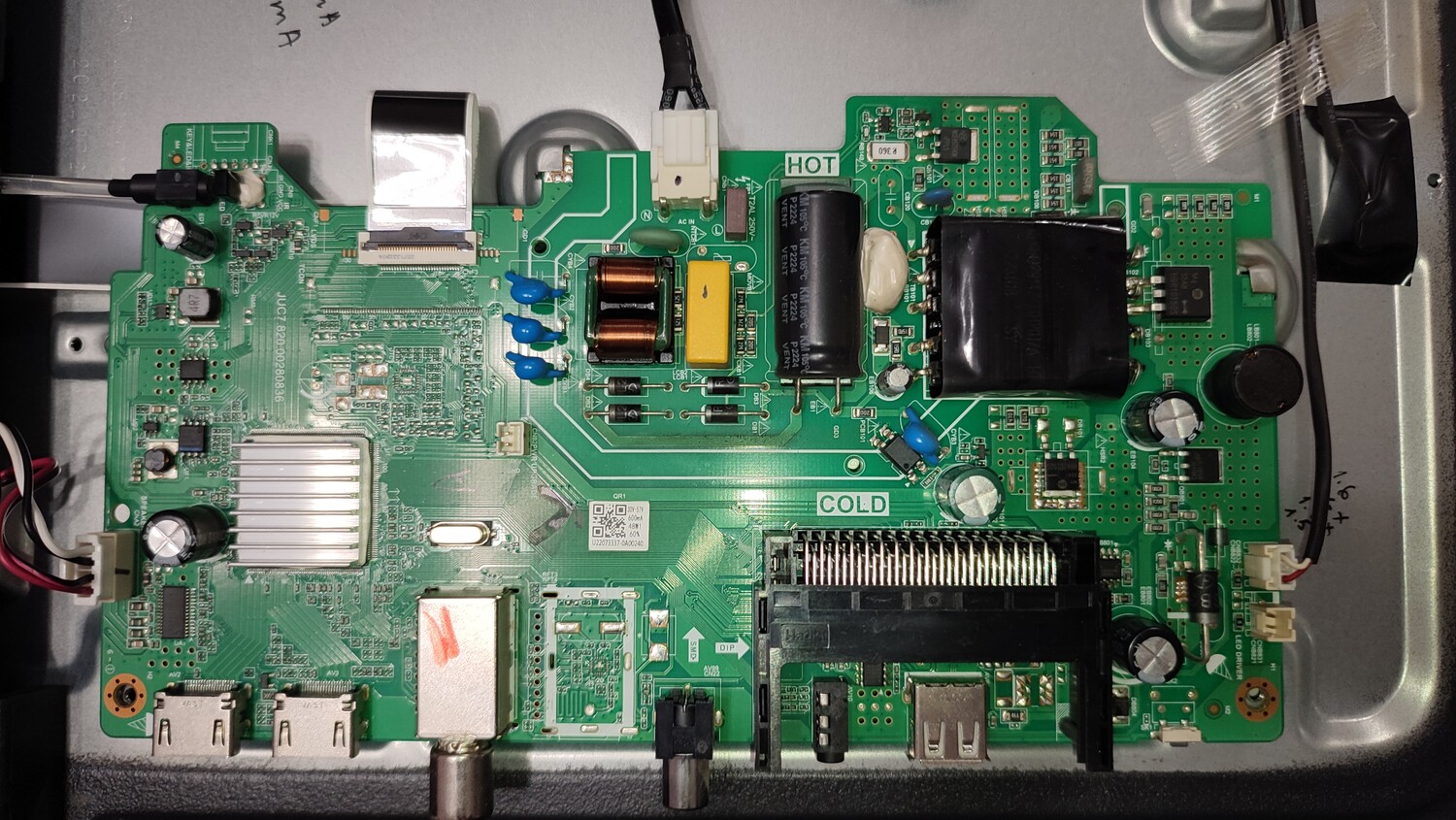
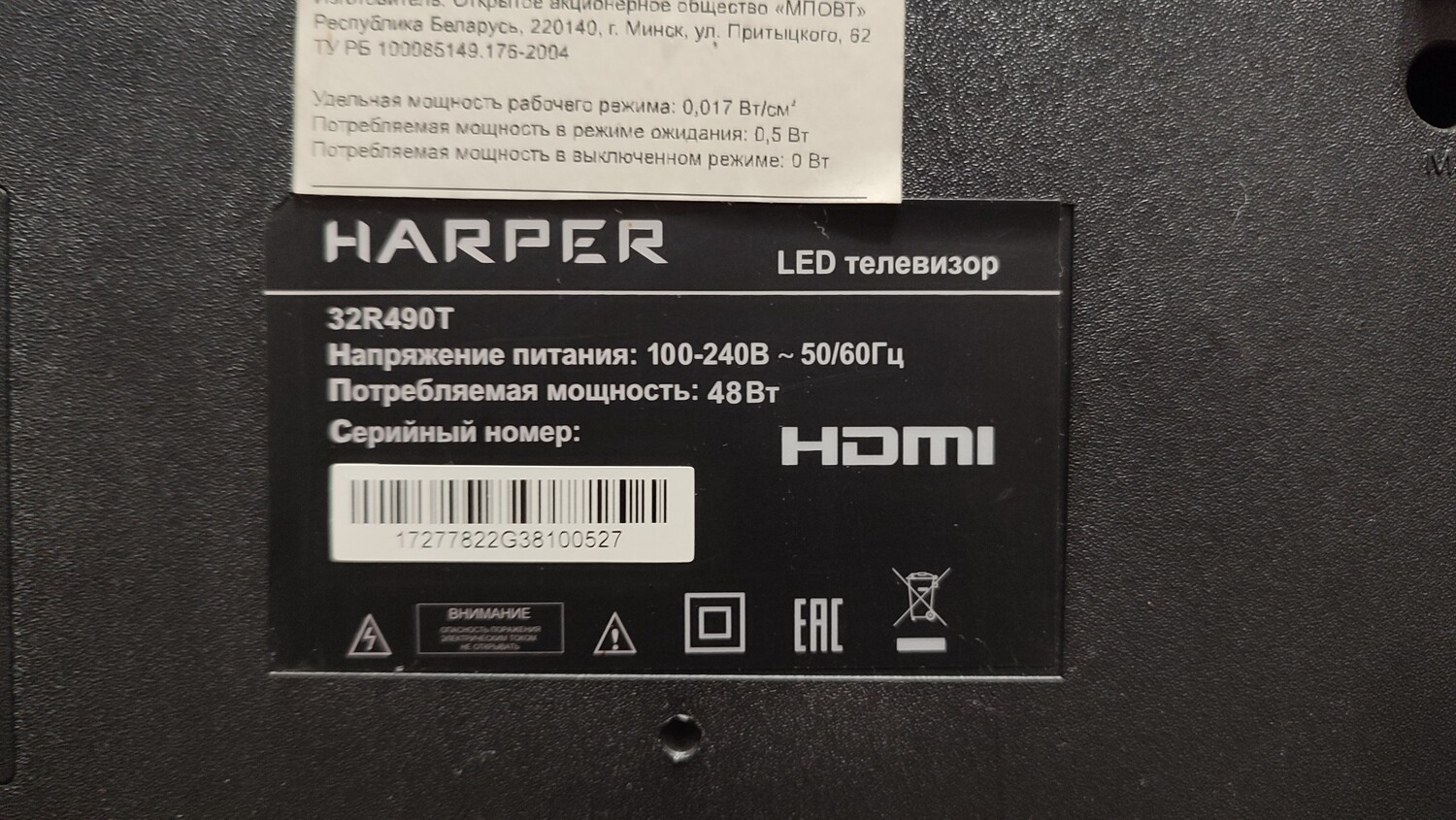
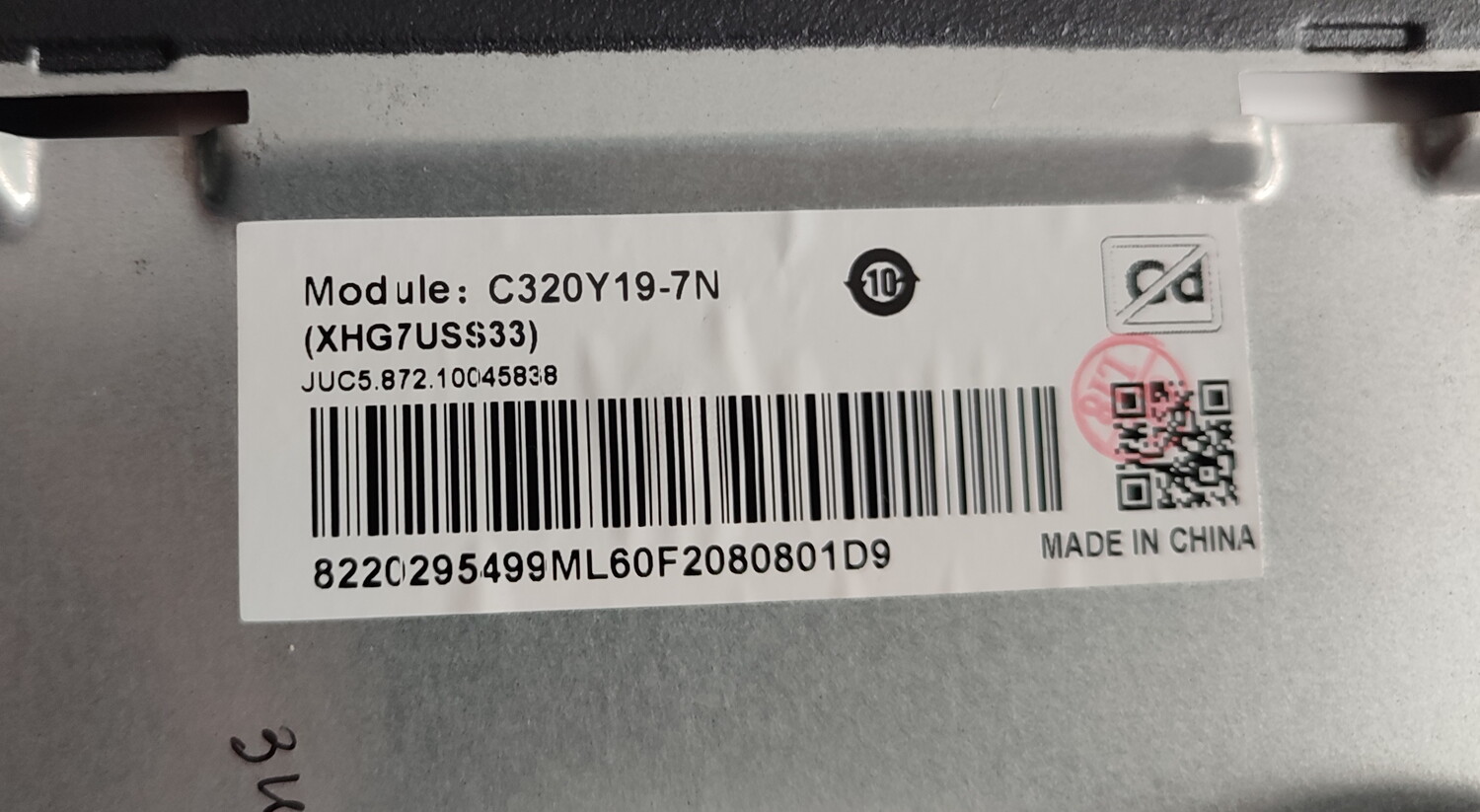
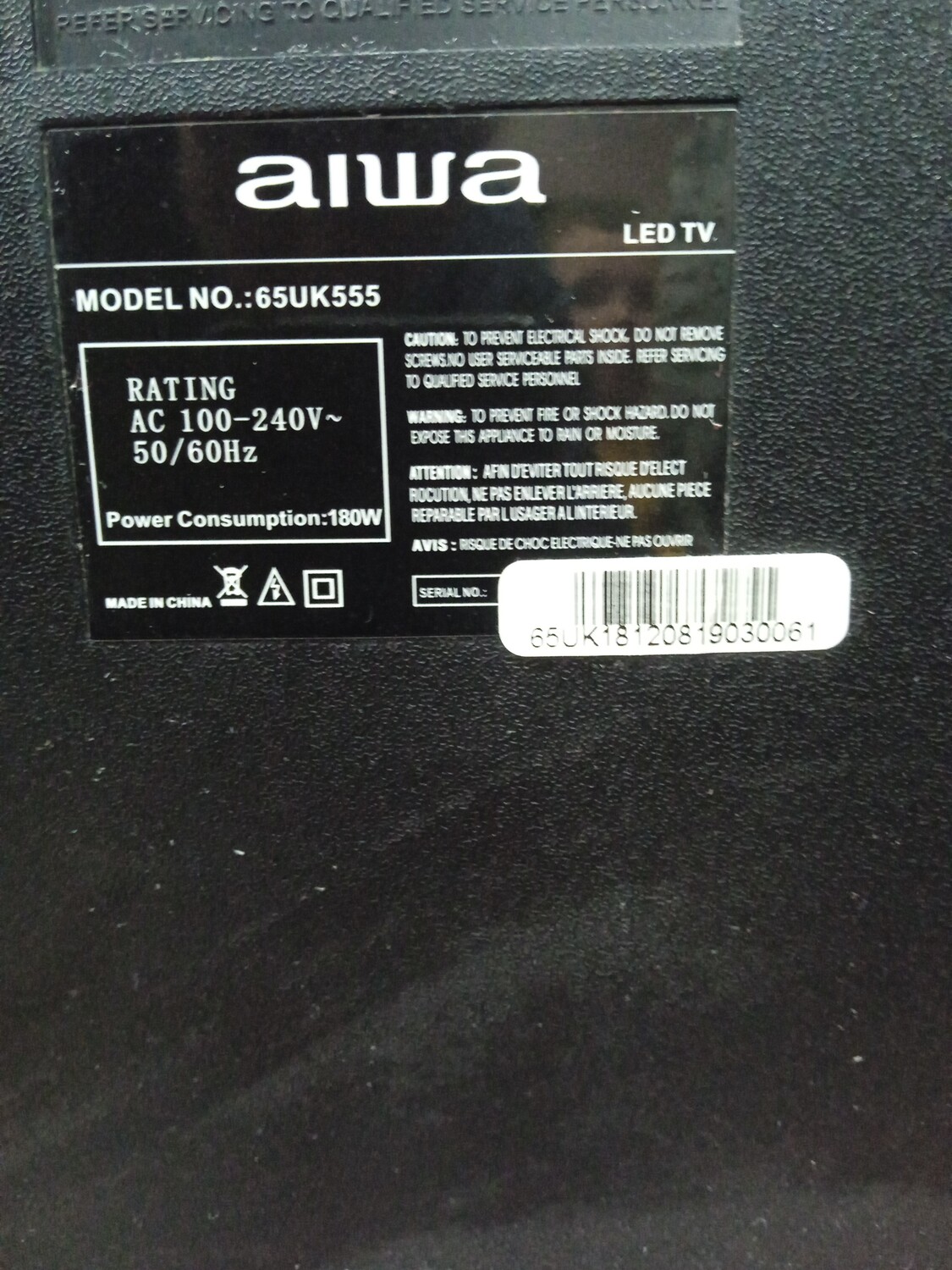
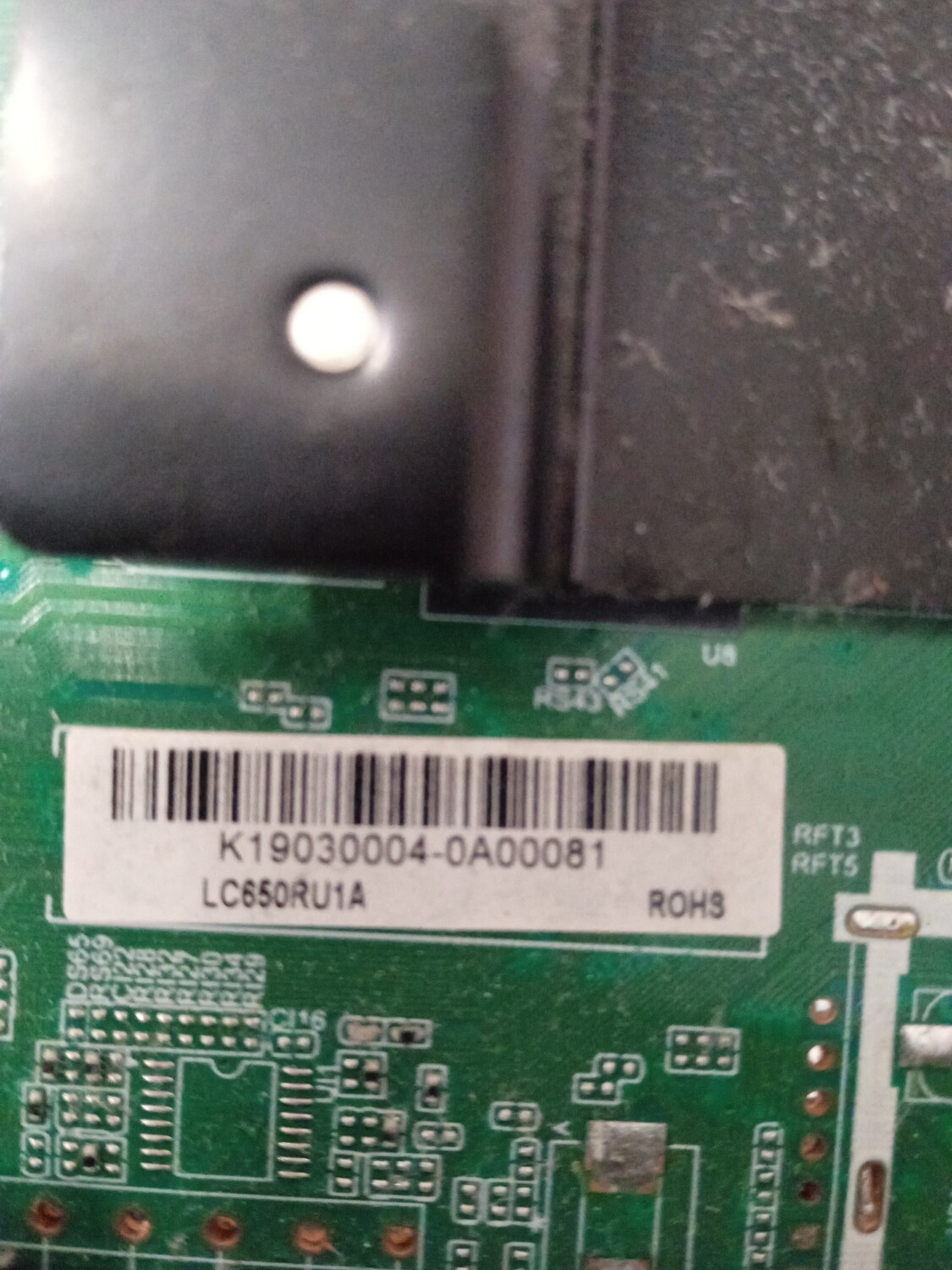
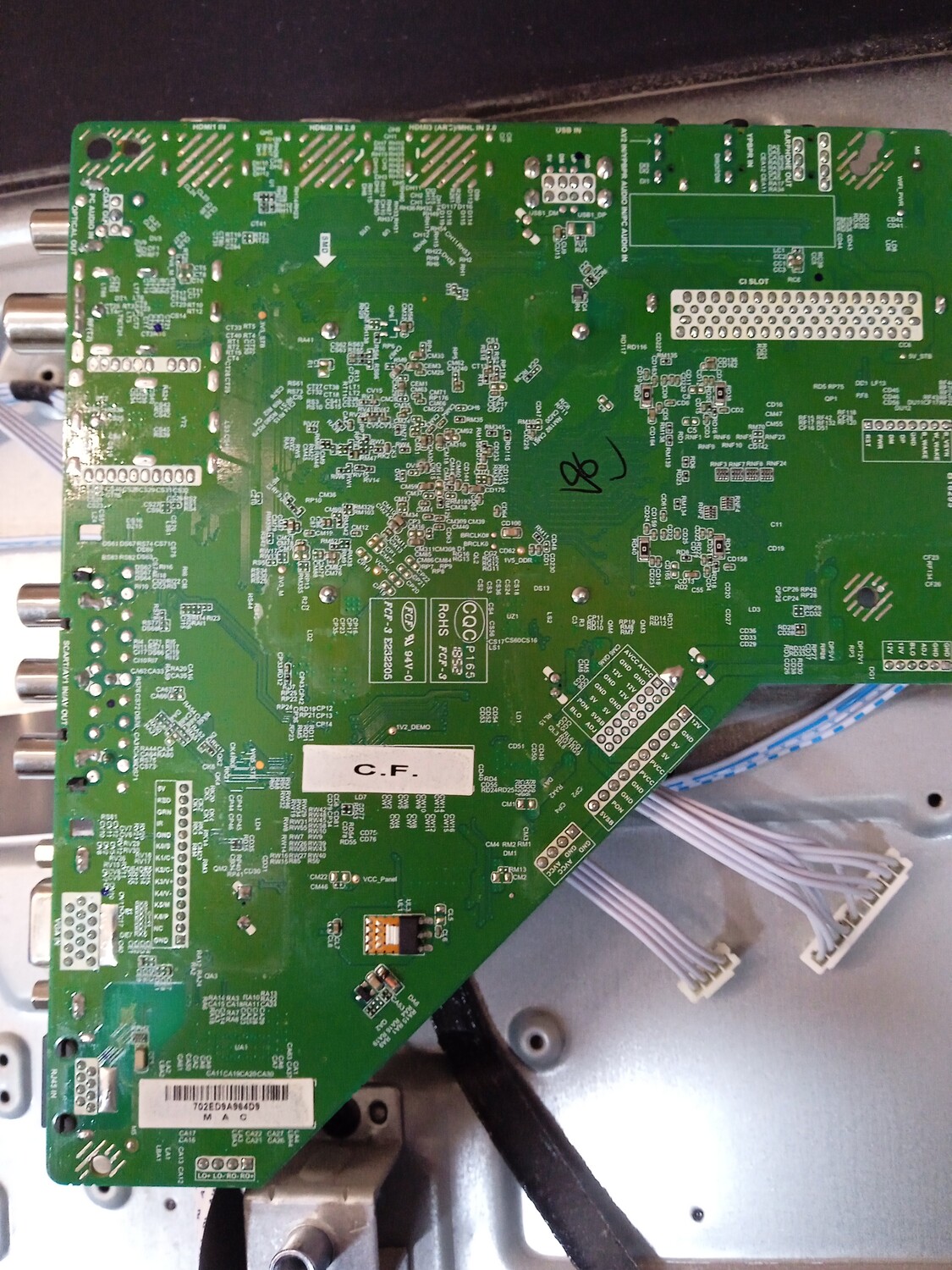
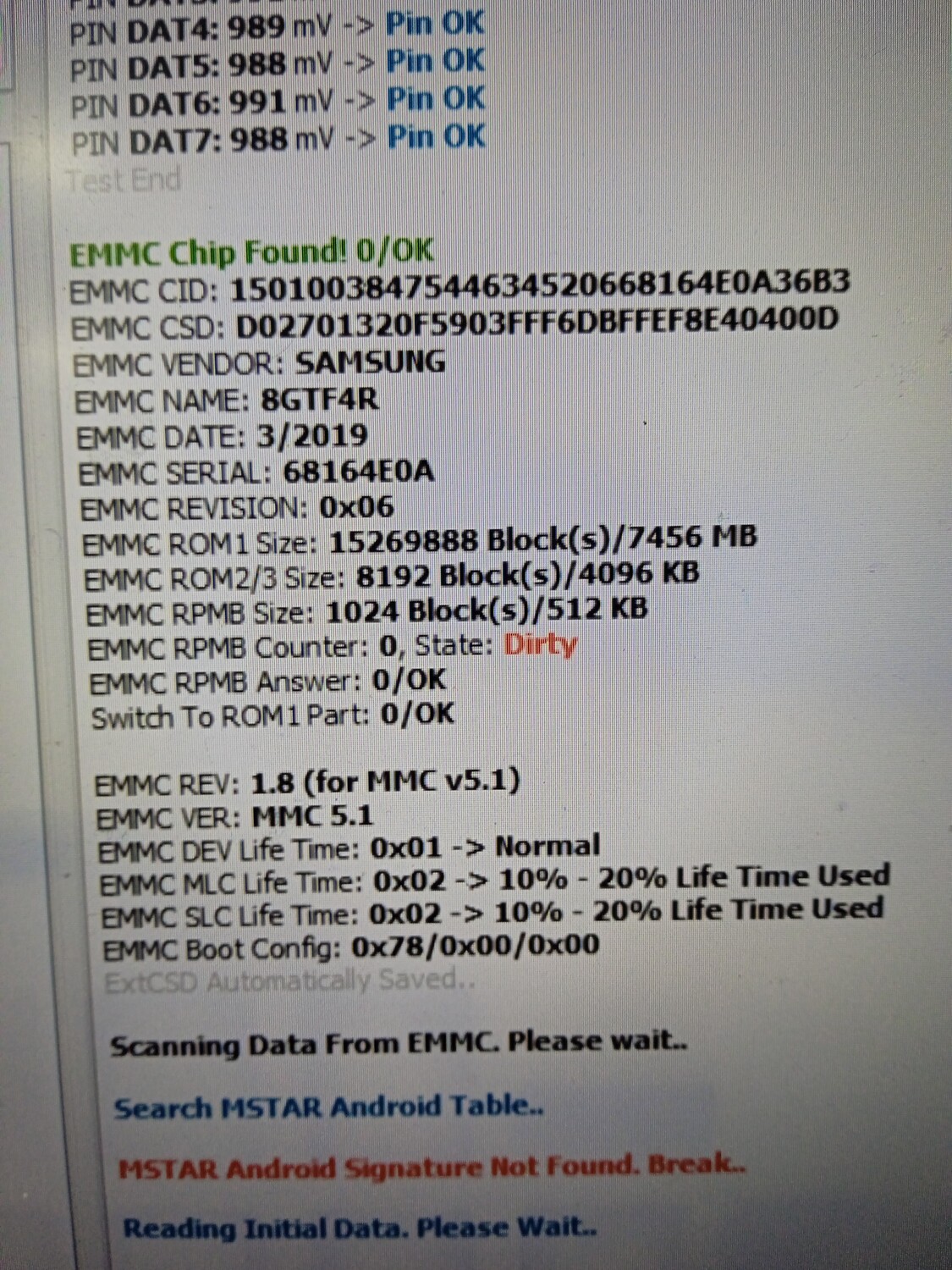
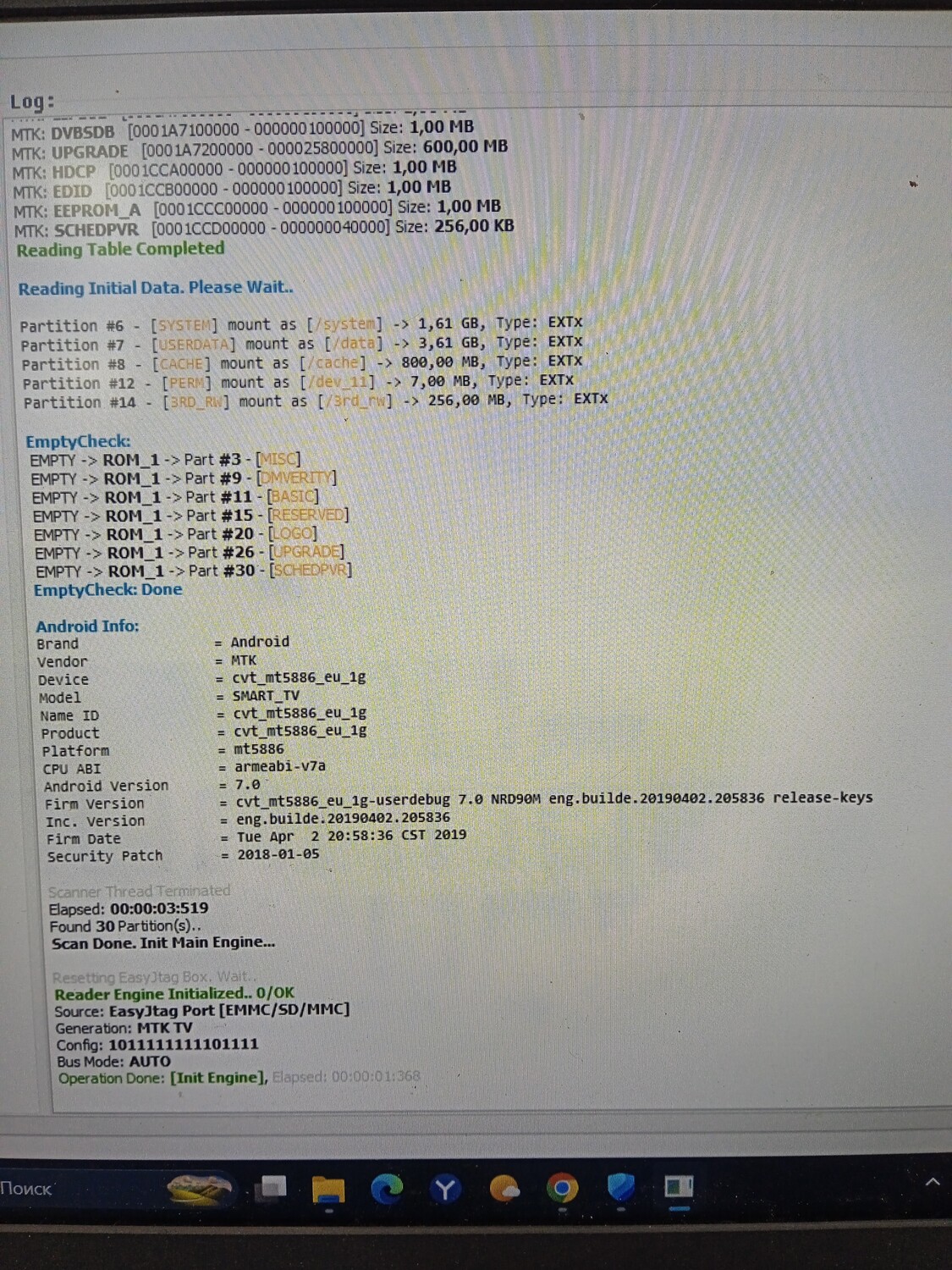
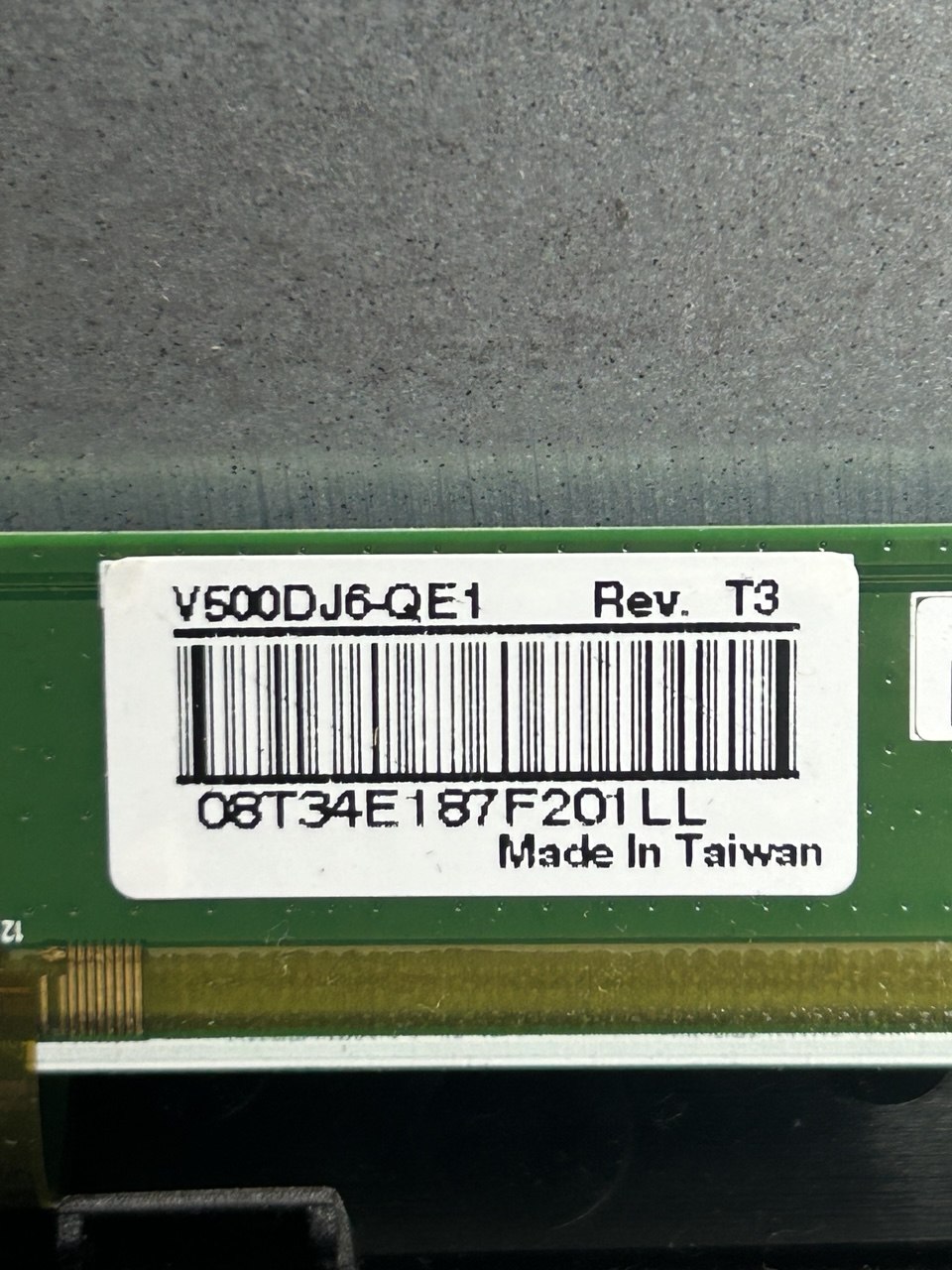
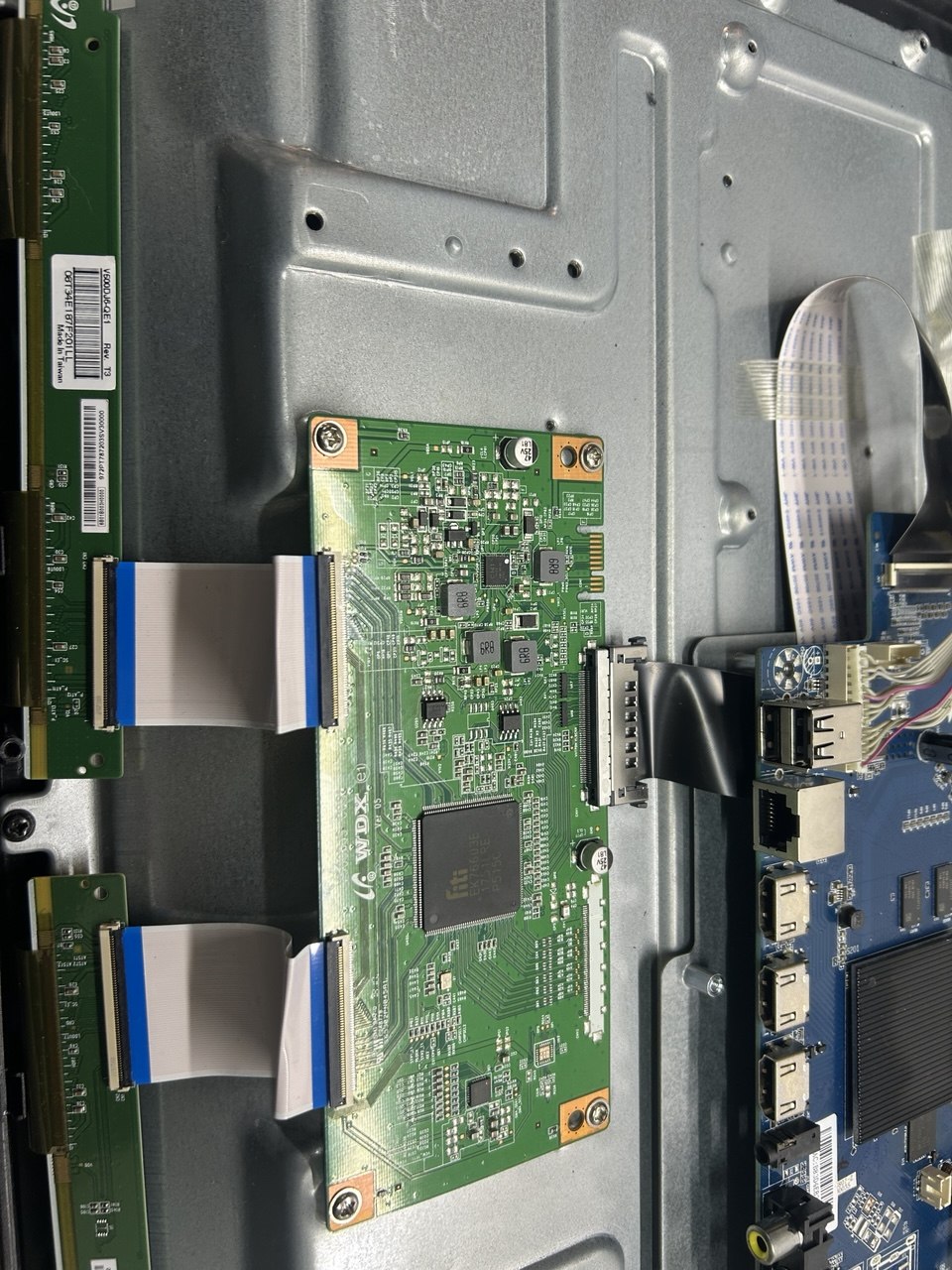
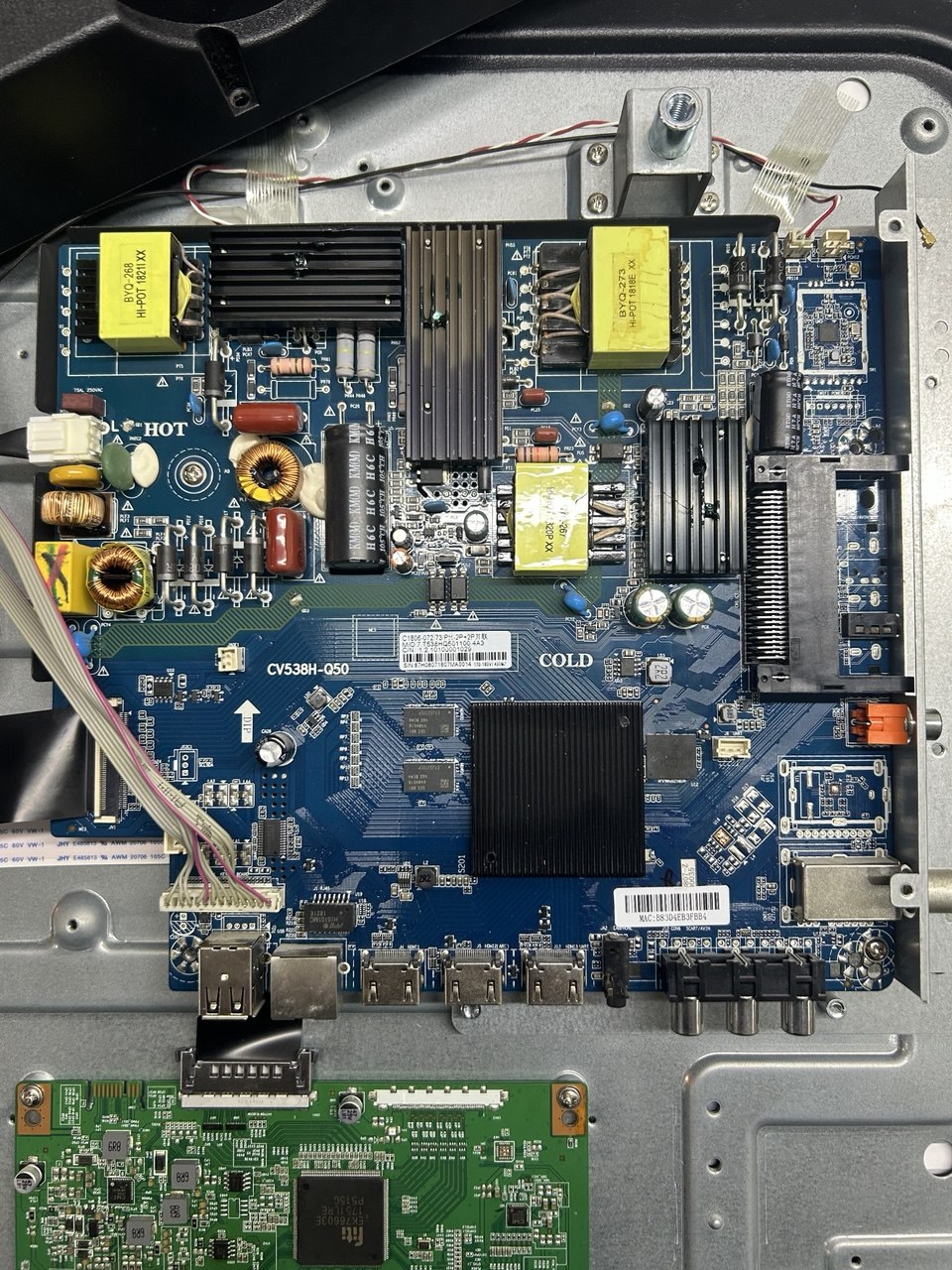
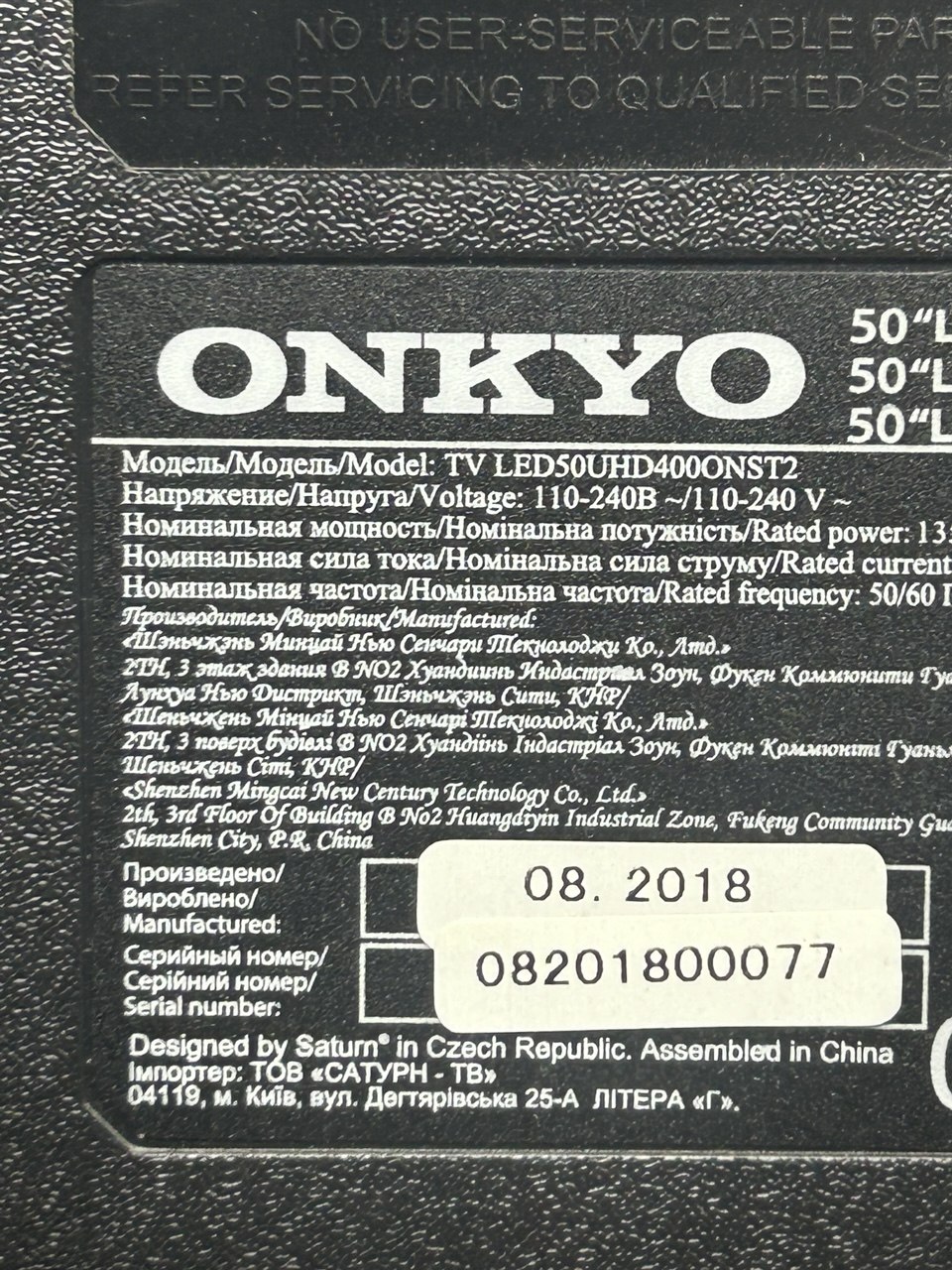
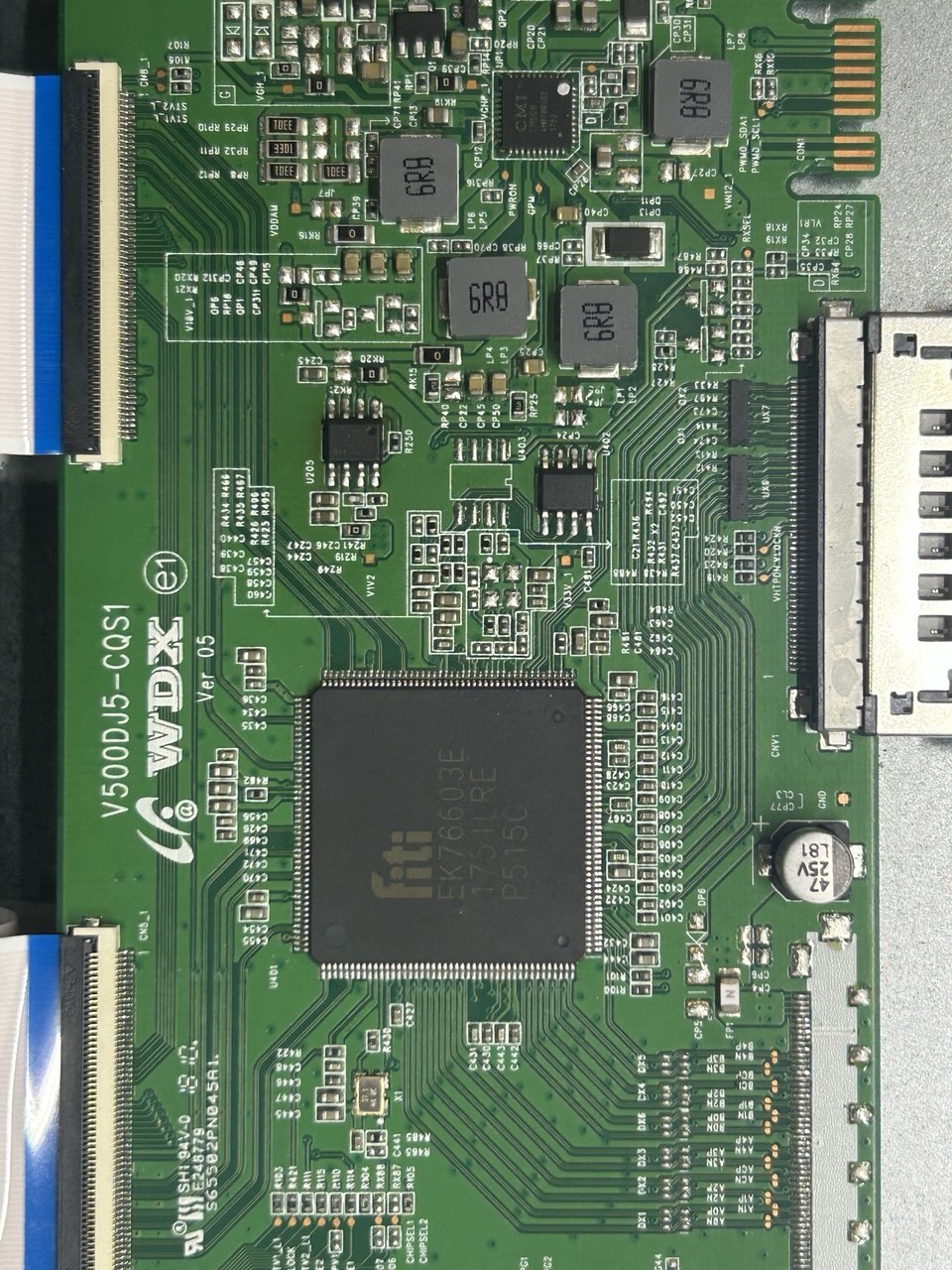
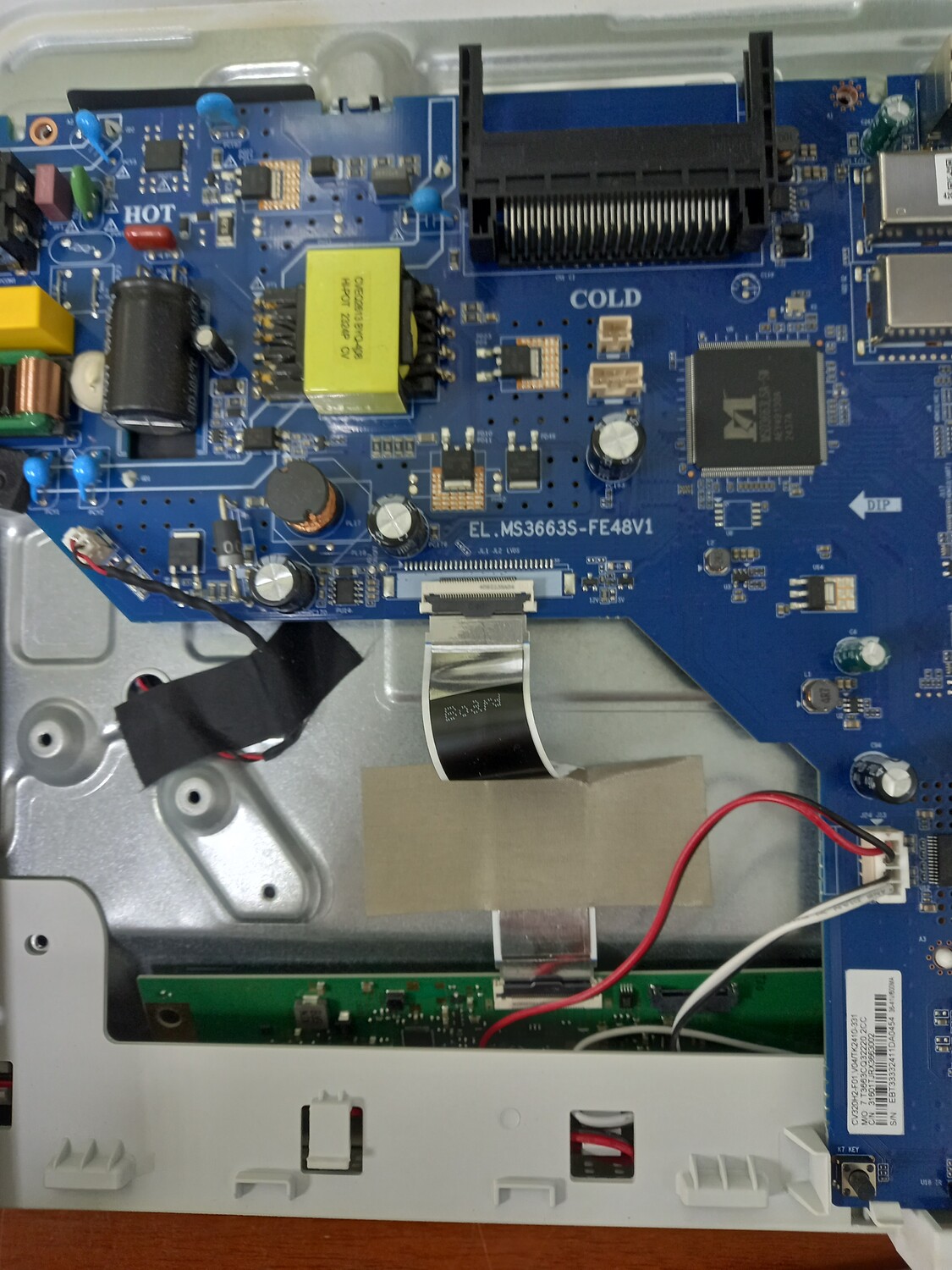
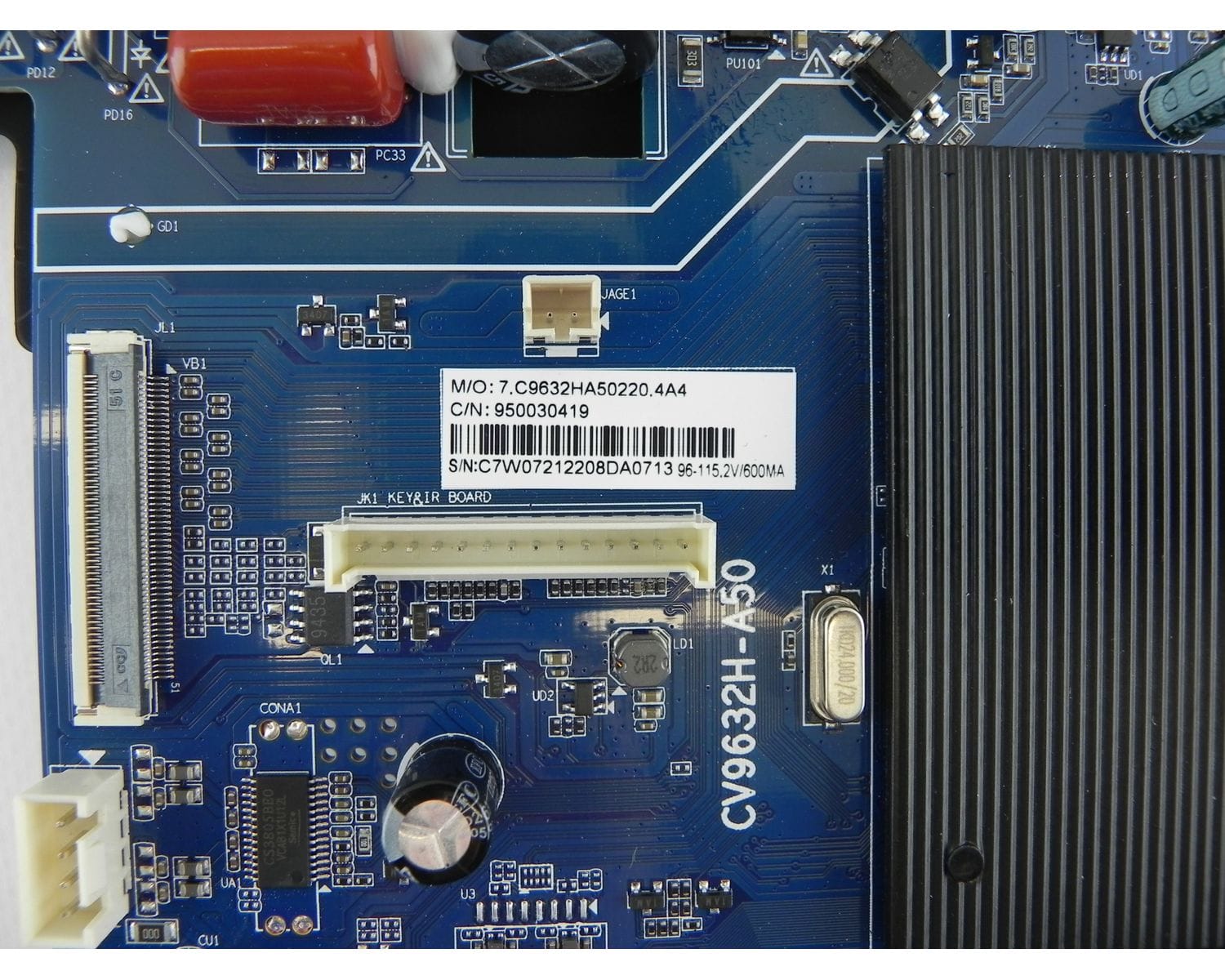
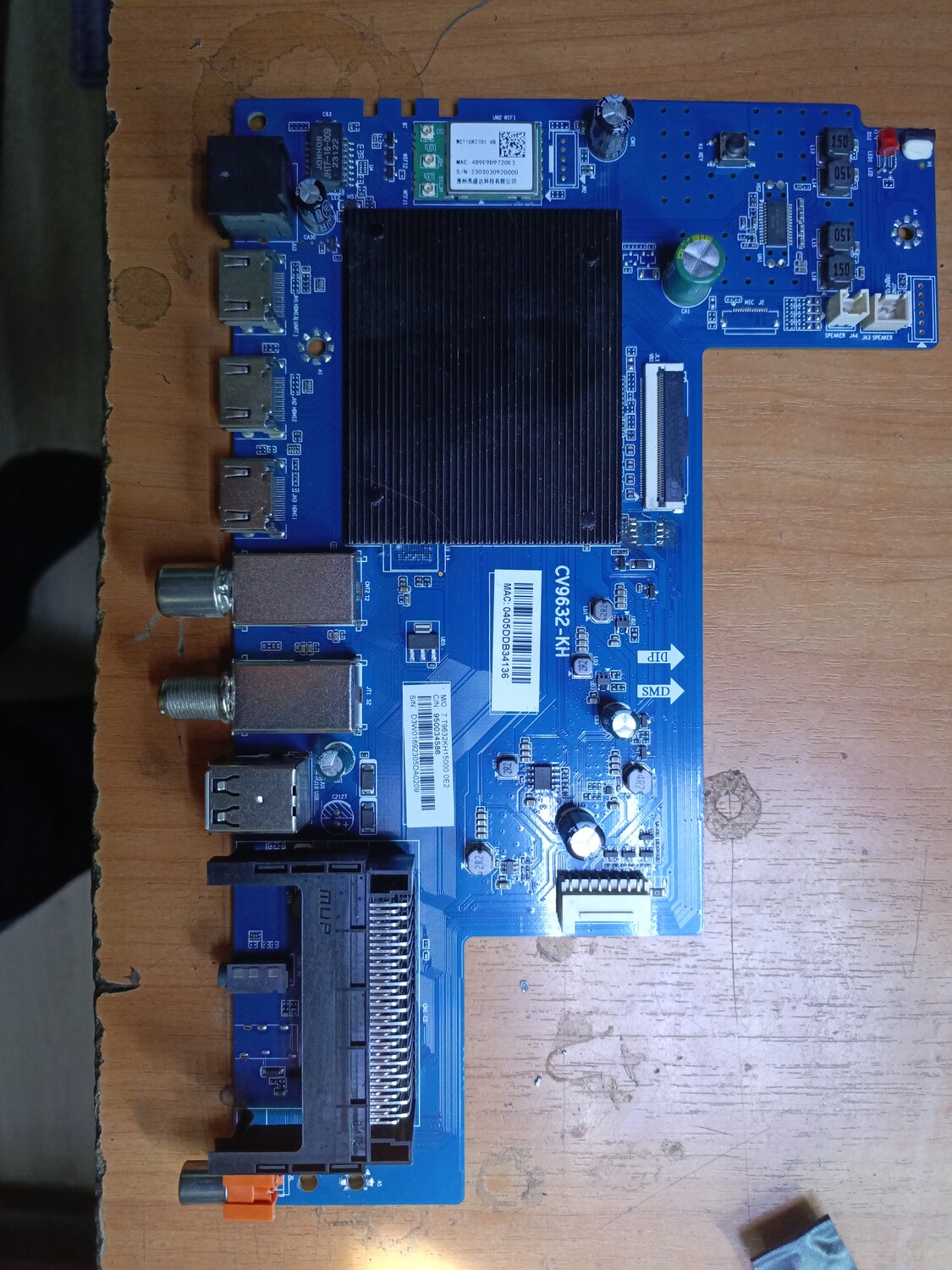
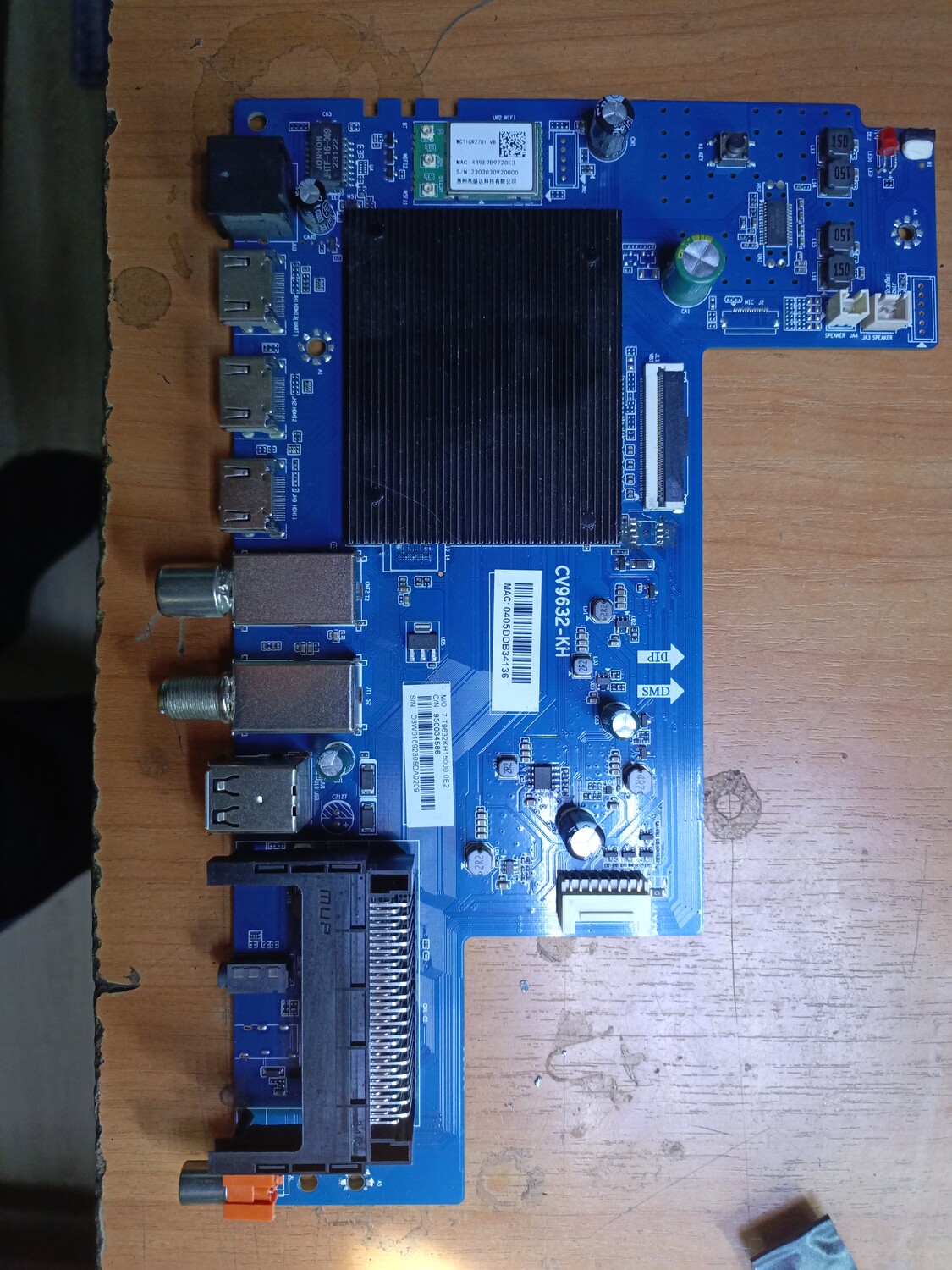
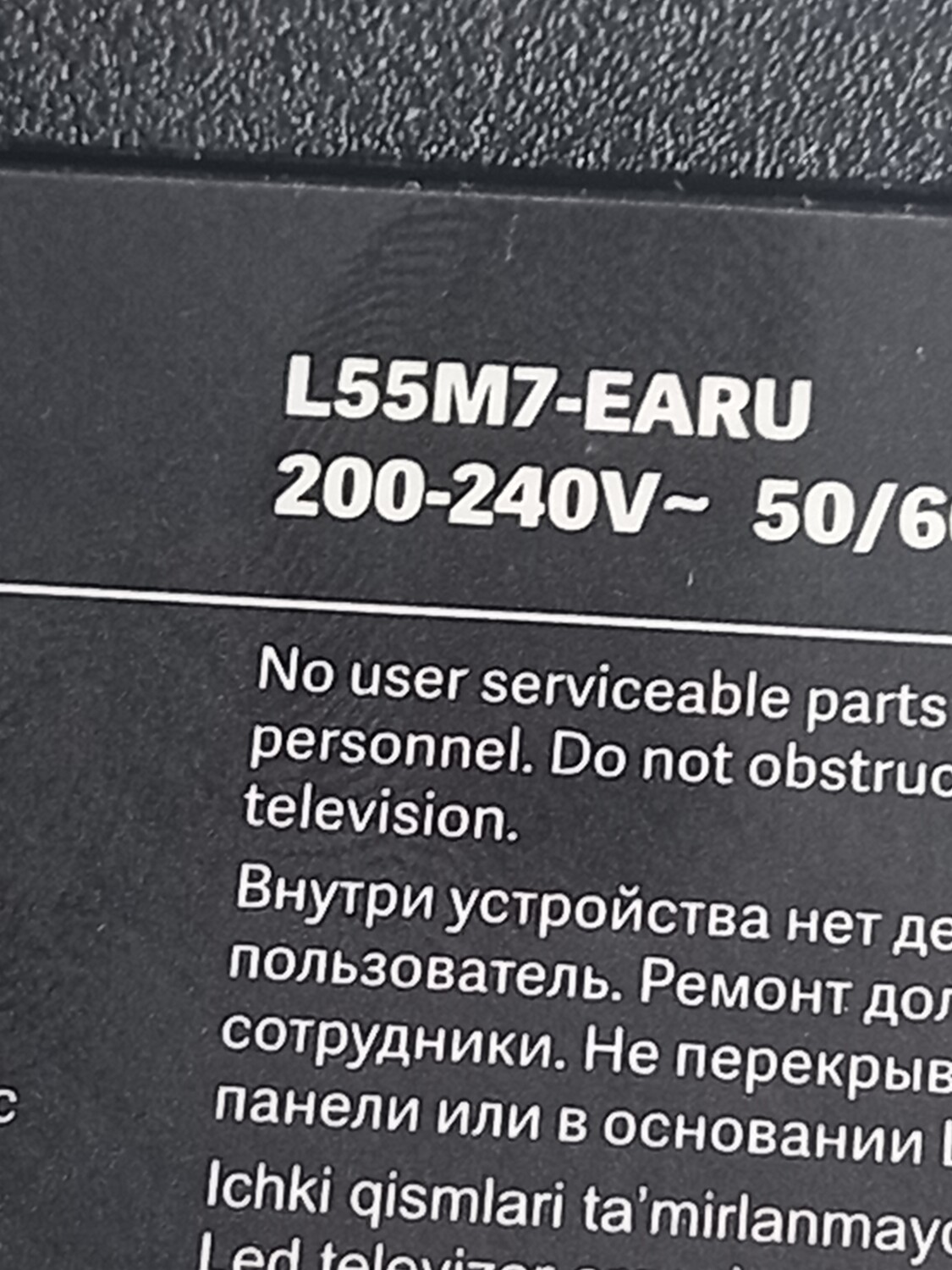
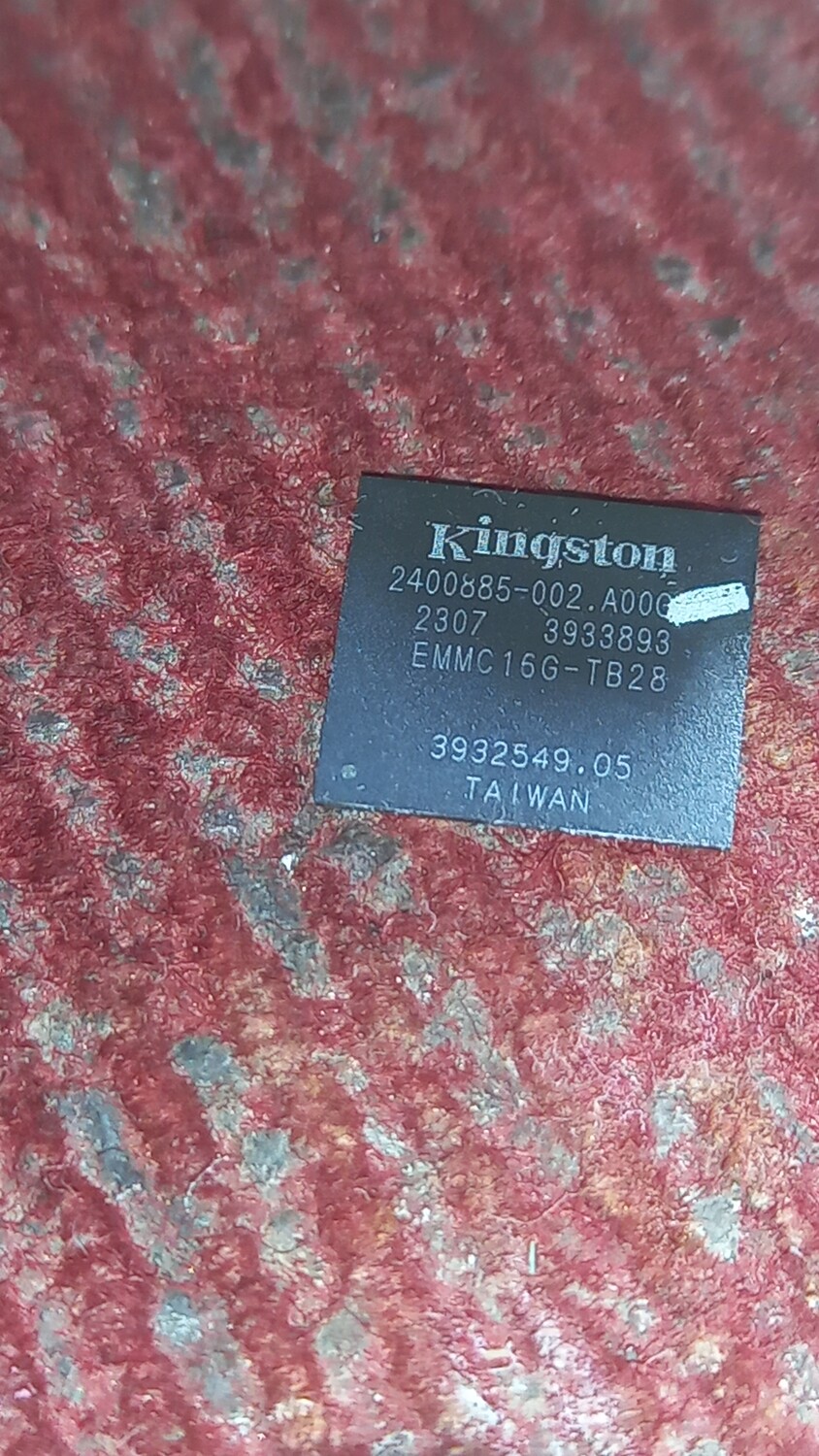
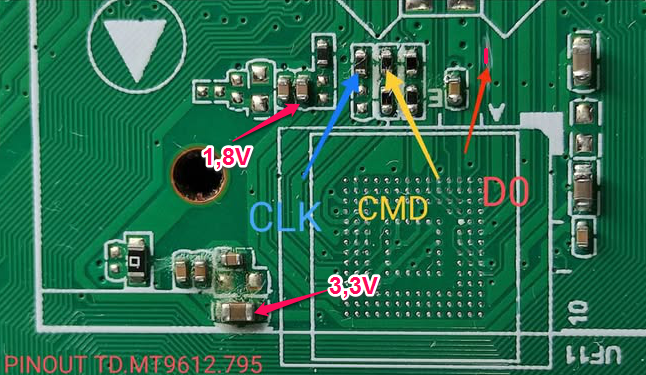
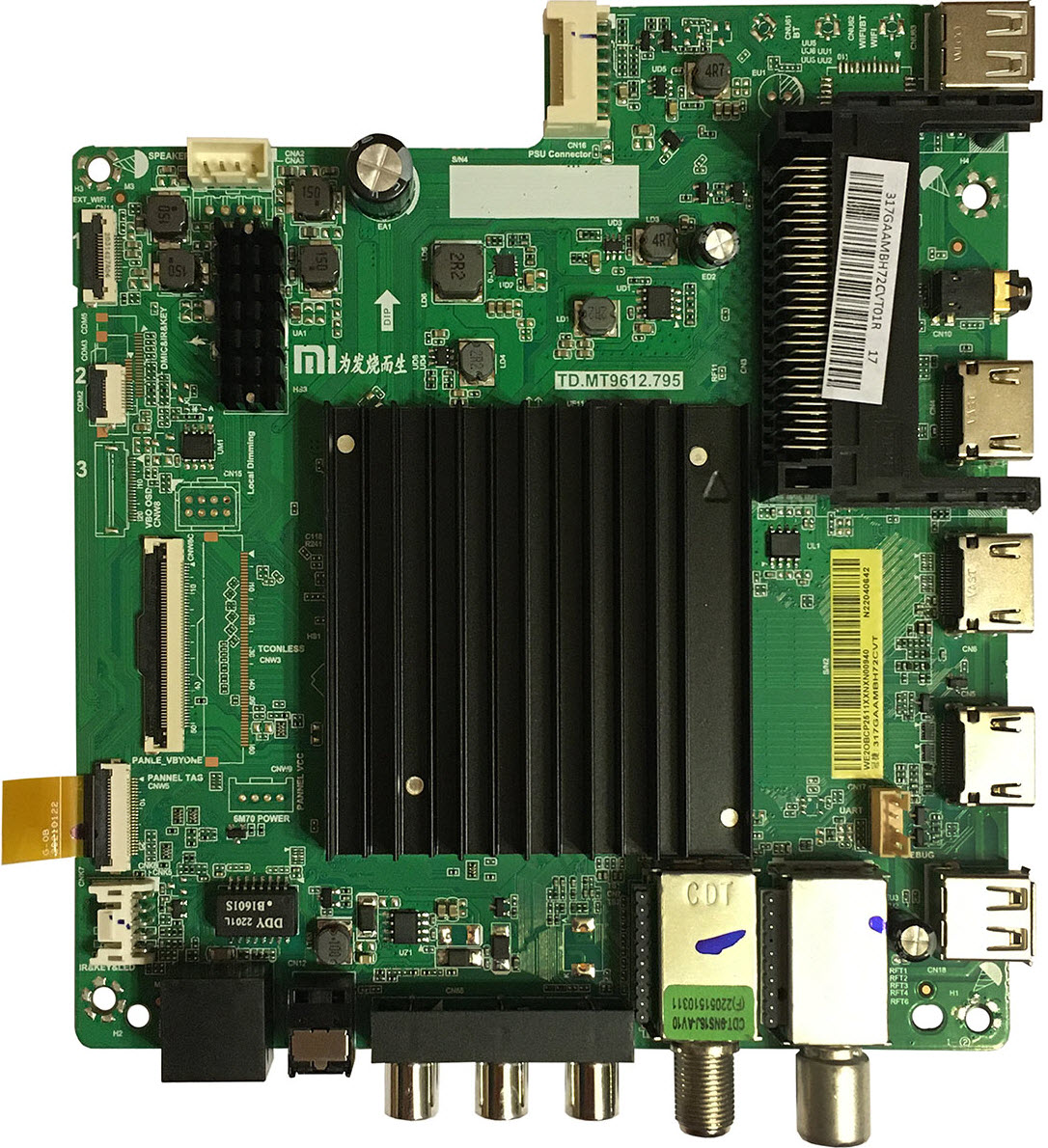
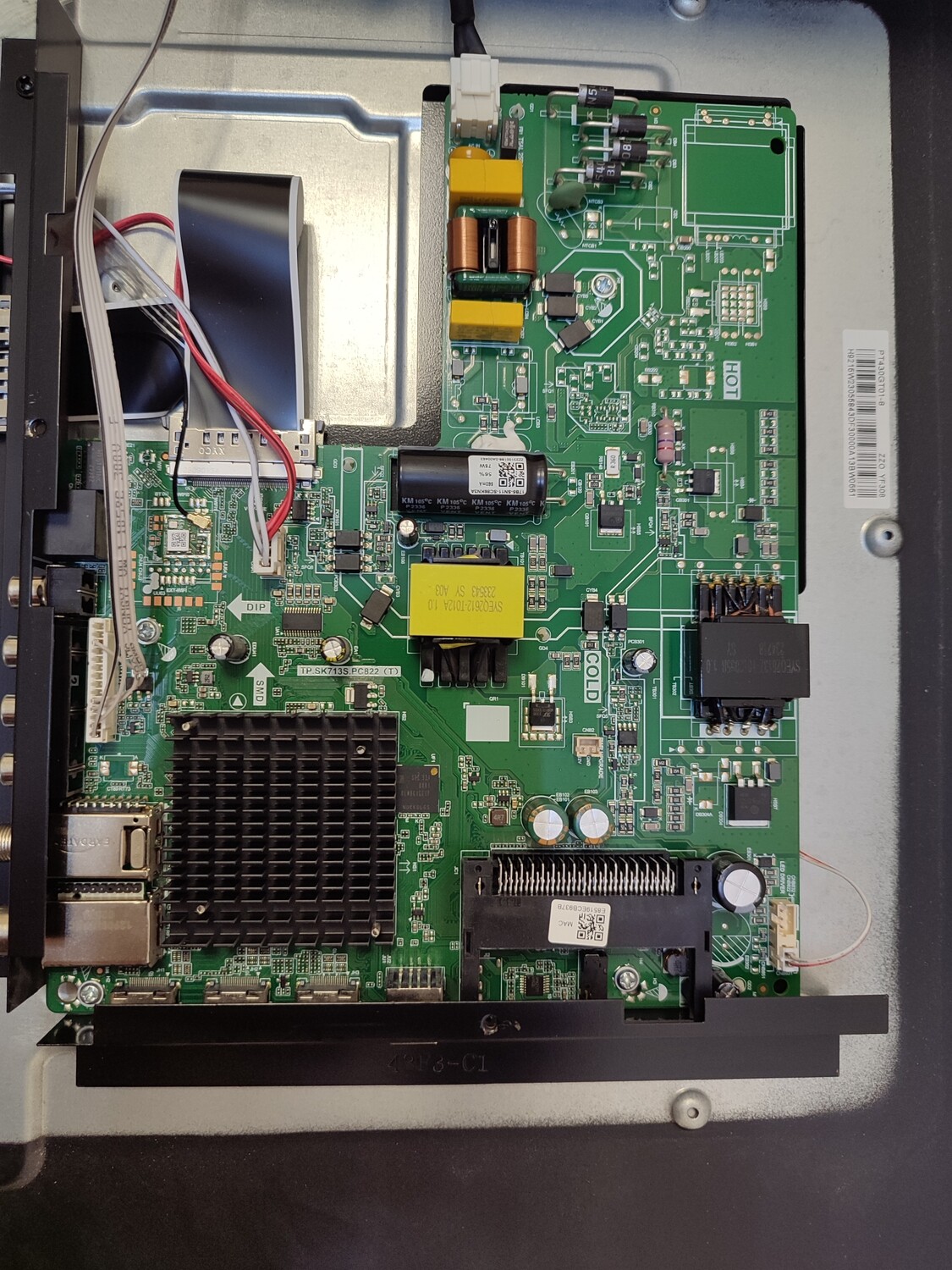
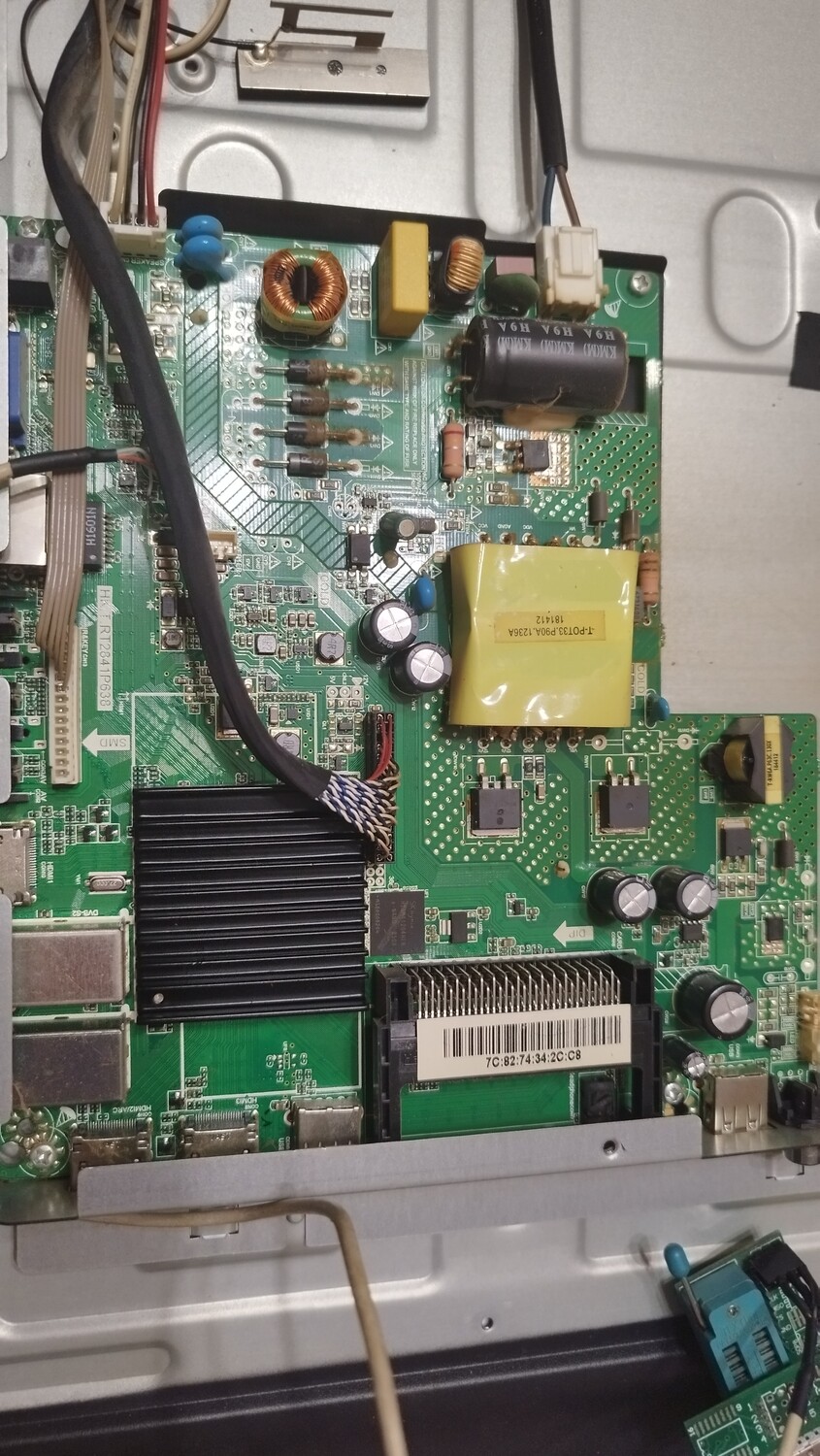
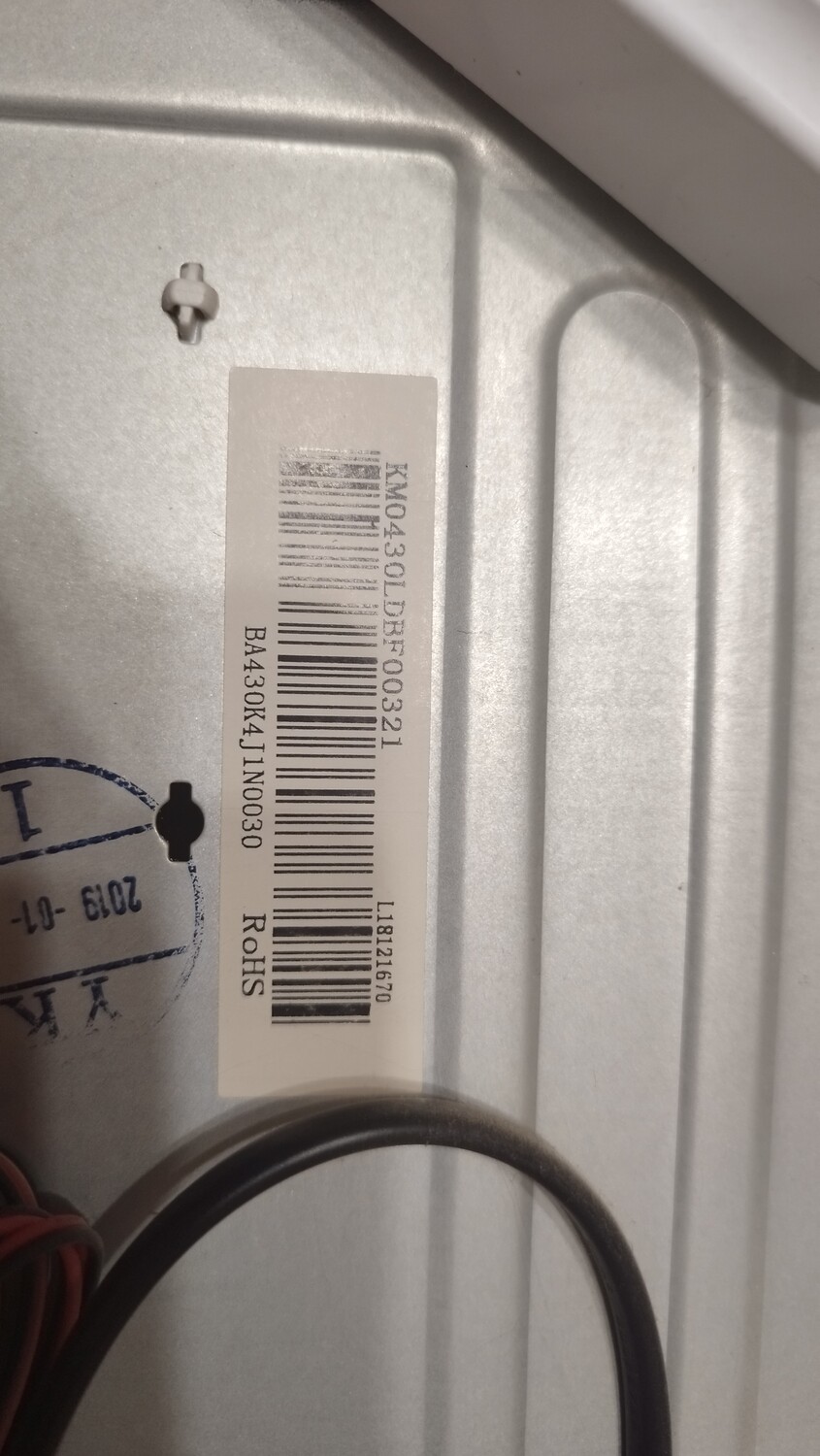
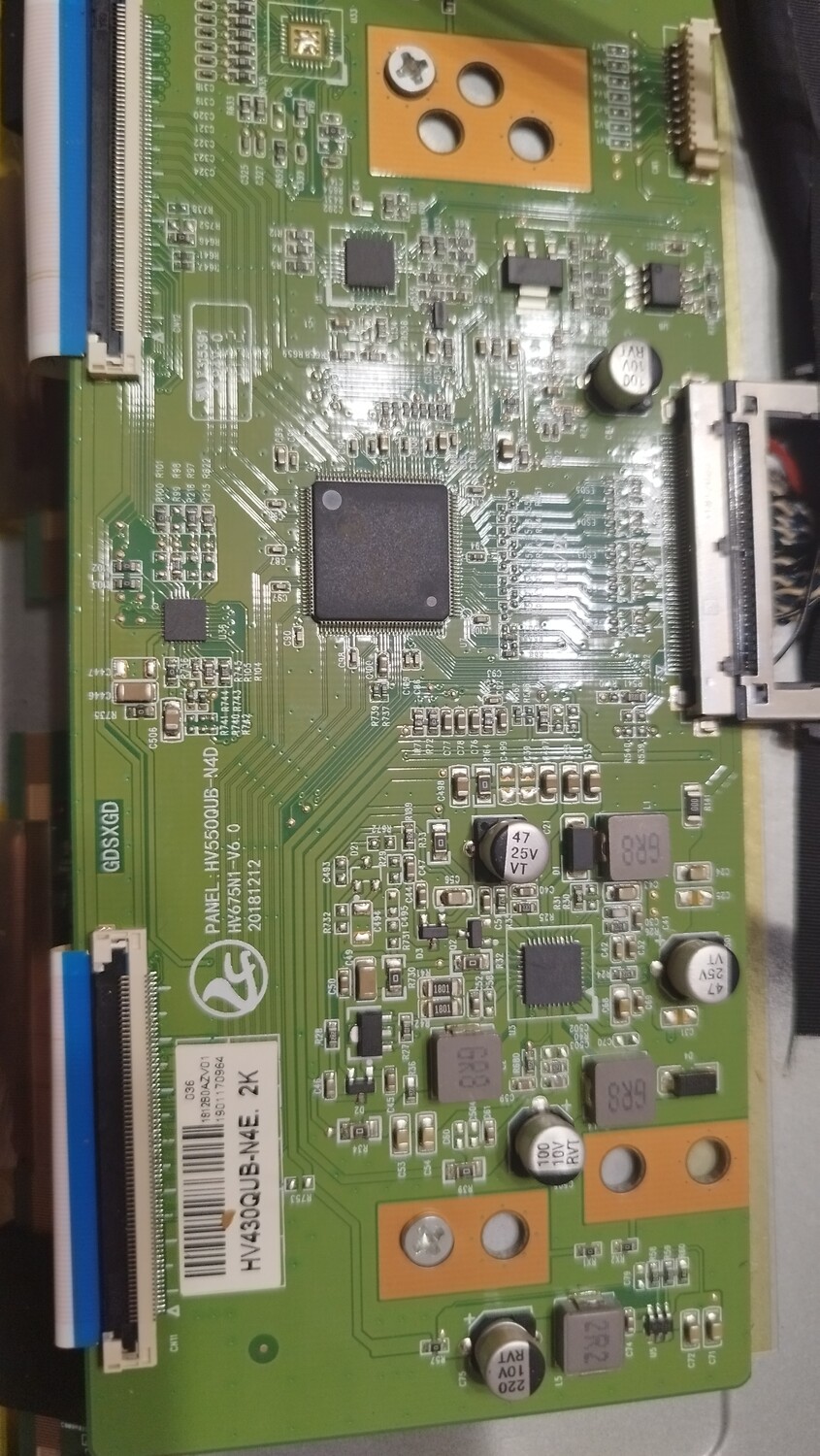
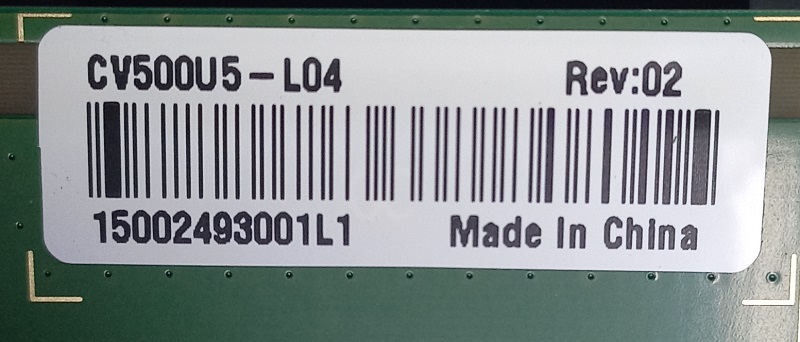
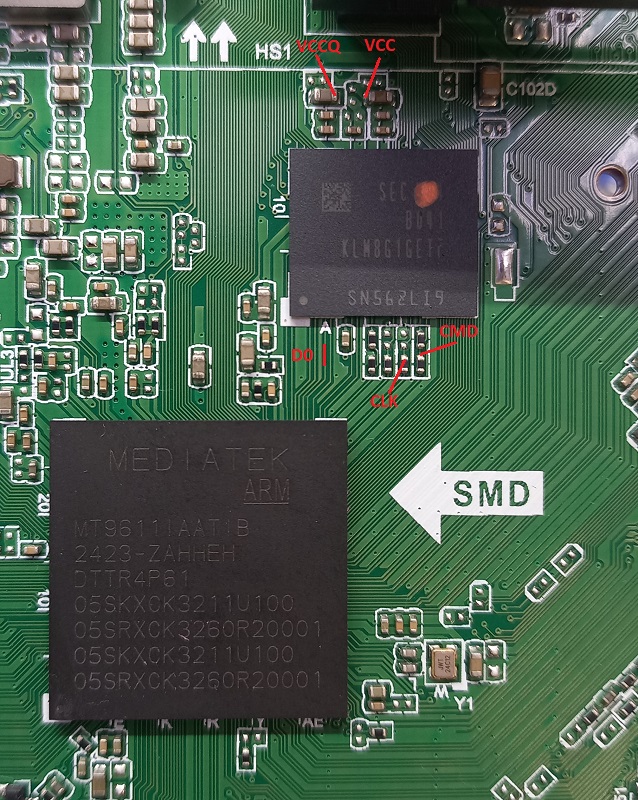
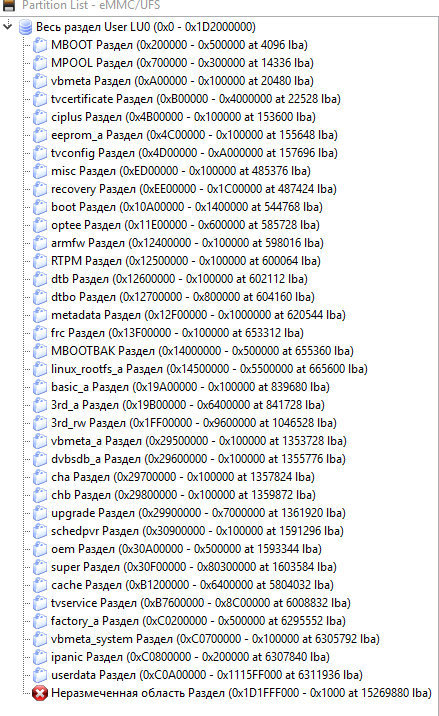
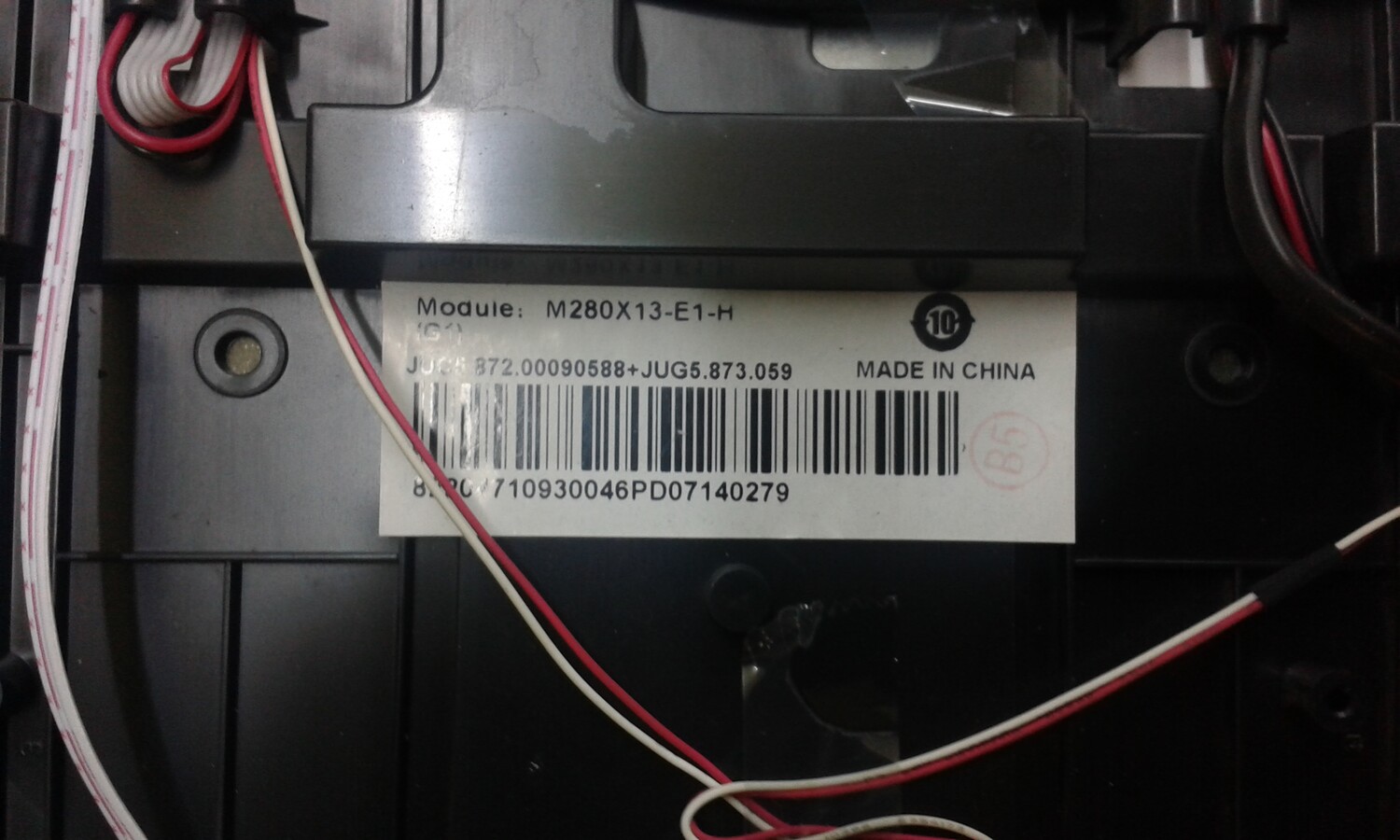
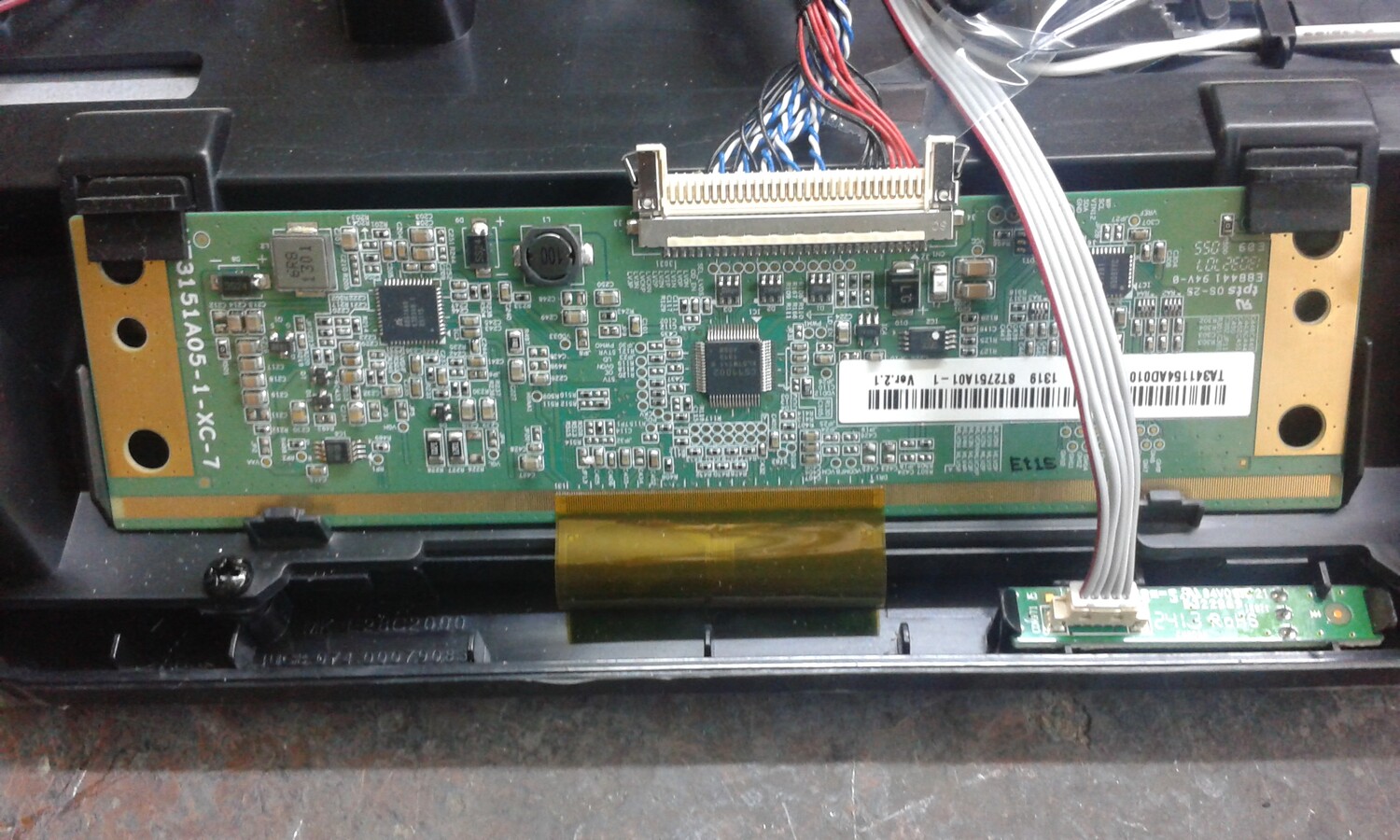
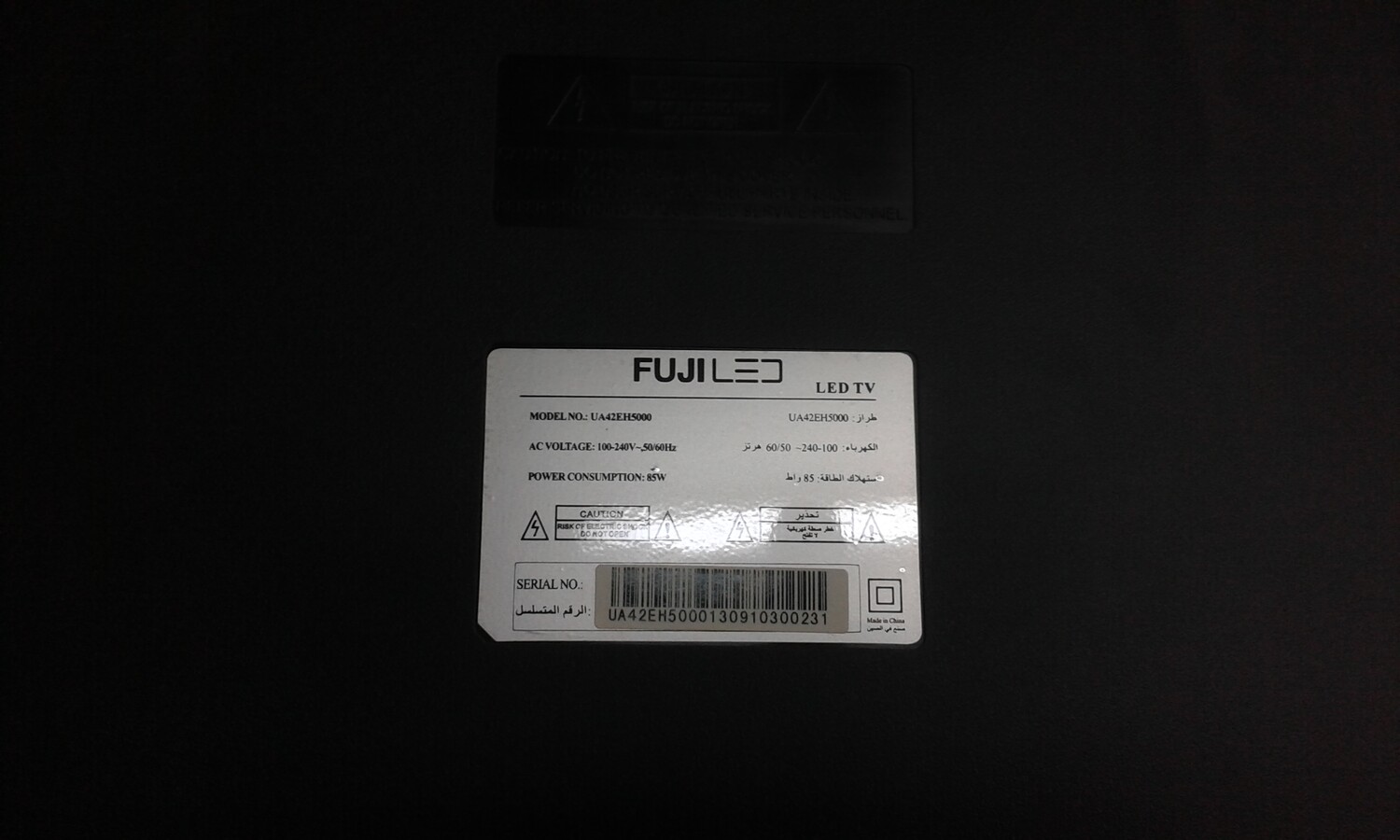
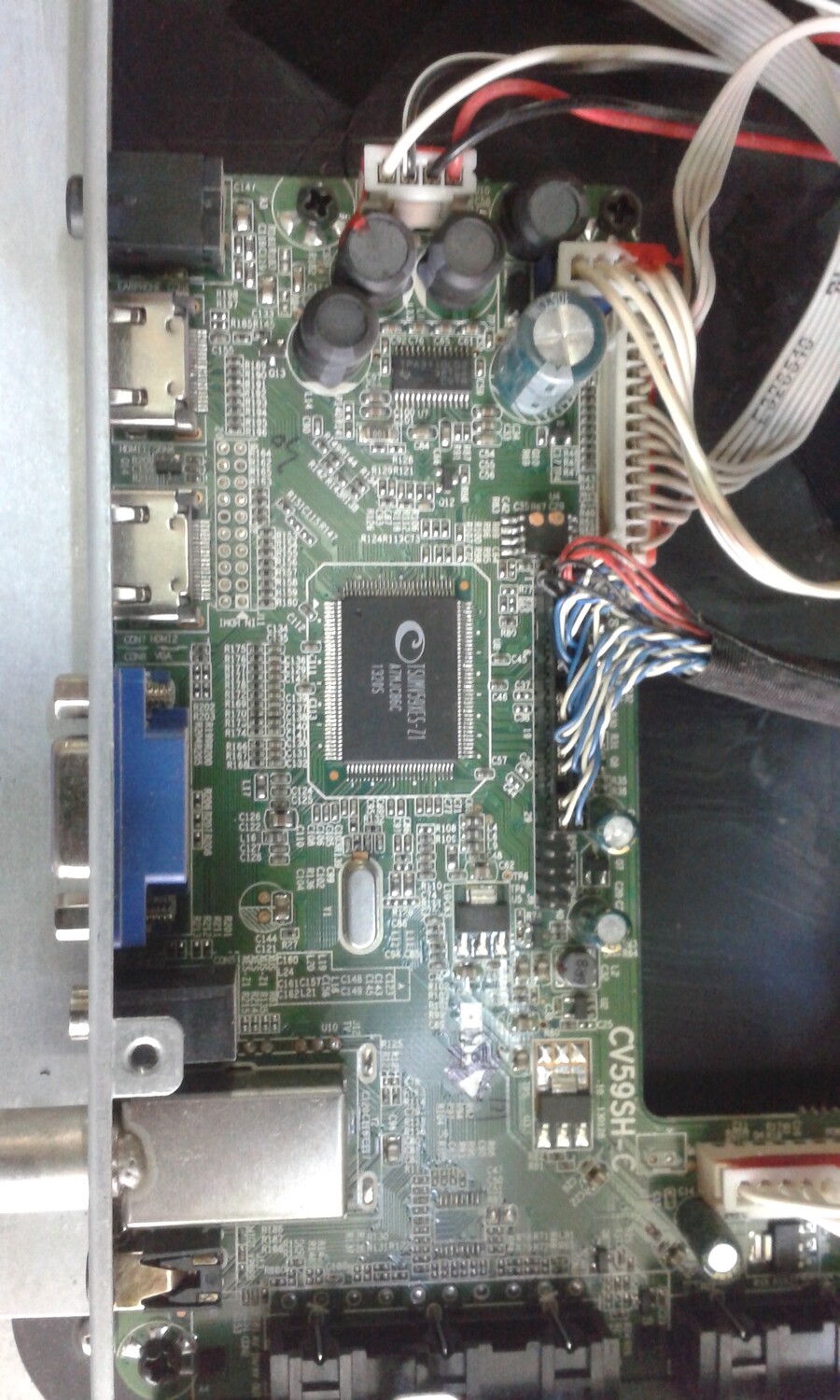
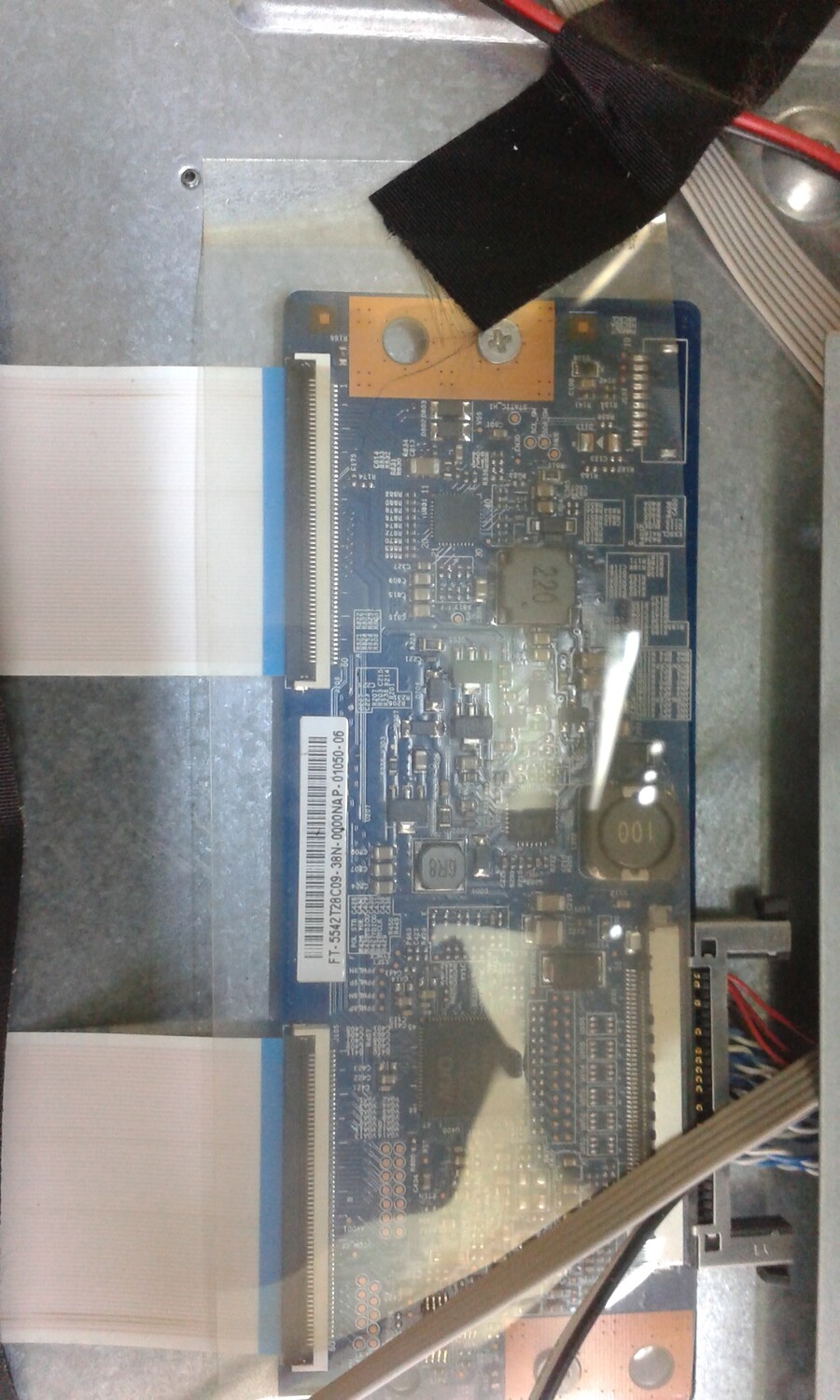
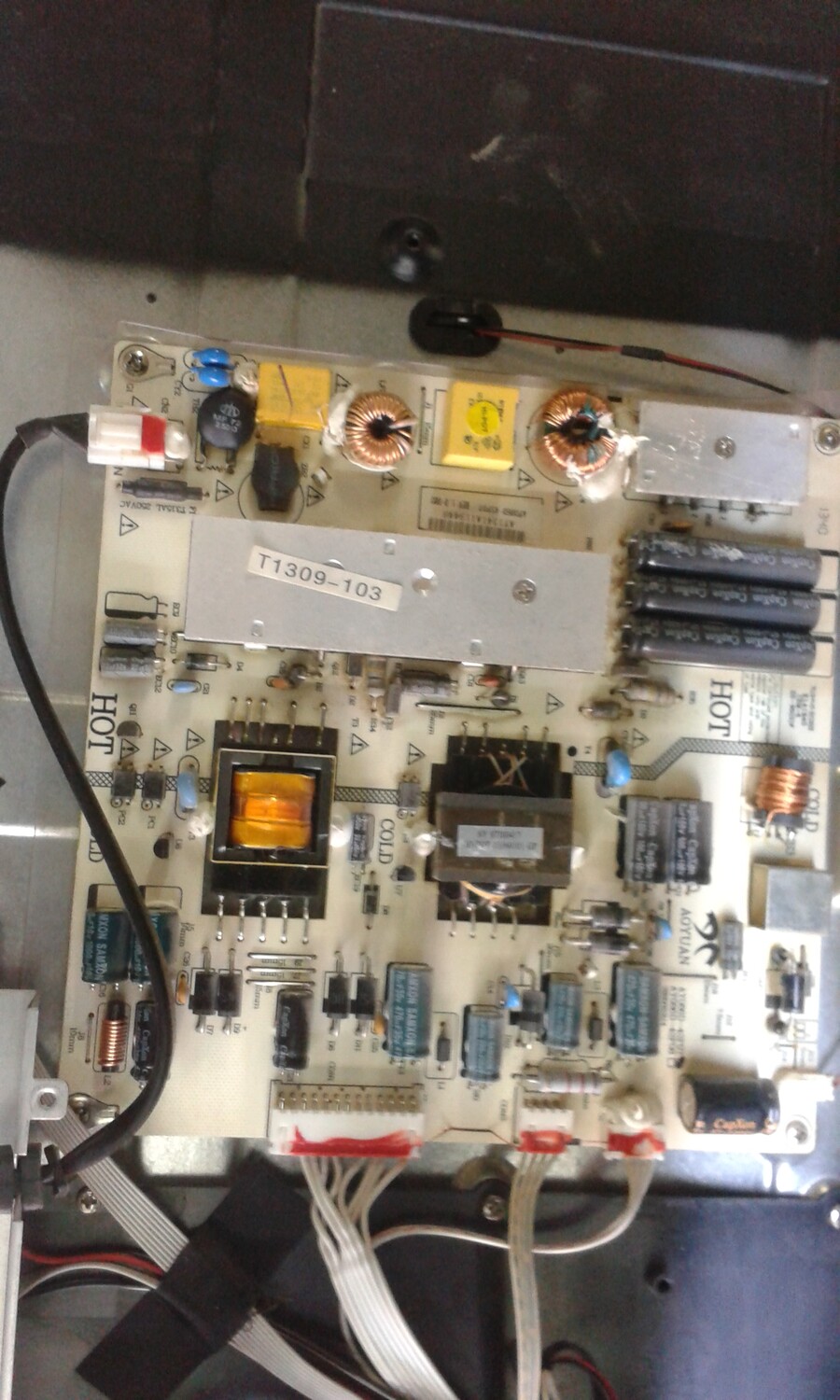
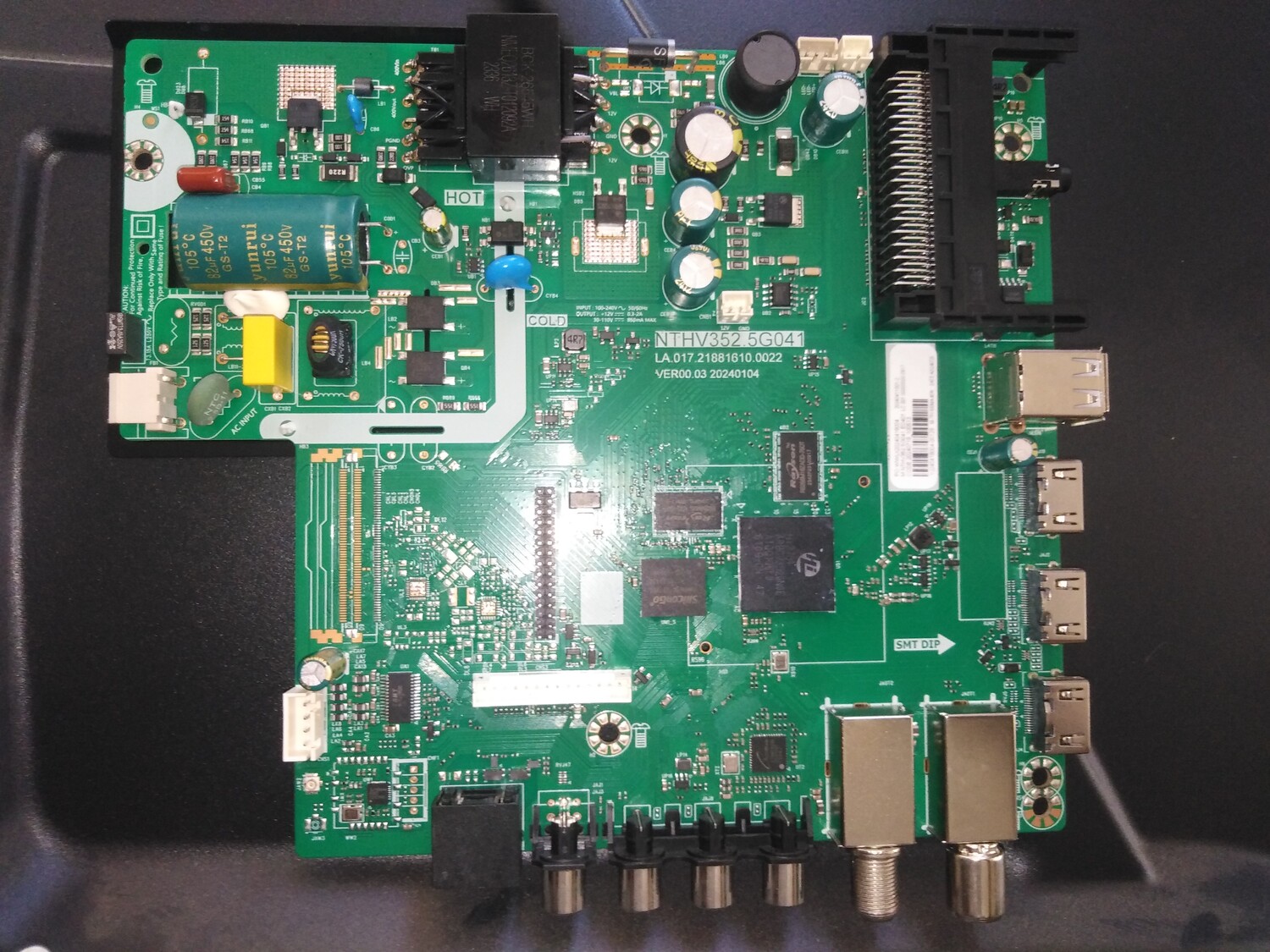
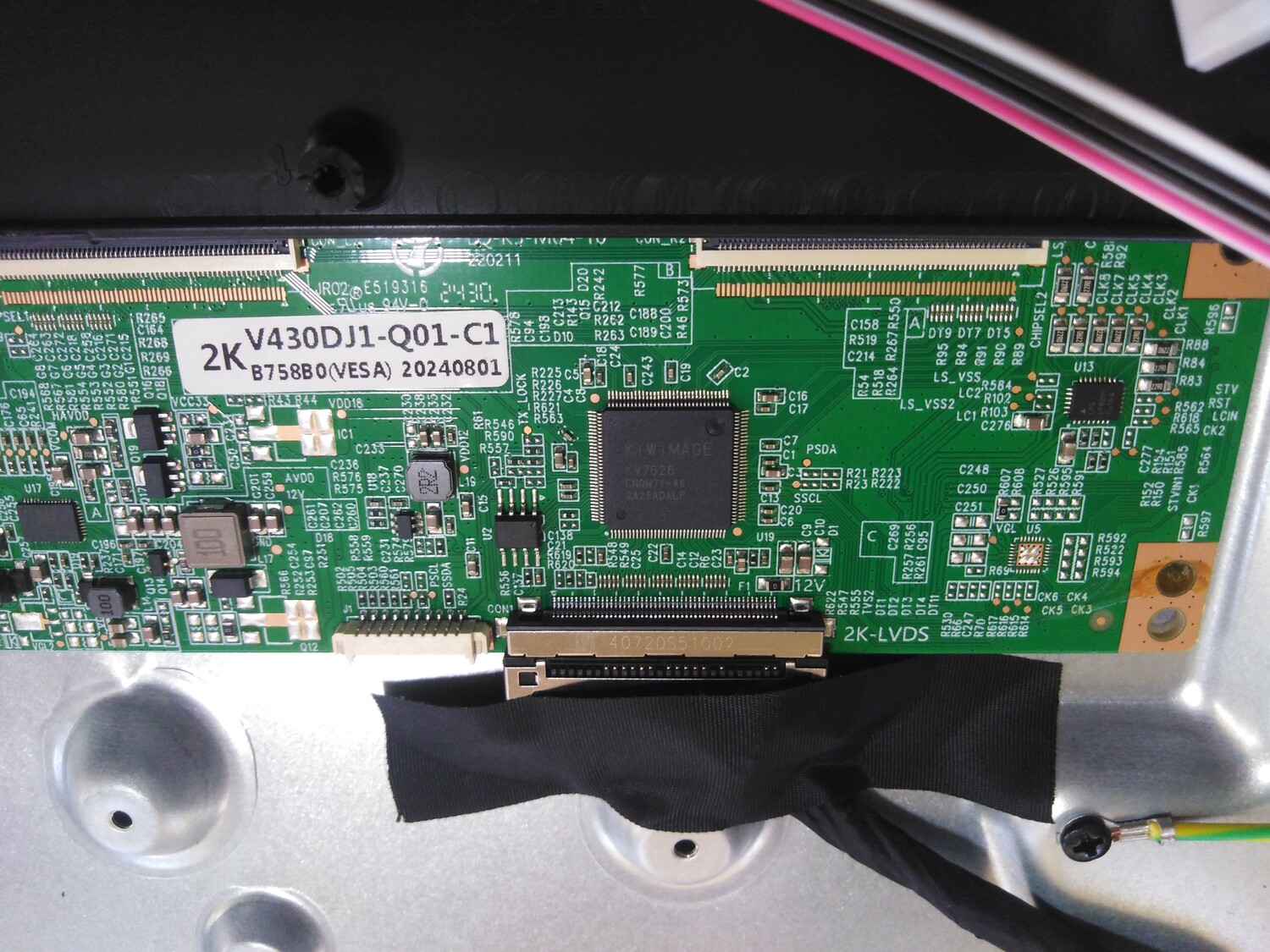
PRIMER 32PRM720SV MAIN JUC7.820.00278121 HLS91FJ-I-1 EMMC KLM8G1GETF-B041 DISP HV320WHB-F70 T-CON JUC7.820.00217345 Считал из разбитого тв в архиве фото isp подключение
SOFTWARE INSTALLATION PROCEDURE: Format your flash drive to FAT32 format. Copy the software to your flash drive as open files. Insert the flash drive into your TV's USB port. Press and hold the TV's panel power button and plug in the TV's power cord. Release your finger from the button when the loading process begins on the screen, and your TV will go into standby mode when the loading is complete. Once your TV is in standby mode, remove your USB flash drive from the TV's USB port and turn on your TV using the power button on the remote control. Your new software installation will begin with the initial setup menu.
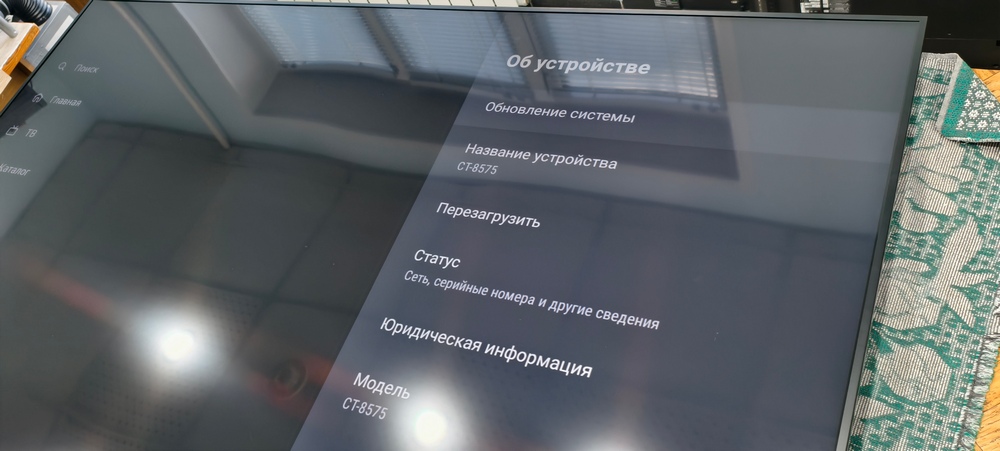
Важно! Возможно битая прошивка. Загружается нормально, на корпусе работают только кнопки громкости + и - и питание, другой пульт по USB тоже не работает. Невозможно зайти в Menu и выбрать источник. Прошивался прошивками с форума по USB от телевизоров на этой же платформе Samtron 65sa703, POLARLINE 65PU51TC-SM, AKAI AKTV6536S. Все прошивки успешно устанавливаются, первые два полностью работают, только кнопки на панели перепутаны, от AKAI двойное изображение на матрице. Этот дамп заливался на другую память и проблема изначальная остается, терминала нет чтобы сделать hard reset. Также на прошивках от Samtron и Polarline если дойти до рабочего стола изначальная проблема сохраняется! Если дойти до рабочего стола, то приходится заливать другую прошивку и в момент активации указать источник (смотрят через приставку), тогда все работает. Остановились на том, что в MENU активировали HDMI-CEC и даже если выдернуть питание телека, он автоматически подключается к приставке по HDMI при следующем включении. Вопрос почему перестают работать кнопки и внешний пульт на домашнем экране остается открытым. Ремонт проводился дома на коленке, для товарища, не в СЦ.

 Файлы
Файлы Прошивки
 Продажа
 Литература
 Статьи