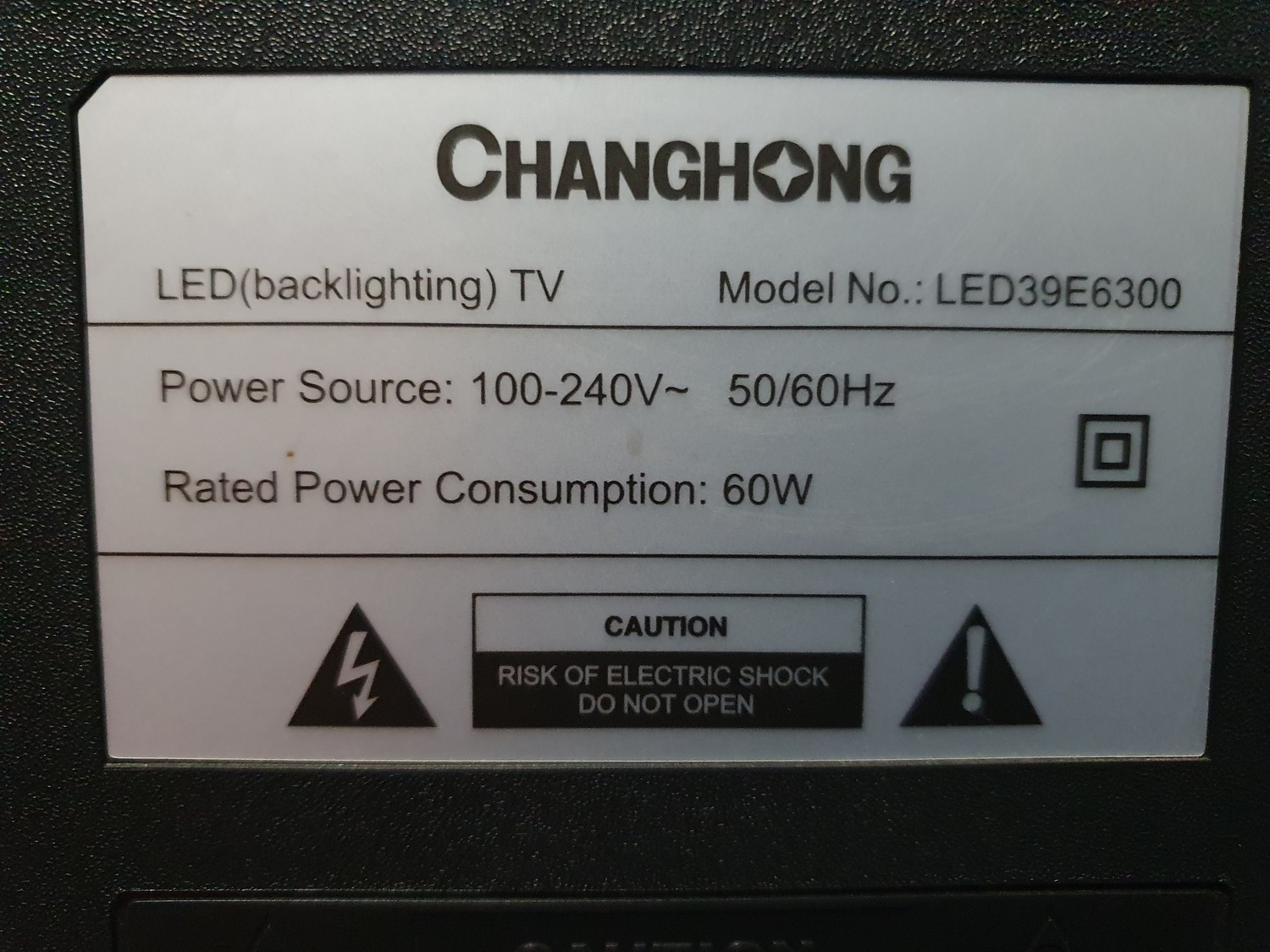
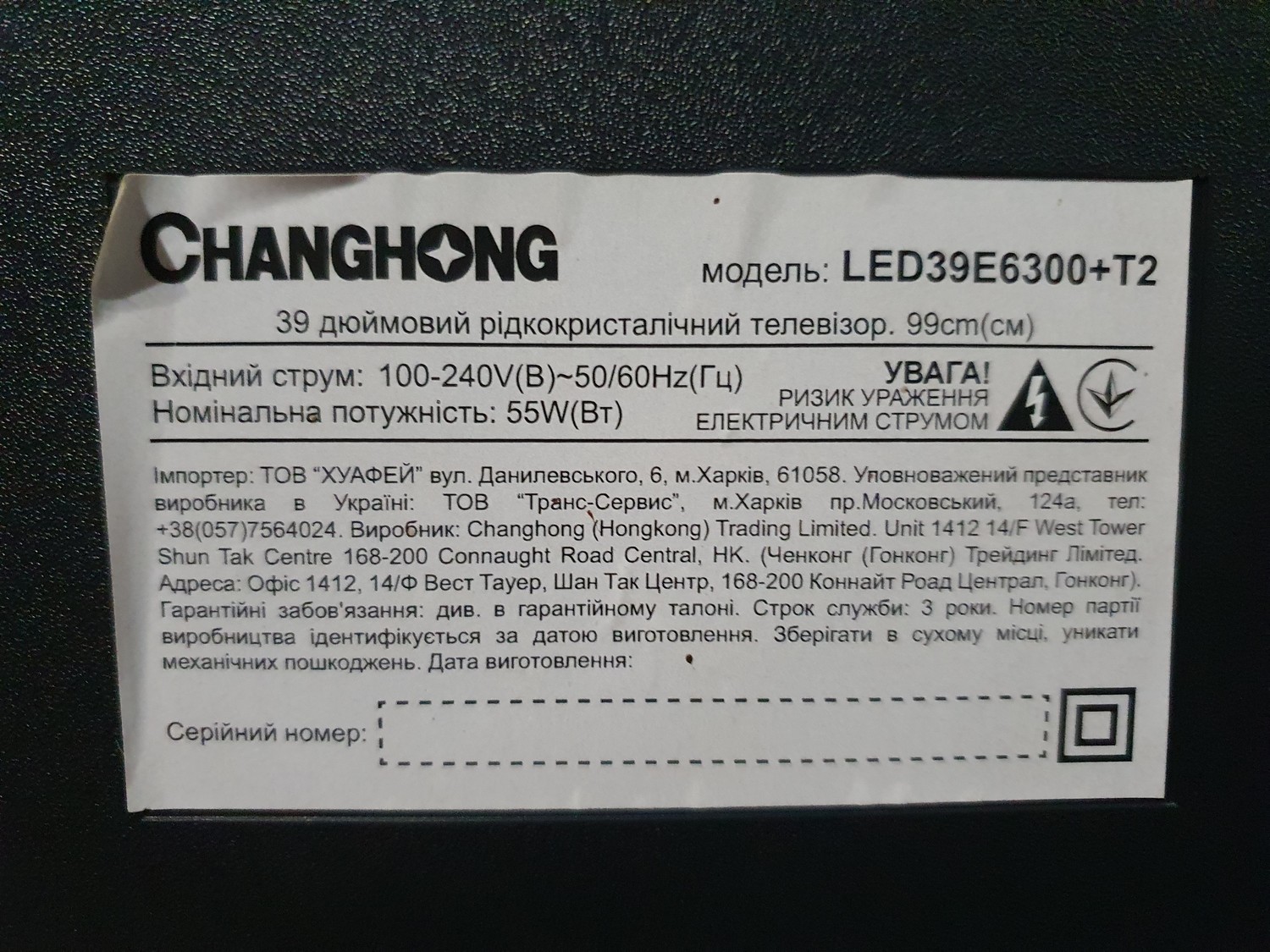
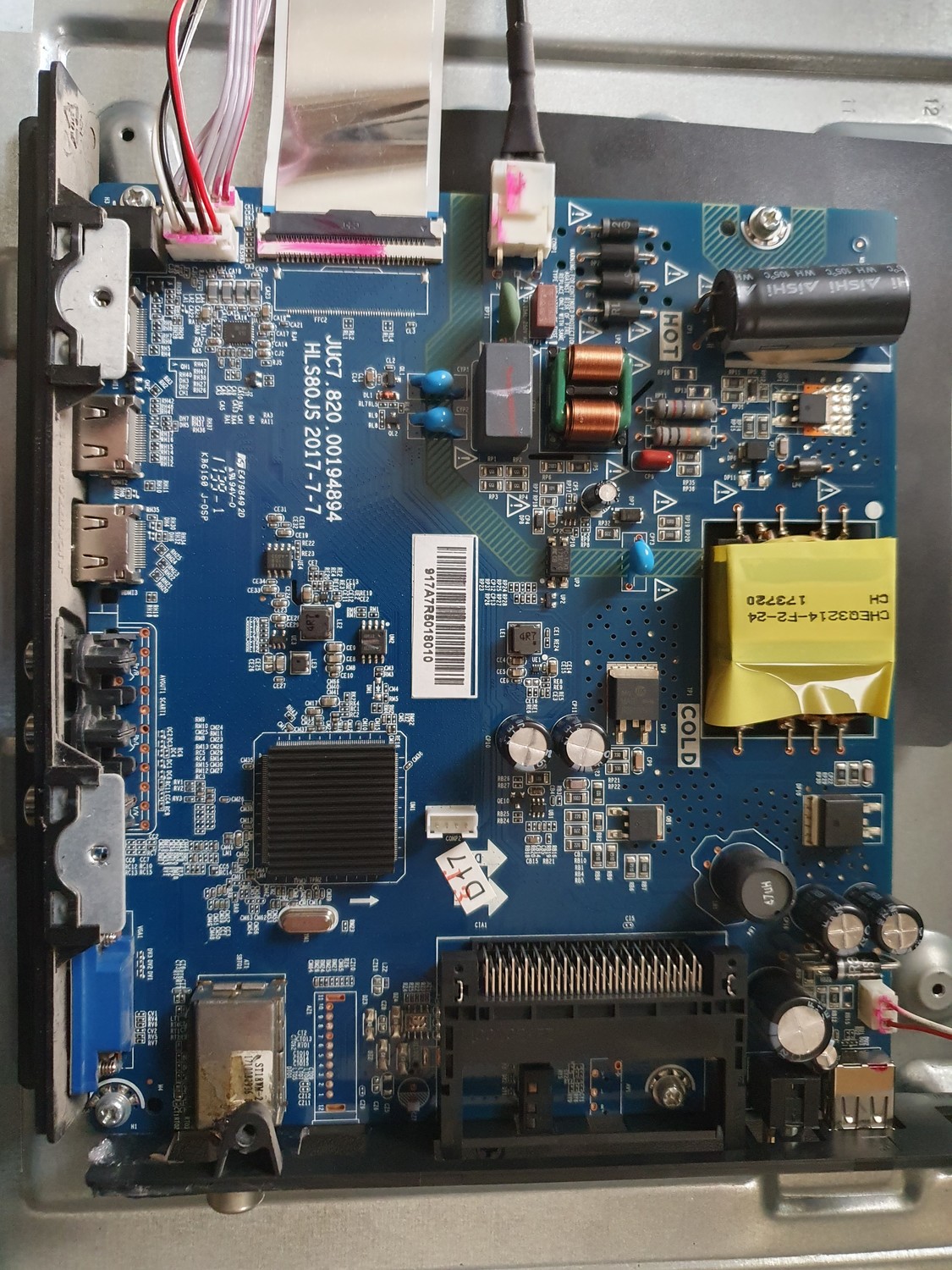
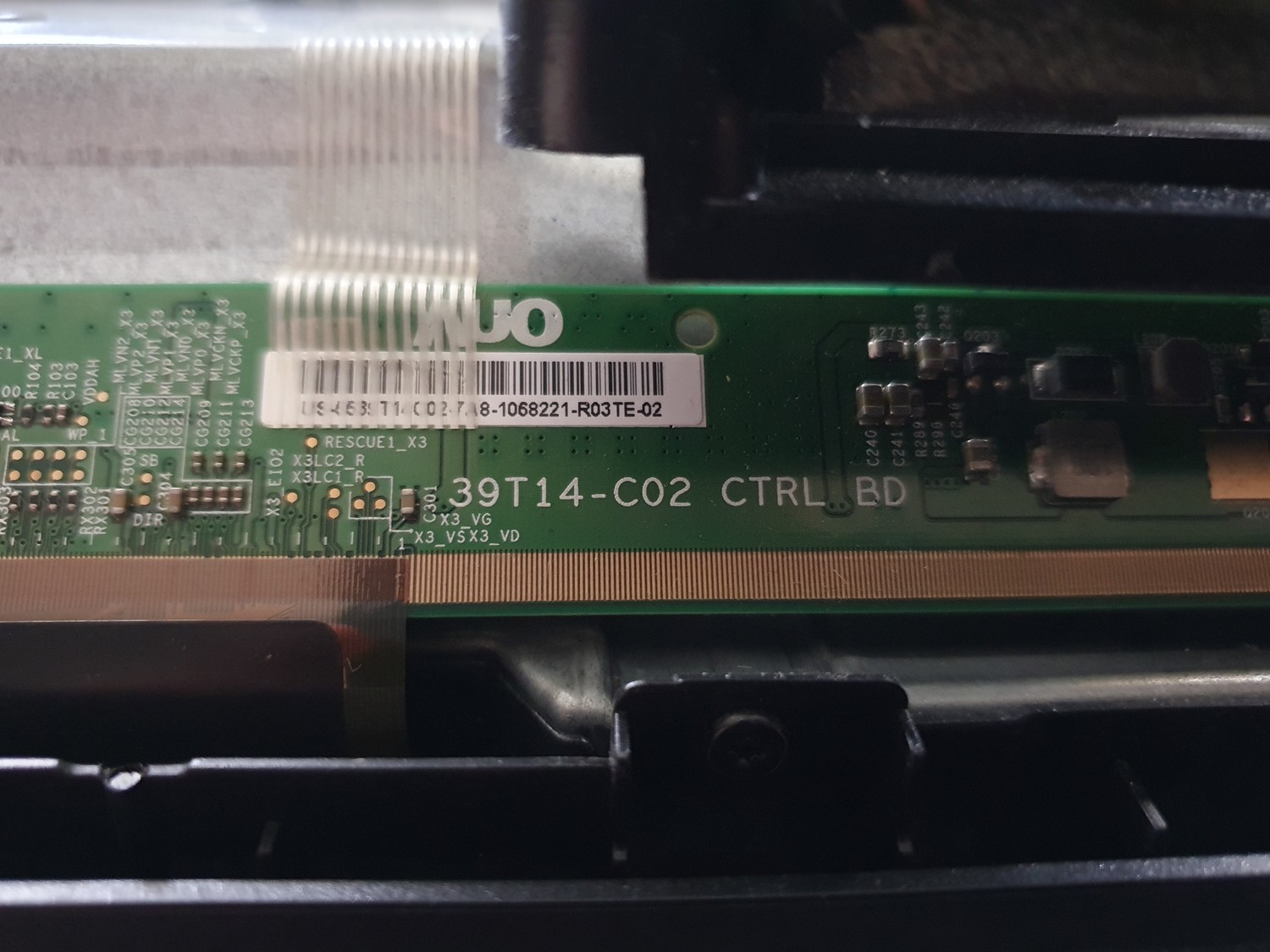
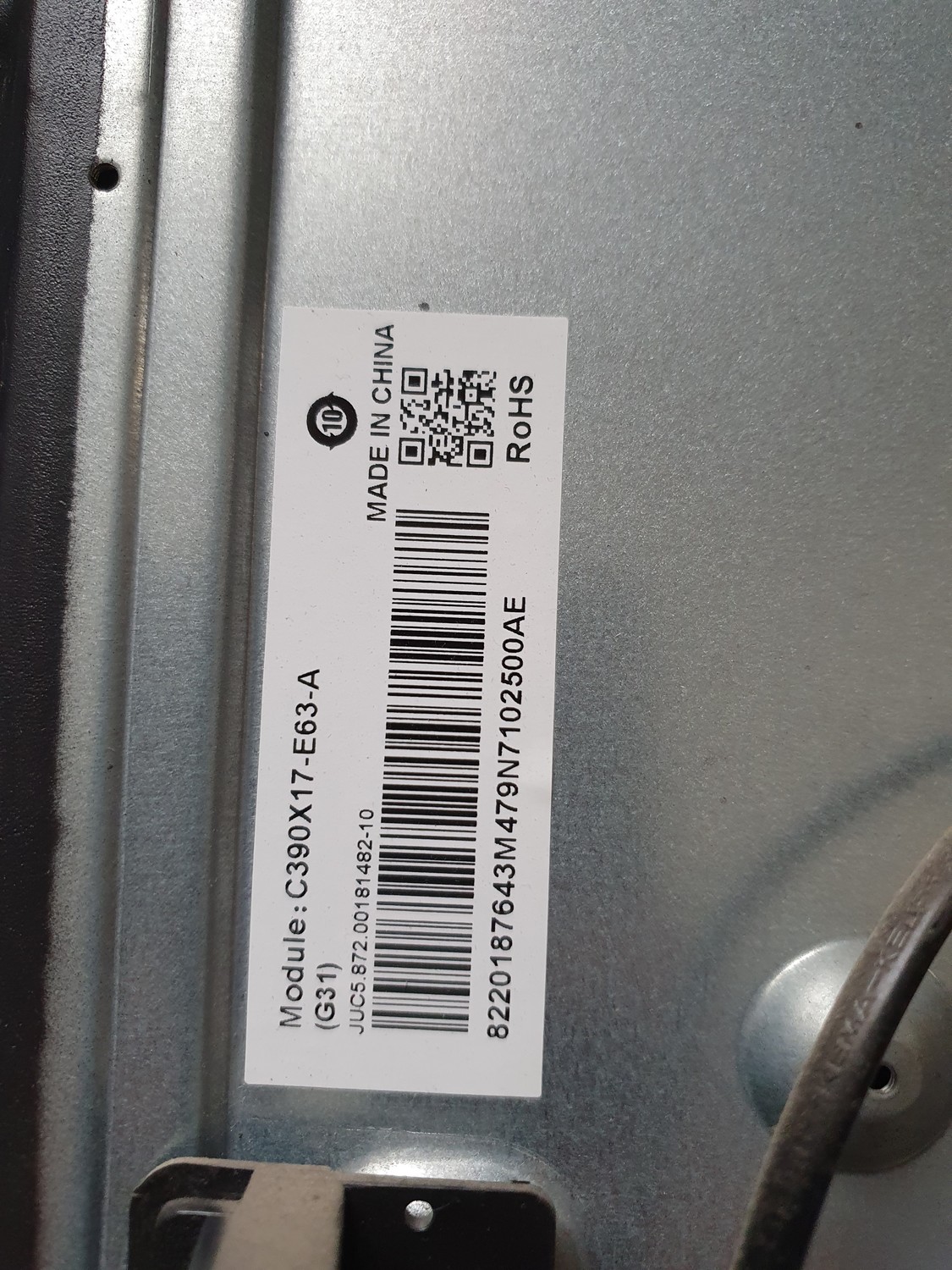
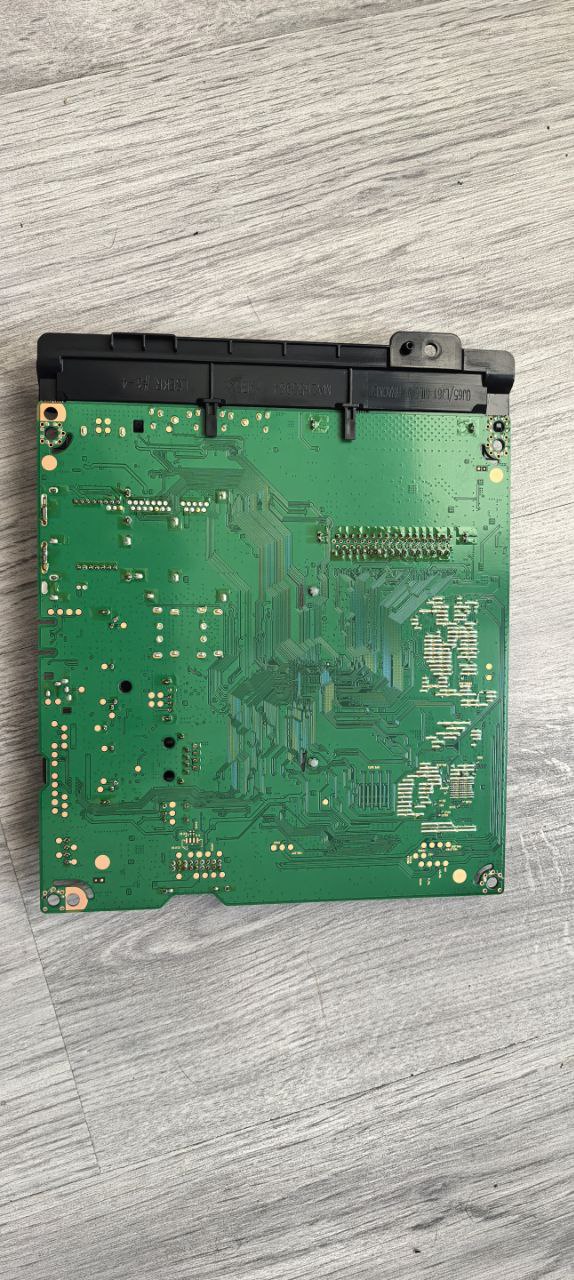
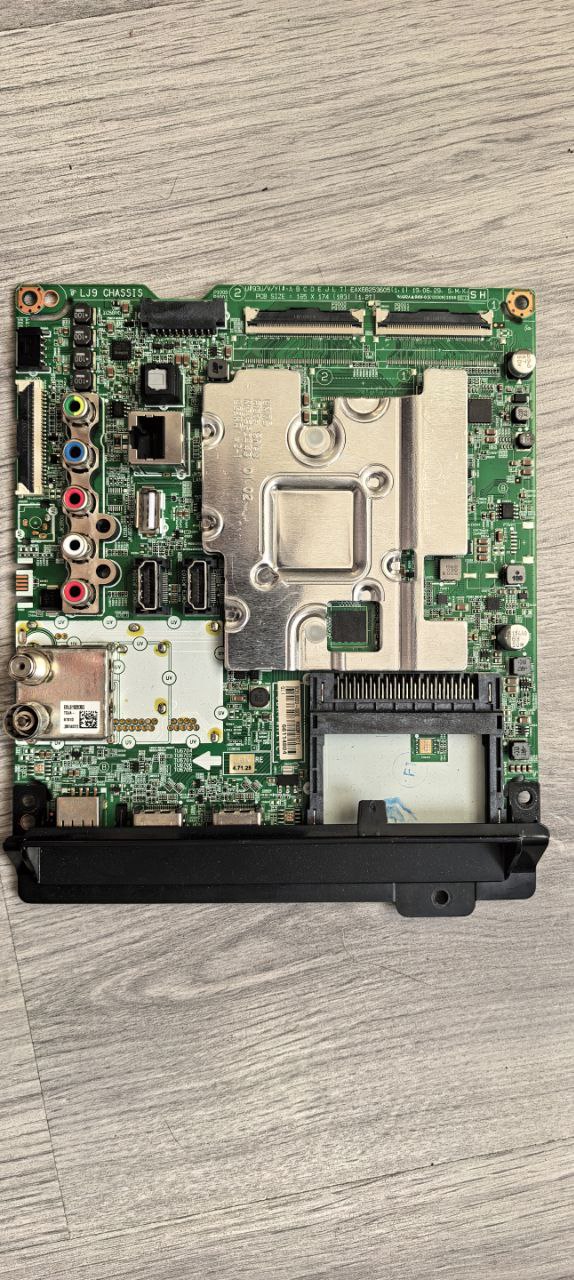
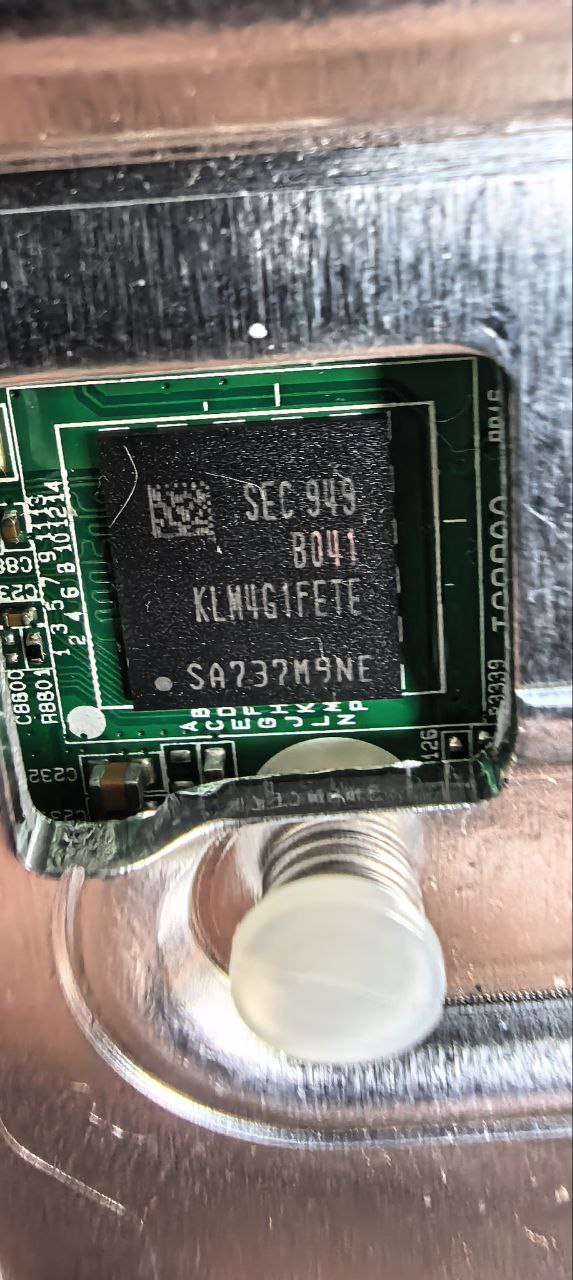
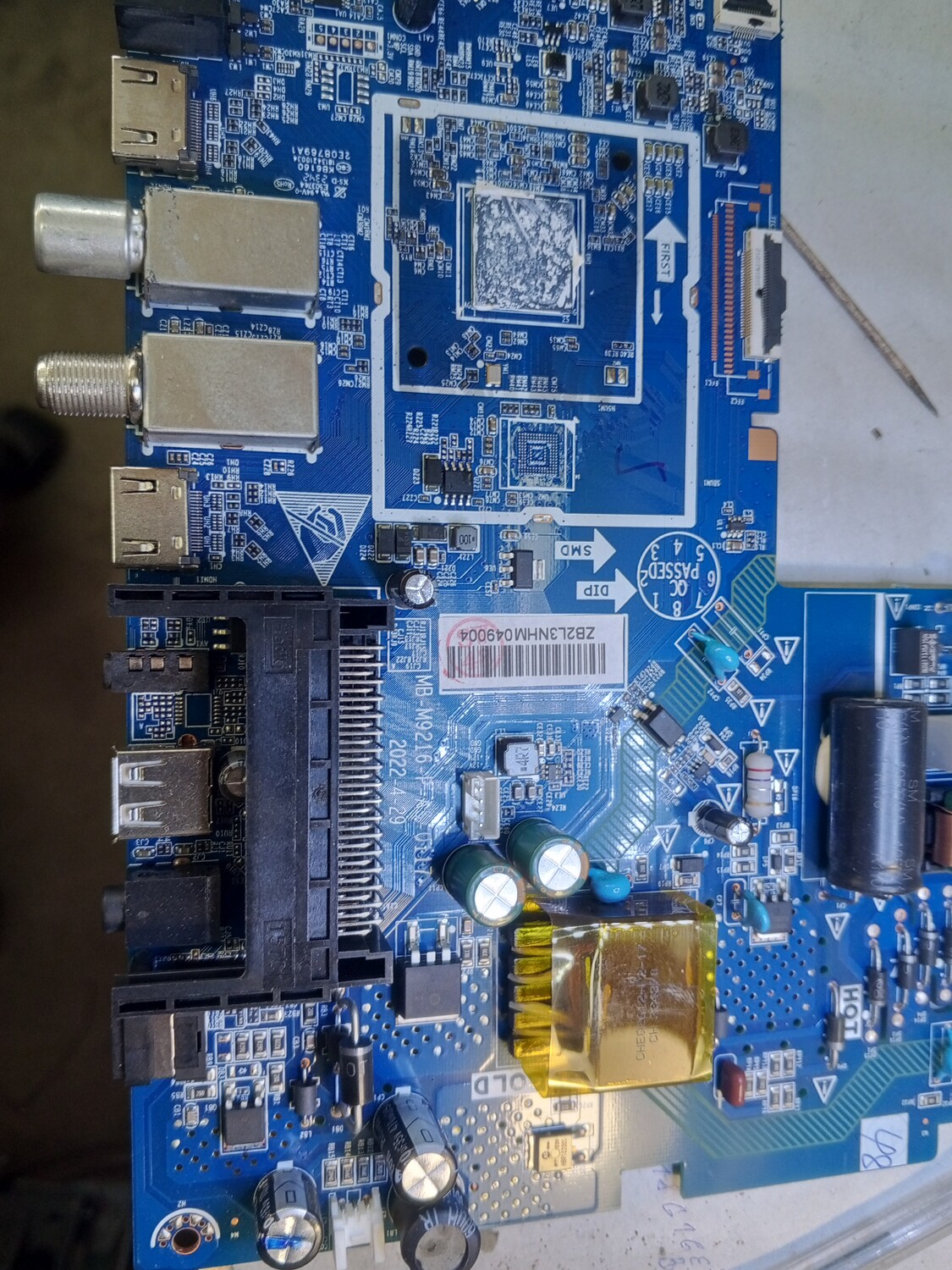
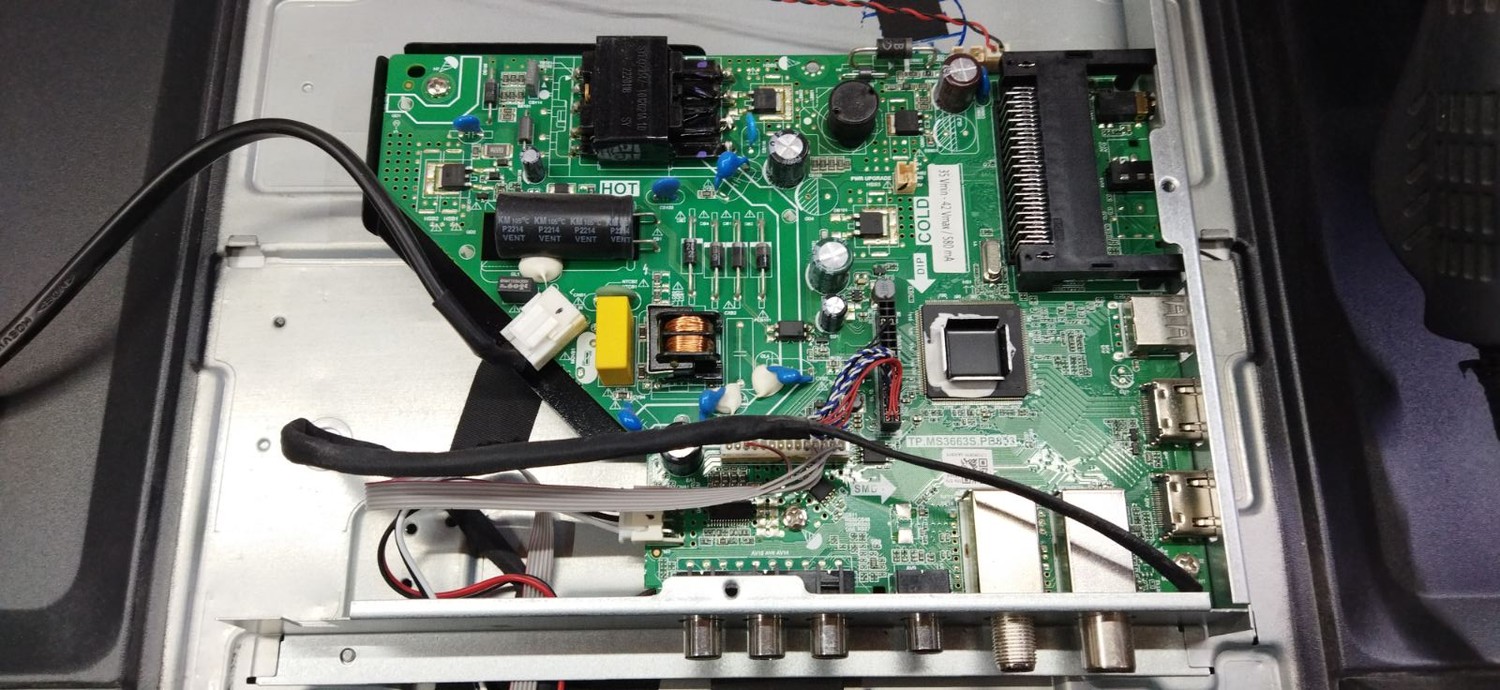
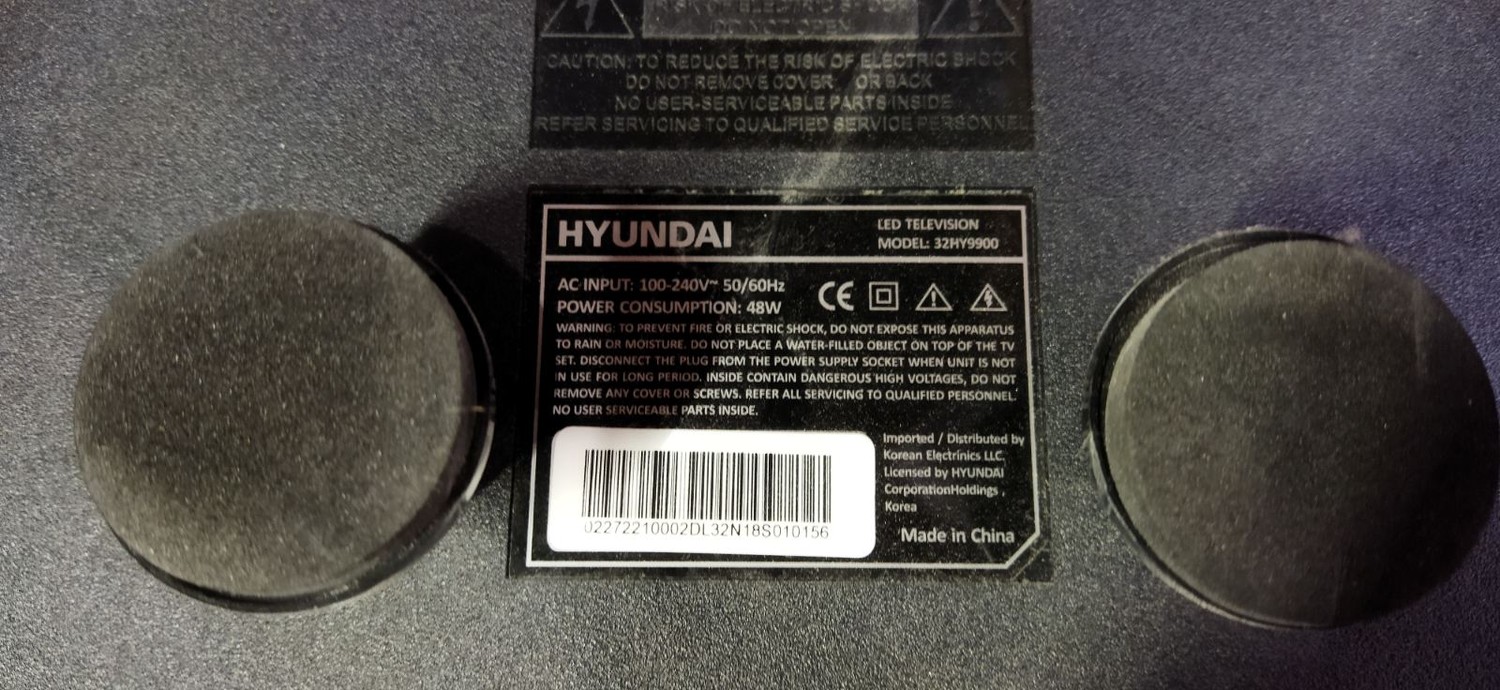
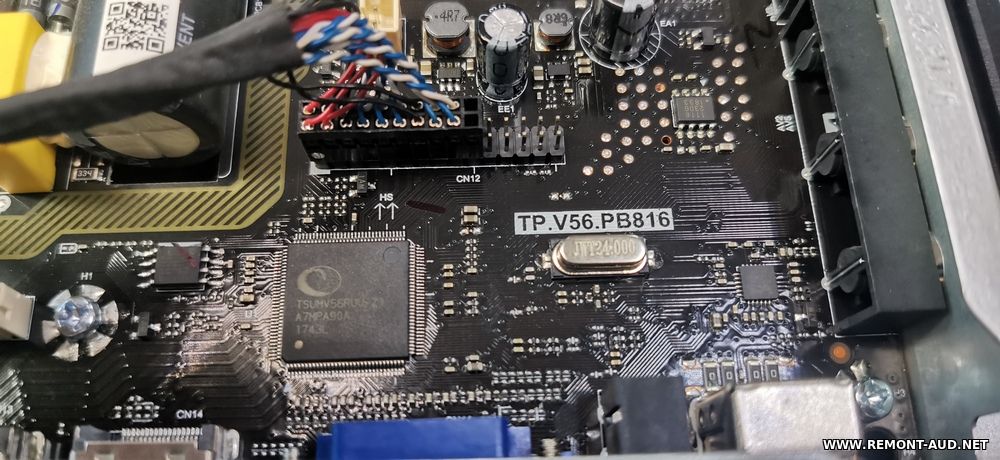
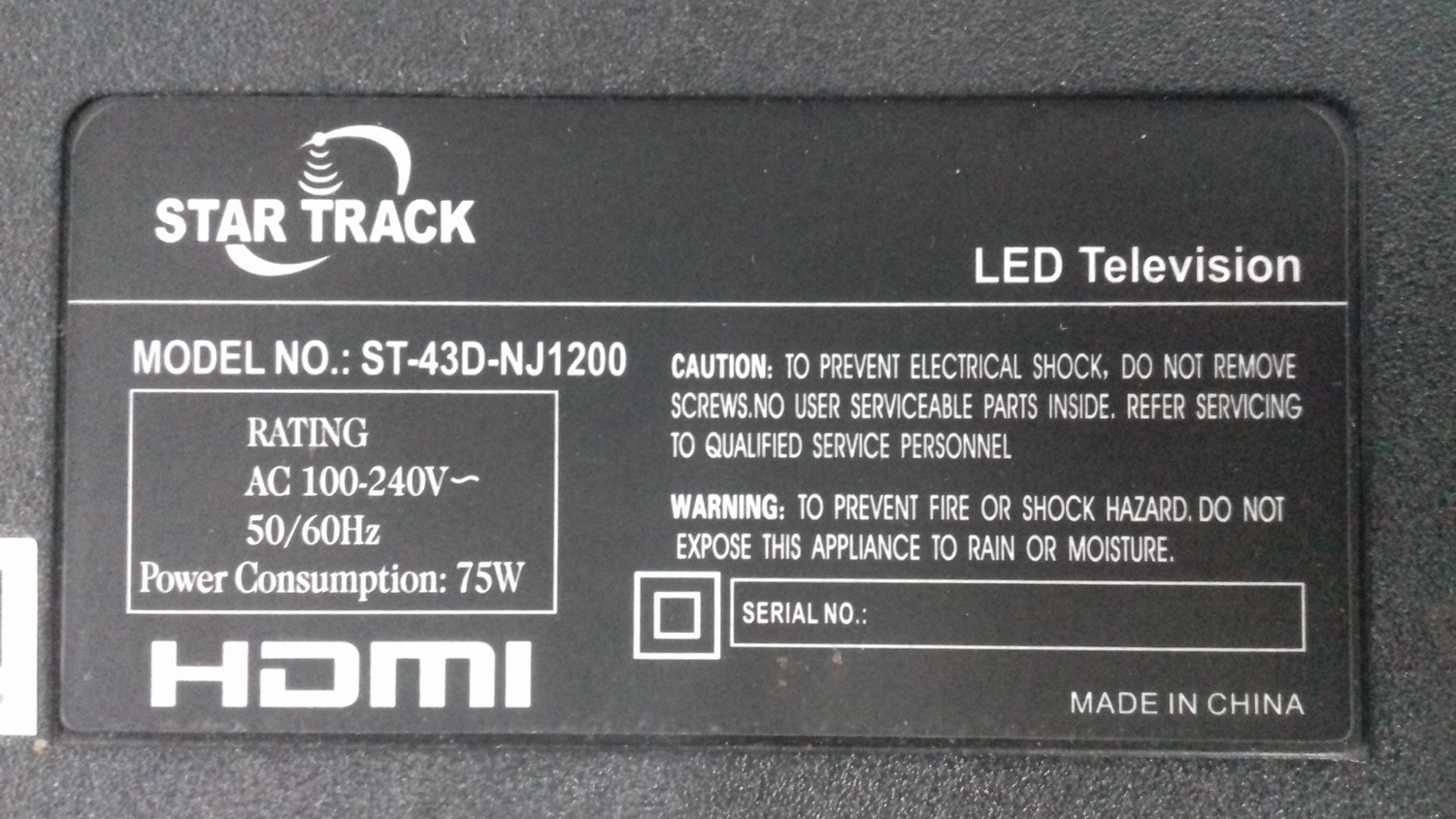
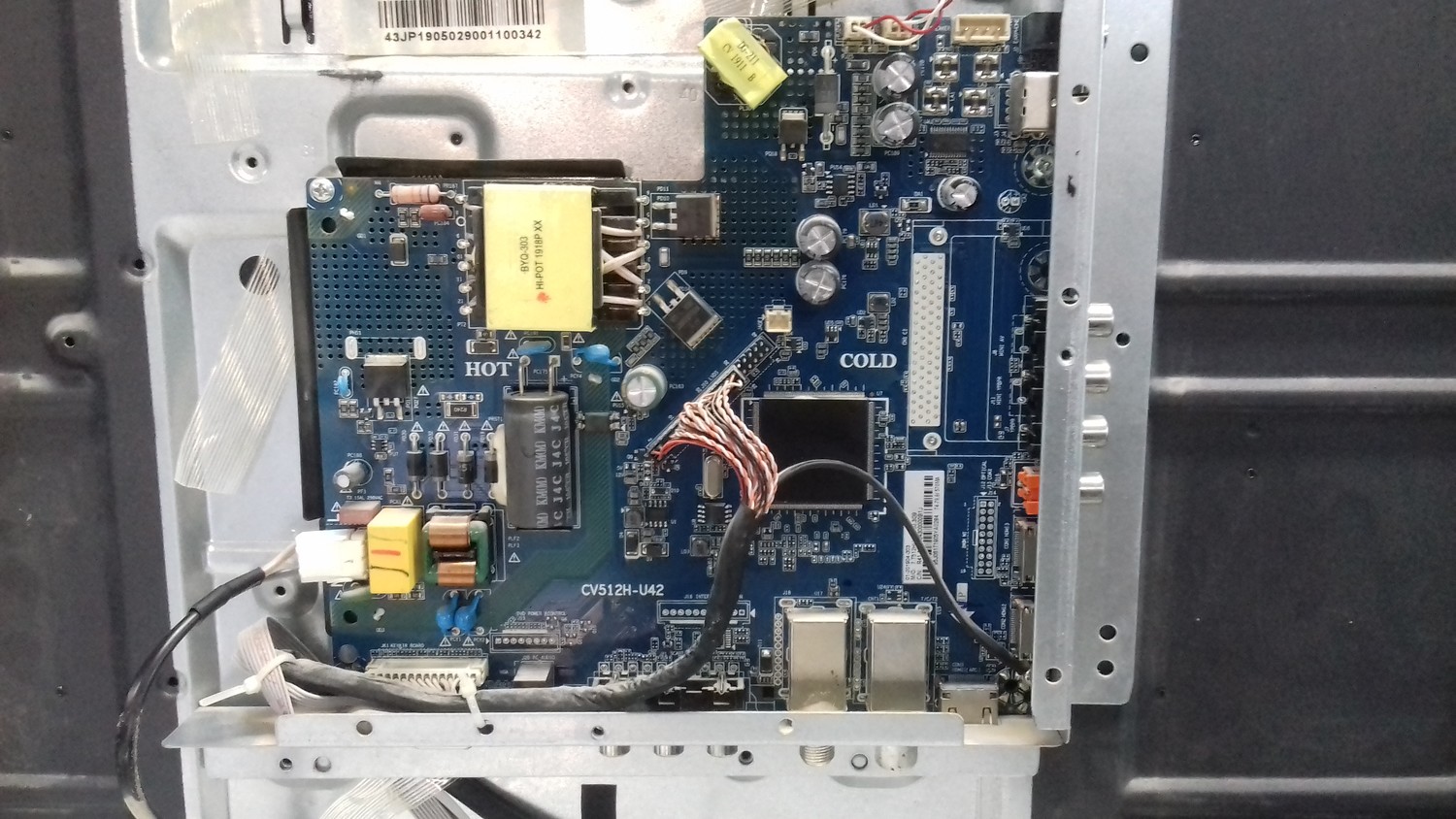
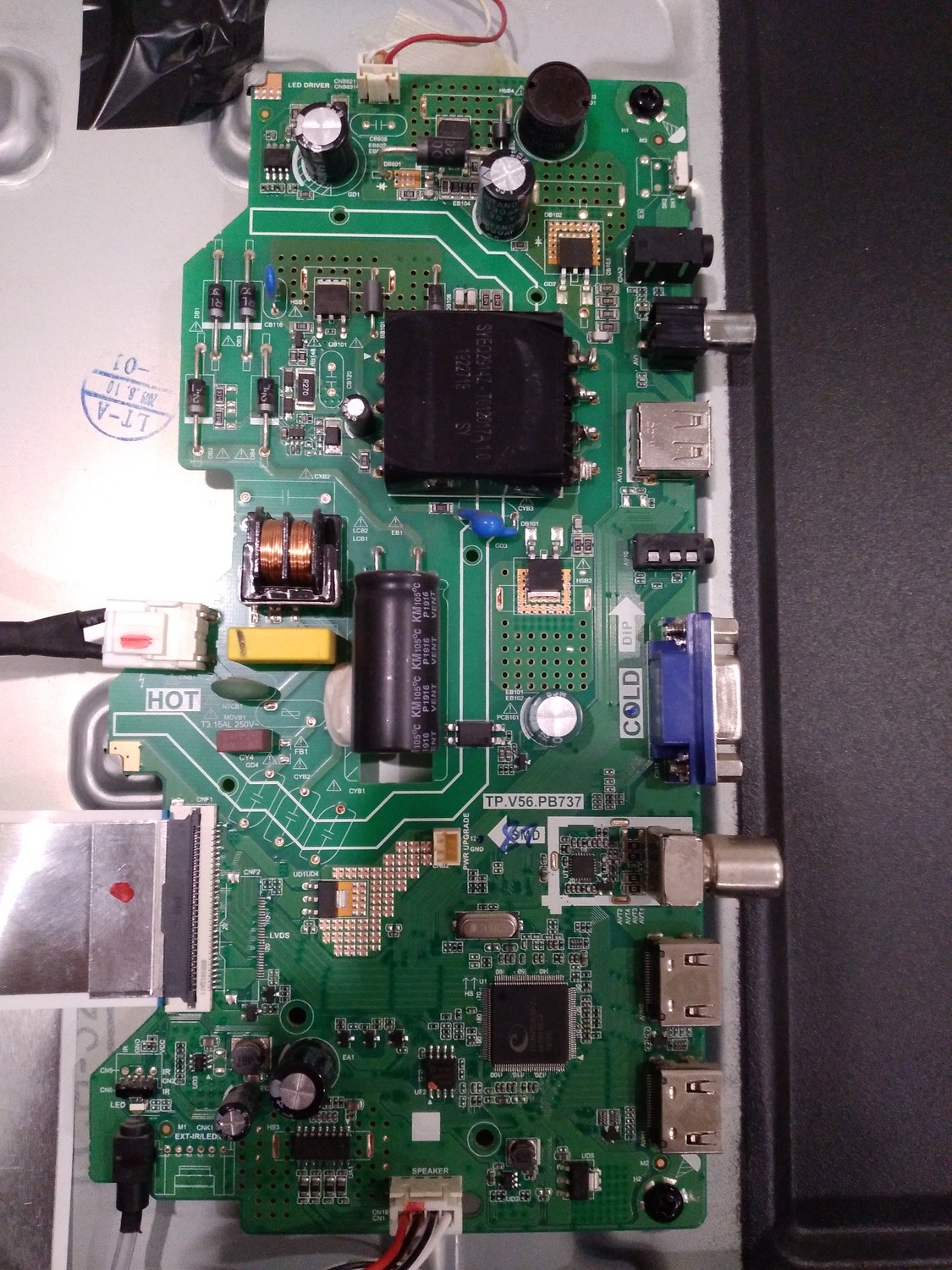
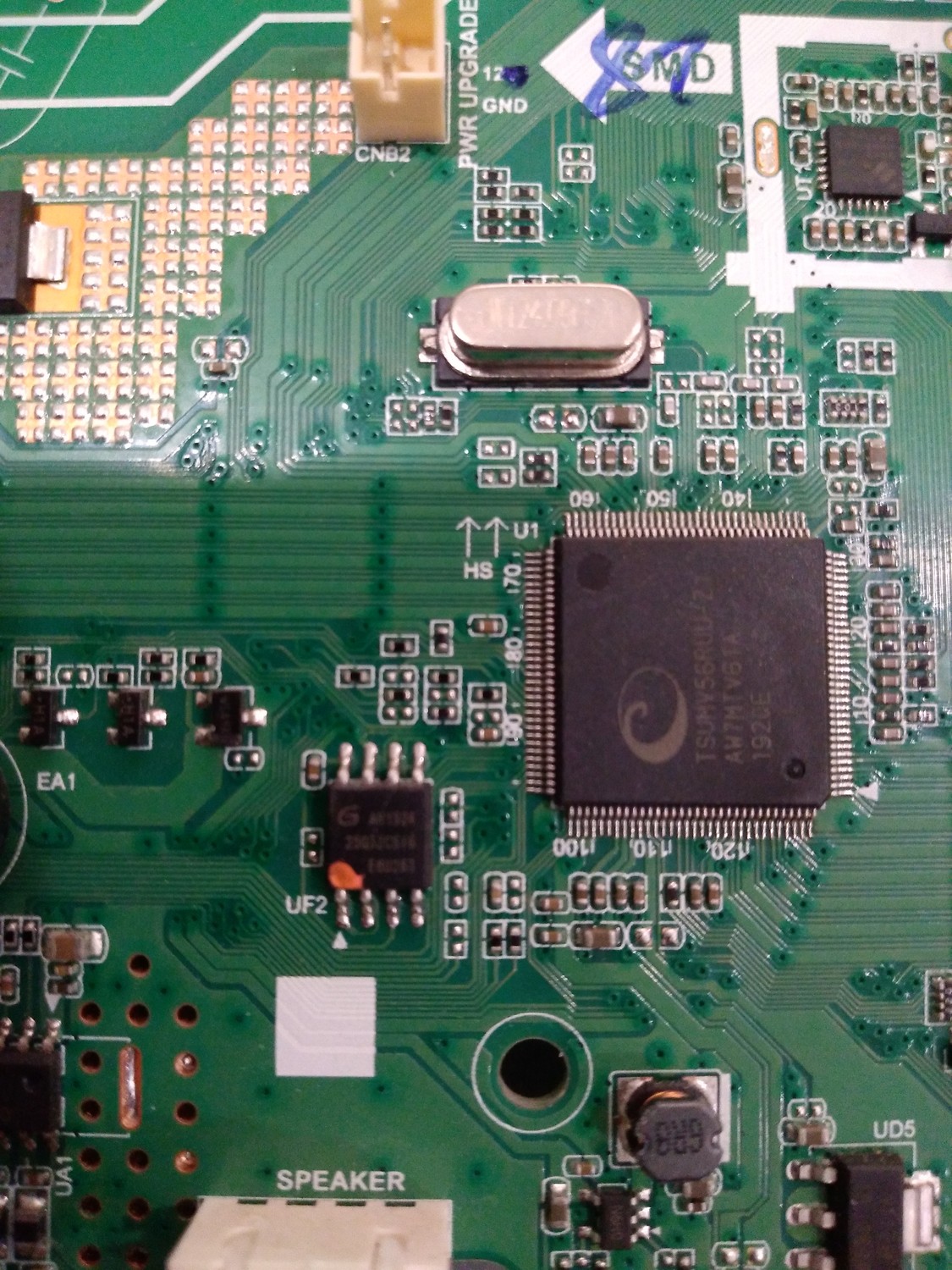
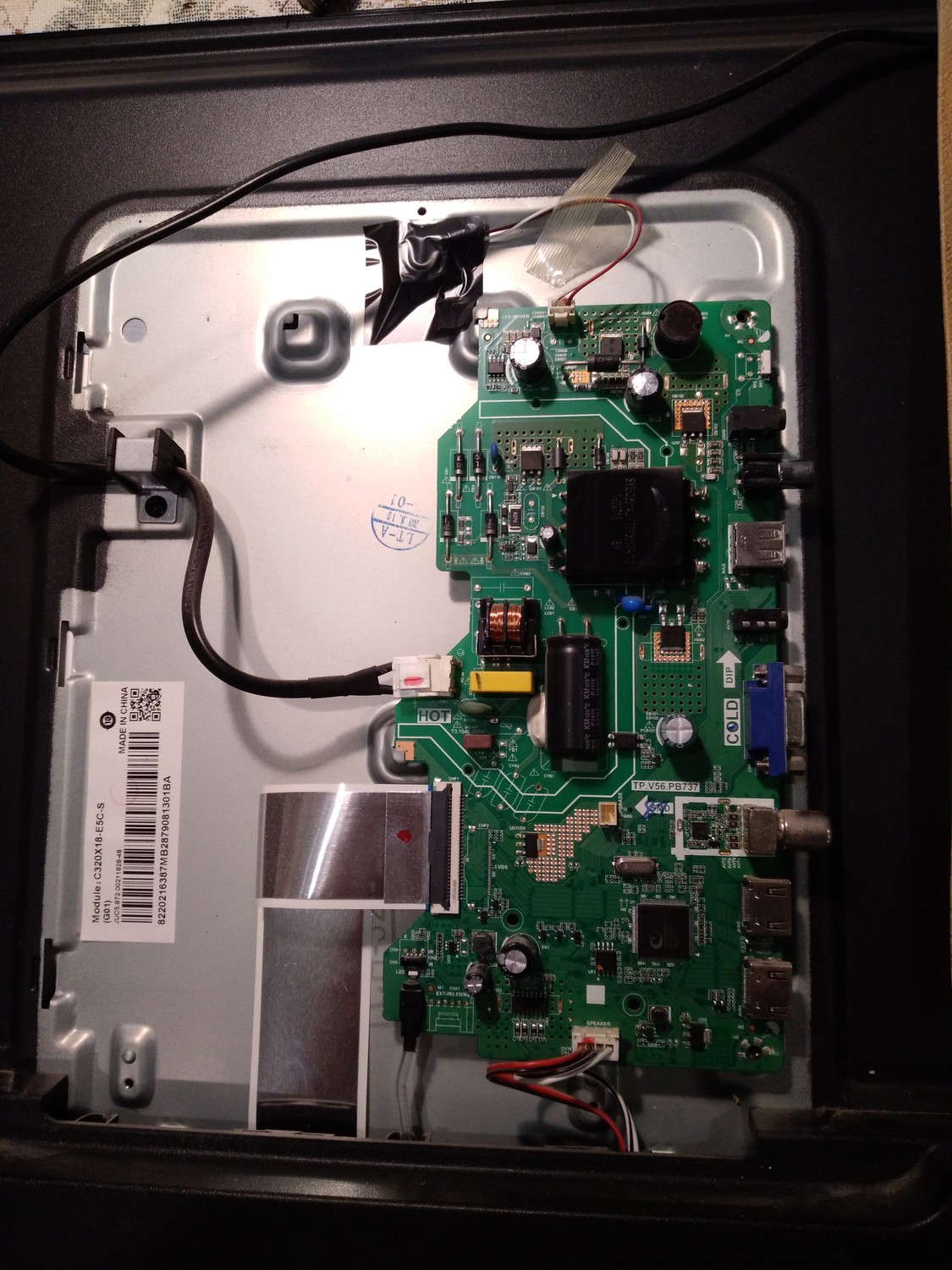
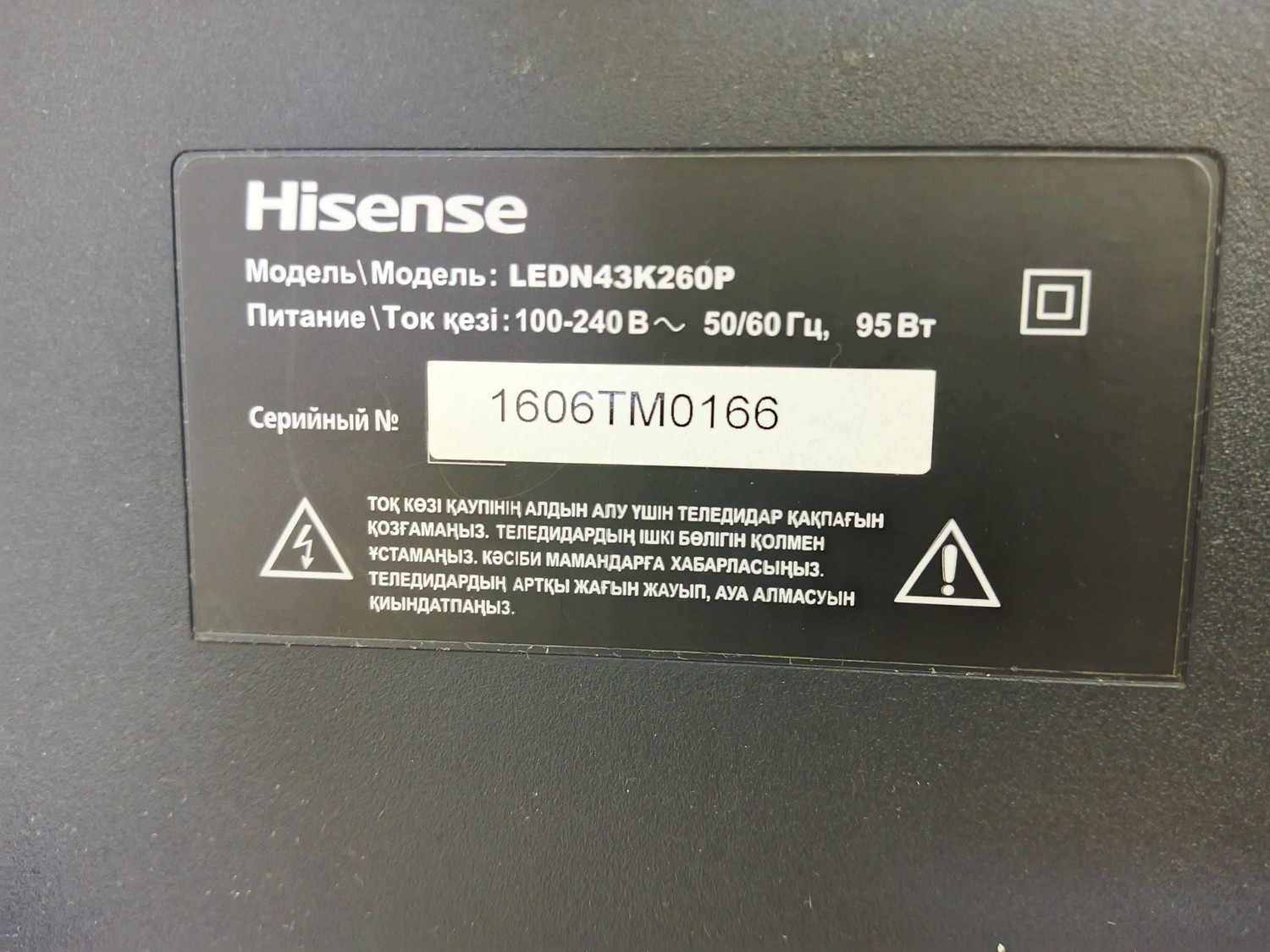
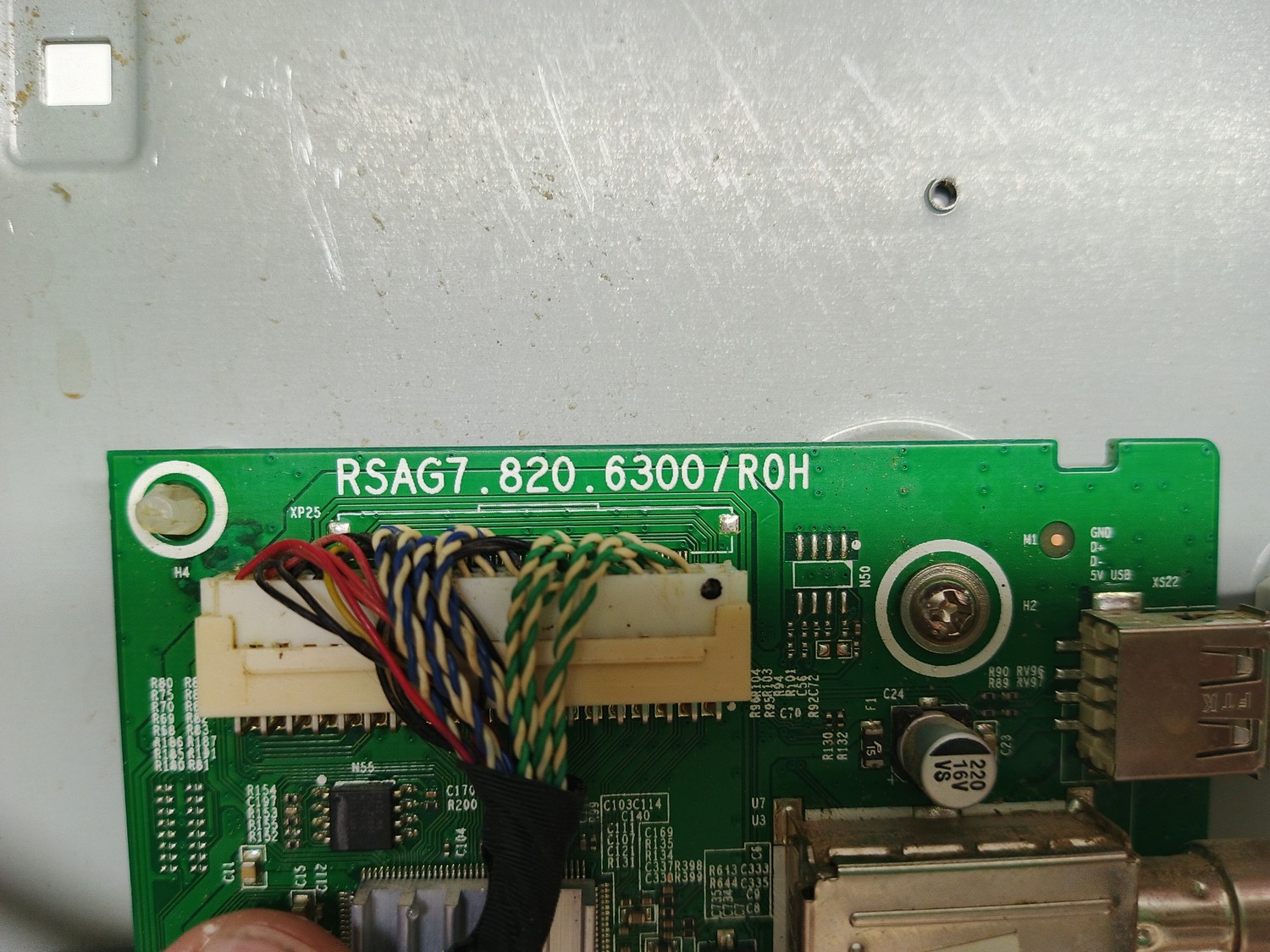
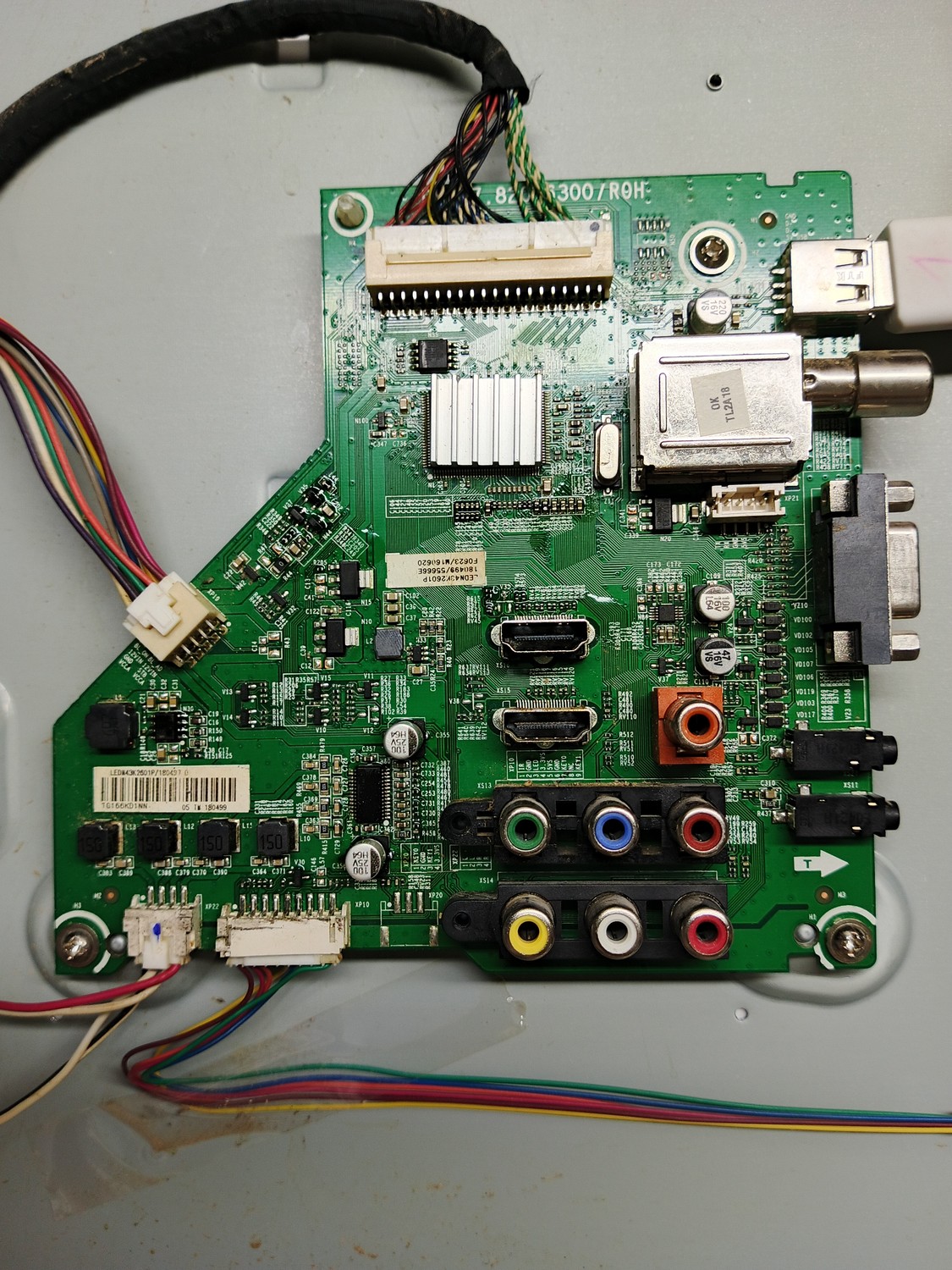
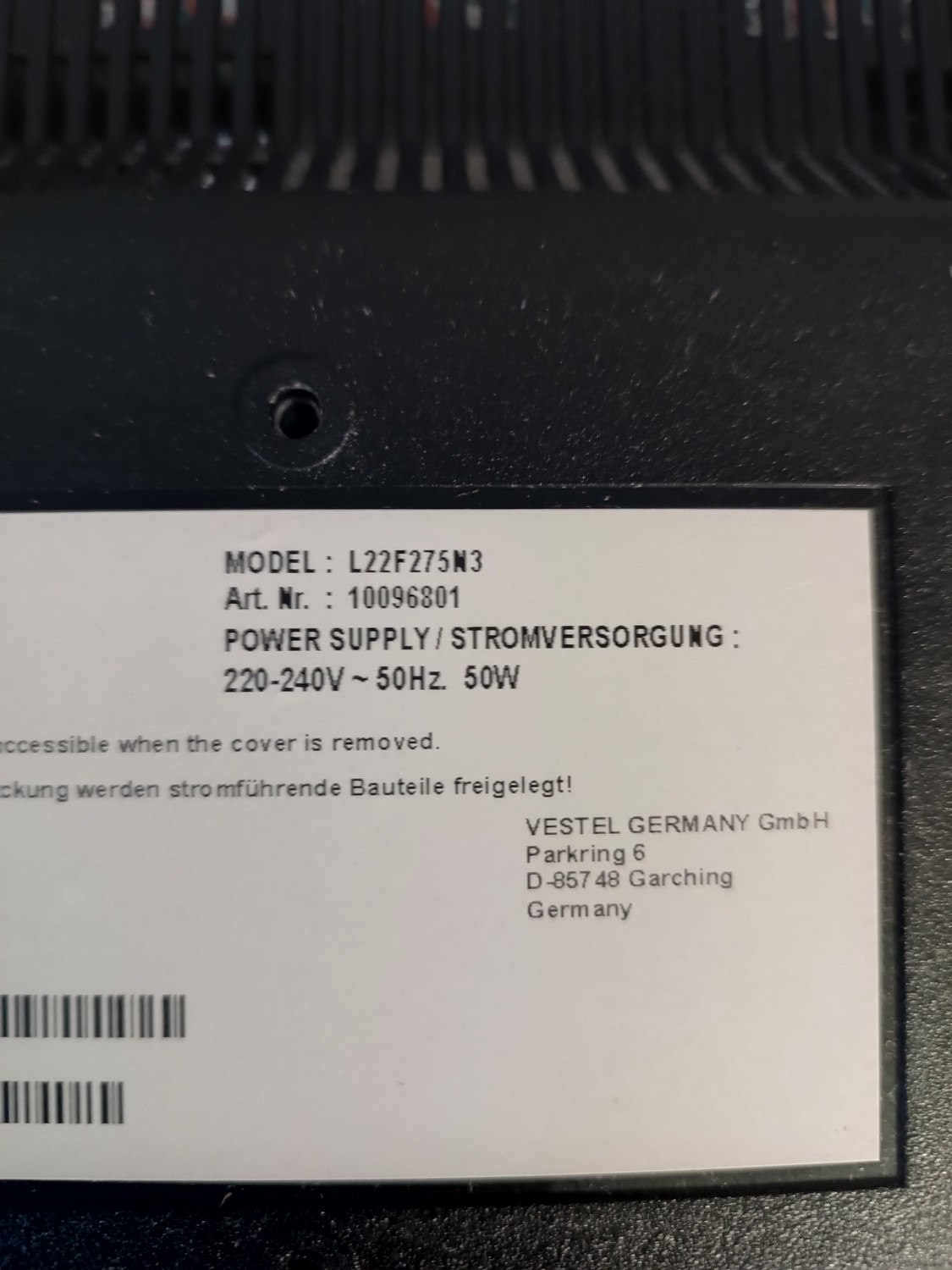
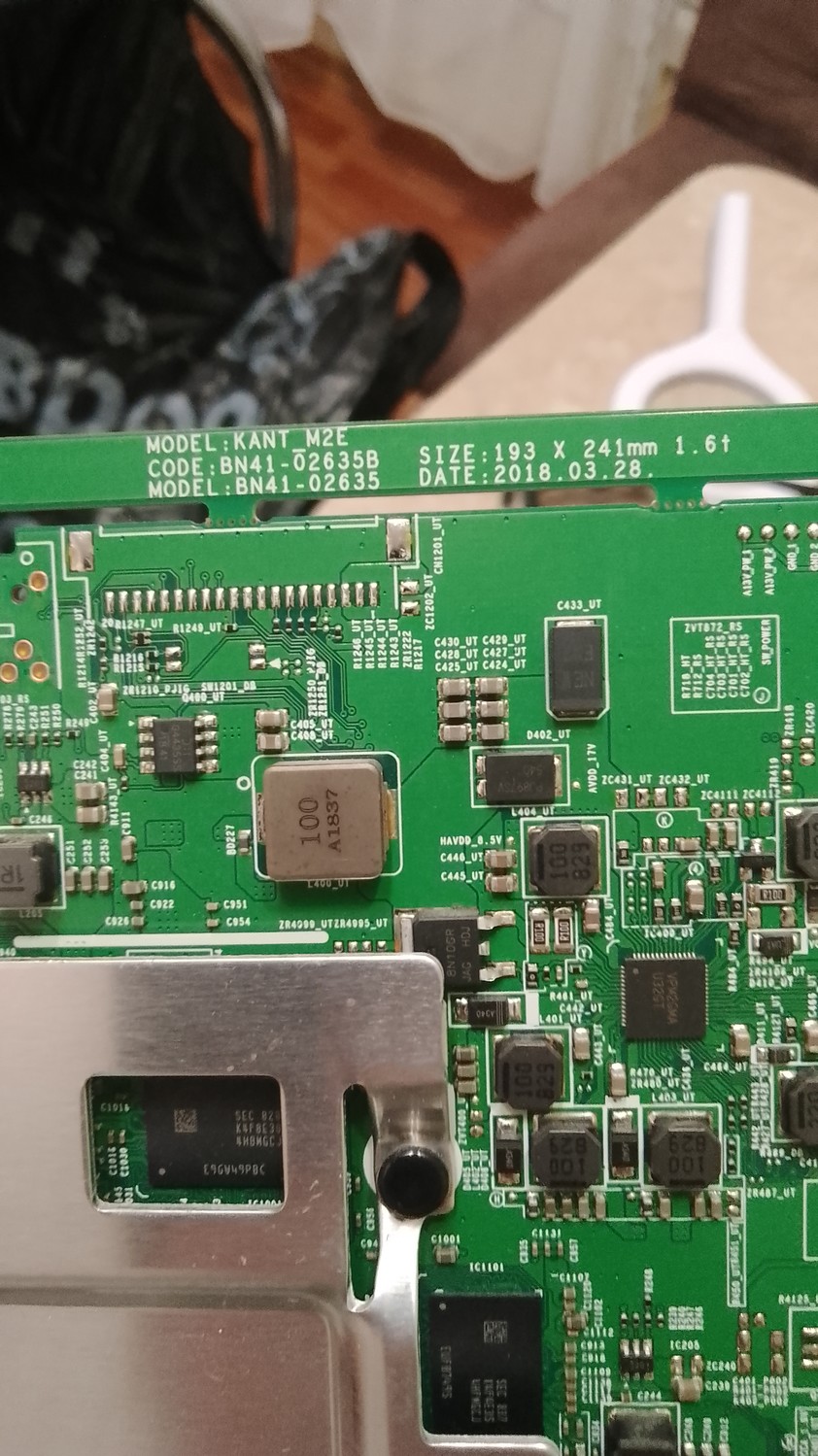
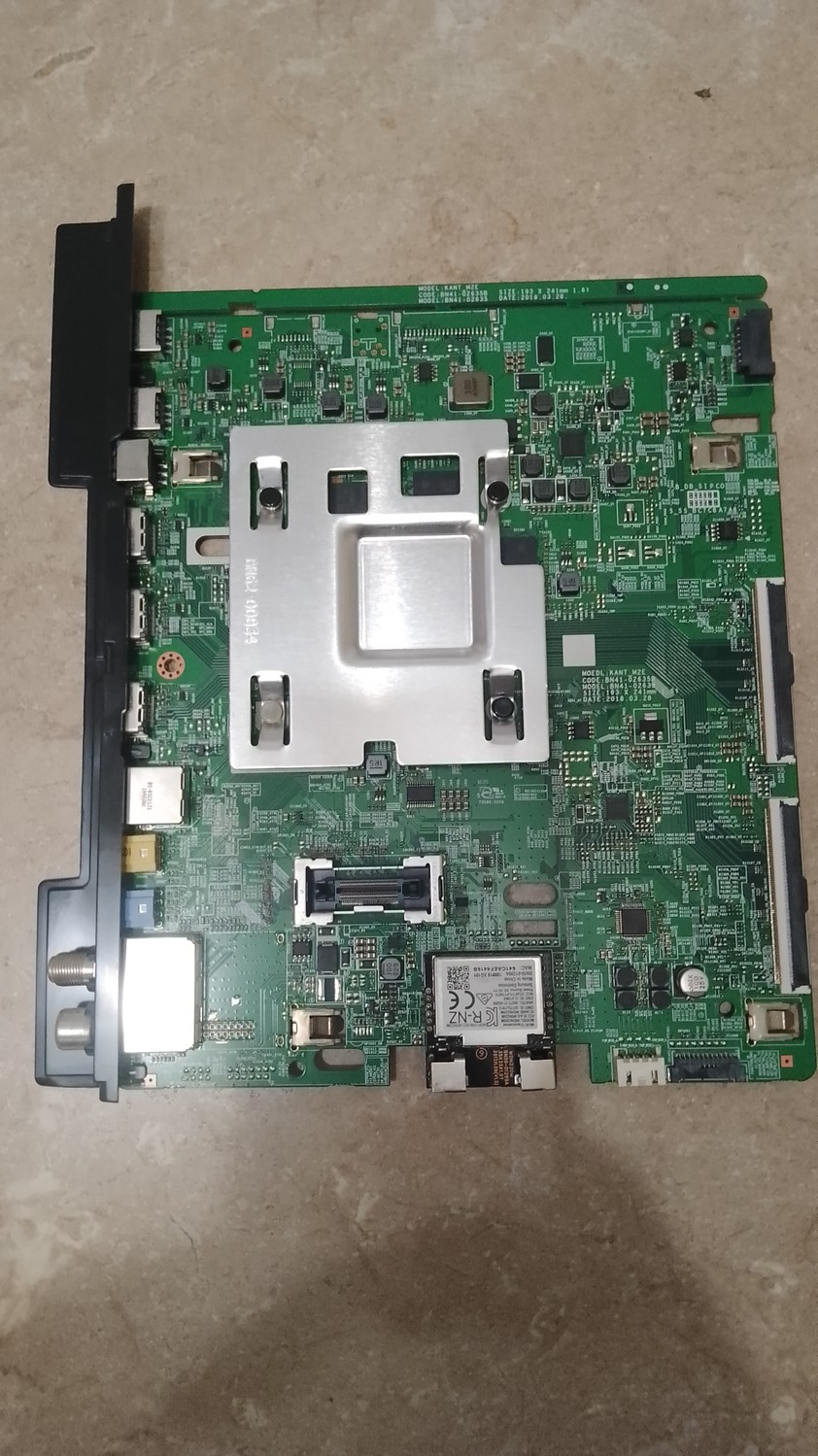
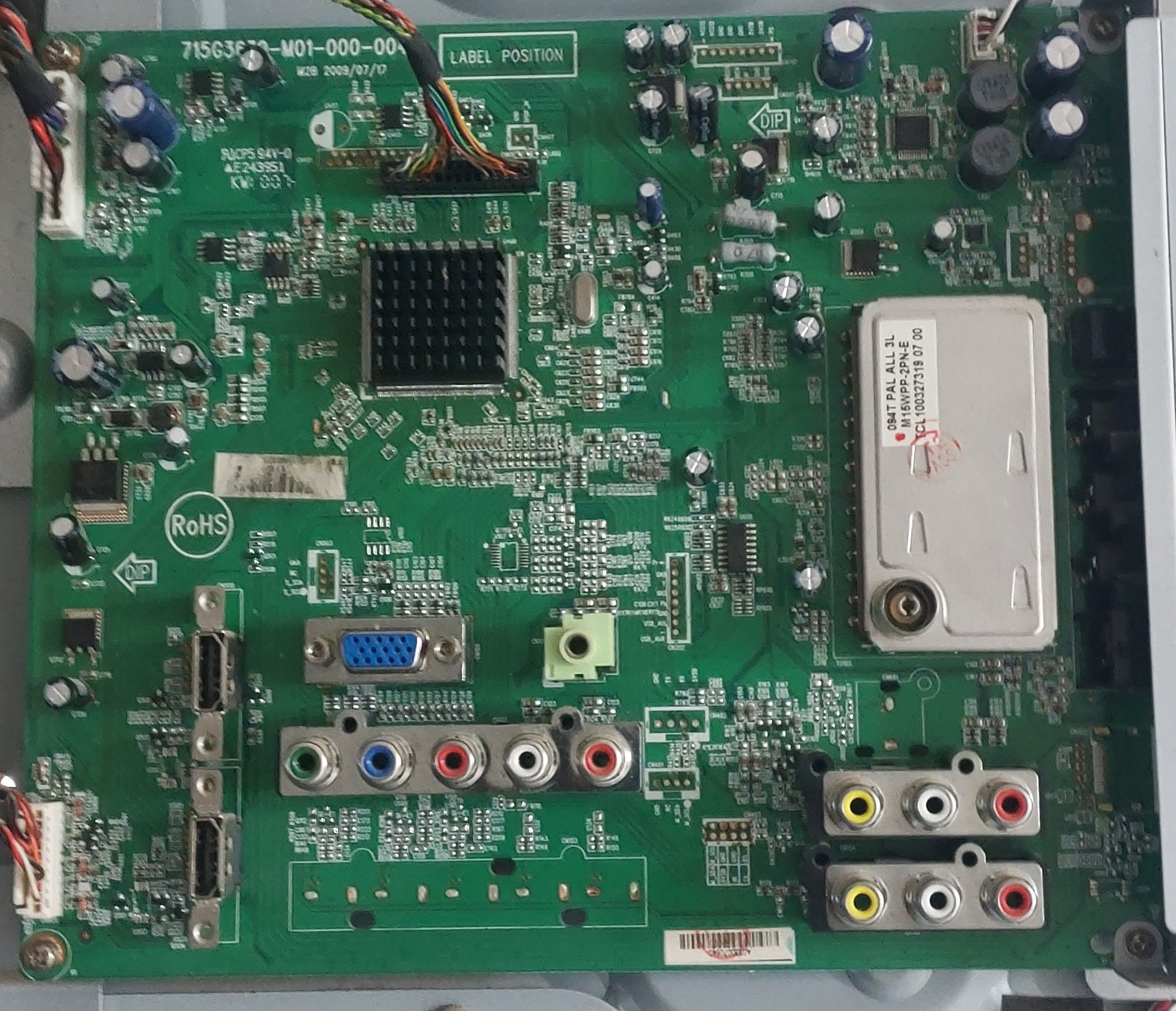
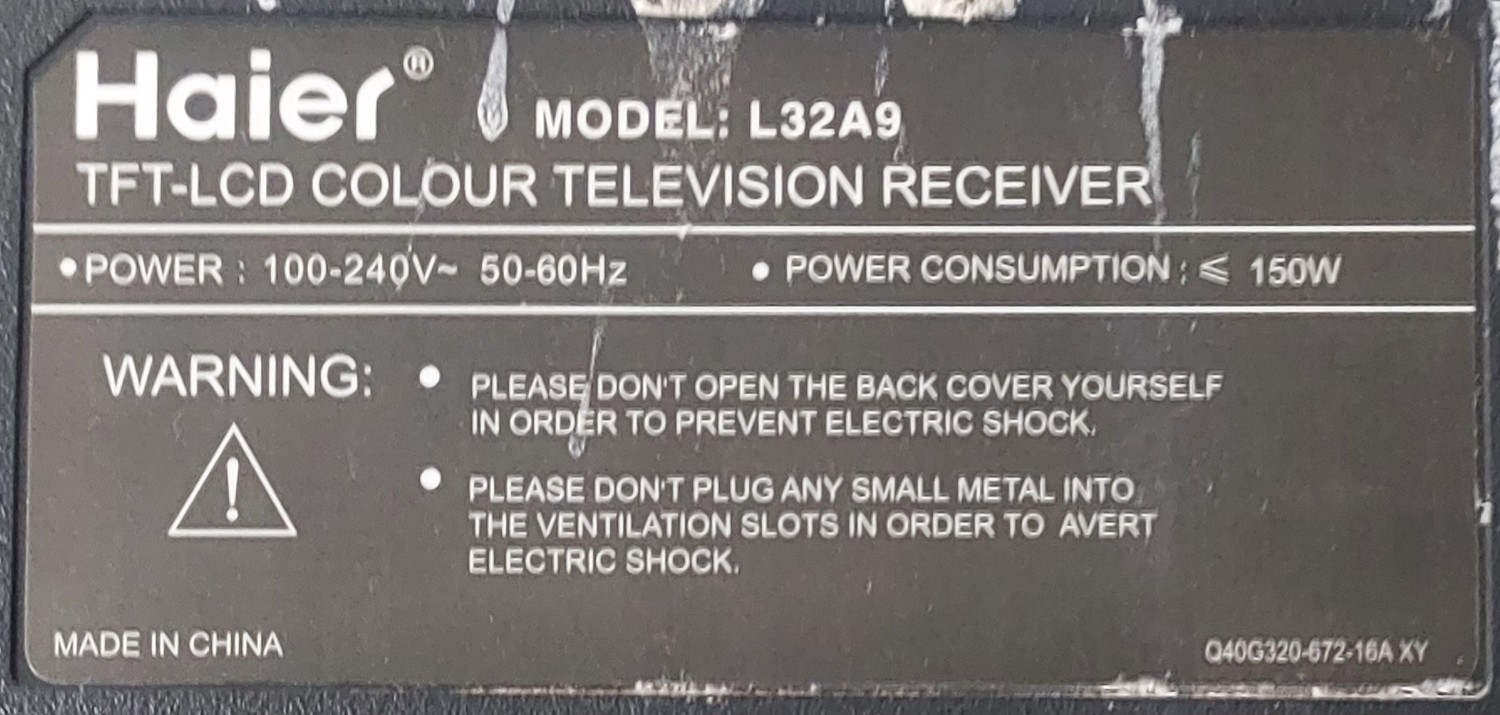
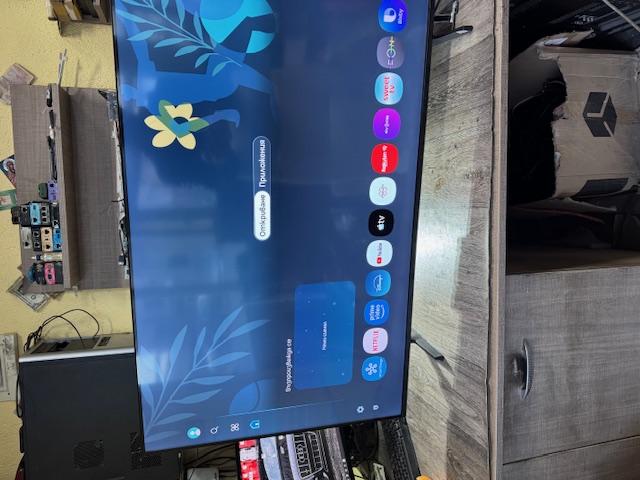
Считана с рабочего, записана в новую ЕММС. С ней ап не включился, переодически мигал индикатор. После правки BOOT1 аппарат заработал. BOOT1 правленный под это шасси.
1. Copy files onto empty USB Stick 2. Please ensure TV power is completely off (no red standby light on TV) 3. Insert USB with files into USB slot of TV 4. Turn power on to STANDBY (red light only) 5. A Blue Screen with a Loading bar with a percentage shall appear 6. TV Light will begin to flicker slowly then get faster 7. After update has completed you will be instructed to unplug USB and turn off the TV via the power switch 8. once off turn the item back on from the switch
1. if the TV automatically turns on without pressing any buttons please follow these procedures; 2. Press the Menu Button and the digits 1147 3. Highlight INIT TV and press the right arrow on your remote 4. TV will automatically switch off, turn TV back on and retune.
считана с телевизора, который висел на заставке LG, затем ее же опять зашил в эту память, и телевизор заработал, видимо какой то был сбой, но телевизор снова заработал. Считаю, что прошивка рабочая! Все действия производил по ISP подключению. Микросхема не выпаивалась. ISP подключение приложил в файле прошивки.

 Файлы
Файлы Прошивки
 Продажа
 Литература
 Статьи