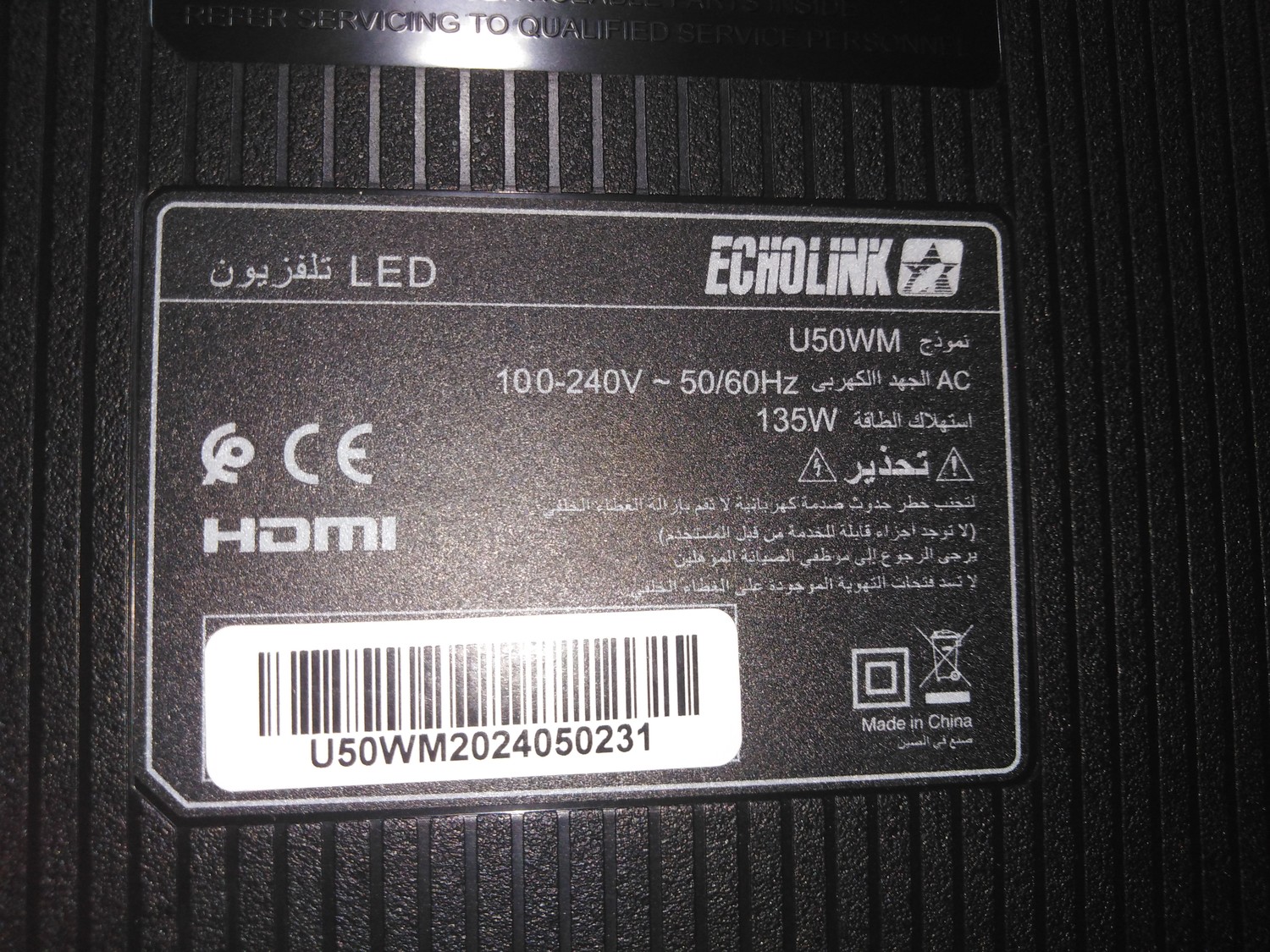
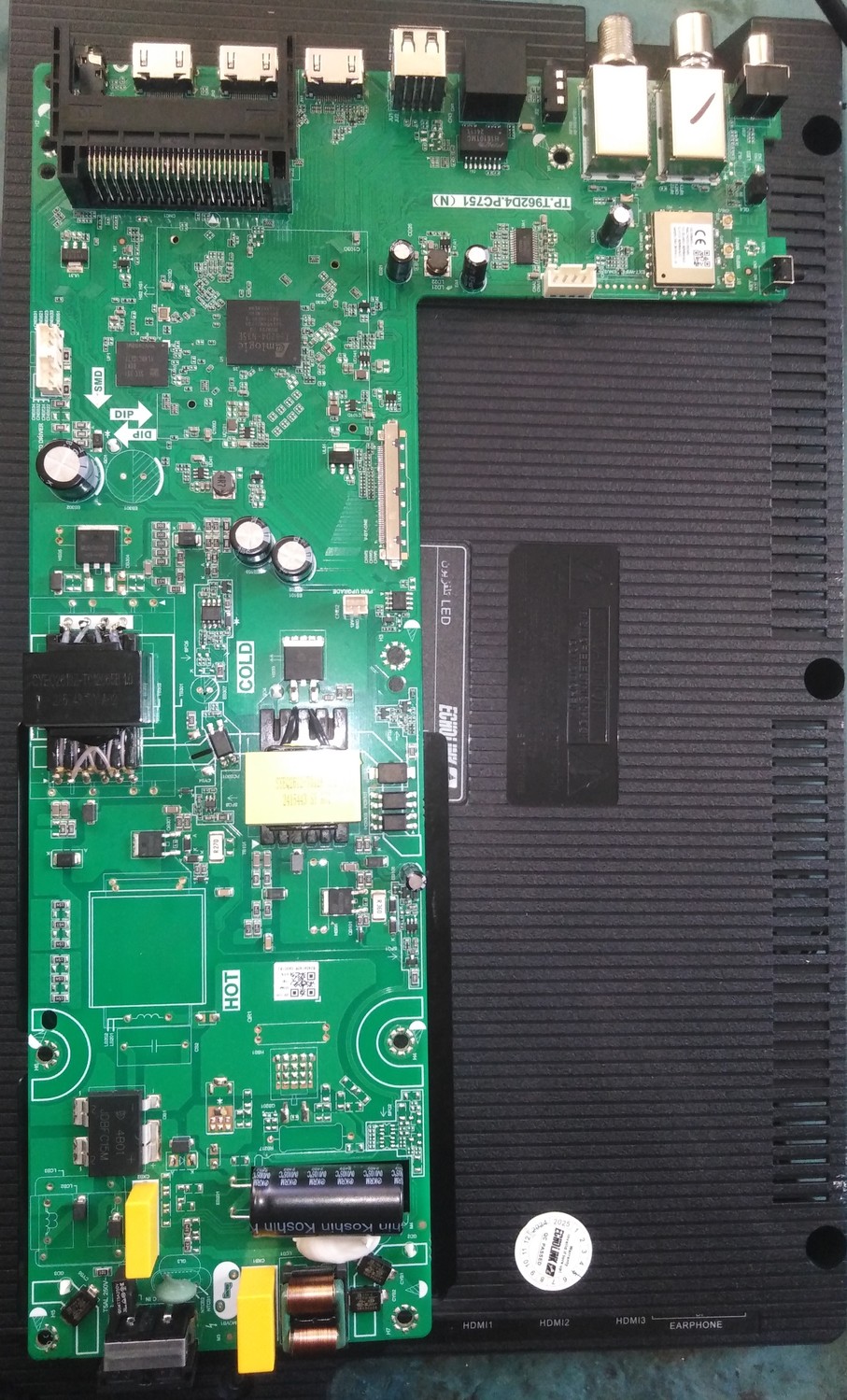
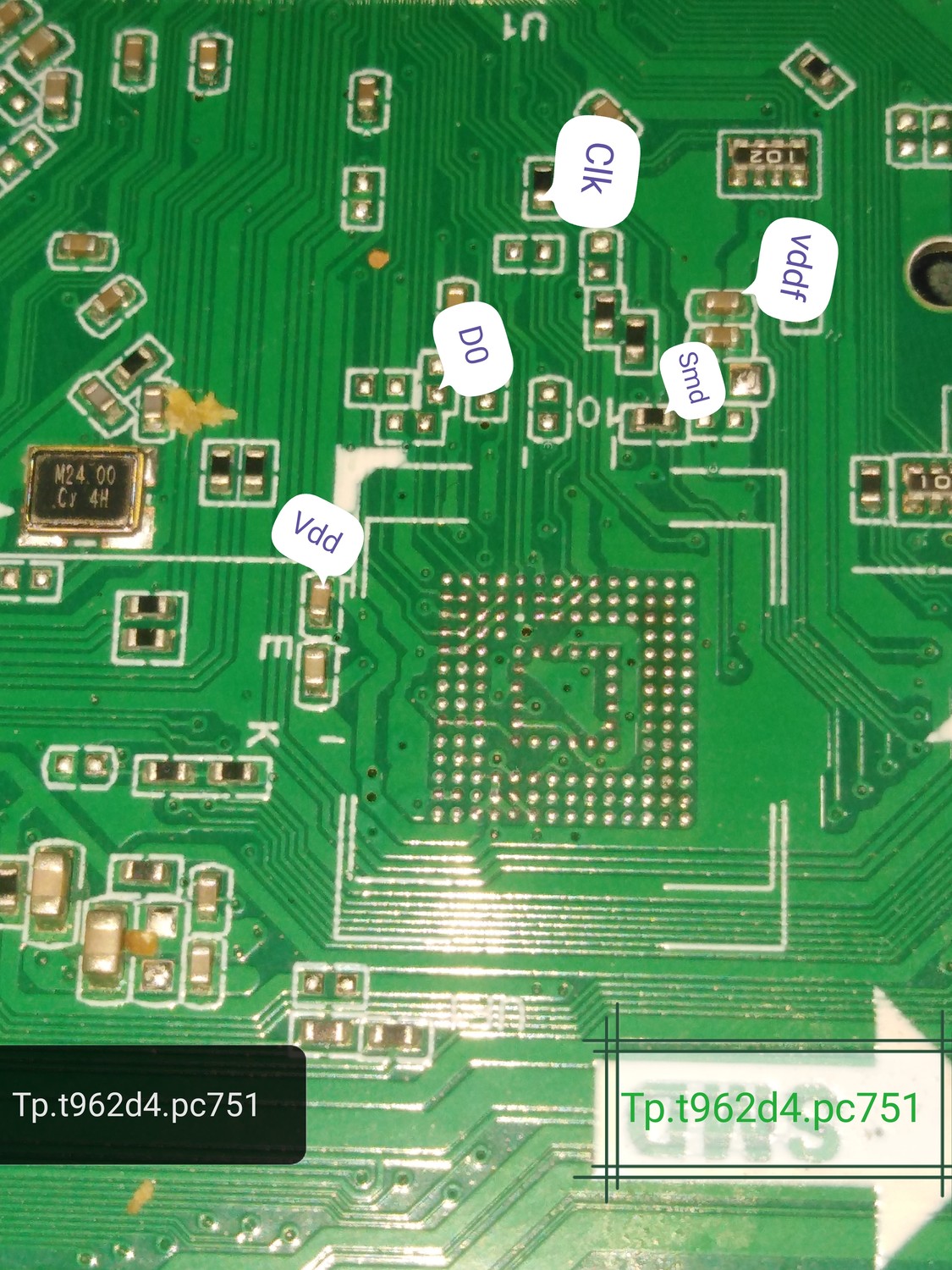
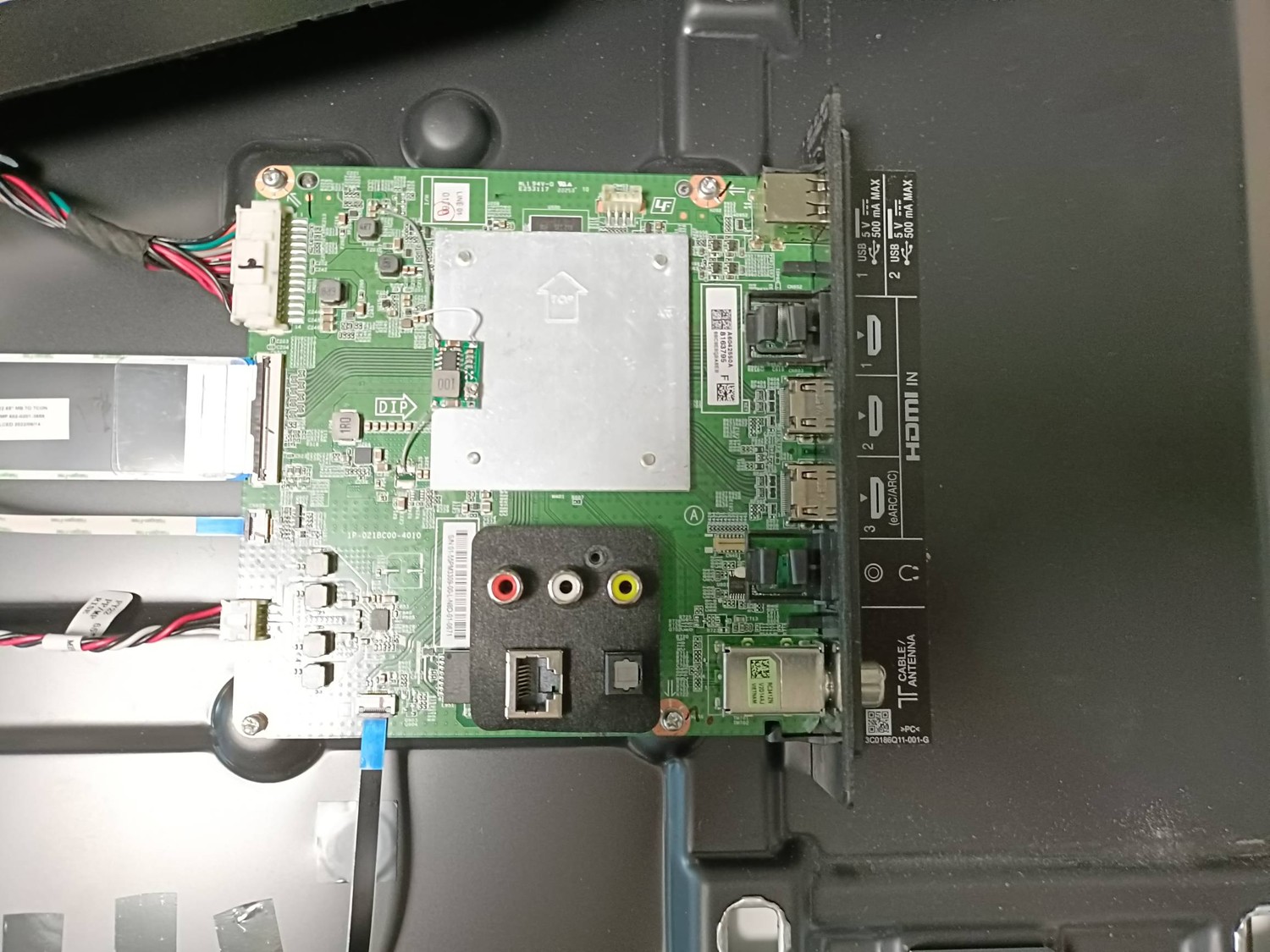
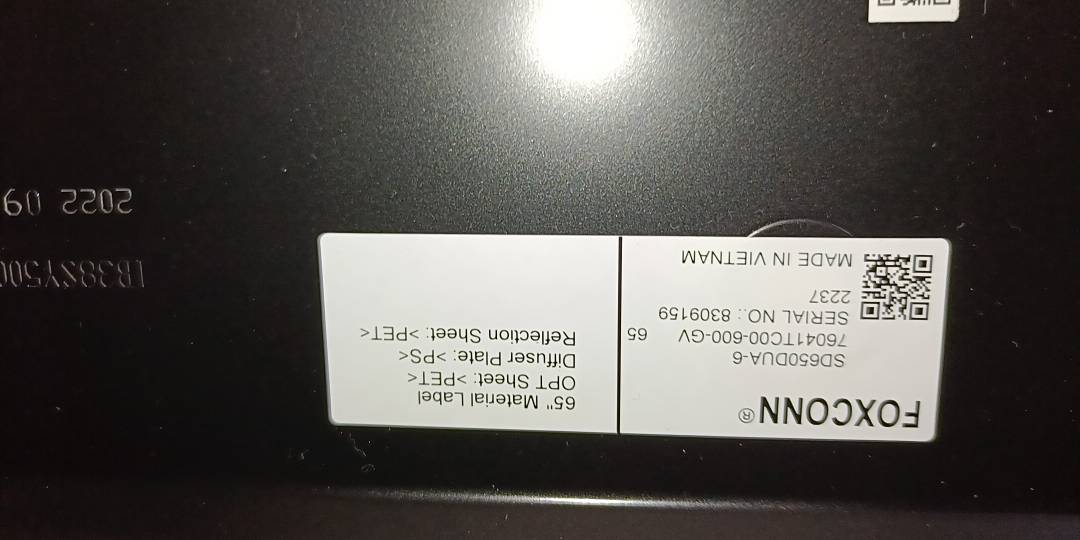
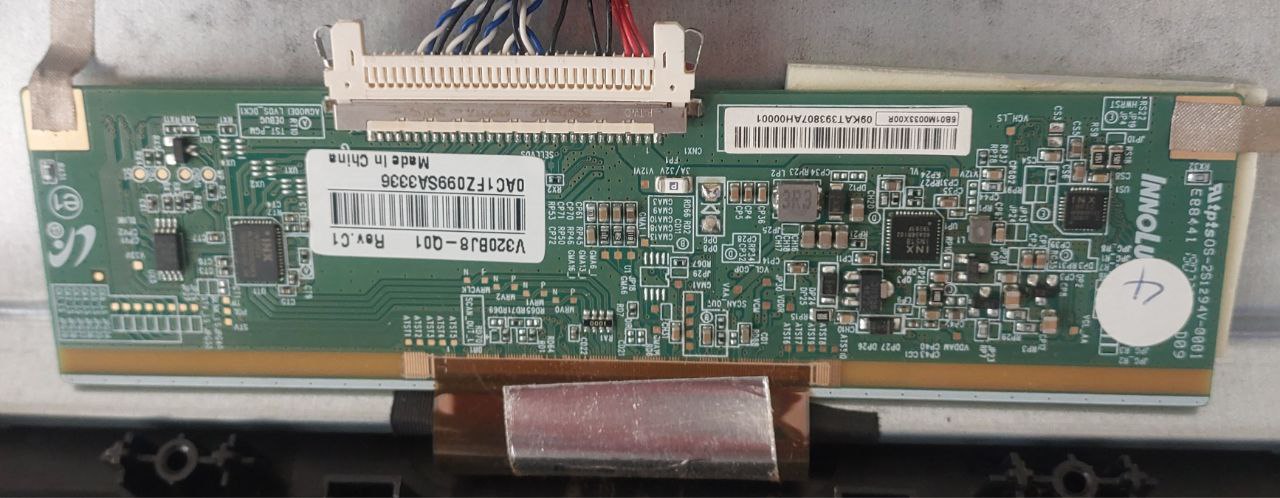
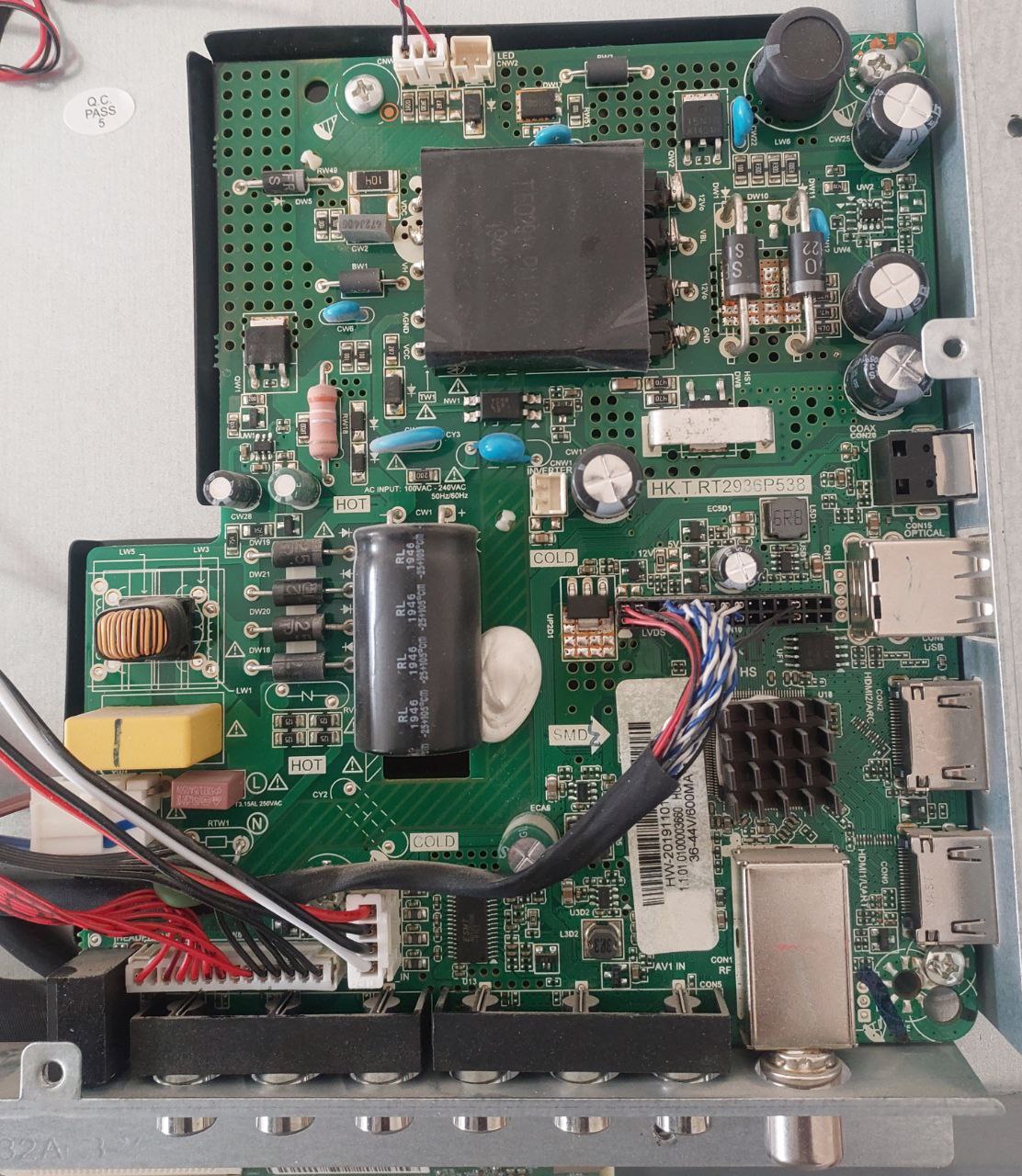
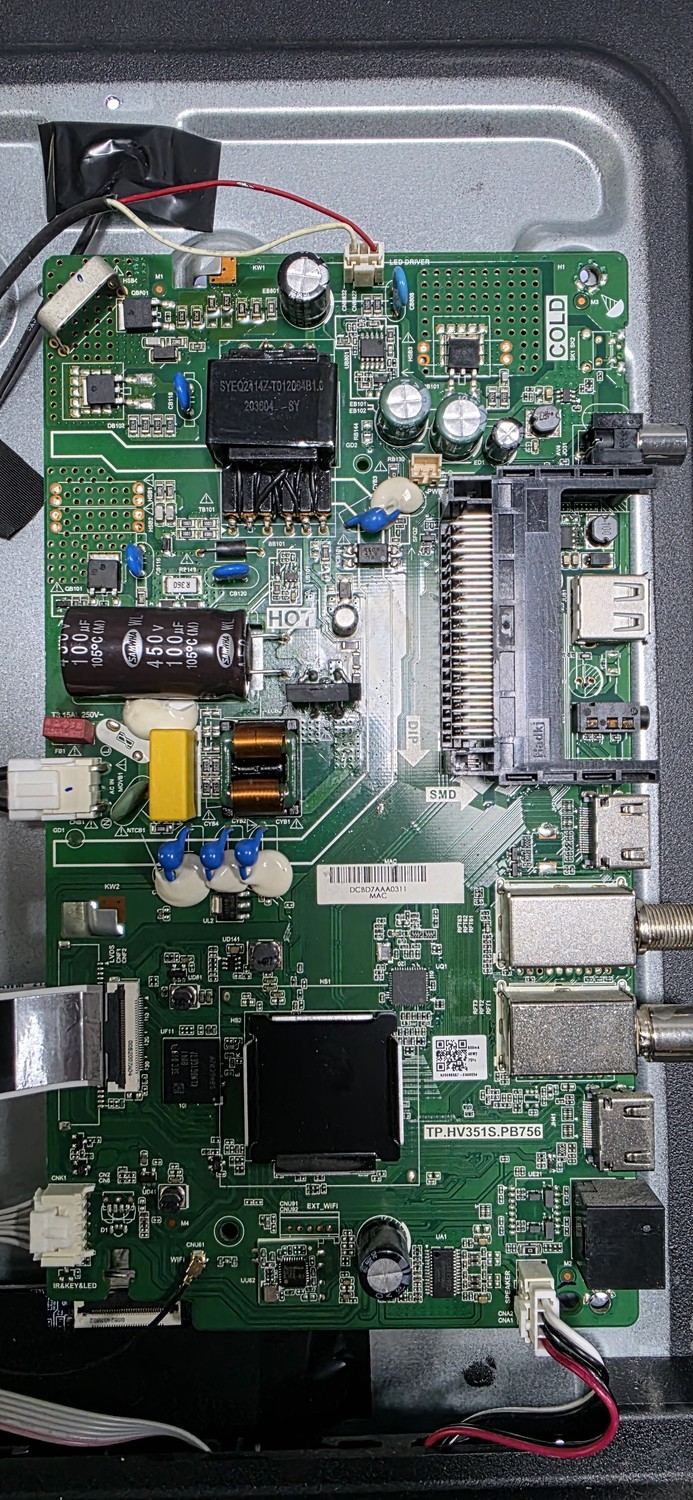
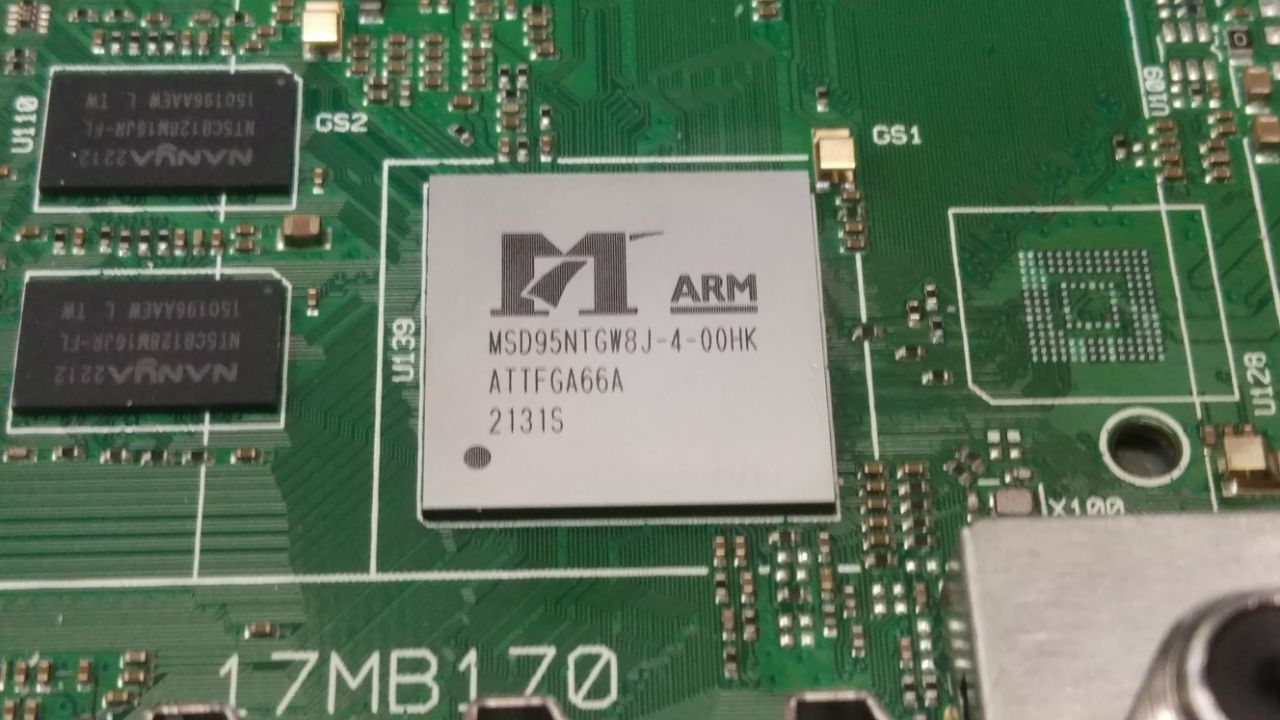
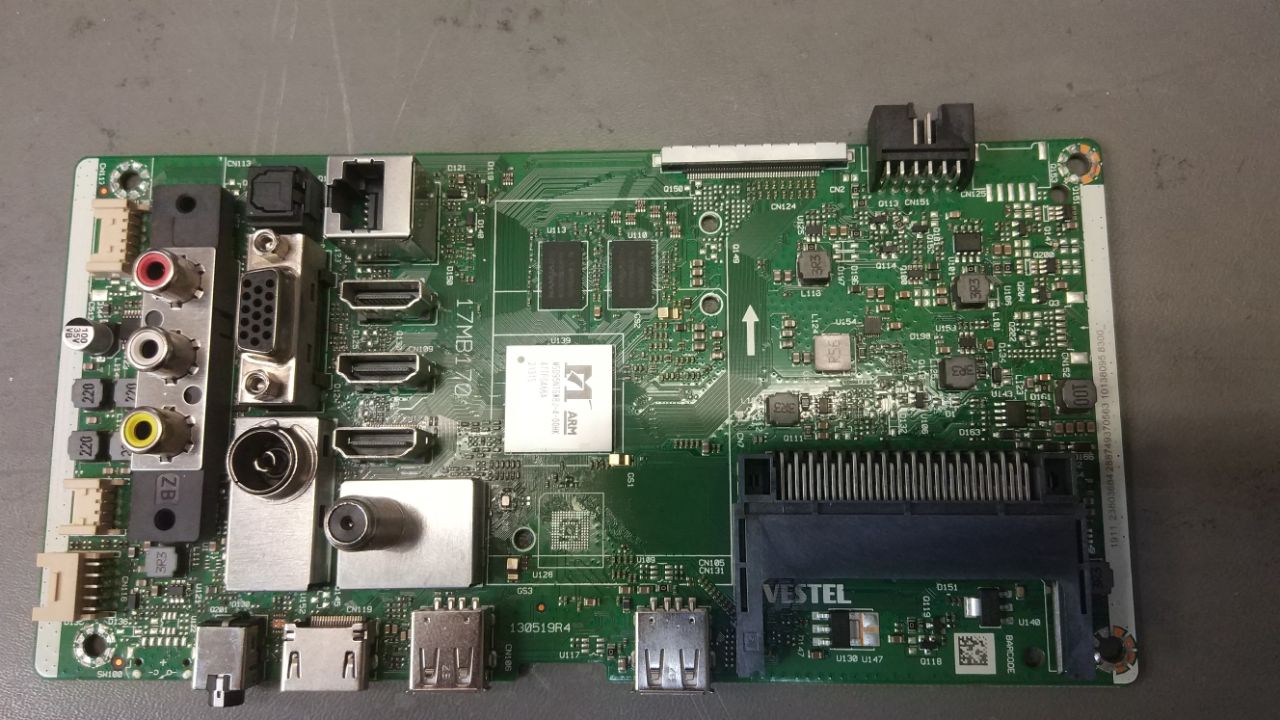
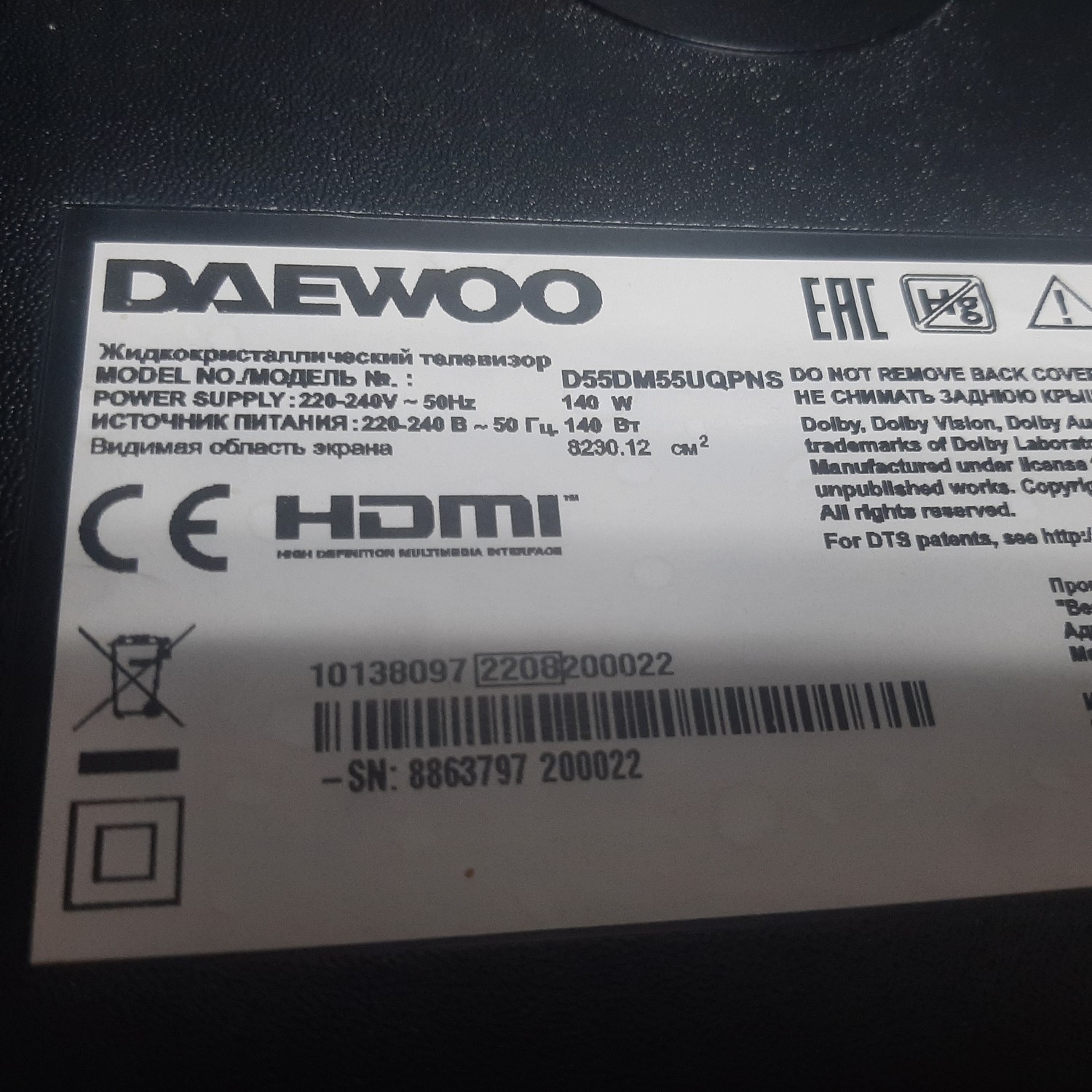
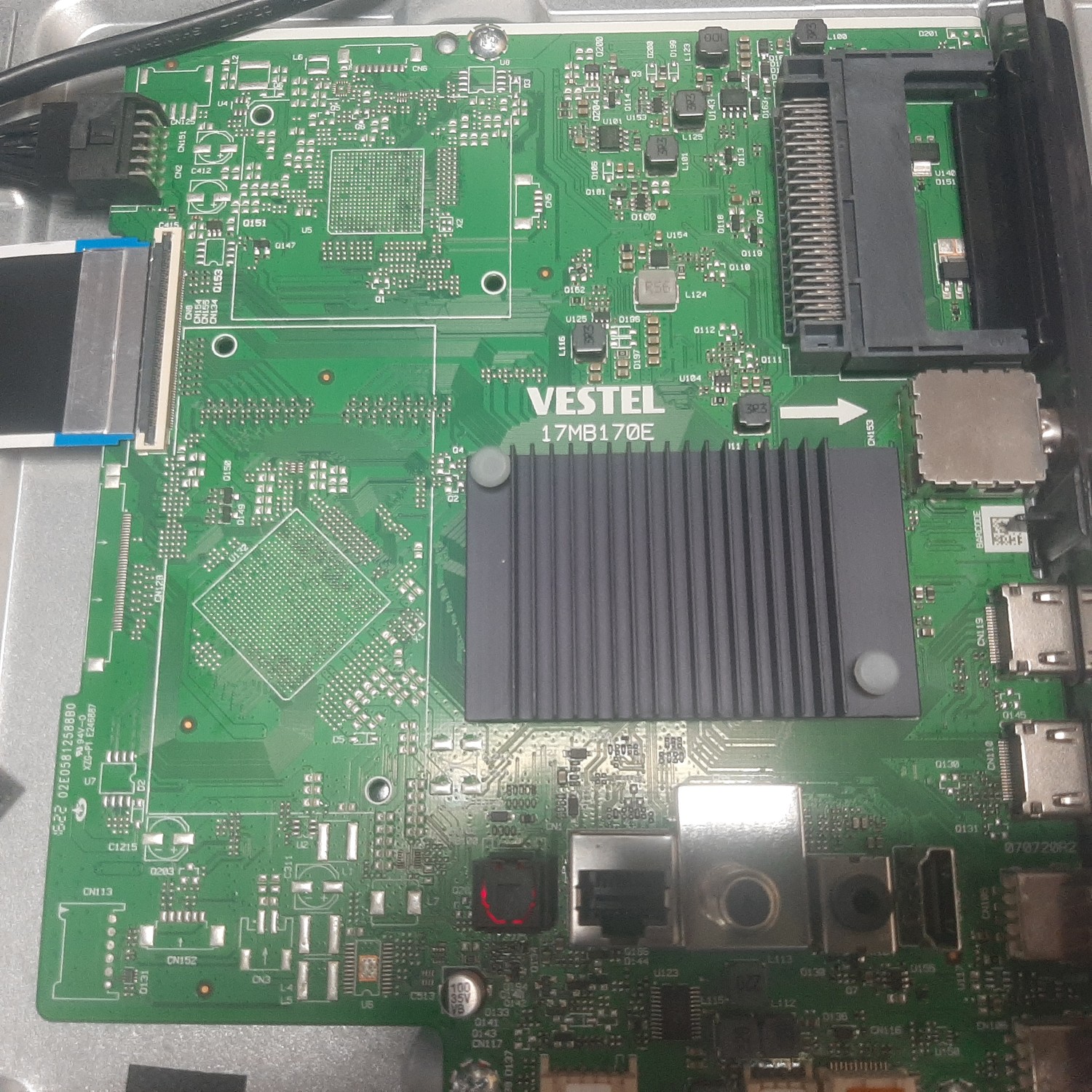
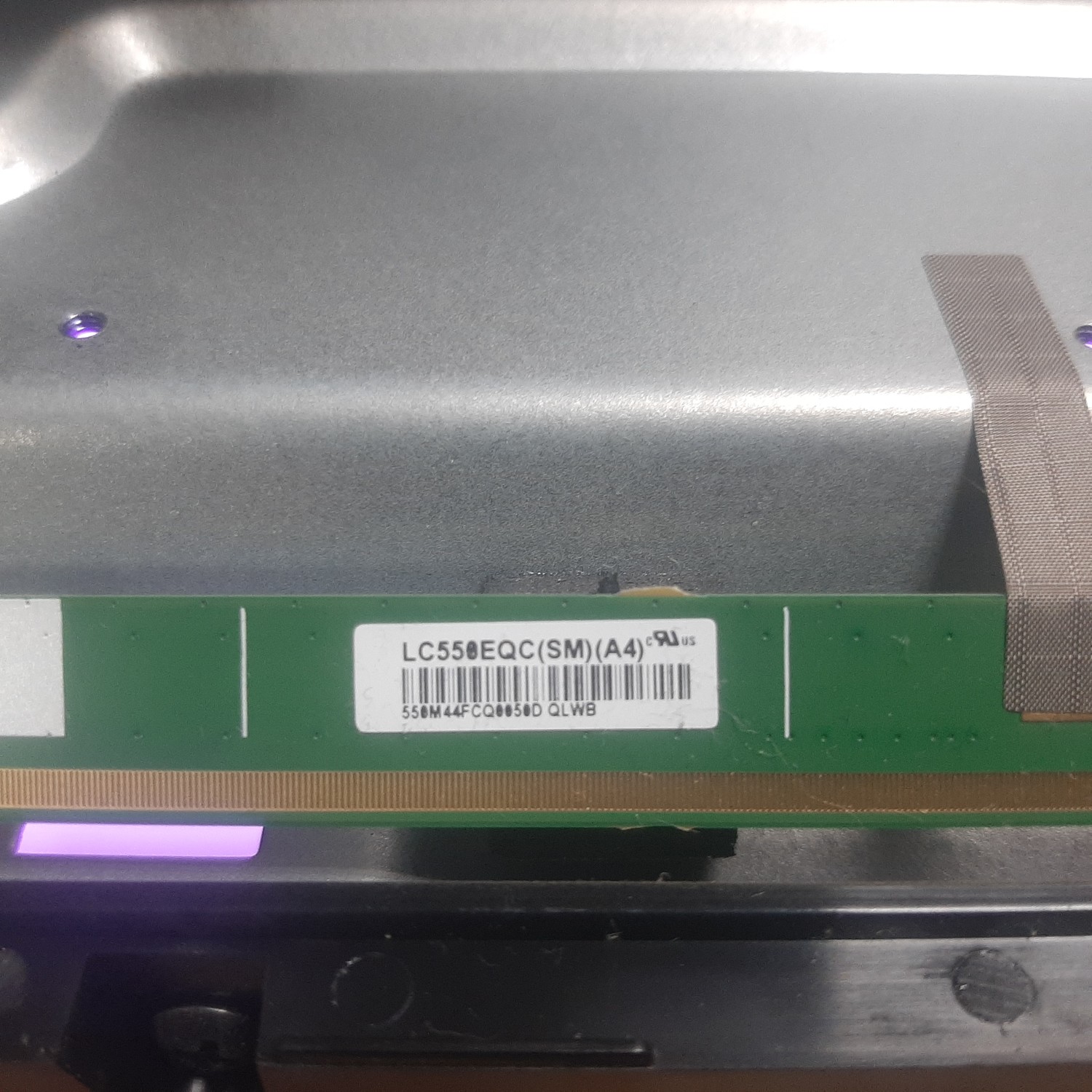
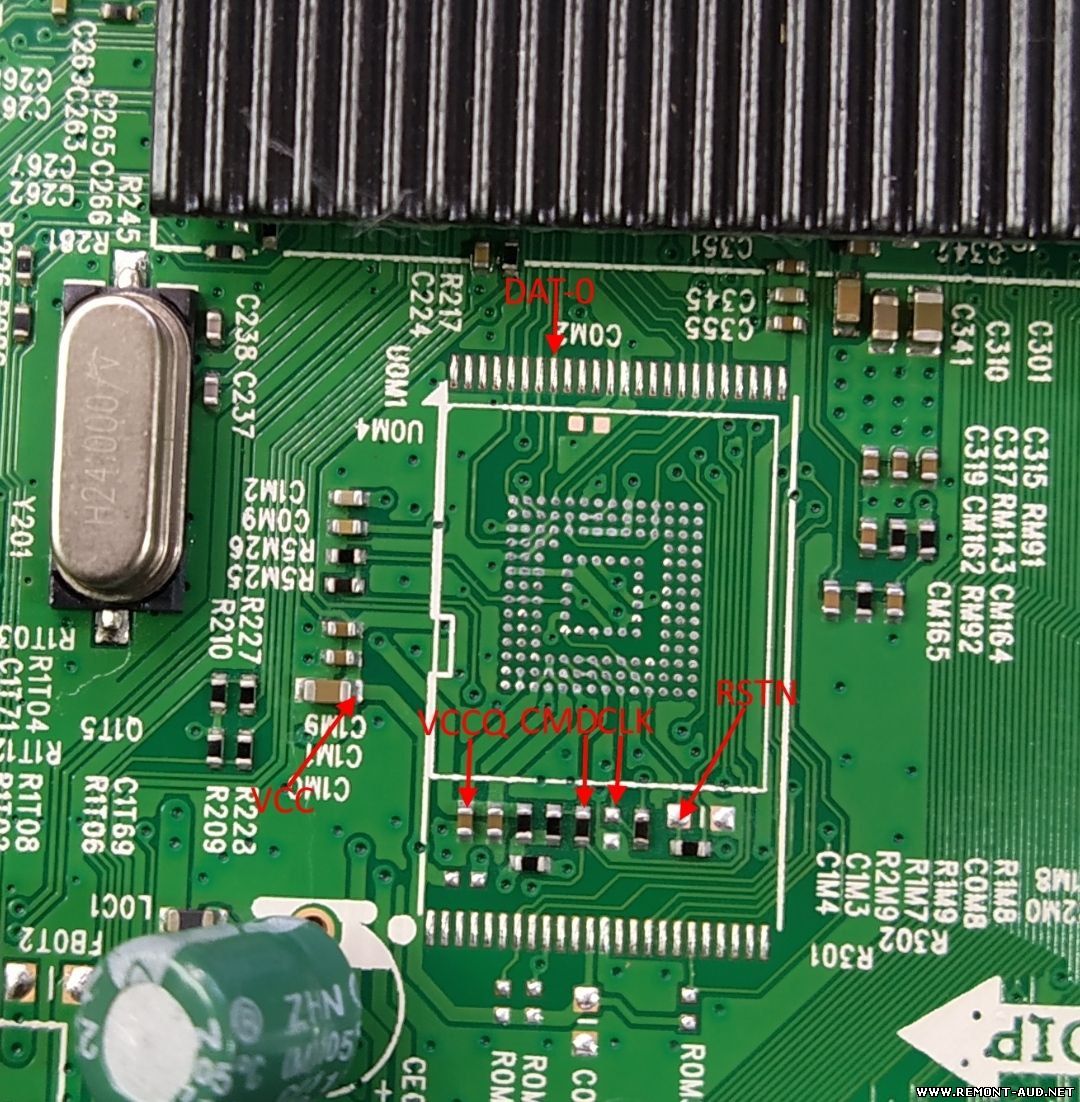
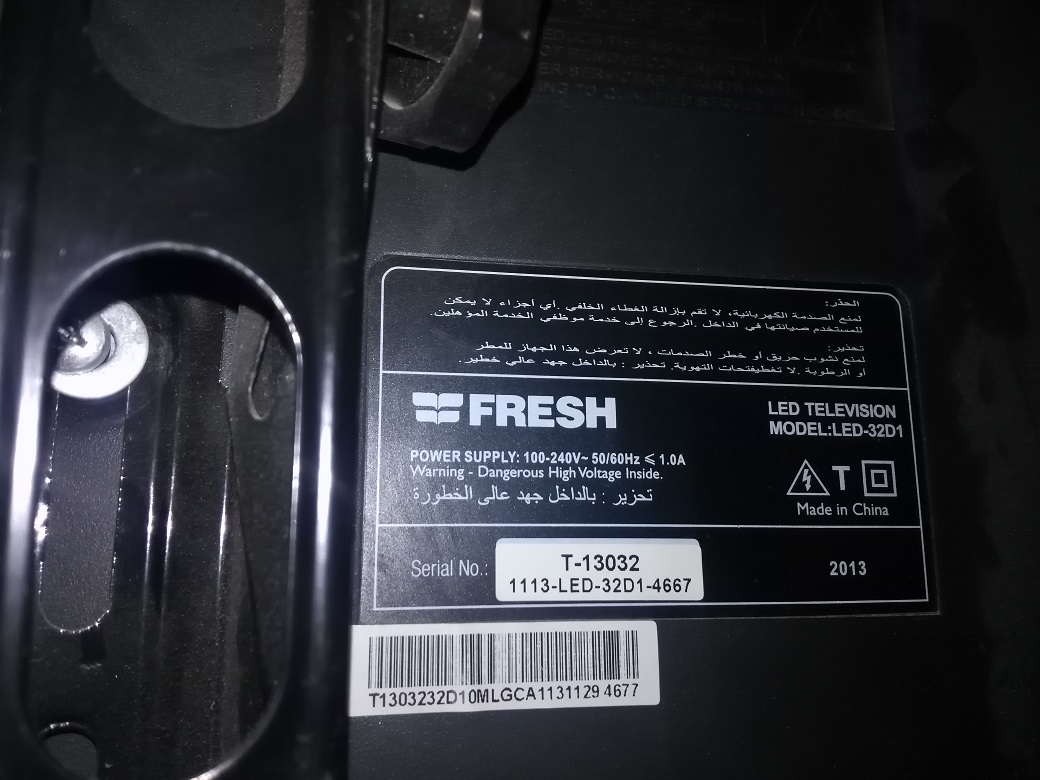
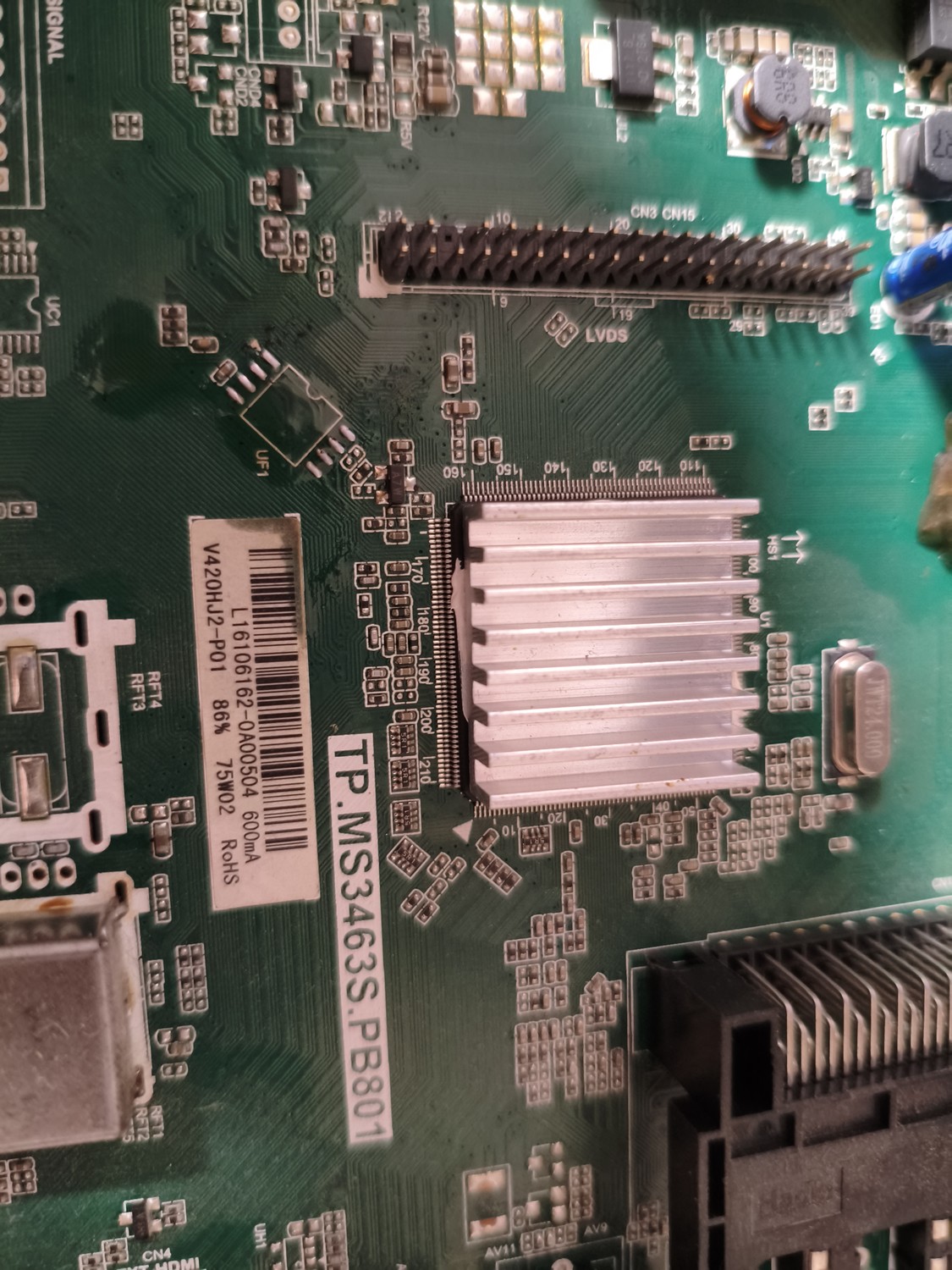
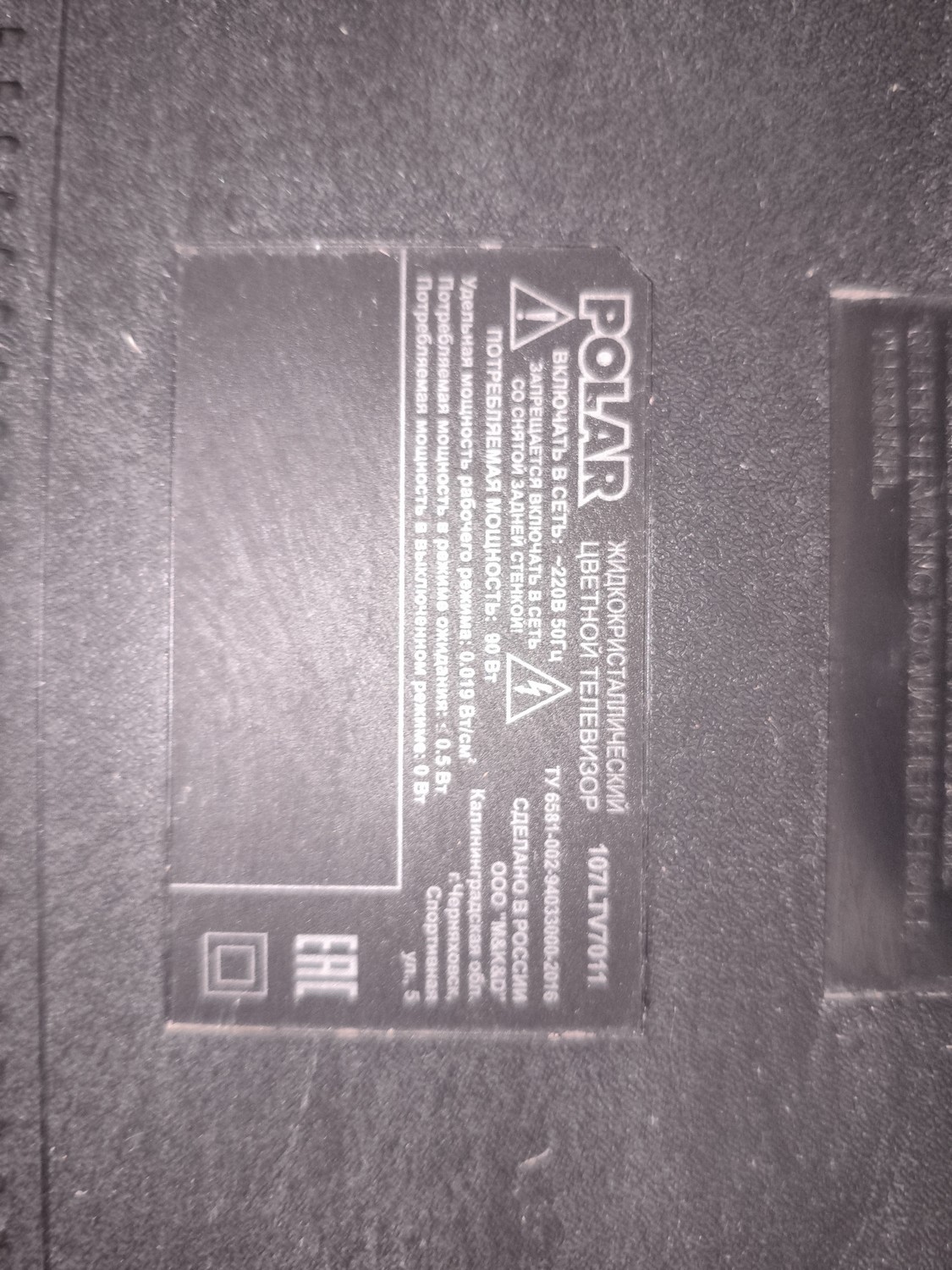
Считана с рабочего, записана в новую ЕММС. С ней ап не включился, переодически мигал индикатор. После правки BOOT1 аппарат заработал. BOOT1 правленный под это шасси.
Прошивка для USB на телевизор Soundmax SM-LED43M01S (пробовал в него заливать от других производителей, но там не тот тип матриц и изображение двоится, на этой все работает как и должно). Инструкция по прошивке: 1. Извлечь файлы из архива. 2. Скопировать полученные файлы в корневую директорию на флешке (должна быть в формате FAT32). Других файлов на флешке быть не должно. 3. Отключить вилку электропитания телевизора. 4. Вставить флешку в разъем USB 2.0. 5. Включить вилку электропитания ТВ в розетку. 6. Если индикатор питания телевизора начал мигать двумя цветами - прошивка работает. 7. Если индикатор не начал мигать, вернуться к п.5: перед включением вилки электропитания в розетку зажать кнопку питания на телевизоре и только потом включить ТВ в розетку. 8. После окончания прошивки выключить телевизор и извлечь флешку из разъема.
Если прошивка не начинается, то надо изменить название прошивки на "allupgrade_aml962d4_an13_8G_1P5GB_sos", но это аварийная прошивка на Ваш Страх и Риск
В архиве прошивка слитая двумя прогерами UFPI и RT809H Телевизор пришел с проблемой нехватки памяти. Выполнил обновление по USB, затем слил прошивку, тоесть прошивка чистая после полного сброса! НО пытался залить ее в точно такуюже новую флешку, пробовал обоими прогерами, выставлял корректный конфиг загрузки, но телек не включался с новой микрой! Если у кого то будет успешной опыт замены EMMC с моими дампами, просьба отписаться
1. Copy files onto empty USB Stick 2. Please ensure TV power is completely off (no red standby light on TV) 3. Insert USB with files into USB slot of TV 4. Turn power on to STANDBY (red light only) 5. A Blue Screen with a Loading bar with a percentage shall appear 6. TV Light will begin to flicker slowly then get faster 7. After update has completed you will be instructed to unplug USB and turn off the TV via the power switch 8. once off turn the item back on from the switch
1. if the TV automatically turns on without pressing any buttons please follow these procedures; 2. Press the Menu Button and the digits 1147 3. Highlight INIT TV and press the right arrow on your remote 4. TV will automatically switch off, turn TV back on and retune.

 Файлы
Файлы Прошивки
 Продажа
 Литература
 Статьи