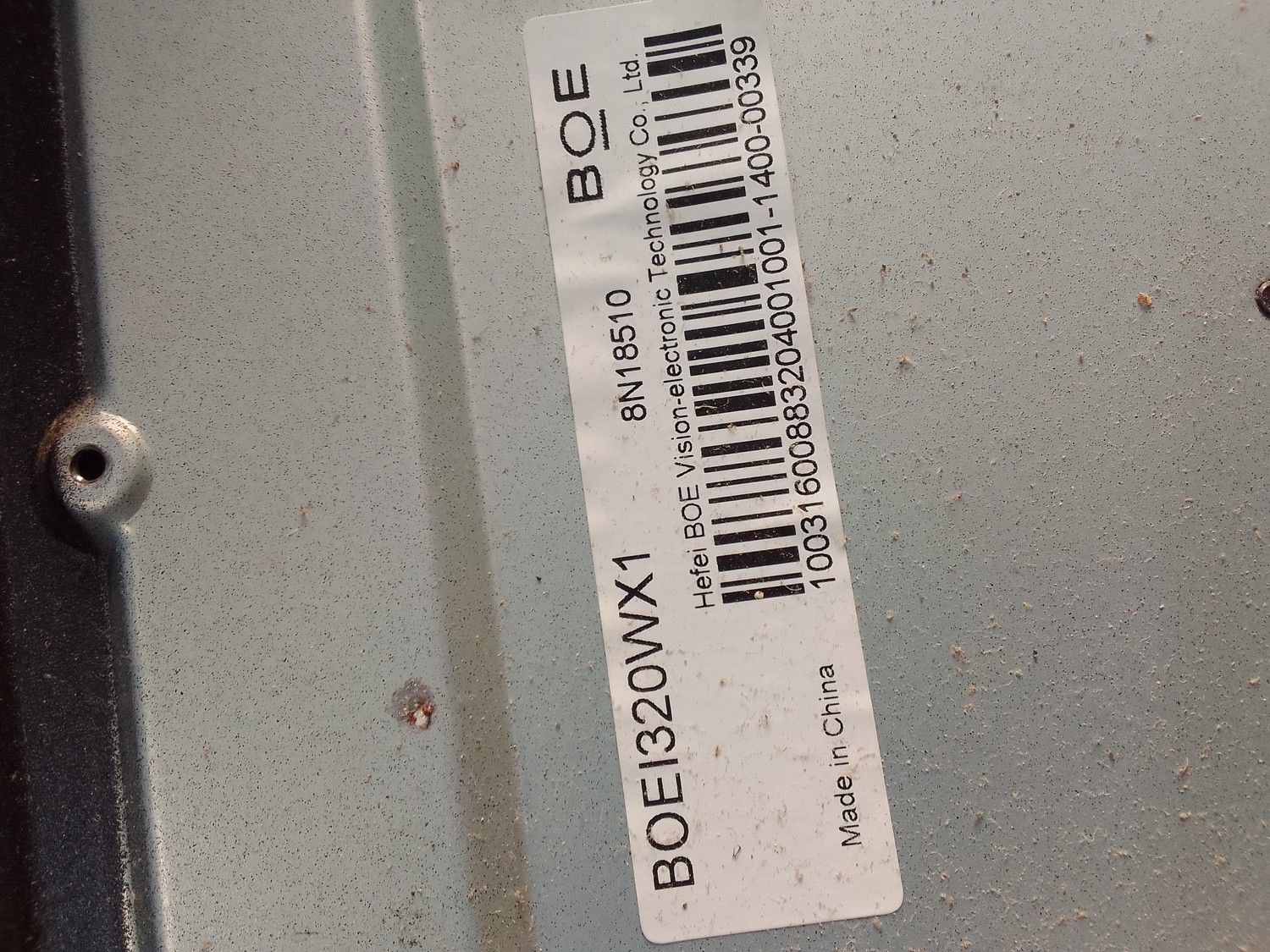
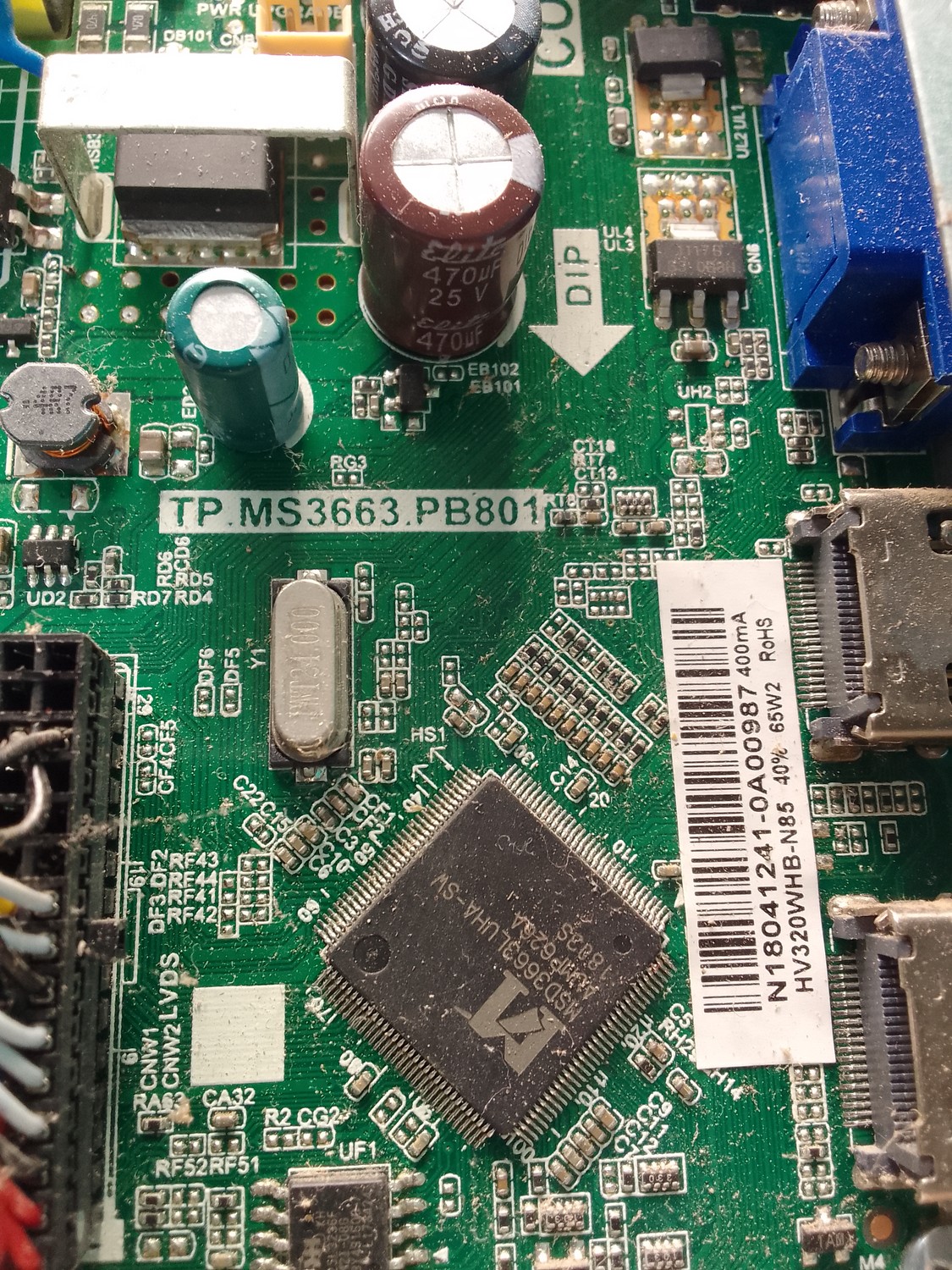
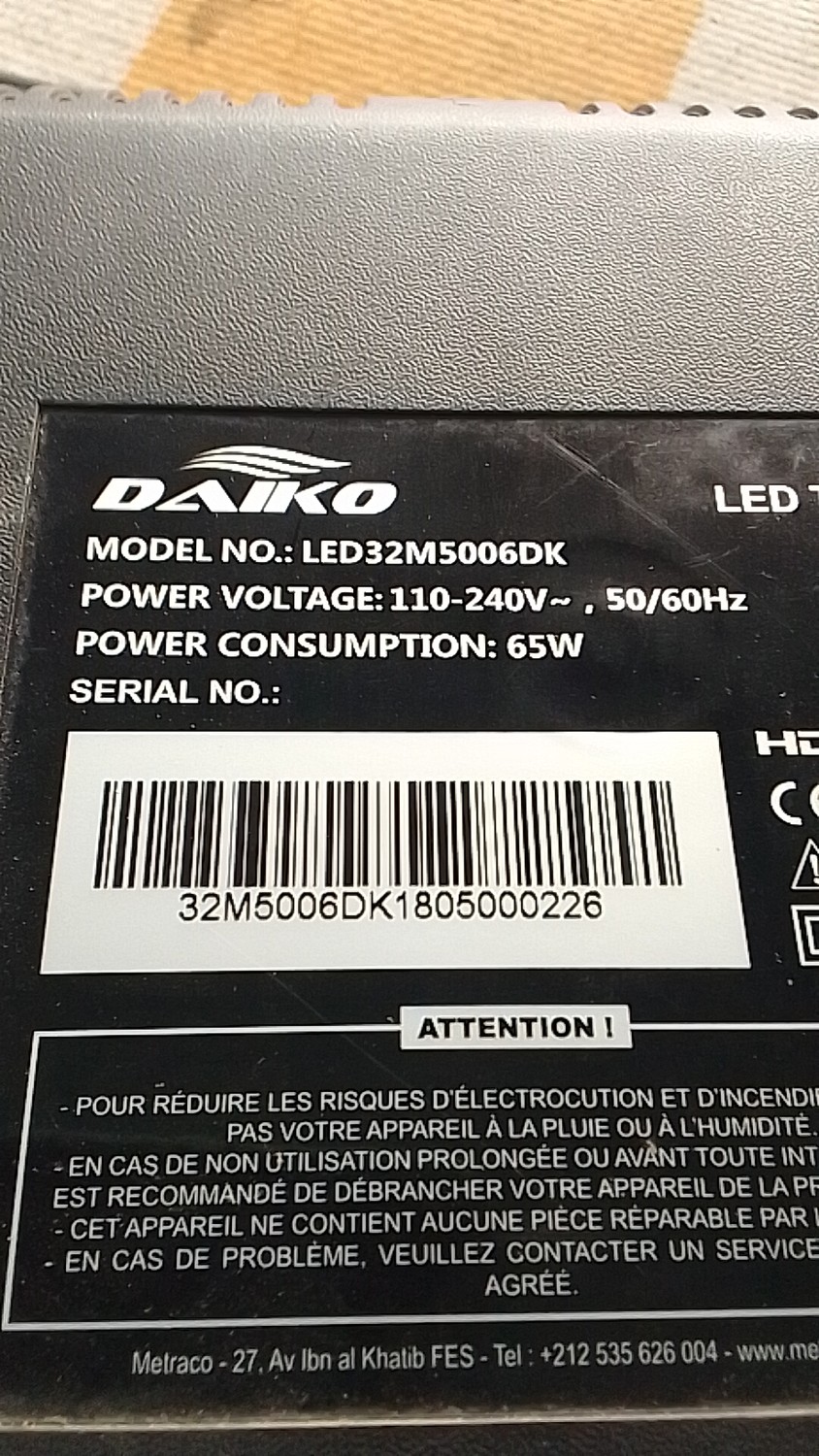
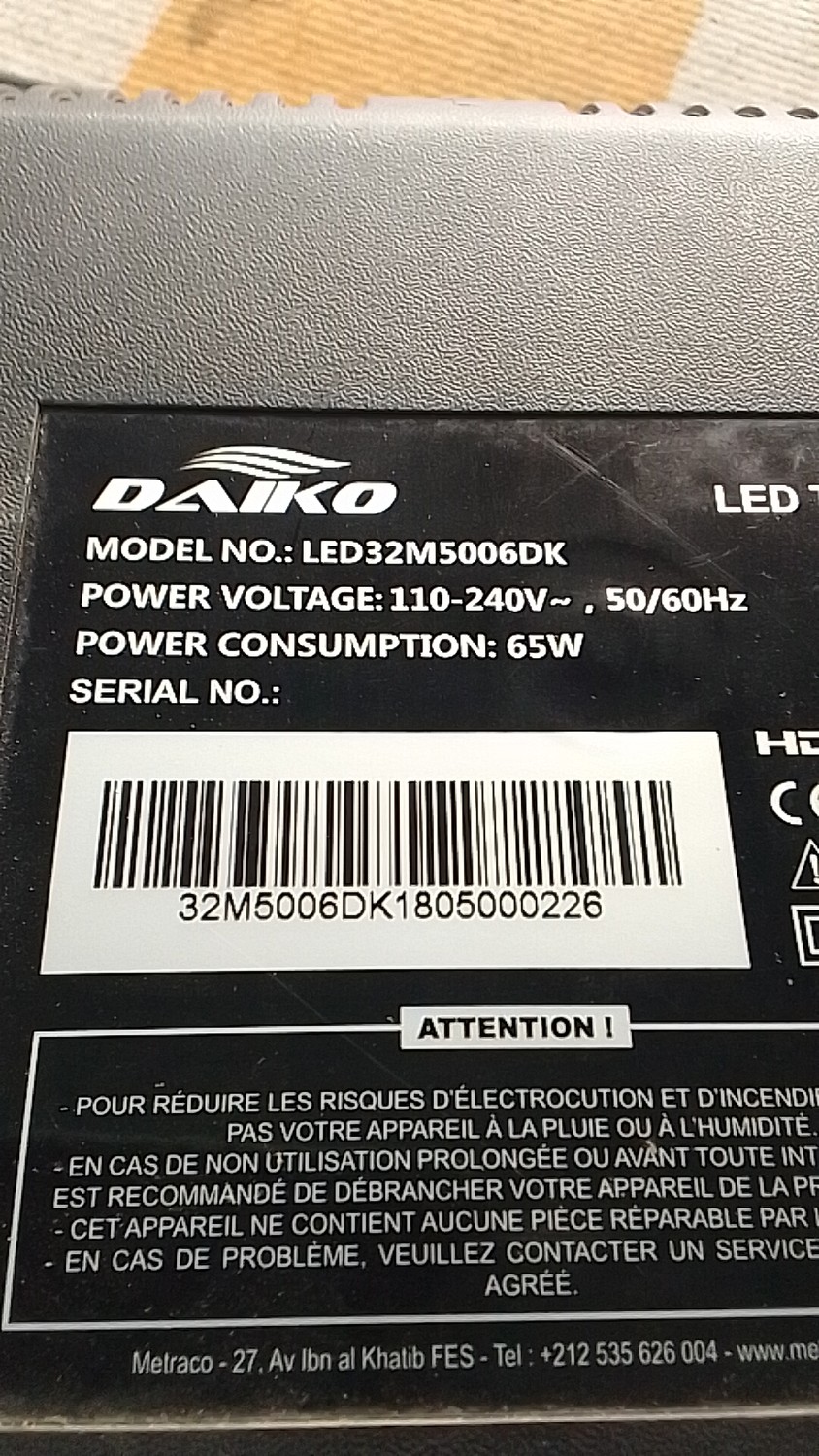
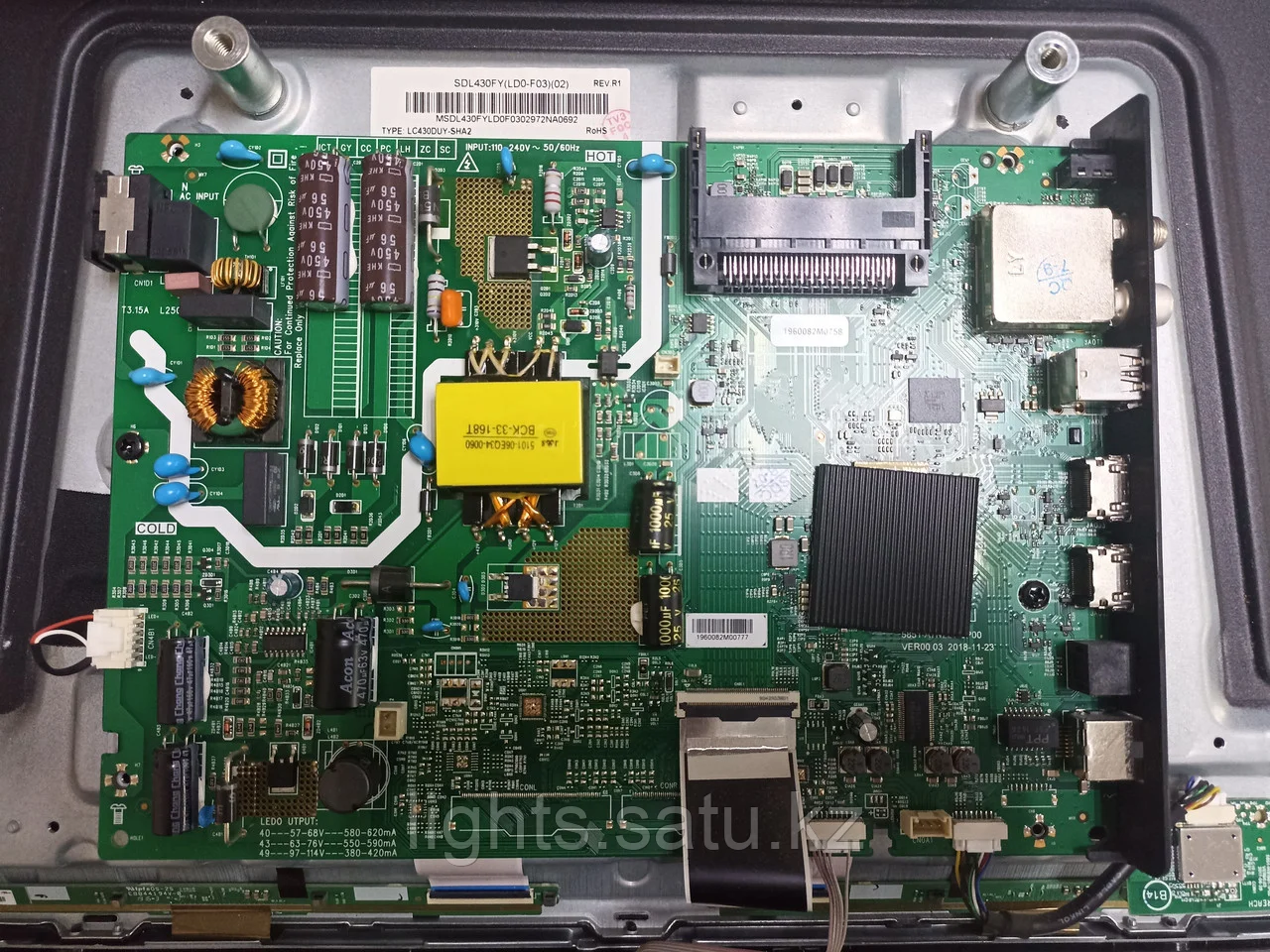
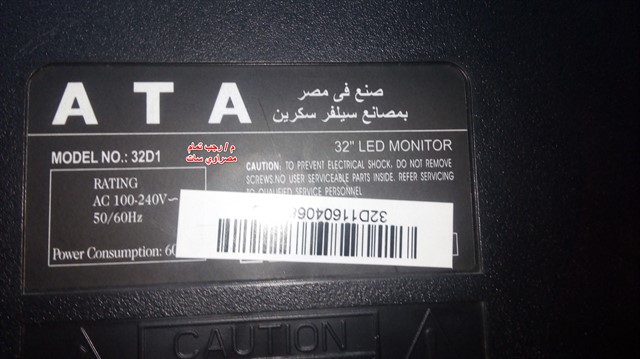
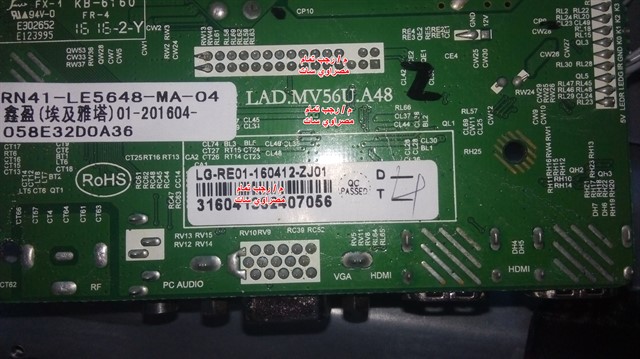
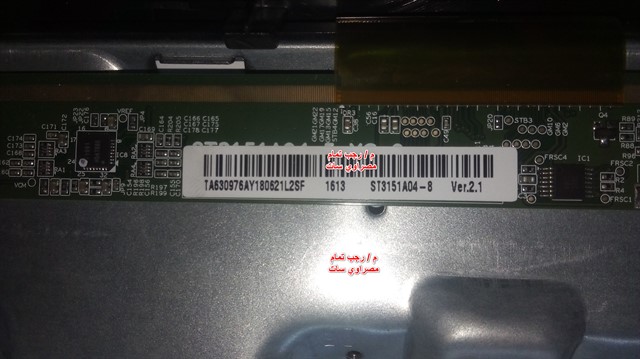
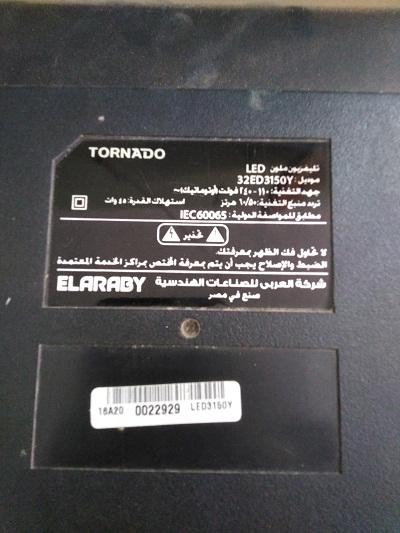
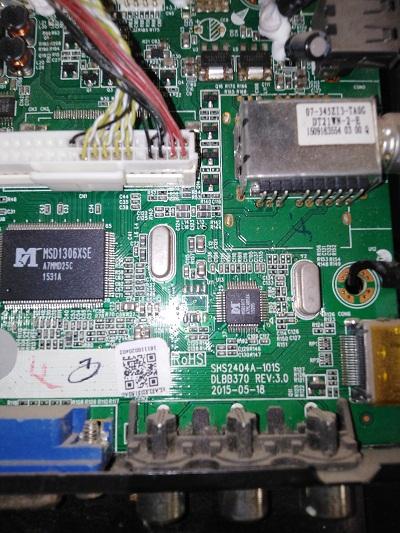
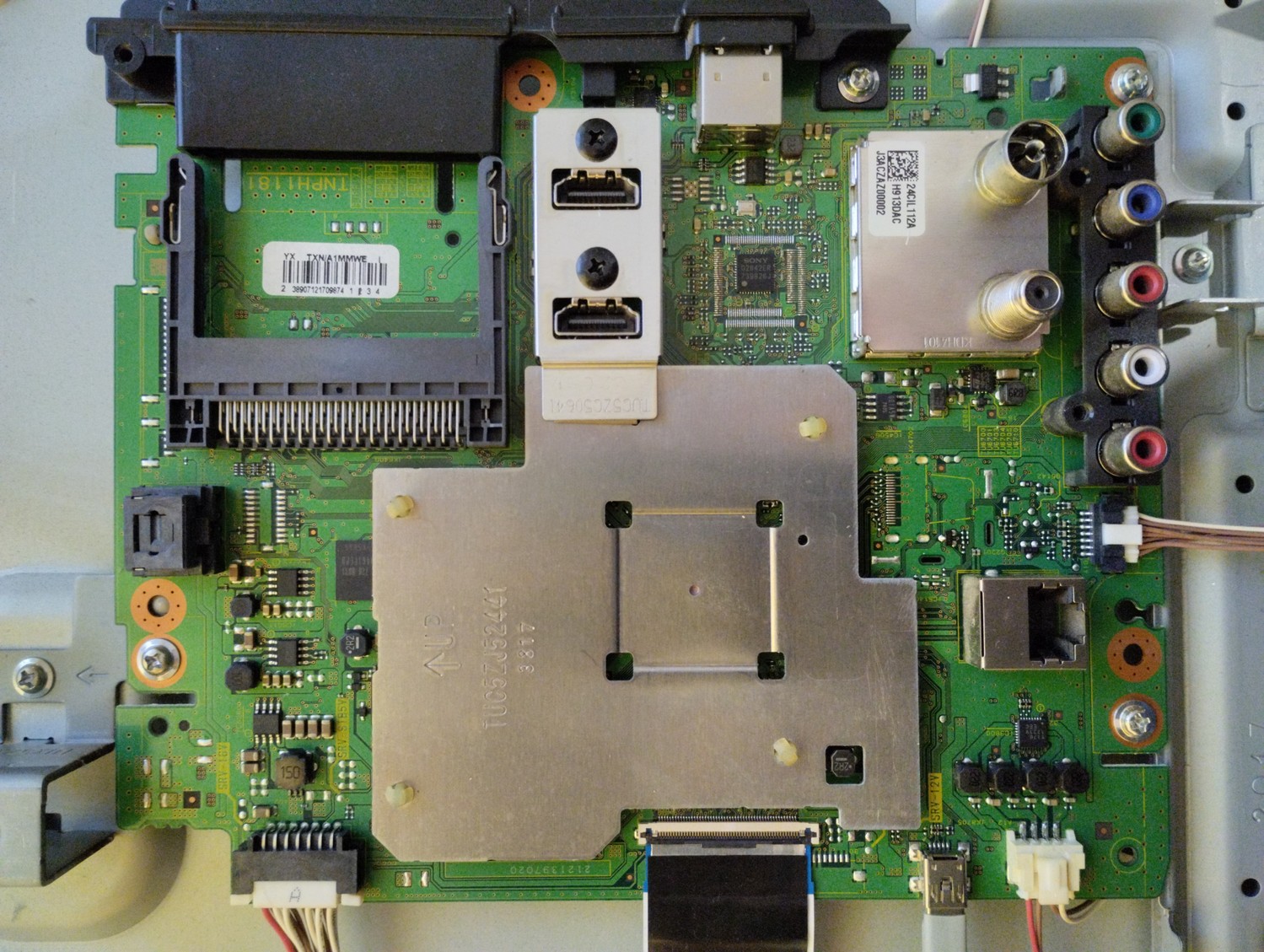
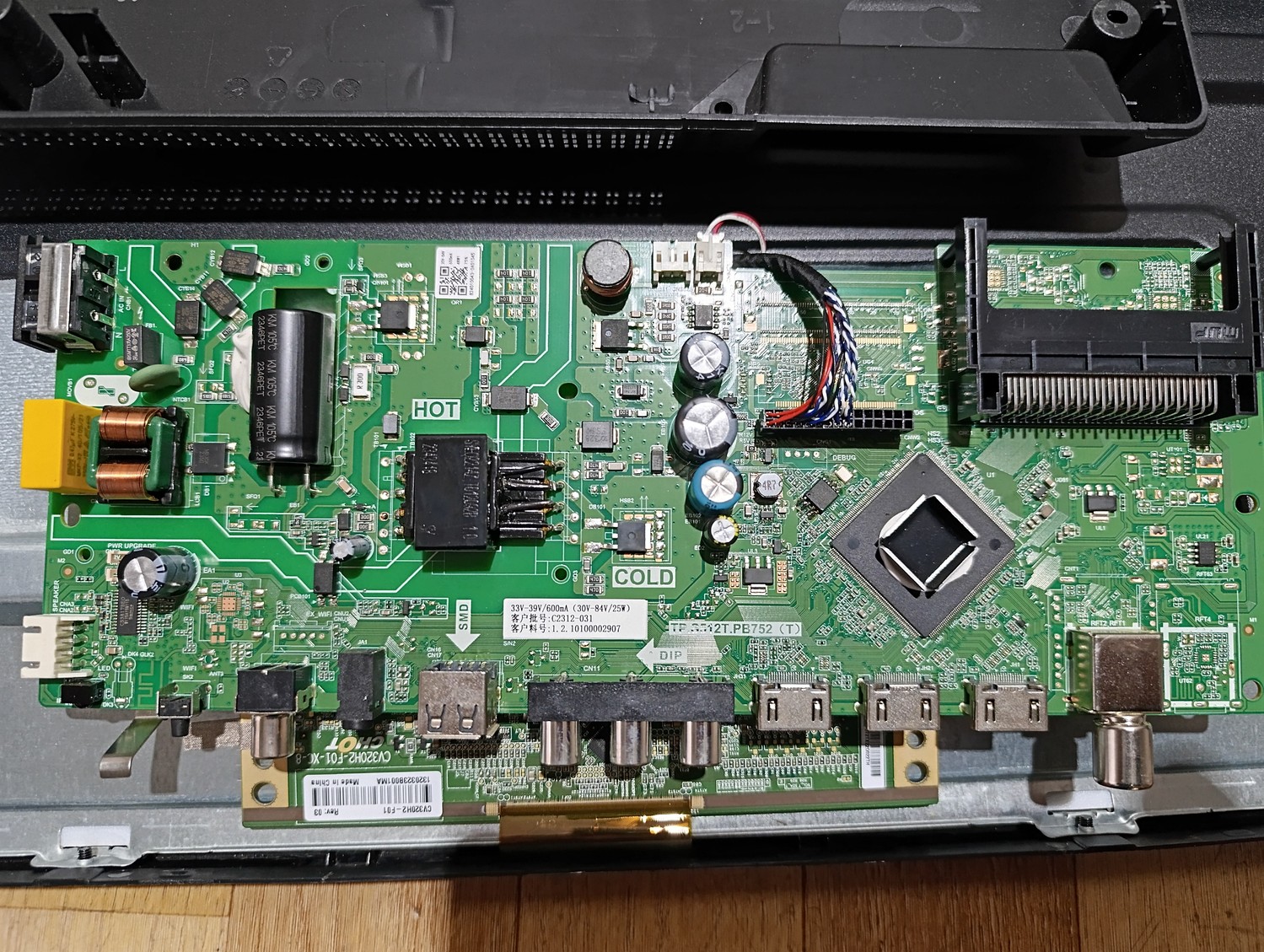
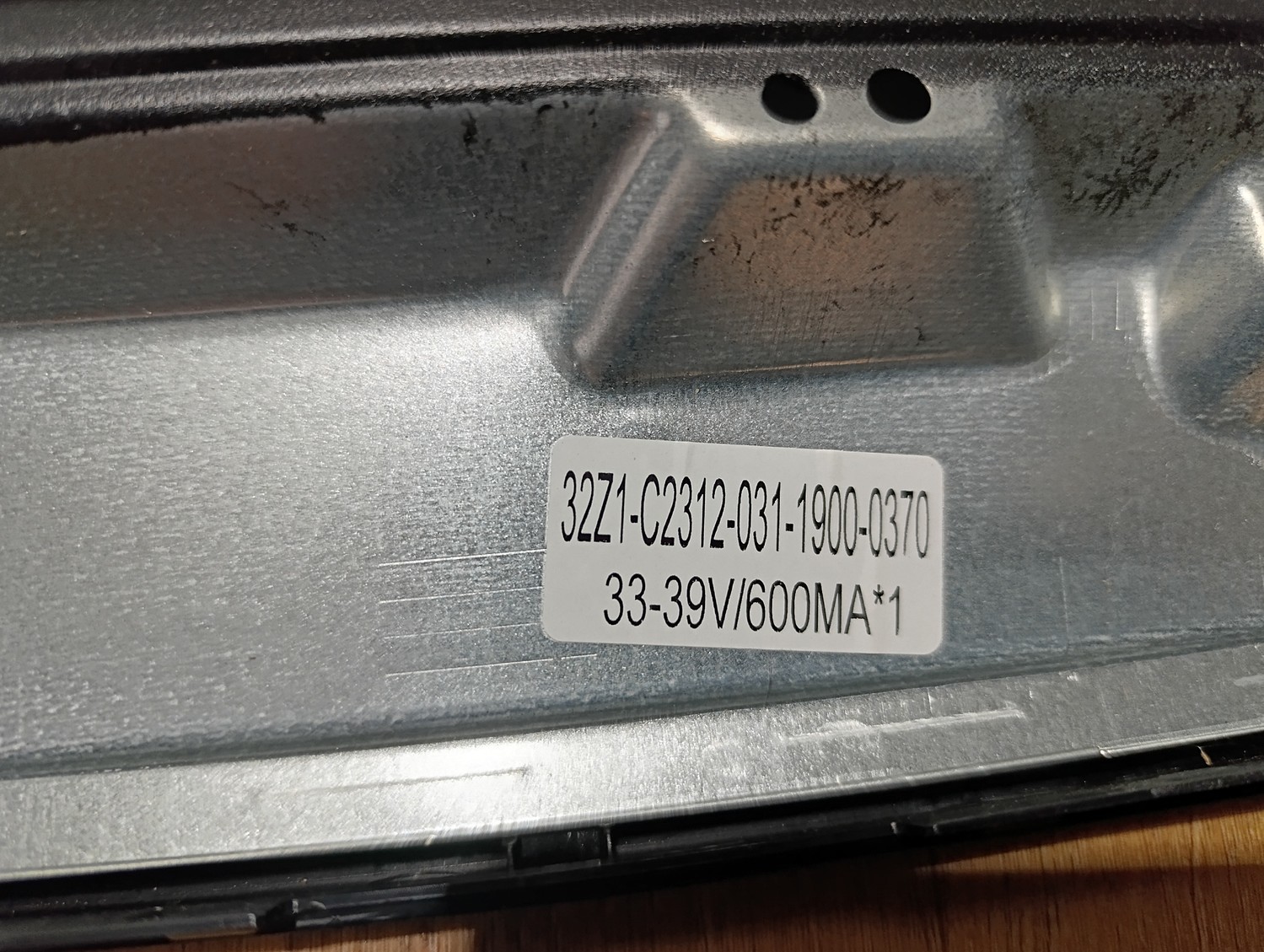
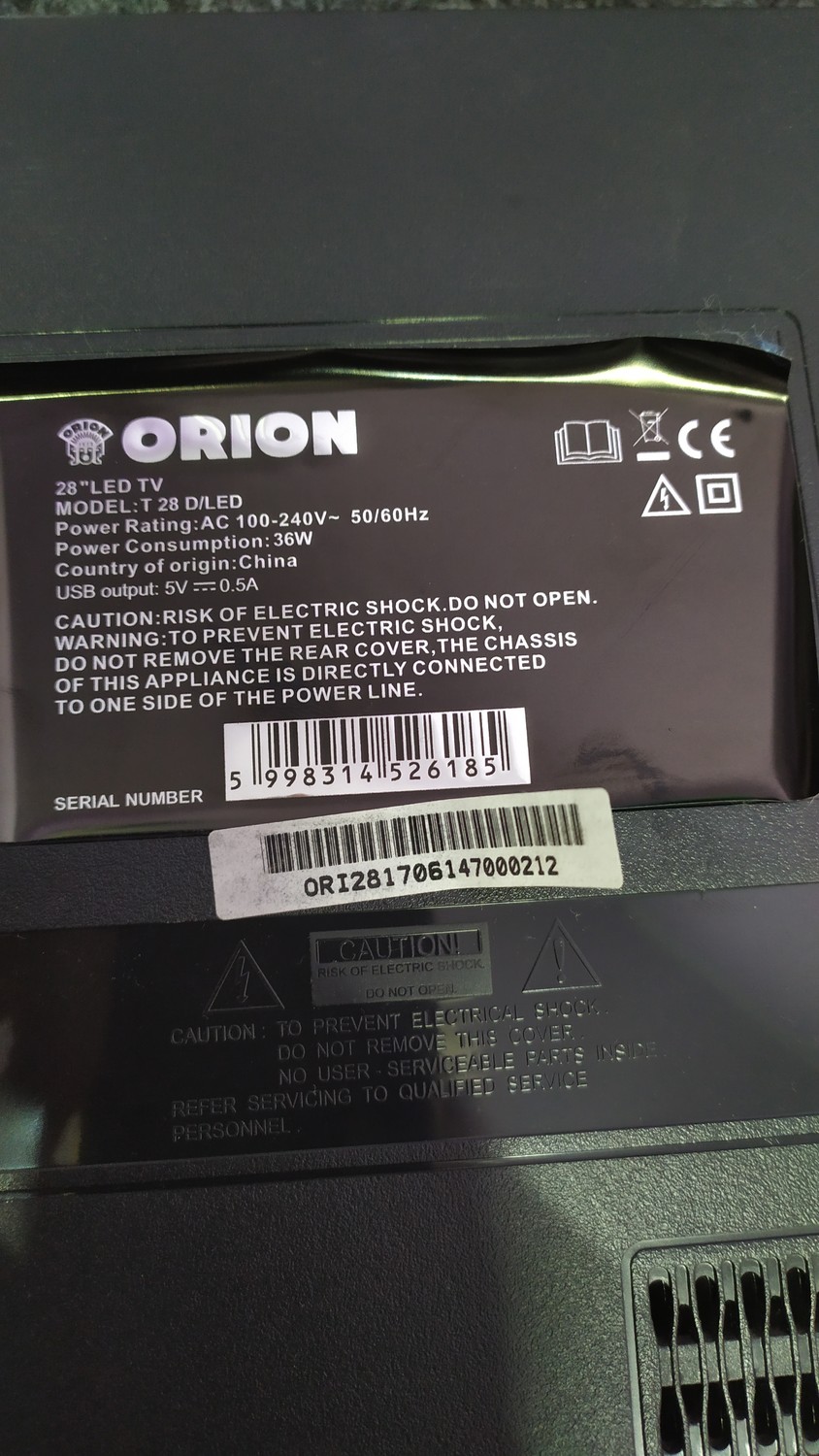
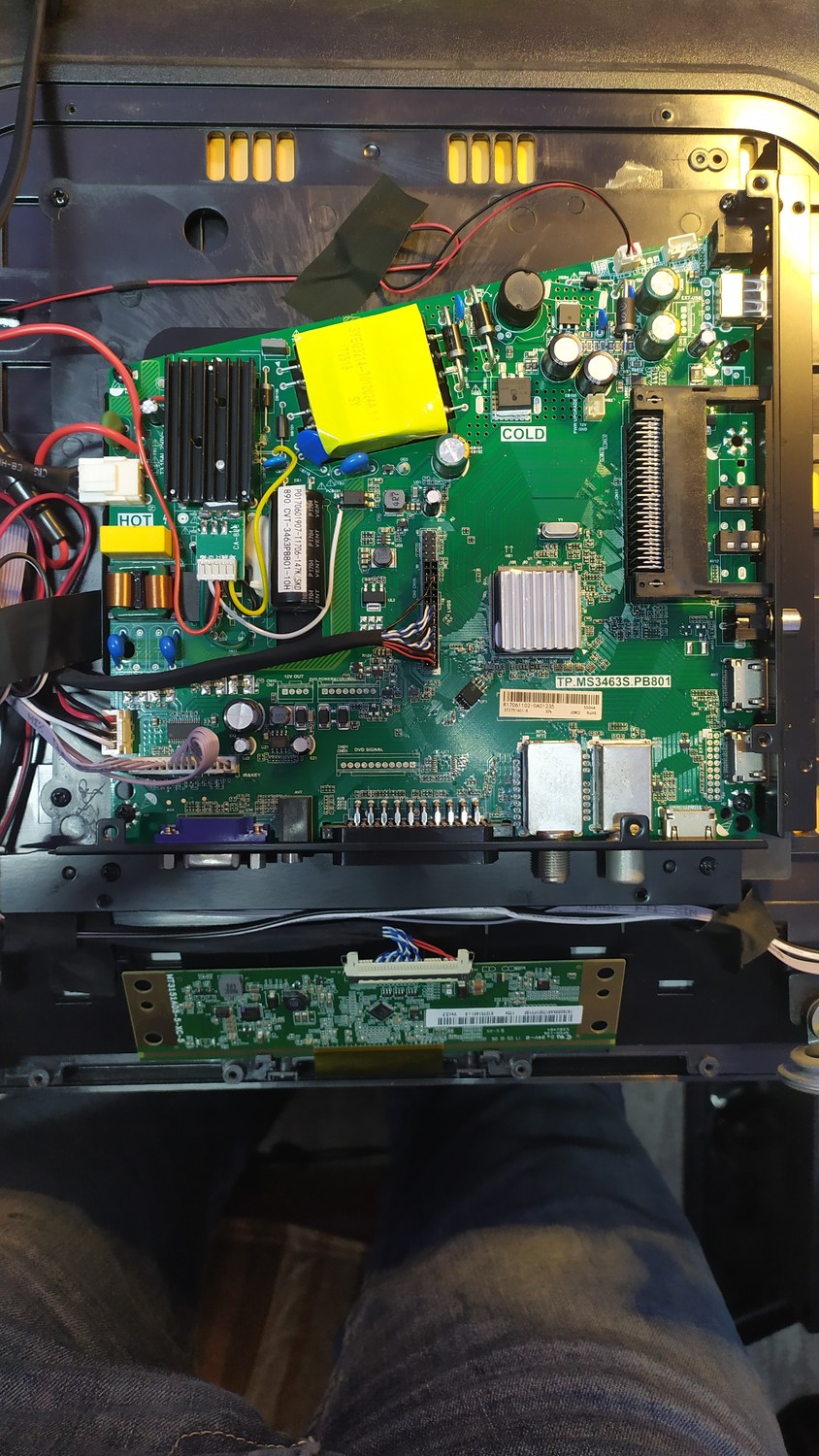
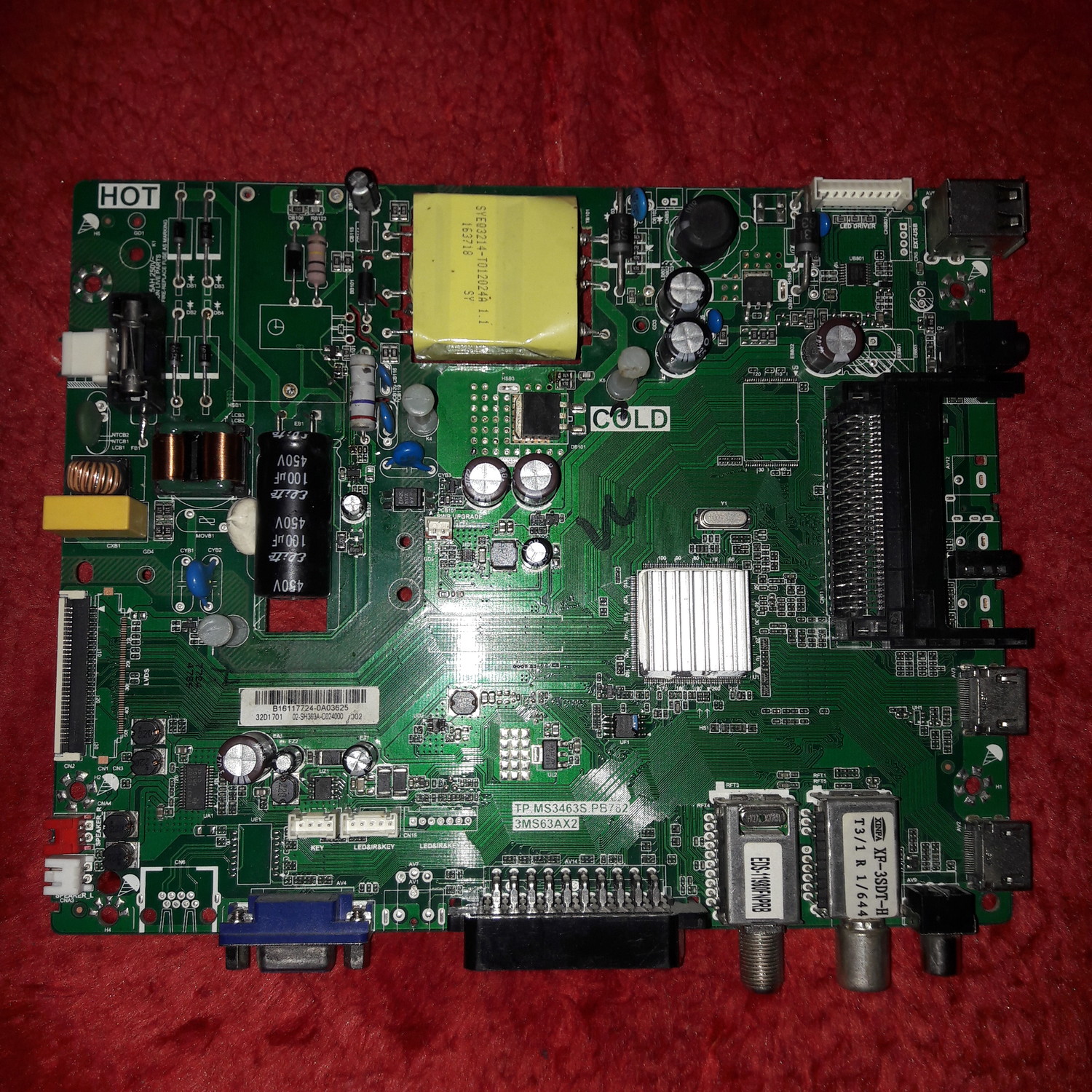
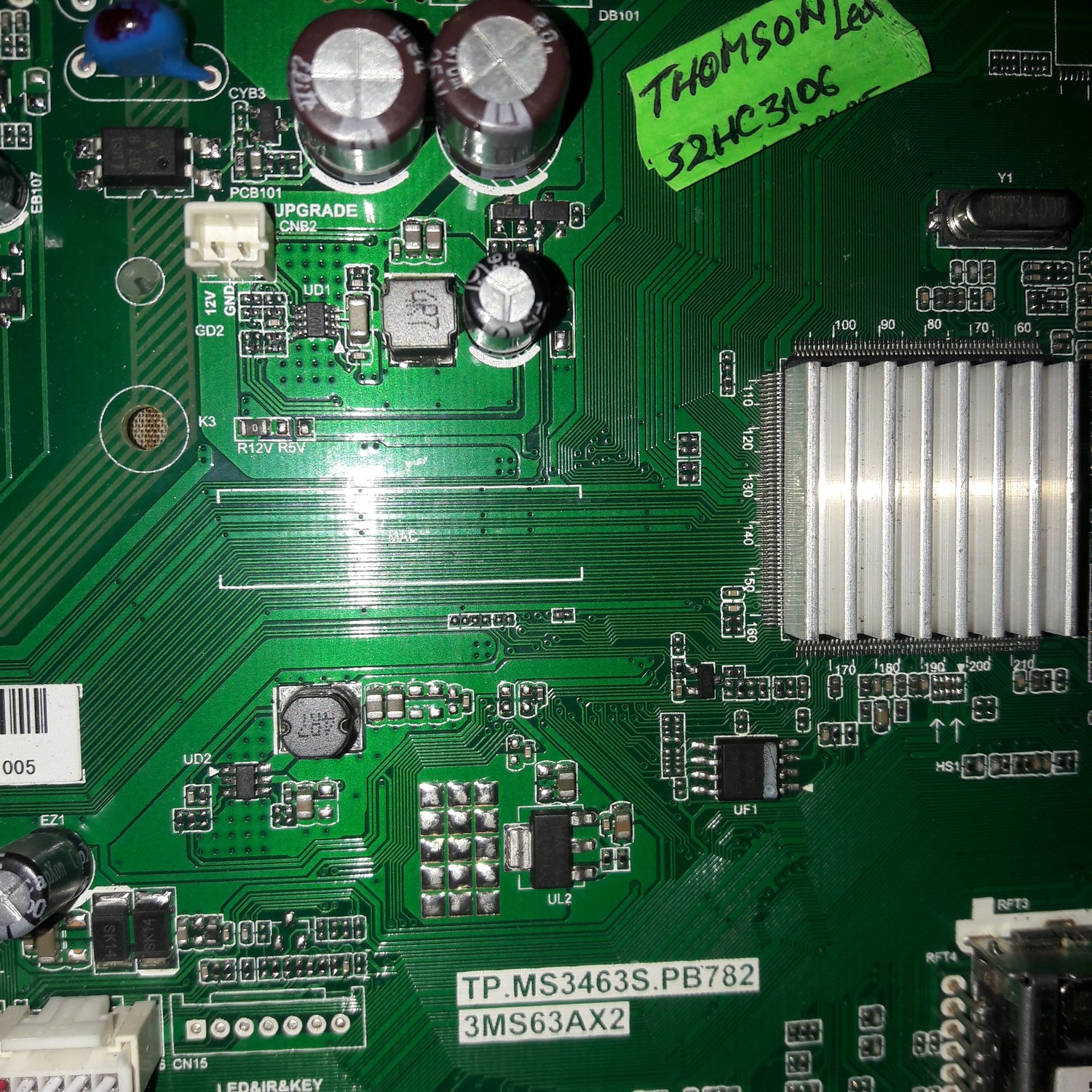
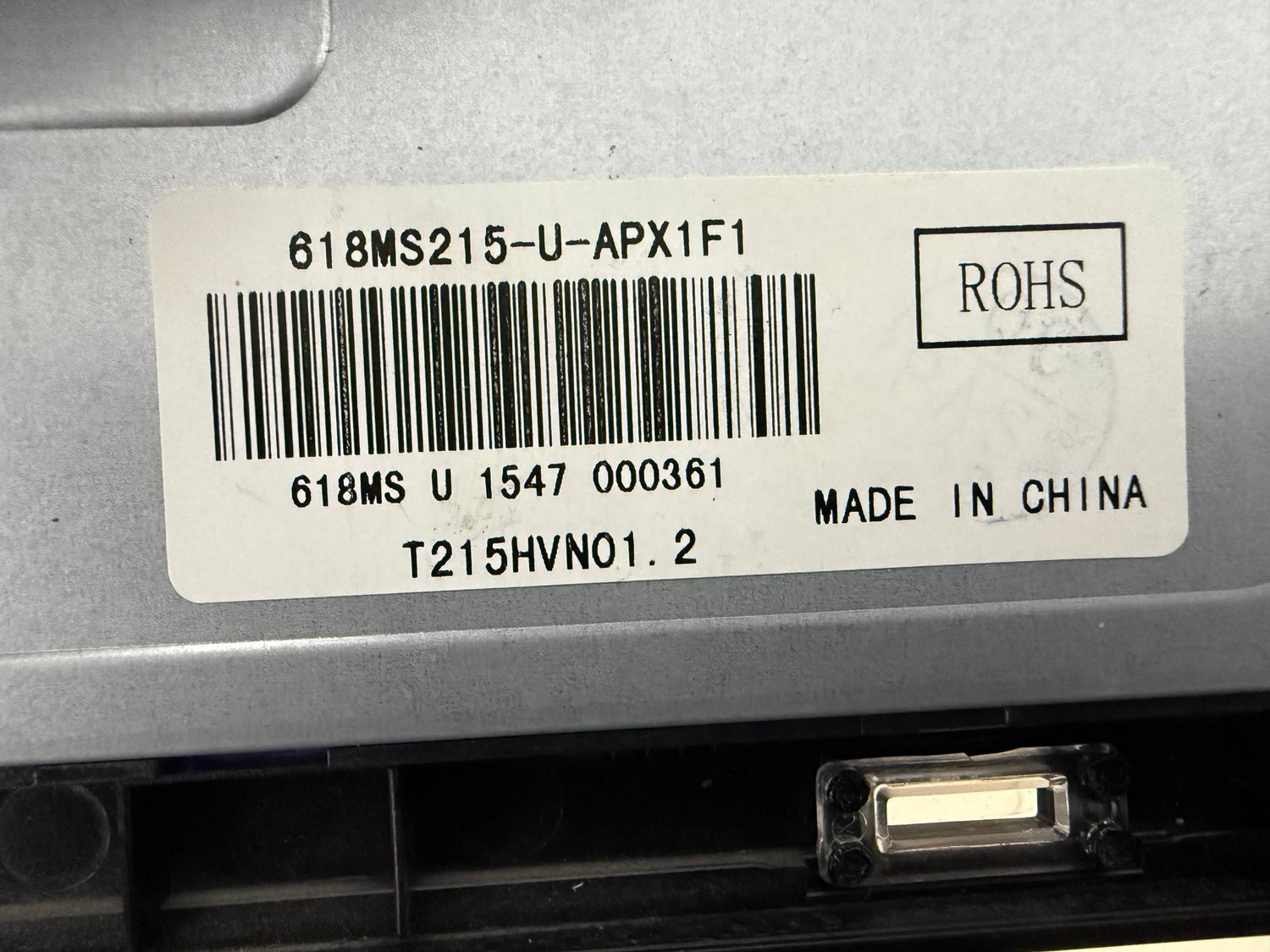
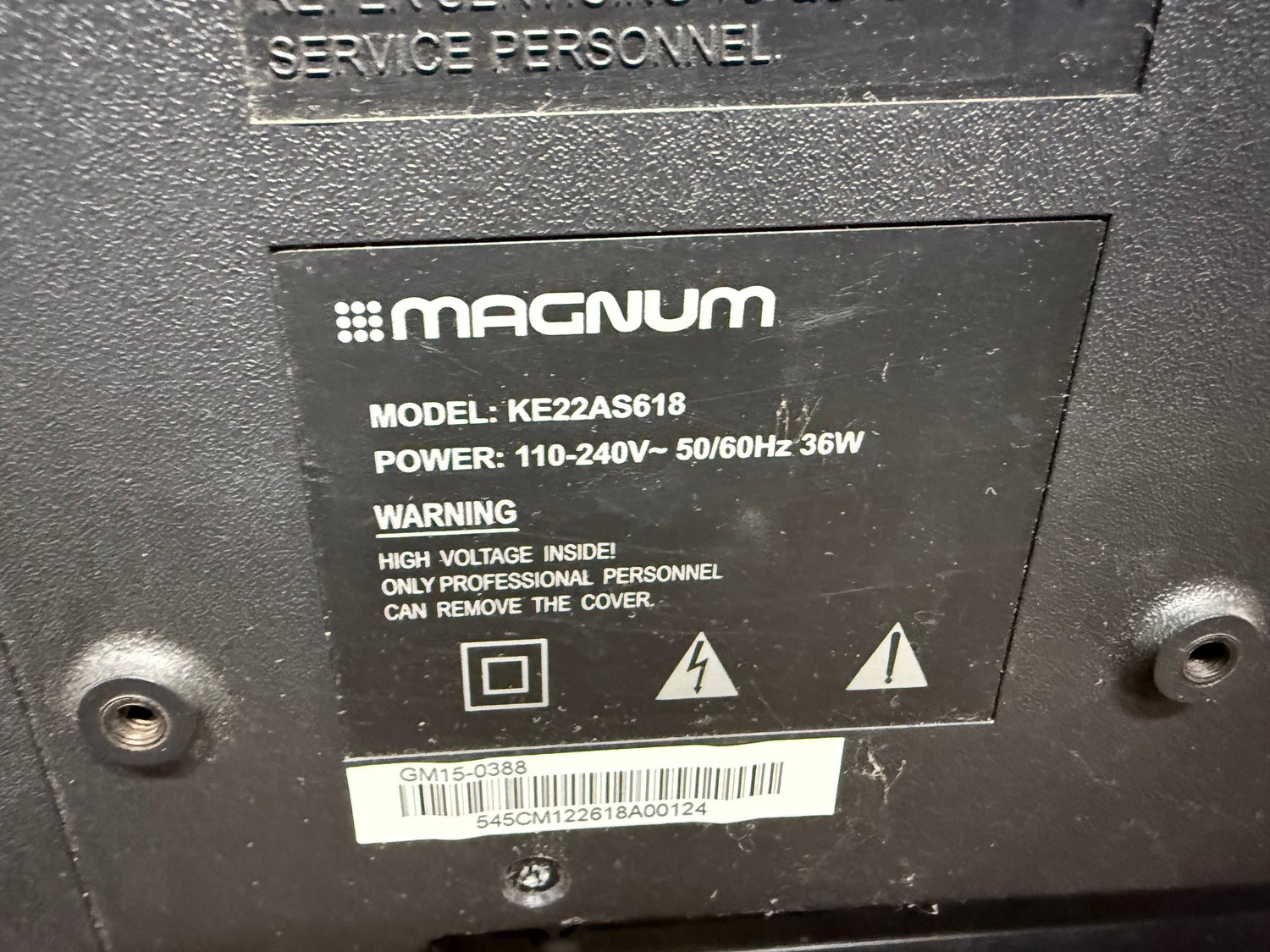
прошивку мне дали с сервиса обновил очень много телевизоров три файла закинуть на флешку2-4 гб выключить вай фай от тв вставить флешку в тв зажать включение на тв и включить в сеть обнова 100 % рабочаю подходит на 49-50 диагональ
Прошивка полностью рабочая,прошита сперва с похожей платформой, потом пролита через терминал прошивкой родной по USB, Потом телек запустился я сделал полный сброс,потом выпаял микросхему и прочитал обратно так что прошивка девственно чиста,да по isp не смог зацепится что то не получилось так что удачи
-Unzip it and copy it the (usb_auto_update_mb62.txt)(mboot.bin)(mb62_en.bin), to a USB PEN (FAT32) -Power off by removing the power cable or adapter from the TV -Plug in the USB with the loader Software into the TV. -On the remote control press and hold the OK button. -Now Plug in the power cable. TV and wait until the light is showing power and blinks faster. -If it is blinking faster that means that it is installing the software from the USB you inserted. -Now you have to wait until the TV turns on the display, do not unplug your TV until this software has been installed completely.

 Файлы
Файлы Прошивки
 Продажа
 Литература
 Статьи