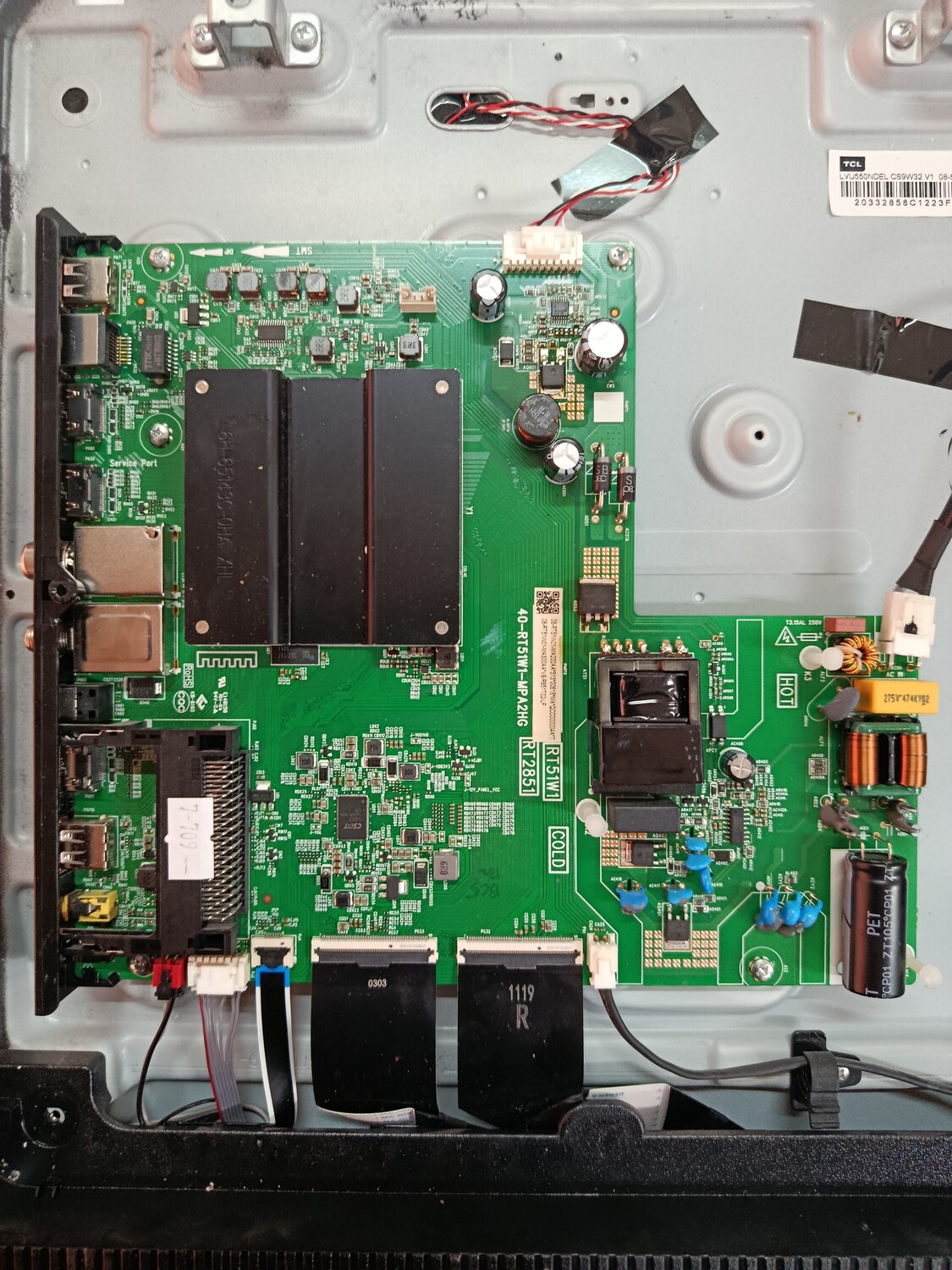
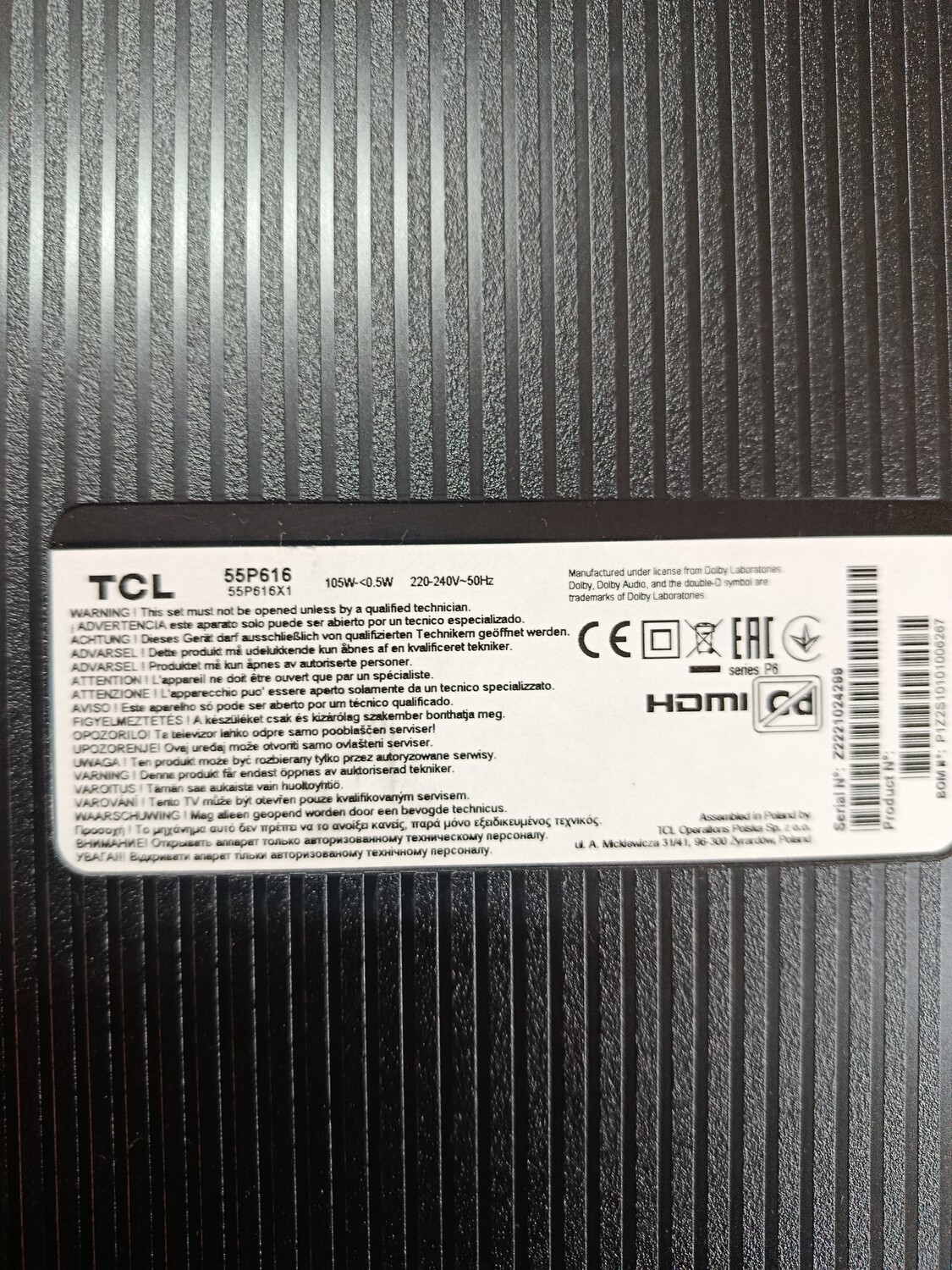
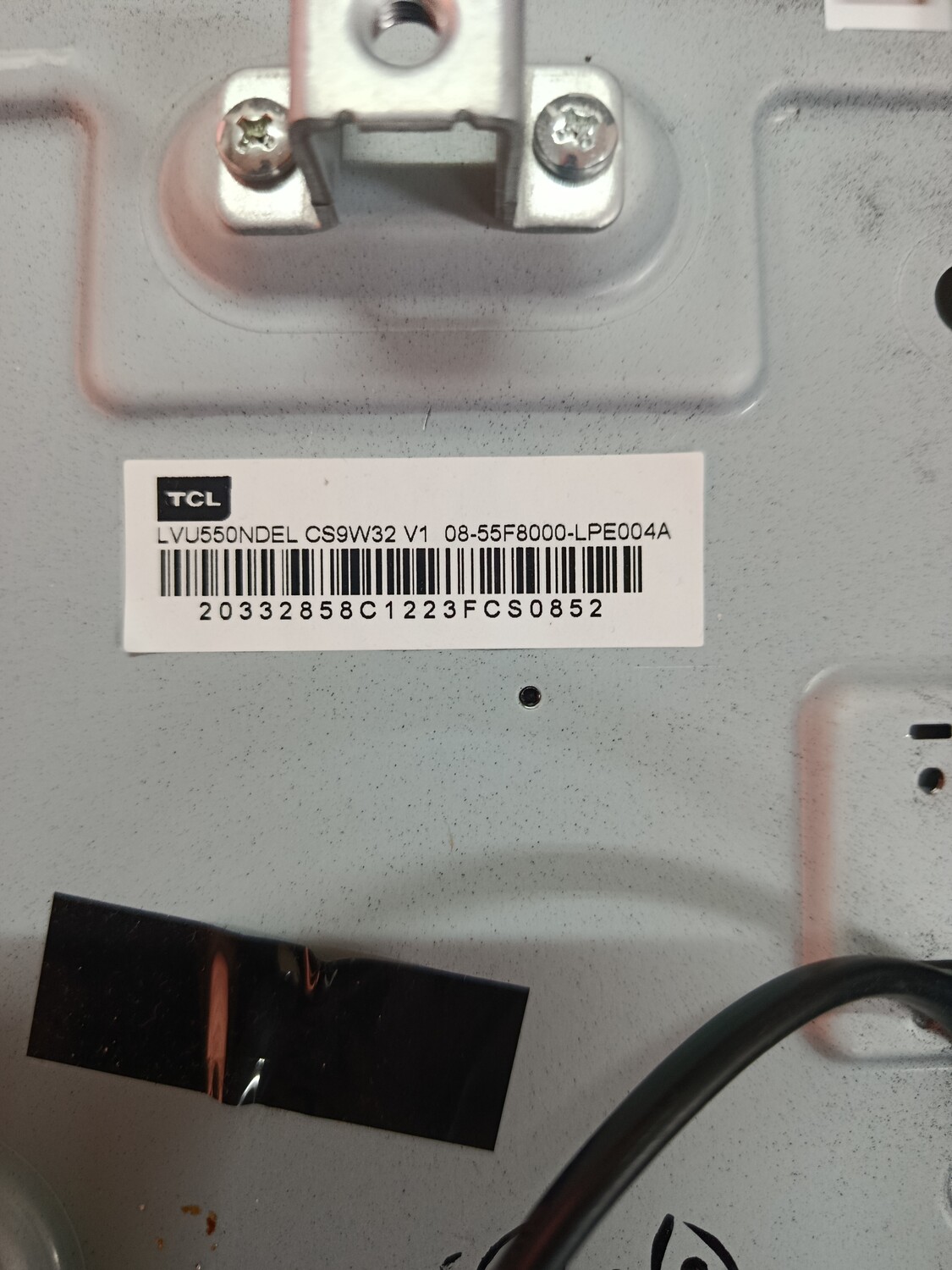
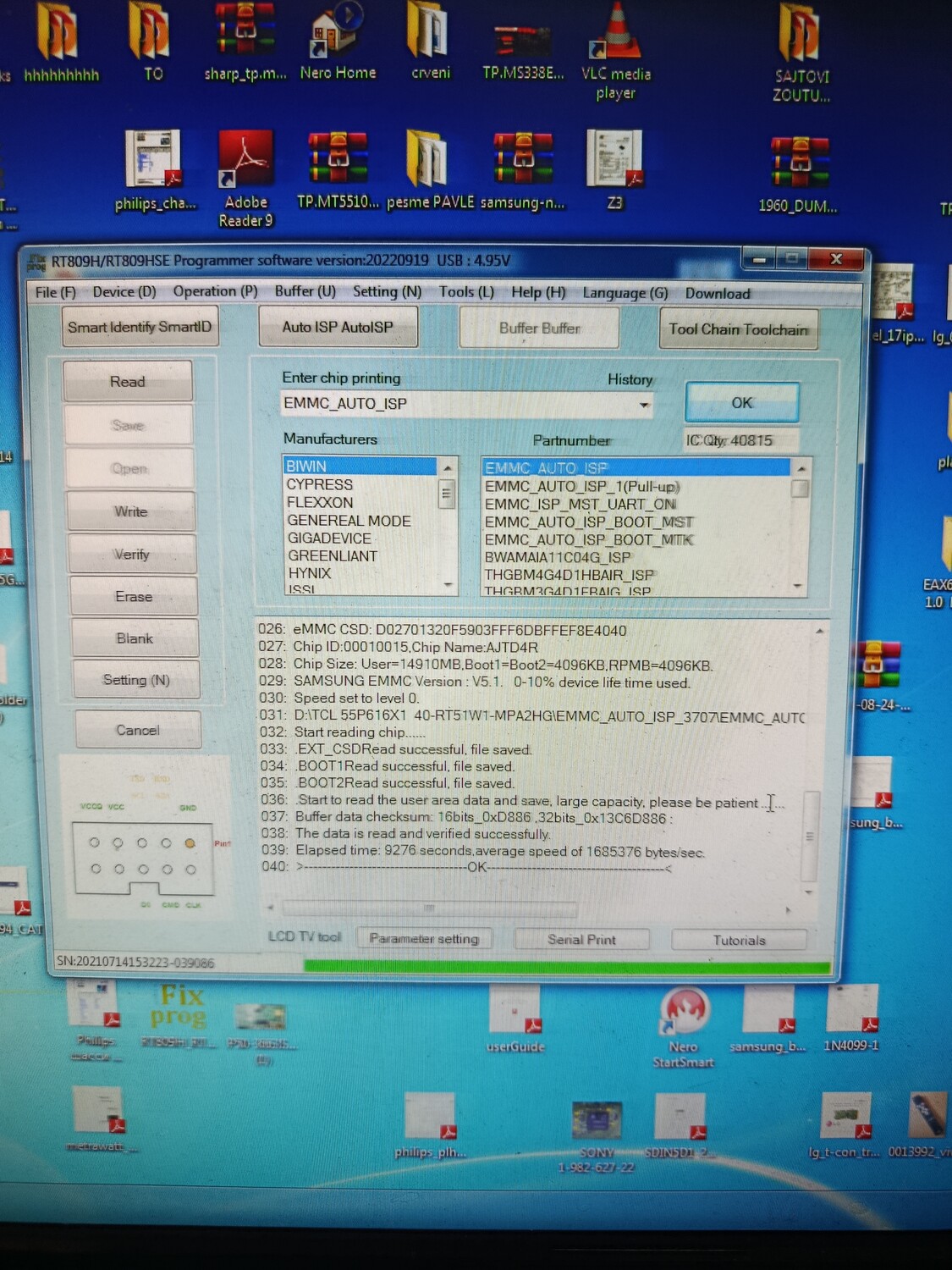
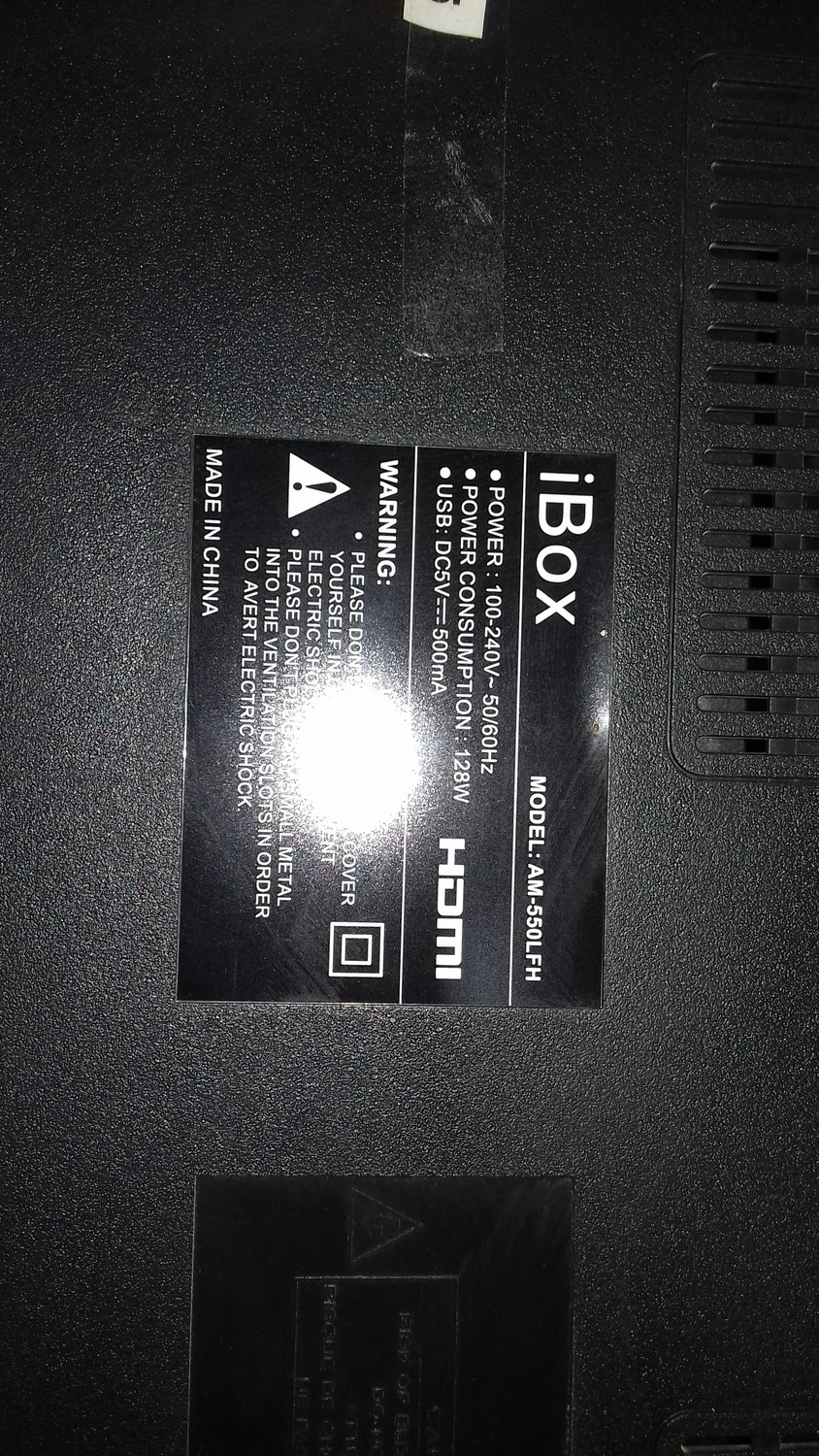
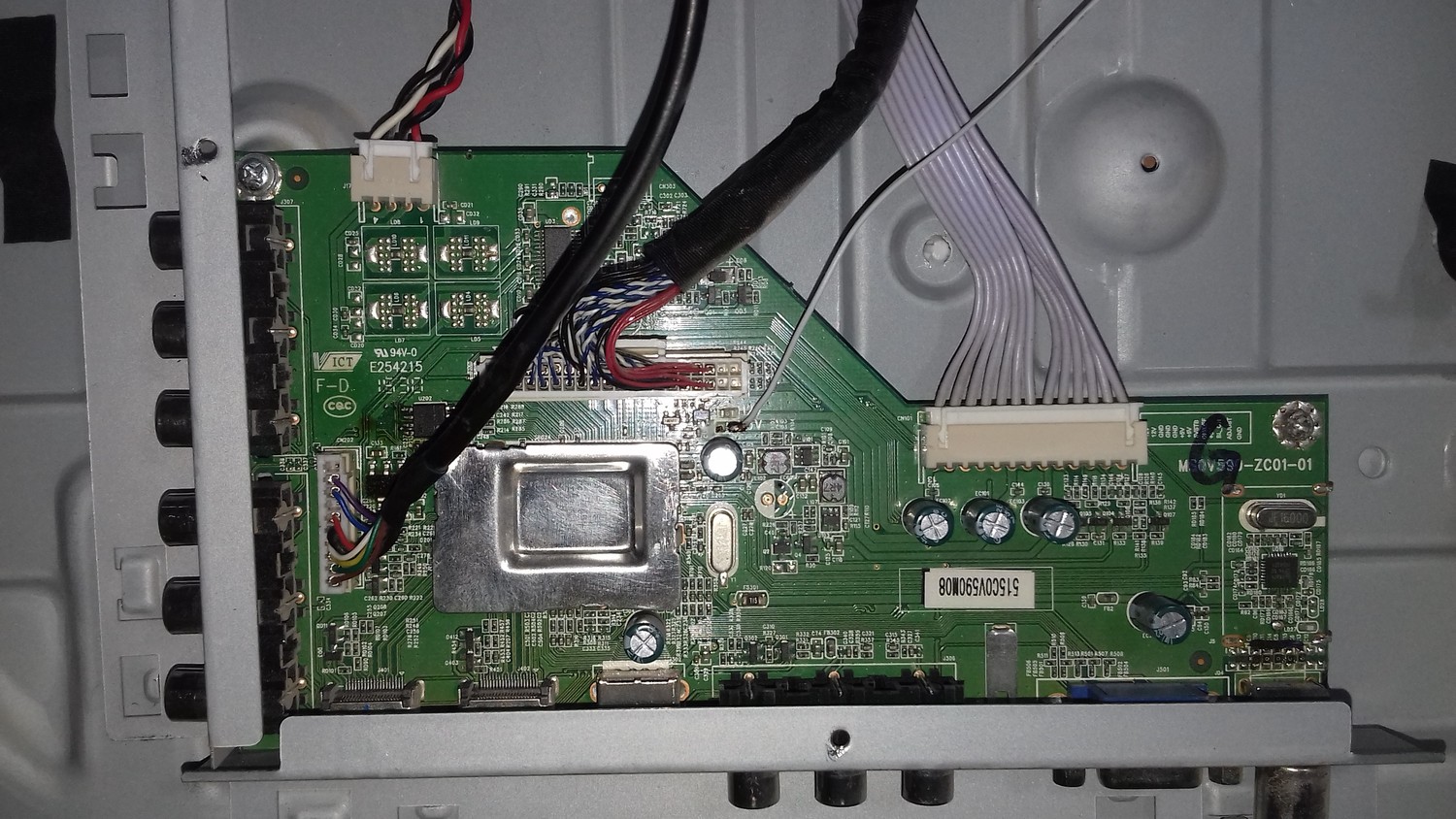
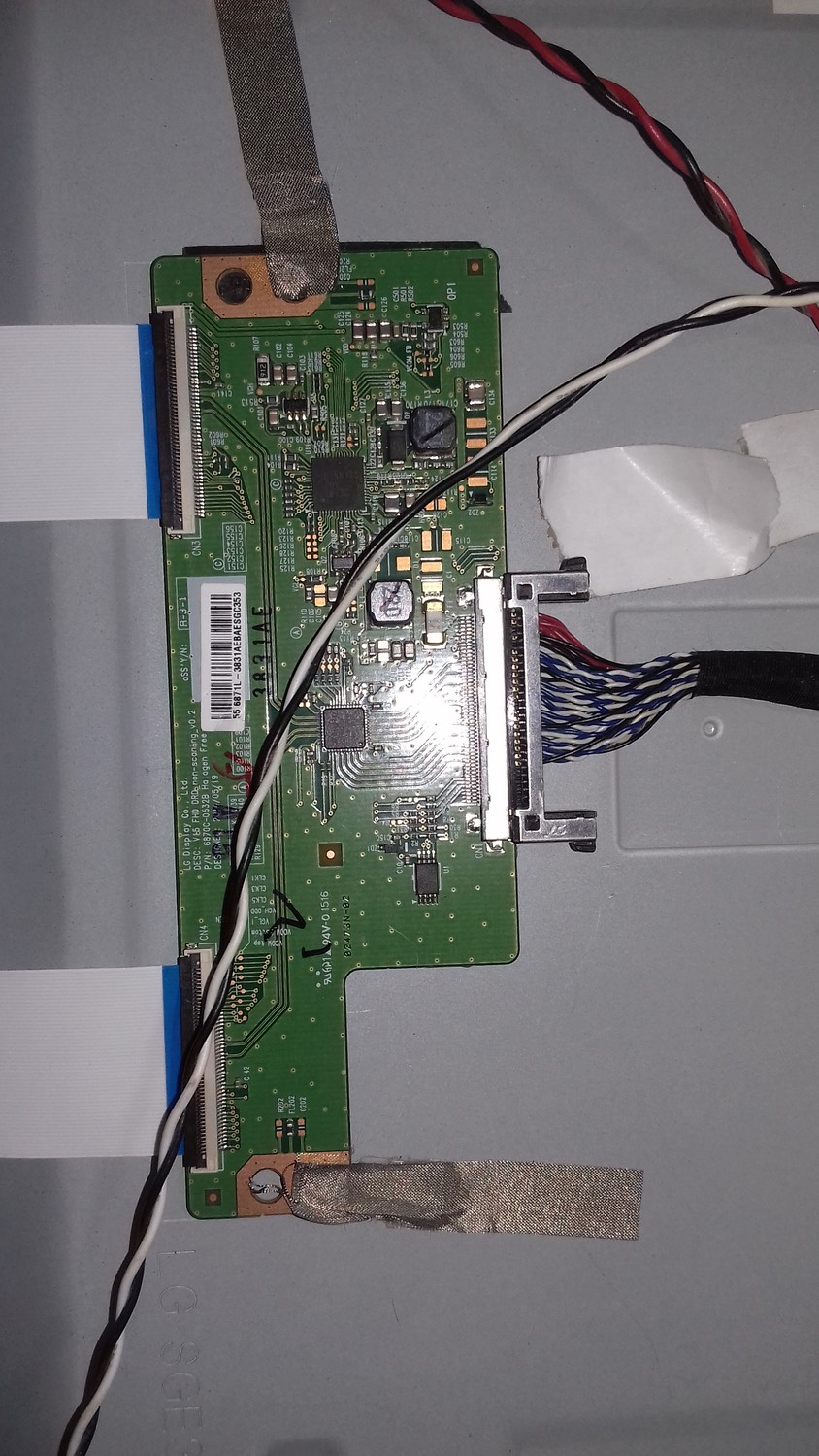
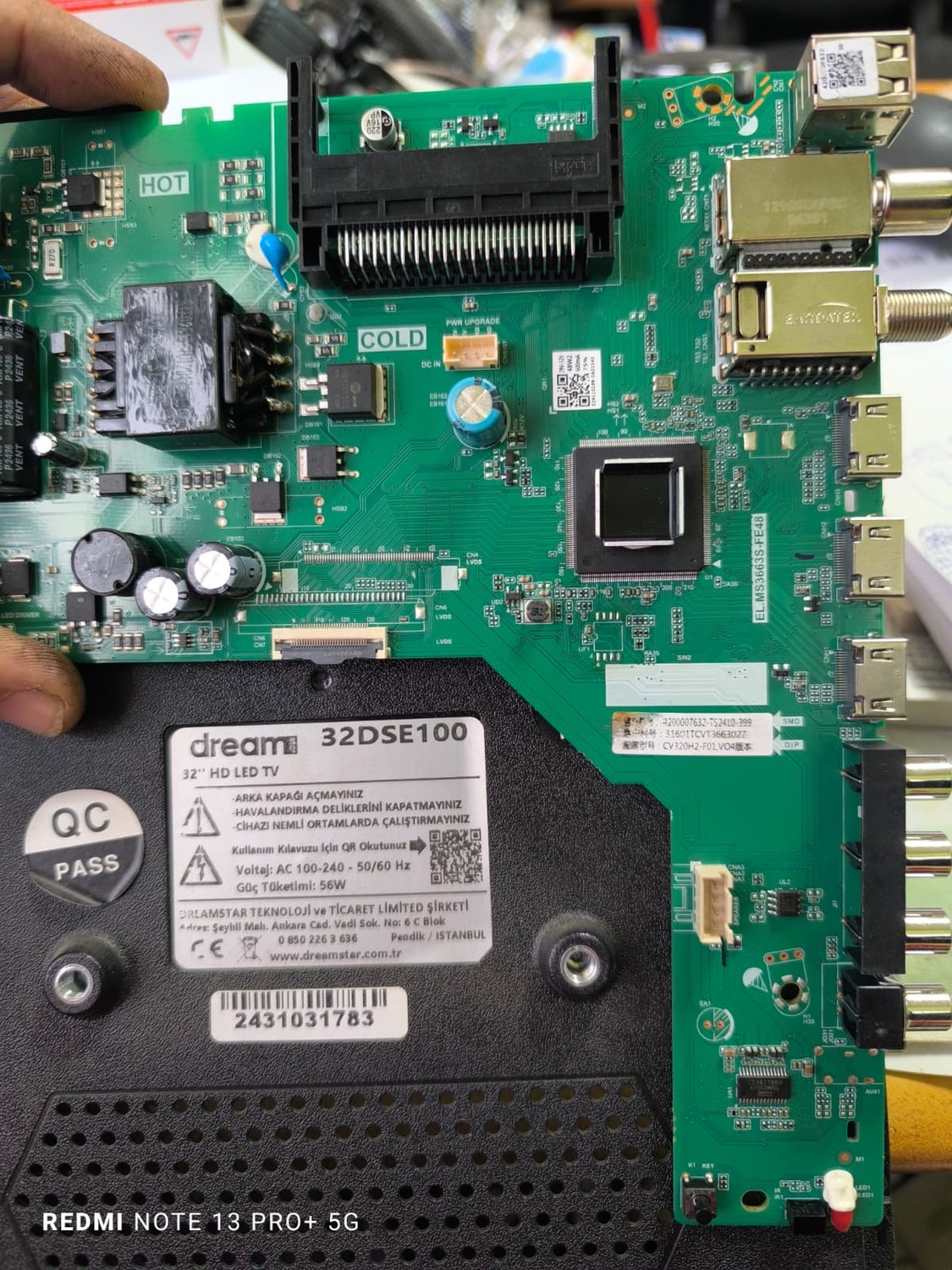
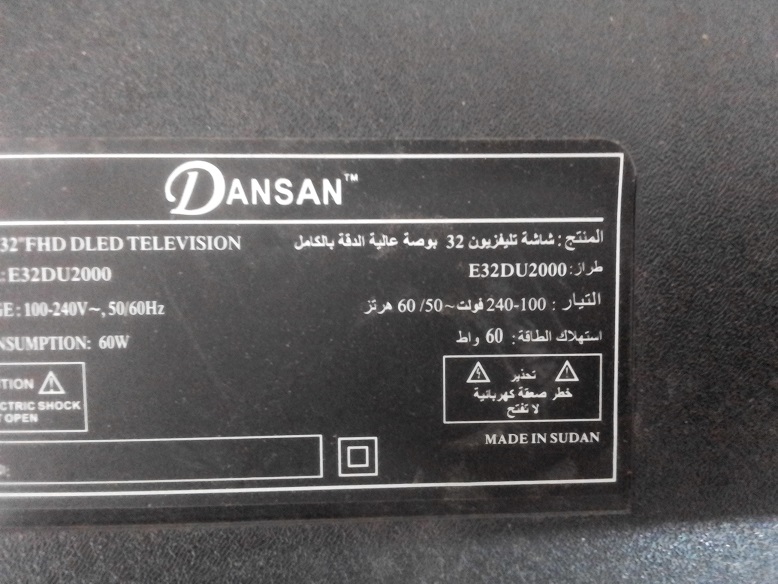
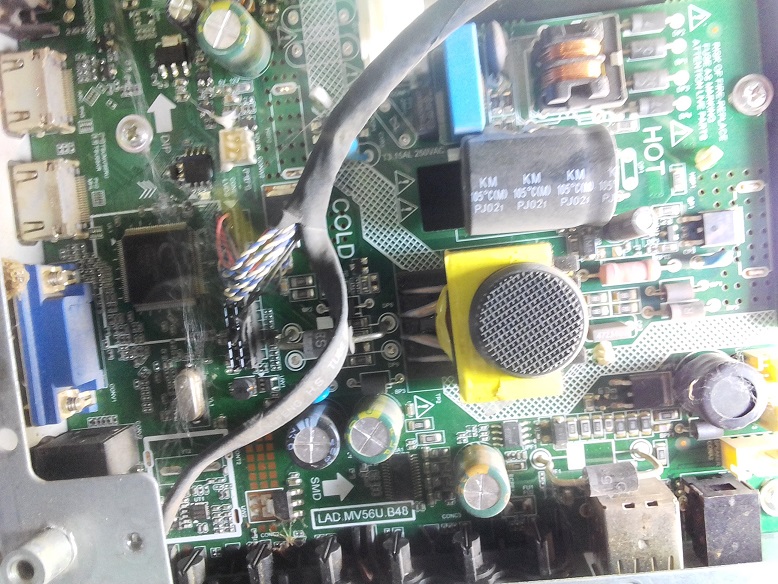
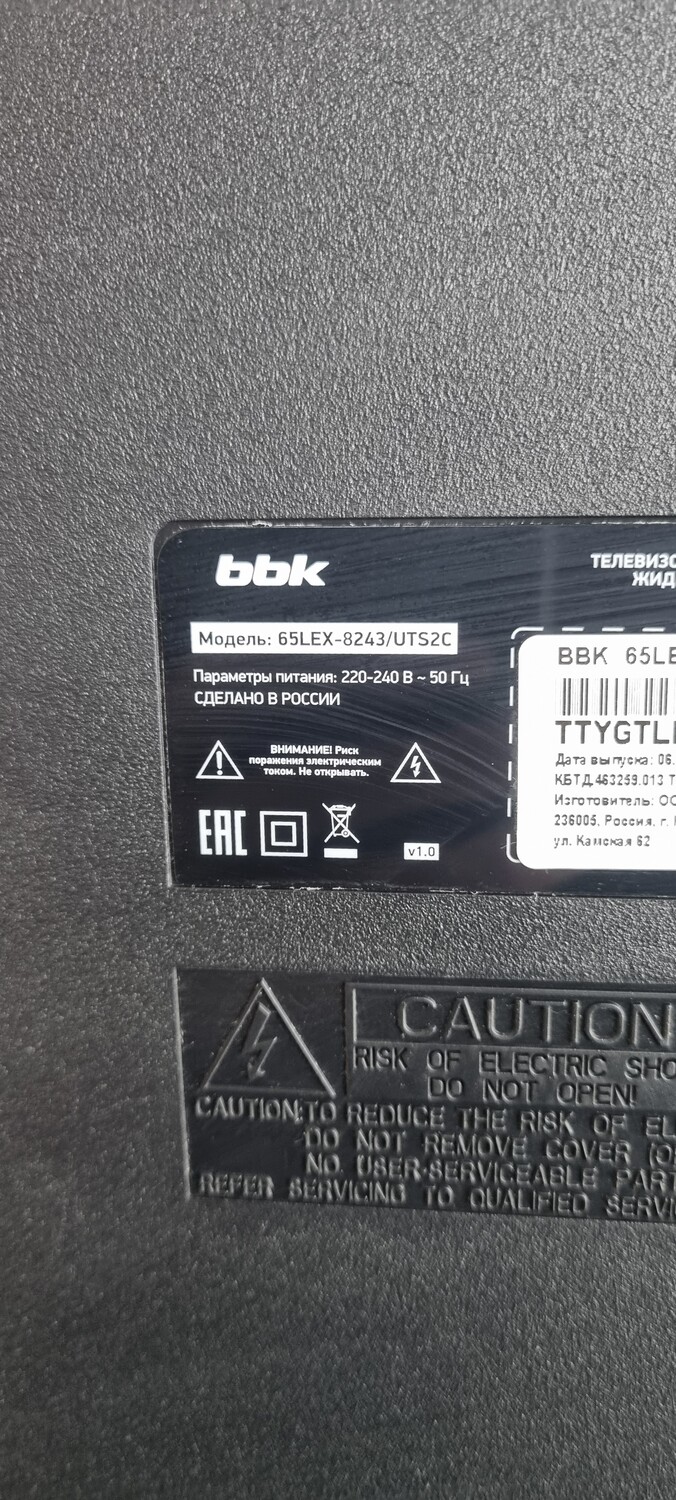
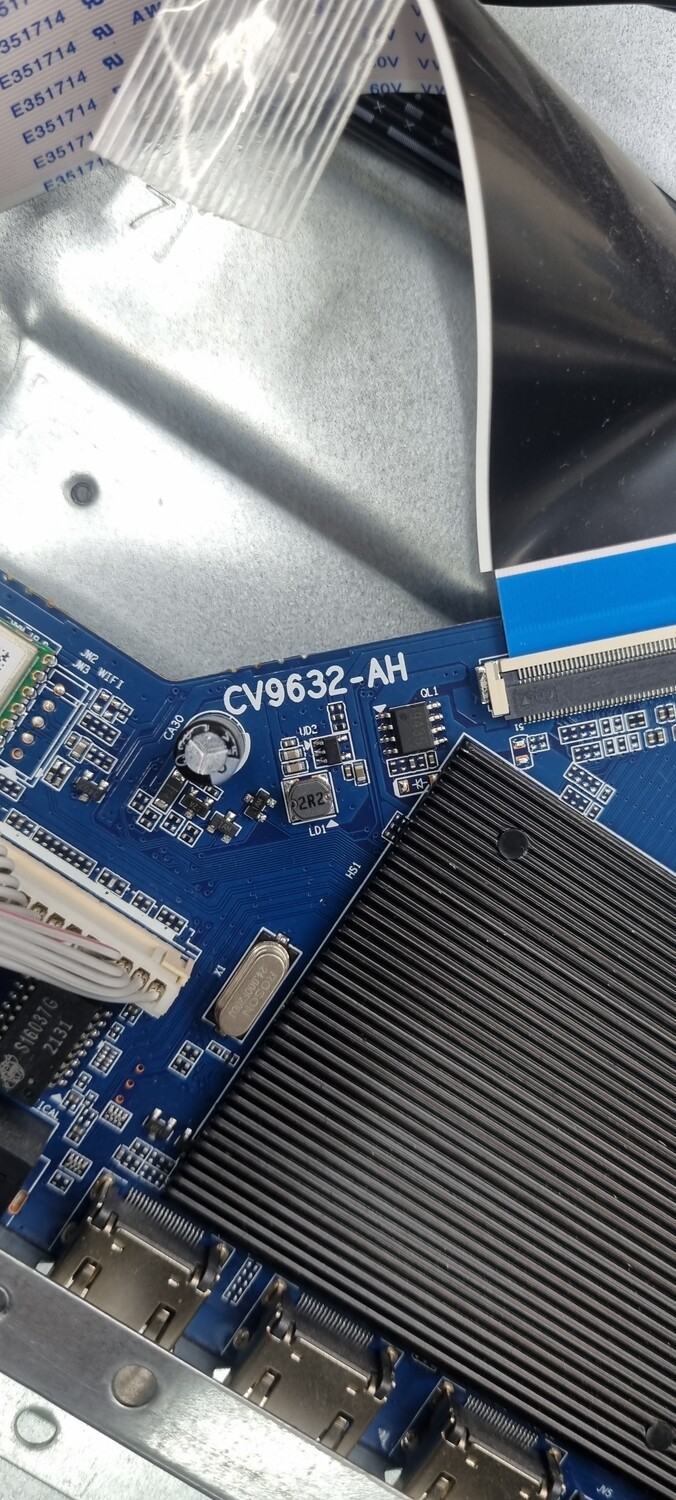
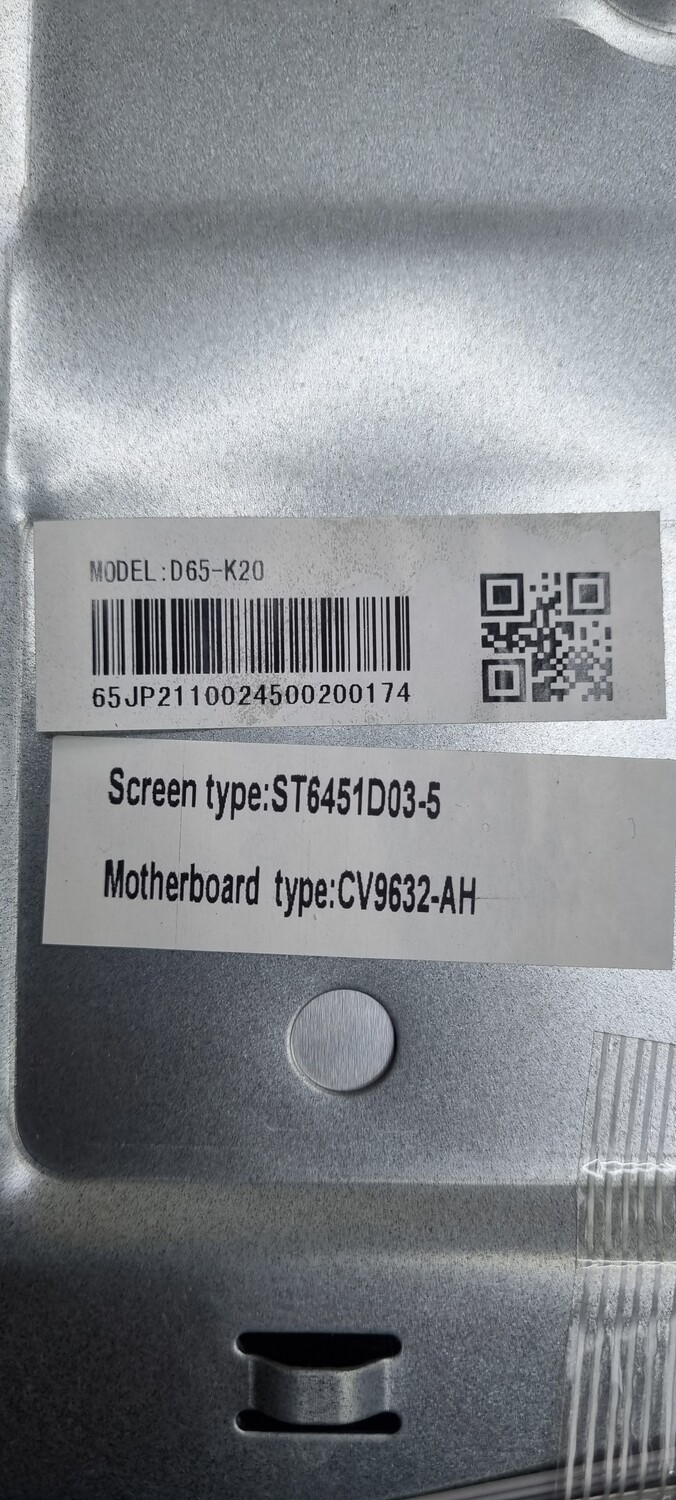
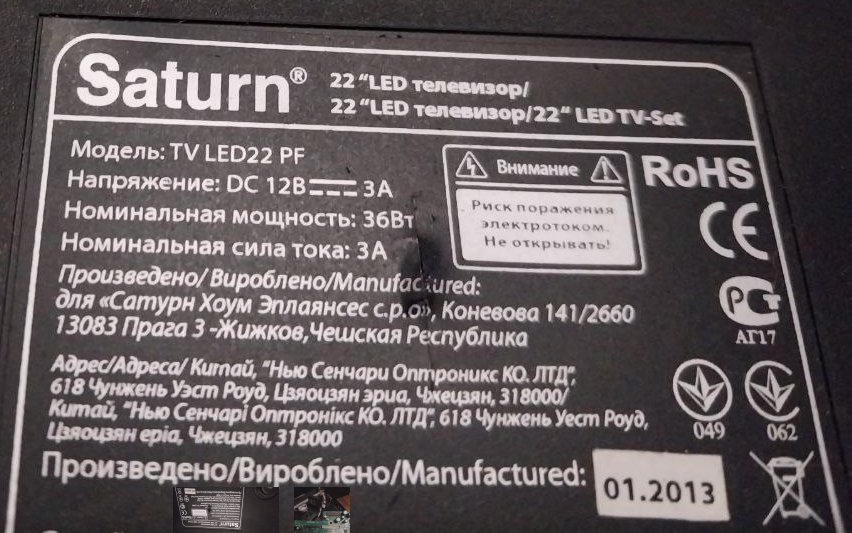
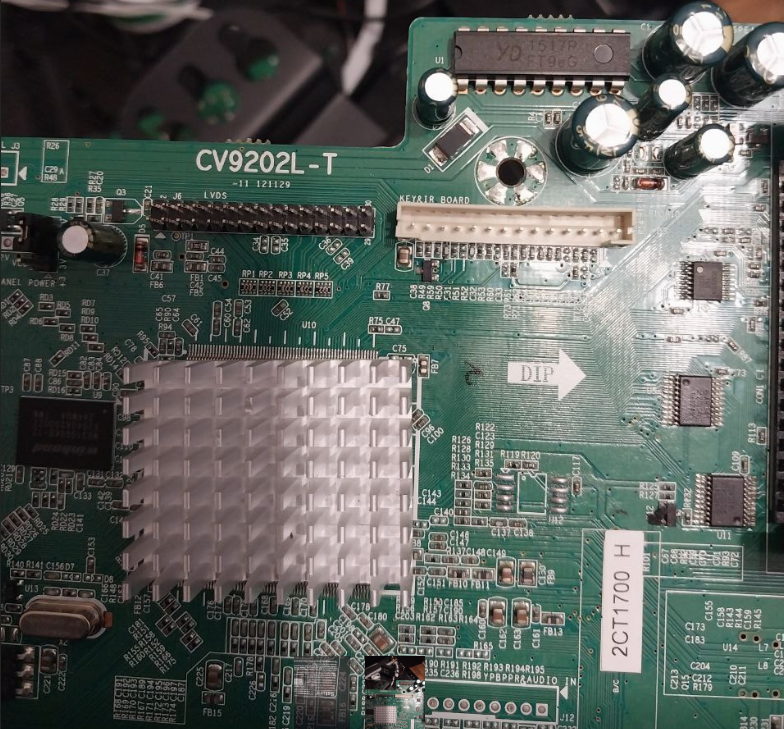
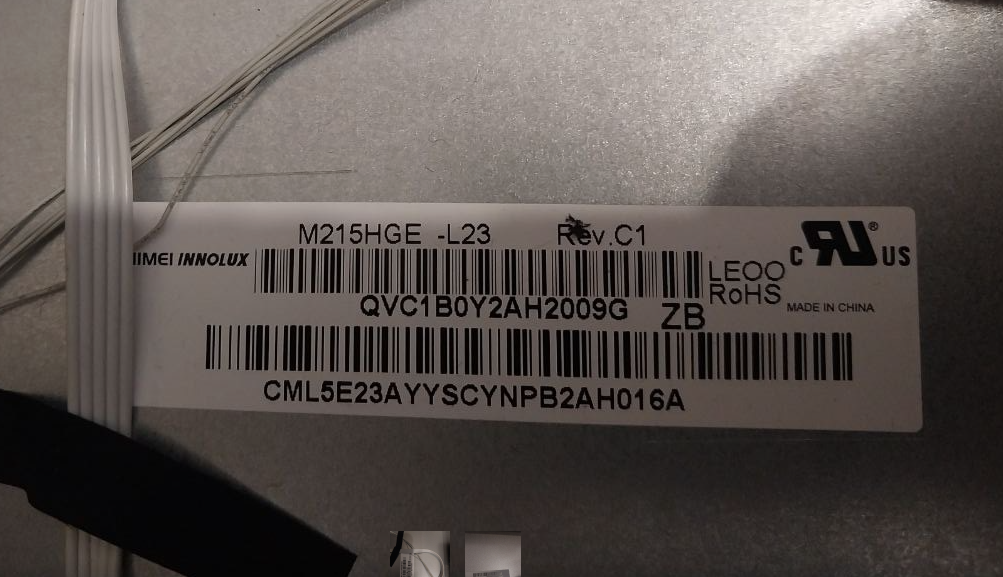
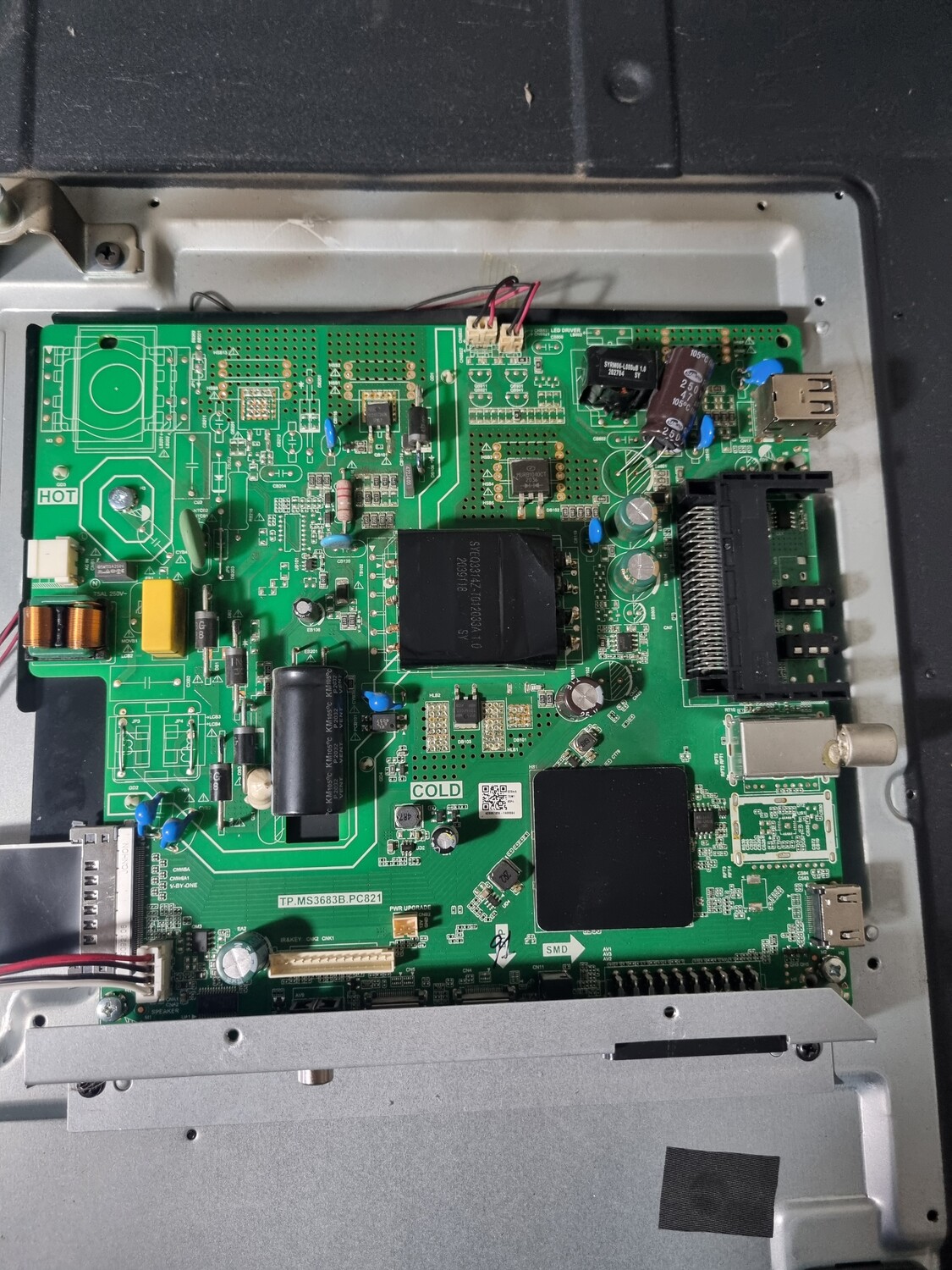
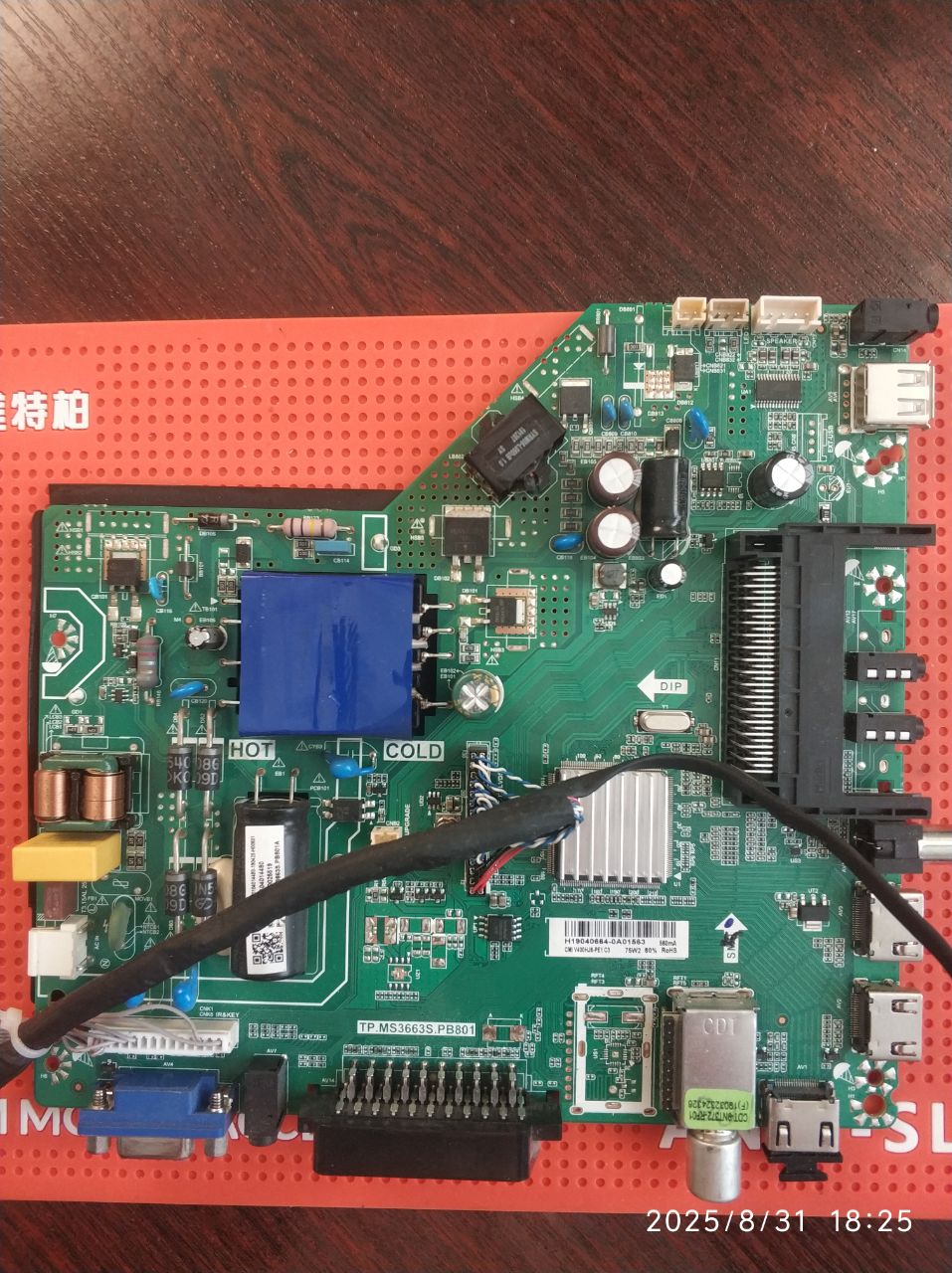
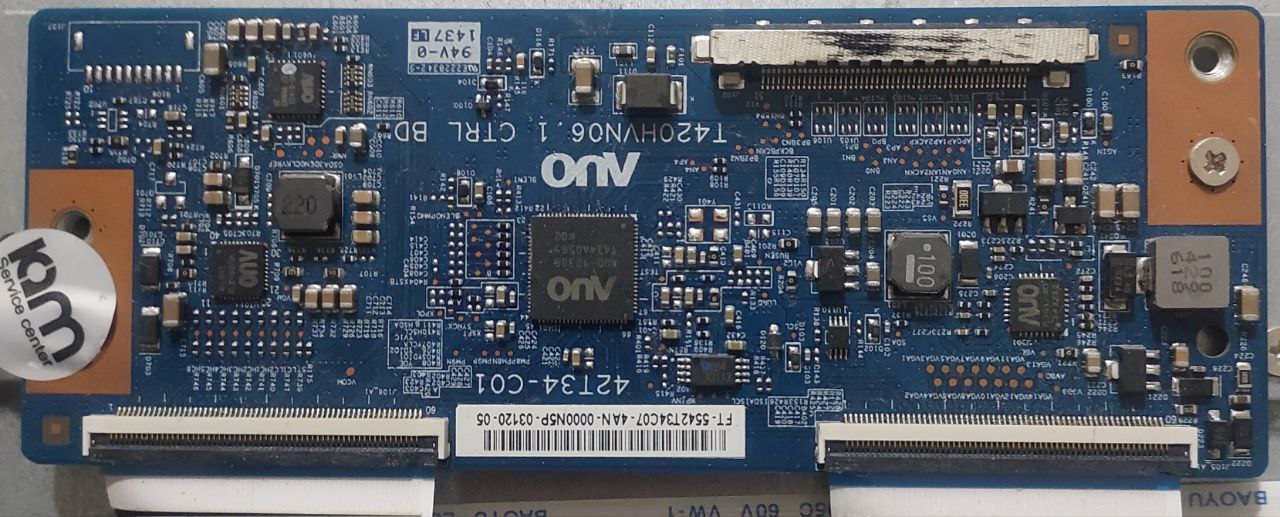
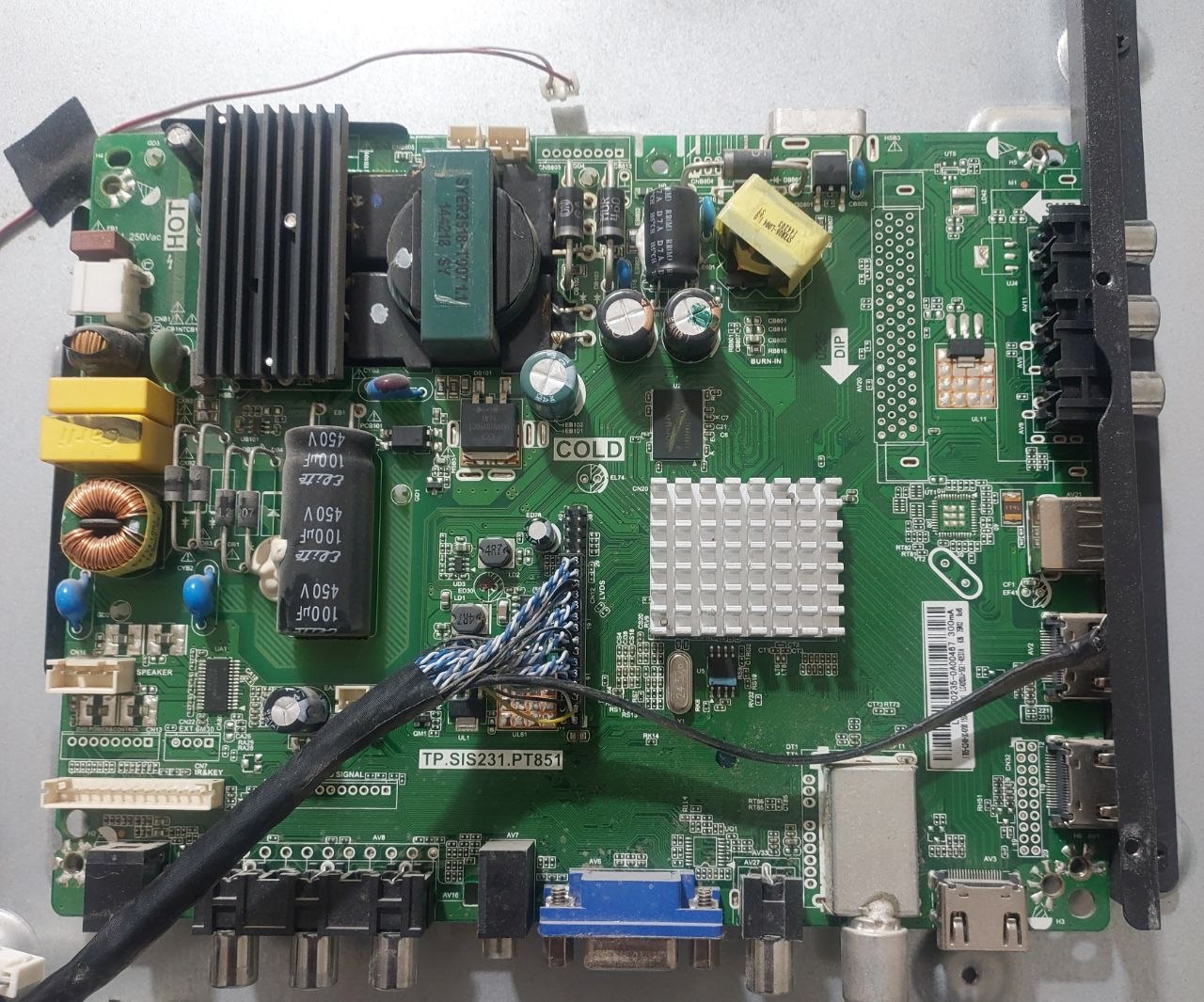
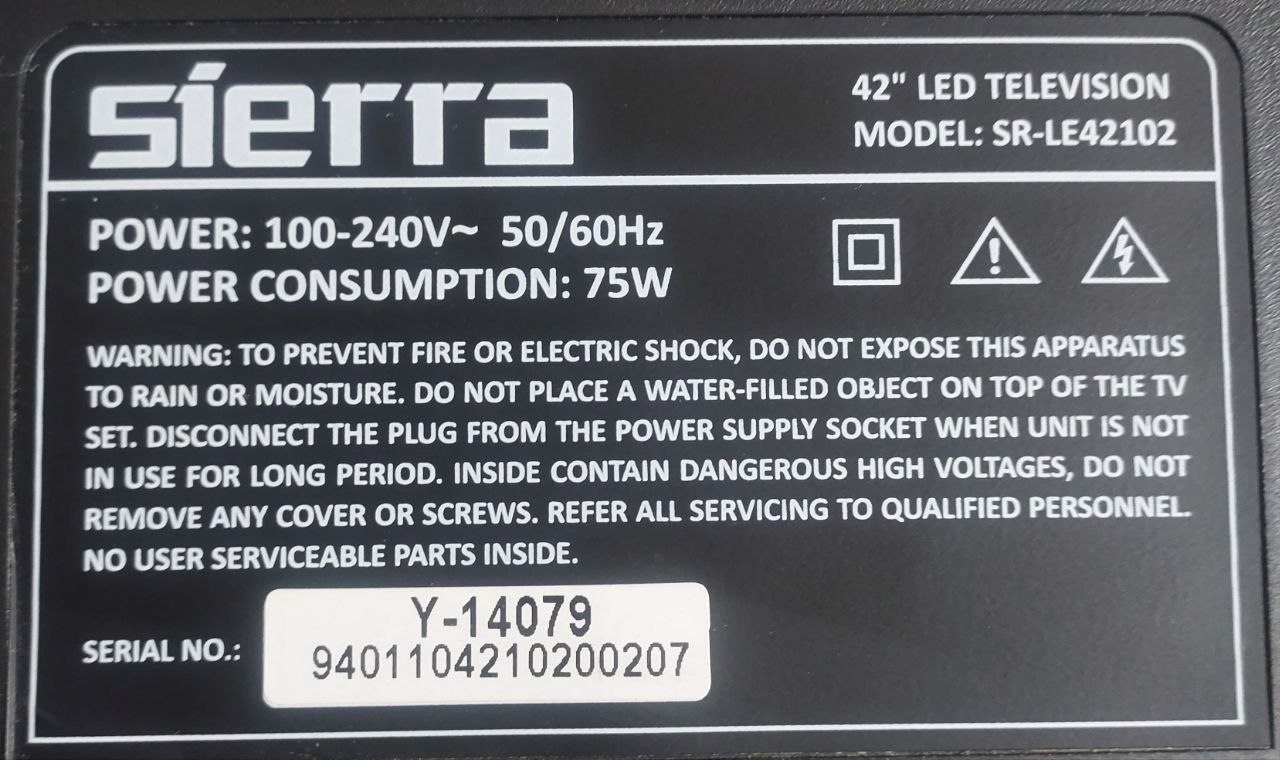
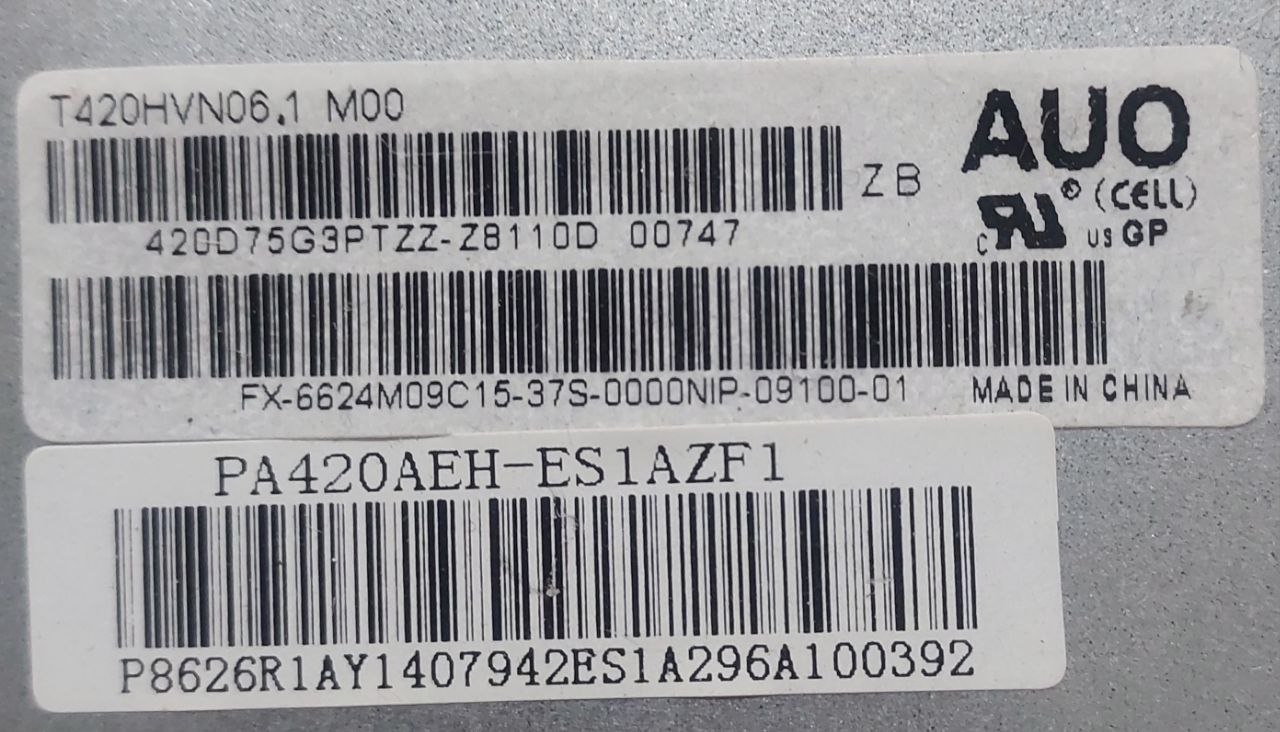
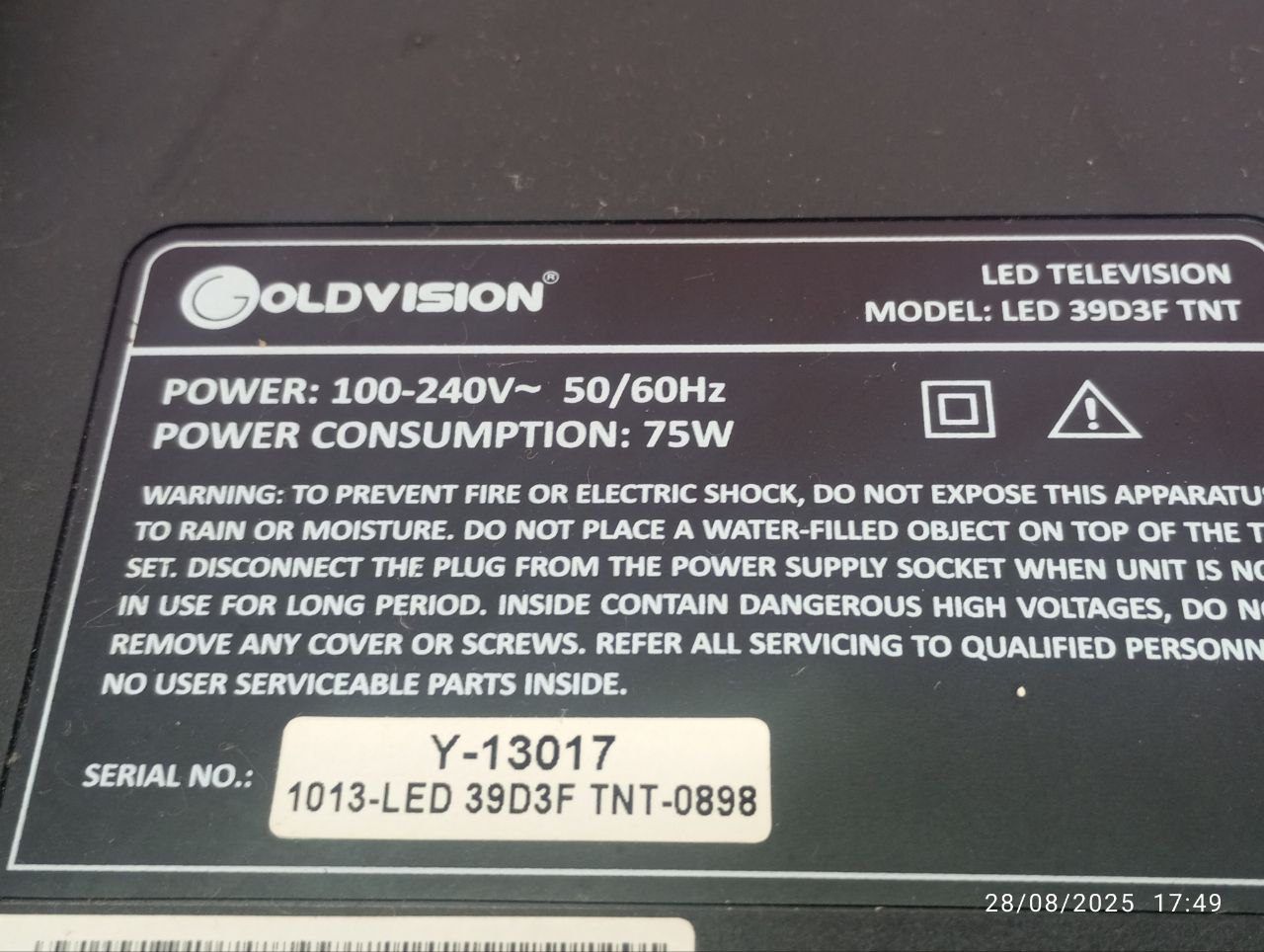
SOFTWARE INSTALLATION PROCEDURE: Format your flash drive to FAT32 format. Copy the software to your flash drive as open files. Insert the flash drive into your TV's USB port. Press and hold the TV's panel power button and plug in the TV's power cord. Release your finger from the button when the loading process begins on the screen, and your TV will go into standby mode when the loading is complete. Once your TV is in standby mode, remove your USB flash drive from the TV's USB port and turn on your TV using the power button on the remote control. Your new software installation will begin with the initial setup menu.
ВЕРСИЯ V.3006 ПРЕДПОСЛЕДНЯЯ!!! V3.008 ПОСЛЕДНЯЯ (ЕЕ У МЕНЯ НЕТ) ЕСЛИ У ВАС ВЕРСИЯ НА ТЕЛЕВИЗОРЕ ВЫШЕ ЧЕМ V.3006 ПРОШИВАТЬСЯ НЕ БУДЕТ! Подготовка: Вам понадобится пустая USB-флешка, отформатированная в файловой системе FAT32. Распакуйте архив. Полученную ПАПКУ! с файлом (название начинается на sony_dtv...) скопируйте в корневой каталог флешки.Установка: Вставьте флешку в USB-порт выключенного телевизора, затем включите его. Процесс обновления начнется автоматически.

 Файлы
Файлы Прошивки
 Продажа
 Литература
 Статьи