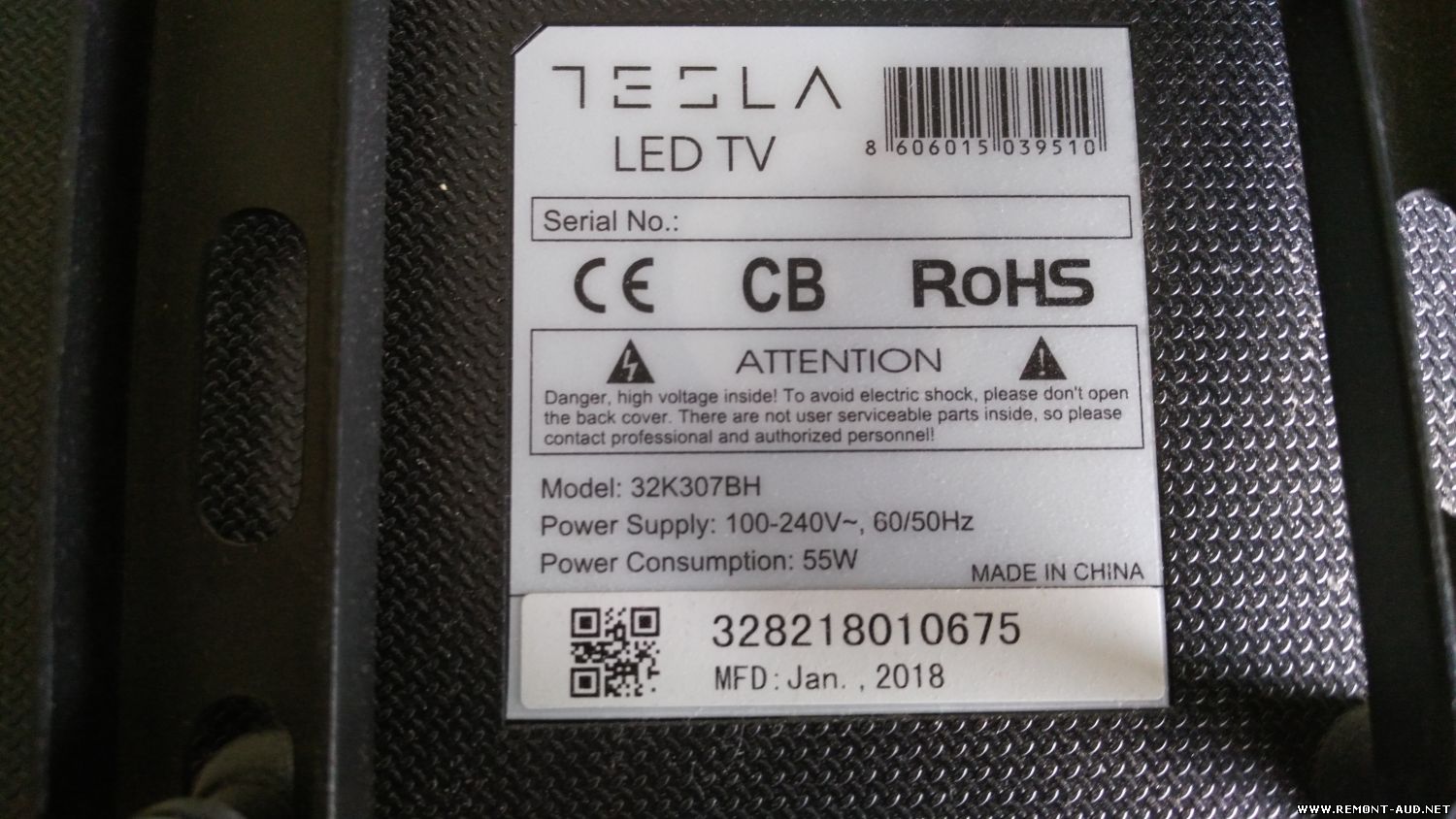
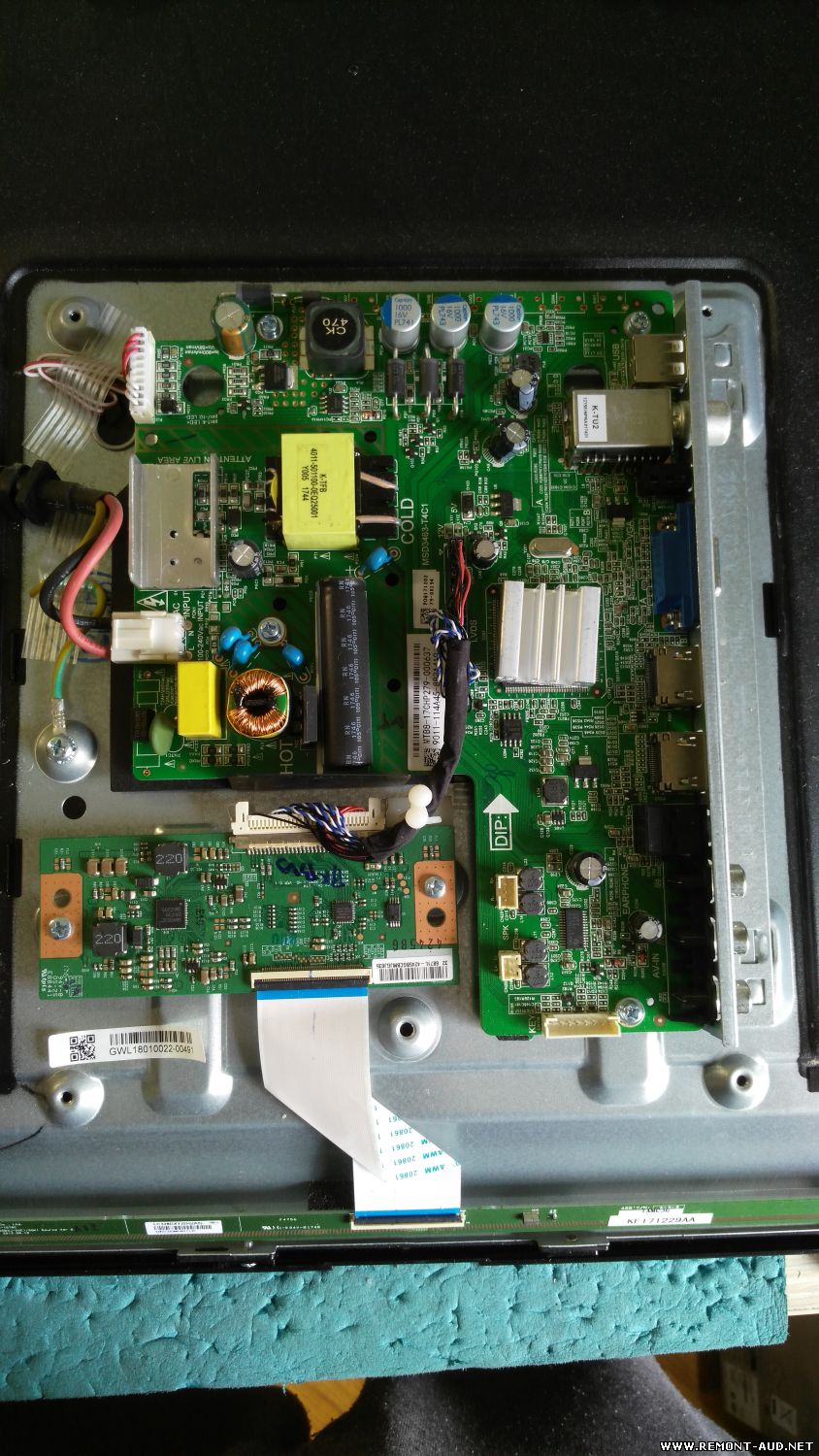
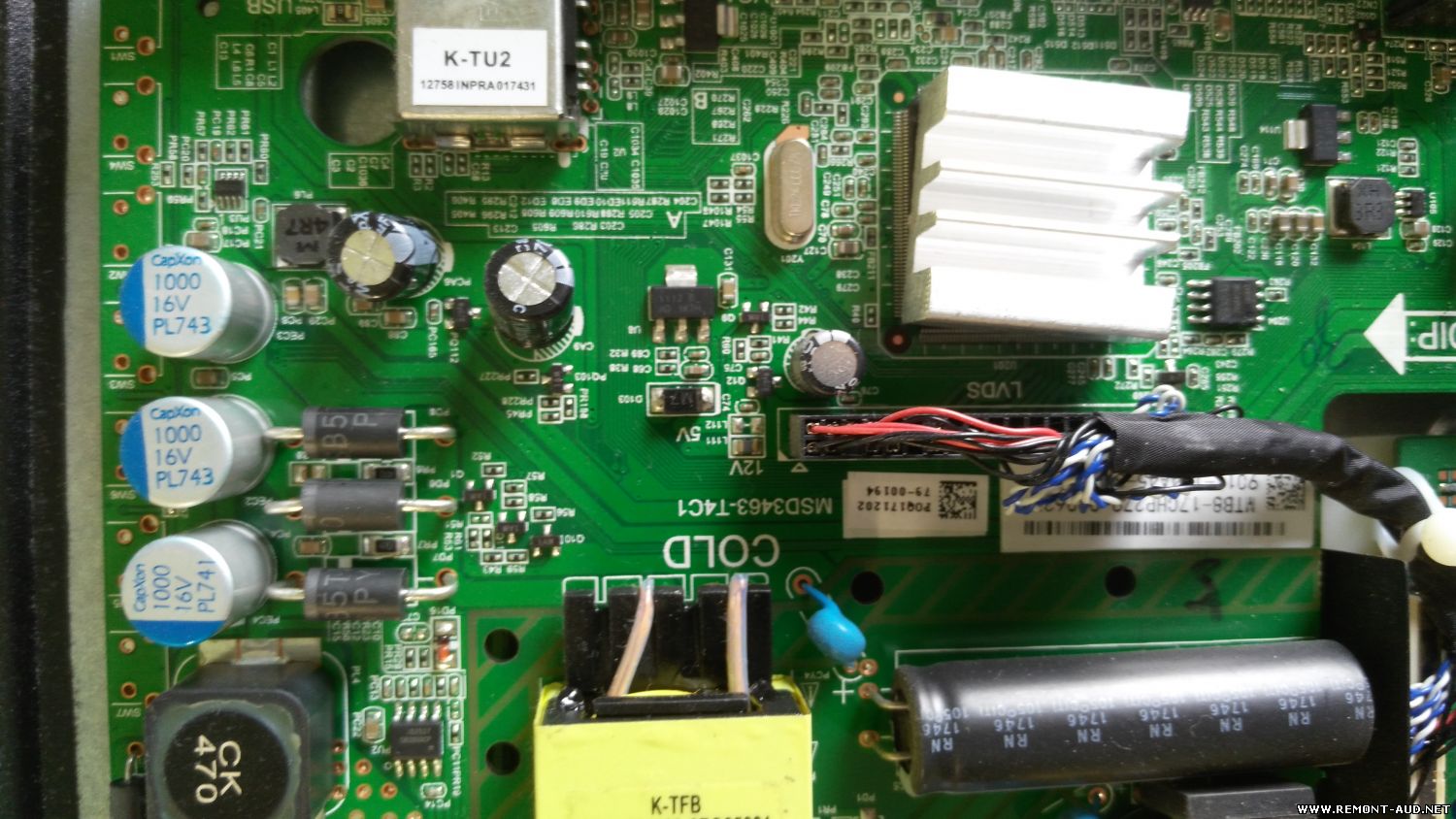
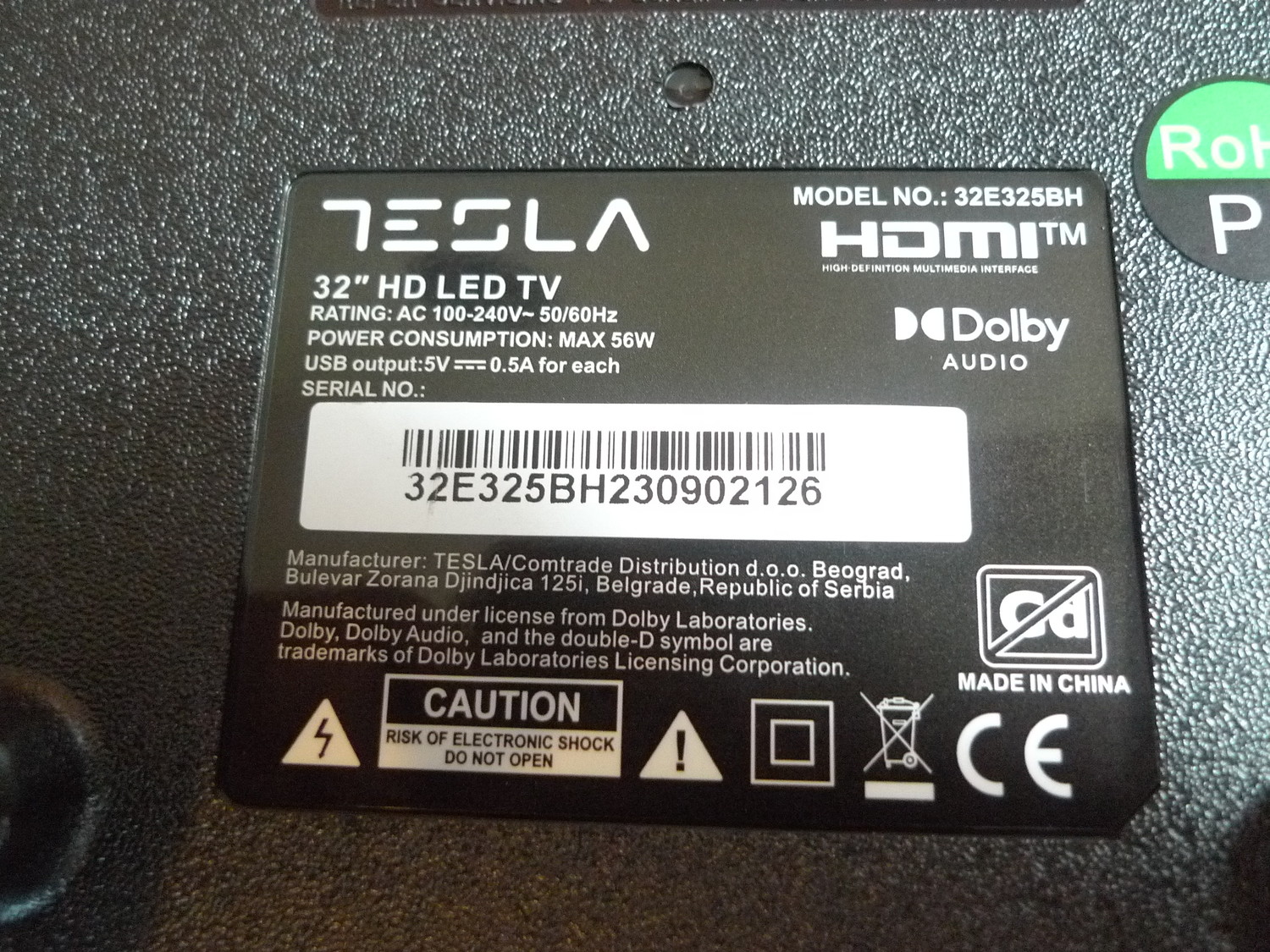
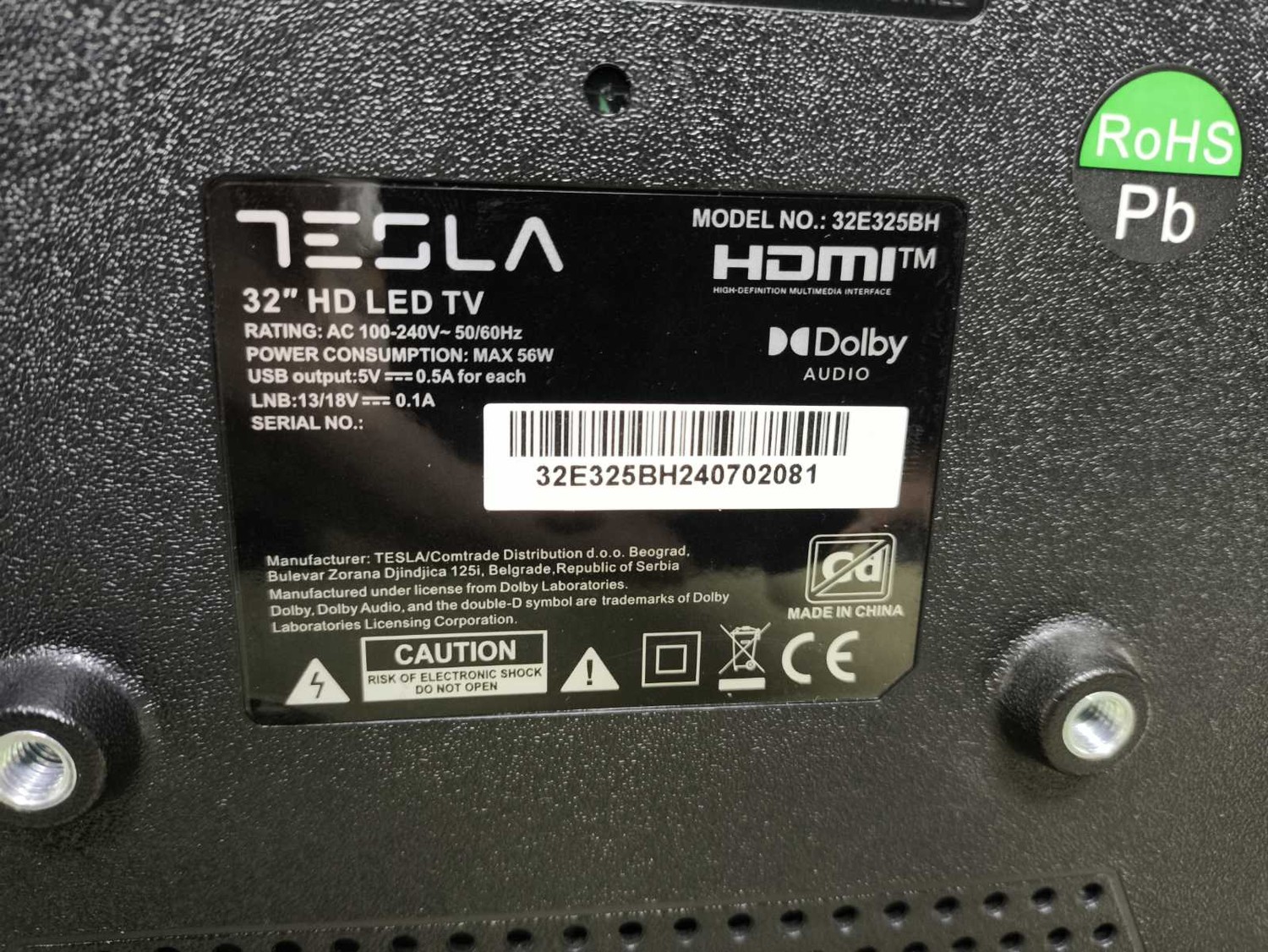
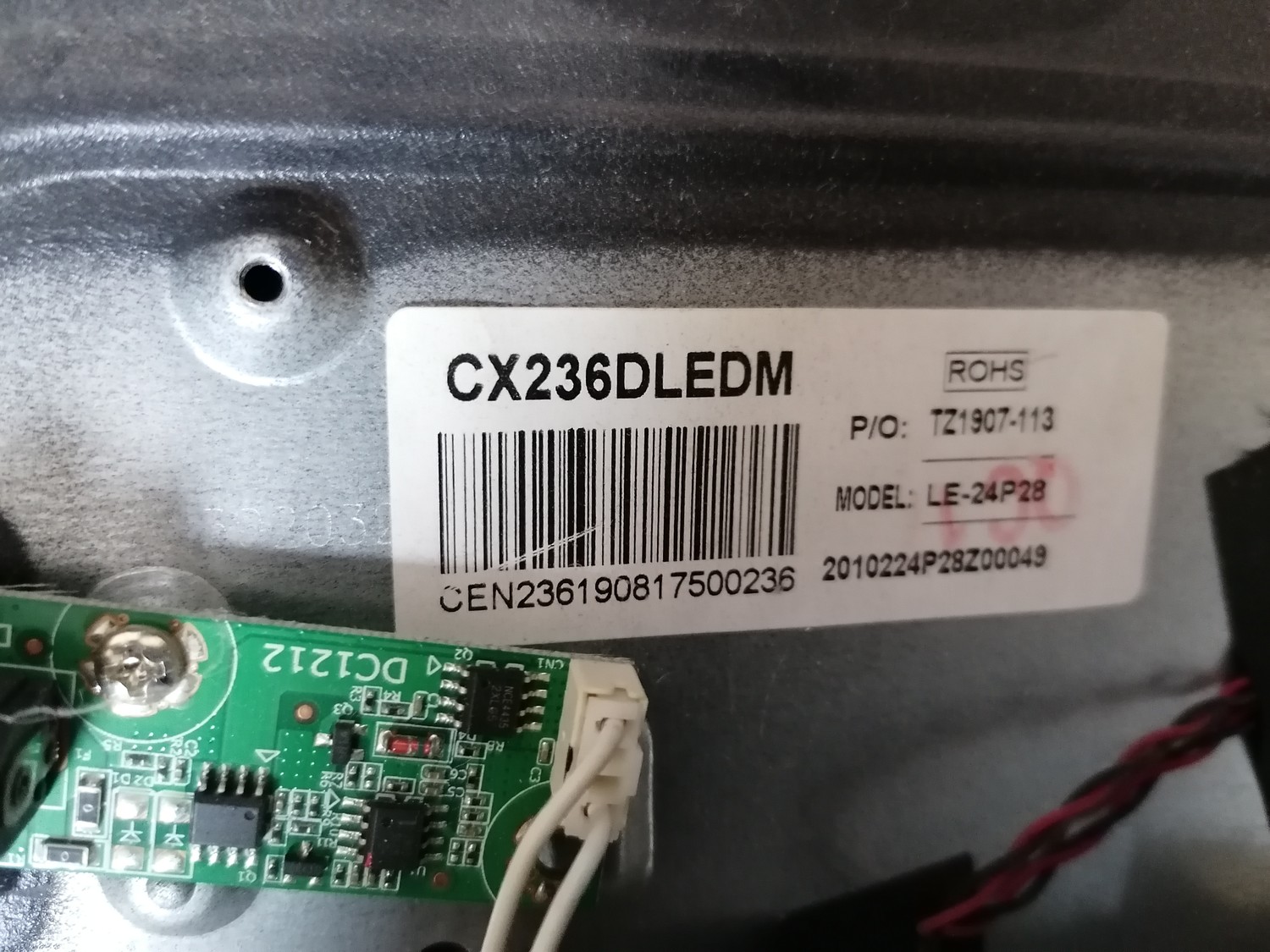
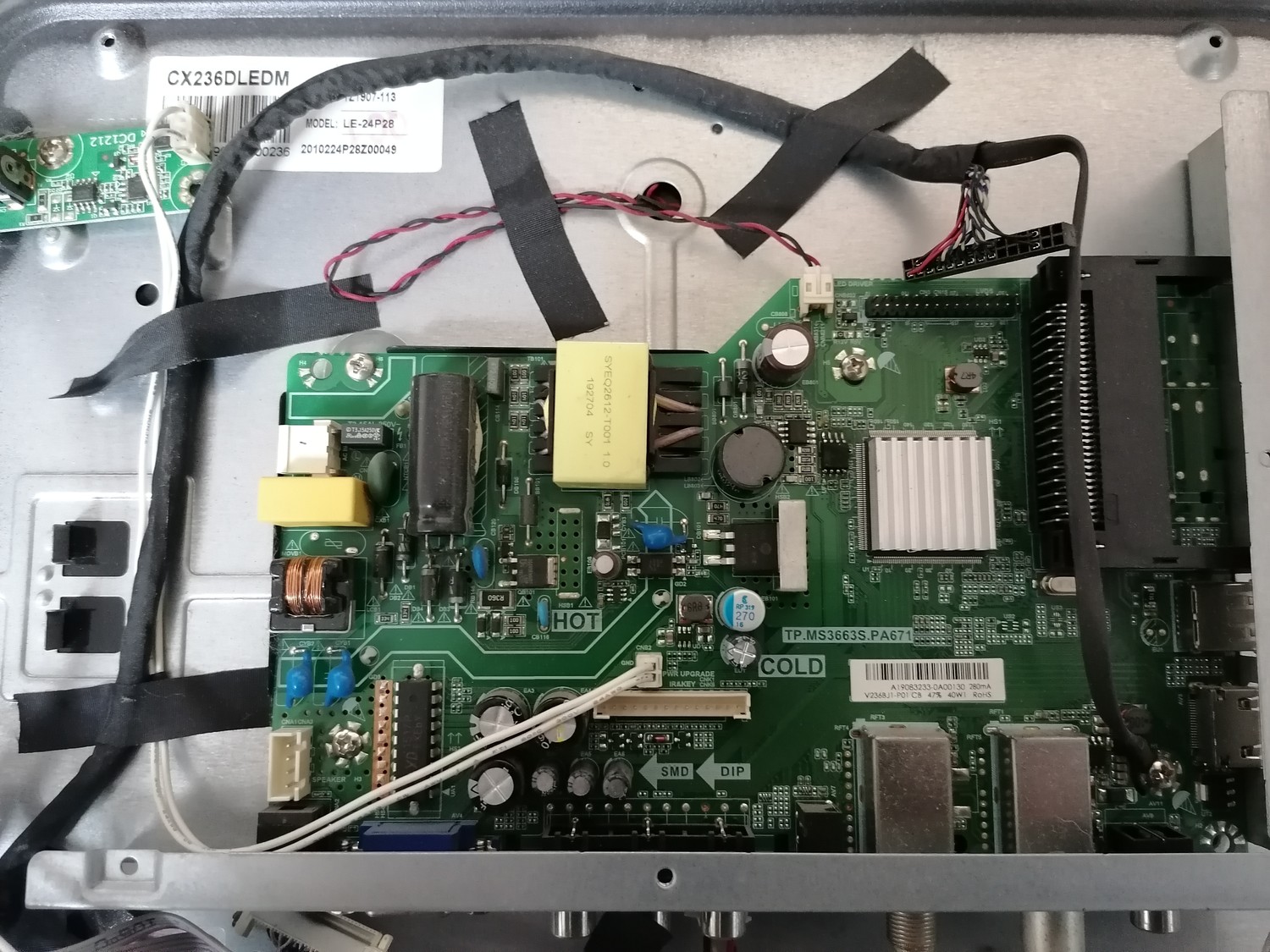
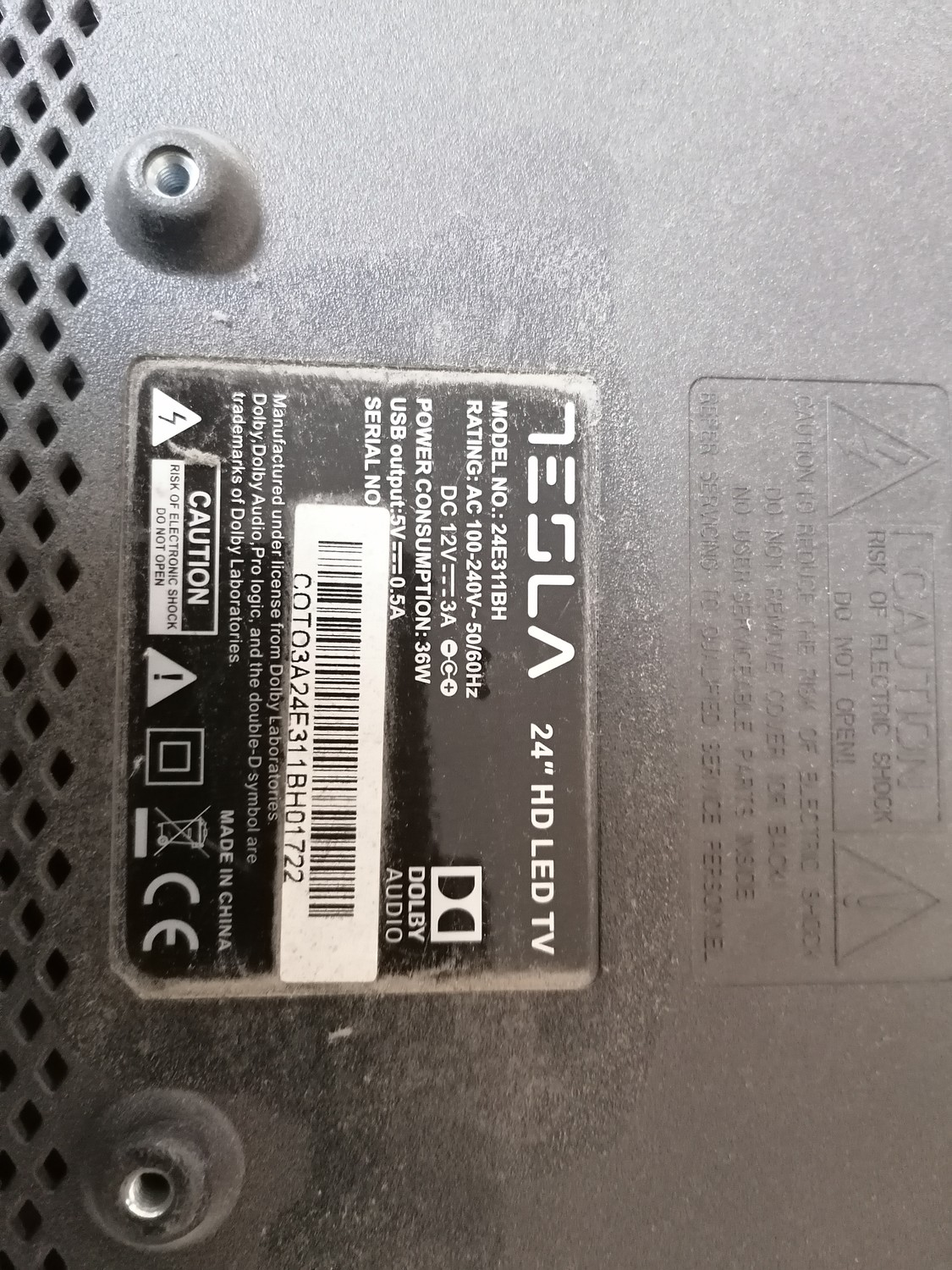
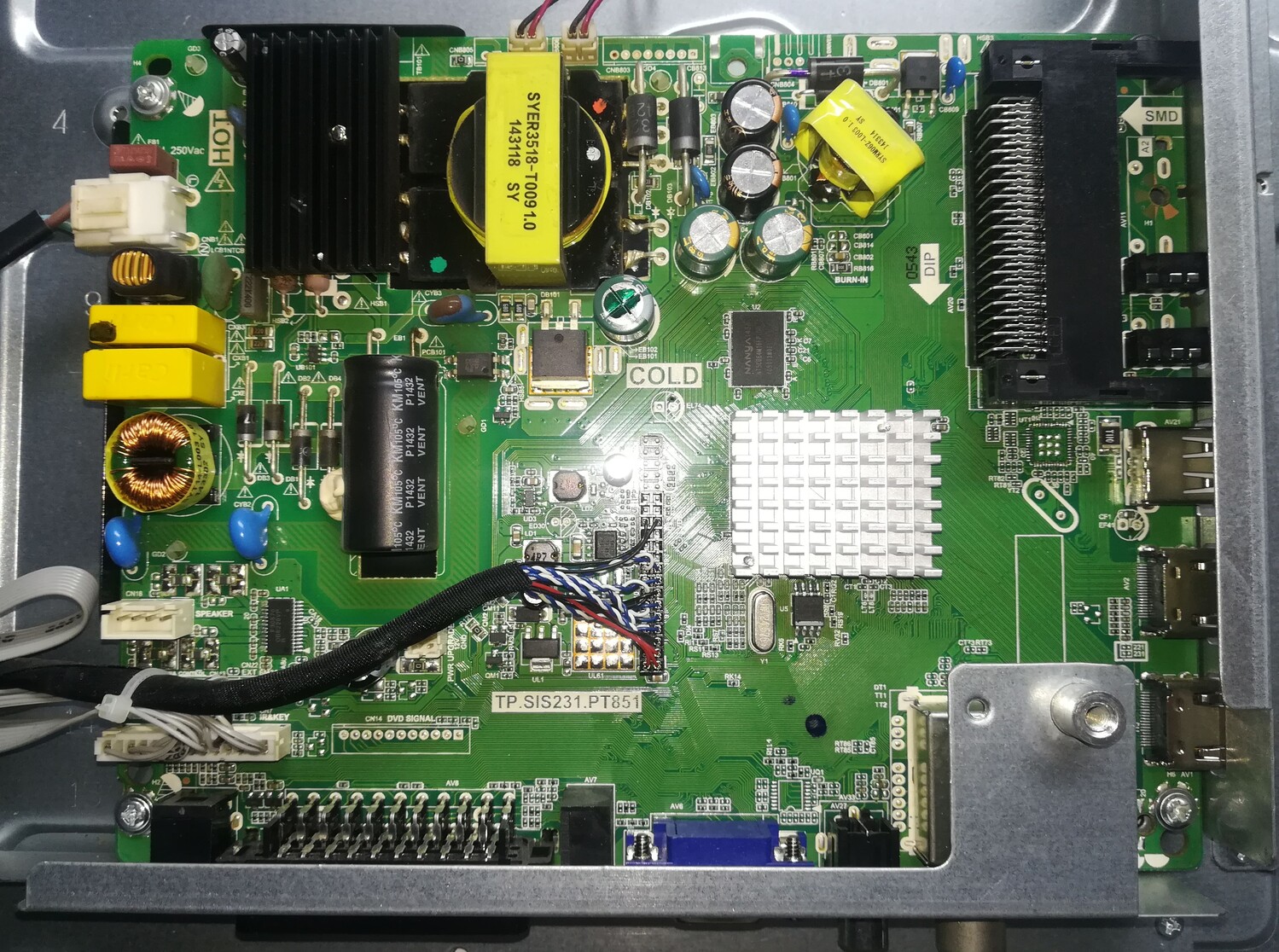
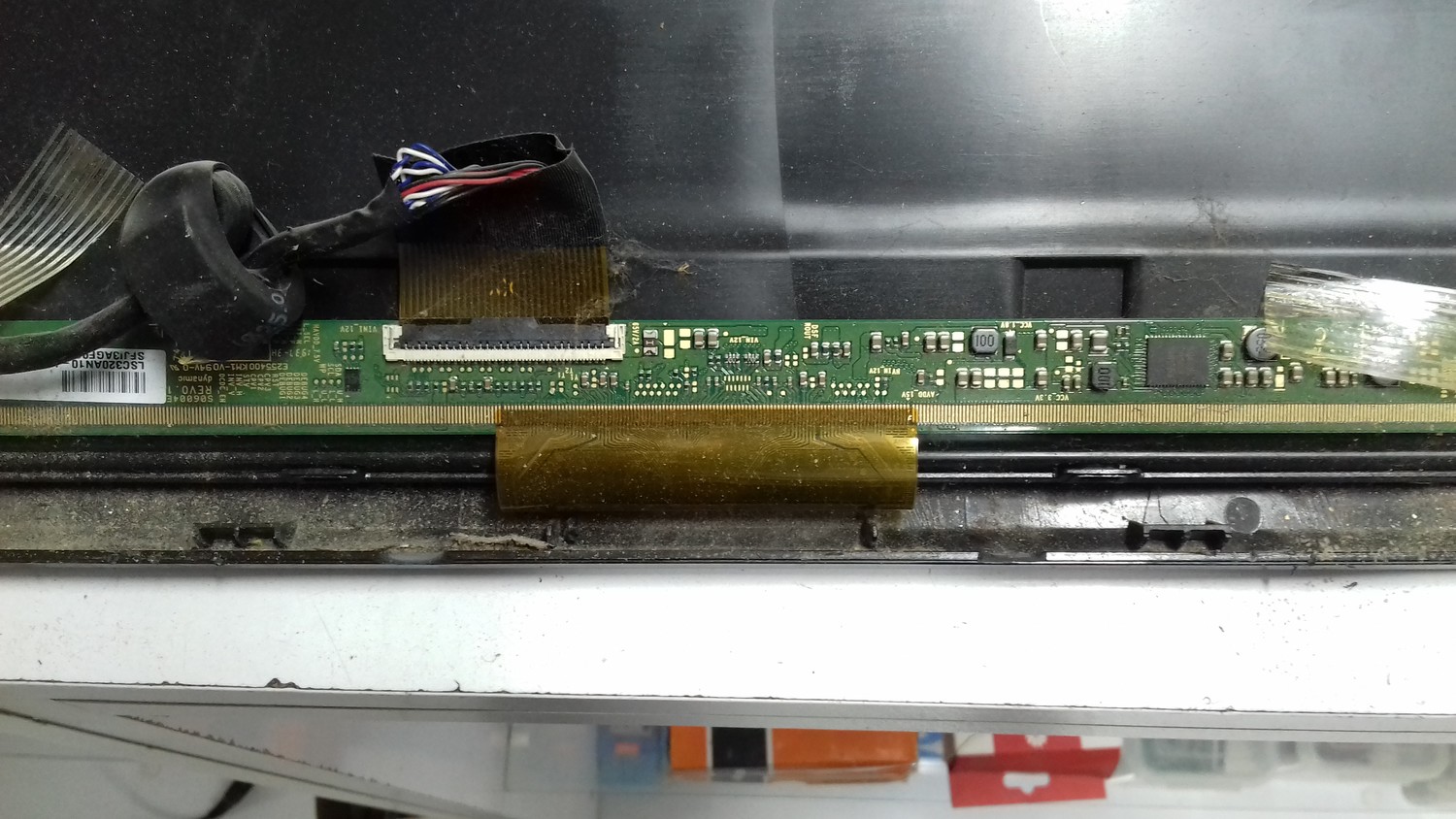
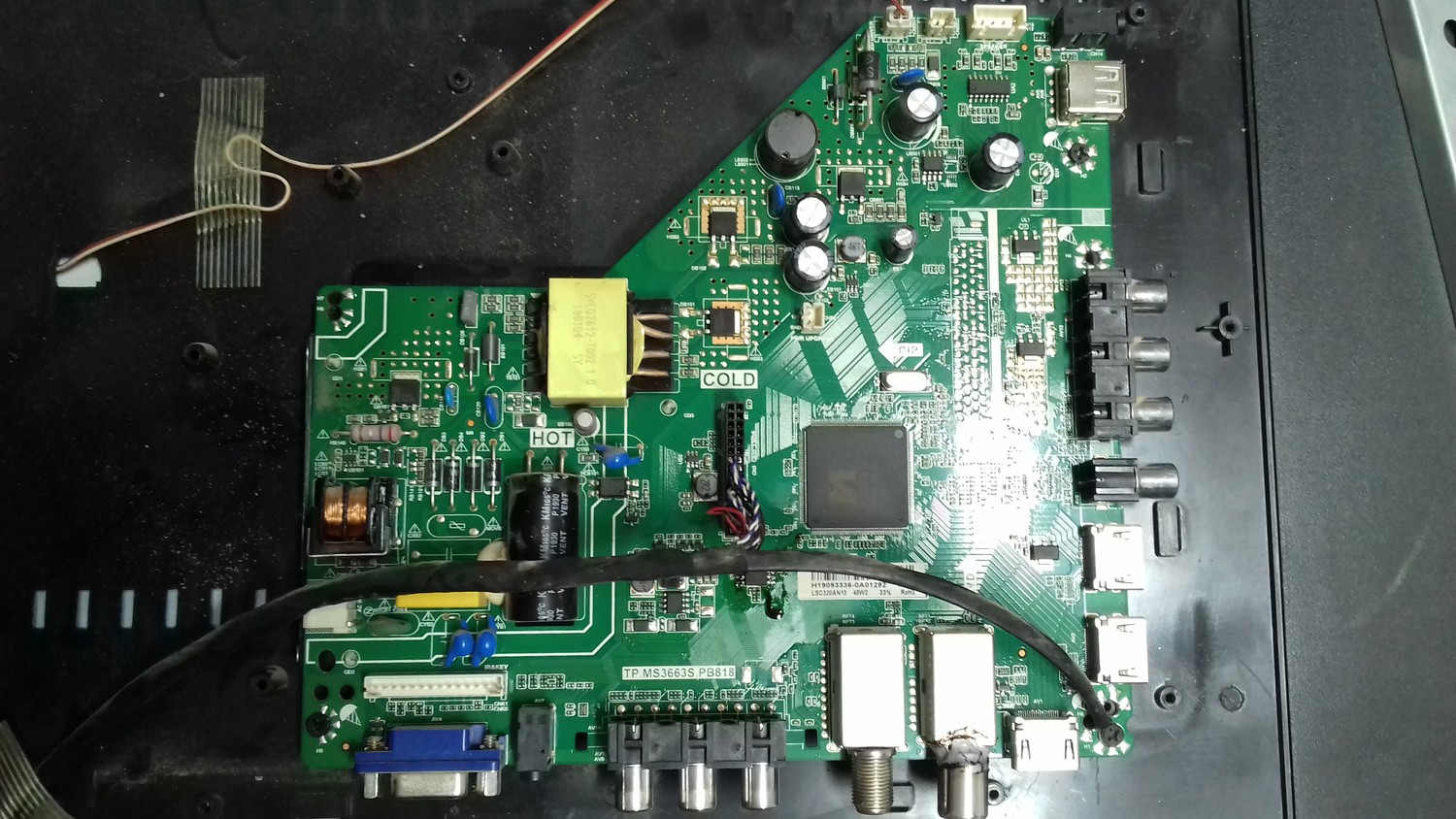
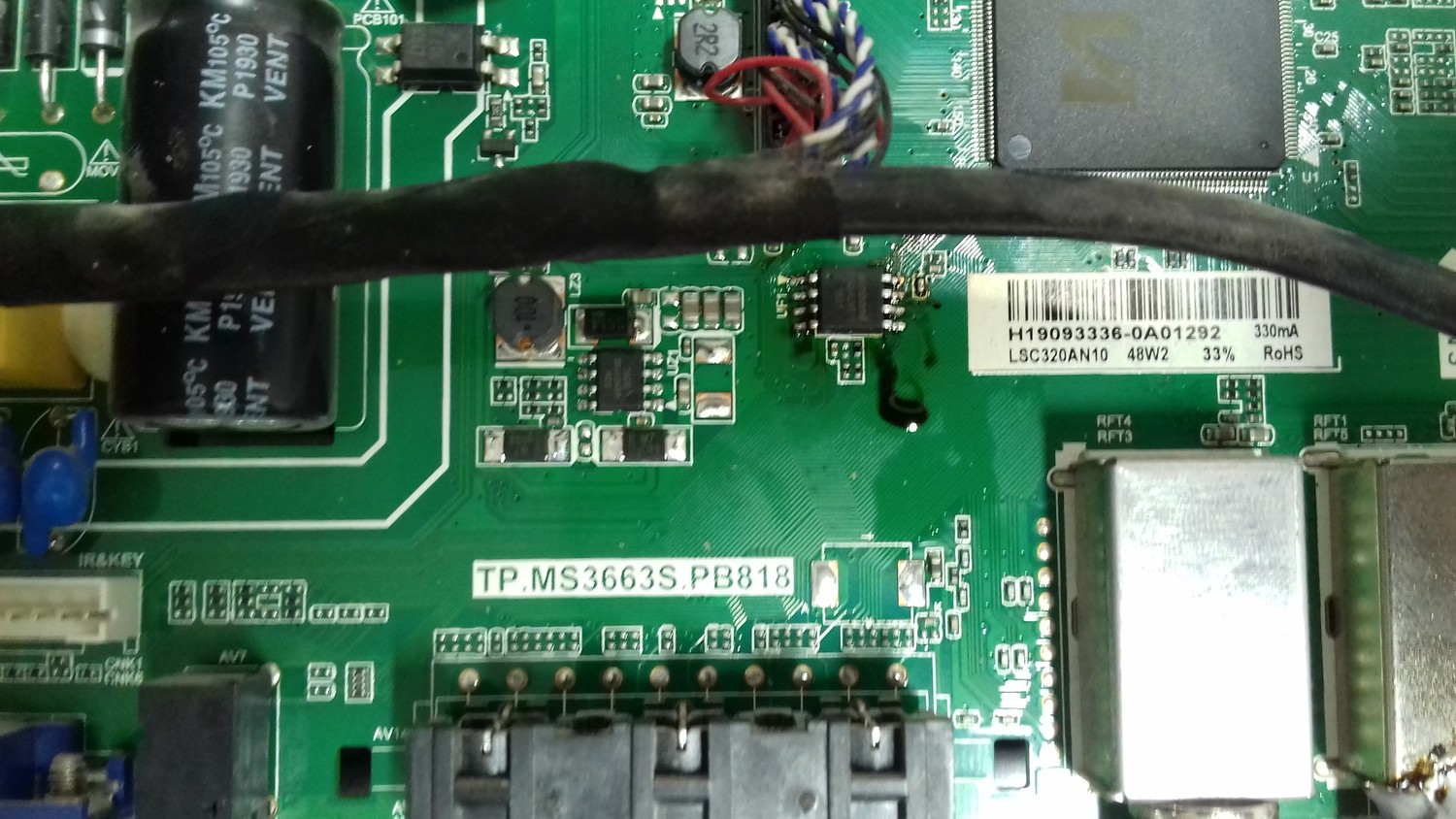
Forced update I. Copy the MAIN SW BIN image “V8-NT563LA-LF1V267.bin” into USB stick (pen drive) root path and rename it to update.zip (Just rename, do not compress it!) II. Switch OFF TV by AC III. Plug USB stick to the TV IV. Switch ON TV by AC, at the same time press and hold ”Power” button on TV keyboard for 10s (until Tesla logo is shown), TV will update SW automatically. V. When updating is successful, TV should restart automatically after ~4min VI. Remember to perform “Factory Reset“
Архив: 3 файла, 1.02 ГБ, RAR, распаковывается без ошибок, CRC всех файлов совпадают, пароля нет. В архиве: eMMC. Важно: дамп снят с конкретного аппарата — внутри серийный номер, MAC-адрес и ключи HDCP/Widevine, после записи править под свой аппарат.
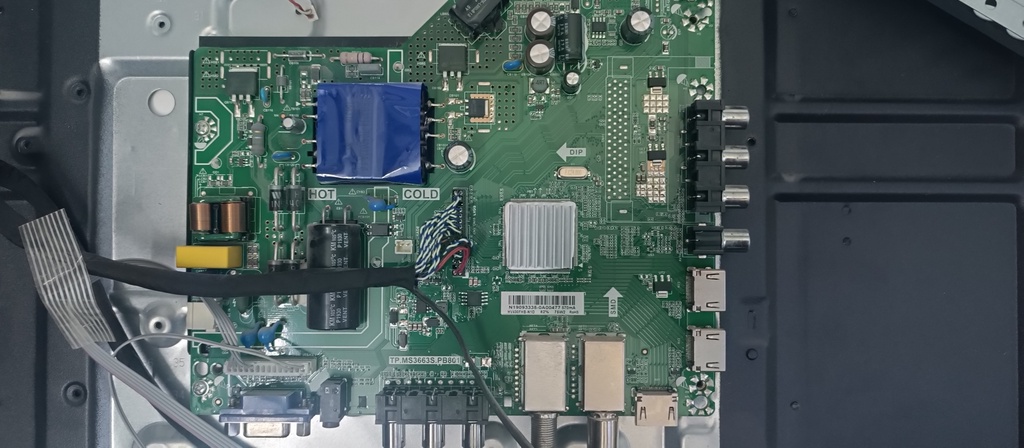
TV firmware dump / eMMC full flash backup for service and repair.
 Файлы
 Прошивки
 Продажа
 Литература
 Статьи