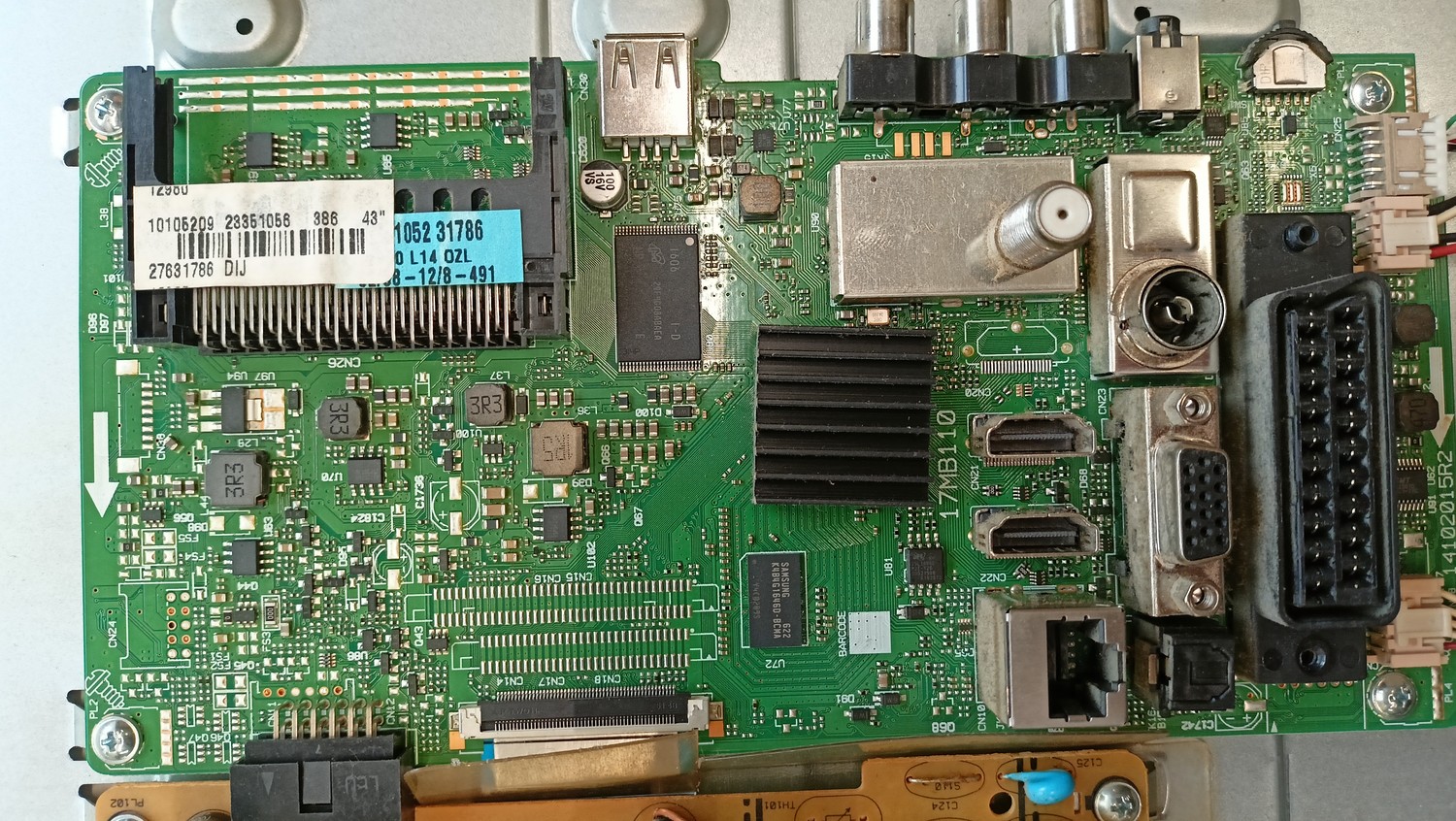
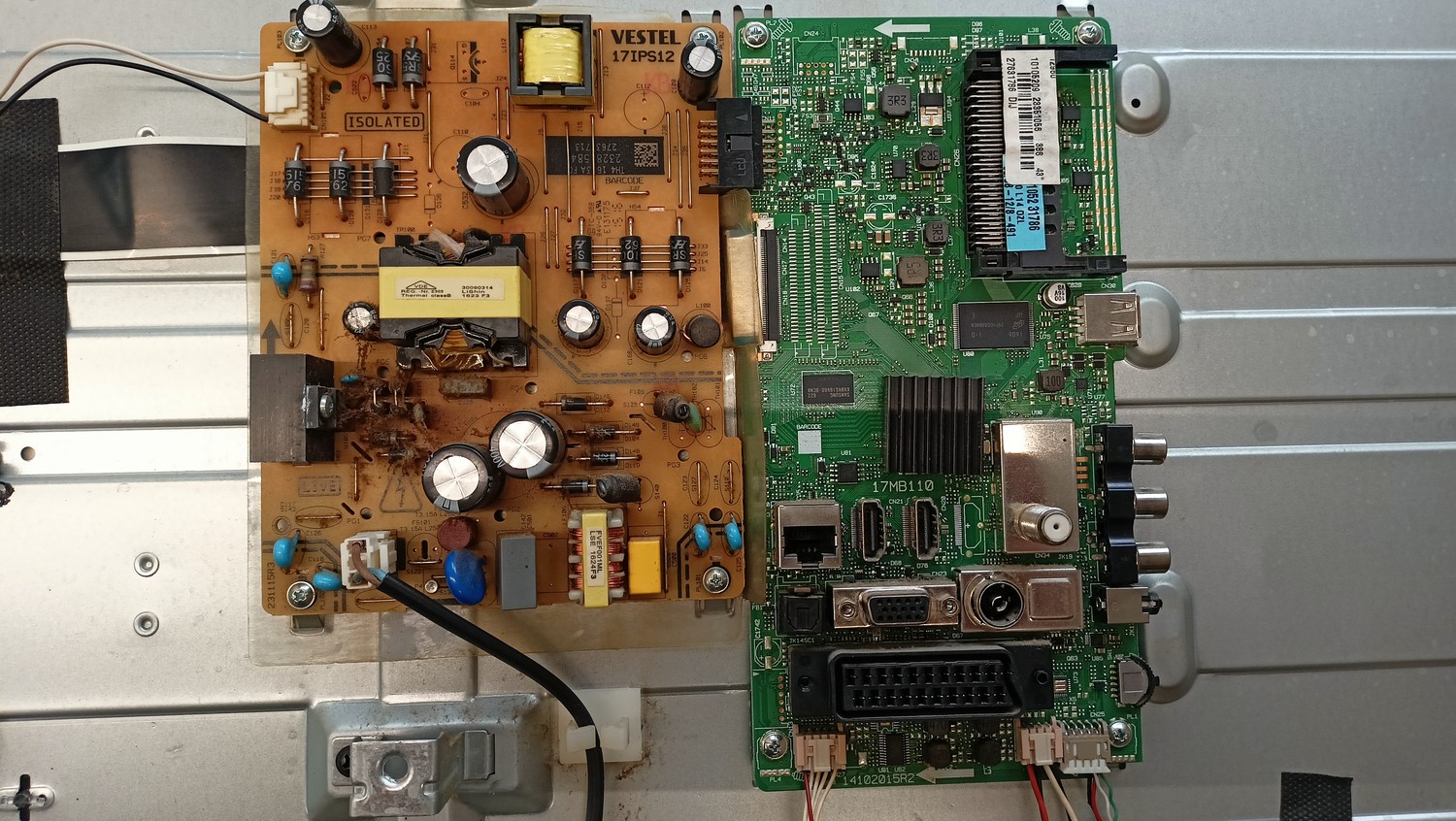
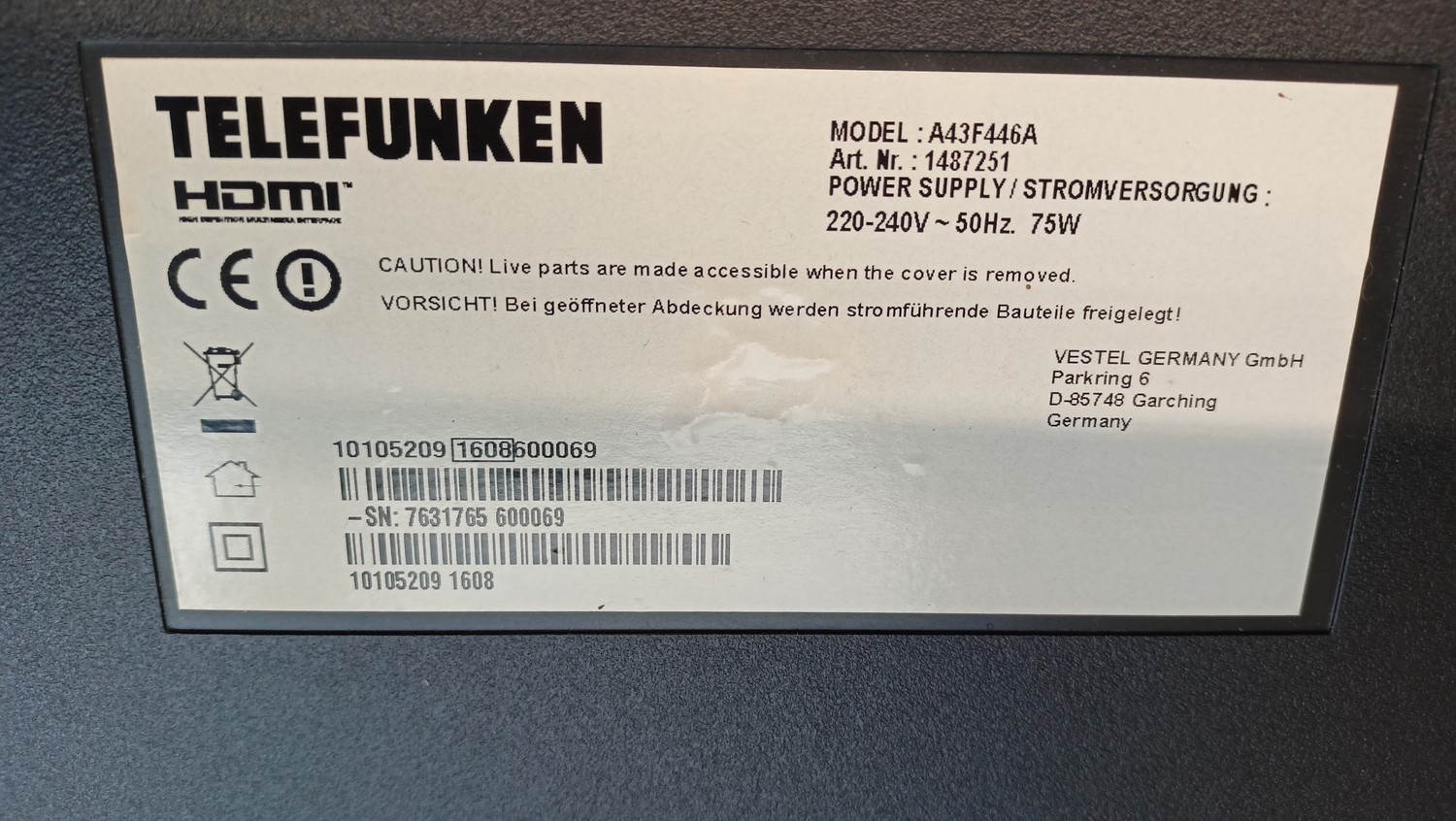
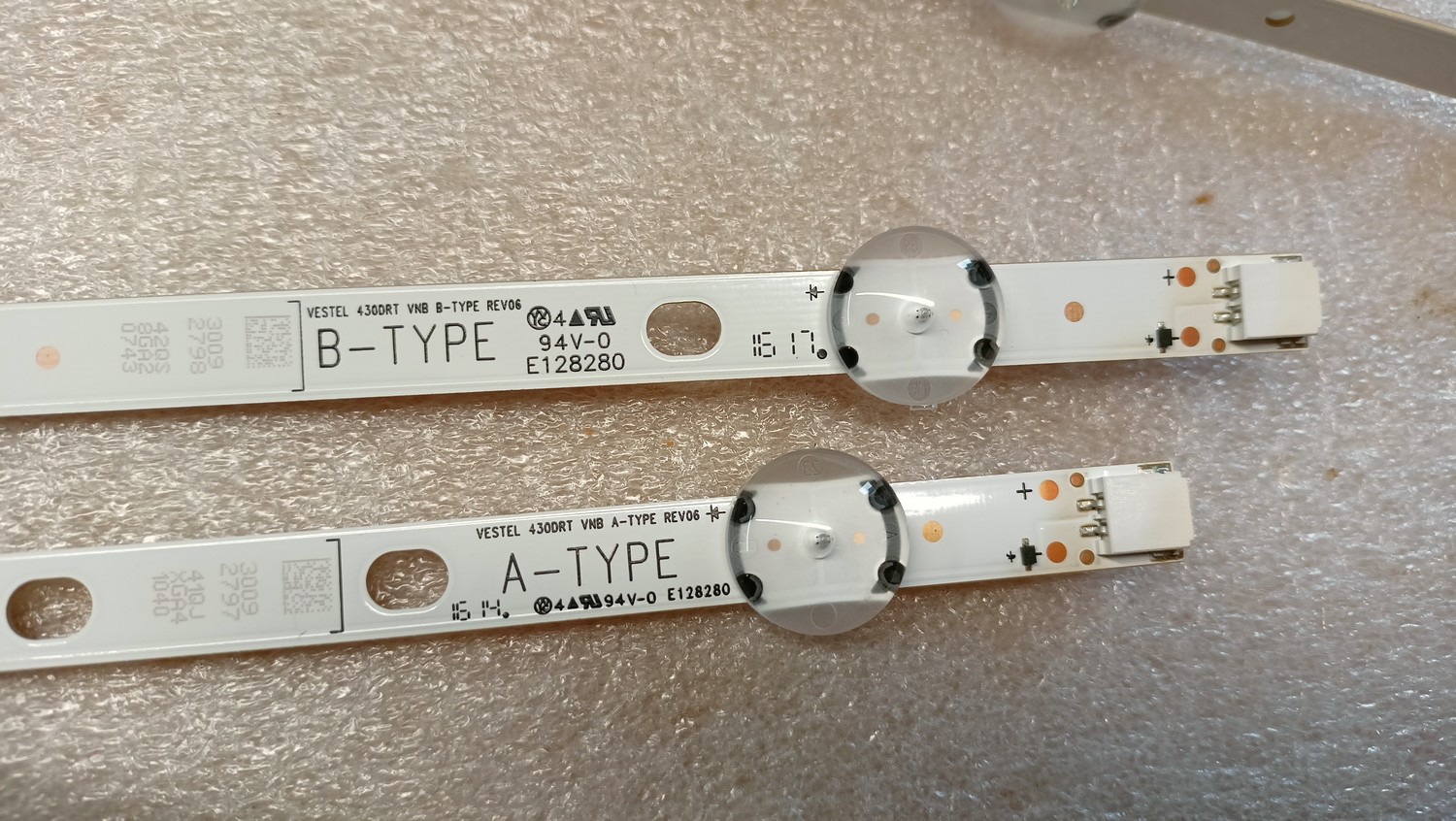
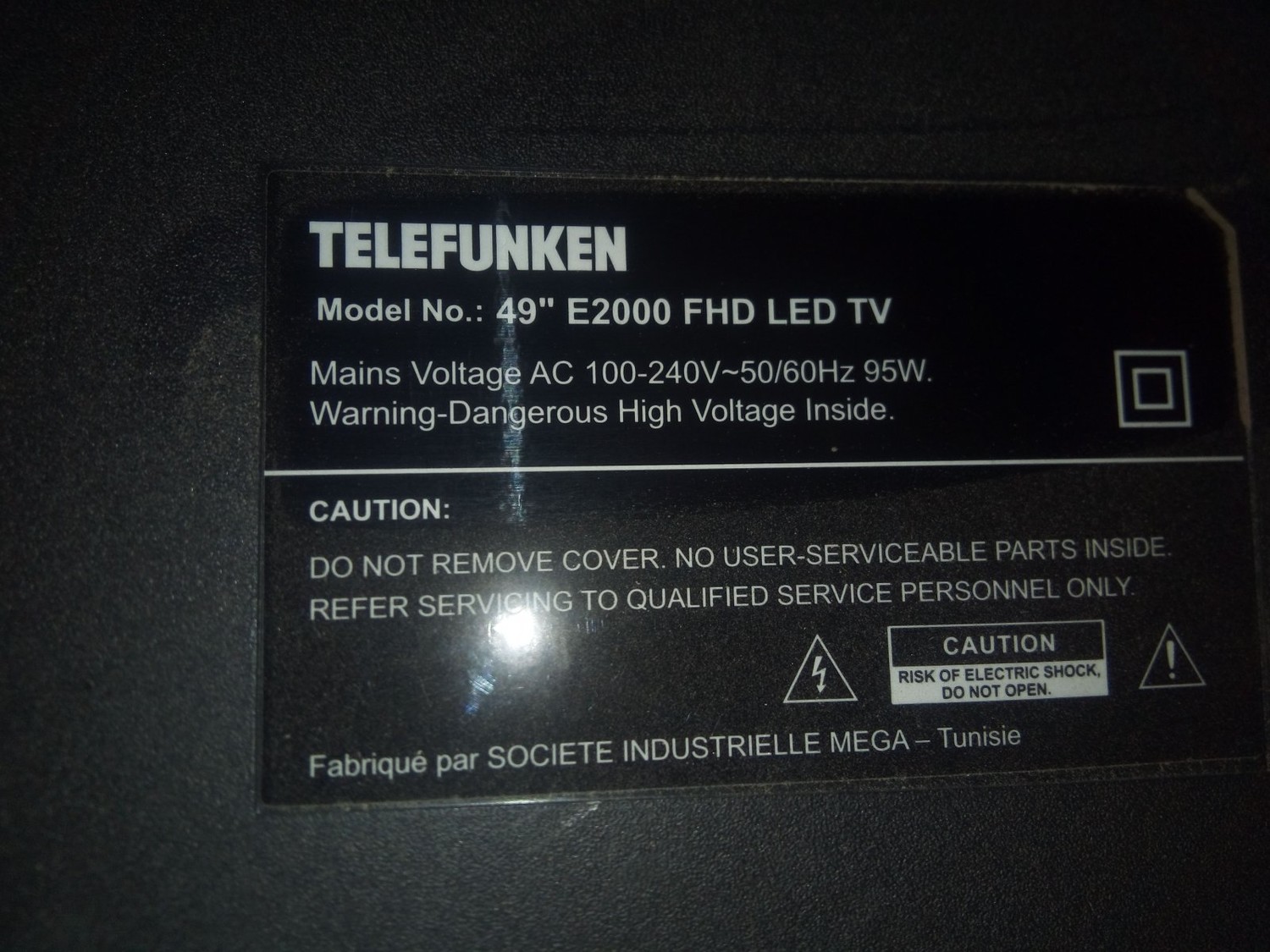
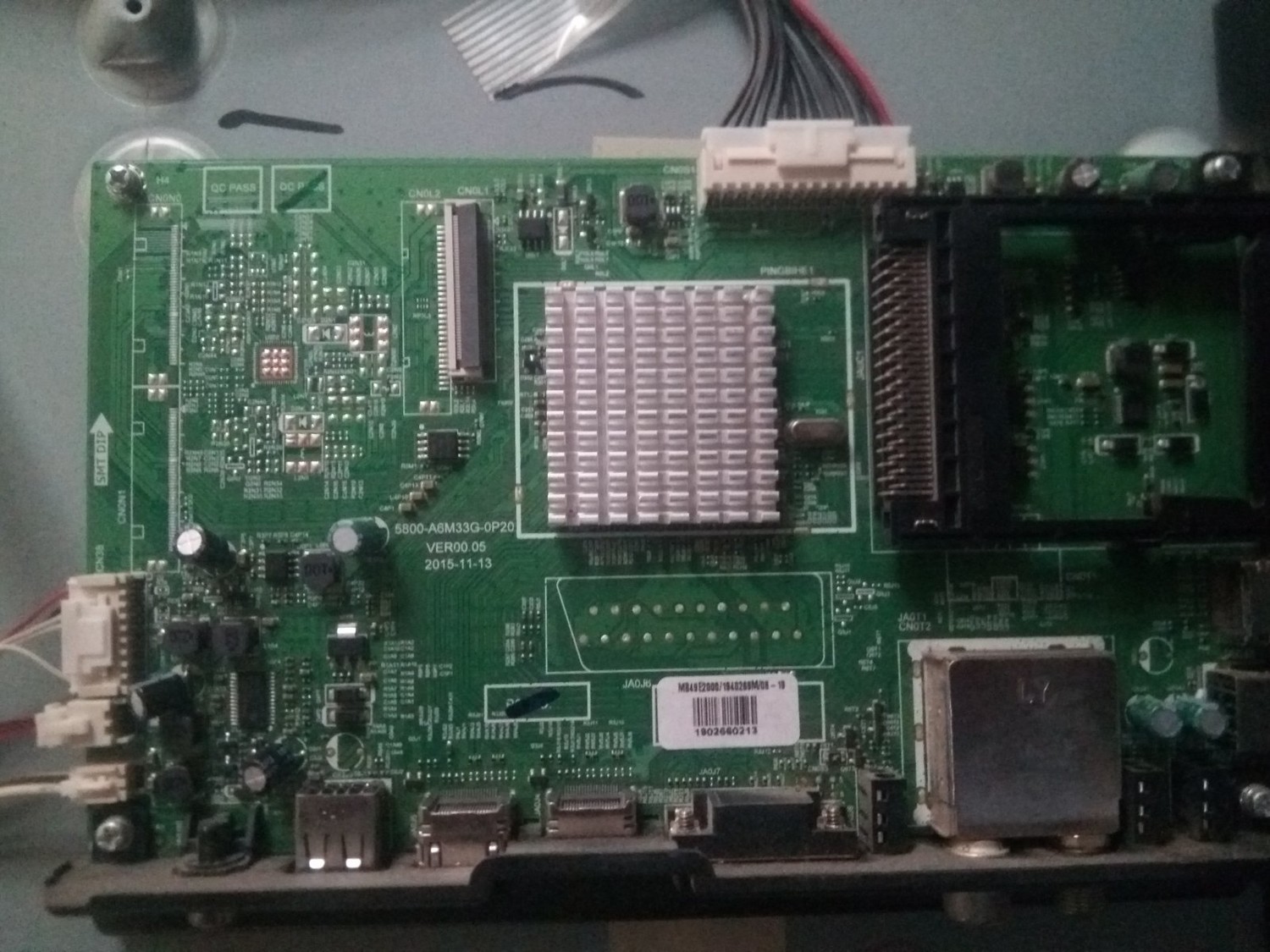
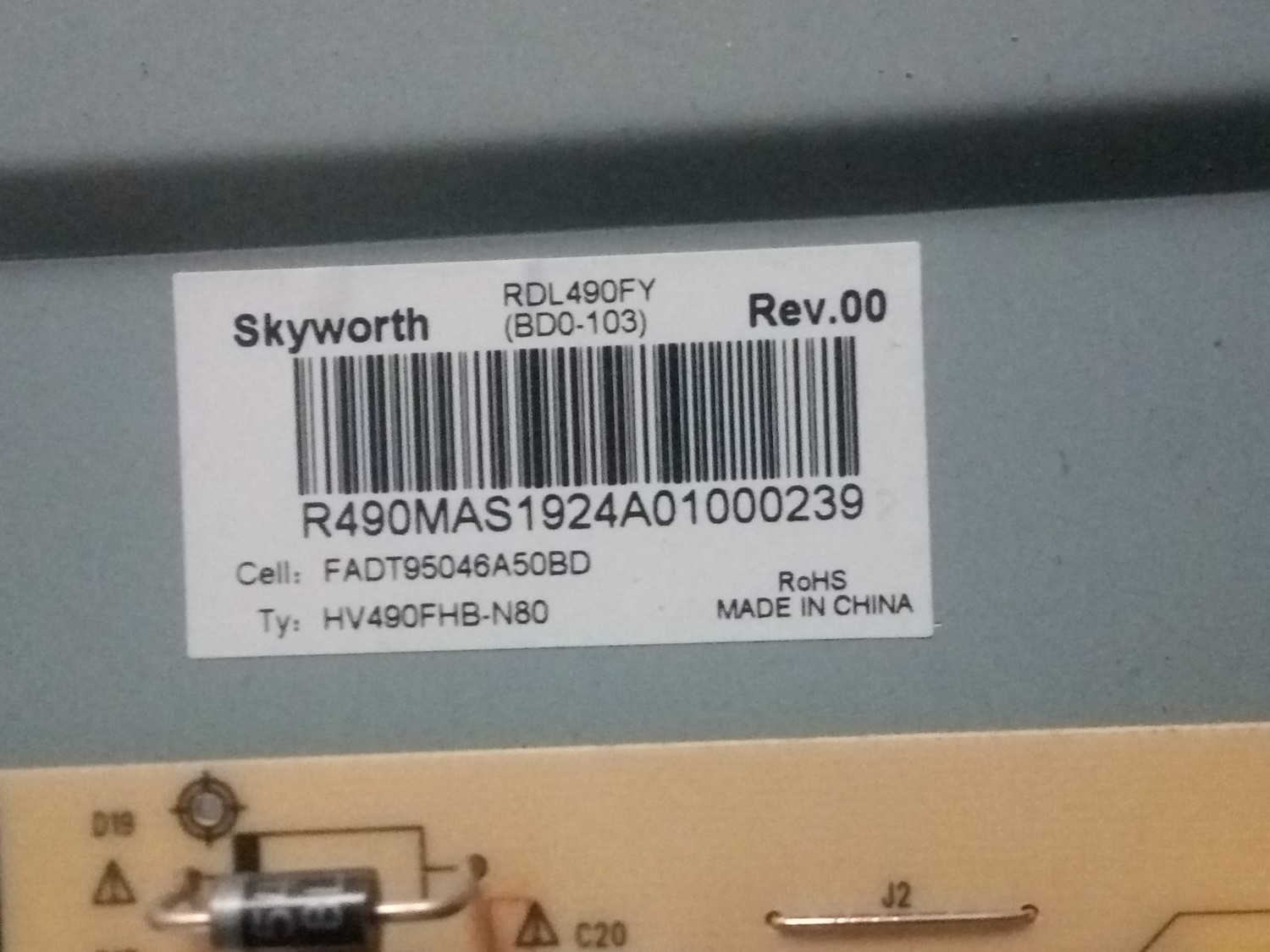
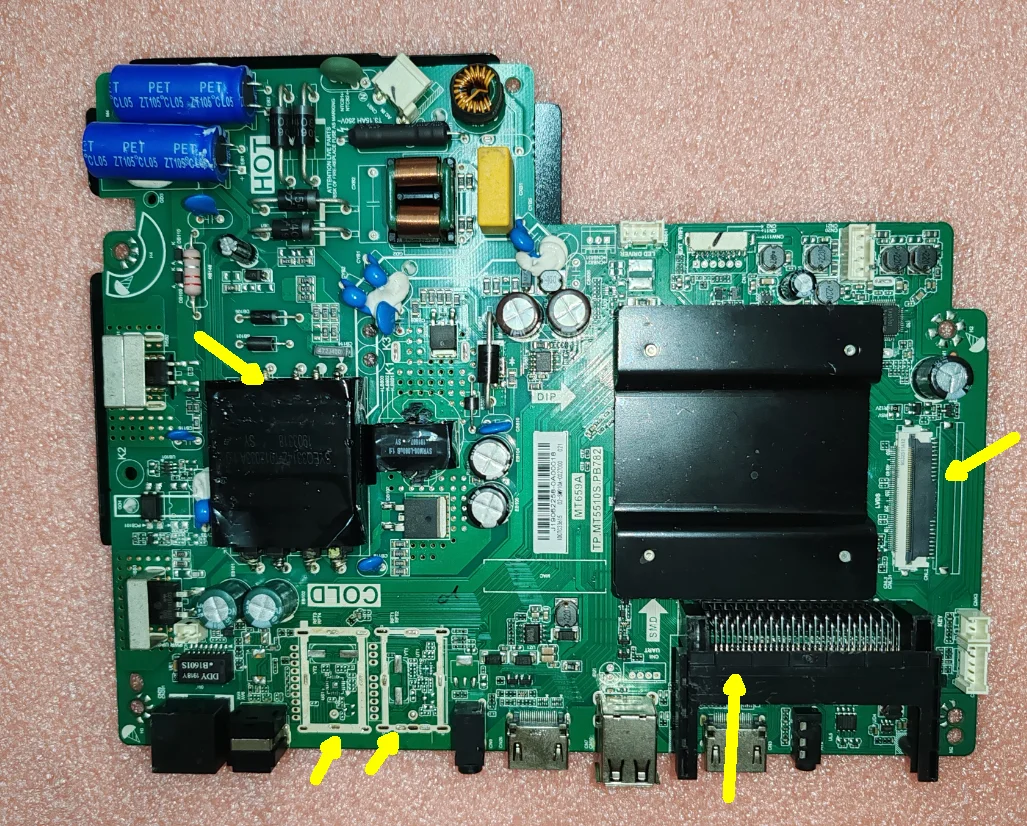
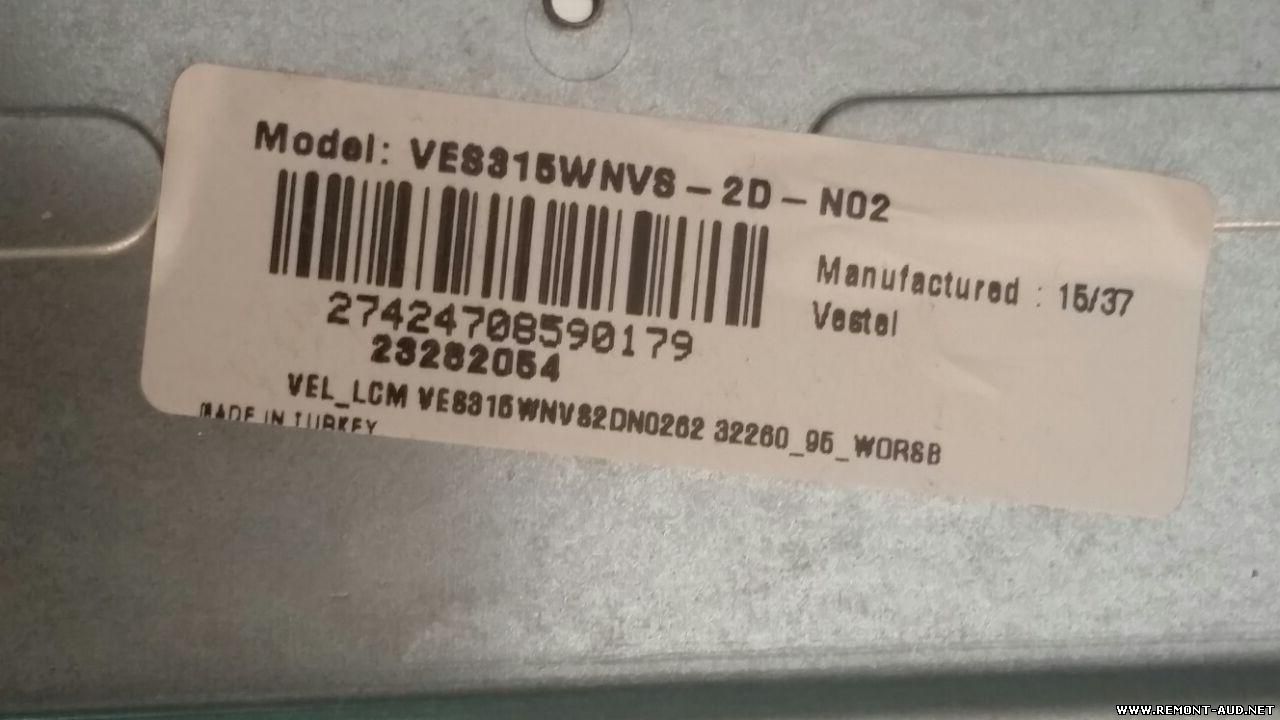
Архив: 3 файла, 127 МБ, RAR, распаковывается без ошибок, CRC всех файлов совпадают, пароля нет. В архиве: NAND, EEPROM (MX25L1606E). Важно: дамп снят с конкретного аппарата — внутри серийный номер, MAC-адрес и ключи HDCP/Widevine, после записи править под свой аппарат. Предупреждение: дамп микросхемы MX25L1606E.bin практически пуст: 96.2% байт 0xFF.
TV firmware dump / NAND EEPROM full flash backup for service and repair.
Архив: 1 файл, 41 МБ, RAR, распаковывается без ошибок, CRC всех файлов совпадают, пароля нет. Соответствие названию: внутри образа найдено MT29F2G08ABAE — совпадает с названием архива. В архиве: NAND. Важно: дамп снят с конкретного аппарата — внутри MAC-адрес и ключи HDCP, после записи править под свой аппарат.
TV firmware dump / NAND full flash backup for service and repair.
Procedure: 1. Extract the files to the root of the formatted flash card (fat32) files: • mb130_en.bin • mb130_RomBoot_AMZ.bin • mb130_PM51_connected.bin • usb_auto_update_G10.txt 2. Disconnect the power from the TV 3. Insert the flash card into USB1 4. Press the OK button on the remote control and insert the plug back into the socket Note: Keep pressing OK until the Led indicator flashes quickly 5. As soon as the indicator flashes quickly, you can release the button on the remote control The automatic firmware update will begin 6. The firmware is complete if the indicator stops flashing quickly

 Файлы
 Прошивки
 Продажа
 Литература
 Статьи