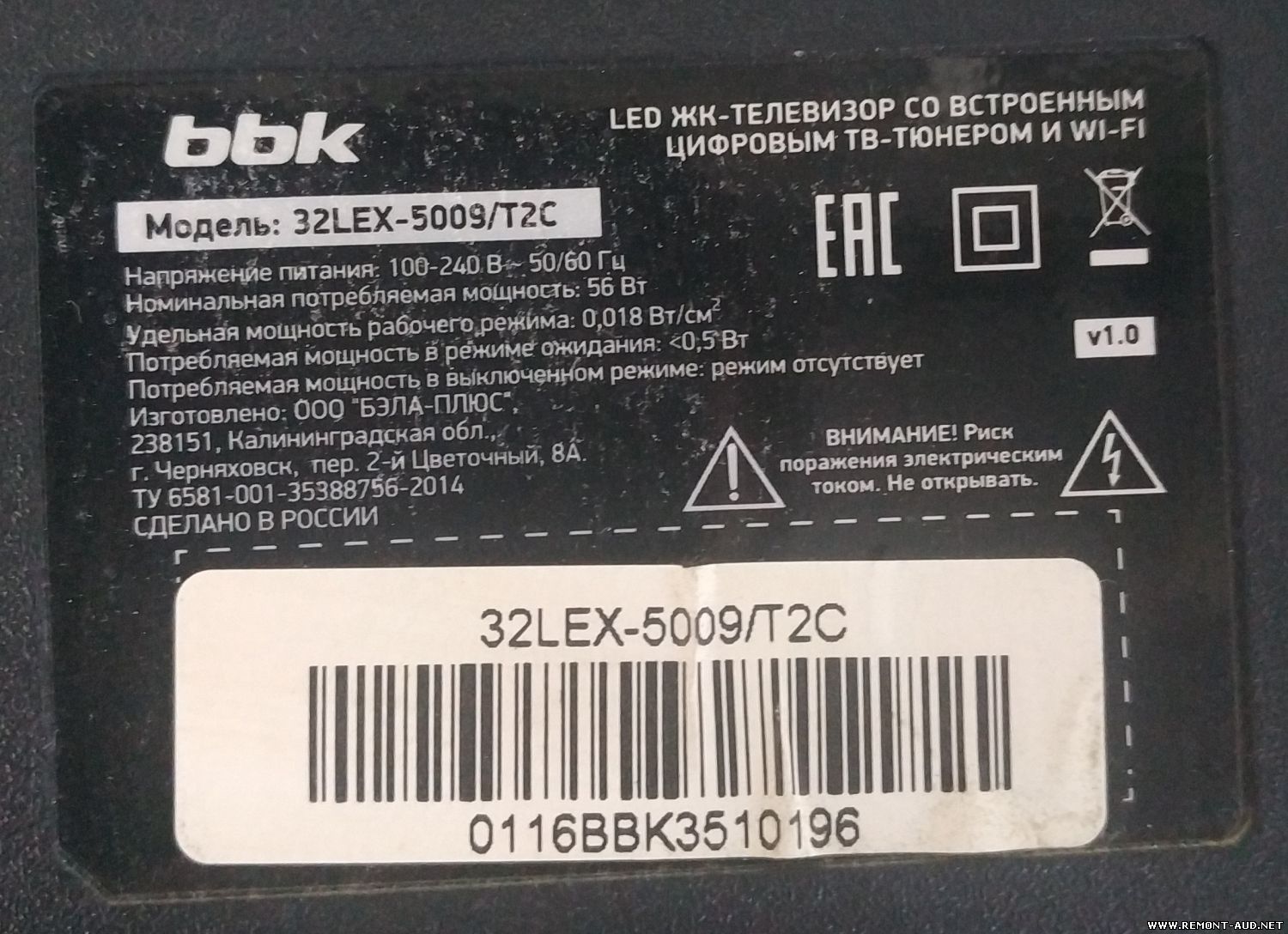
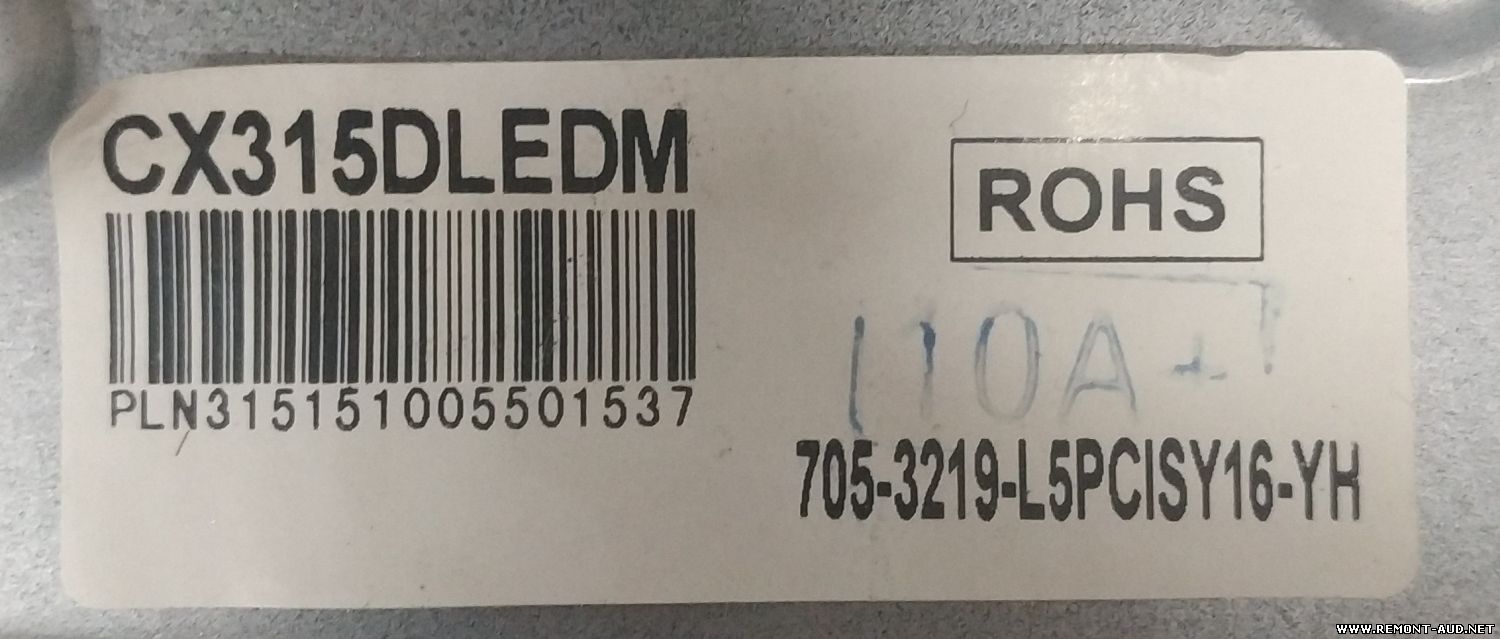
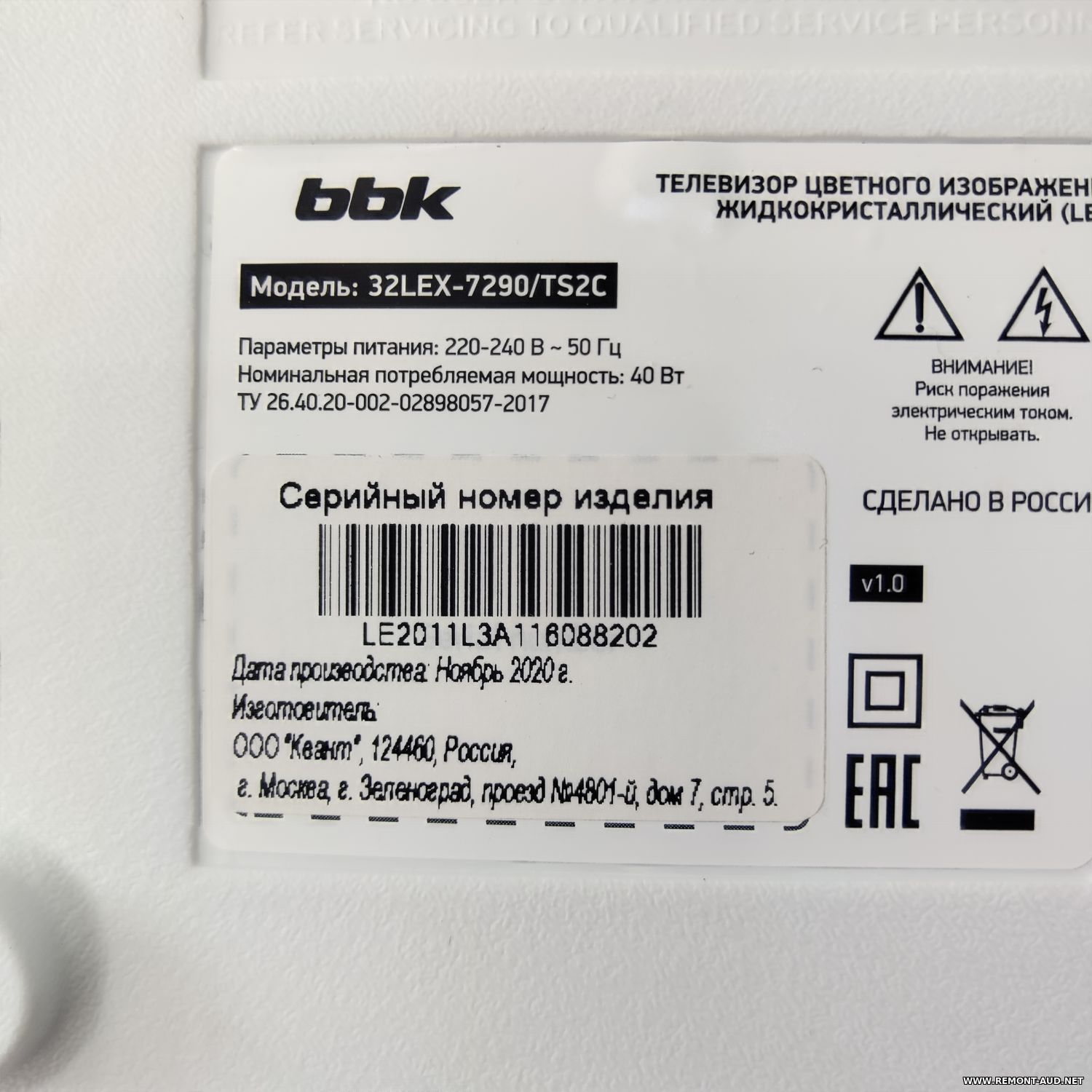
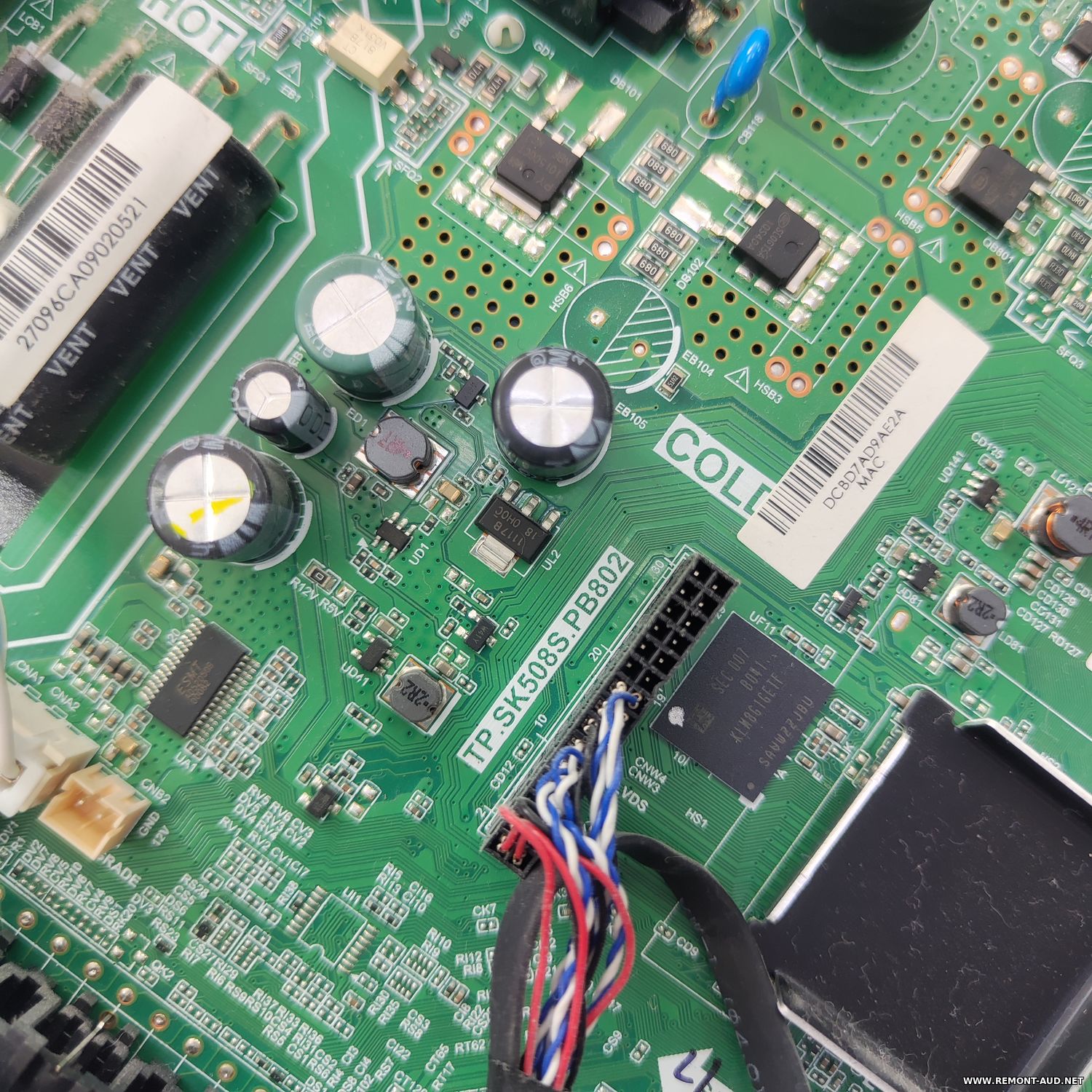
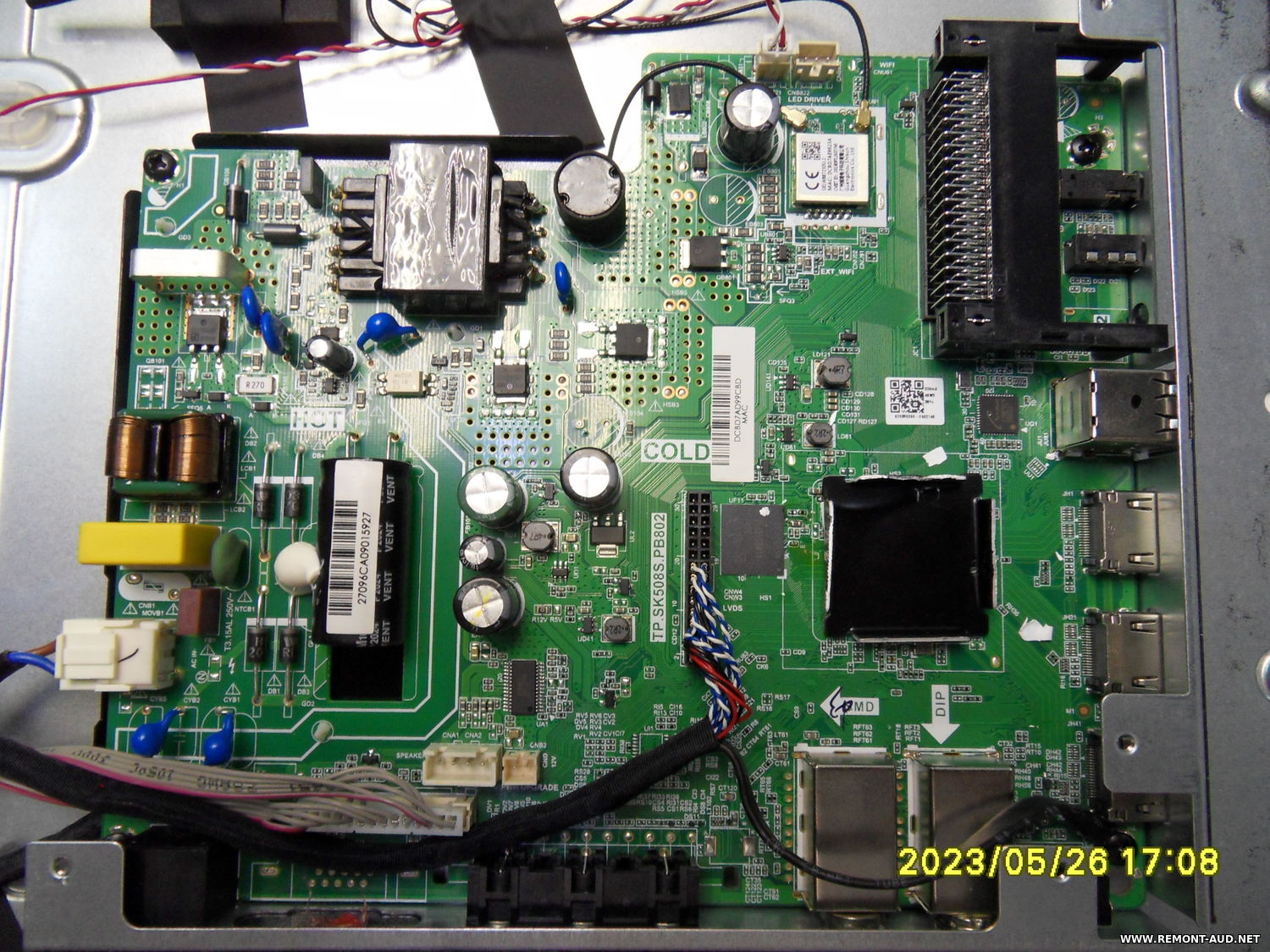
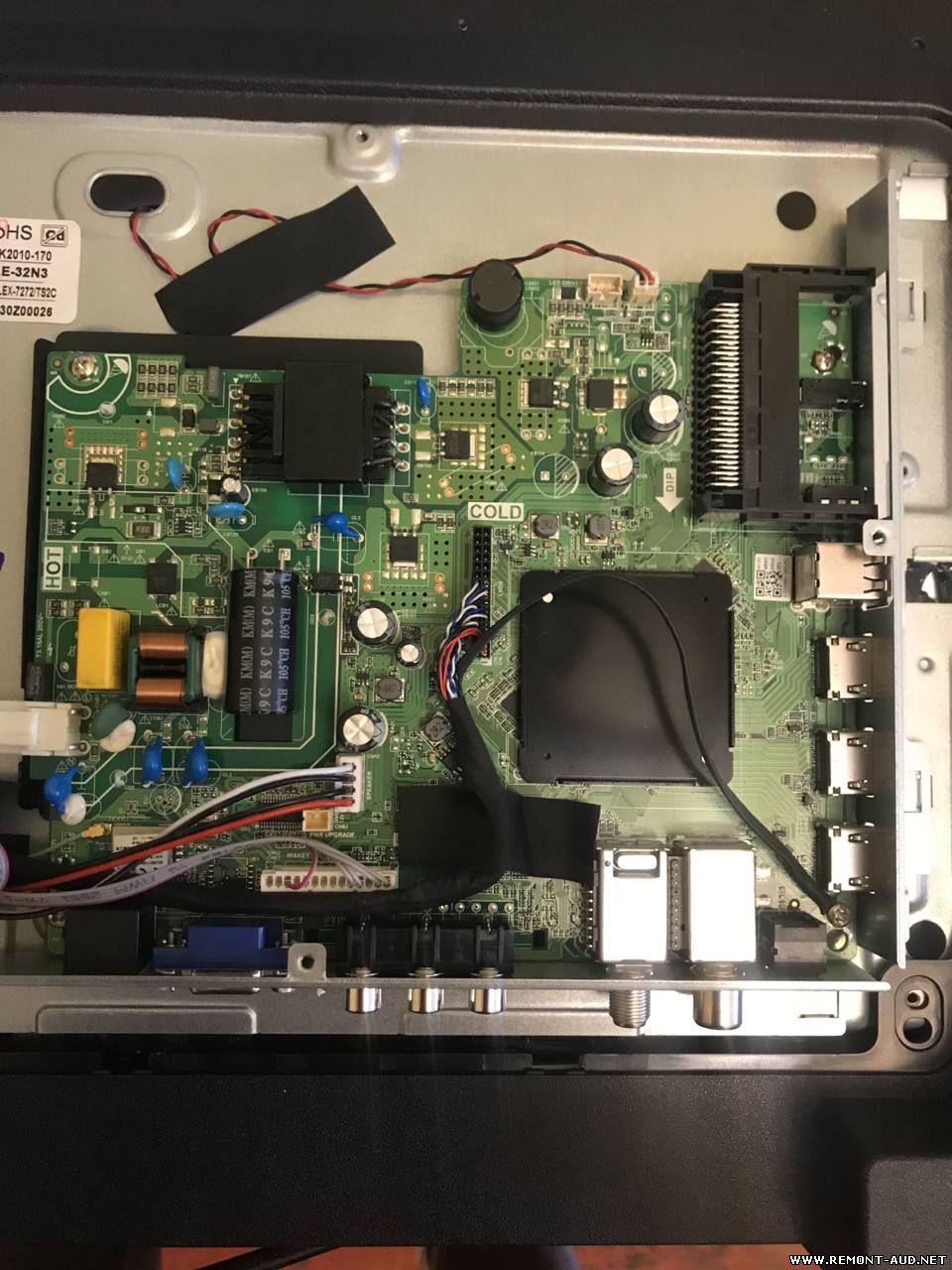
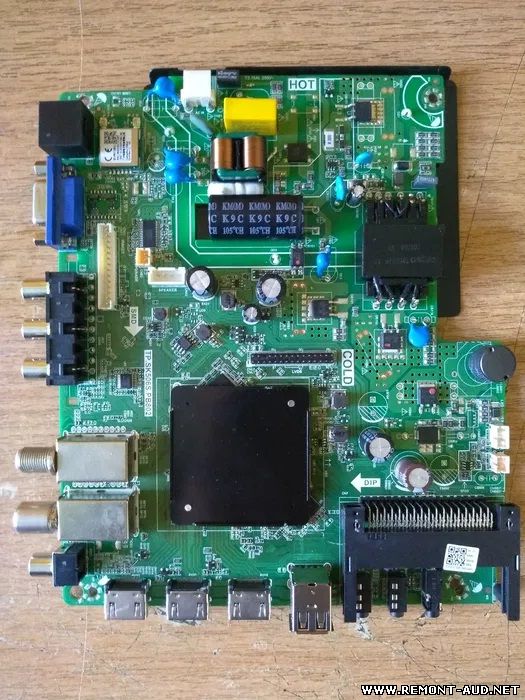
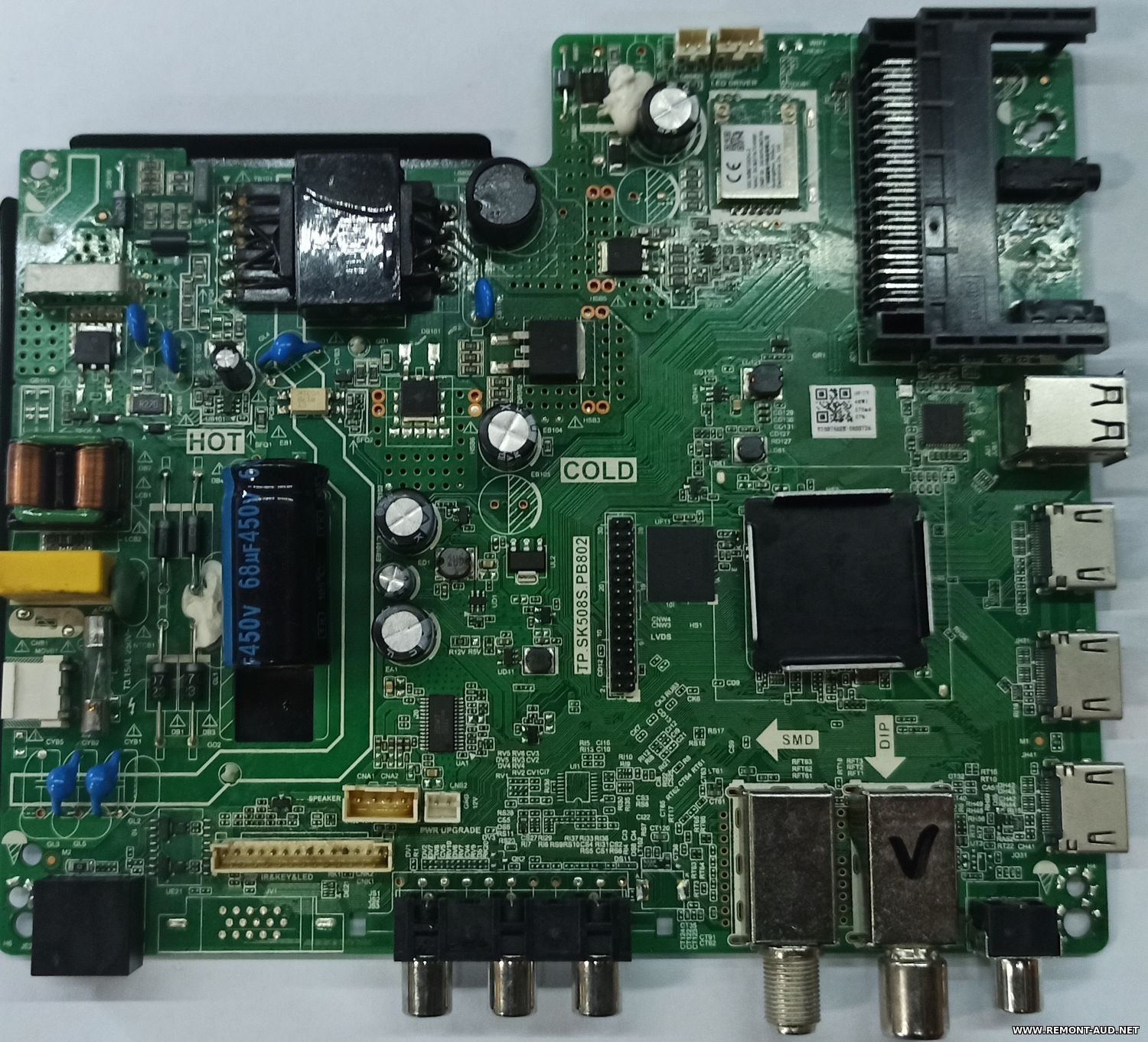
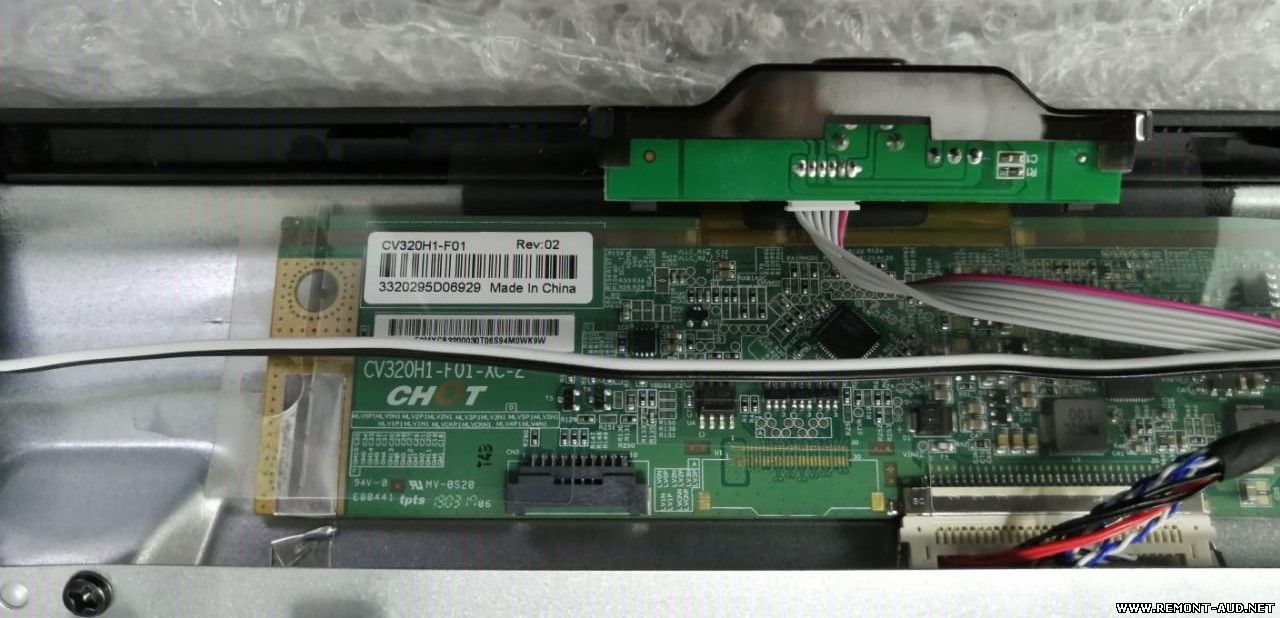
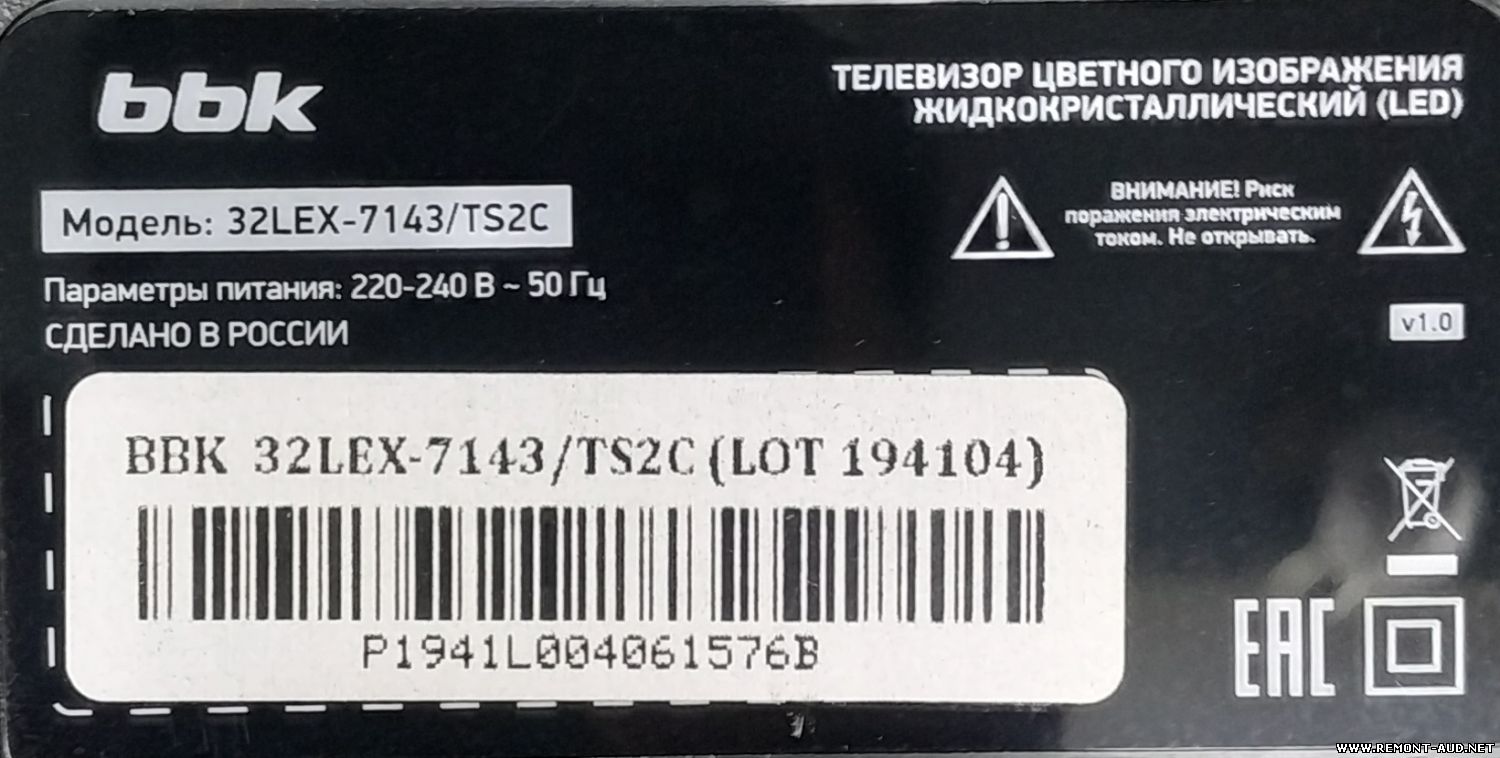
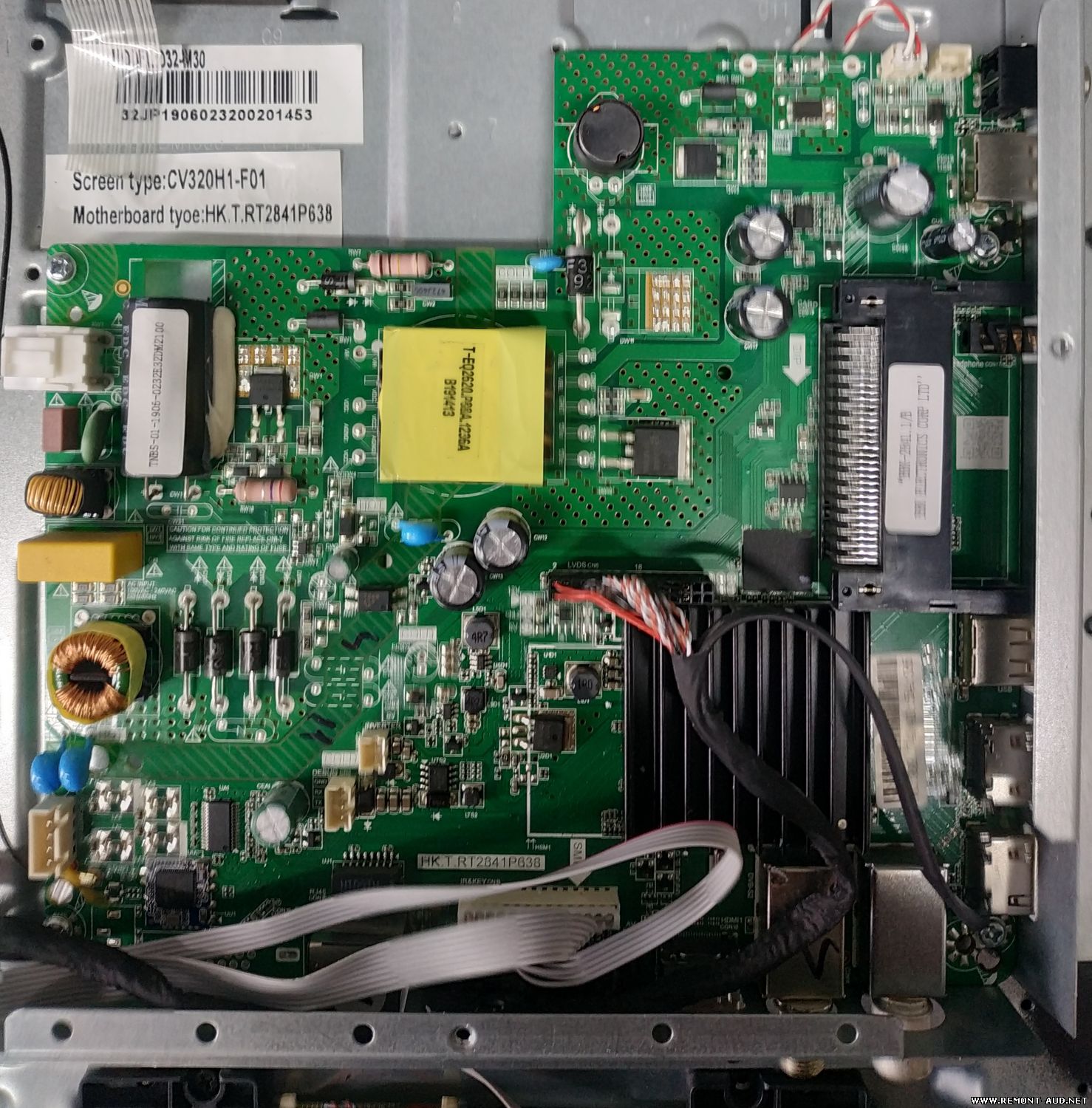
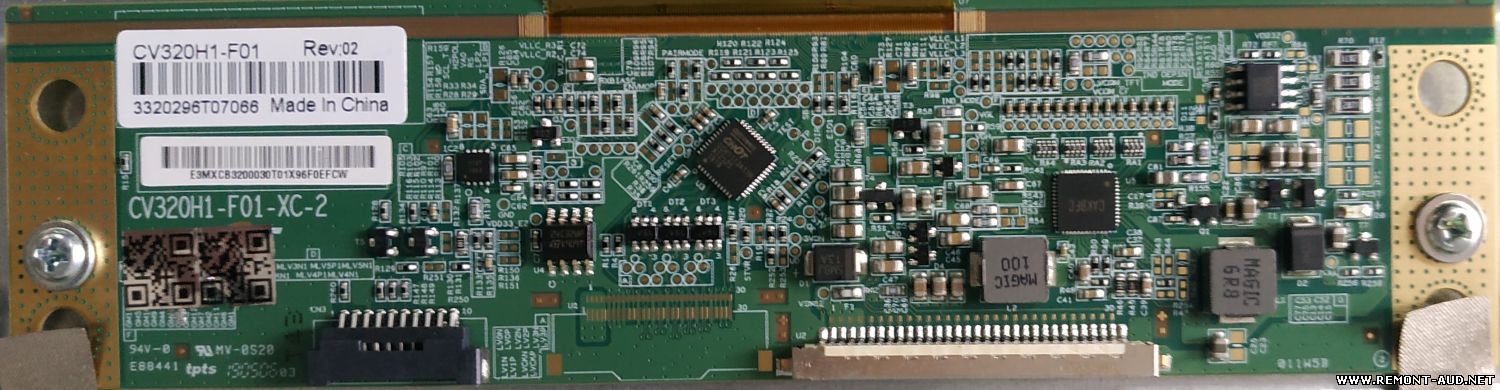
Прошивка от производителя прошивал лично все работает (дефект такой включаешь начинал грузиться и отключался) распакуйте файл в корень флеш накопителя ,отключите телевизор от сети включите флешку зажмите кнопку питания включите вилку в сеть ,появится синий экран со шкалой прогресса ,дождитесь конца прошивки телевизор отключится , выньте вилку из сети отключите флешку включите телевизор ГОТОВО ВЫ ВОЛШЕБНИК!!!!ПИСАЛ ВСЕ ПОДРОБНО ЧТОБ НЕ ЗАДАВАЛИ МНОГО ВОПРОСОВ ЧТО КАК И ЗАЧЕМ
ВНИМАНИЕ!!! Прошивка под панель PT320AT02-5-XR-1!!! Аппарат поступил с зависанием на логотипе BBK. Перед тем как шить, снял дамп. При поиске прошивки нашёл такой же аппарат но под другую панель (https://remont-aud.net/dump/lcd_pdp_tv/bbk/bbk_32lex_7289_ts2c_shassi_main_board_tp_sk508s_pb802/249-1-0-131232 ). ТВ заработал но с перевёрнутым изображением. Поиски нужного дампа и информации по данному шасси, как перевернуть картинку не нашёл (времени потрачено 3 дня, очень долго читается и пишется). На одном из сайтов удалось найти USB прошивку для восстановления. Вернул оригинальный дамп, тв опять завис на заставке BBK . Вставил флешку (нажимать ничего не надо, запускается автоматом при подключении в сеть) дождался процесс восстановления, затем появляется надпись перезагрузить машину (индикатор начинает быстро мигать зелёно-красным), выключаем вынимаем флеш, включаем и тут опять звиздец, картинка перевёрнутая. Начал курить дампы в HEX редакторе и в четырёх адресах в столбе 00 отвечающих за инициализацию панели нашёл различия,(002D001B0 ; 002D004B0 ; 002D007B0 ; 002D01FB0 ) в оригинальном значение 03 в снятом после восстановления 00, заменил их на 03, залил, и о чудо всё ОК. Уважаемые коллеги, просьба, если выкладываете прошивки, пишите хотя бы небольшие комментарии. Я потратил 20 с лишним балов в процессе ремонта данного шасси ( даже от других брендов) и ни один вариант не подошёл.
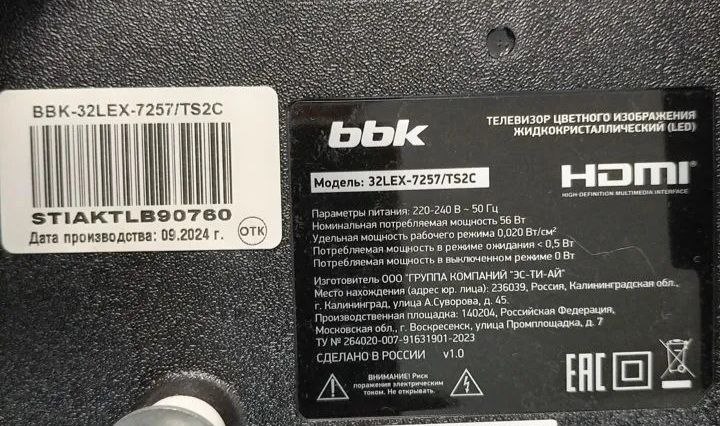
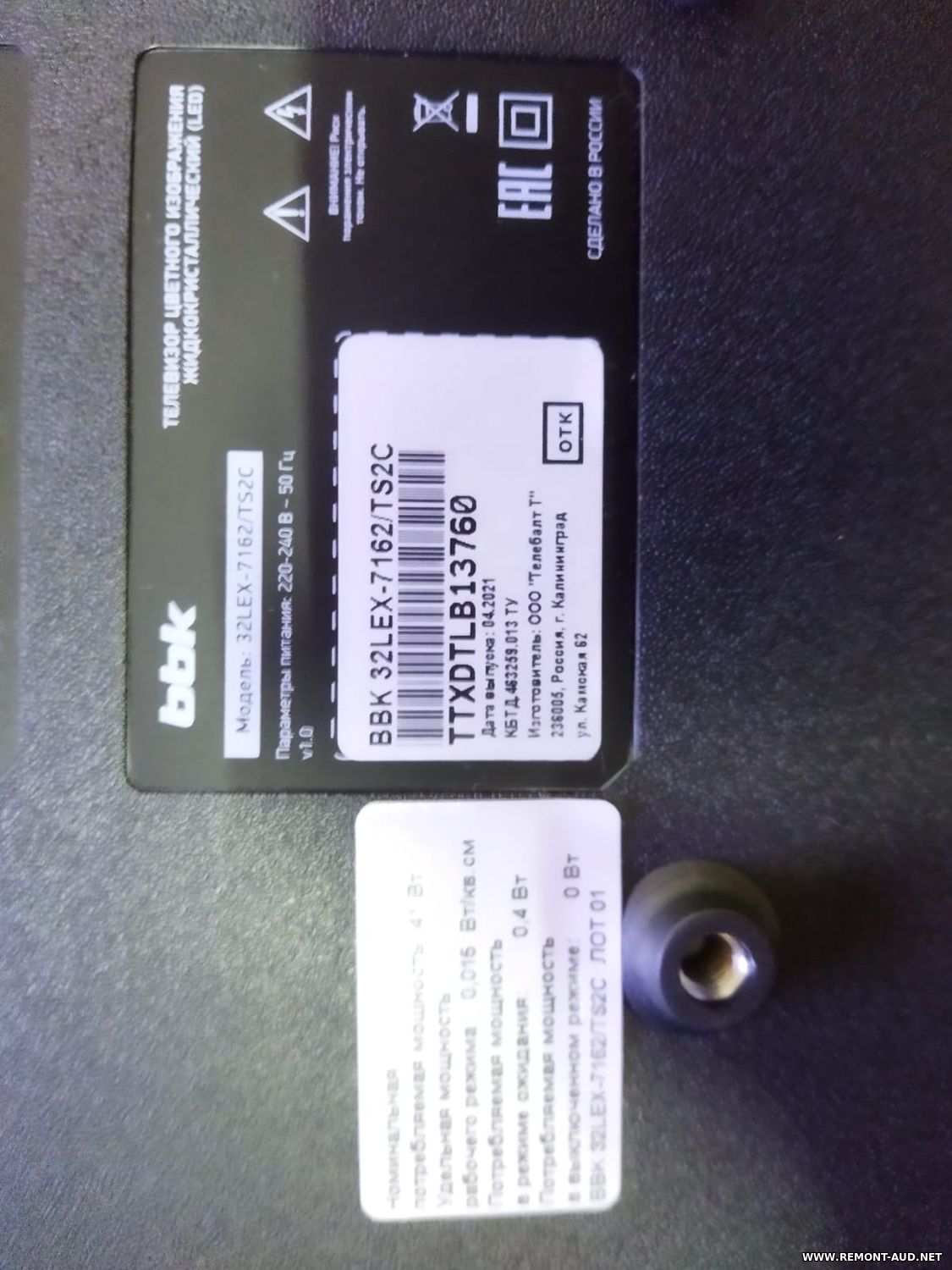
На бирке позади телевизора: BBK 32LEX-7270TS2C TTXCTLB09830 Год выпуска - 03.2021 BBK04B32N120201
Прошивка-реаниматор по USB. Форматируем флешку. Копируем туда файл "allupgrade506_8GB_1GB_sos". Вставляем флешку в телевизор. Зажимаем кнопку POWER и включаем в розетку. Ждем 100% загрузки. Всё.
USB прошивка для телевизора BBK,у меня зависал намертво при включении, помогло! Закидывать только образ в корень отформатированной флешки FAT32. Вставляем флешку, зажимаем кнопку включения, и втыкаем в розетку!
Проверял лично, всё работает. BBK Яндекс ТВ. Флешка 4Гб формат FAT32 Кидаем 2 файла в корень из архива Вставляем в USB телефизора Ничего не нажимаем и включаем в сеть Далее обновляемся. ГОТОВО! У кого надпись factory mode, заходим в настройки, далее ПРИЛОЖЕНИЕ, далее СПЕЦИАЛЬНЫЙ ДОСТУП, далее ПОВЕРХ ДРУГИХ ПРИЛОЖЕНИЙ, далее FAC API Service убрать галочку. ВСЁ!!!
Свежая прошивка (311_2841P638_1G_8G_YS_BBK_RUS_32LEX_7178_ST3151A05-F_DVBT2_SD_19YS-HQ-0703_BlueTooth_191011_190409_svn25861.rar ) от официалов BBK для 32LEX-7178/TS2C (получил по запросу)
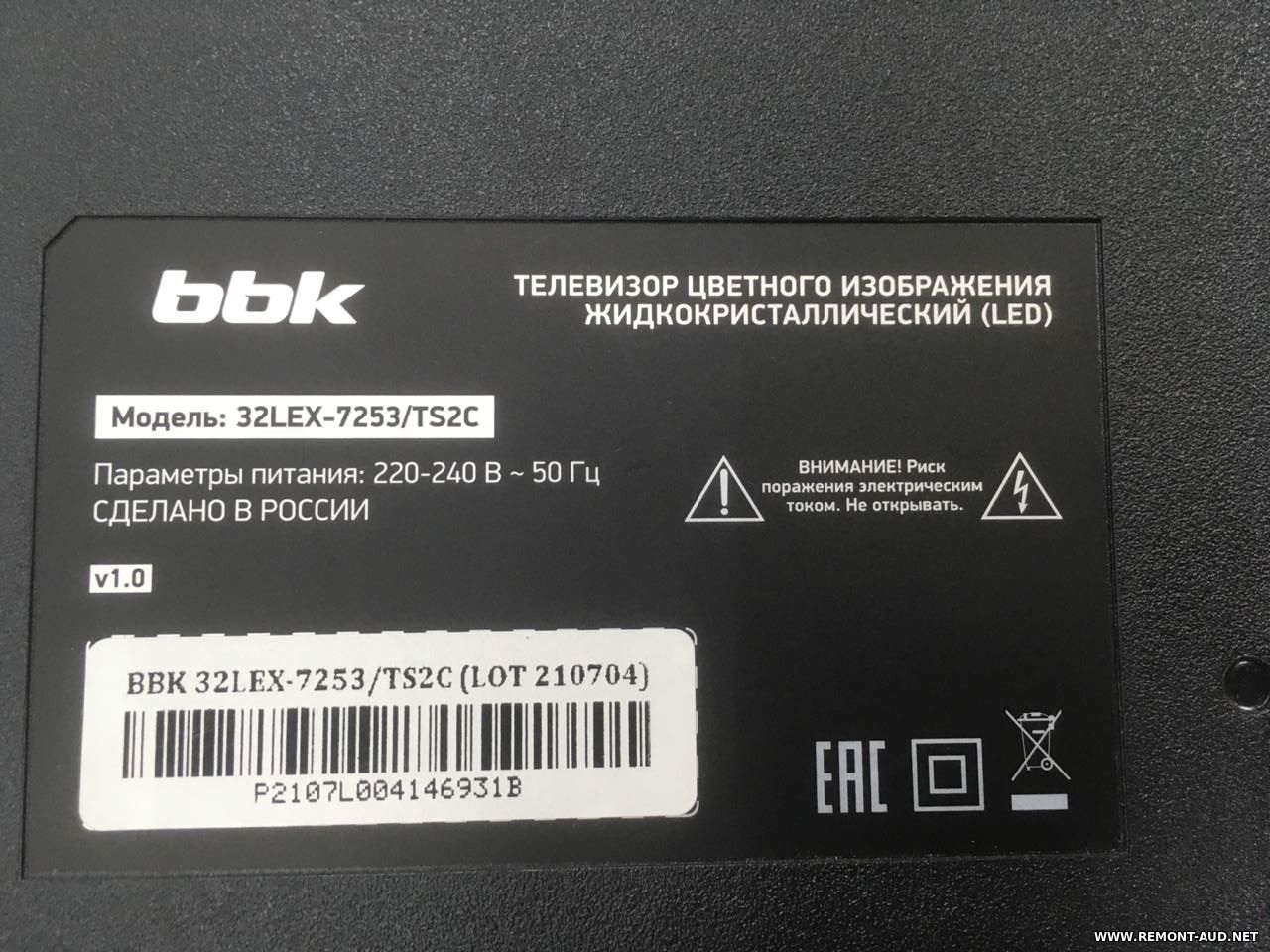
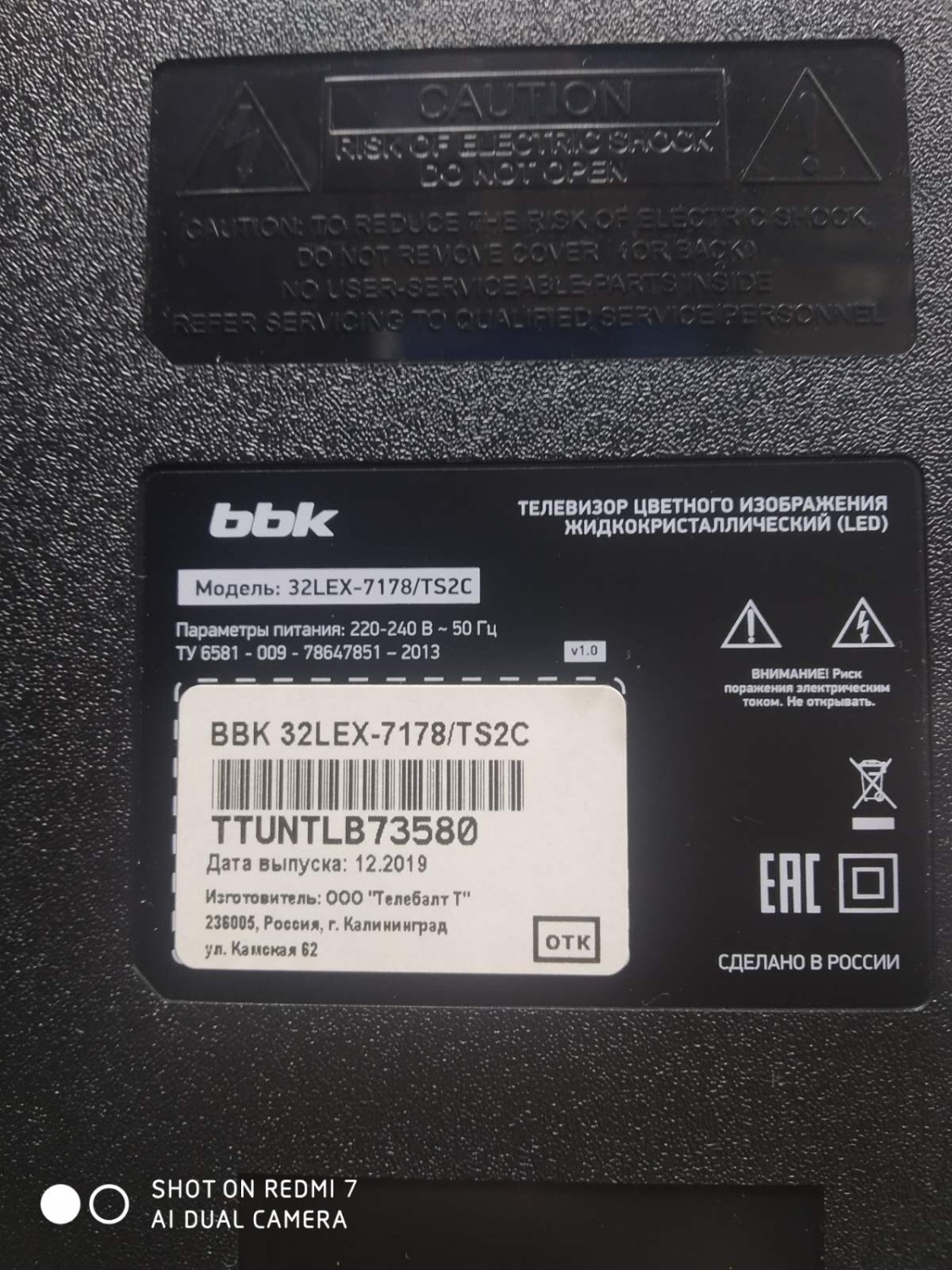
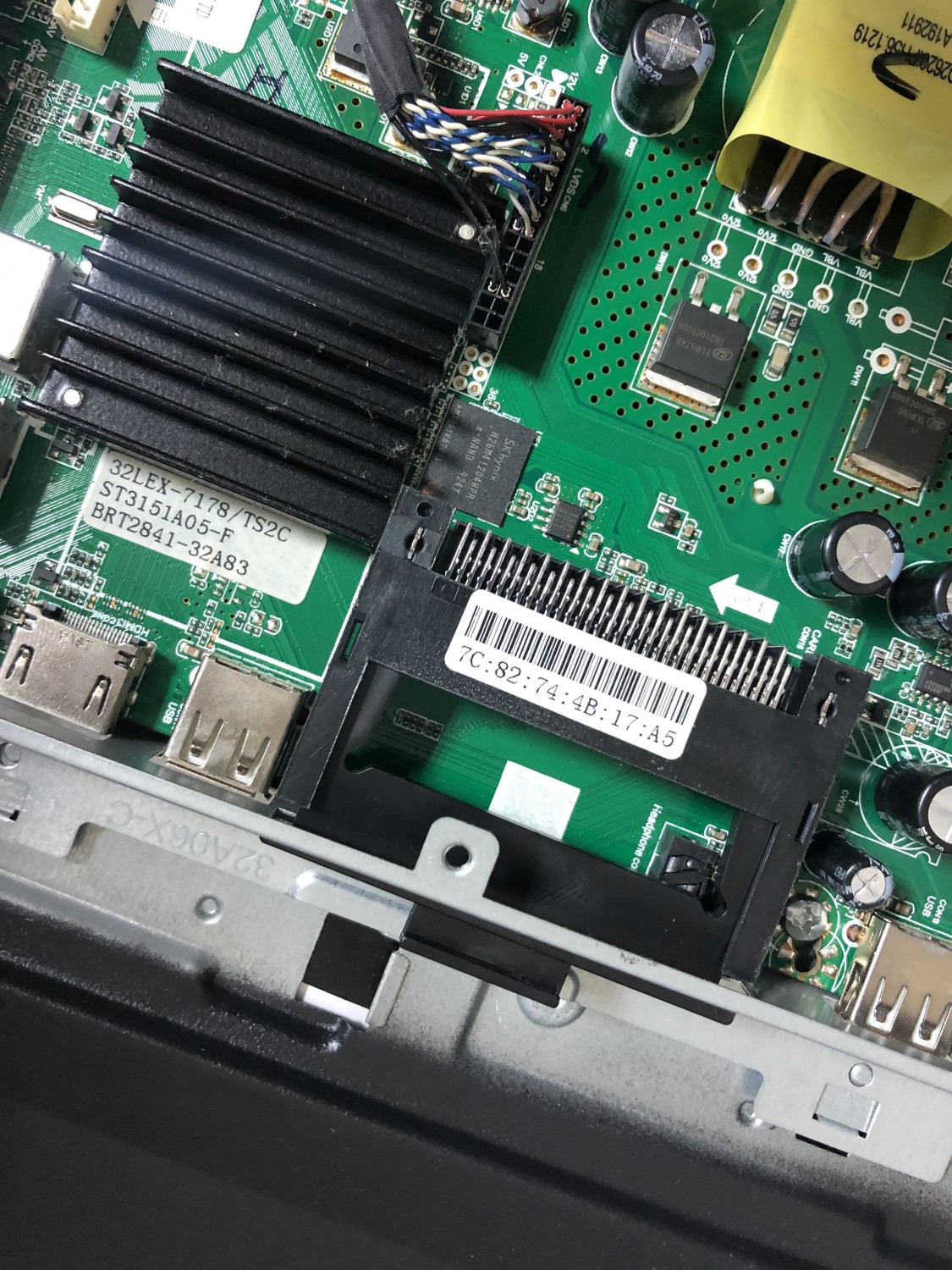
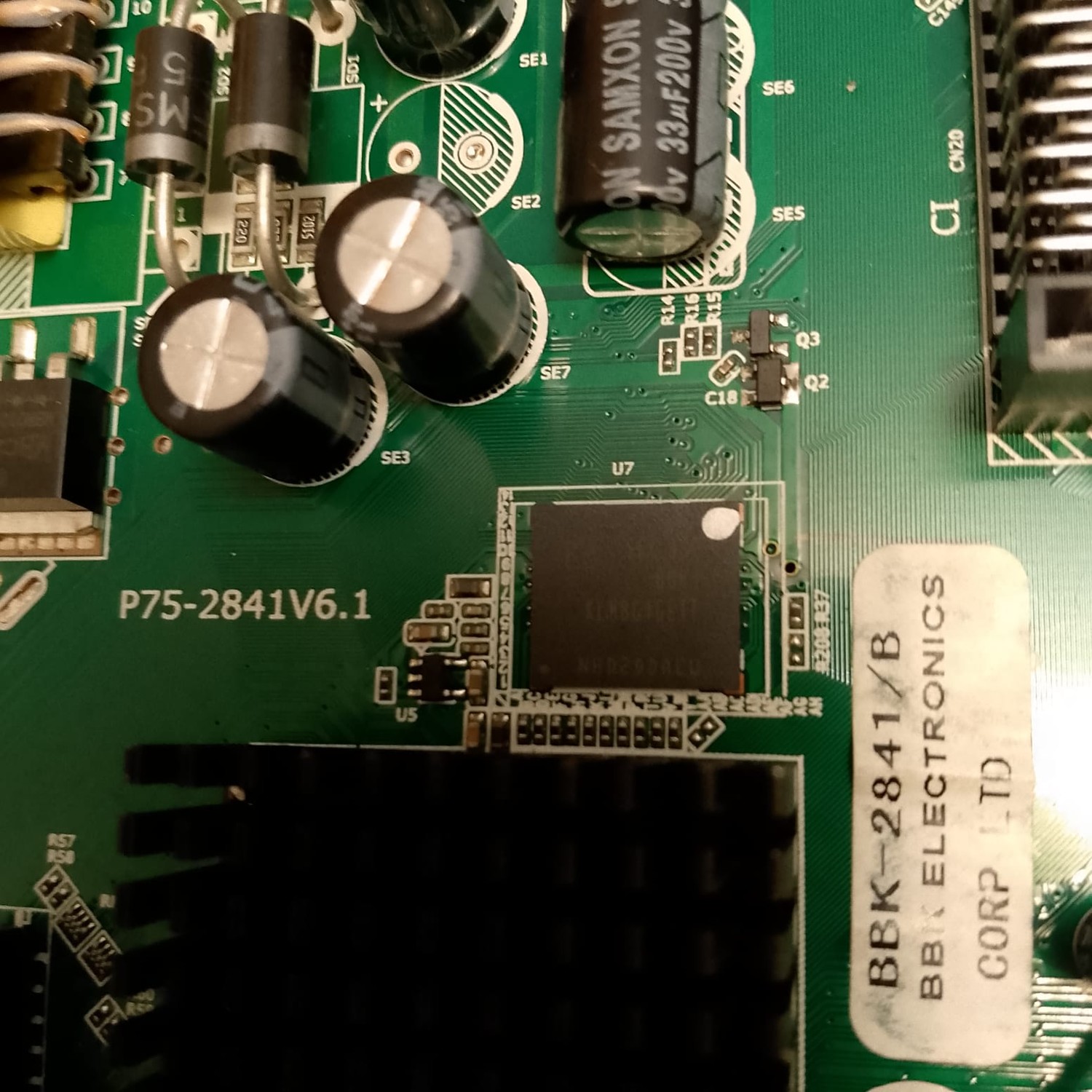
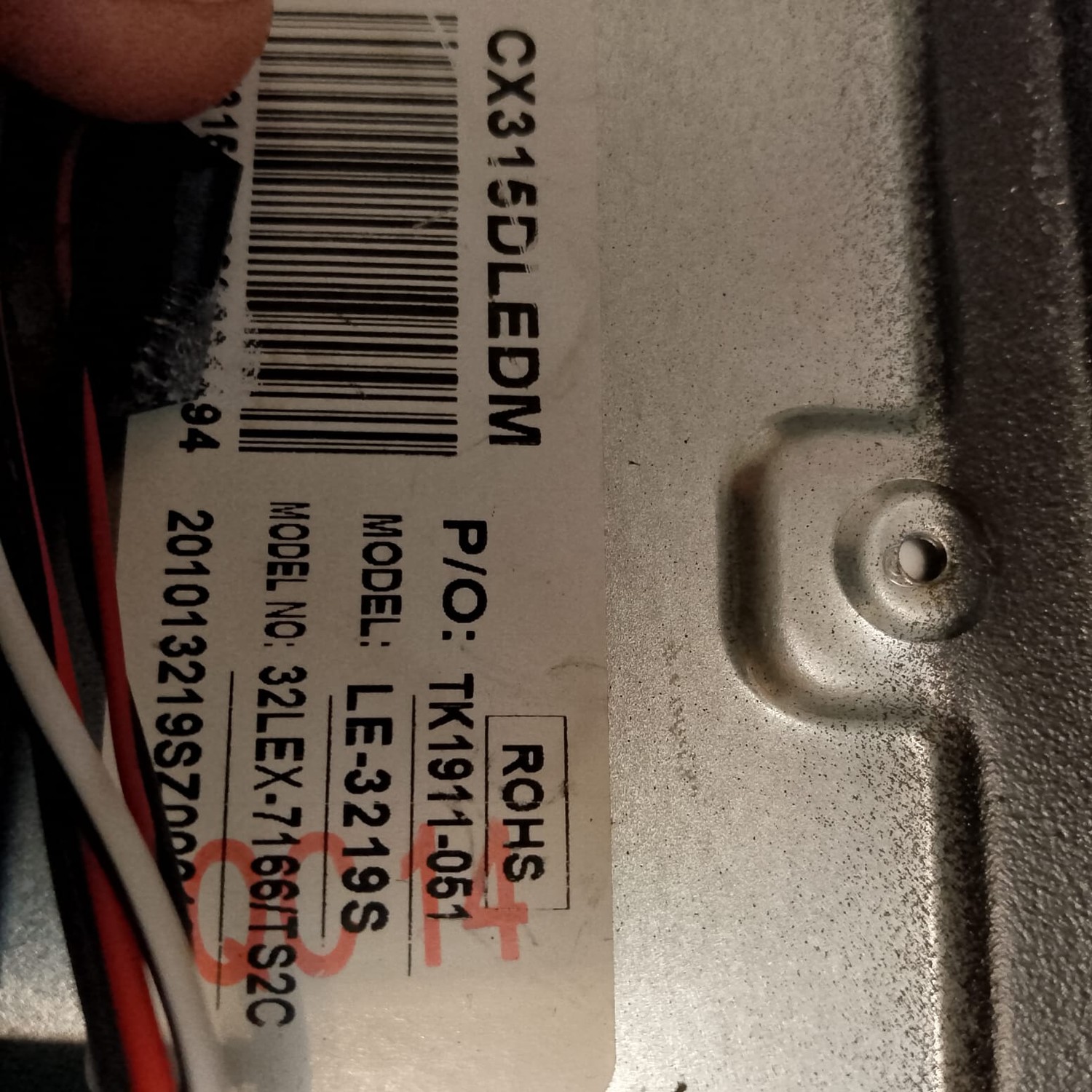
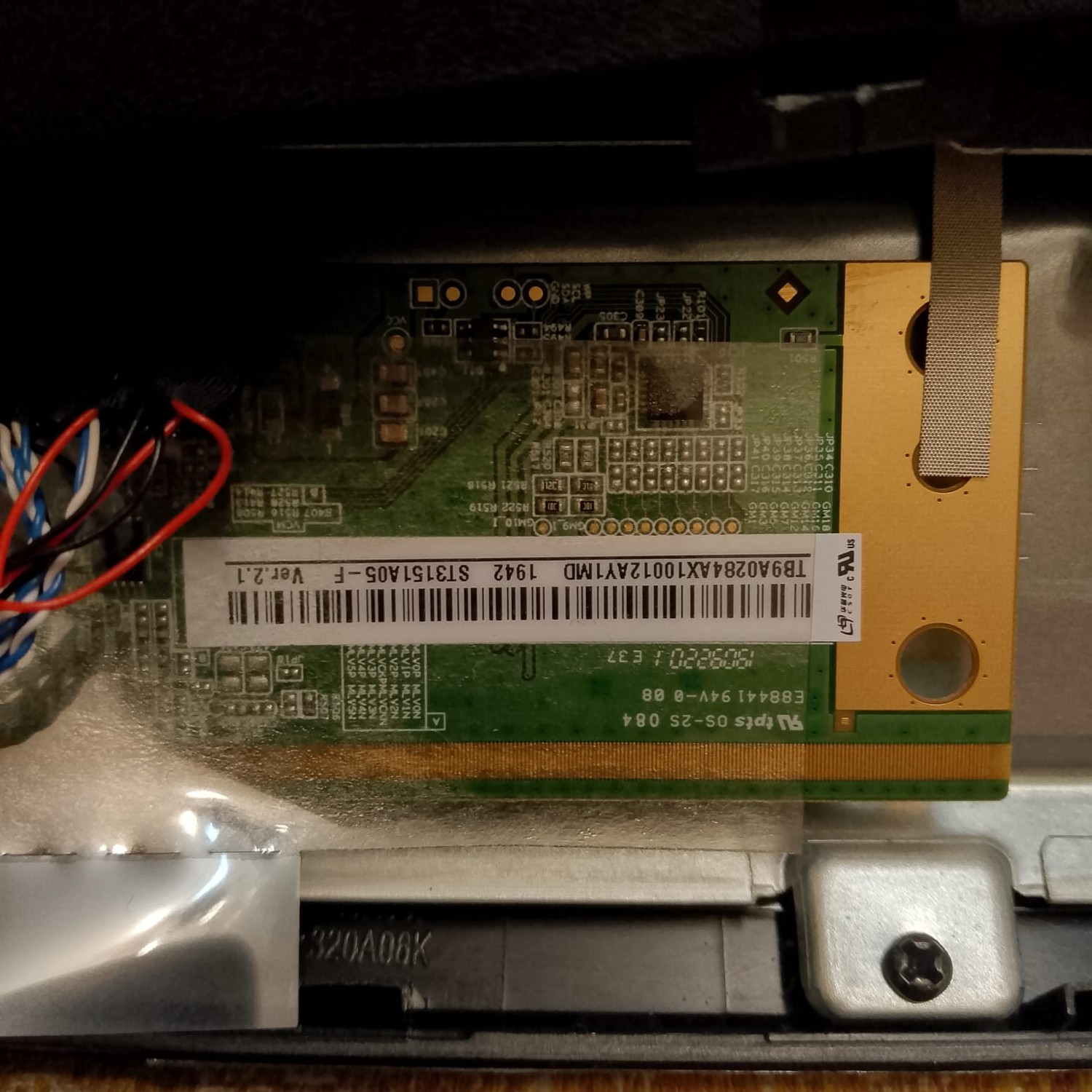
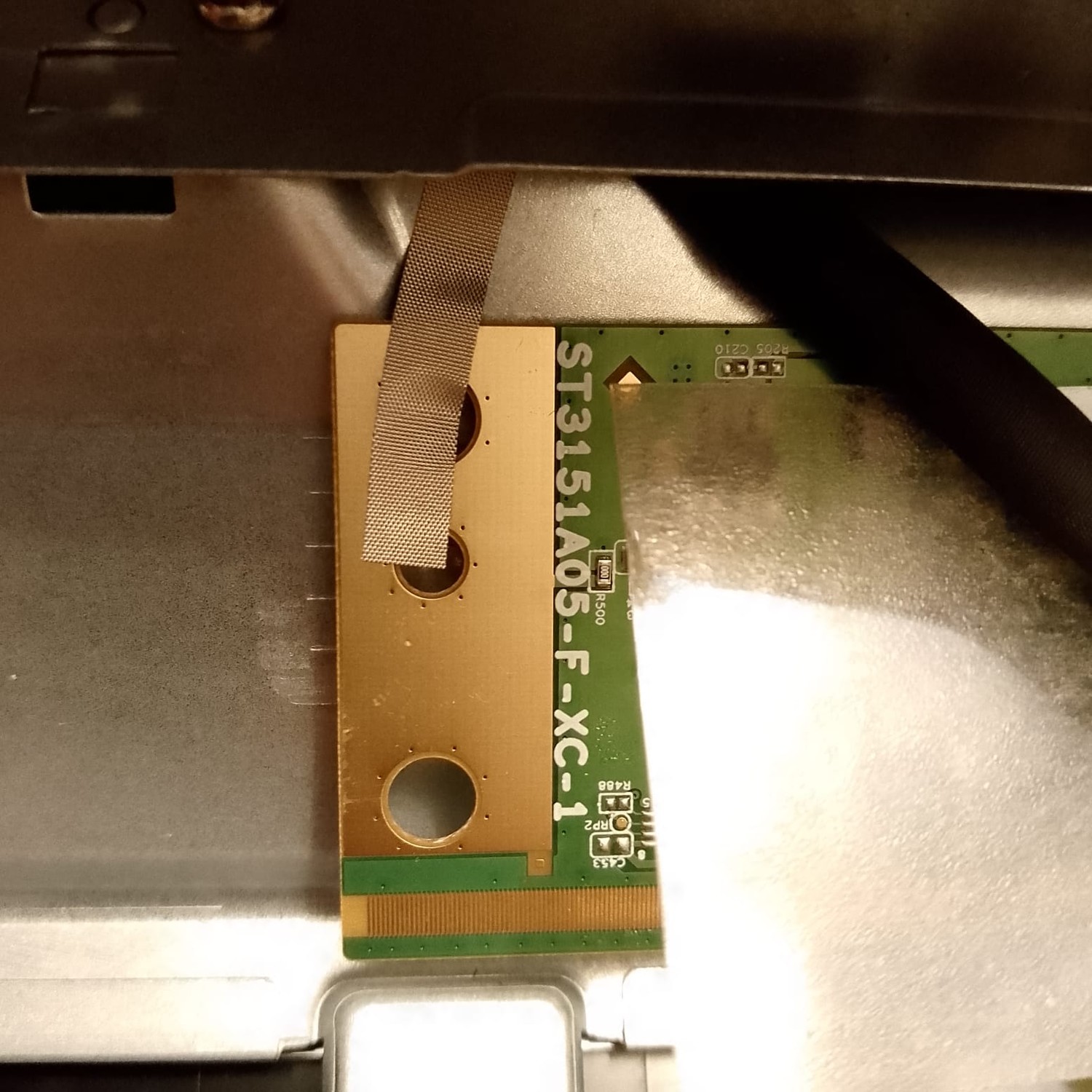
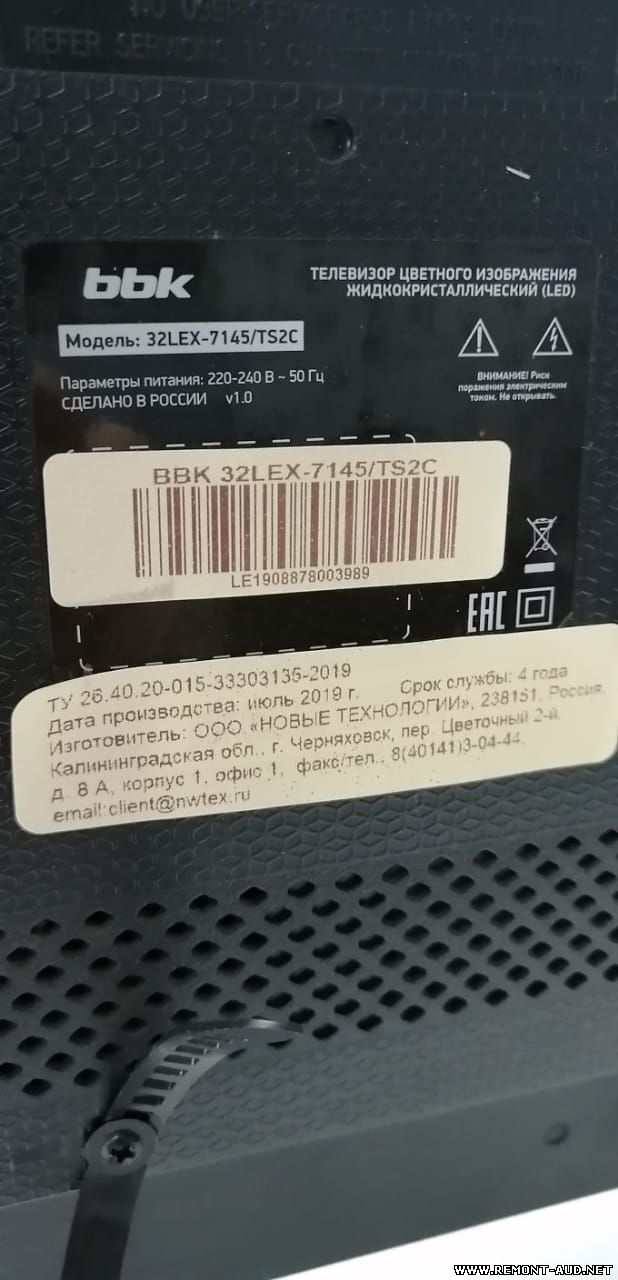
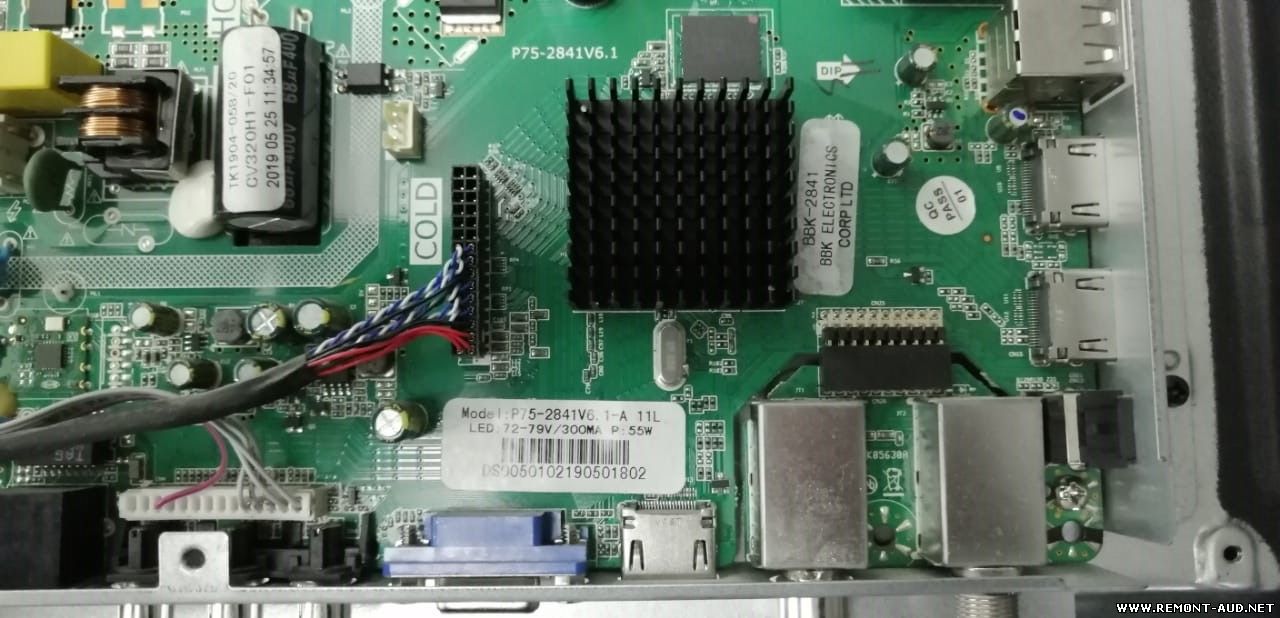
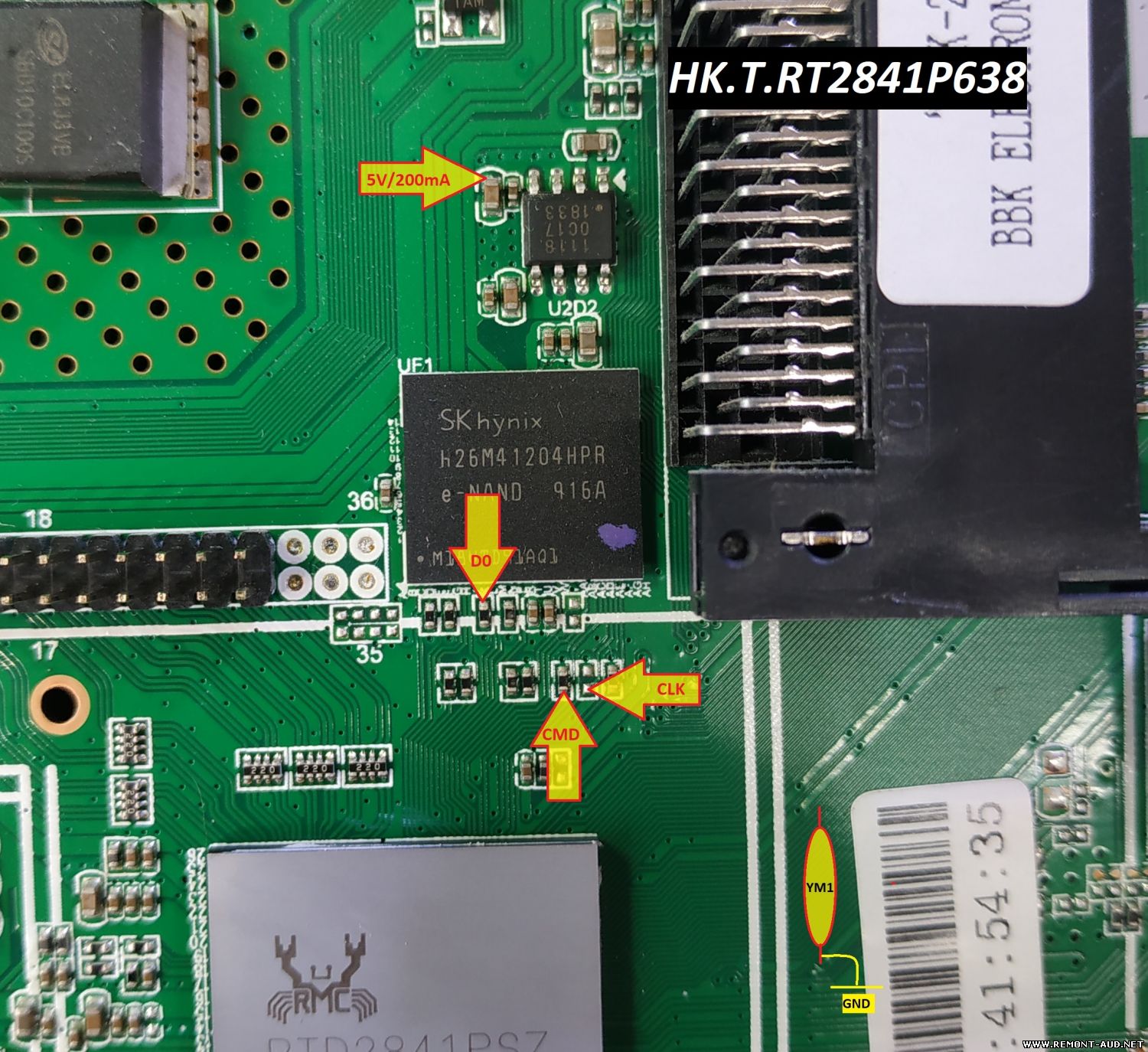
Маркировка на материнке и надпись на наклейке сзади
32LEX-7178/TS2C ST3151A05-F BRT2841-32A83
Шили по 2-му варианту (мануал в архиве). Всё нормально. До этого была слетевшая прошивка а потом перевёрнутое изображение после прошивки с этого сайта.
USB прошивка на панель: ST3151A05-8 Марка и модель - BBK 32LEX-7178/TS2C Шасси - HK.T.RT2841P638 LCD матрица - ST3151A05-8 T-CON - ST3151A05-8-XC-4 emmc: H26M41204HPR_UF1 CPU/MCU: RTD2841PSZ
Извлекаем файл INSTALL.IMG из скачанного архива на USB носитель, отформатированный в FAT32. Вставляем USB носитель в обесточенный TV. Зажимаем кнопку Power на местной клавиатуре TV и не отпуская её подключаем аппарат к сети питания. После начала процедуры прошивки отпускаем кнопку Power. После окончания прошивки (не спешим, не дергаемся) появится меню первоначальной установки. В некоторых случаях может потребоваться переименование файла INSTALL.IMG в rtk2841.IMG.
При прошивке модели 32LEX-7168 файлом от 32LEX-7163 не будет звука и кнопки клавиатуры поменяют свои функции.
Версия прошивки (в сервисном меню) RTD2841_BBK_V320BJ8-Q01_191206_152608
может кому надо заменил часть прошивки чтобы перевернуть картинку и оставить родной пульт.искал не нашёл - пришлось заморчится .загружать usb флешкой. BBK 32LEX-7168/TS2C Шасси (Main Board): HK.T.RT2841P638 ; Panel LCD/PDP: V320BJ8-Q01.нужно разархивировать-он станет почти в два раза больше-открываем и копируем на usb флешку.
Скачанный по предложенной ссылке файл, если он имеет расширение .rar или .zip, необходимо извлечь из архива с помощью архиваторов 7zip или WinRar. Если пишет «Файл поврежден», то обновите свой архиватор до более свежей версии. На USB носитель скопировать только 1 файл CtvUpgrade.bin или INSTALL или RTK****.img (Флешка нужна от 4 до 16Гб в файловой системе FAT32, версия 2.0) Допустимы случаи, когда ПО не начинается. Рекомендуем попробовать с другой флешкой. Отключить ТВ от сети 220 В. Вставить USB-носитель в один из разъёмов сдвоенного USB-порта. ( По рекомендациям от клиента: для обновления нужно вставлять флешку только в дальний от корпуса порт) Нажать клавишу включения на задней (сбоку) панели ТВ и, удерживая её нажатой, включить ТВ в сеть 220 В. В течение 3-5 секунд запустится процесс обновления ПО, при этом начнётся попеременное включение красного и зеленого цвета LED-индикатора, на экране отобразится информация о прохождении процесса обновления. Клавишу включения можно отпустить. По окончании процесса ТВ перейдёт в режим ожидания, индикатор станет красным. Ждем, пока закончится процесс обновления и погаснет экран Так же смотрим на индикатор питания, он должен моргнуть красным светодиодом 2 раза* (*для некоторых моделей) Флешку удаляем после полной настройки ТВ, так как во время настройки может происходить «подкачивание» ПО. Включаем ТВ с помощью ПДУ. Перепрошивка завершена.
Прошивка от официалов, рабочая. Форматируем в фат32, файл переименовывать не нужно. Вставляем в тв, зажимаем кнопку вкл на самом тв и вставляем шнур в розетку, ждем.
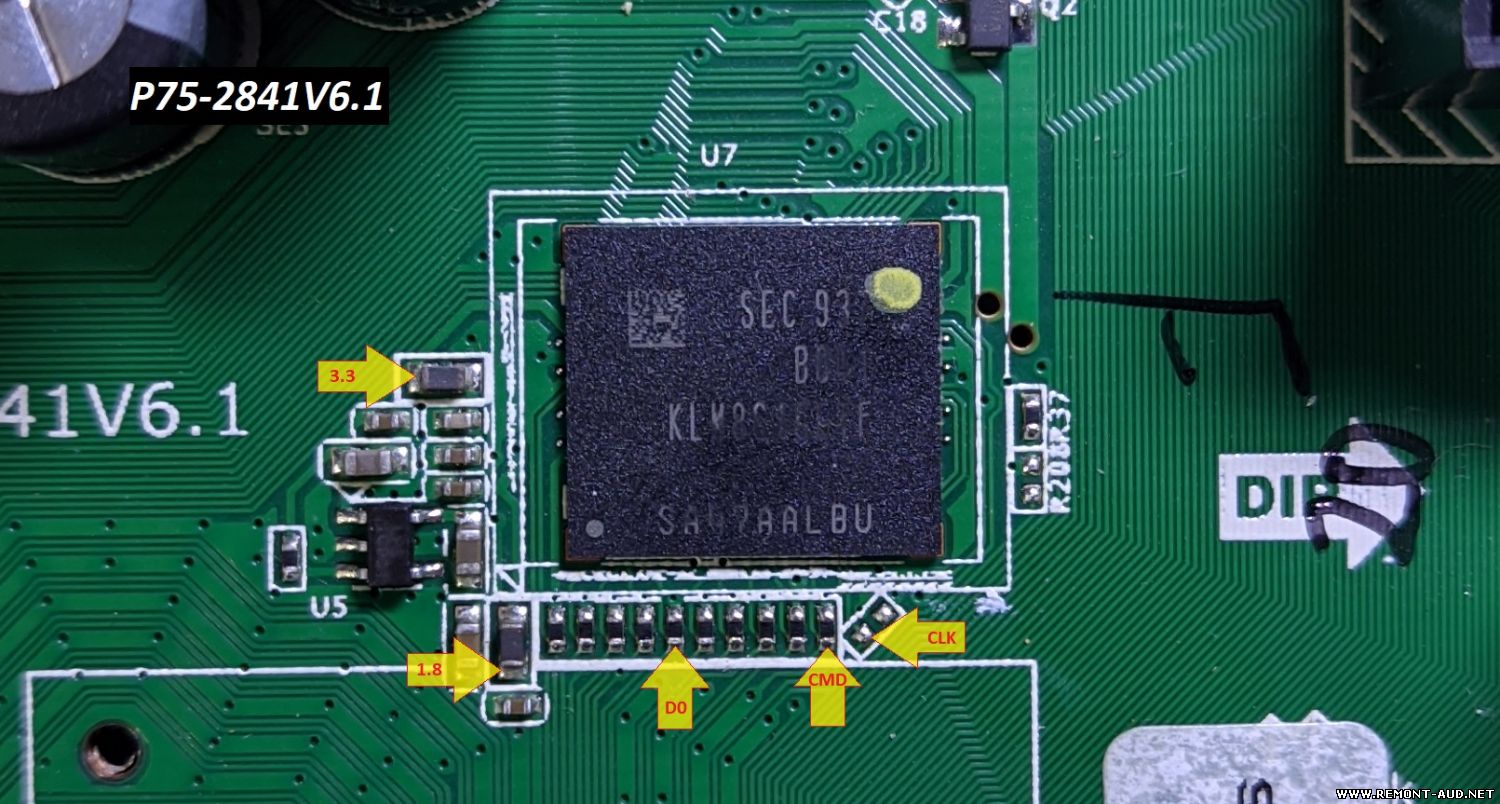
Дамп eMMC флешки от телевизора ВВК 32LEX-7162/TS2C, шасси HK.T.RT2842P639, Panel LQ315T3HC64. Считана на программаторе RT809H. Восстановил телевизор Erisson (модель не помню) с таким же майном и матрицей. Прошивка 100% рабочая.
BBK 32LEX-7162/TS2C USB прошивка присланная производителем. ТВ прошит, после этого прилетело обновление по сети. Все работает. Прошивался с помощью терминала, без него не стартовала.

 Файлы
Файлы Прошивки
 Продажа
 Литература
 Статьи