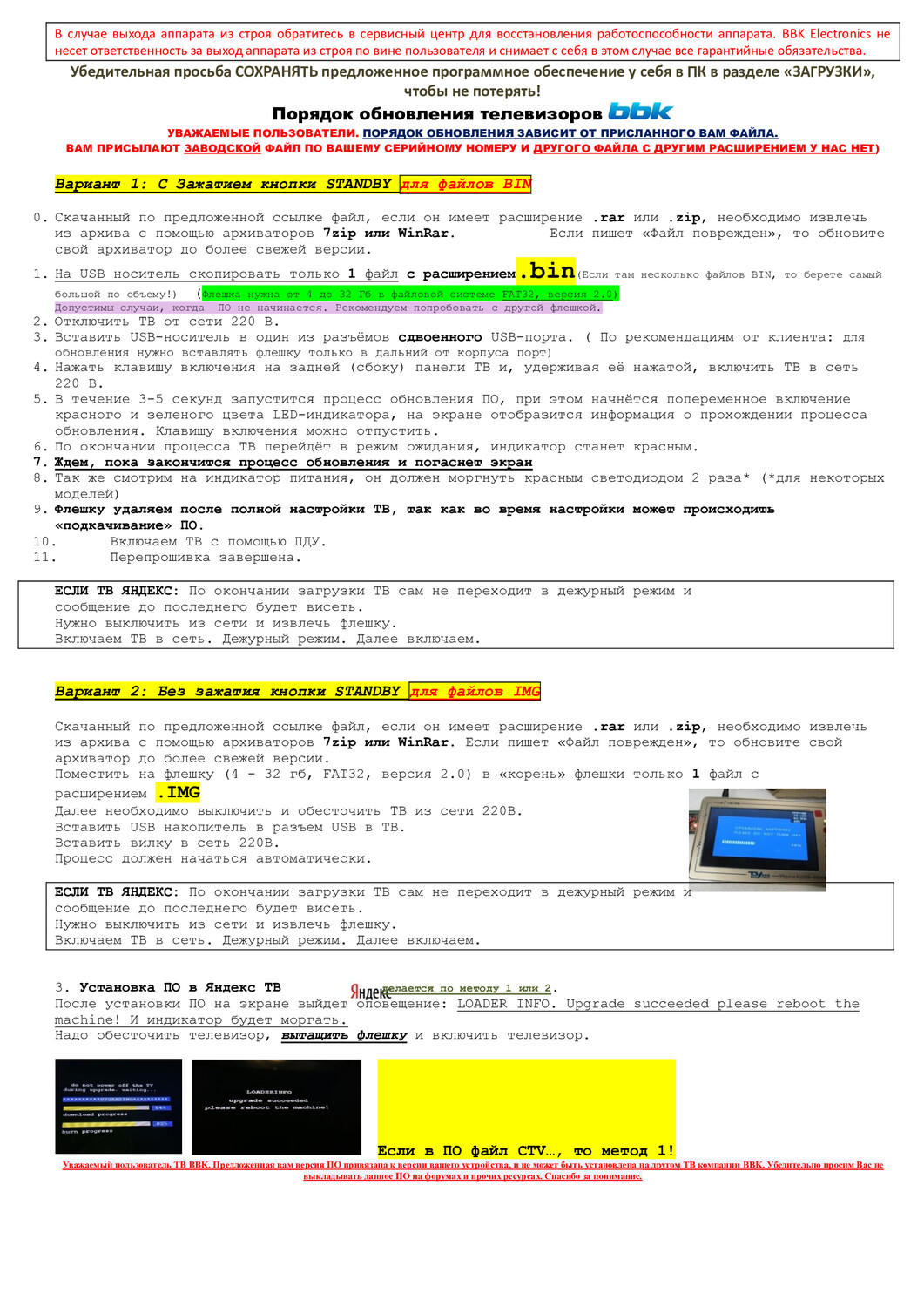
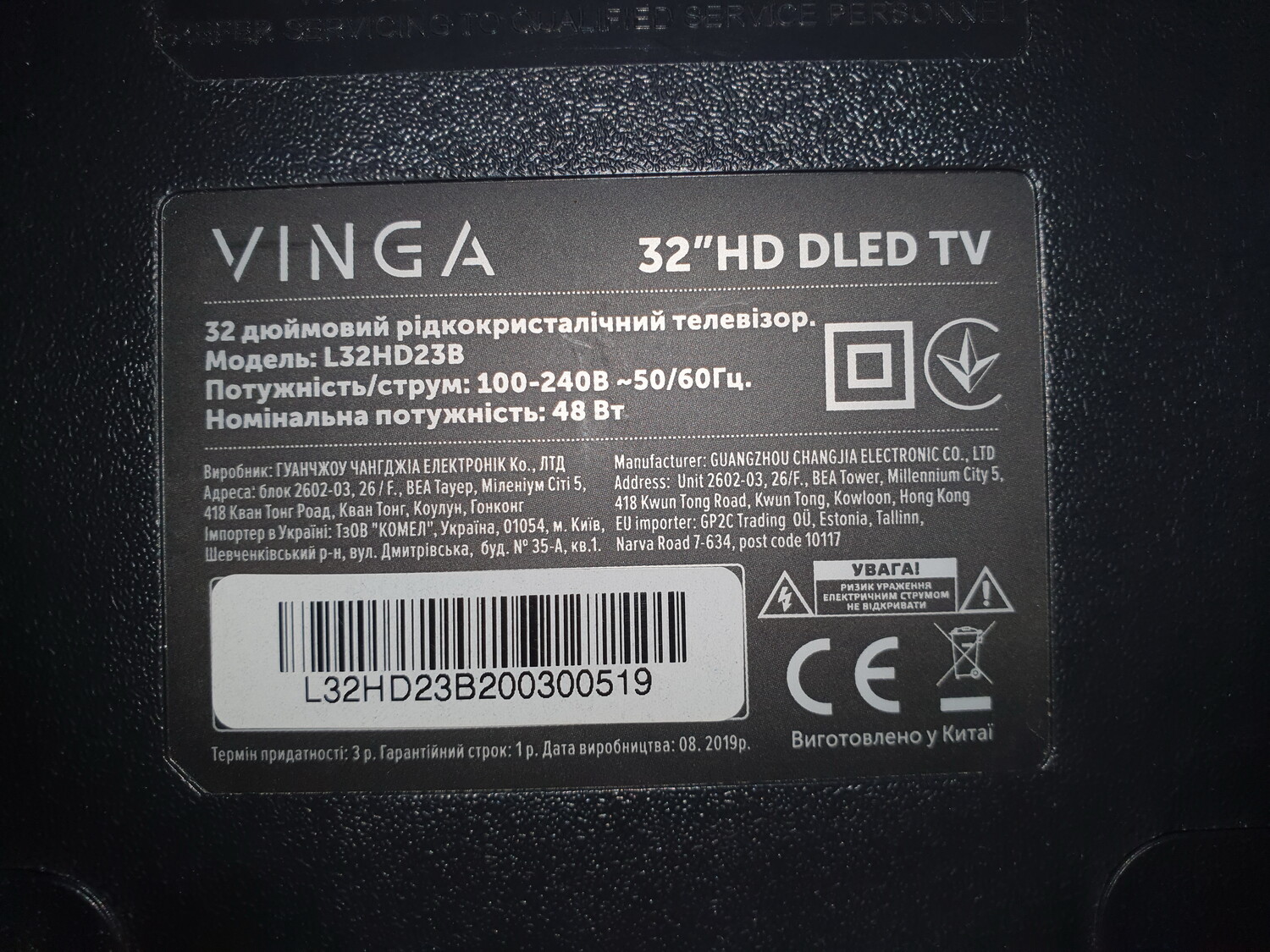
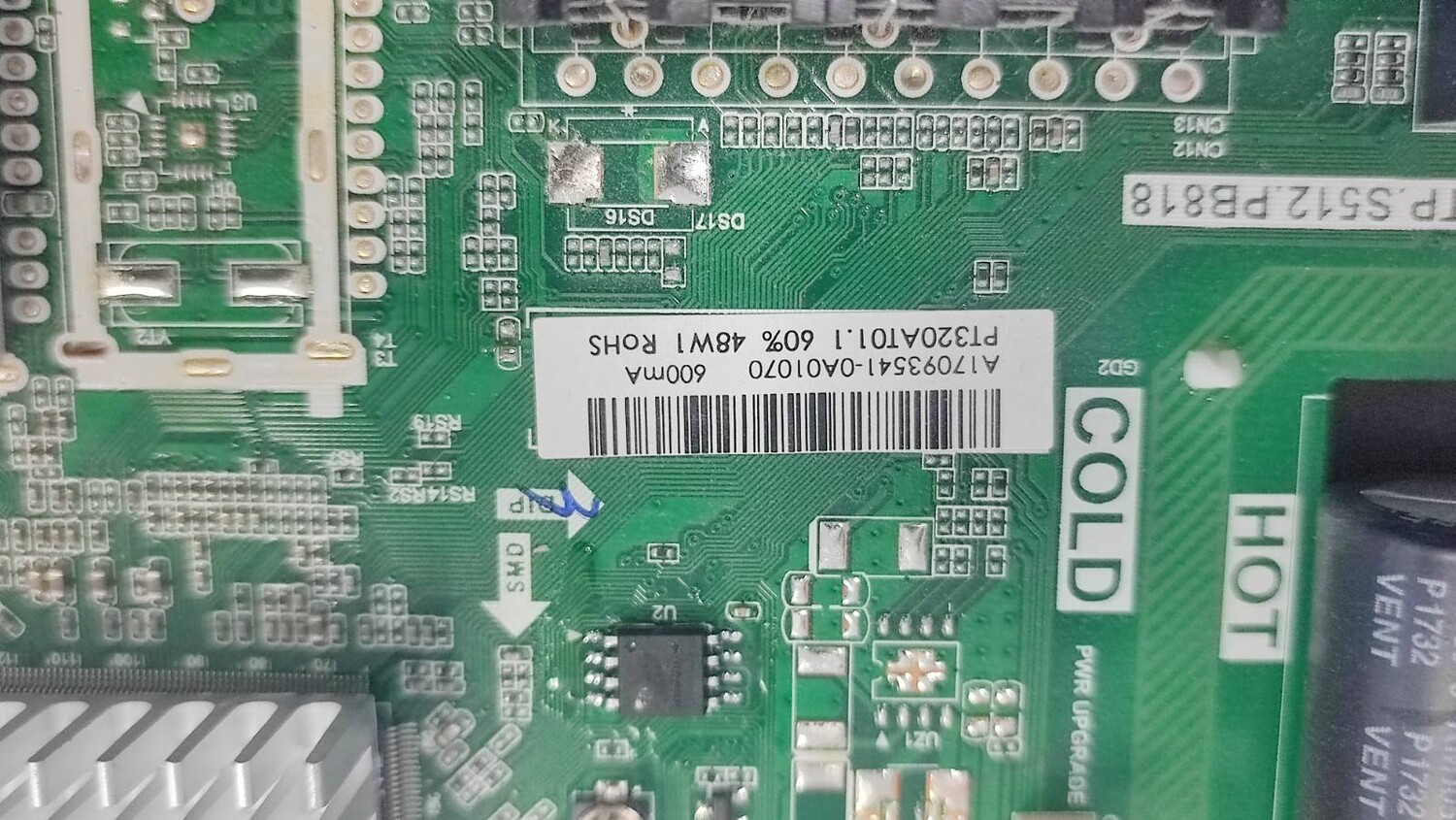
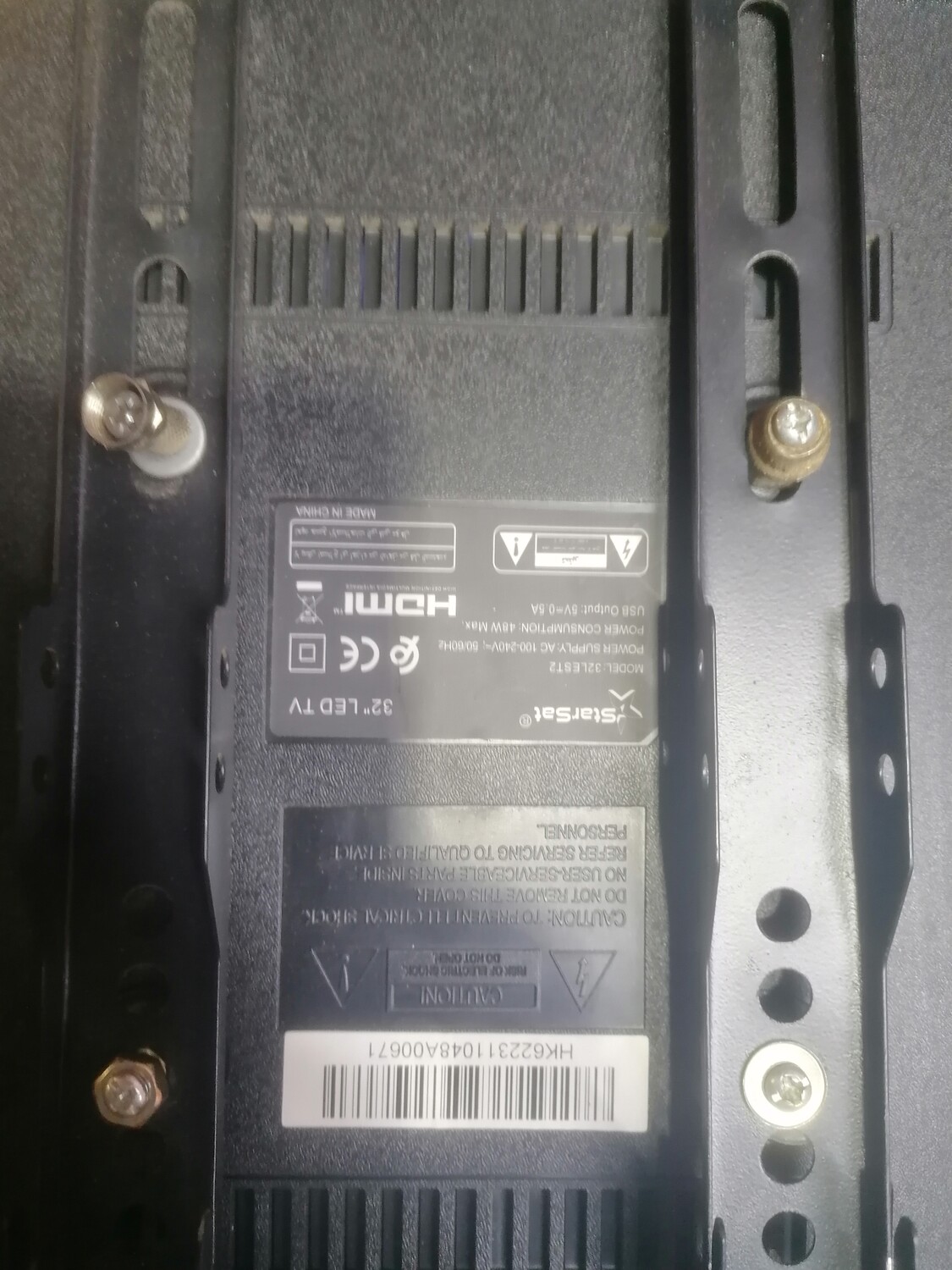
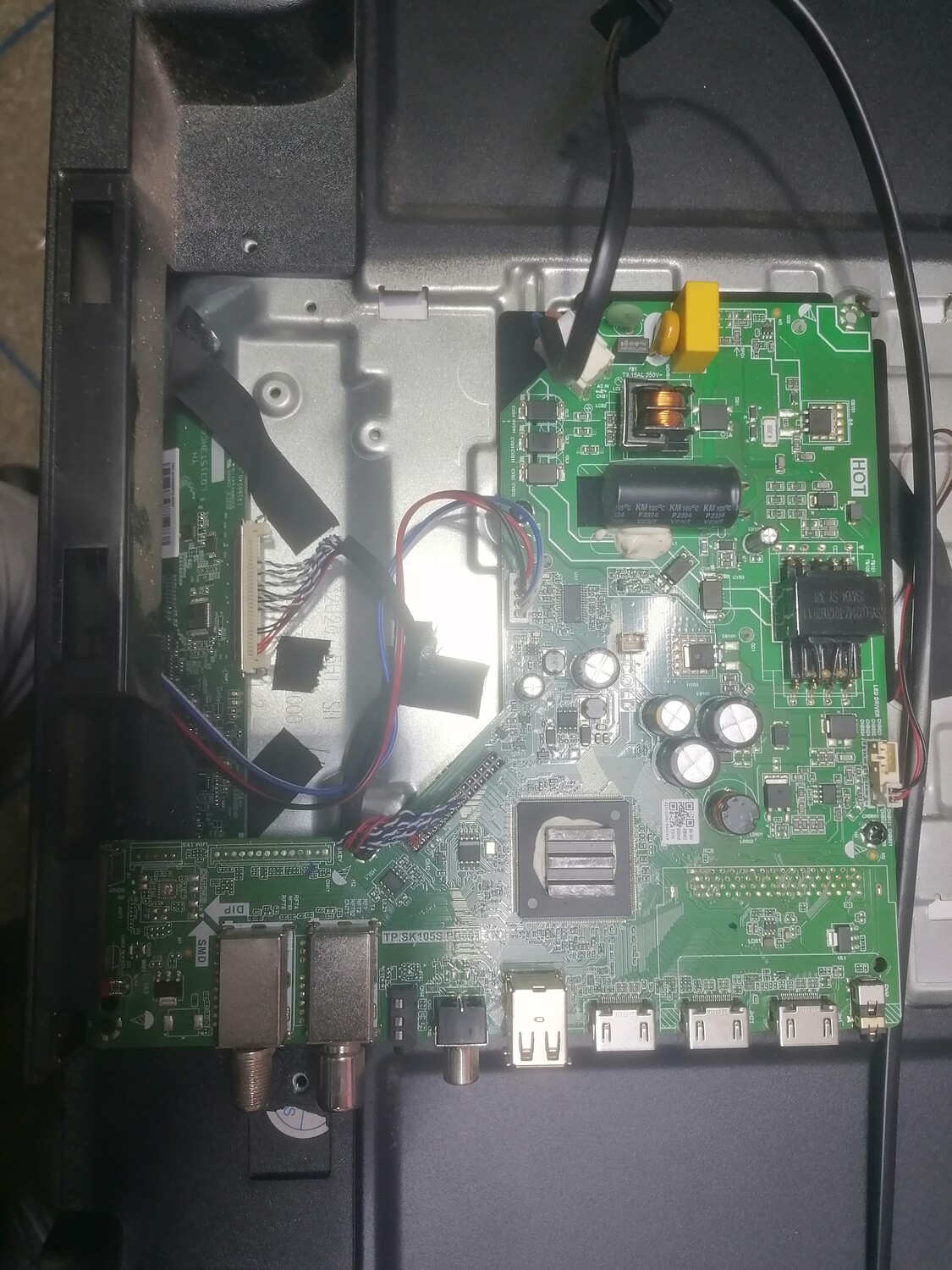
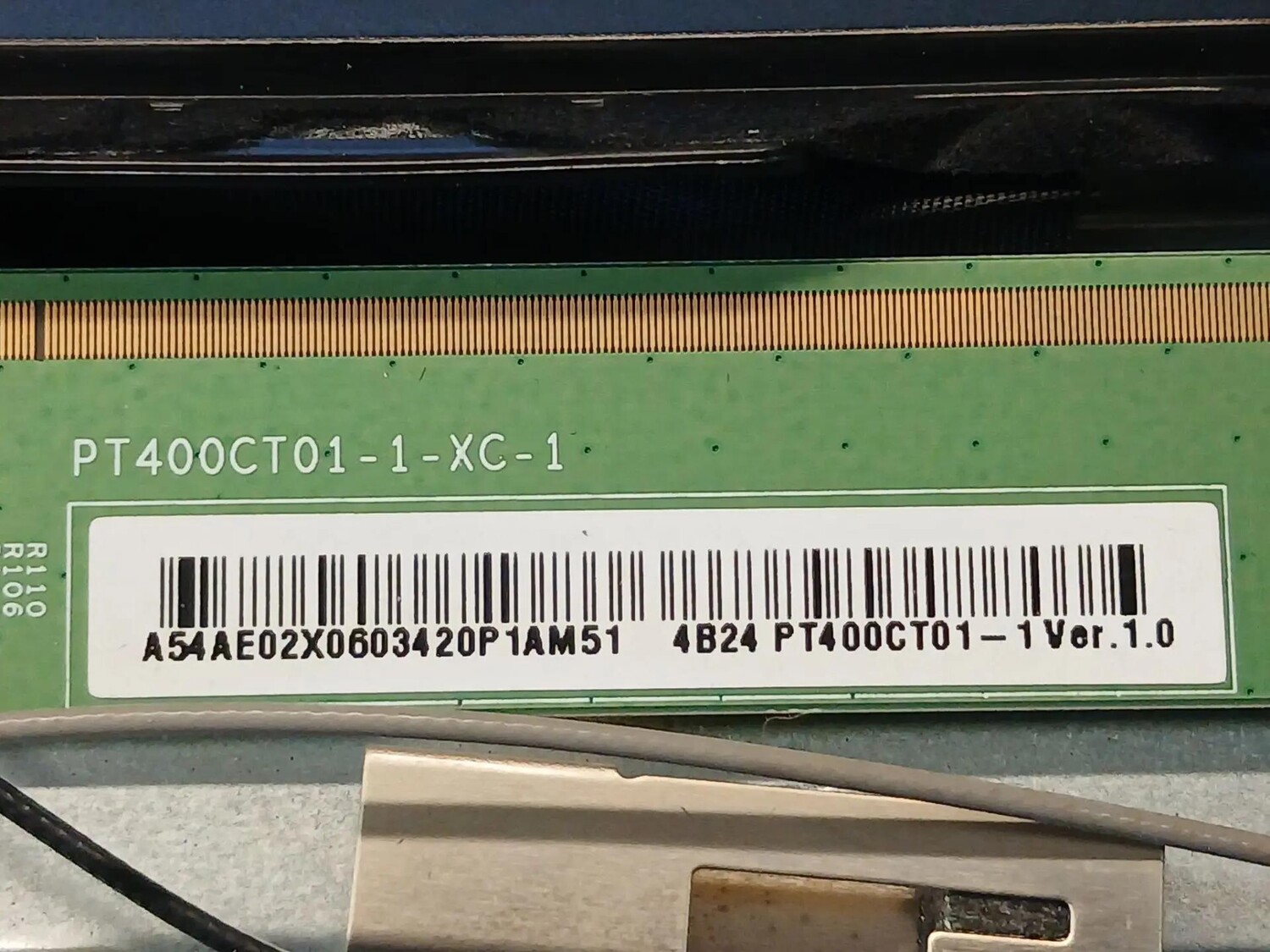
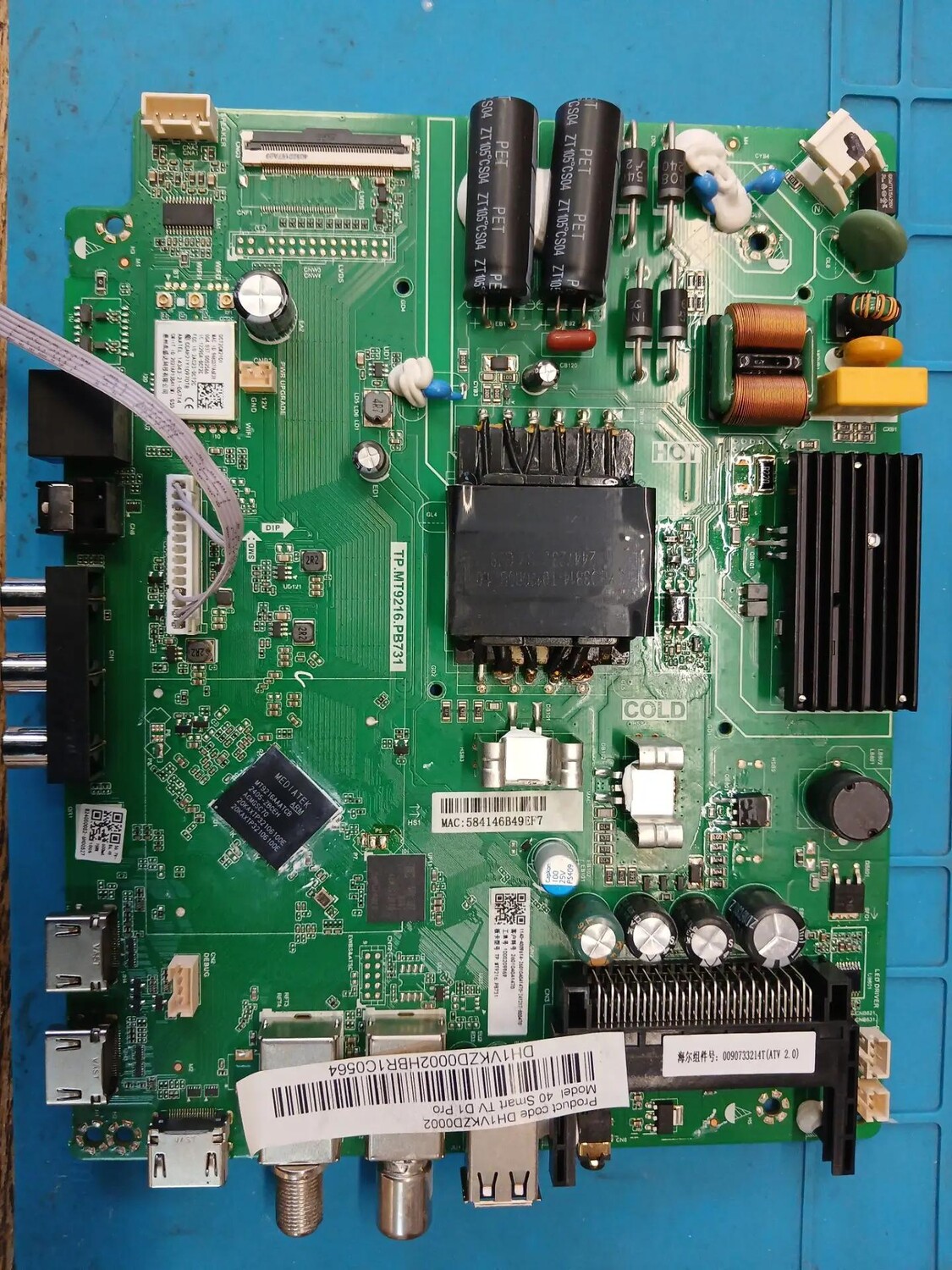
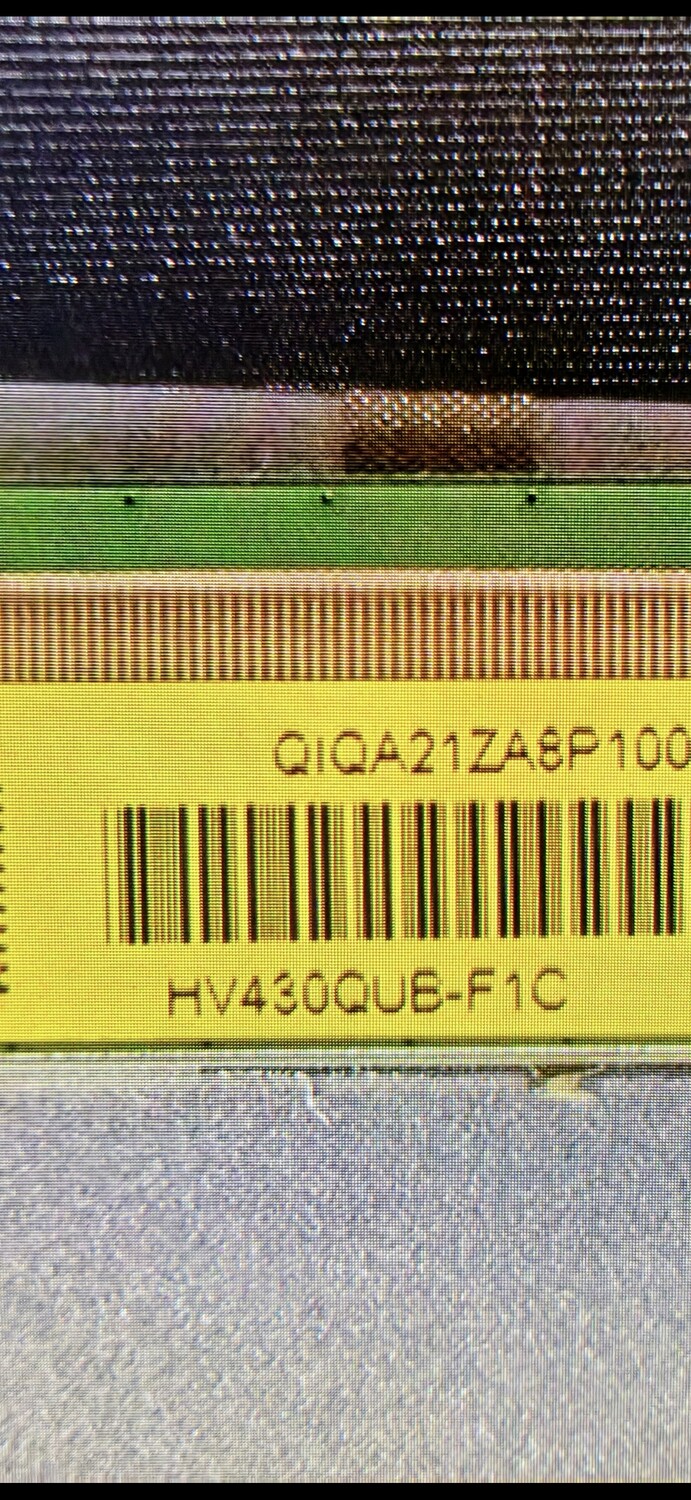
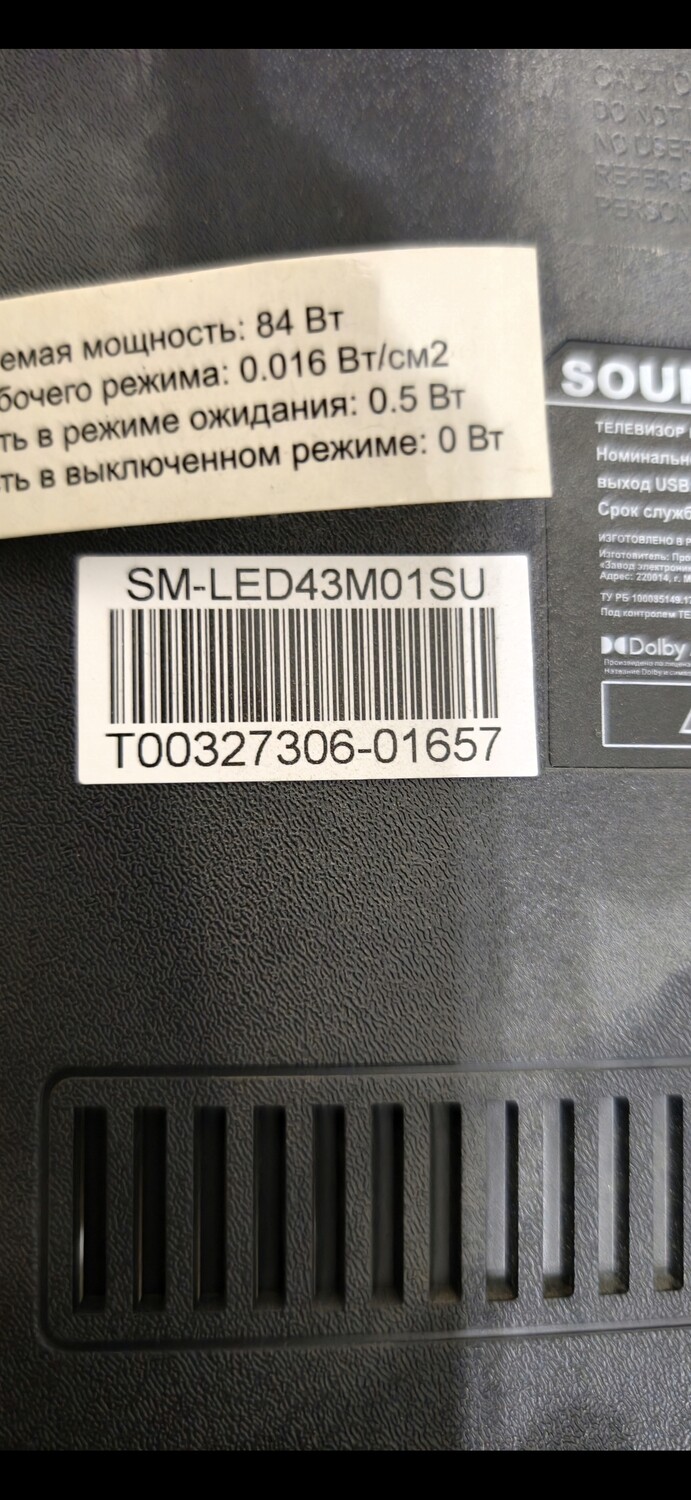
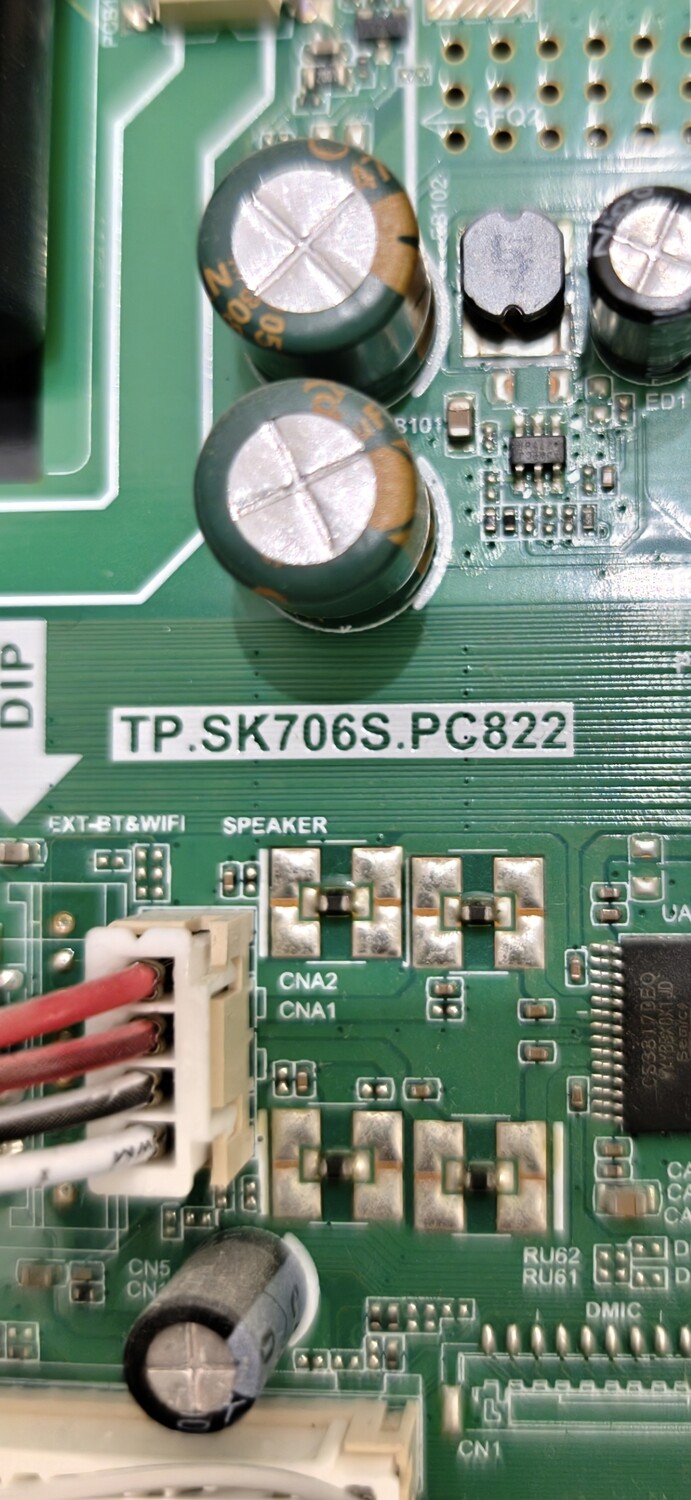
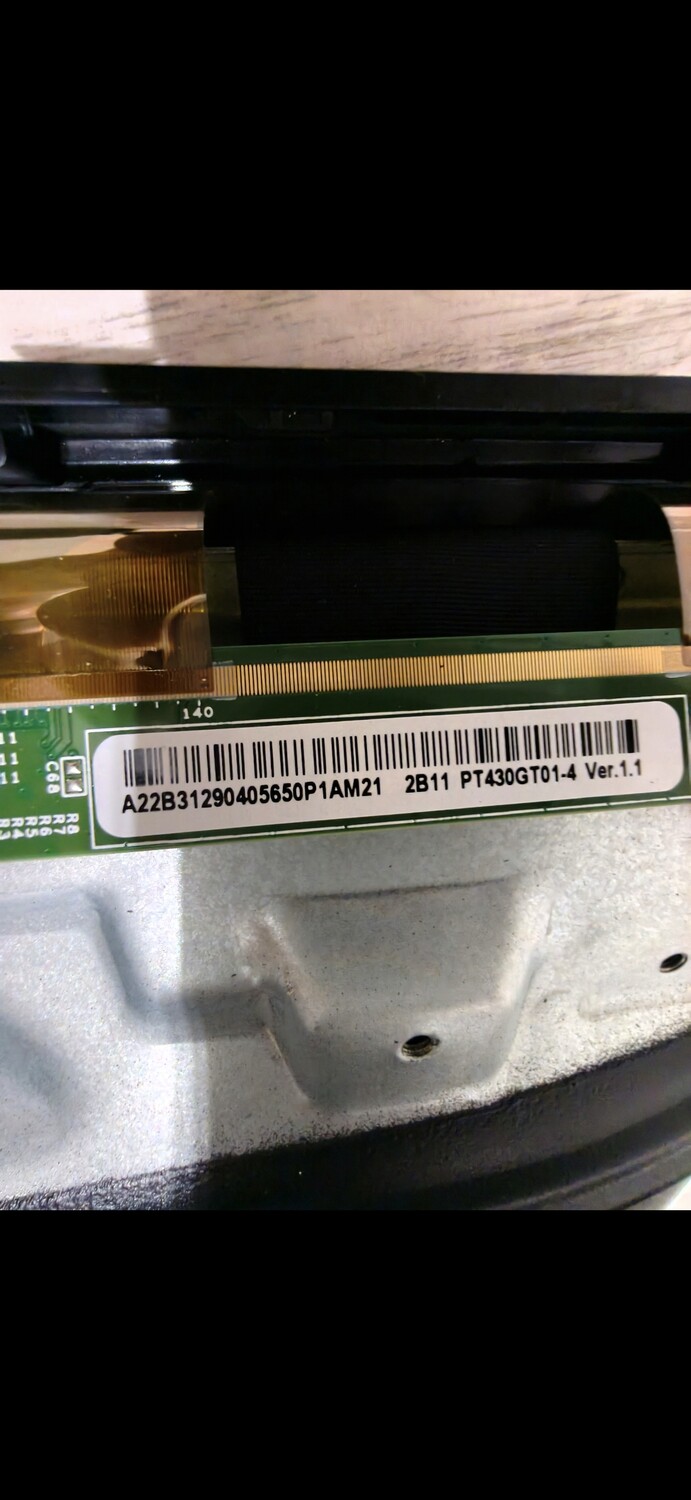
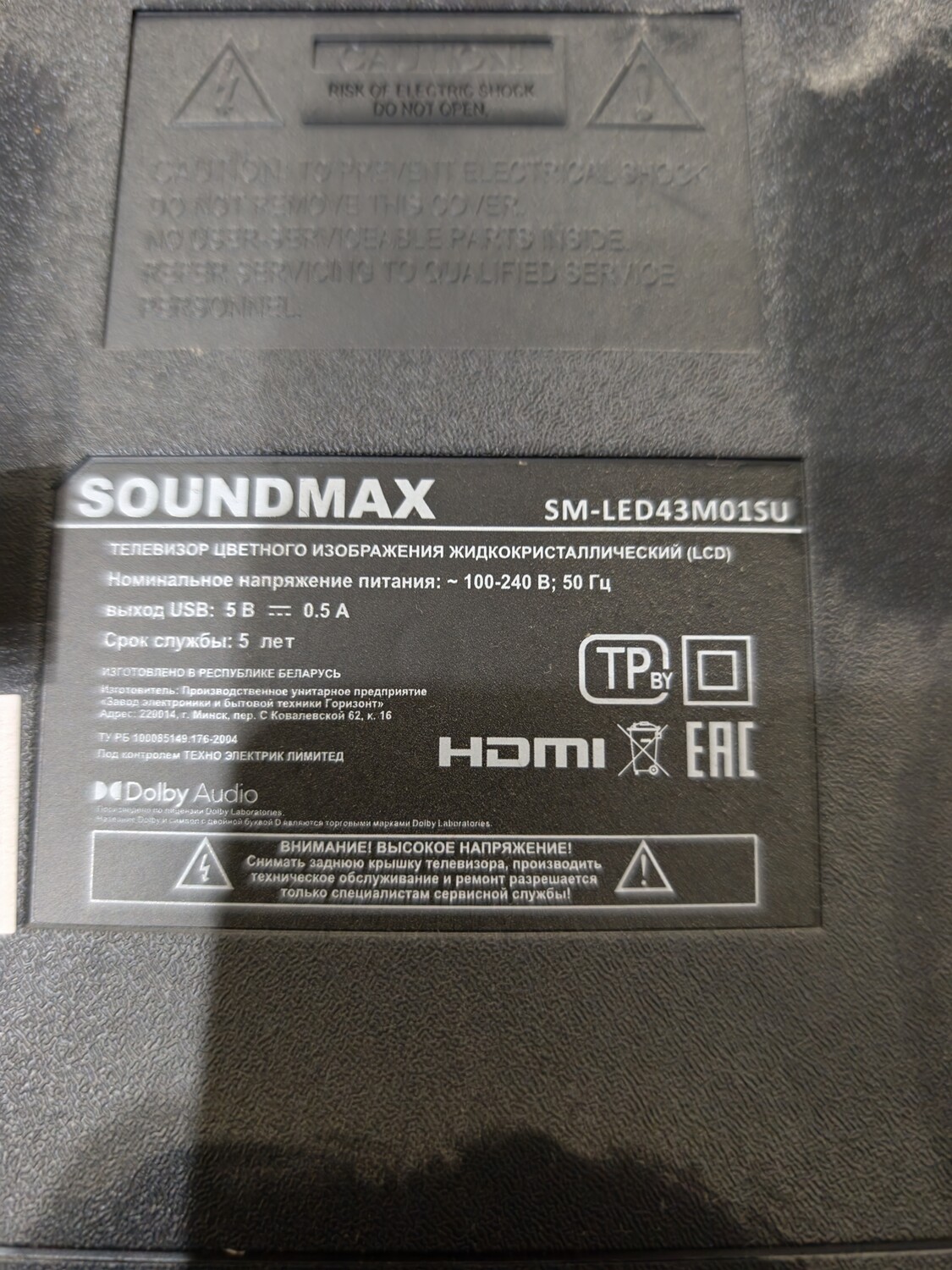
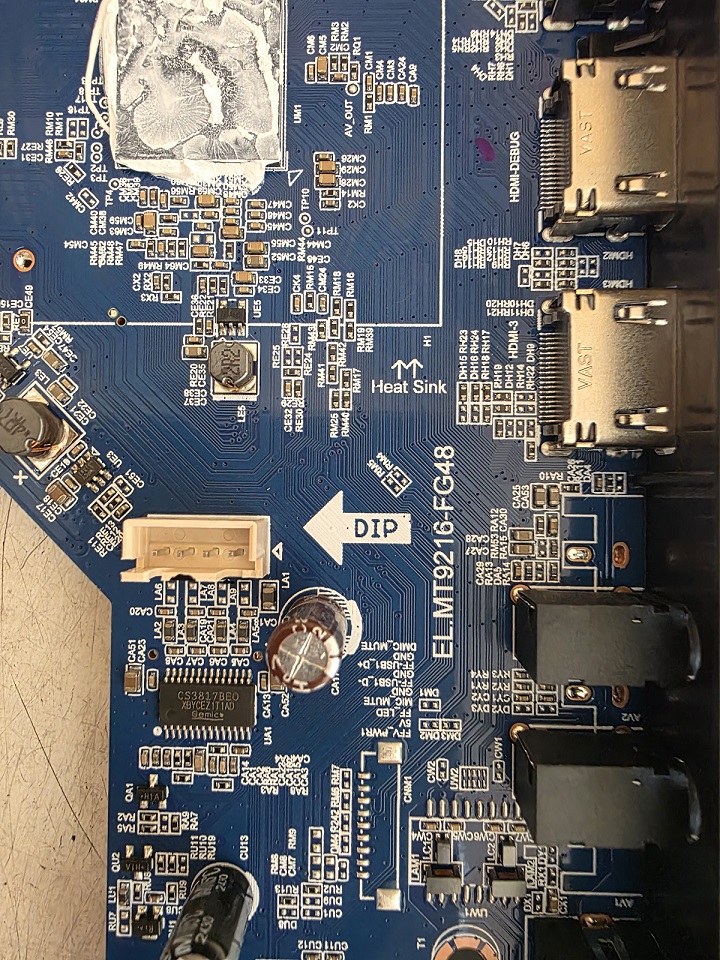
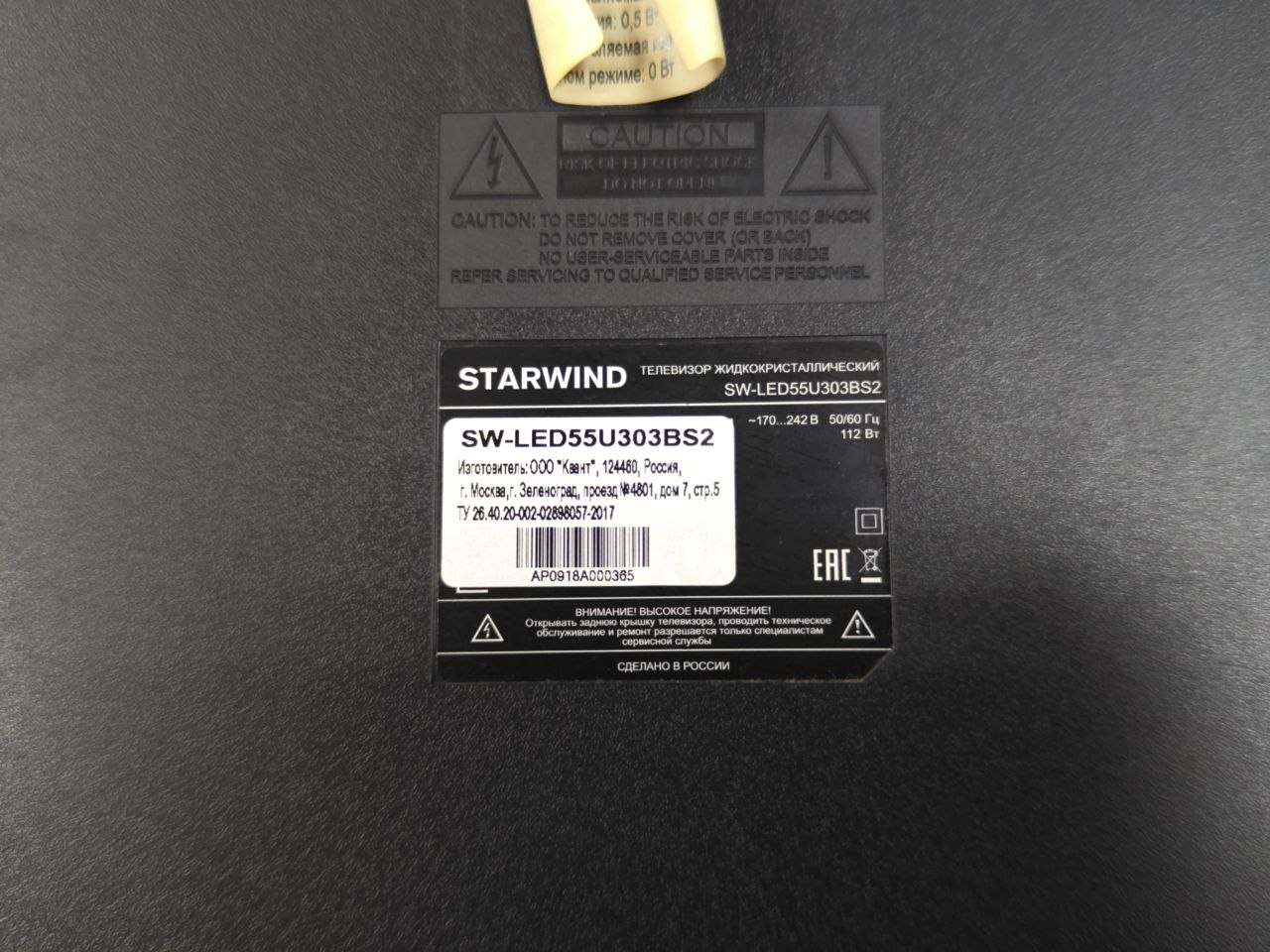
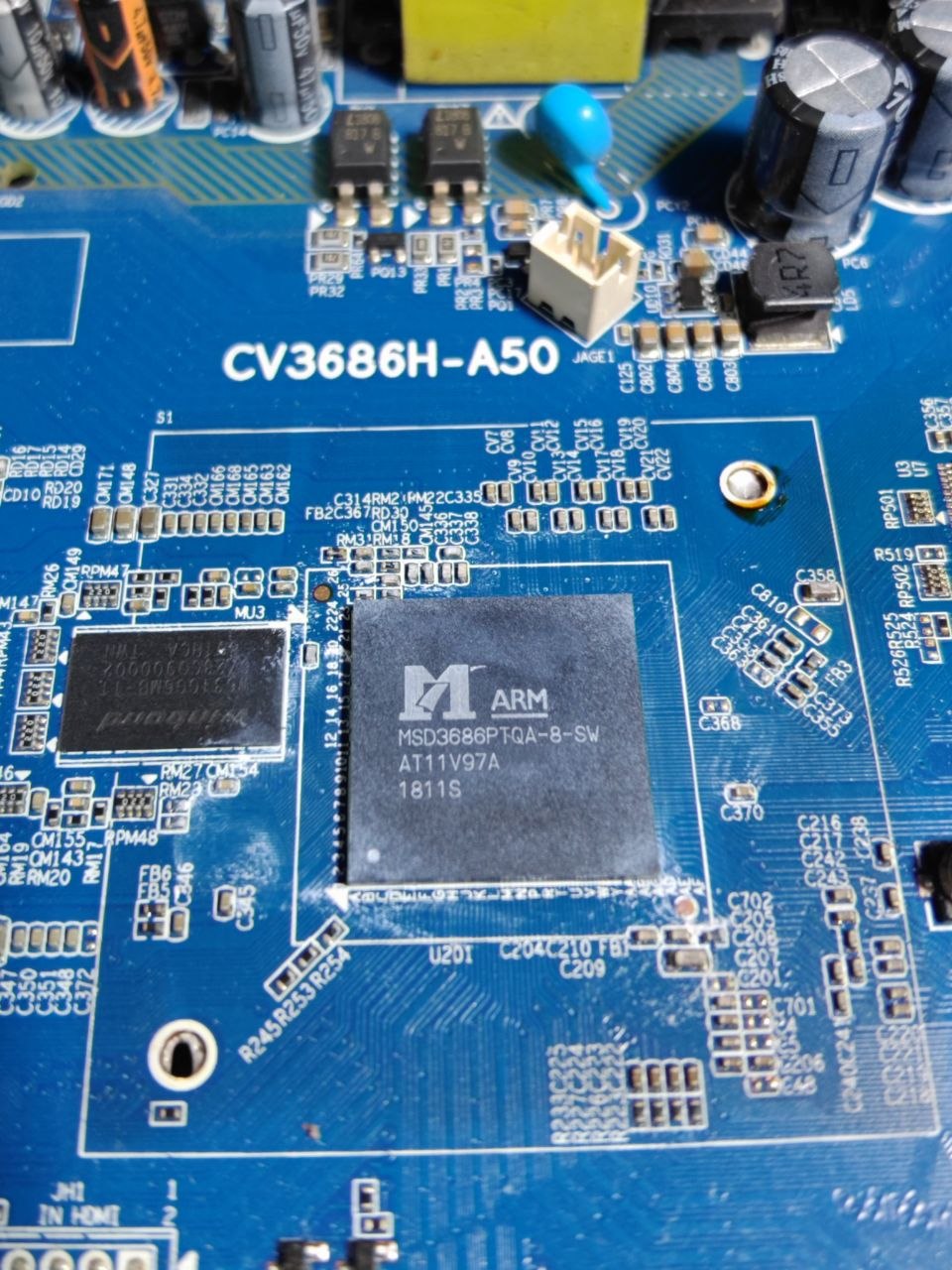
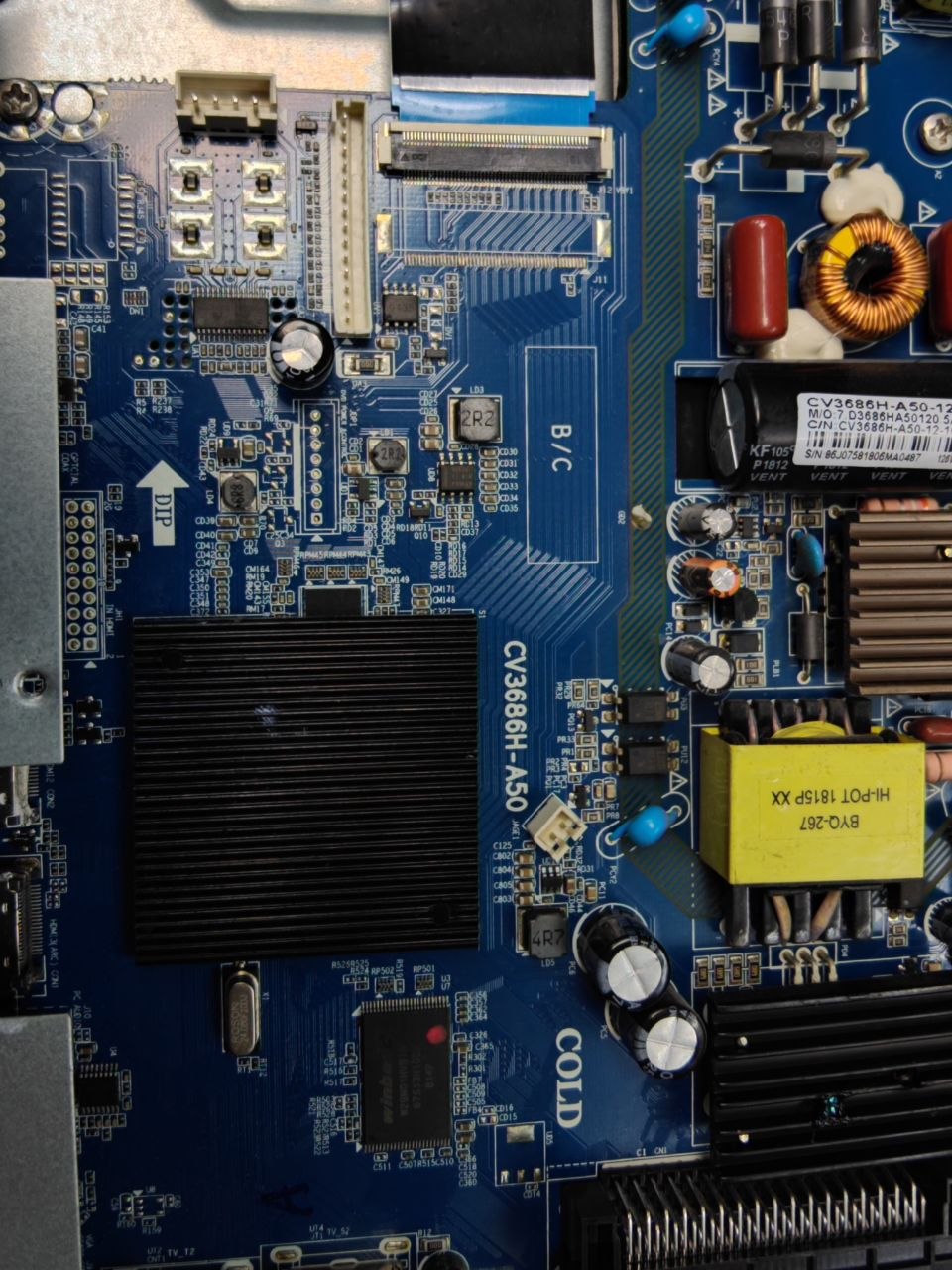
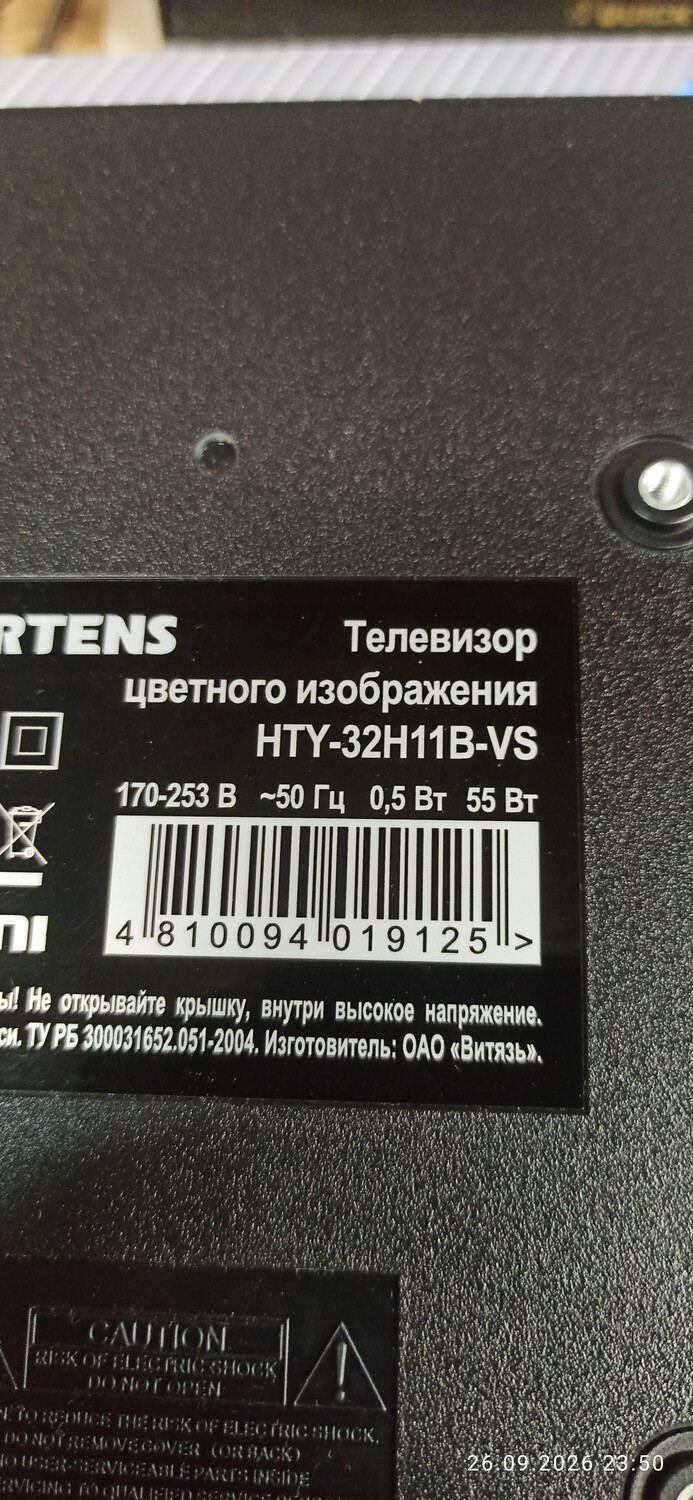
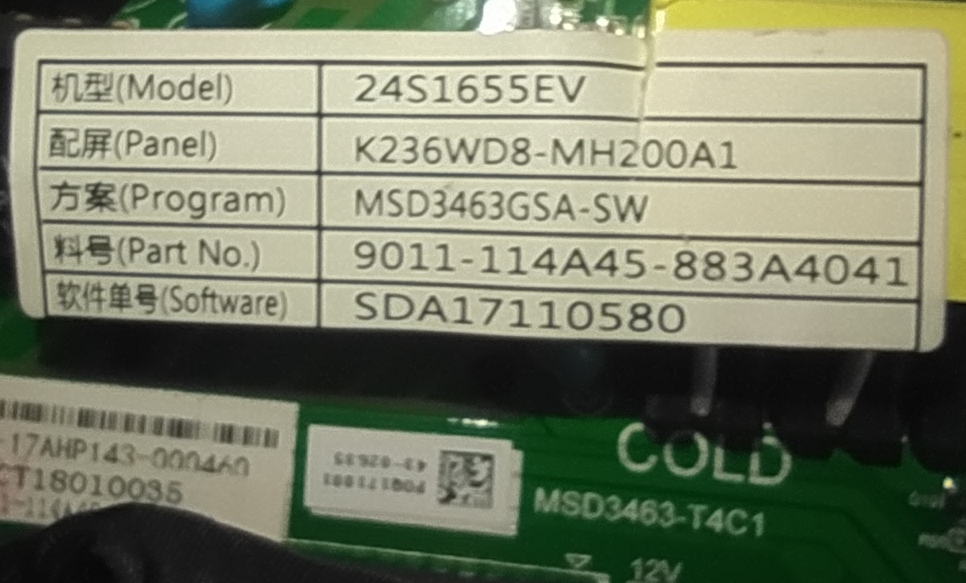
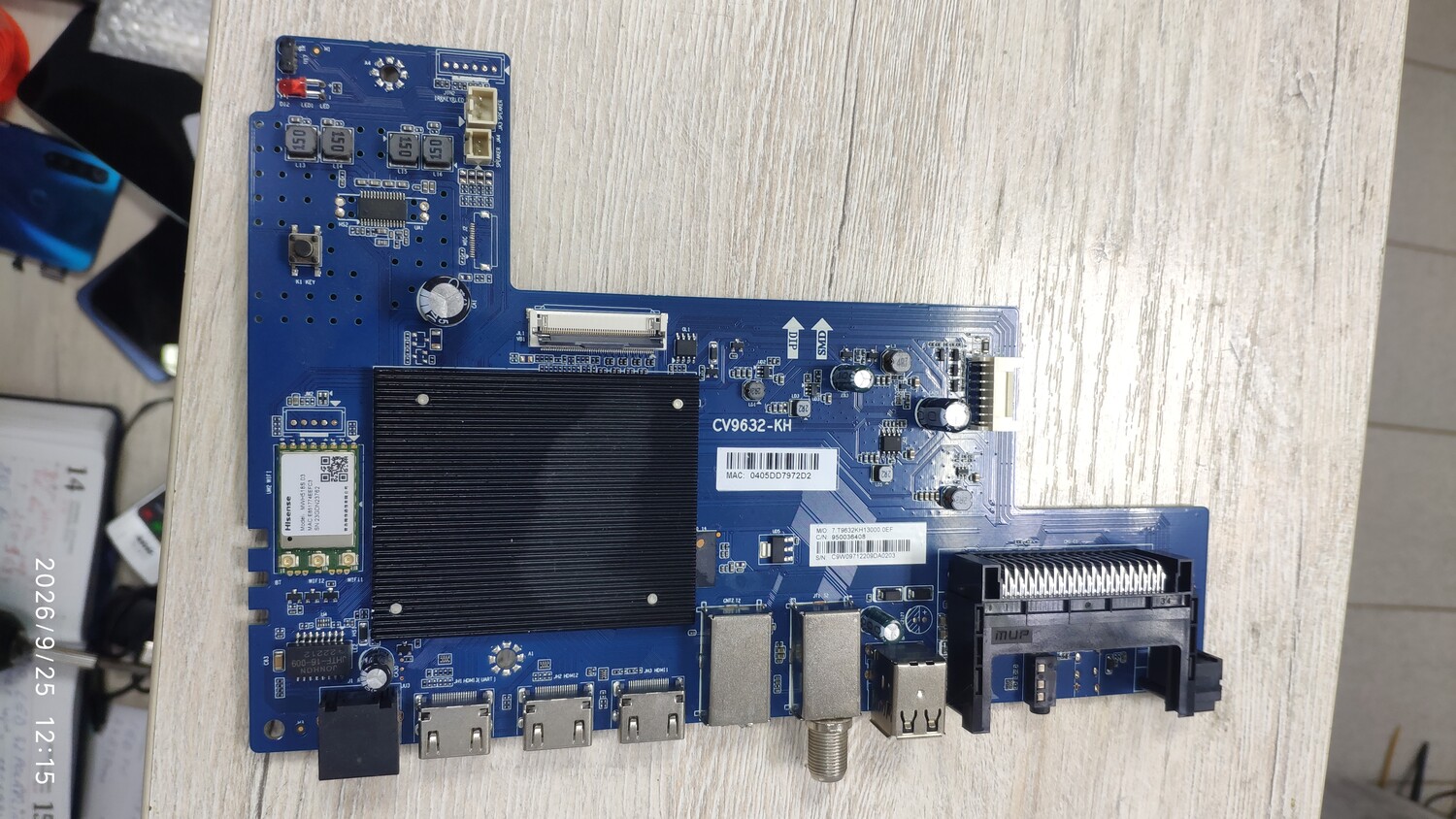
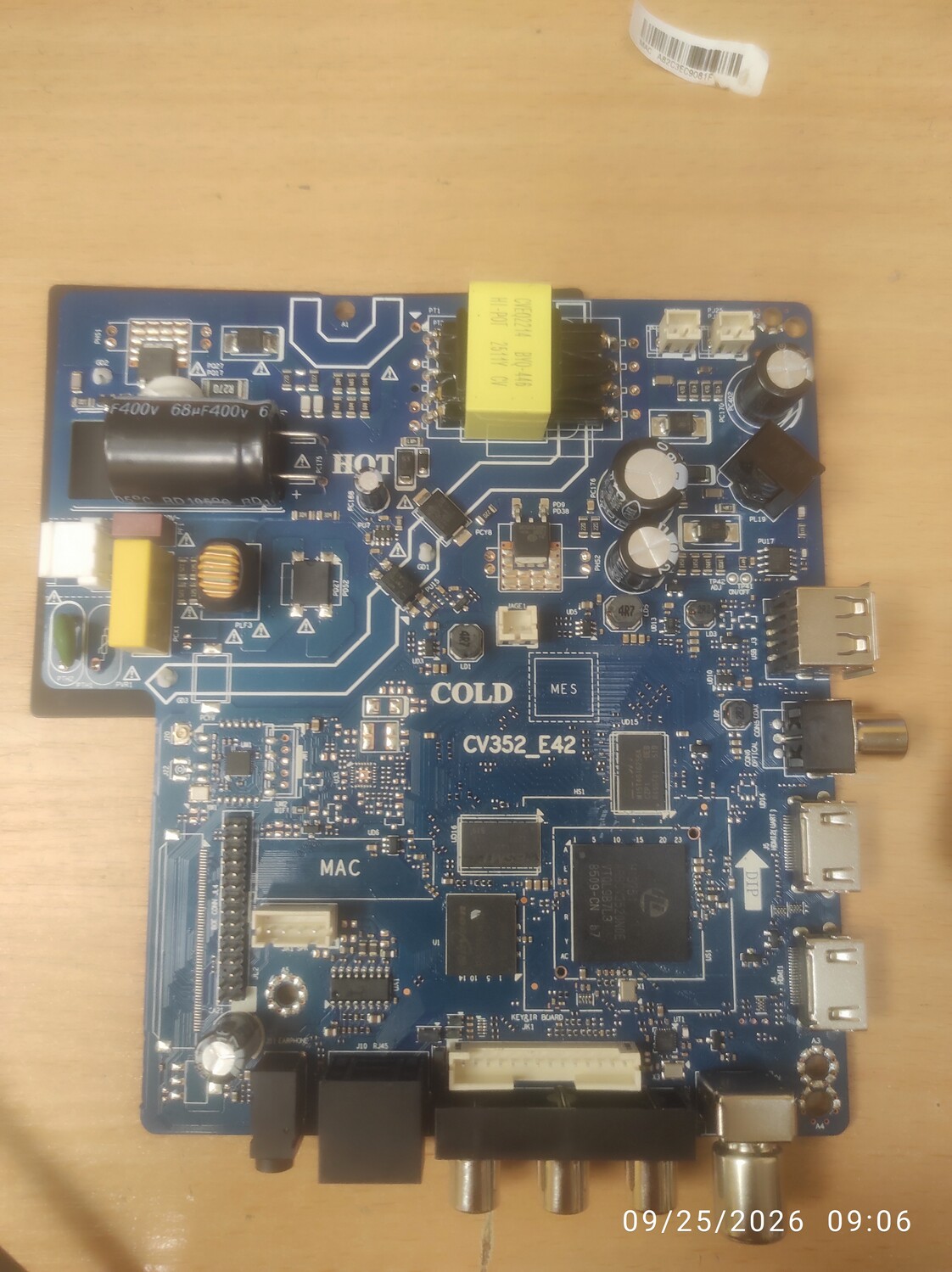
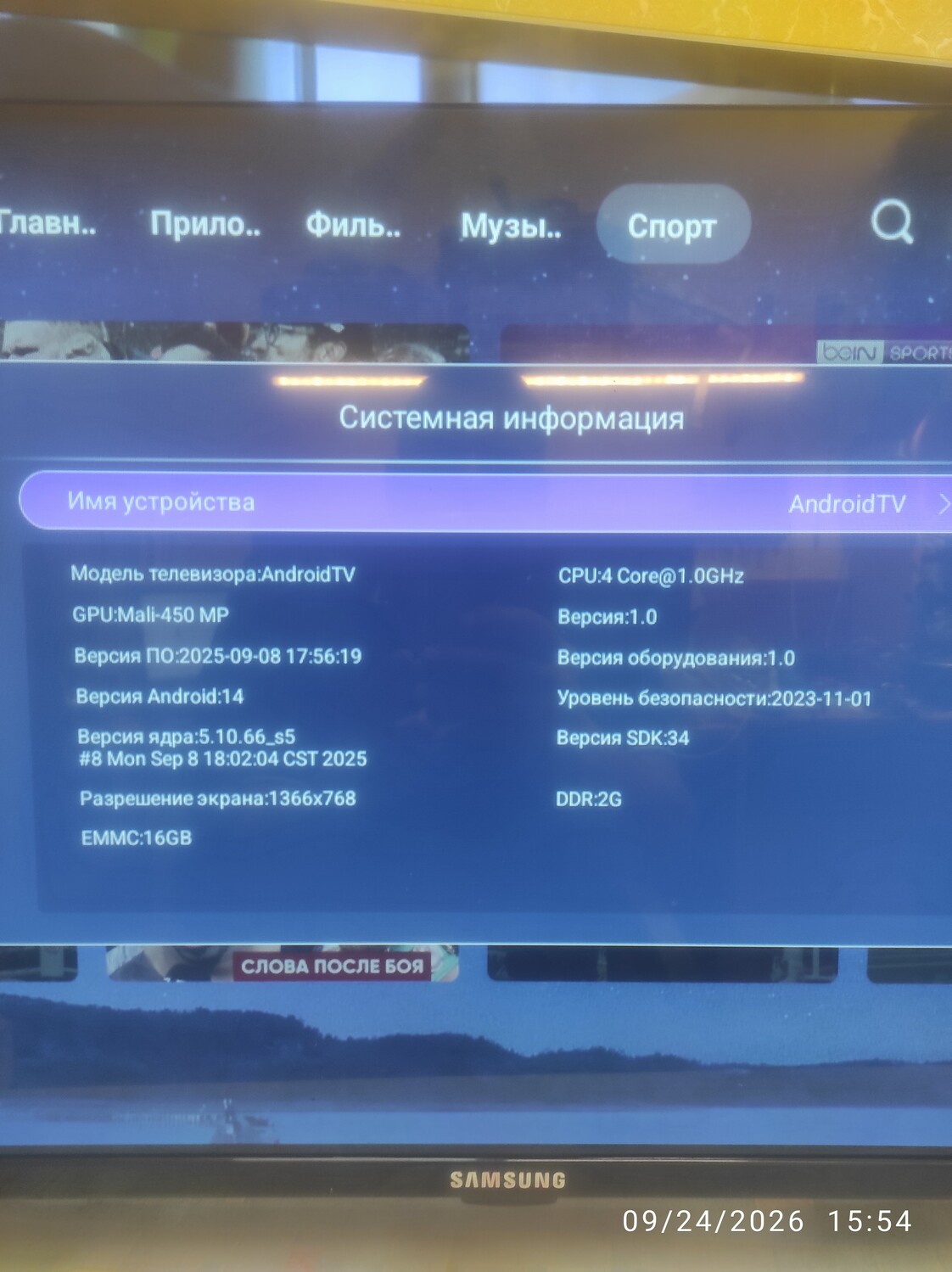
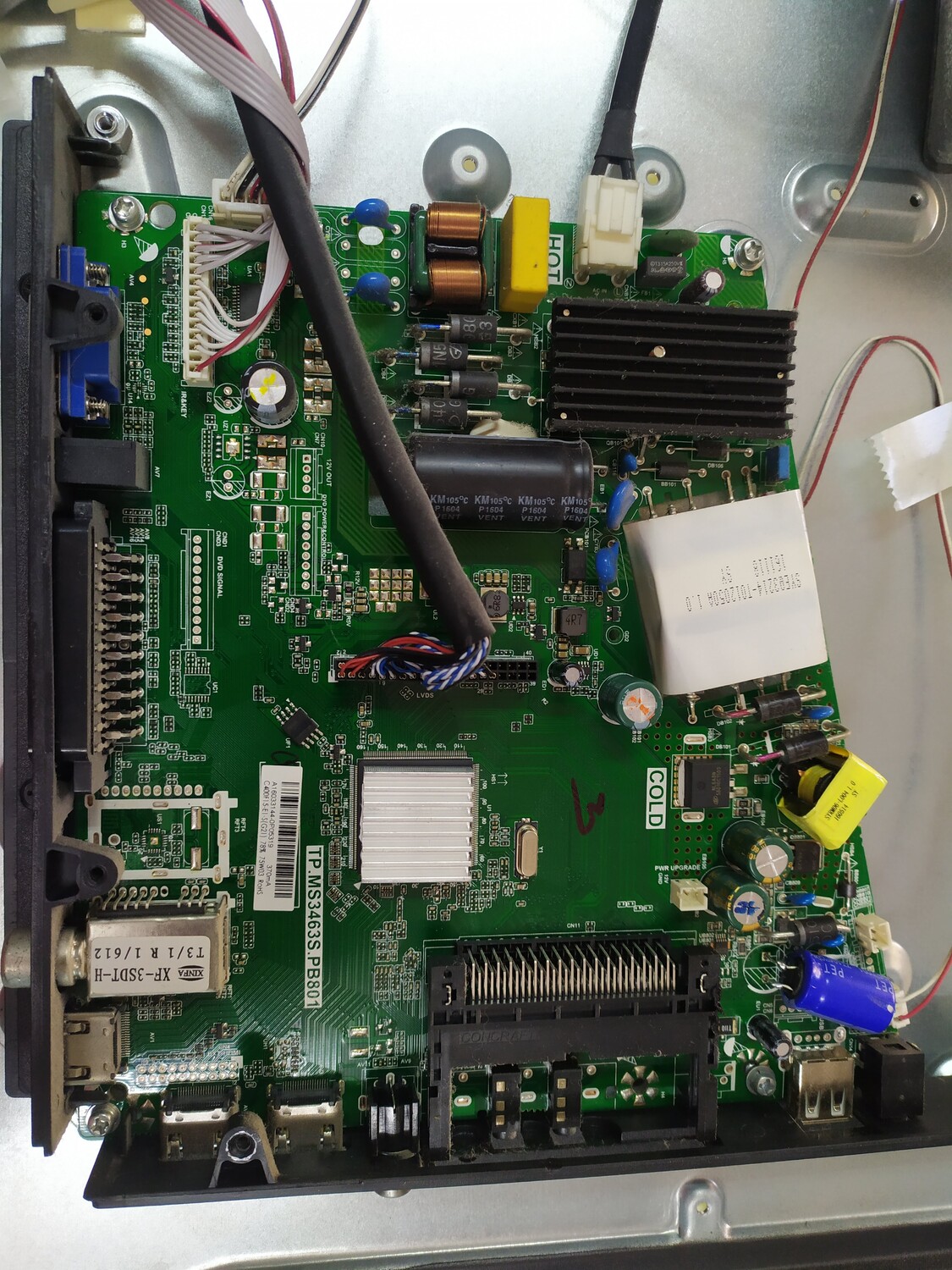
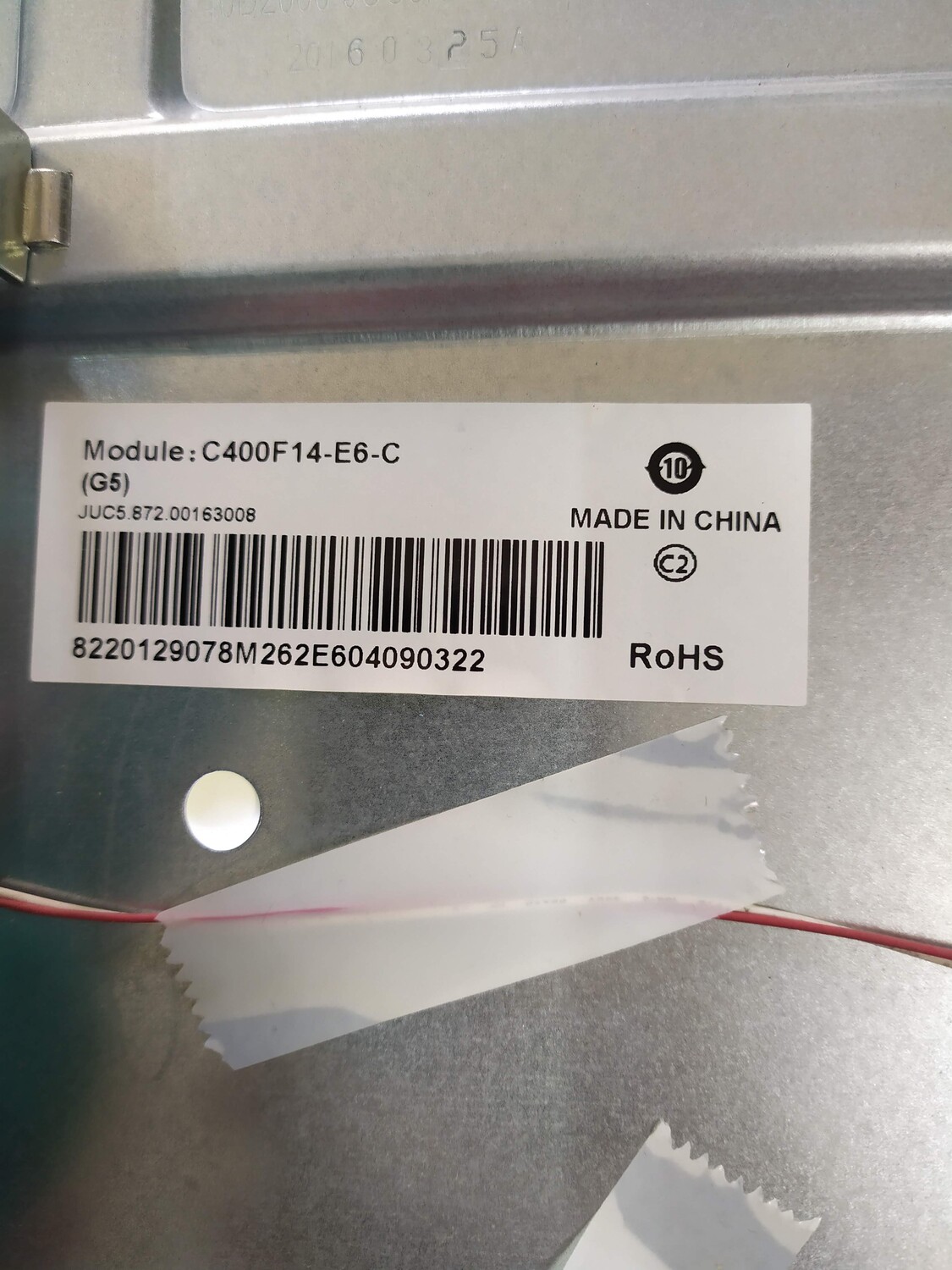
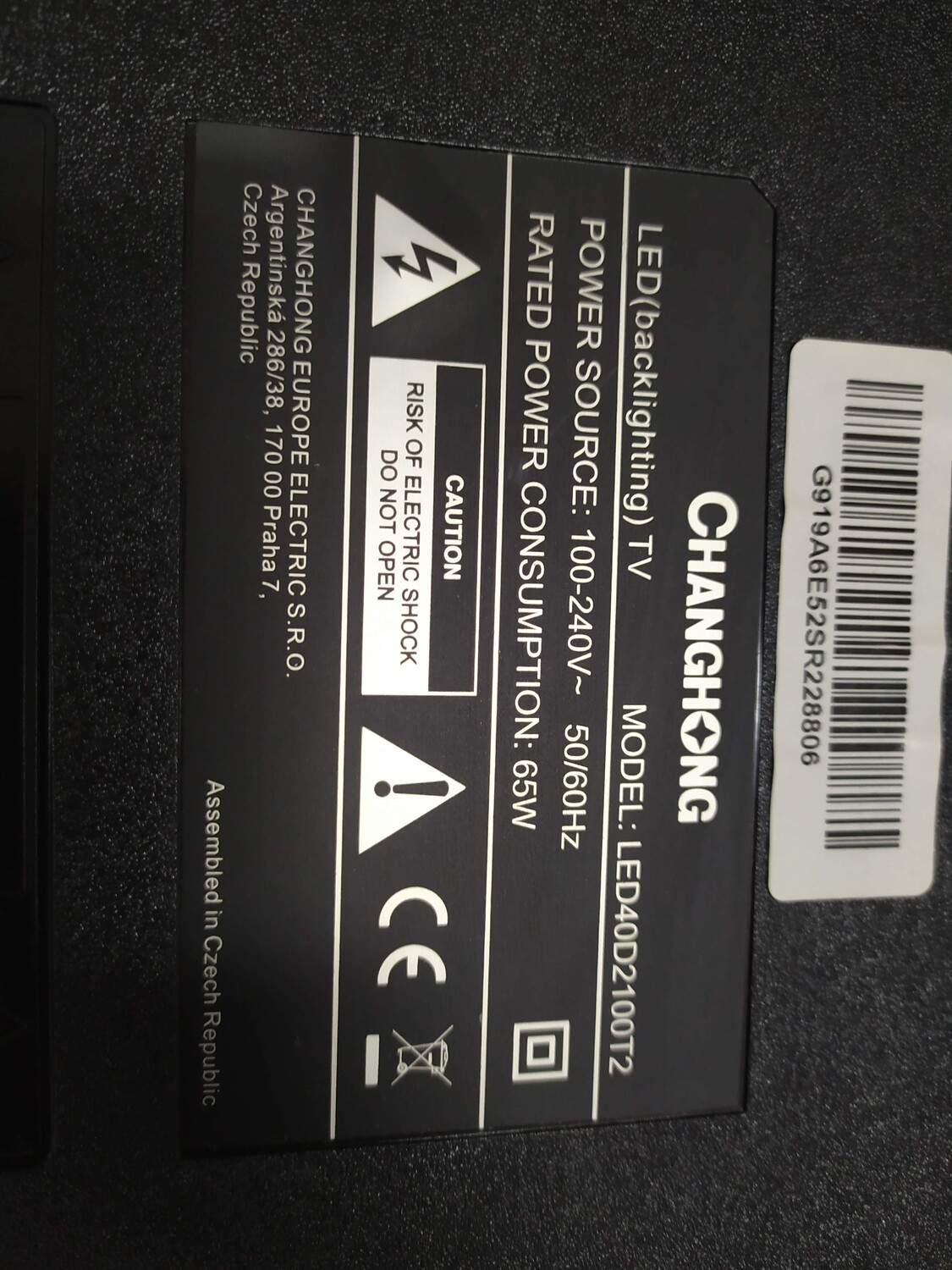
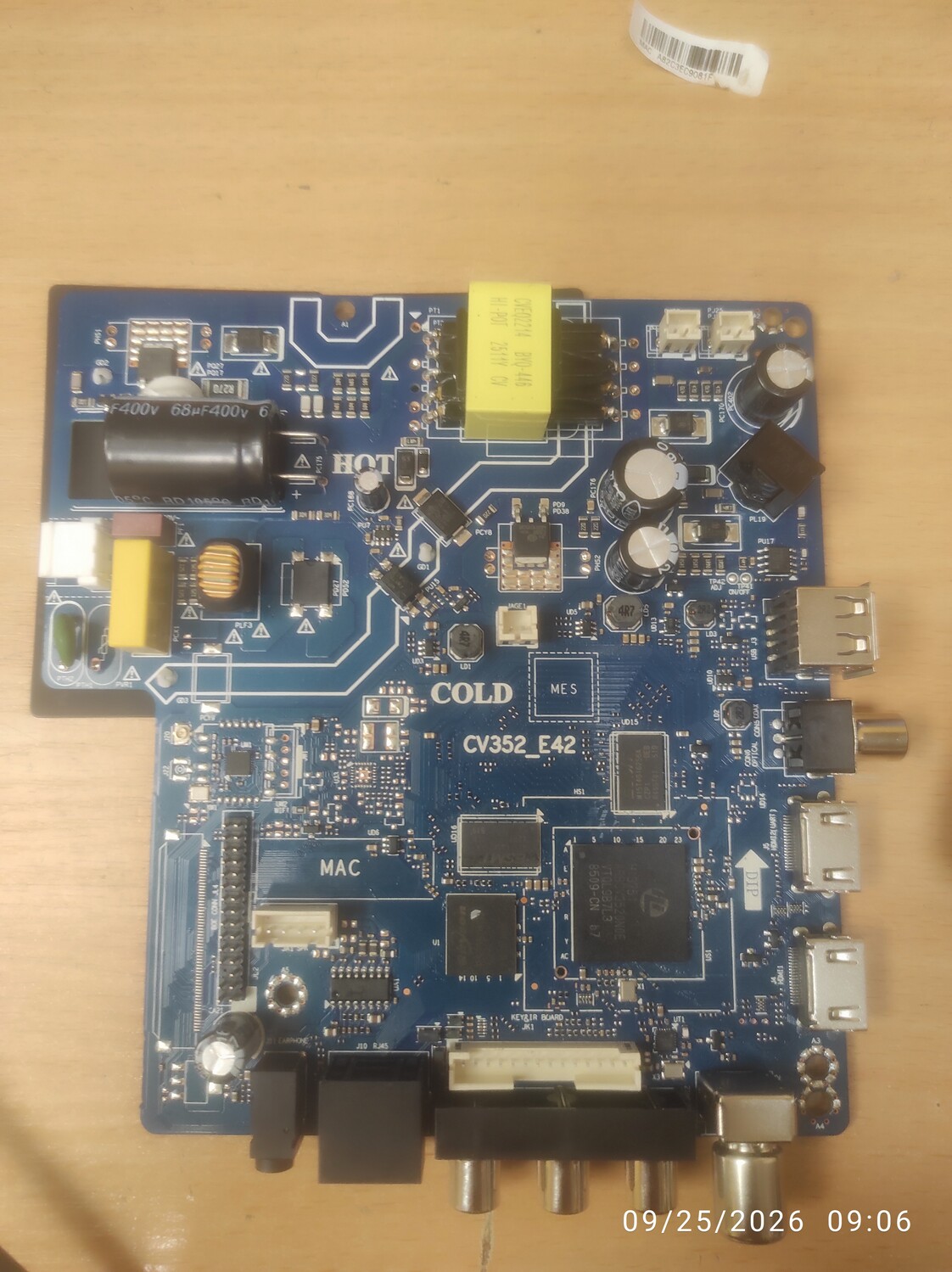
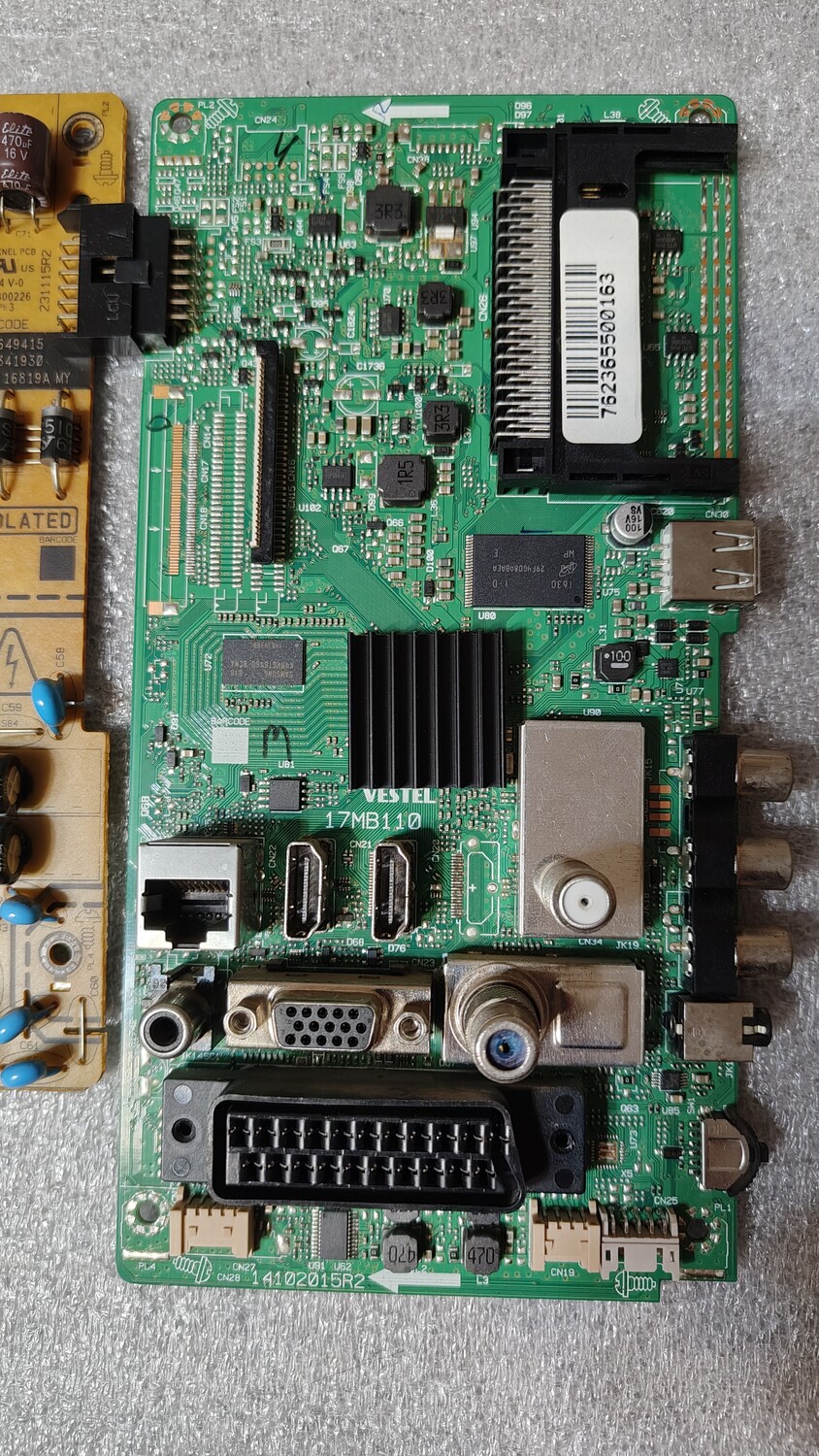
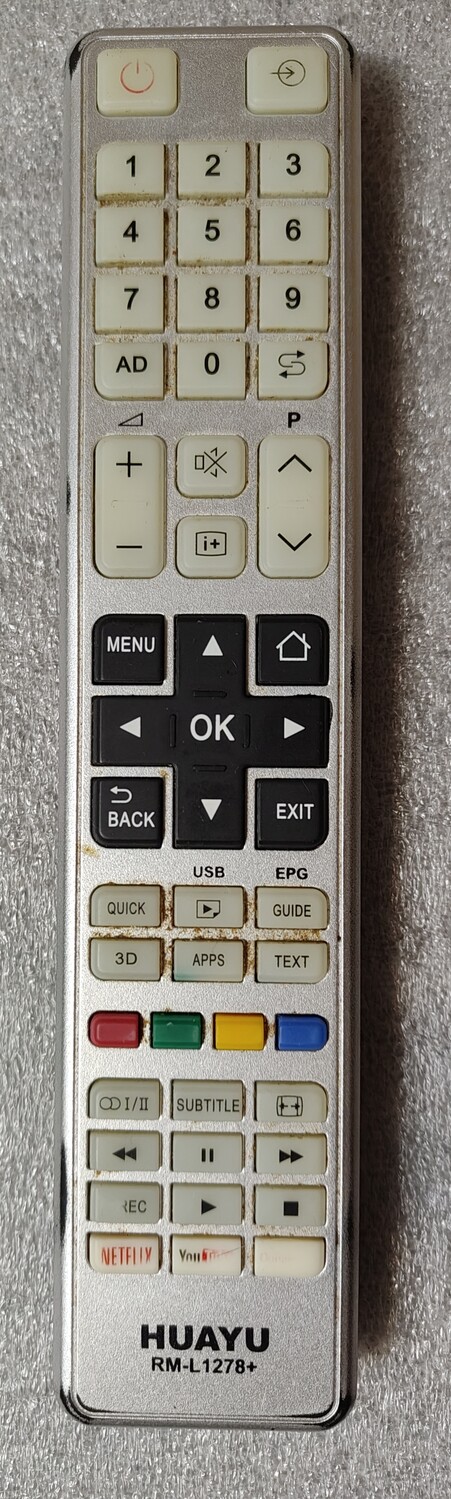
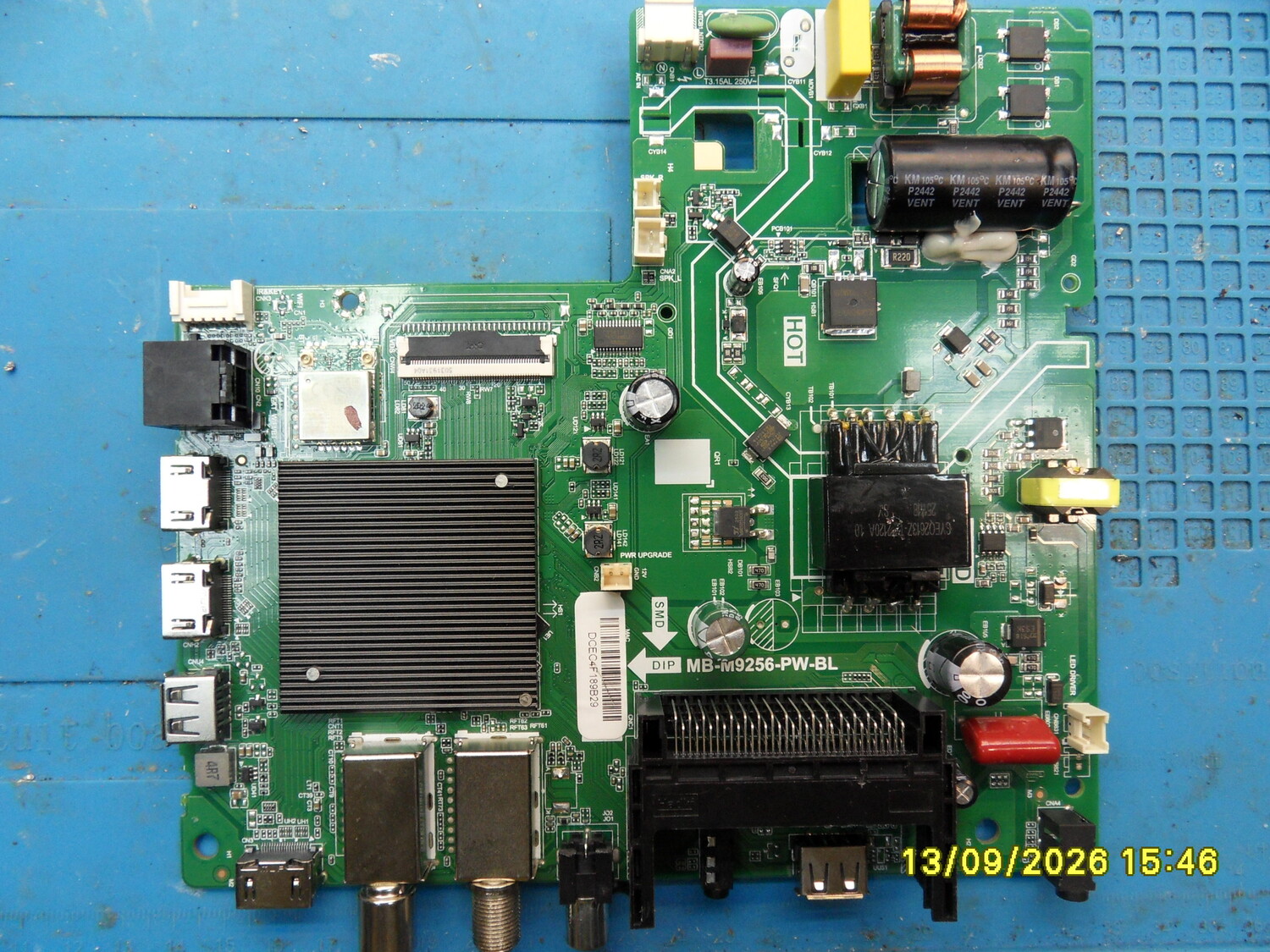
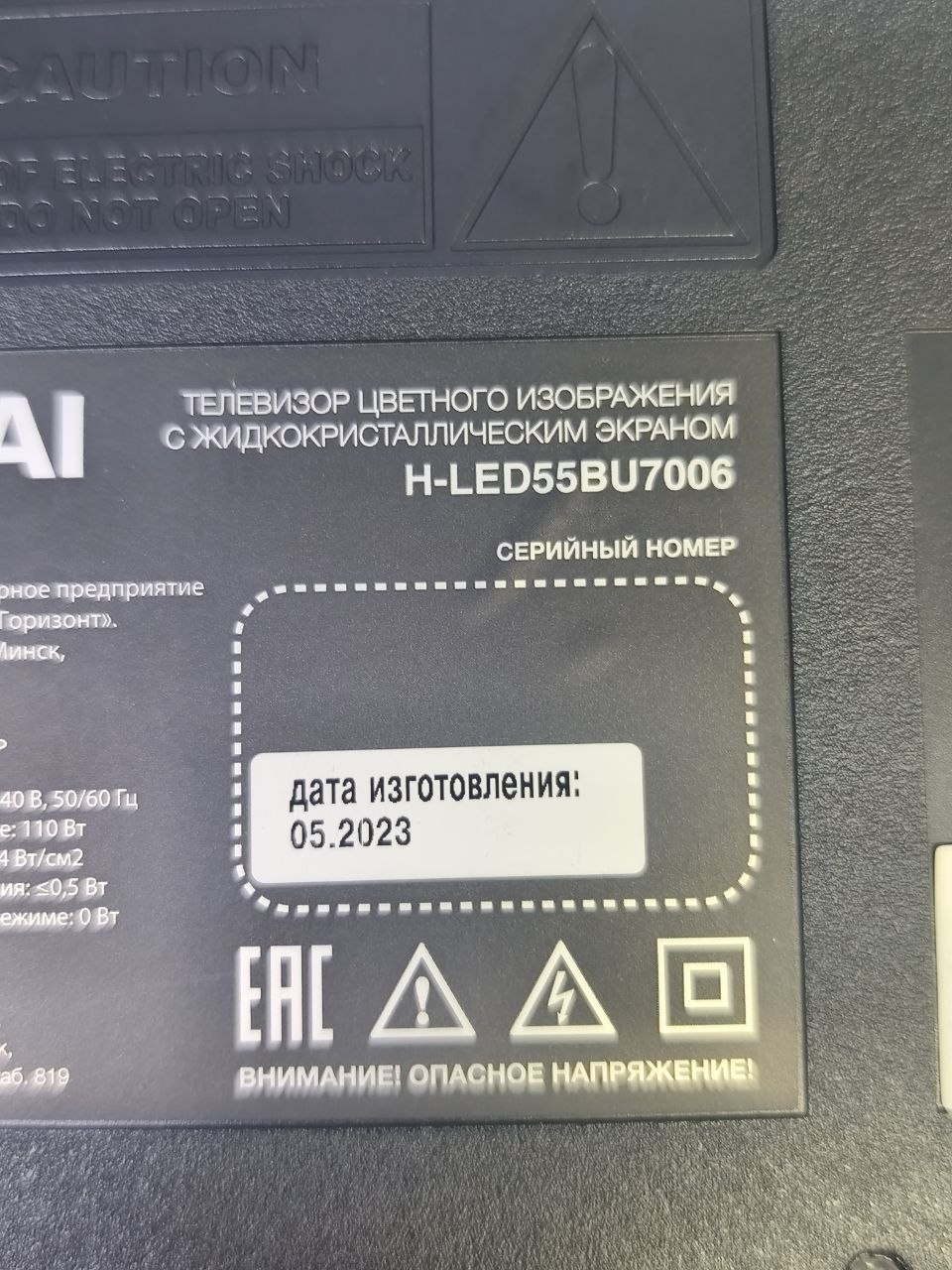
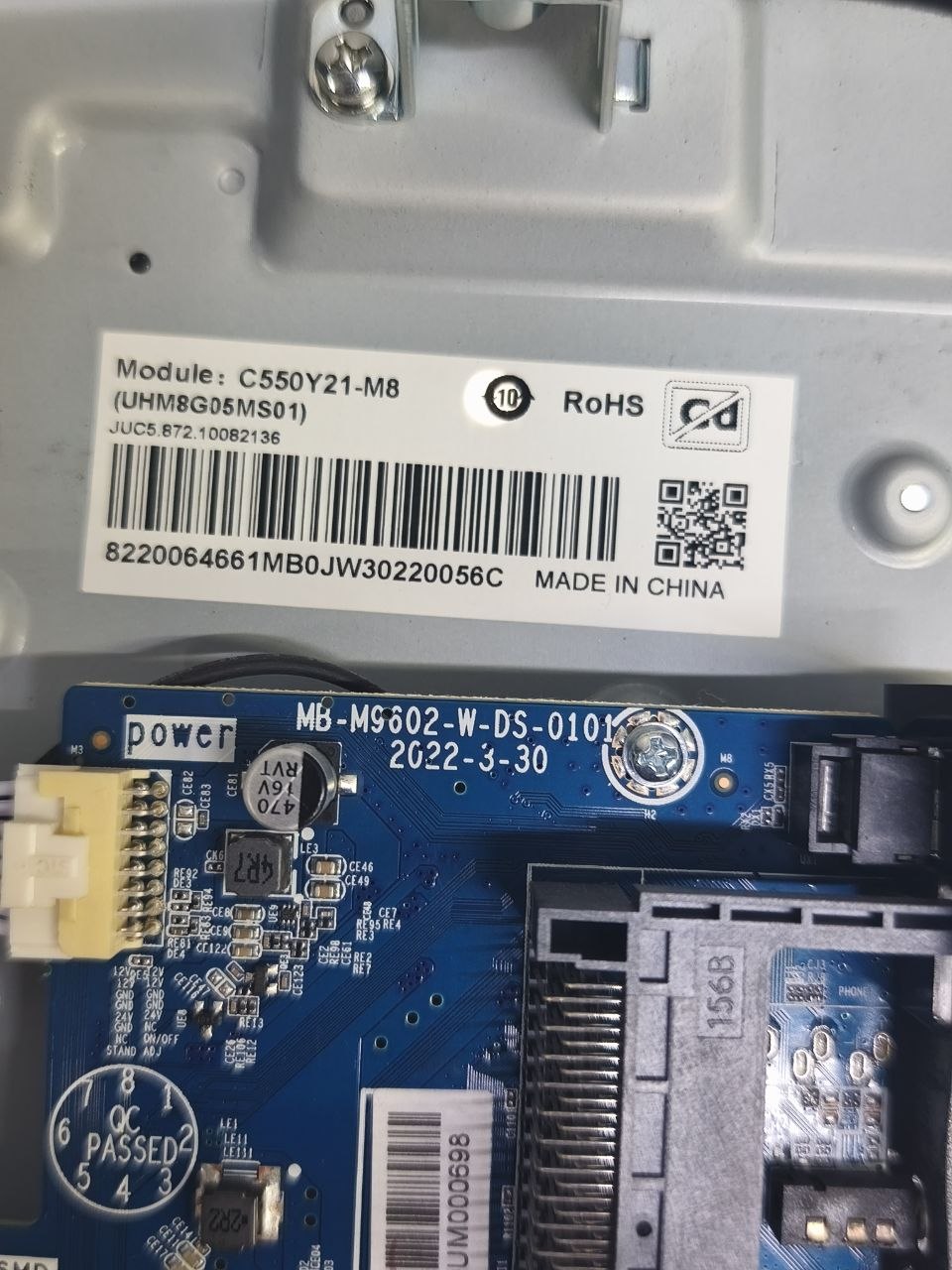
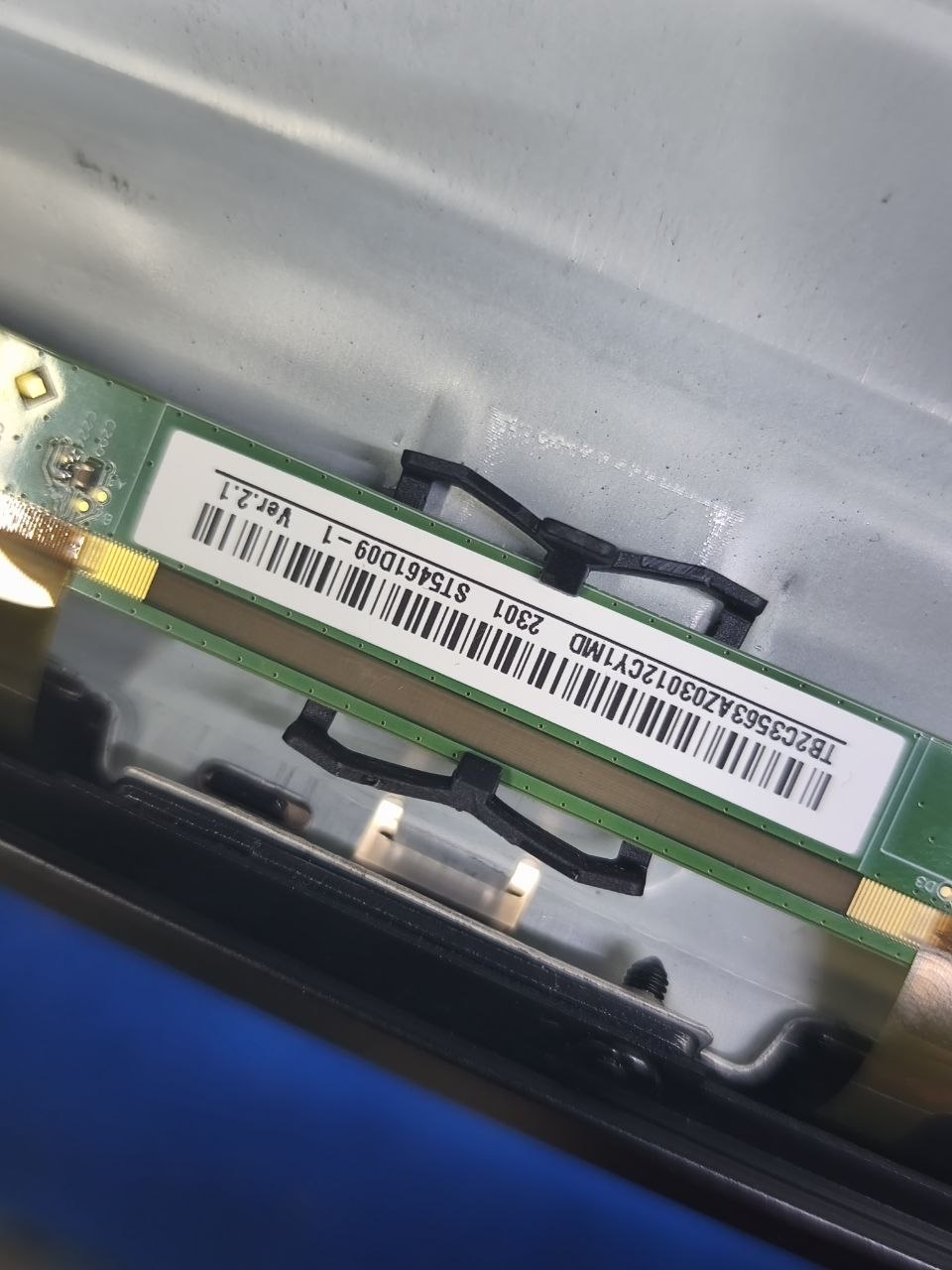
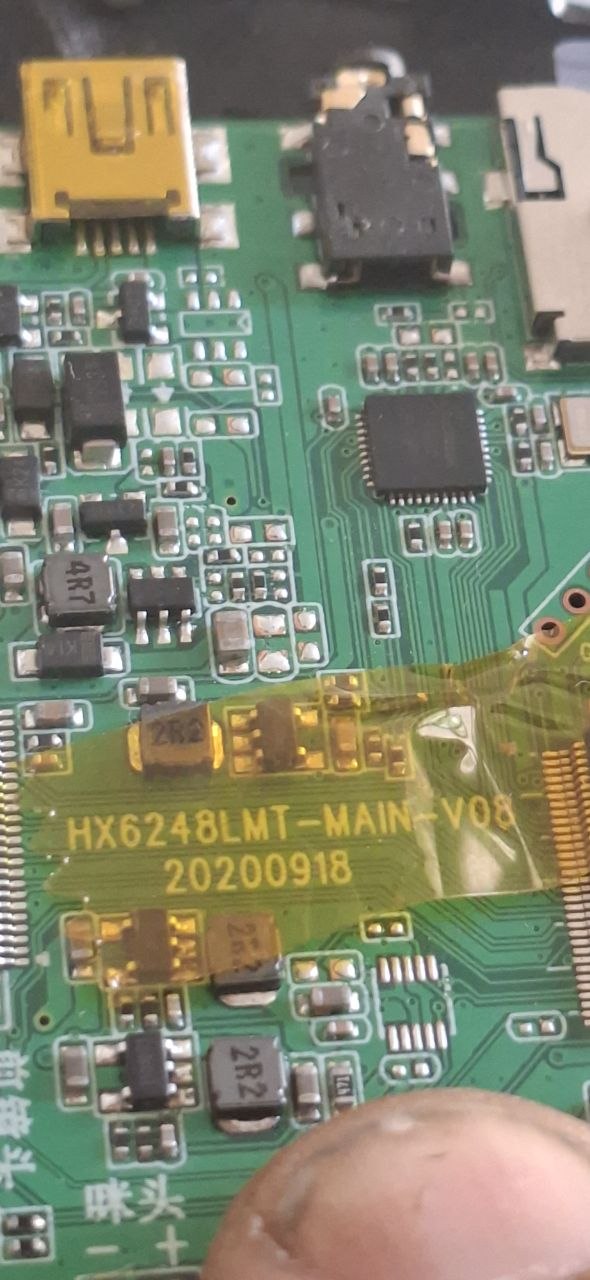
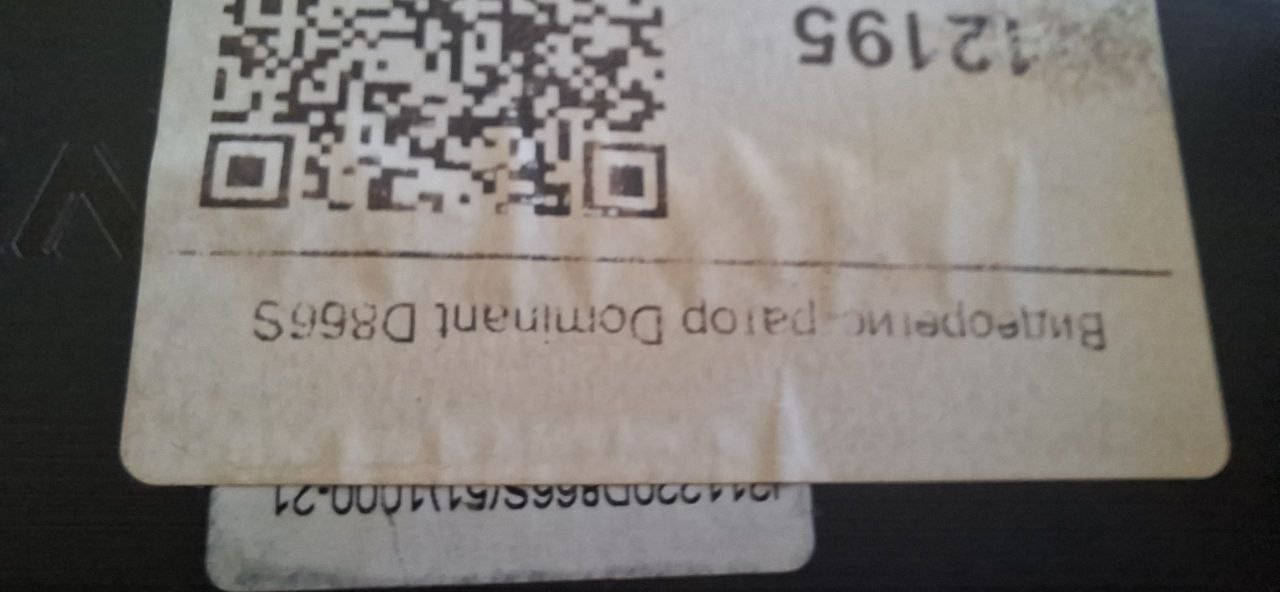
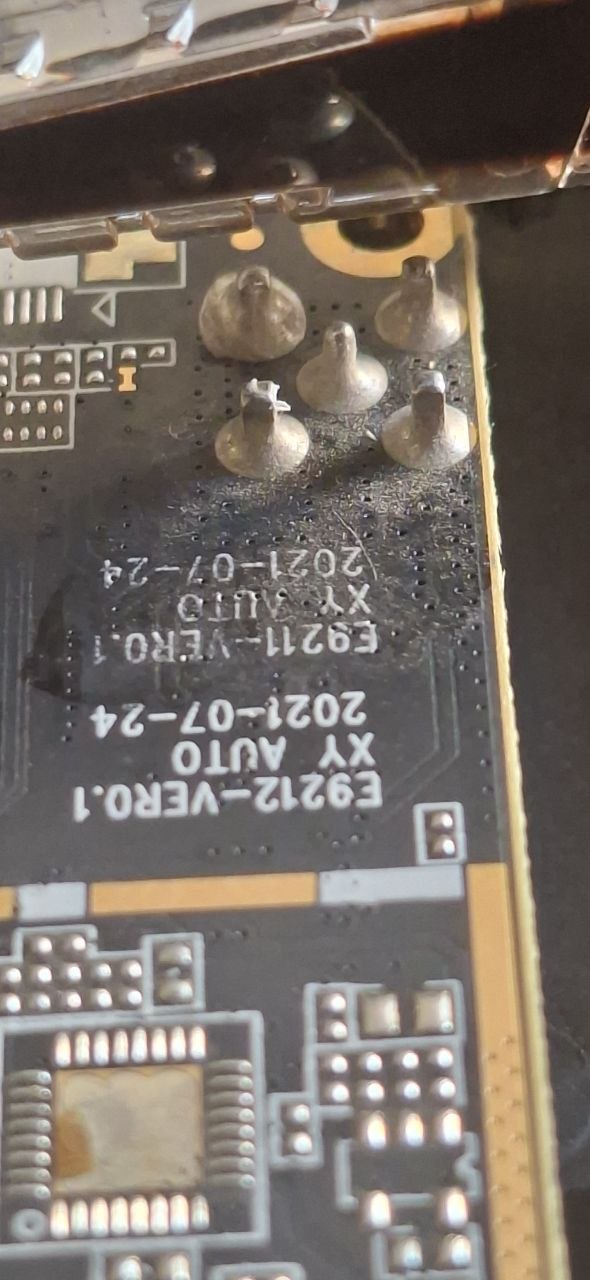
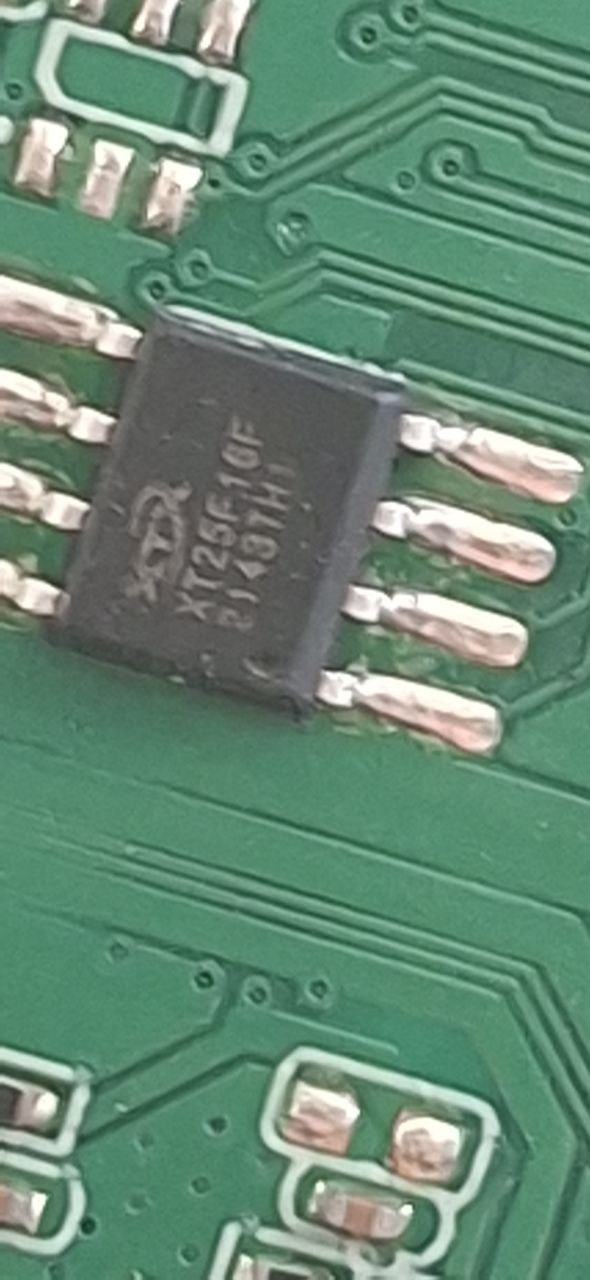
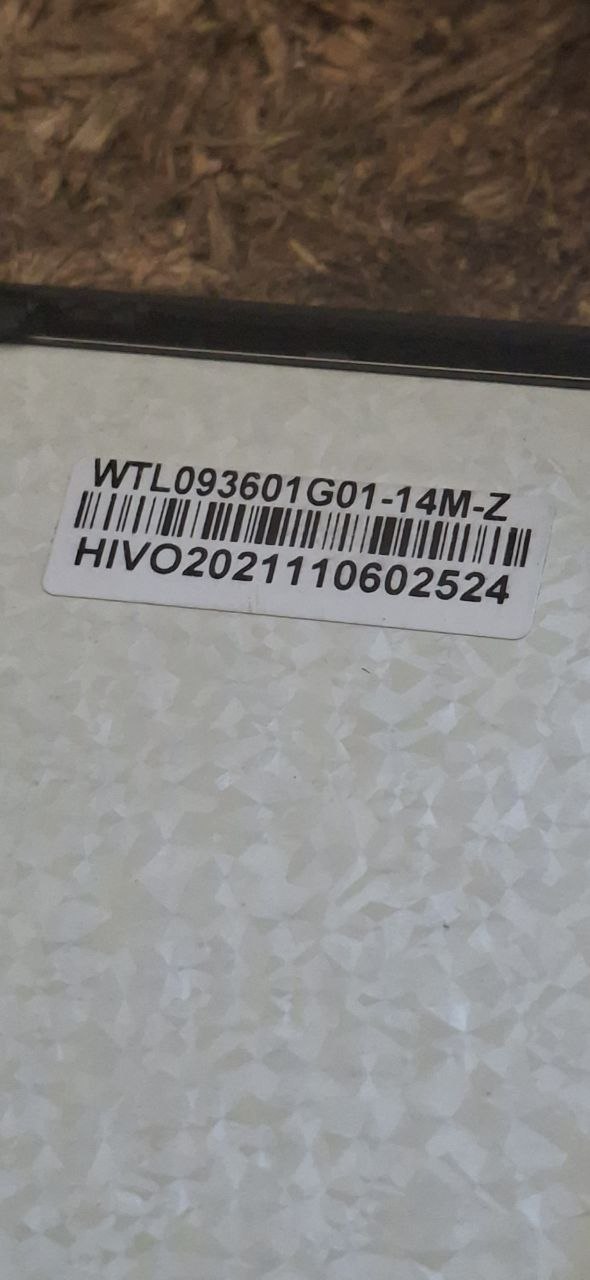
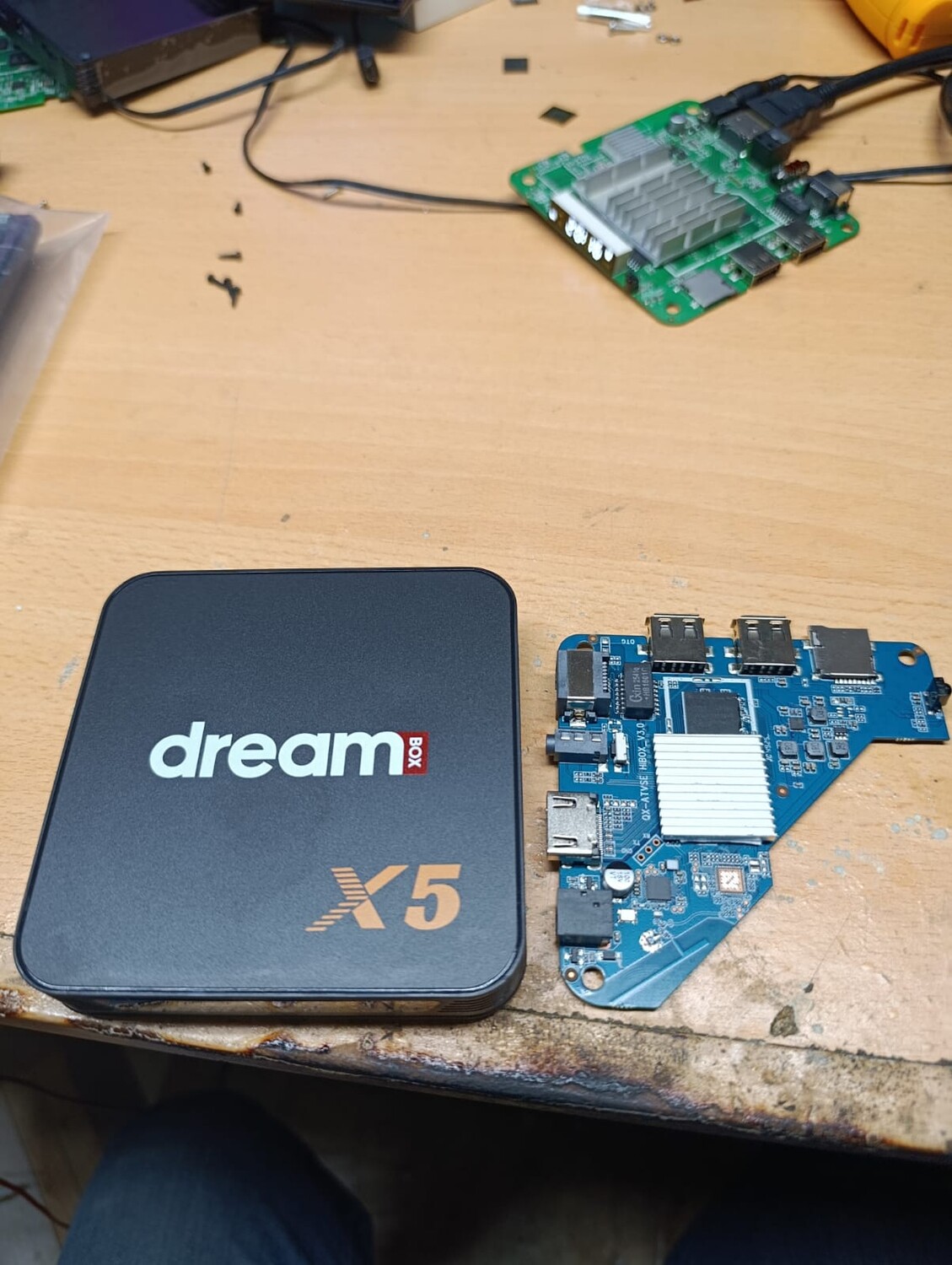
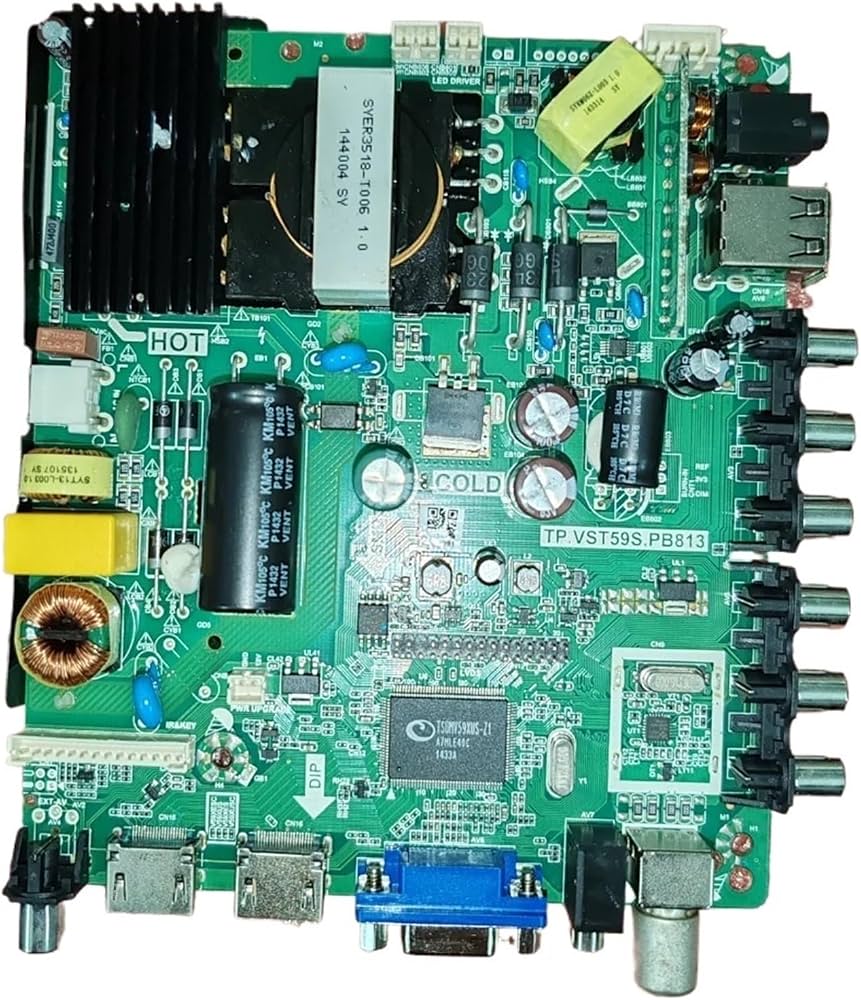
Прошивка для телевизоров с серийным номером T00327306-. Для данной серии телевизора подходит прошивка в формате .bin
Инструкция по прошивке с флешнакопителя: Извлечь файлы из архива. Скопировать полученные файлы в корневую директорию на флешке (должна быть в формате FAT32). Других файлов на флешке быть не должно. Отключить вилку электропитания телевизора. Вставить флешку в разъем USB 2.0. Включить вилку электропитания ТВ в розетку. Если индикатор питания телевизора начал мигать двумя цветами – прошивка работает. Если индикатор не начал мигать, вернуться к п.5: перед включением вилки электропитания в розетку зажать кнопку питания на телевизоре и только потом включить ТВ в розетку. После окончания прошивки выключить телевизор и извлечь флешку из разъема.
П.С. Усли у вас телевизор не подхватывает прошивку, измените имя файла с allupgrade706_an11_8GB_1P5GB_ref73.bin на allupgrade706_an11_8GB_1P5GB_sos.bin
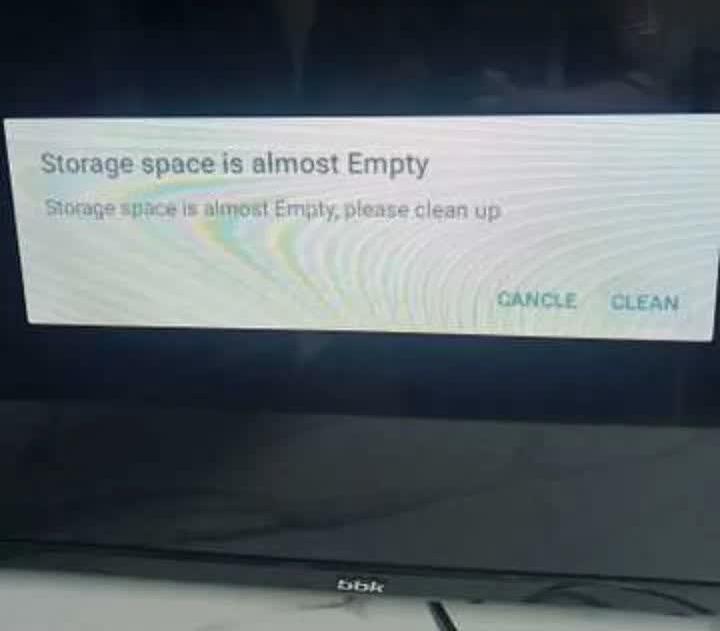
Получил по запросу через техподдержку на сайте BBK, поможет у кого не получается выполнить сброс на заводские настройки как у меня с вот таким сообщением на экране
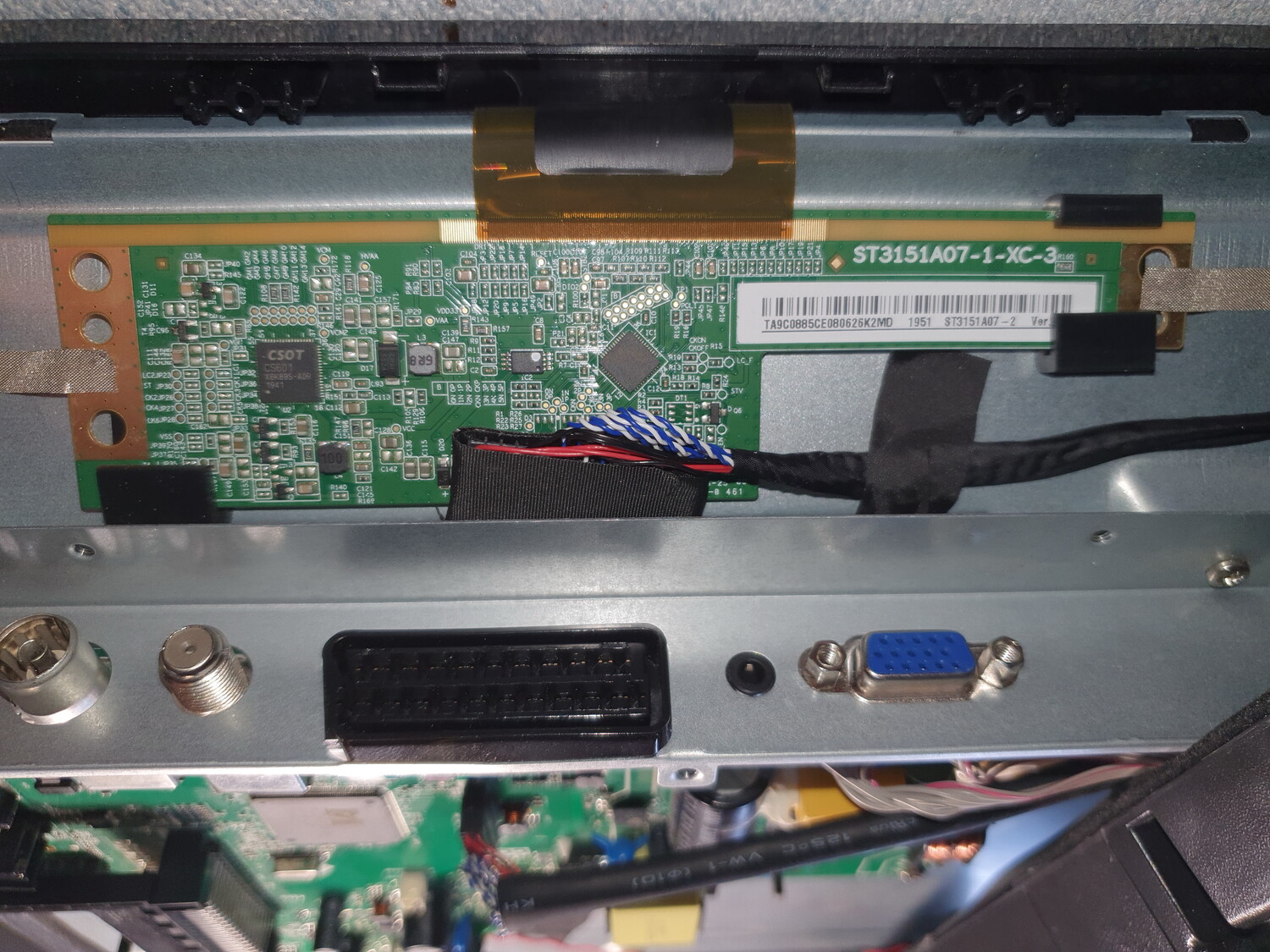
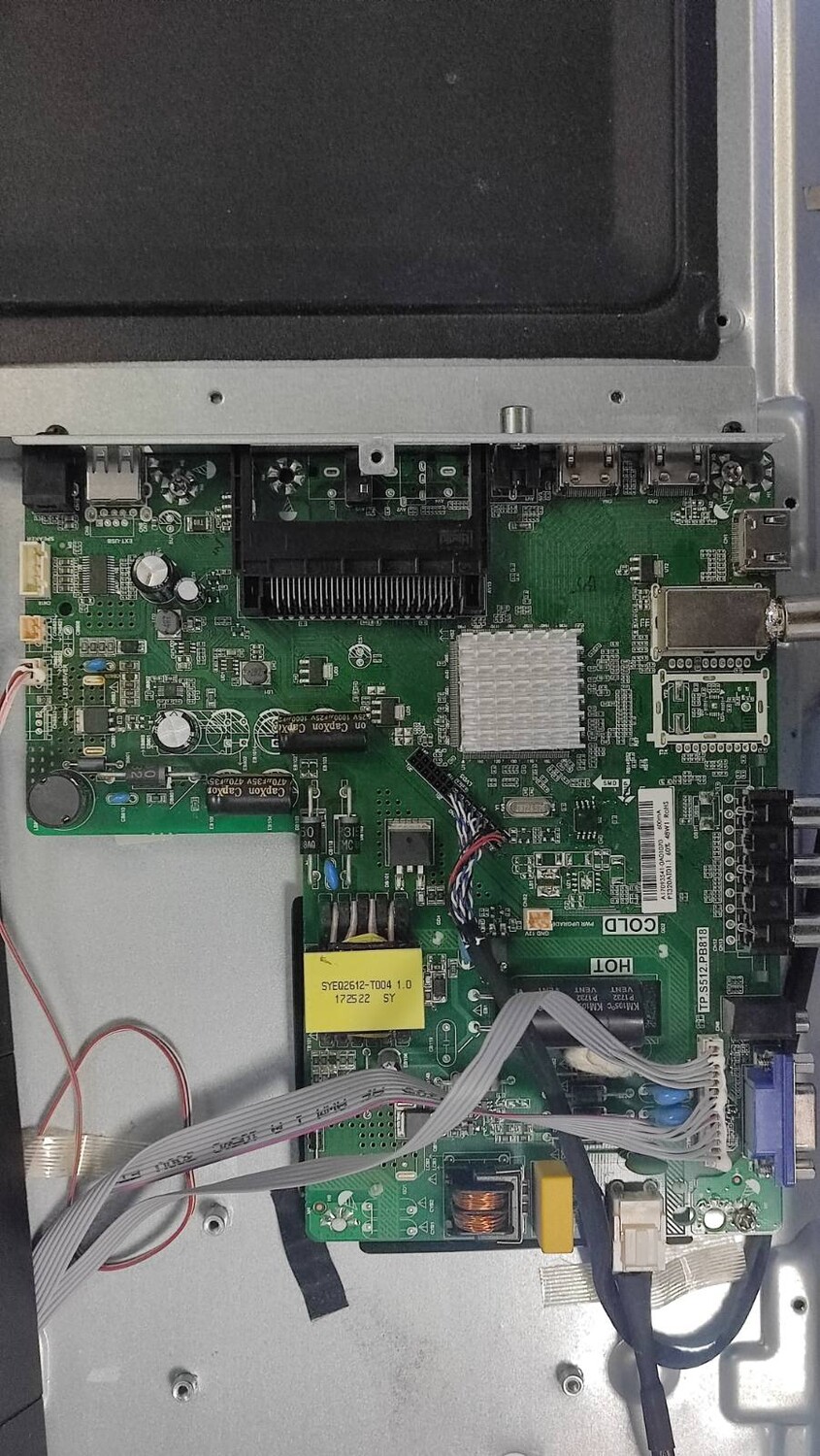
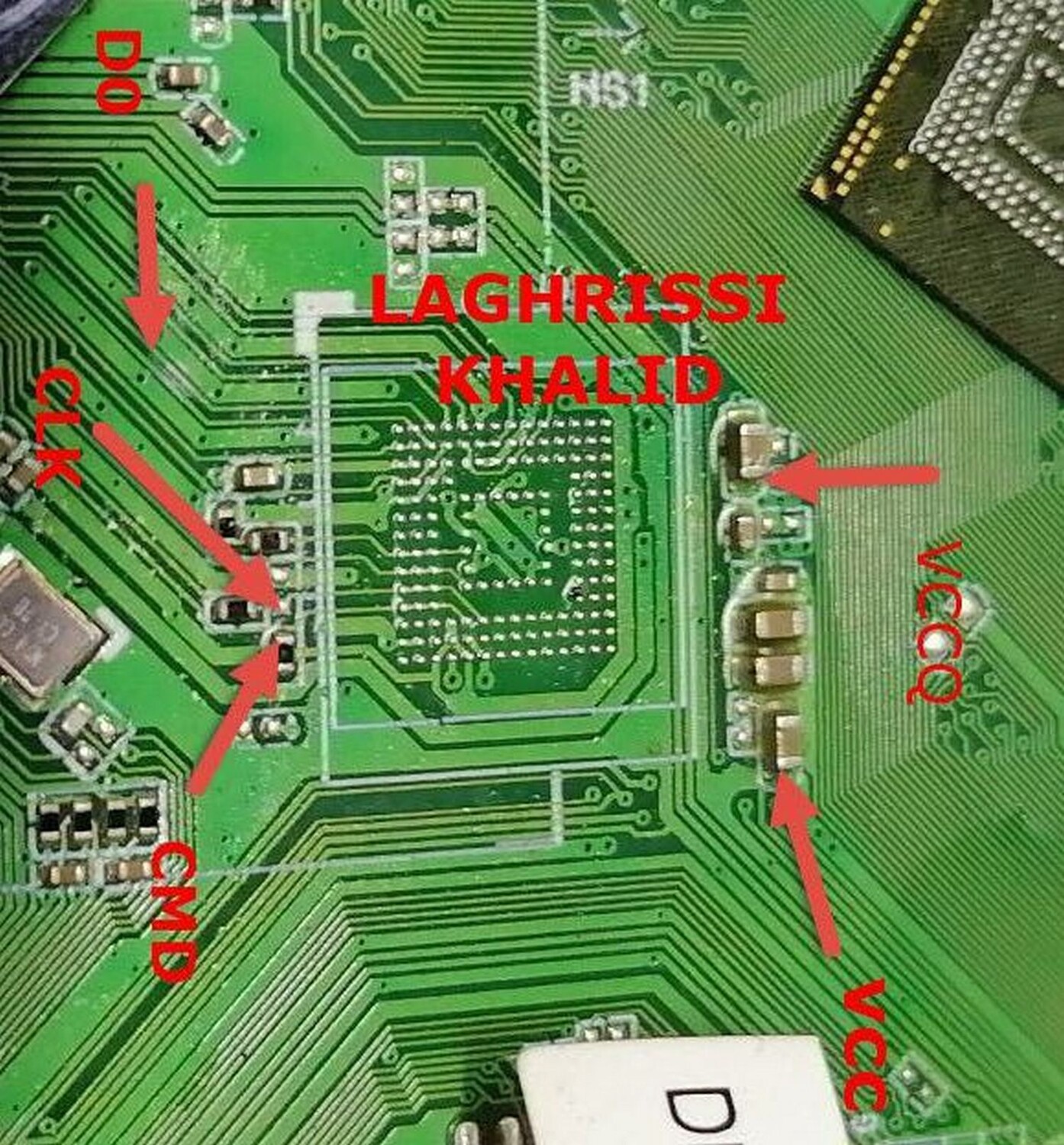
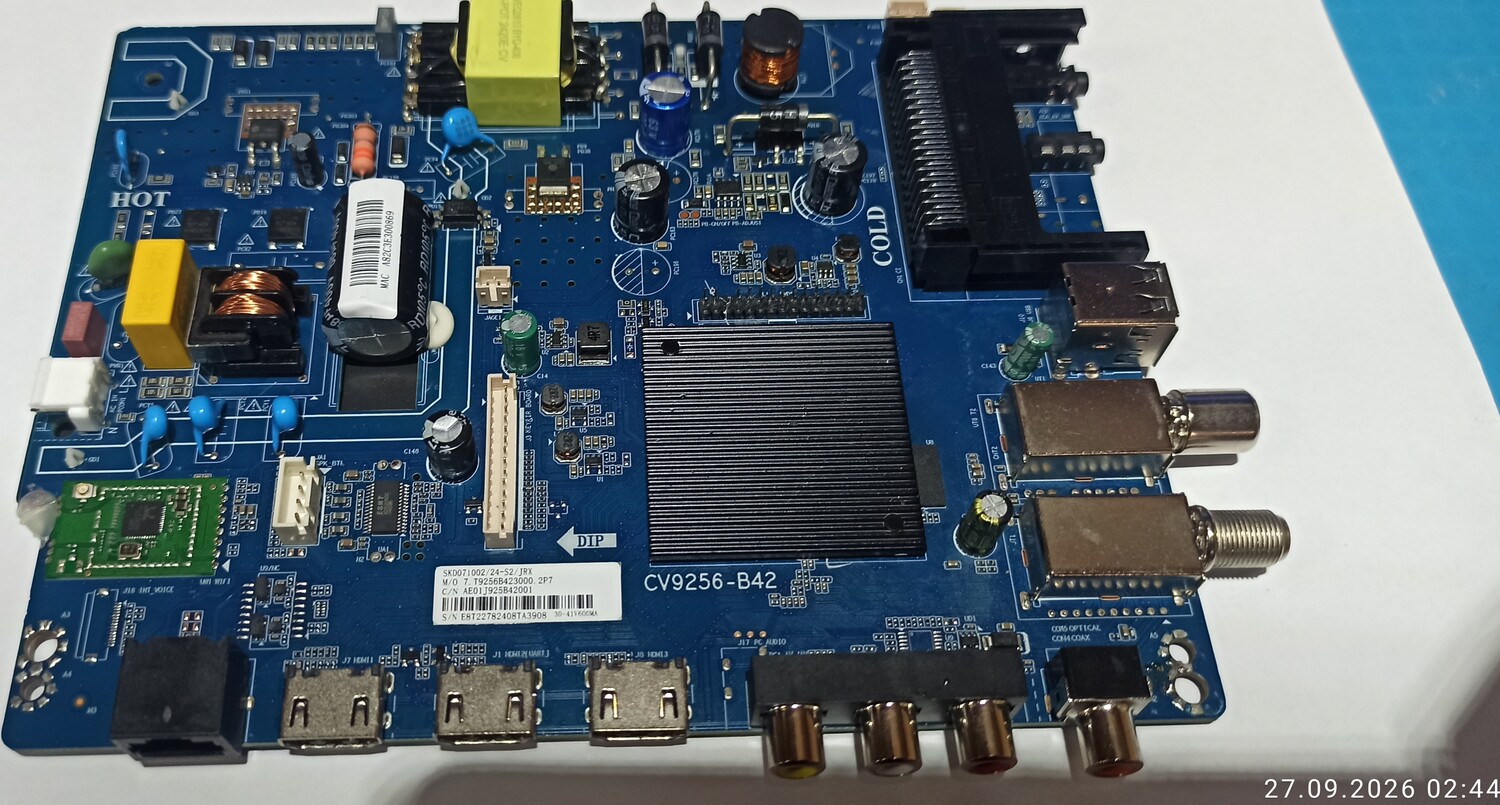
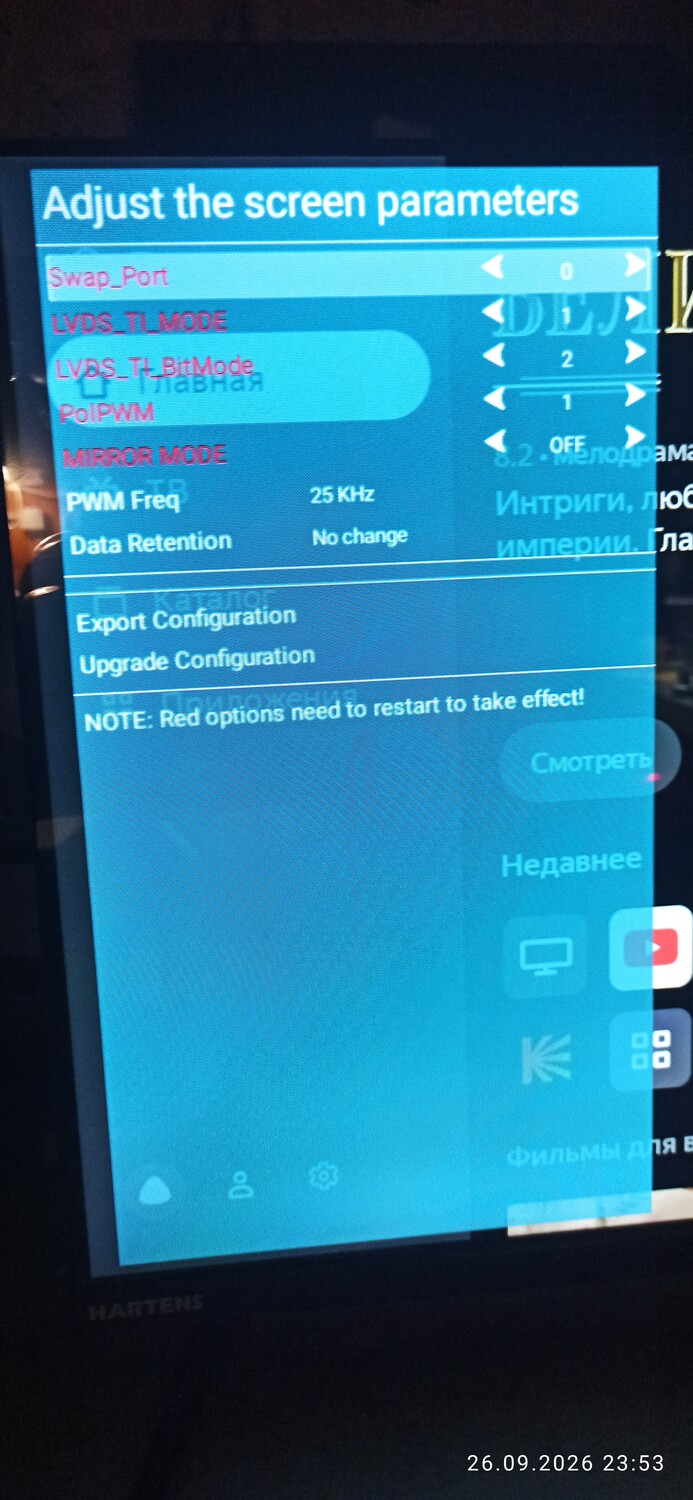
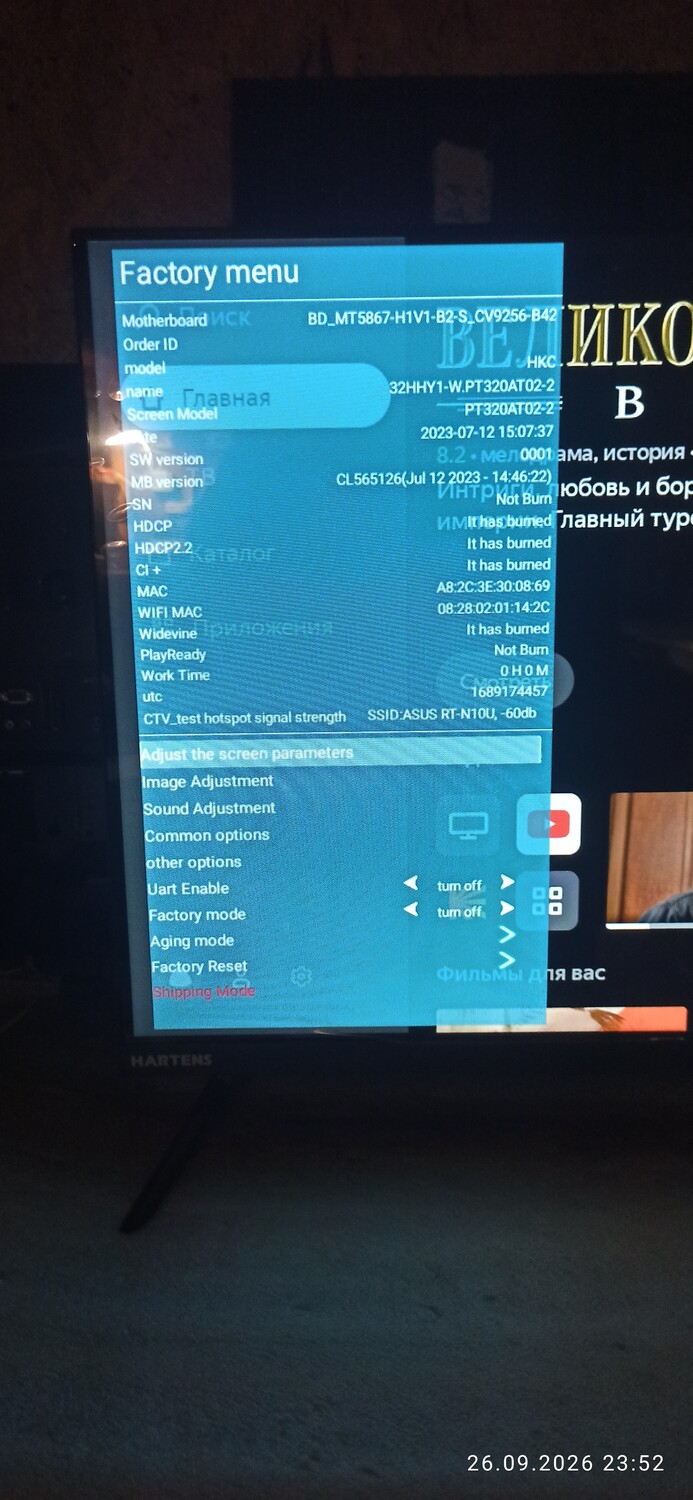
Слетела прошивка еММС . Под эту модель найти не удалось. Было установленно обновление USB от Dexp 32HHY1 CV9256-B42 PY320AT02-2. В сервисе был исправлен тип матрицы.
Это не основная прошивка!!! А такой сервисный конфиг, ставиться так же через USB как и обнова Берем РАСПАКОВАННЫЙ файл и перекидываем в корень флешки Ставиться без зажатий кнопок и т.д. Увидели синий экран, дождались updating complited 100% (~10Сек) и вытаскиваем флешку Готово изо перевернет
1. Файл из архива скопировать в корневую папку USB диска (файловая система FAT32). 2. Отключить ТВ от питания. 3. Подключить USB диск. 4. Зажать и держать кнопку вкл на самом ТВ. На некоторых телевизорах достаточно только подключить шнур питания в сеть. 5. Подключить ТВ к питанию, удерживая кнопку. Пункт 5 на некоторых телевизорах не работает, в таком случае, после того как подключили USB флеш в телевизор, достаточно будет подключить аппарат в сеть. 6. Когда появится линия обновления ПО(не всегда появляется линия обновления), отпустить кнопку через 40 секунд и дождаться конца обновления. При этом ТВ категорически запрещено отключать от питания! 7. После обновления ТВ выключится или перезагрузится автоматически, после этого рекомендуется сделать сброс настроек.
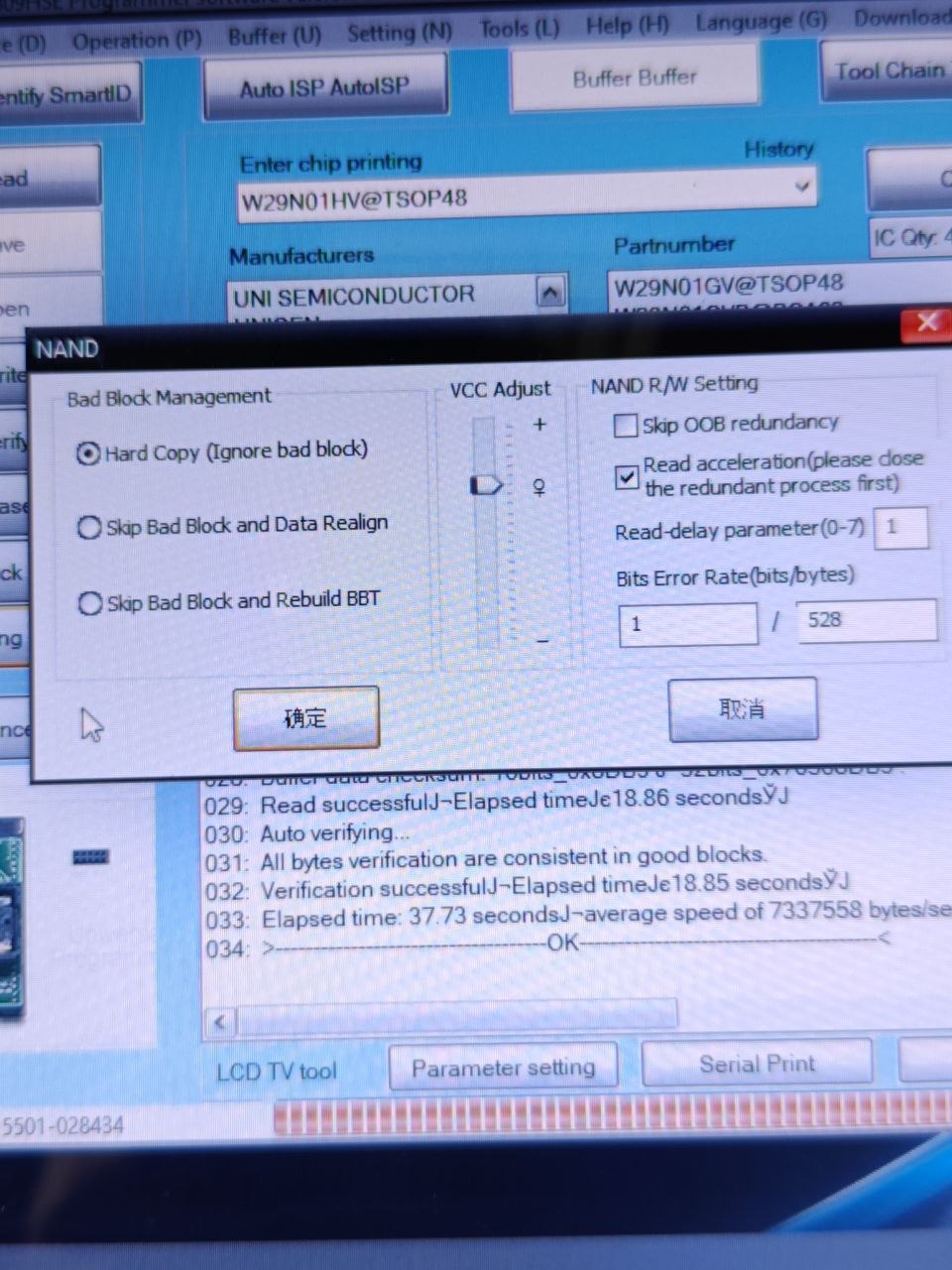
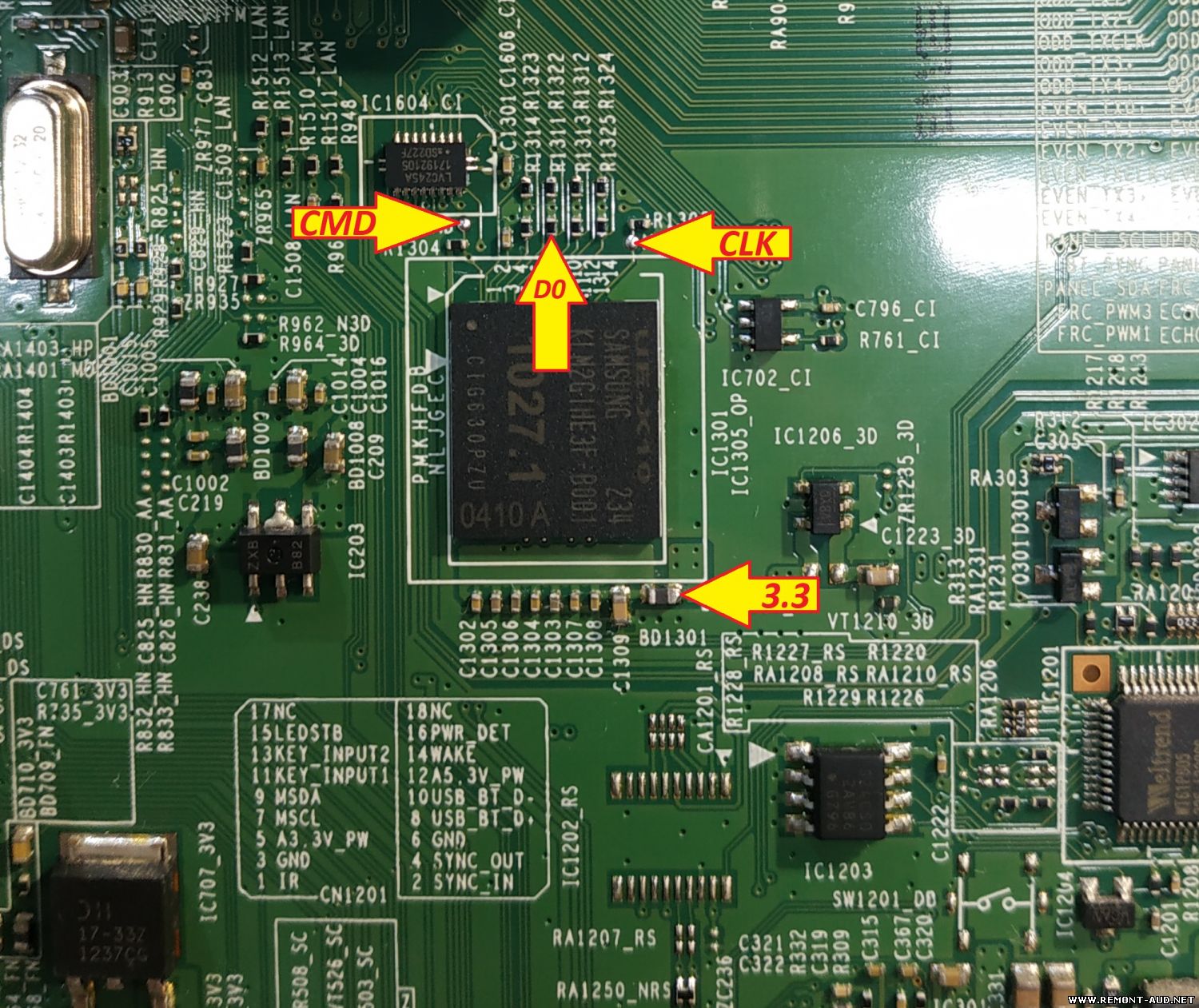
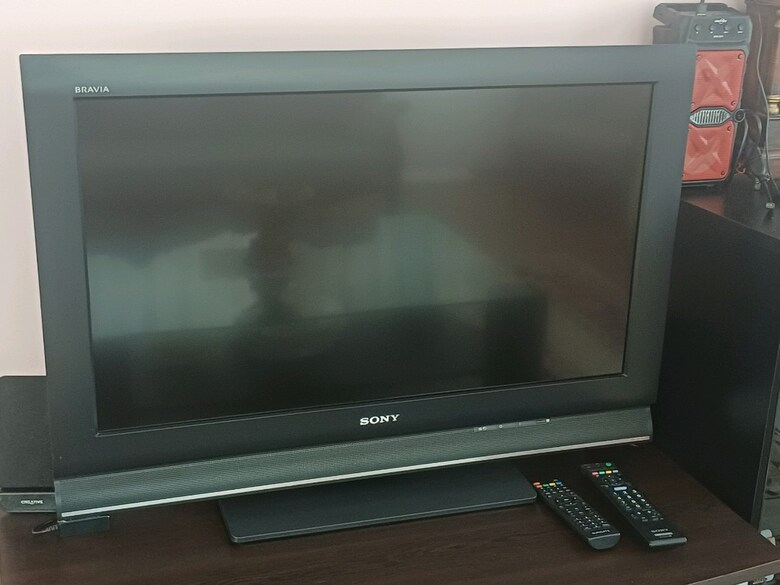
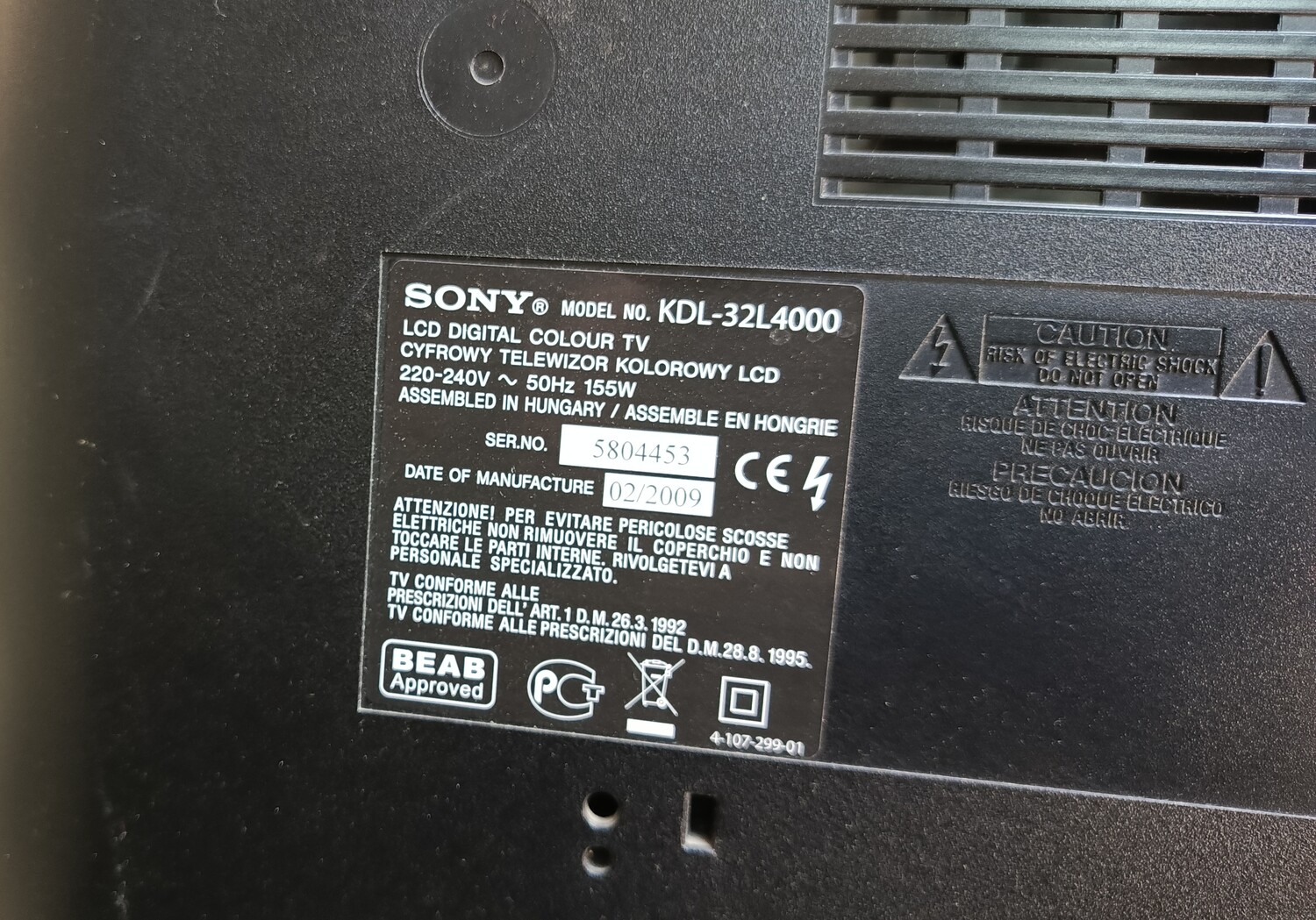
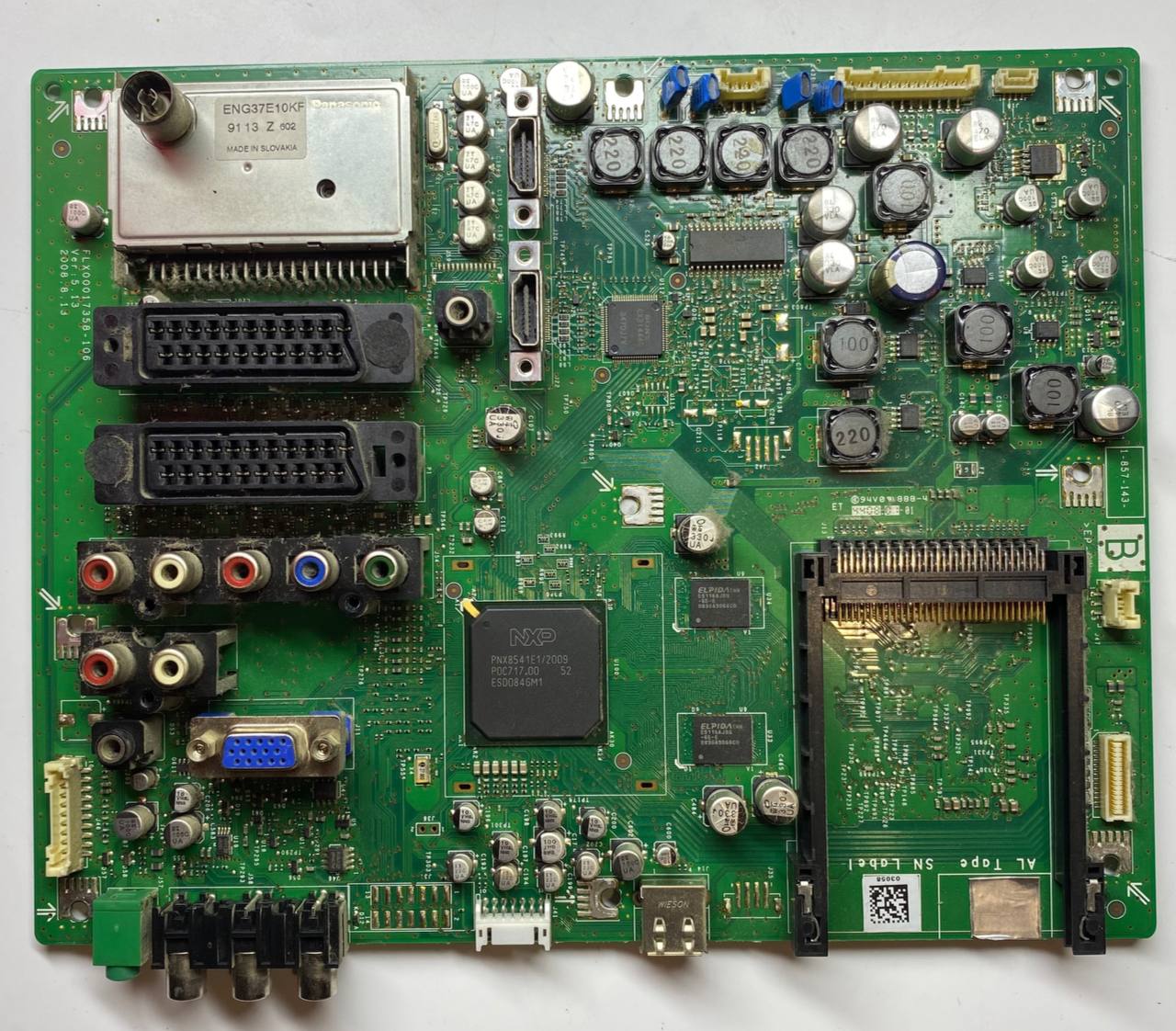
TV KDL-32L4000 пришёл с разбитой матрицей, но полностью рабочий. Матрицу заменил и за одно решил считать прошивку, может кому пригодится. Если кто скачает прошивку и проверит, напишите работает или нет.

 Файлы
Файлы Прошивки
 Продажа
 Литература
 Статьи